
Angulag JS By Prof B A Khivsara Note

Angulag. JS By Prof. B. A. Khivsara Note: The material to prepare this presentation has been taken from internet and are generated only for students reference and not for commercial use.
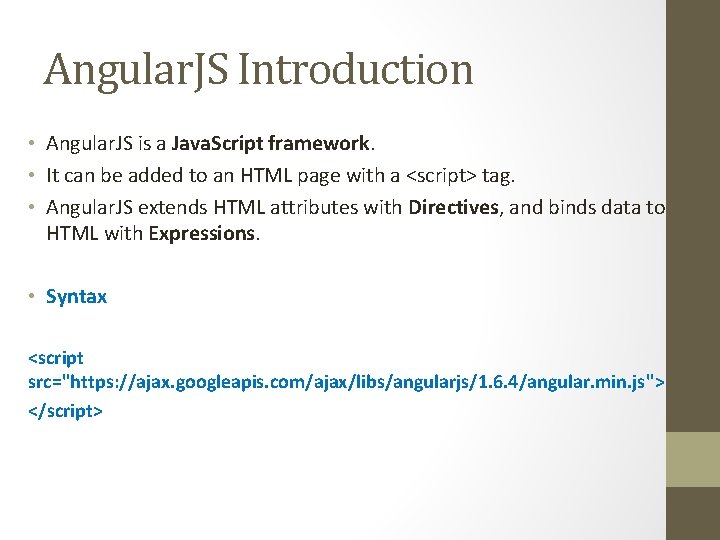
Angular. JS Introduction • Angular. JS is a Java. Script framework. • It can be added to an HTML page with a <script> tag. • Angular. JS extends HTML attributes with Directives, and binds data to HTML with Expressions. • Syntax <script src="https: //ajax. googleapis. com/ajax/libs/angularjs/1. 6. 4/angular. min. js"> </script>
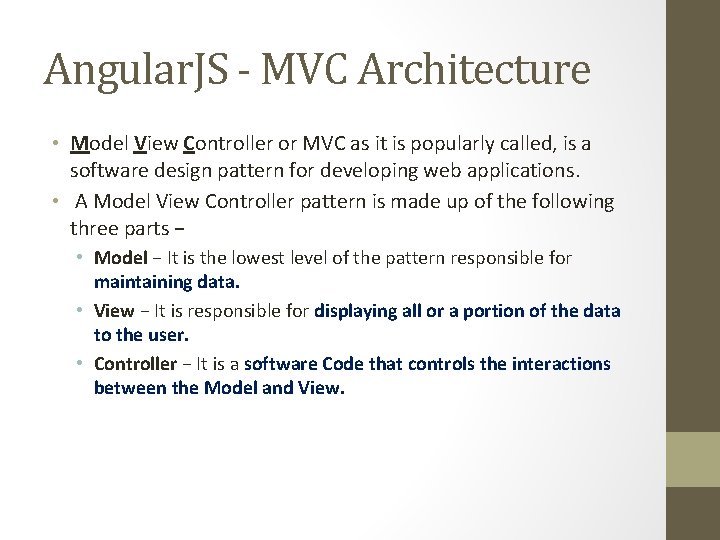
Angular. JS - MVC Architecture • Model View Controller or MVC as it is popularly called, is a software design pattern for developing web applications. • A Model View Controller pattern is made up of the following three parts − • Model − It is the lowest level of the pattern responsible for maintaining data. • View − It is responsible for displaying all or a portion of the data to the user. • Controller − It is a software Code that controls the interactions between the Model and View.

Angular. JS - MVC Architecture
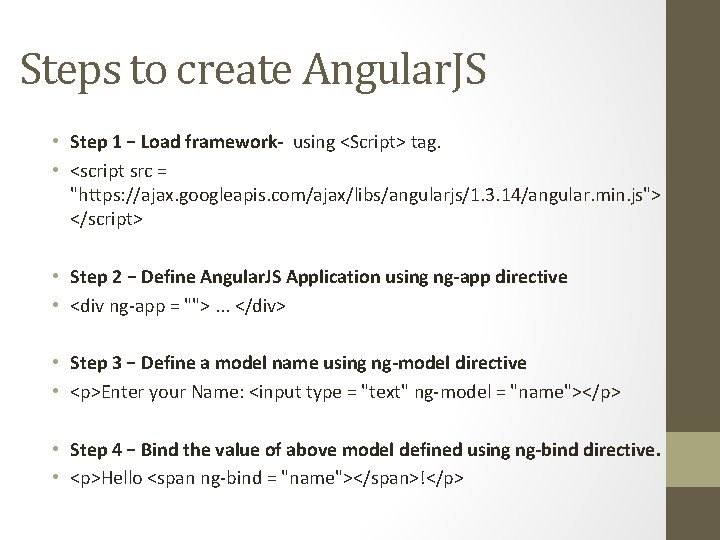
Steps to create Angular. JS • Step 1 − Load framework- using <Script> tag. • <script src = "https: //ajax. googleapis. com/ajax/libs/angularjs/1. 3. 14/angular. min. js"> </script> • Step 2 − Define Angular. JS Application using ng-app directive • <div ng-app = "">. . . </div> • Step 3 − Define a model name using ng-model directive • <p>Enter your Name: <input type = "text" ng-model = "name"></p> • Step 4 − Bind the value of above model defined using ng-bind directive. • <p>Hello <span ng-bind = "name"></span>!</p>
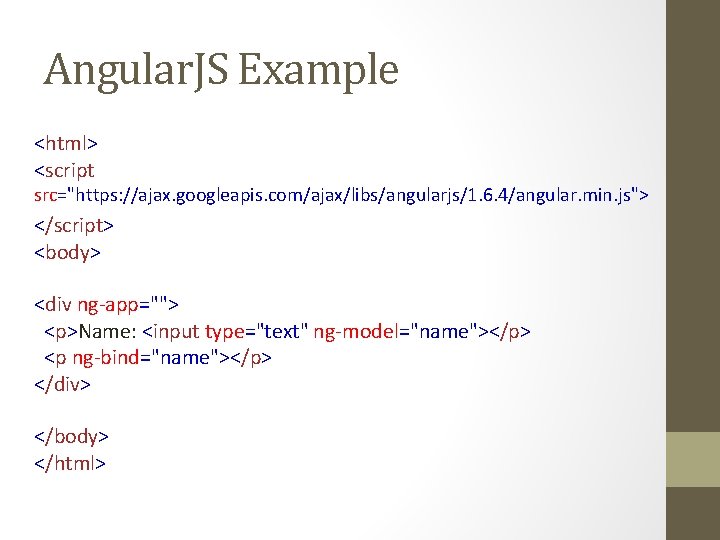
Angular. JS Example <html> <script src="https: //ajax. googleapis. com/ajax/libs/angularjs/1. 6. 4/angular. min. js"> </script> <body> <div ng-app=""> <p>Name: <input type="text" ng-model="name"></p> <p ng-bind="name"></p> </div> </body> </html>
Angular. JS Example Explained • Example explained: • Angular. JS starts automatically when the web page has loaded. • The ng-app directive tells Angular. JS that the <div> element is the "owner" of an Angular. JS application. • The ng-model directive binds the value of the input field to the application variable name. • The ng-bind directive binds the inner. HTML of the <p> element to the application variable name.
How Angular. JS integrates with HTML • ng-app directive indicates the start of Angular. JS application. • ng-model directive then creates a model variable named "name" which can be used with the html page and within the div having ng-app directive. • ng-bind then uses the name model to be displayed in the html span tag whenever user input something in the text box. • Closing</div> tag indicates the end of Angular. JS application.
Angular. JS - Expressions • Expressions are used to bind application data to html. • Expressions are written inside double braces like • {{ expression}}. • Expressions behaves in same way as ng-bind directives. • Using numbers • <p>Expense on Books : {{cost * quantity}} Rs</p> • Using strings • <p>Hello {{fname+ “ “ +lname }}</p> • Using object • <p>Roll No: {{student. rollno}}</p> • Using array • <p>Marks(Math): {{marks[3]}}</p>
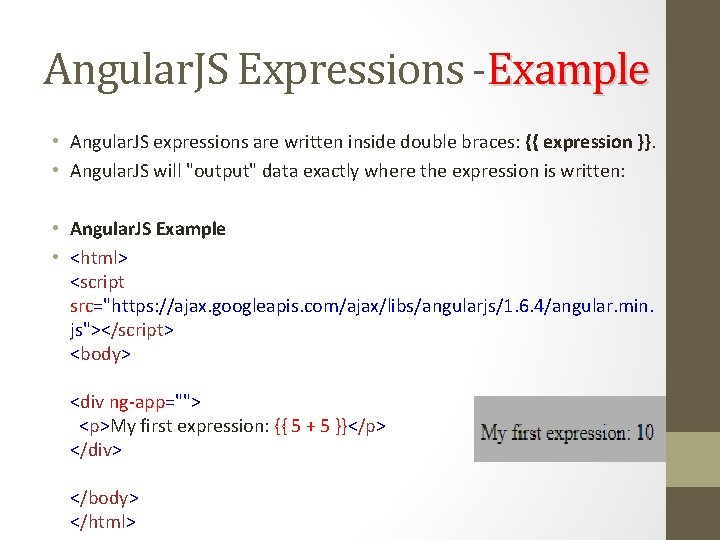
Angular. JS Expressions -Example • Angular. JS expressions are written inside double braces: {{ expression }}. • Angular. JS will "output" data exactly where the expression is written: • Angular. JS Example • <html> <script src="https: //ajax. googleapis. com/ajax/libs/angularjs/1. 6. 4/angular. min. js"></script> <body> <div ng-app=""> <p>My first expression: {{ 5 + 5 }}</p> </div> </body> </html>
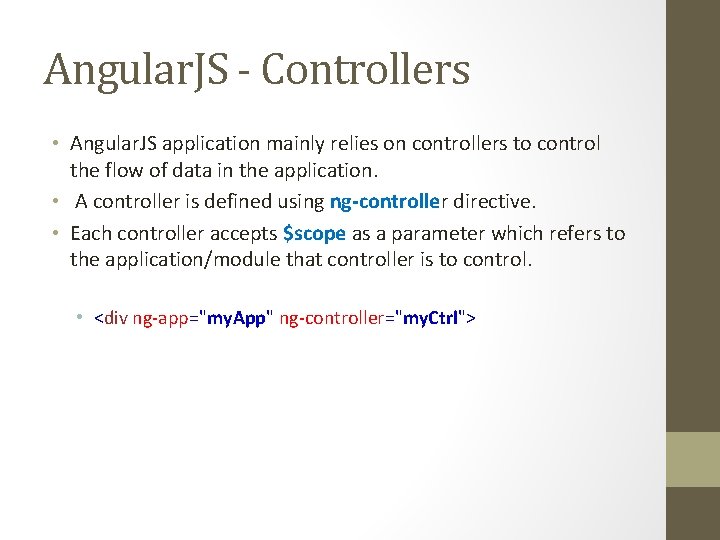
Angular. JS - Controllers • Angular. JS application mainly relies on controllers to control the flow of data in the application. • A controller is defined using ng-controller directive. • Each controller accepts $scope as a parameter which refers to the application/module that controller is to control. • <div ng-app="my. App" ng-controller="my. Ctrl">
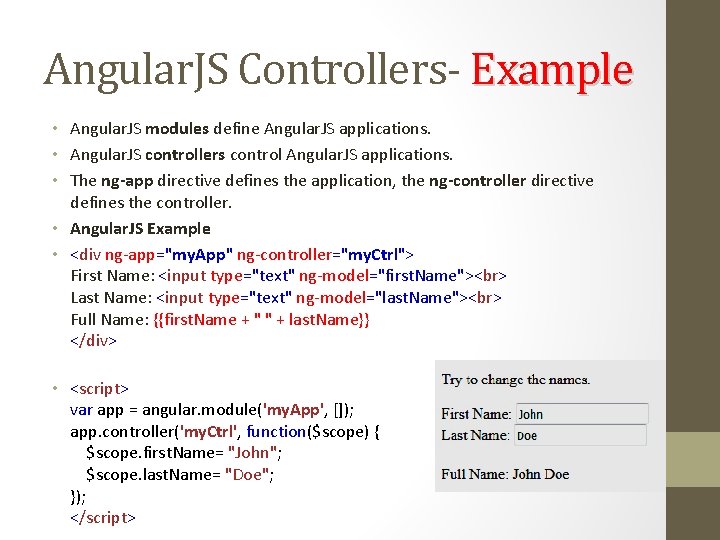
Angular. JS Controllers- Example • Angular. JS modules define Angular. JS applications. • Angular. JS controllers control Angular. JS applications. • The ng-app directive defines the application, the ng-controller directive defines the controller. • Angular. JS Example • <div ng-app="my. App" ng-controller="my. Ctrl"> First Name: <input type="text" ng-model="first. Name"> Last Name: <input type="text" ng-model="last. Name"> Full Name: {{first. Name + " " + last. Name}} </div> • <script> var app = angular. module('my. App', []); app. controller('my. Ctrl', function($scope) { $scope. first. Name= "John"; $scope. last. Name= "Doe"; }); </script>
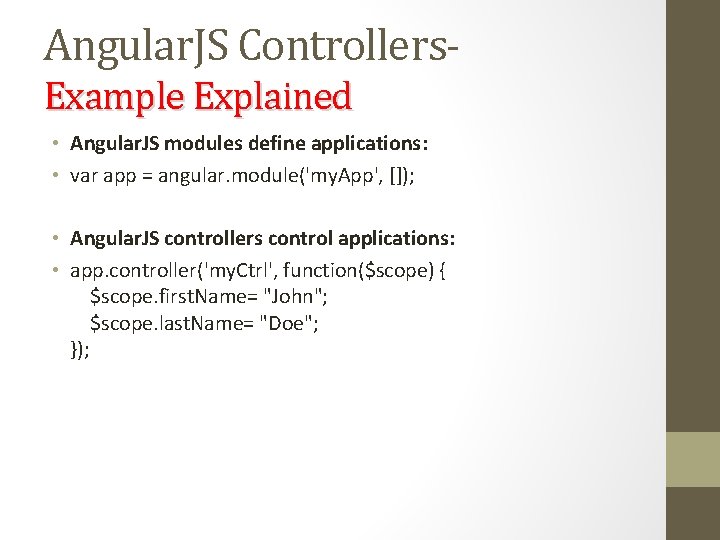
Angular. JS Controllers. Example Explained • Angular. JS modules define applications: • var app = angular. module('my. App', []); • Angular. JS controllers control applications: • app. controller('my. Ctrl', function($scope) { $scope. first. Name= "John"; $scope. last. Name= "Doe"; });
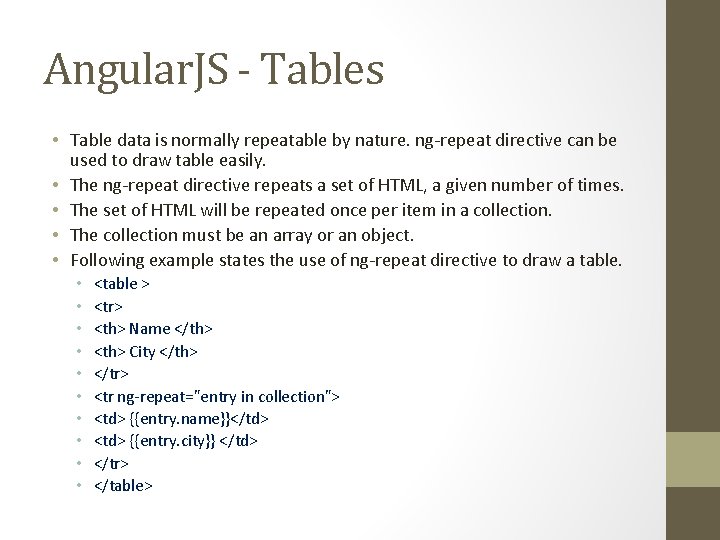
Angular. JS - Tables • Table data is normally repeatable by nature. ng-repeat directive can be used to draw table easily. • The ng-repeat directive repeats a set of HTML, a given number of times. • The set of HTML will be repeated once per item in a collection. • The collection must be an array or an object. • Following example states the use of ng-repeat directive to draw a table. • • • <table > <tr> <th> Name </th> <th> City </th> </tr> <tr ng-repeat="entry in collection"> <td> {{entry. name}}</td> <td> {{entry. city}} </td> </tr> </table>
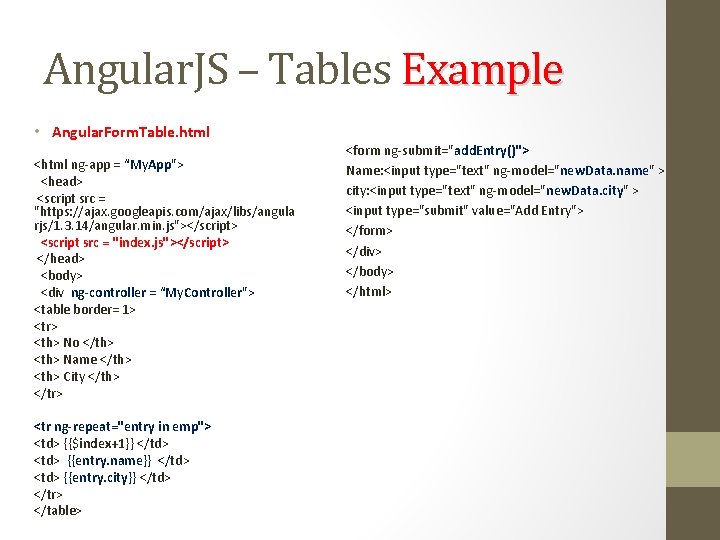
Angular. JS – Tables Example • Angular. Form. Table. html <html ng-app = “My. App"> <head> <script src = "https: //ajax. googleapis. com/ajax/libs/angula rjs/1. 3. 14/angular. min. js"></script> <script src = "index. js"></script> </head> <body> <div ng-controller = “My. Controller"> <table border= 1> <tr> <th> No </th> <th> Name </th> <th> City </th> </tr> <tr ng-repeat="entry in emp"> <td> {{$index+1}} </td> <td> {{entry. name}} </td> <td> {{entry. city}} </td> </tr> </table> <form ng-submit="add. Entry()"> Name: <input type="text" ng-model="new. Data. name" > city: <input type="text" ng-model="new. Data. city" > <input type="submit" value="Add Entry"> </form> </div> </body> </html>
![Angular. JS – Tables Example • Index. js var app=angular. module(“My. App", []); app.](http://slidetodoc.com/presentation_image_h2/c270e6bdafb263406015069304a38ec3/image-16.jpg "Angular. JS – Tables Example • Index. js var app=angular. module(“My. App\", []); app.")
Angular. JS – Tables Example • Index. js var app=angular. module(“My. App", []); app. controller(“My. Controller", function($scope) { $scope. emp=[ {name: "Amit", city: "Nashik"}, {name: "Neha", city: "Nashik"}]; $scope. add. Entry=function() { $scope. collection. push($scope. new. Data); $scope. new. Data=''; }; });
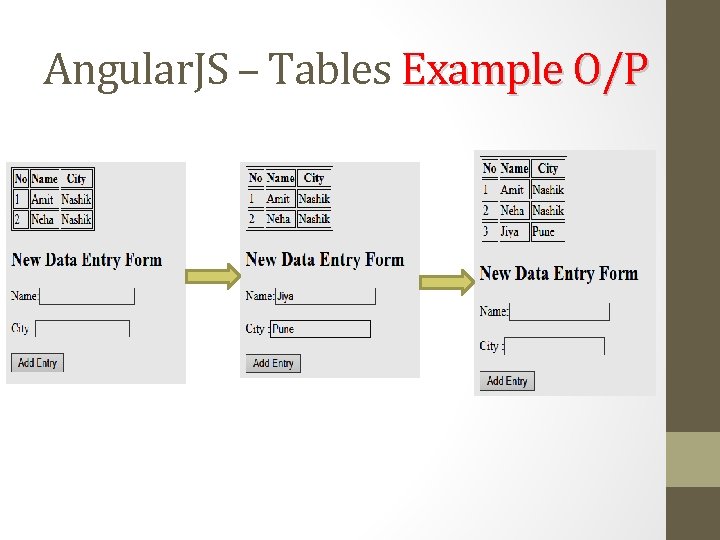
Angular. JS – Tables Example O/P
References • https: //docs. angularjs. org/tutorial • https: //www. tutorialspoint. com/angularjs_mvc_architecture. htm • https: //inkoniq. com/blog/googles-baby-angularjs-is-now-the-big-daddy-ofjavascript-frameworks/ • https: //www. tutorialspoint. com/angularjs_first_application. htm • https: //www. tutorialspoint. com/angularjs_directives. htm • https: //www. tutorialspoint. com/angularjs_scopes. htm • https: //www. tutorialspoint. com/angularjs_services. htm
- Slides: 18