
Andy Roberts Data Architect andyrobmicrosoft com Session Objectives
Andy Roberts Data Architect andyrob@microsoft. com
§ Session Objectives § Understand where ADF fits in Cortana Analytics § Understand how ADF Works, and its components § Be able to deploy and manage a simple ADF implementation § Key Takeaway: § ADF can be used in real world data pipeline scenarios, quickly and easily
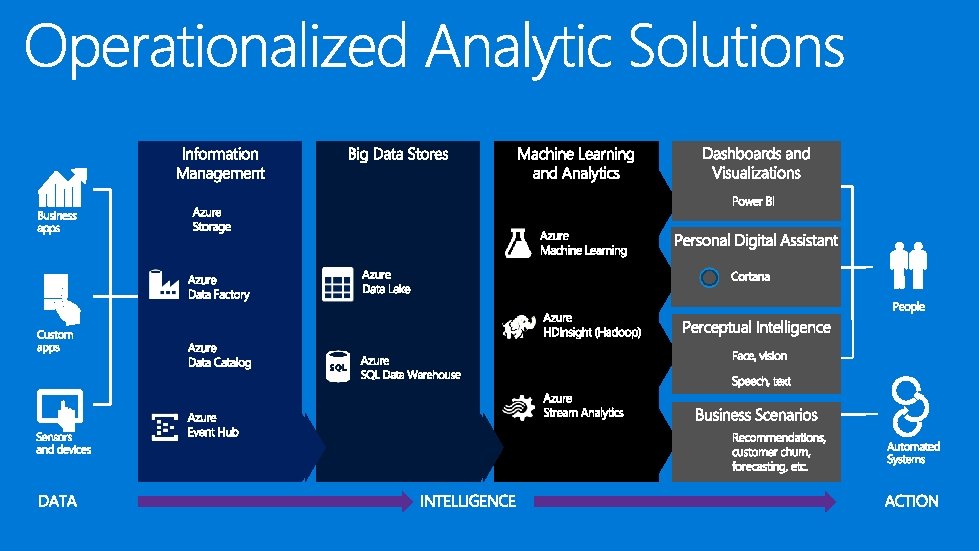
A Suite of Products that allow you to Predict Outcomes, Prescribe Actions and Automate Decisions
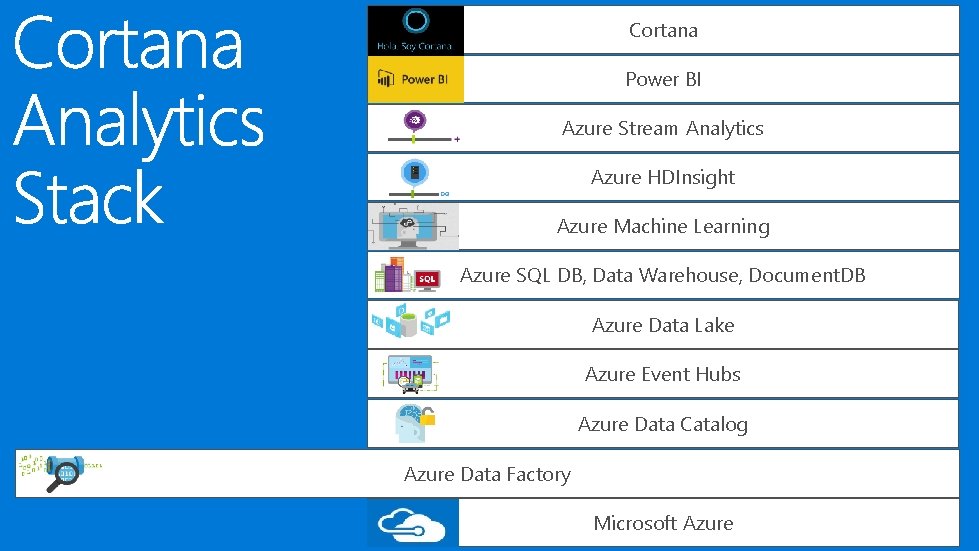
Cortana Power BI Azure Stream Analytics Azure HDInsight Azure Machine Learning Azure SQL DB, Data Warehouse, Document. DB Azure Data Lake Azure Event Hubs Azure Data Catalog Azure Data Factory Microsoft Azure
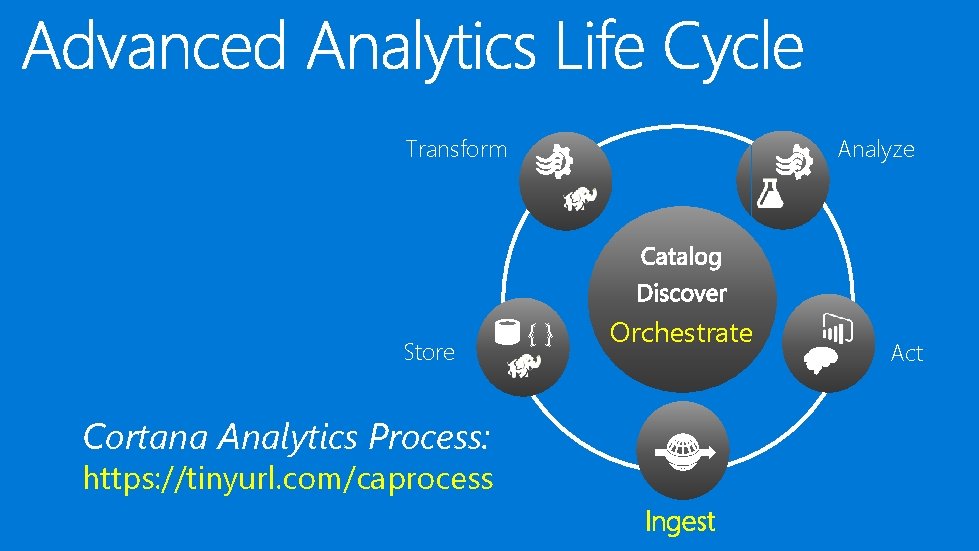
Transform Store Analyze {} Orchestrate Cortana Analytics Process: https: //tinyurl. com/caprocess Ingest Act
Create, orchestrate, and manage data movement and enrichment through the cloud

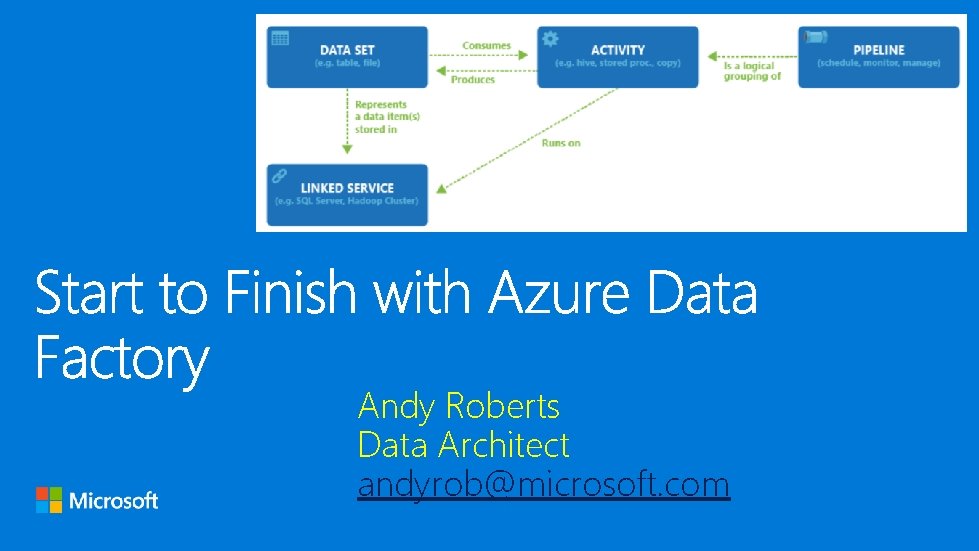
ADF Components
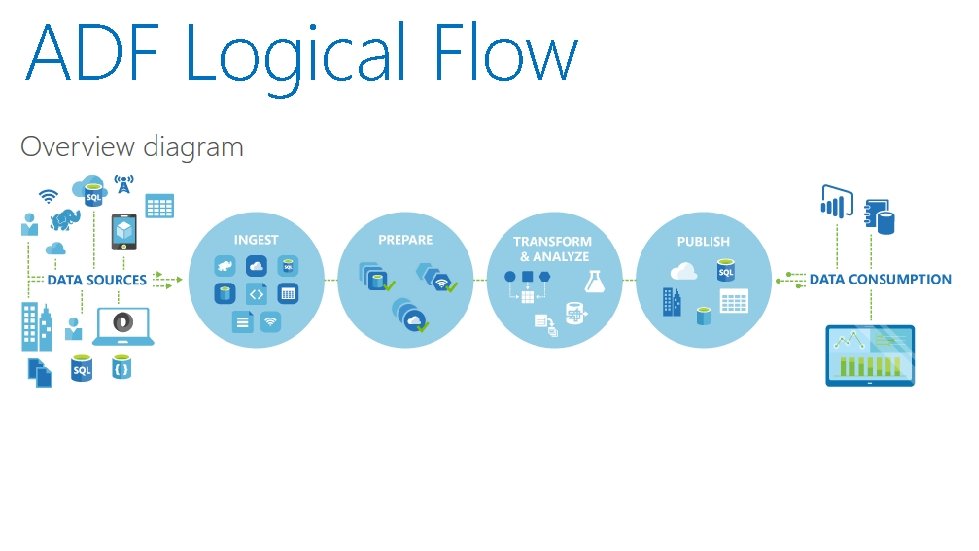
ADF Logical Flow
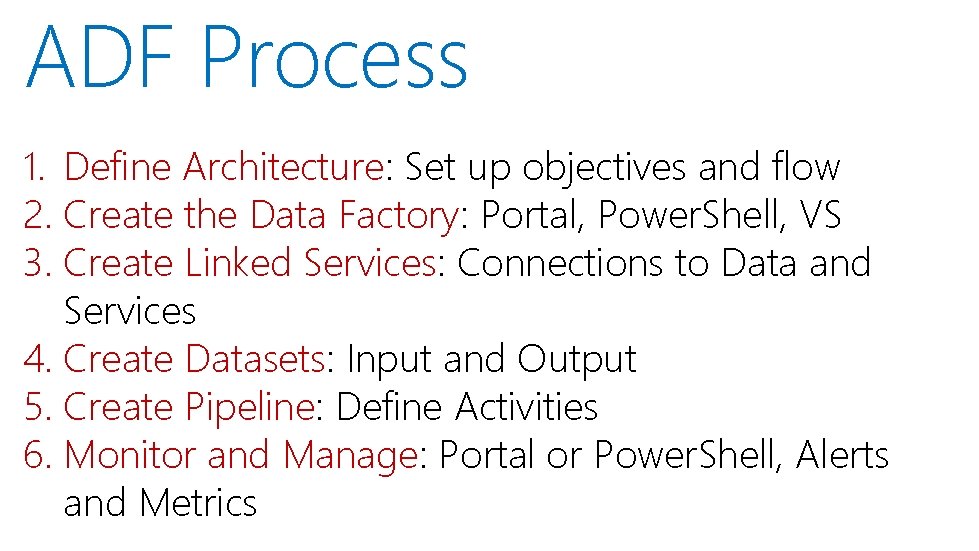
ADF Process 1. Define Architecture: Set up objectives and flow 2. Create the Data Factory: Portal, Power. Shell, VS 3. Create Linked Services: Connections to Data and Services 4. Create Datasets: Input and Output 5. Create Pipeline: Define Activities 6. Monitor and Manage: Portal or Power. Shell, Alerts and Metrics
Define data sources, processing requirements, and output – also management and monitoring
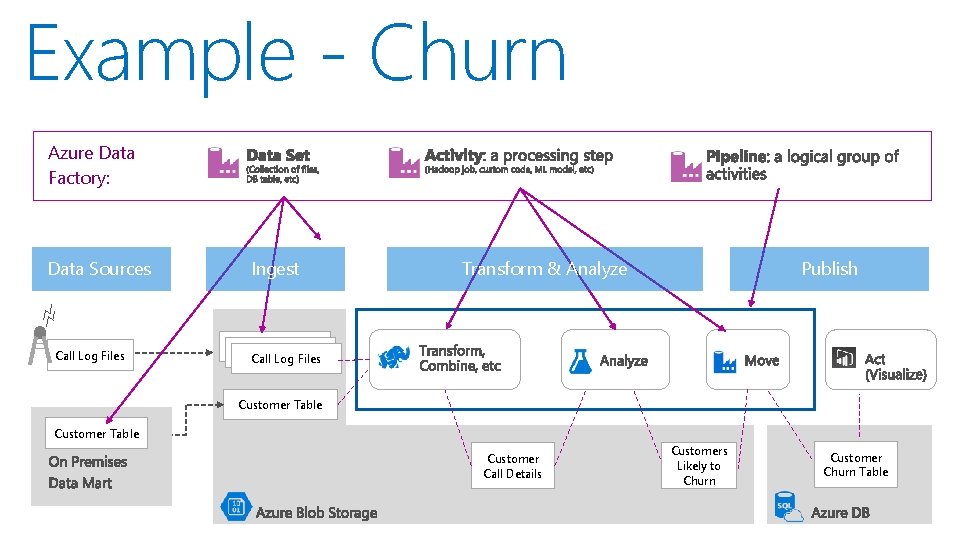
Example - Churn Azure Data Factory: Data Sources Call Log Files Ingest Transform & Analyze Publish Call Log Files Customer Table Customer Call Details Customers Likely to Churn Customer Churn Table
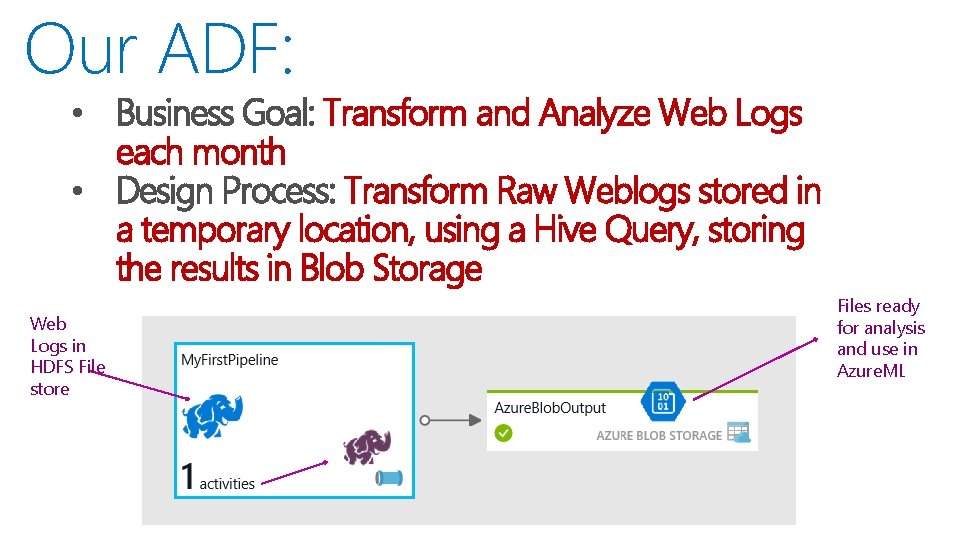
Our ADF: • Business Goal: Transform and Analyze Web Logs each month • Design Process: Transform Raw Weblogs stored in a temporary location, using a Hive Query, storing the results in Blob Storage Web Logs in HDFS File store Files ready for analysis and use in Azure. ML
Portal, Power. Shell and Visual Studio
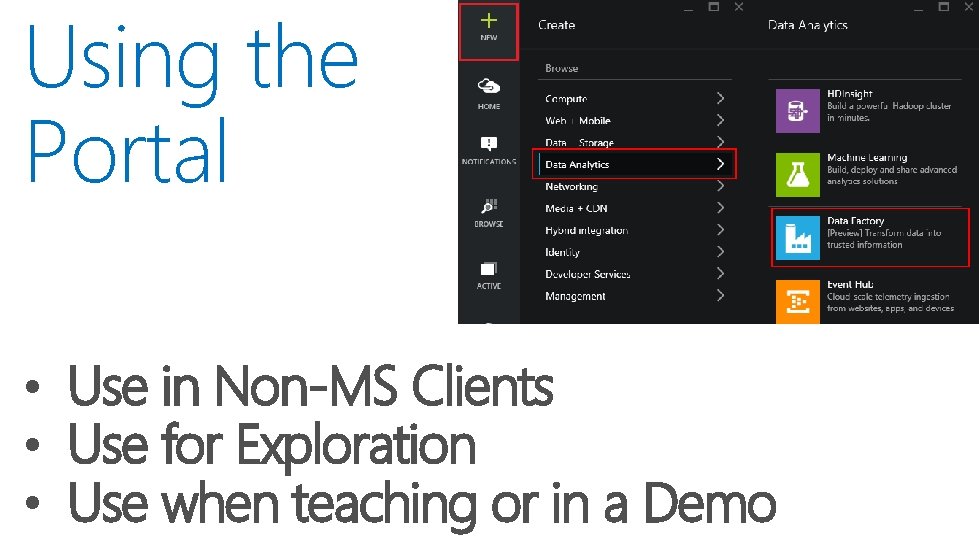
Using the Portal • Use in Non-MS Clients • Use for Exploration • Use when teaching or in a Demo
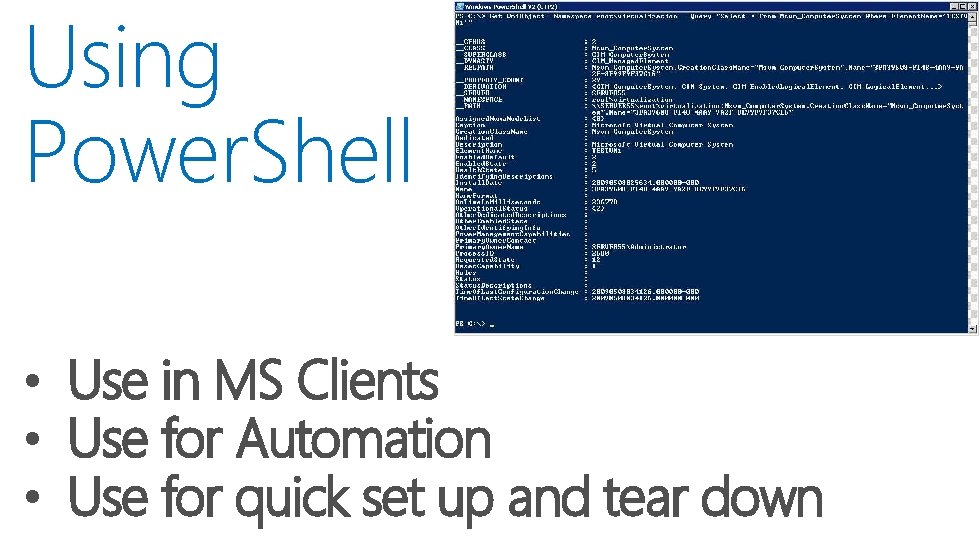
Using Power. Shell • Use in MS Clients • Use for Automation • Use for quick set up and tear down
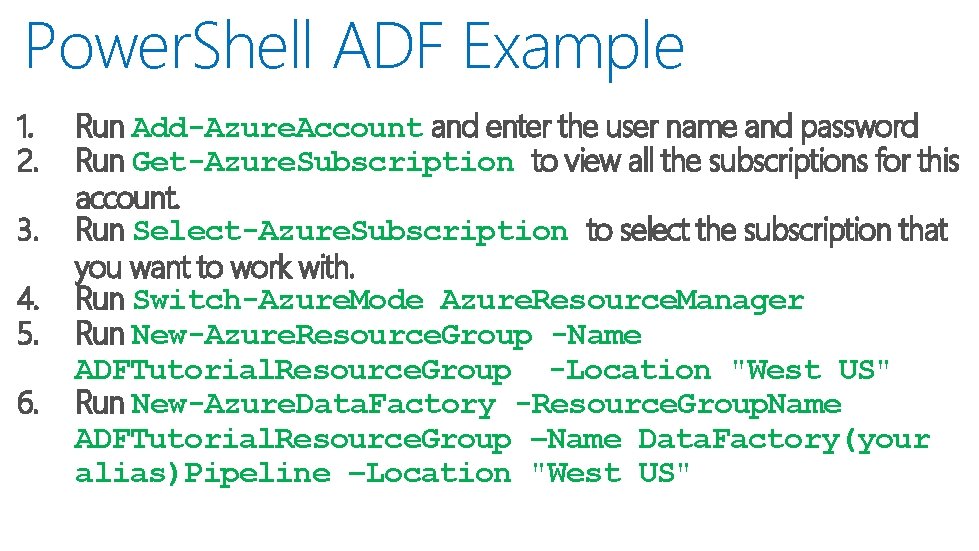
Power. Shell ADF Example 1. 2. 3. 4. 5. 6. Run Add-Azure. Account and enter the user name and password Run Get-Azure. Subscription to view all the subscriptions for this account. Run Select-Azure. Subscription to select the subscription that you want to work with. Run Switch-Azure. Mode Azure. Resource. Manager Run New-Azure. Resource. Group -Name ADFTutorial. Resource. Group -Location "West US" Run New-Azure. Data. Factory -Resource. Group. Name ADFTutorial. Resource. Group –Name Data. Factory(your alias)Pipeline –Location "West US"
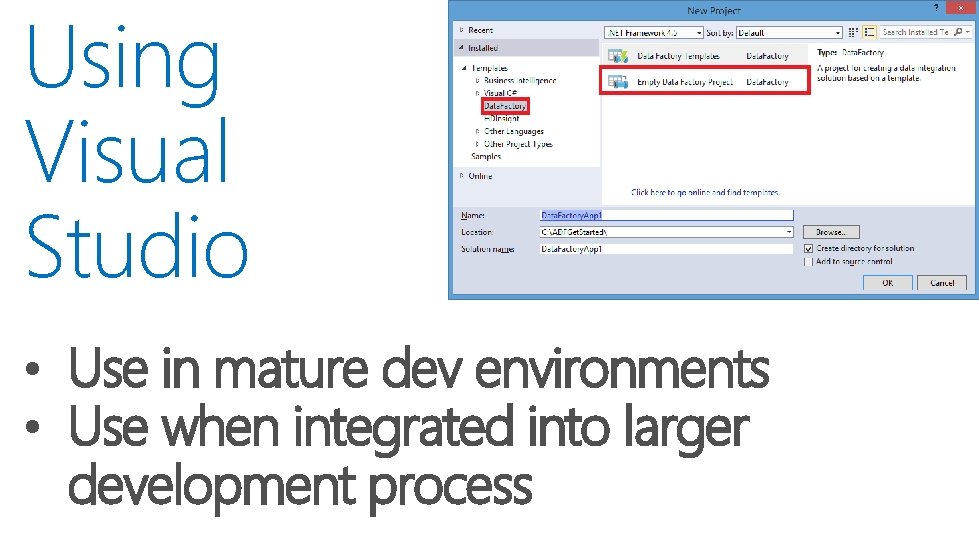
Using Visual Studio • Use in mature dev environments • Use when integrated into larger development process
Connection to Data or Connection to Compute Resource – Also termed “Data Store”
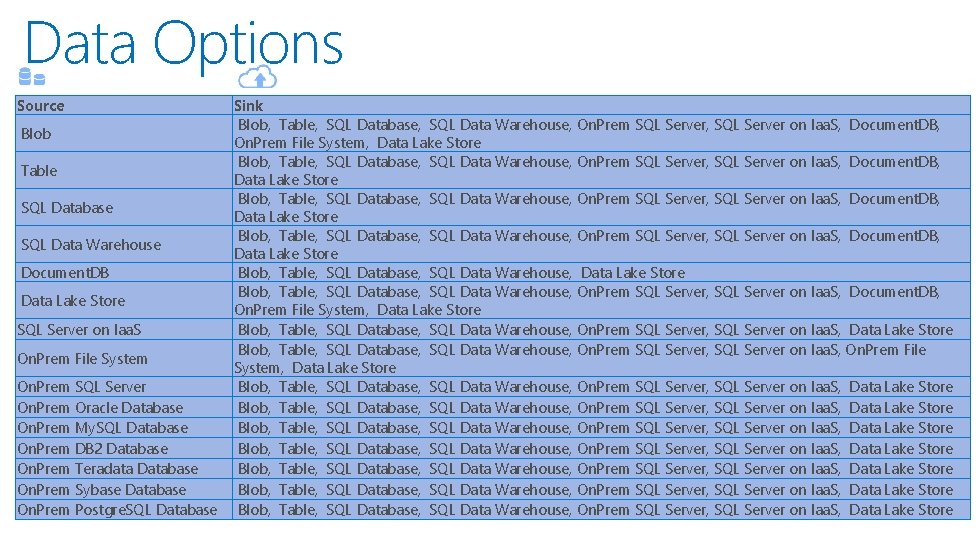
Data Options Source Blob Table SQL Database SQL Data Warehouse Document. DB Data Lake Store SQL Server on Iaa. S On. Prem File System On. Prem SQL Server On. Prem Oracle Database On. Prem My. SQL Database On. Prem DB 2 Database On. Prem Teradata Database On. Prem Sybase Database On. Prem Postgre. SQL Database Sink Blob, Table, SQL Database, SQL Data Warehouse, On. Prem SQL Server, SQL Server on Iaa. S, Document. DB, On. Prem File System, Data Lake Store Blob, Table, SQL Database, SQL Data Warehouse, On. Prem SQL Server, SQL Server on Iaa. S, Data Lake Store Blob, Table, SQL Database, SQL Data Warehouse, On. Prem SQL Server, SQL Server on Iaa. S, Data Lake Store
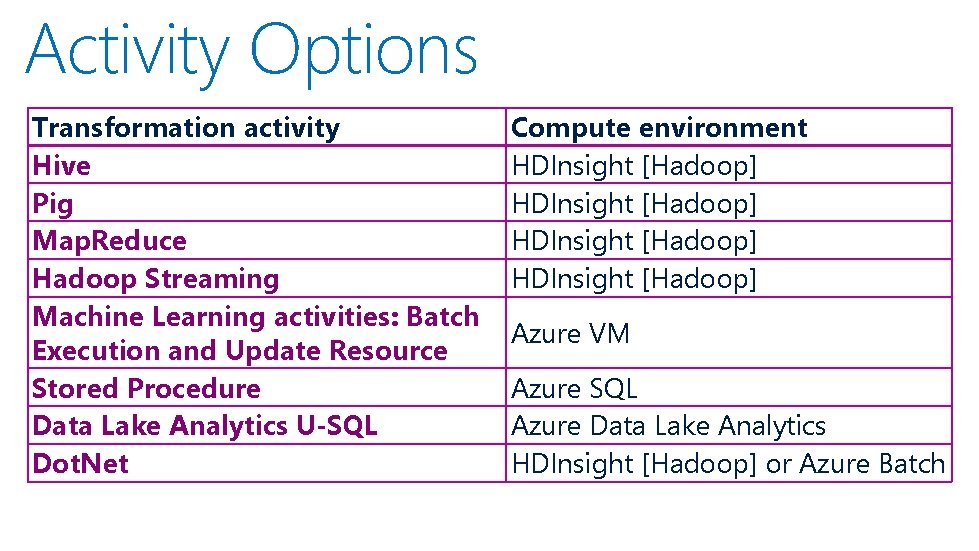
Activity Options Transformation activity Hive Pig Map. Reduce Hadoop Streaming Machine Learning activities: Batch Execution and Update Resource Stored Procedure Data Lake Analytics U-SQL Dot. Net Compute environment HDInsight [Hadoop] Azure VM Azure SQL Azure Data Lake Analytics HDInsight [Hadoop] or Azure Batch
Named reference or pointer to data
![Dataset Concepts { "name": "<name of dataset>", "properties": { "structure": [ ], "type": "<type](http://slidetodoc.com/presentation_image/0103ebf2fb12c4fa5b94598a3f0346e7/image-24.jpg "Dataset Concepts { \"name\": \"<name of dataset>\", \"properties\": { \"structure\": [ ], \"type\": \"<type")
Dataset Concepts { "name": "<name of dataset>", "properties": { "structure": [ ], "type": "<type of dataset>", "external": <boolean flag to indicate external data>, "type. Properties": { }, "availability": { }, "policy": { }. }
Logical Grouping of Activities
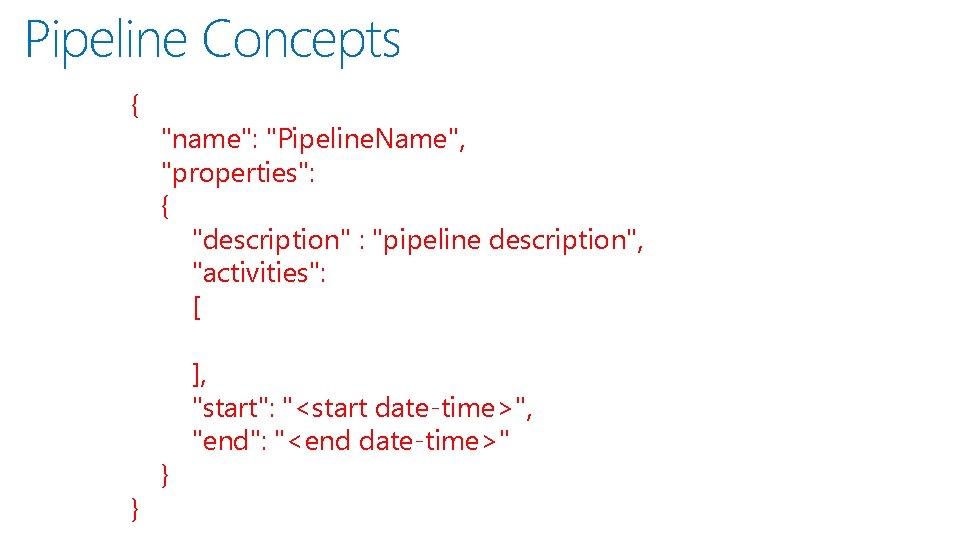
Pipeline Concepts { } "name": "Pipeline. Name", "properties": { "description" : "pipeline description", "activities": [ } ], "start": "<start date-time>", "end": "<end date-time>"
Scheduling, Monitoring, Disposition
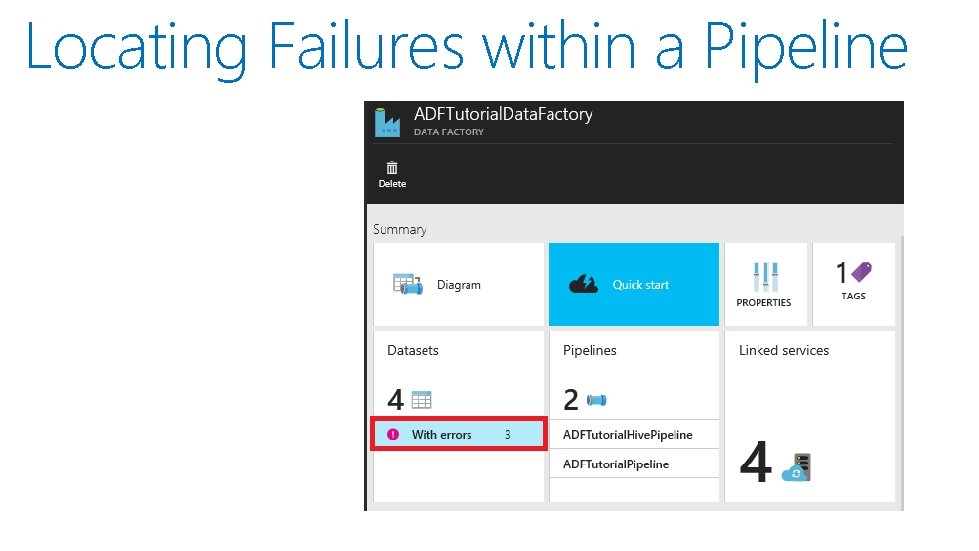
Locating Failures within a Pipeline

- Slides: 30