
Android Topics 1 Sensors 2 Accelerometer and the
- Slides: 27
Android Topics 1. Sensors 2. Accelerometer and the Coordinate System 3. Accelerometer and Force 4. Detecting Movement as a Gesture 5. Explore a Shake motion 6. In-class App: Shake!
Sensors • Android devices come with a varied set of embedded sensors. • Collectively, sensors enable the creation of applications across a wide range of domains, such as gaming and healthcare.
What is a Sensor • A sensor is a component that can measure a physical quantity. Examples of Physical Measurements: a. Tilt of a device b. Sudden movement • A sensor converts a physical measurement into a signal that can be interpreted by an application.
Typical Sensor • touchscreens • accelerometers • gyroscopes • cameras NOTE: A camera-based application is often enhanced by the use of an accelerometer. The orientation changes as the user rotates their device.
Accelerometer • An accelerometer is a motion sensor. • A motion event is registered when a user moves, shakes, or tilts a device. • An accelerometer provides feedback based on the coordinate system.
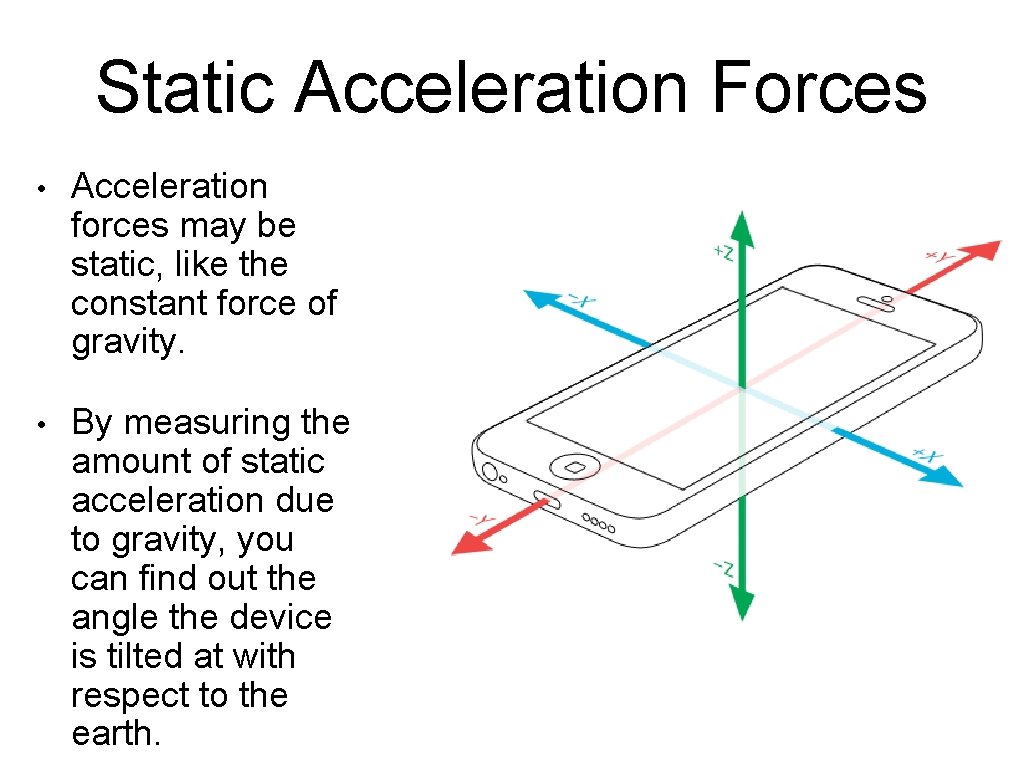
Accelerometer and the Coordinate System • The coordinate system of an Android device is defined relative to the screen of the device in its default orientation. • For example, the default mode of an Android mobile phone is typically the portrait orientation. • The x-axis runs in the direction of the short side of the screen. The y-axis runs in the direction of the long side of the screen and the z-axis points out of the screen.
Accelerometer and Force = Mass * Acceleration • When the accelerometer measures a zero force, the device is either still or moving at a constant speed. • When the acceleration of the device is increased, such as a quick jerk of the hand, the accelerometer registers an increase in force.
Accelerometer and Gravity • The accelerometer can efficiently report the combined effect of gravity. • It may be necessary to remove the impact of gravity from the accelerometer readings.
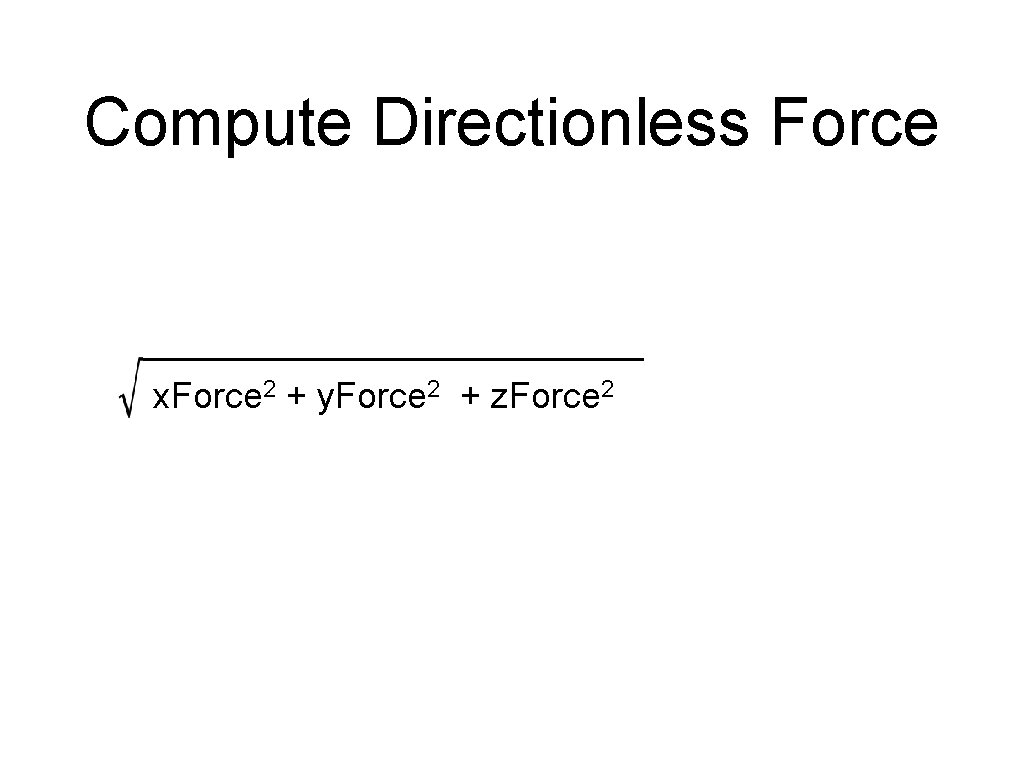
How does the Accelerometer works • The accelerometer made up of three accelerometers, one for each axis—x, y, and z. • Combining all three accelerometers lets you detect accelerated force in any direction. • Detecting the forces applied to a device requires the collection of accelerated movement on all three axes. This movement is measured in meters per second squared. • The linear acceleration can be converted into a g-force measurement by neutralizing gravity. Sensor. Manager. GRAVITY_EARTH. • To compute a directionless g-force measurement, the Pythagorean theorem can be applied to the different acceleration axes readings.
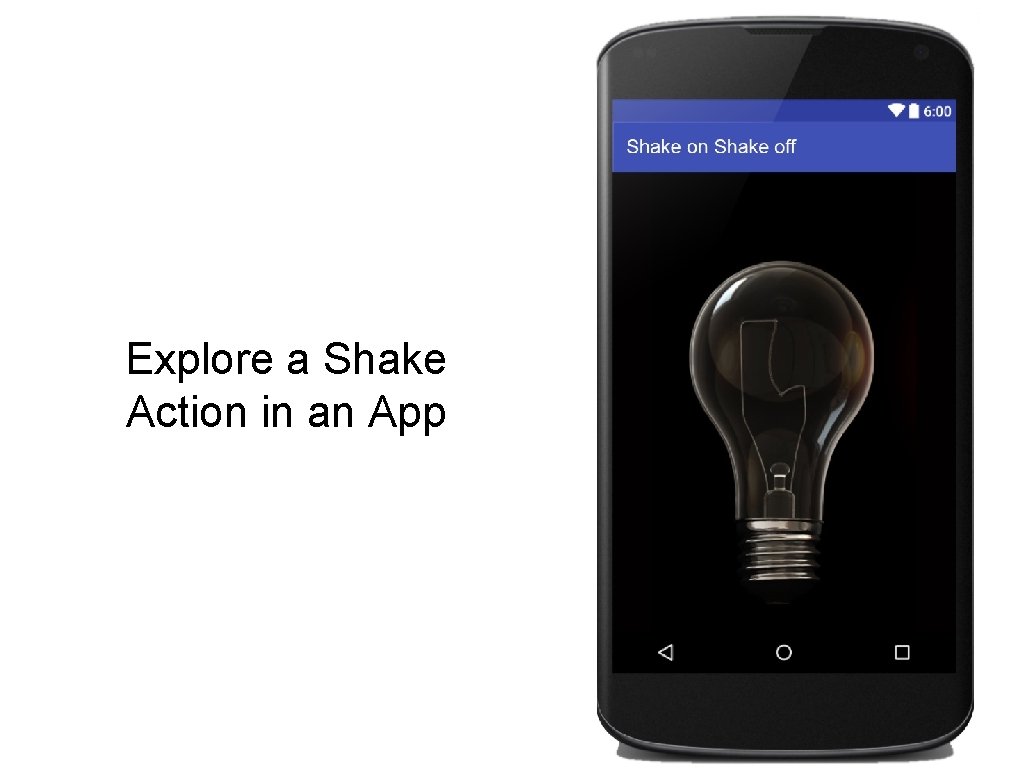
Explore a Shake Action in an App
How would you define a “shake” action? • A “forceful” action with no specified direction. • A period of rest that follows the force.
How is a Shake different from a Bump? Is the force a shake or an accidental movement of the device?
Shake vs. Bump • Determine a threshold of force - trial and error. • Compute the force and evaluate if it registers at or above the specified threshold.
Basic Shake Action App Considerations 1. Detecting a shake motion requires the use of an accelerometer. 2. Detecting this action requires a “uses feature” to be specified in the manifest file: <uses-feature> 3. A shake action will be a directionless force.
Review: How will the app use the accelerometer? • The accelerometer will measure acceleration force of the device. • Acceleration force is the rate of change of the velocity of the device. • Accelerometer will measure the force in meters per second squared (m/s 2 ).
Acceleration Forces Static? or Dynamic?
Static Acceleration Forces • Acceleration forces may be static, like the constant force of gravity. • By measuring the amount of static acceleration due to gravity, you can find out the angle the device is tilted at with respect to the earth.
Dynamic Acceleration Forces • Acceleration forces may be dynamic – caused by moving or vibrating the accelerometer. • By sensing the amount of dynamic acceleration, you can analyze the way the device is moving.
Detecting a Shake Action Gesture • This action must produce a threshold of force equal to 22. 0 (meters per second) • The force will then be followed by a time lapse of 500 (milliseconds)
Collection of Sensor Values Axes values are retrieved from a sensor event array: • X- axis force : sensor. Event. values[0] • Y- axis force : sensor. Event. values[1] • Z- axis force : sensor. Event. values[1]
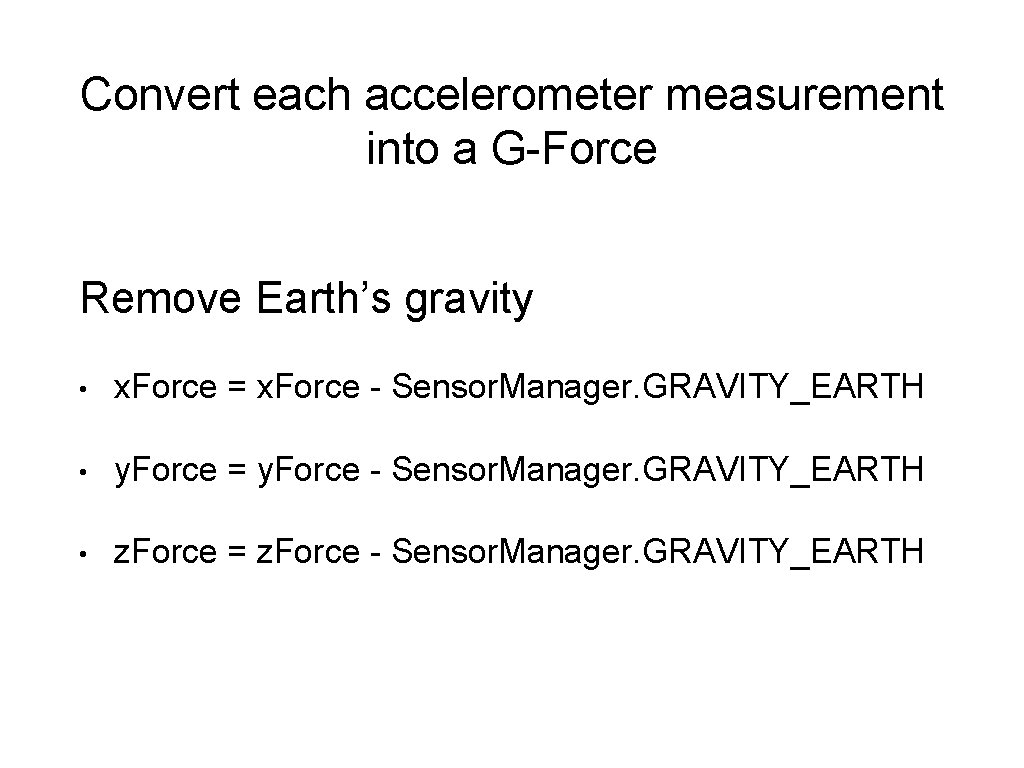
Convert each accelerometer measurement into a G-Force Remove Earth’s gravity • x. Force = x. Force - Sensor. Manager. GRAVITY_EARTH • y. Force = y. Force - Sensor. Manager. GRAVITY_EARTH • z. Force = z. Force - Sensor. Manager. GRAVITY_EARTH
Compute Directionless Force x. Force 2 + y. Force 2 + z. Force 2
What is Sensor. Event. Listener? Explore the Android documentation.
What is Sensor. Event. Listener? Answer: An Interface
What Abstract methods are required for a Sensor. Event. Listener?
What Abstract methods are required for a Sensor. Event. Listener? • on. Sensor. Changed() • on. Accuracy. Changed()
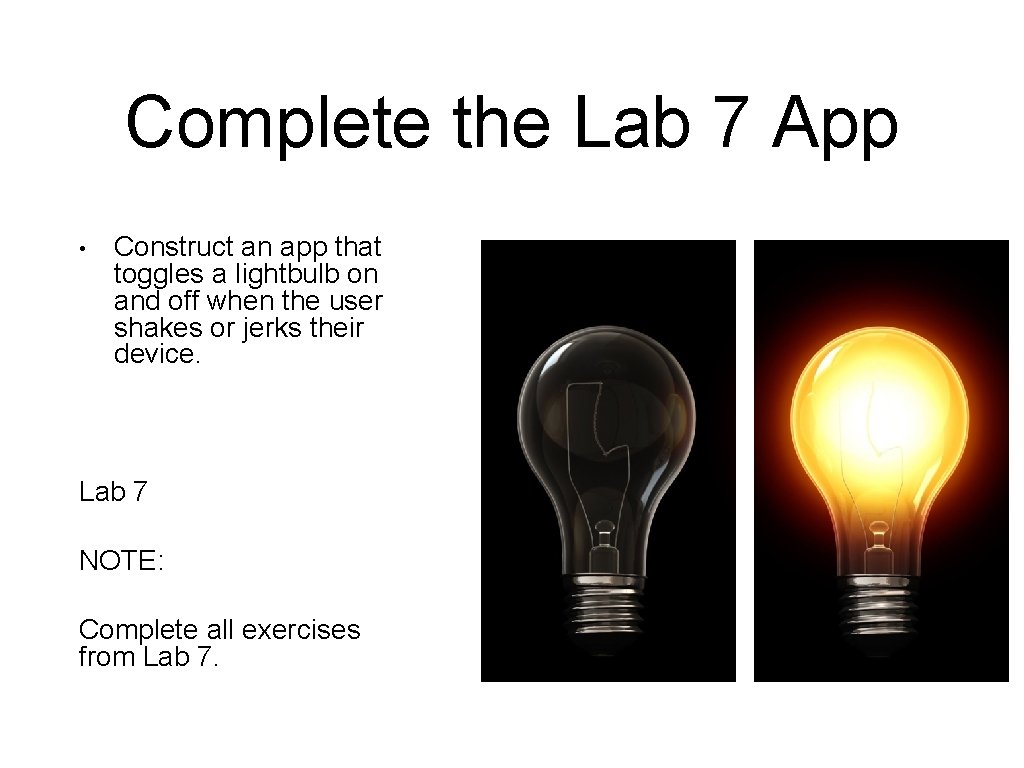
Complete the Lab 7 App • Construct an app that toggles a lightbulb on and off when the user shakes or jerks their device. Lab 7 NOTE: Complete all exercises from Lab 7.