
Andrew Cornelius Scientific Presentations How to and how
- Slides: 34
Andrew Cornelius Scientific Presentations How to (and how not to) Give an Effective Scientific Presentation
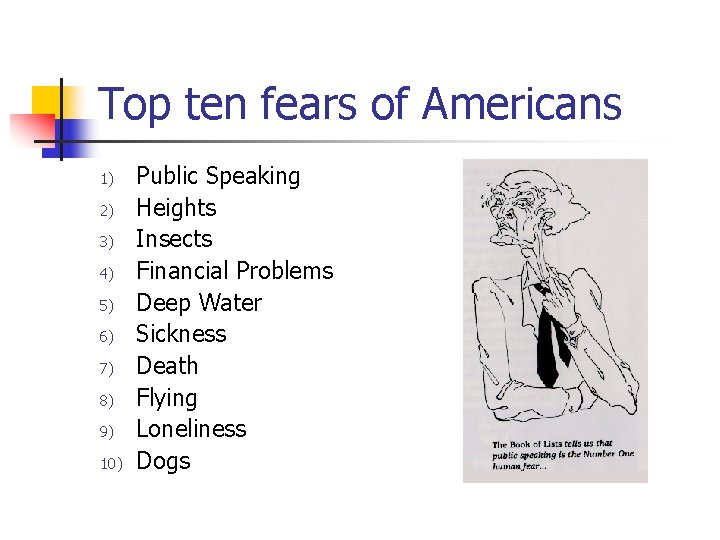
Top ten fears of Americans 1) 2) 3) 4) 5) 6) 7) 8) 9) 10) Public Speaking Heights Insects Financial Problems Deep Water Sickness Death Flying Loneliness Dogs
Why do you need to speak? n Publications lag 1 -2 years behind discovery n n Your future job depends on talks n n Talks at scientific meetings are current!! You are evaluated by everyone as student Your talks reflect on advisor You will give candidate talks Interviewers make conclusions in first 3 minutes
Introduction
OUTLINE • • • Introduction Experimental Results Discussion Conclusions Future Work
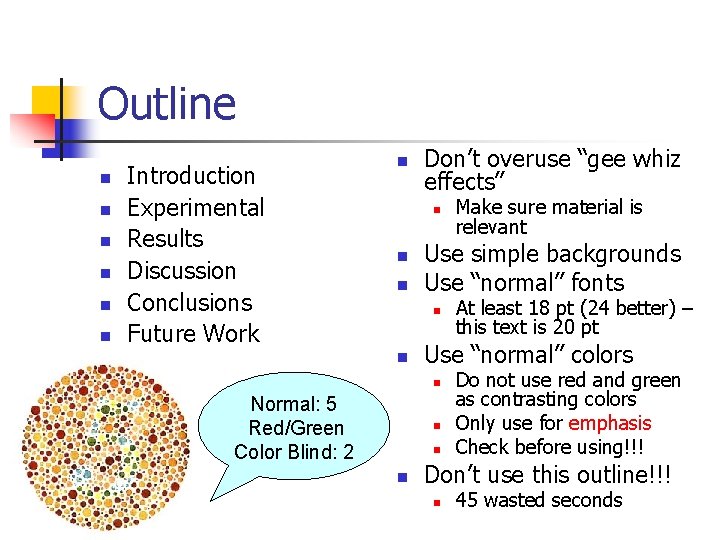
Outline n n n Introduction Experimental Results Discussion Conclusions Future Work n Don’t overuse “gee whiz effects” n n n Use simple backgrounds Use “normal” fonts n n n At least 18 pt (24 better) – this text is 20 pt Use “normal” colors n Normal: 5 Red/Green Color Blind: 2 Make sure material is relevant Do not use red and green as contrasting colors Only use for emphasis Check before using!!! Don’t use this outline!!! n 45 wasted seconds
Outline n Before you start preparing your talk n n Preparing the talk n n Choosing and organizing the content Preparing slides Don’t overdo methods part of talk Giving the talk n n Know your audience Know the length of your talk Know the style of your talk Grab and hold audiences attention General information
Know your audience n n How large will the group be? Experts n n n Novices n n n Eliminate introductory material Can be much more focused on the “interesting” results Assume your audience is intelligent but knows nothing 80% of material should be introductory Mixed n n Most difficult 60% of material should be introductory
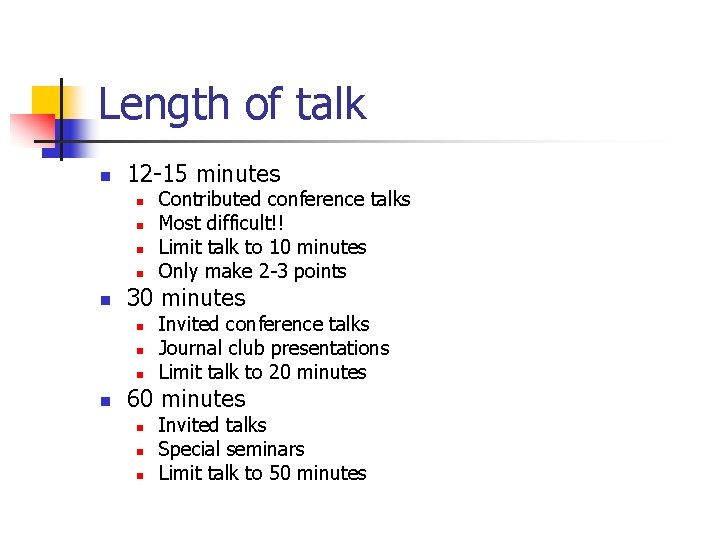
Length of talk n 12 -15 minutes n n n 30 minutes n n Contributed conference talks Most difficult!! Limit talk to 10 minutes Only make 2 -3 points Invited conference talks Journal club presentations Limit talk to 20 minutes 60 minutes n n n Invited talks Special seminars Limit talk to 50 minutes
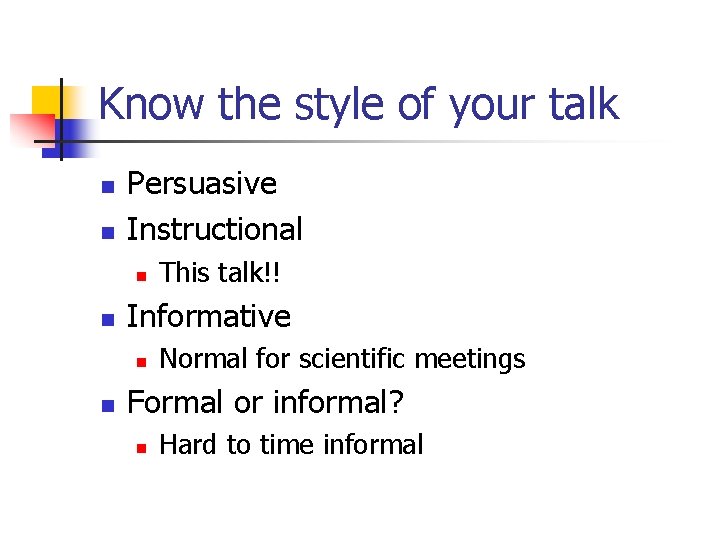
Know the style of your talk n n Persuasive Instructional n n Informative n n This talk!! Normal for scientific meetings Formal or informal? n Hard to time informal
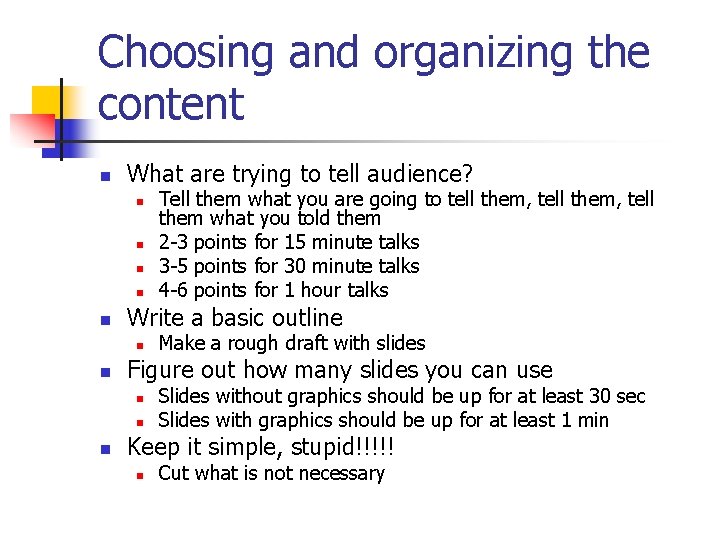
Choosing and organizing the content n What are trying to tell audience? n n n Write a basic outline n n Make a rough draft with slides Figure out how many slides you can use n n n Tell them what you are going to tell them, tell them what you told them 2 -3 points for 15 minute talks 3 -5 points for 30 minute talks 4 -6 points for 1 hour talks Slides without graphics should be up for at least 30 sec Slides with graphics should be up for at least 1 min Keep it simple, stupid!!!!! n Cut what is not necessary
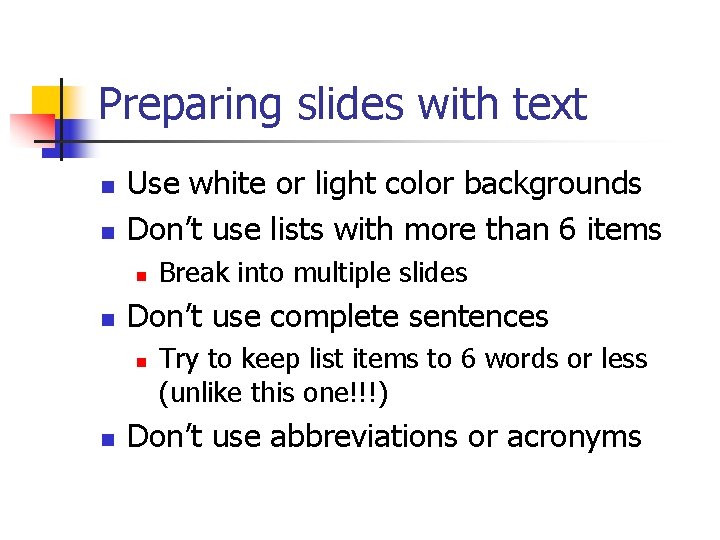
Preparing slides with text n n Use white or light color backgrounds Don’t use lists with more than 6 items n n Don’t use complete sentences n n Break into multiple slides Try to keep list items to 6 words or less (unlike this one!!!) Don’t use abbreviations or acronyms
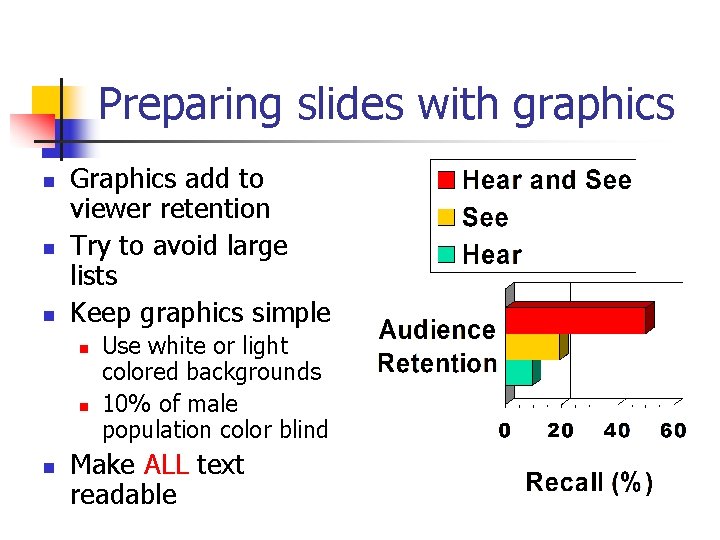
Preparing slides with graphics n n n Graphics add to viewer retention Try to avoid large lists Keep graphics simple n n n Use white or light colored backgrounds 10% of male population color blind Make ALL text readable
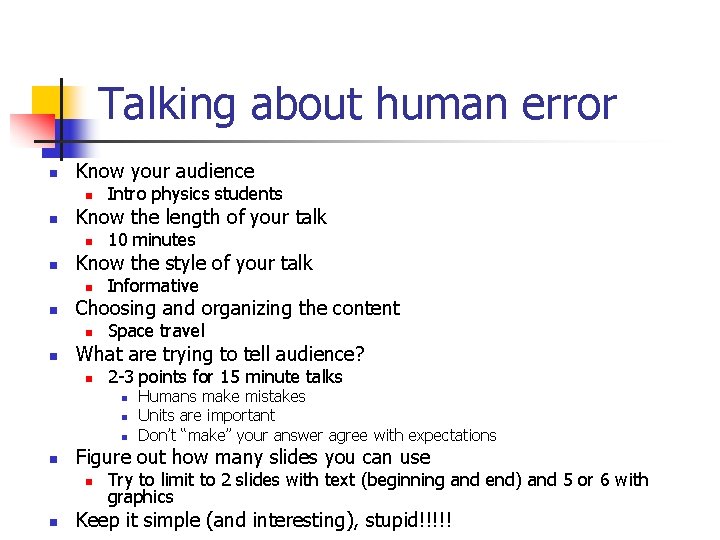
Talking about human error n Know your audience n n Know the length of your talk n n Informative Choosing and organizing the content n n 10 minutes Know the style of your talk n n Intro physics students Space travel What are trying to tell audience? n 2 -3 points for 15 minute talks n n Figure out how many slides you can use n n Humans make mistakes Units are important Don’t “make” your answer agree with expectations Try to limit to 2 slides with text (beginning and end) and 5 or 6 with graphics Keep it simple (and interesting), stupid!!!!!
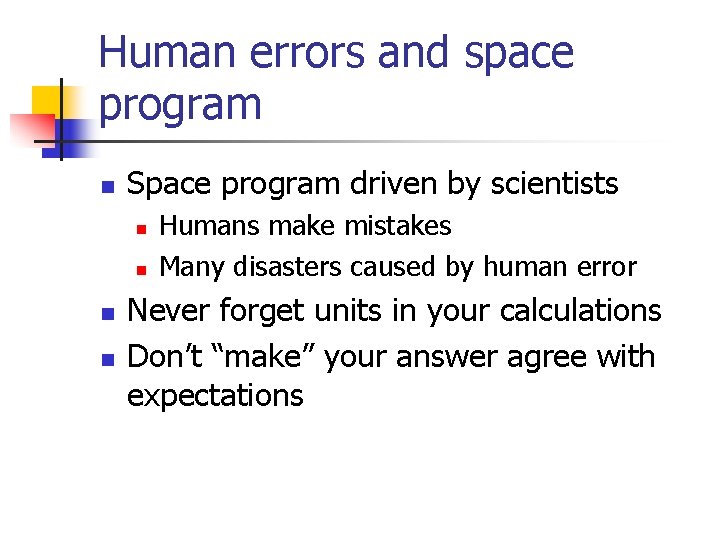
Human errors and space program n Space program driven by scientists n n Humans make mistakes Many disasters caused by human error Never forget units in your calculations Don’t “make” your answer agree with expectations
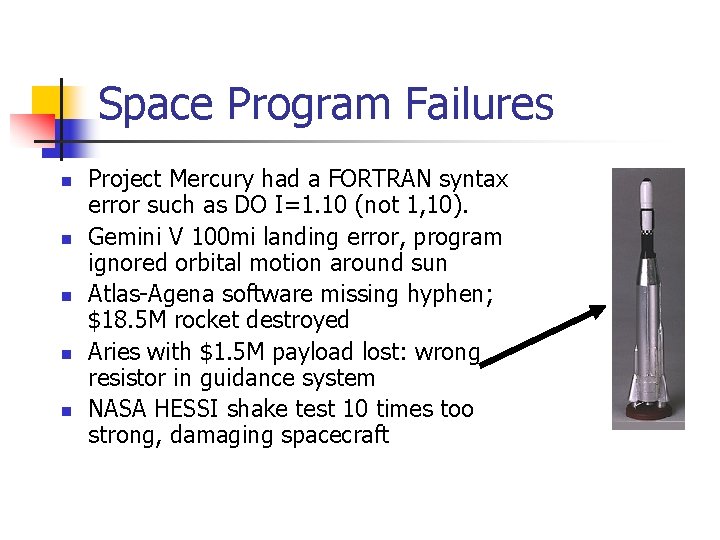
Space Program Failures n n n Project Mercury had a FORTRAN syntax error such as DO I=1. 10 (not 1, 10). Gemini V 100 mi landing error, program ignored orbital motion around sun Atlas-Agena software missing hyphen; $18. 5 M rocket destroyed Aries with $1. 5 M payload lost: wrong resistor in guidance system NASA HESSI shake test 10 times too strong, damaging spacecraft
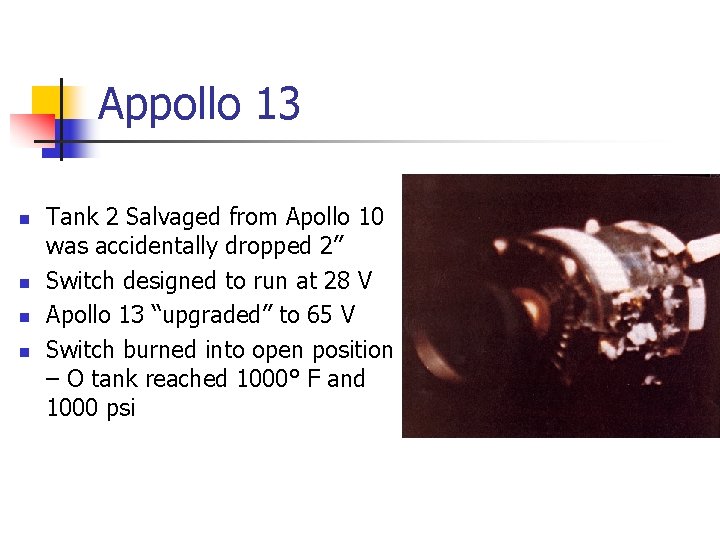
Appollo 13 n n Tank 2 Salvaged from Apollo 10 was accidentally dropped 2” Switch designed to run at 28 V Apollo 13 “upgraded” to 65 V Switch burned into open position – O tank reached 1000° F and 1000 psi
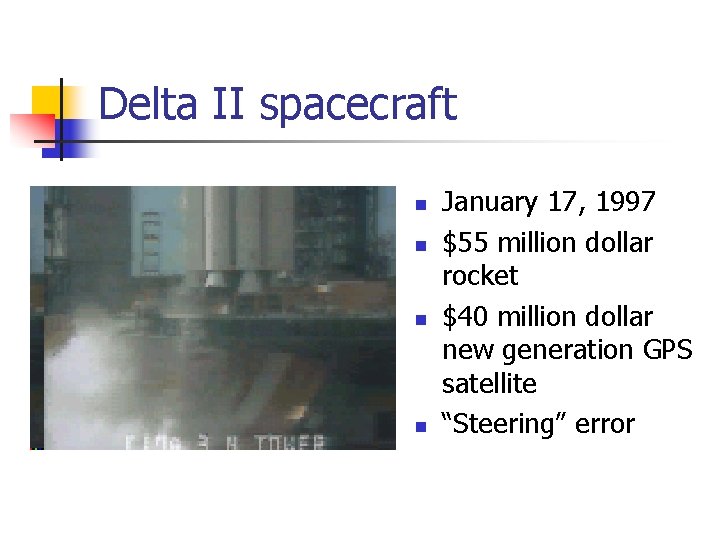
Delta II spacecraft n n January 17, 1997 $55 million dollar rocket $40 million dollar new generation GPS satellite “Steering” error
Titan 4 A spacecraft n n n Second most expensive accident August 12, 1998 $1 billion ? ? ? Payload n n Top secret communications intelligence satellite Battery power lost momentarily n n Veered off course Intentionally destroyed
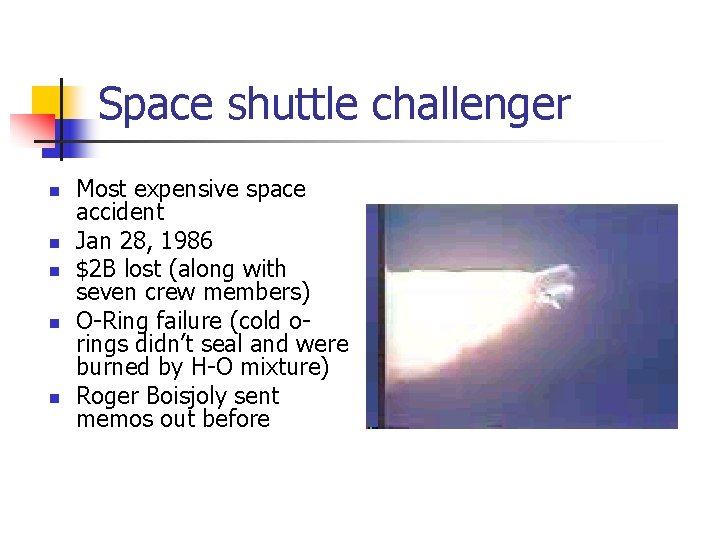
Space shuttle challenger n n n Most expensive space accident Jan 28, 1986 $2 B lost (along with seven crew members) O-Ring failure (cold orings didn’t seal and were burned by H-O mixture) Roger Boisjoly sent memos out before
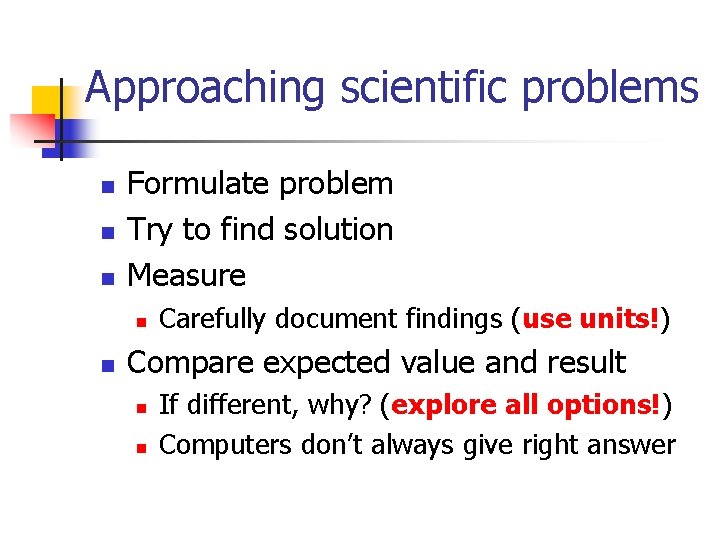
Approaching scientific problems n n n Formulate problem Try to find solution Measure n n Carefully document findings (use units!) Compare expected value and result n n If different, why? (explore all options!) Computers don’t always give right answer
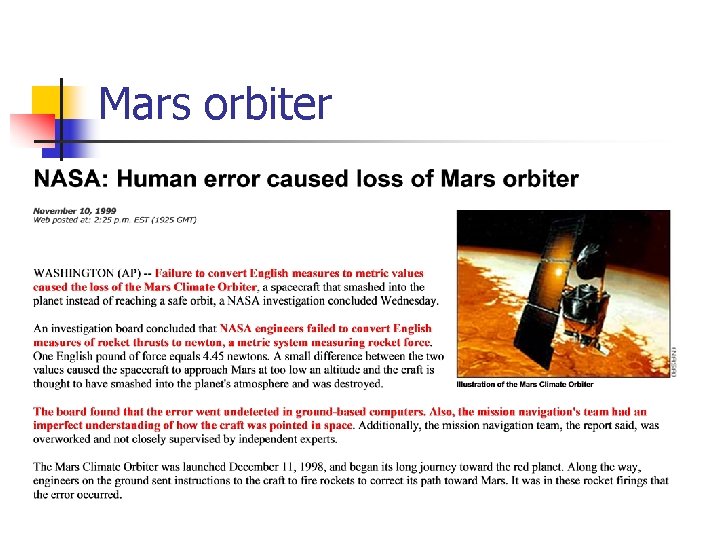
Mars orbiter
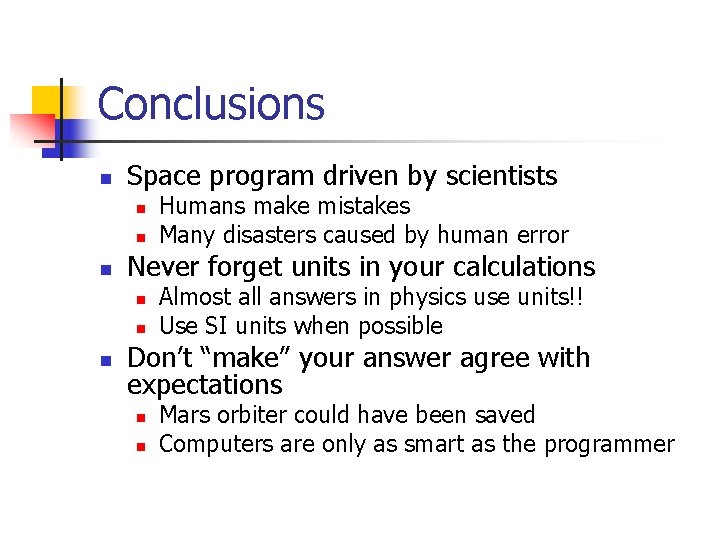
Conclusions n Space program driven by scientists n n n Never forget units in your calculations n n n Humans make mistakes Many disasters caused by human error Almost all answers in physics use units!! Use SI units when possible Don’t “make” your answer agree with expectations n n Mars orbiter could have been saved Computers are only as smart as the programmer
Why did I show this? n n n Good example of choosing graphics to enhance points Only tried to get across 3 points I placed at the 20 minute mark n Average attention span of alert audience
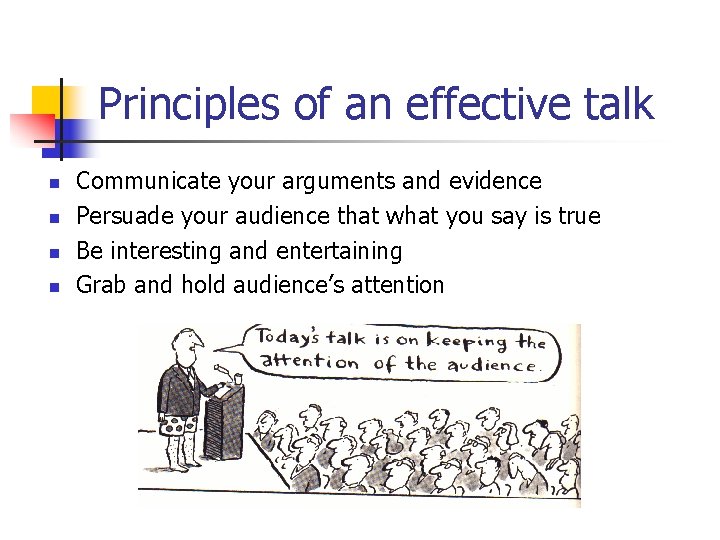
Principles of an effective talk n n Communicate your arguments and evidence Persuade your audience that what you say is true Be interesting and entertaining Grab and hold audience’s attention
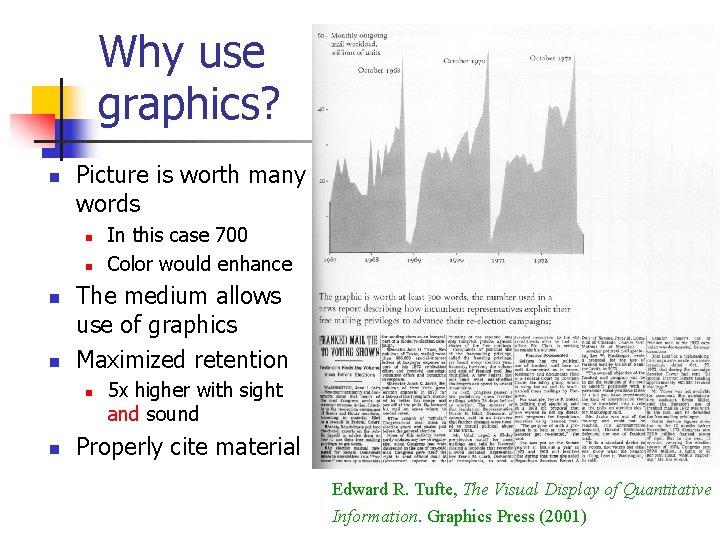
Why use graphics? n Picture is worth many words n n The medium allows use of graphics Maximized retention n n In this case 700 Color would enhance 5 x higher with sight and sound Properly cite material Edward R. Tufte, The Visual Display of Quantitative Information. Graphics Press (2001)
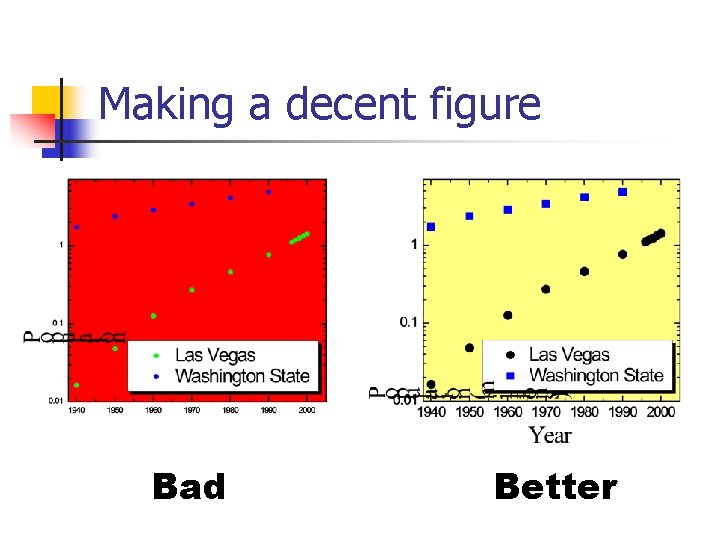
Making a decent figure Bad Better
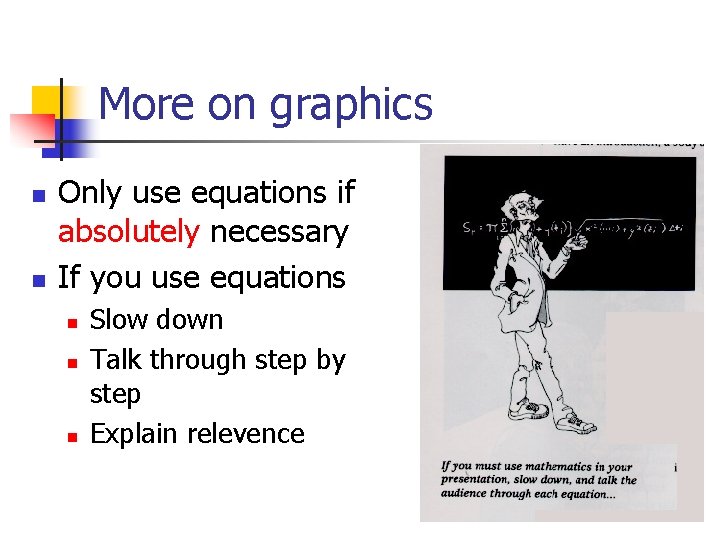
More on graphics n n Only use equations if absolutely necessary If you use equations n n n Slow down Talk through step by step Explain relevence
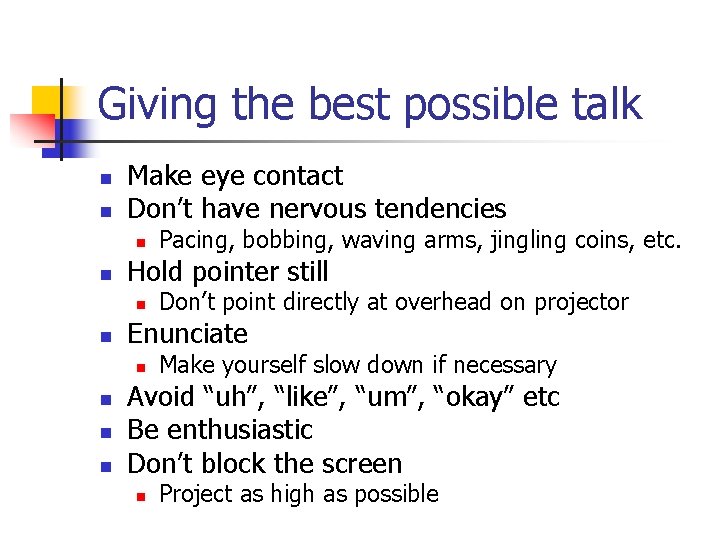
Giving the best possible talk n n Make eye contact Don’t have nervous tendencies n n Hold pointer still n n Don’t point directly at overhead on projector Enunciate n n Pacing, bobbing, waving arms, jingling coins, etc. Make yourself slow down if necessary Avoid “uh”, “like”, “um”, “okay” etc Be enthusiastic Don’t block the screen n Project as high as possible
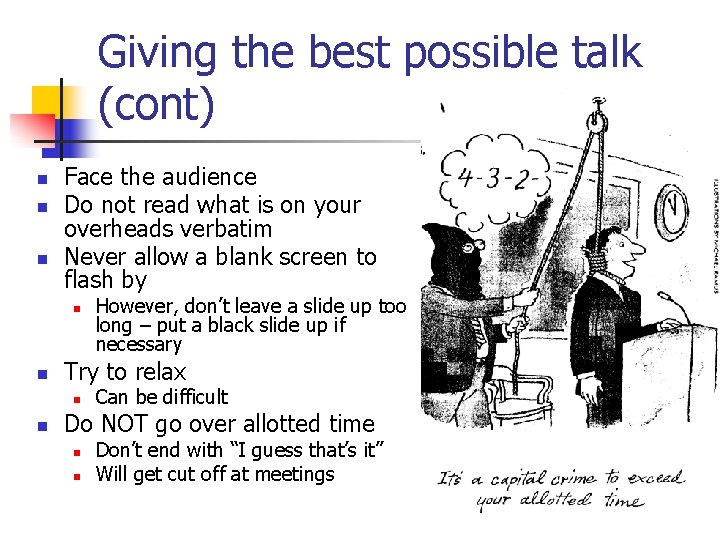
Giving the best possible talk (cont) n n n Face the audience Do not read what is on your overheads verbatim Never allow a blank screen to flash by n n Try to relax n n However, don’t leave a slide up too long – put a black slide up if necessary Can be difficult Do NOT go over allotted time n n Don’t end with “I guess that’s it” Will get cut off at meetings
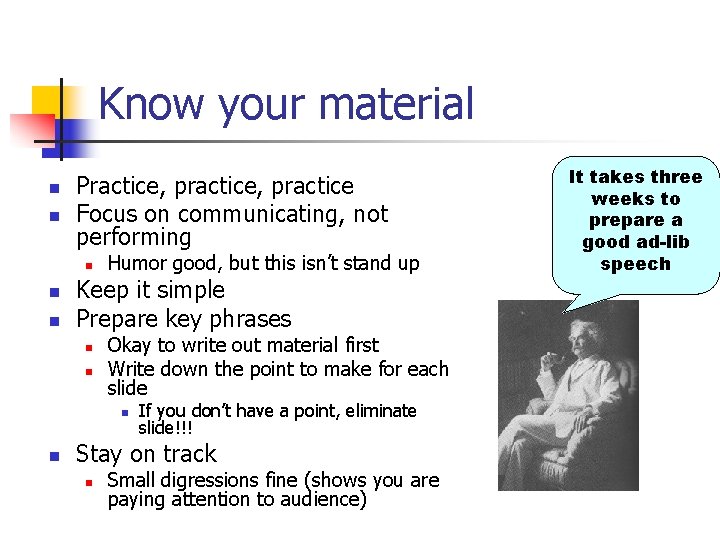
Know your material n n Practice, practice Focus on communicating, not performing n n n Humor good, but this isn’t stand up Keep it simple Prepare key phrases n n Okay to write out material first Write down the point to make for each slide n n If you don’t have a point, eliminate slide!!! Stay on track n Small digressions fine (shows you are paying attention to audience) It takes three weeks to prepare a good ad-lib speech
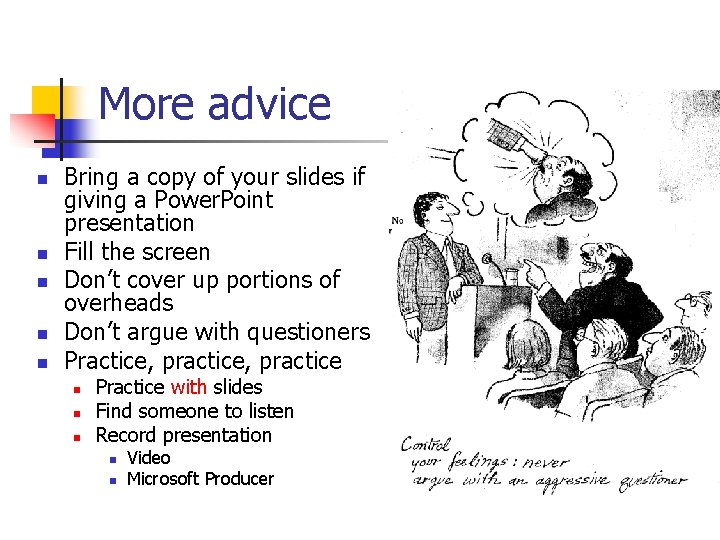
More advice n n n Bring a copy of your slides if giving a Power. Point presentation Fill the screen Don’t cover up portions of overheads Don’t argue with questioners Practice, practice n n n Practice with slides Find someone to listen Record presentation n n Video Microsoft Producer
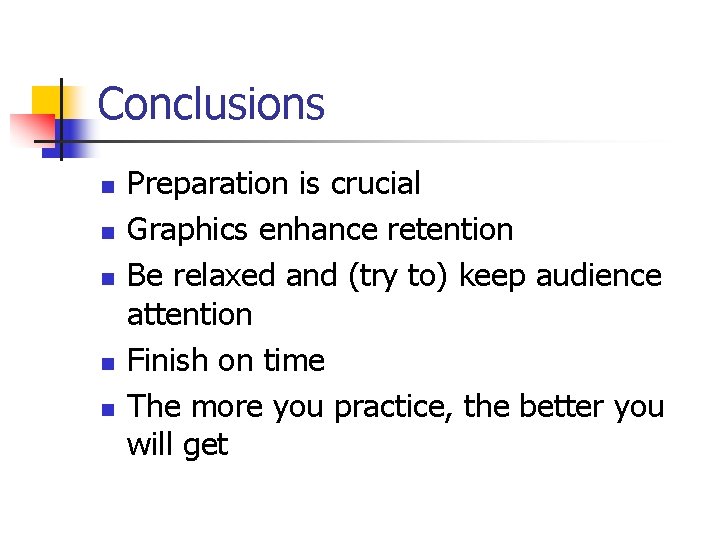
Conclusions n n n Preparation is crucial Graphics enhance retention Be relaxed and (try to) keep audience attention Finish on time The more you practice, the better you will get
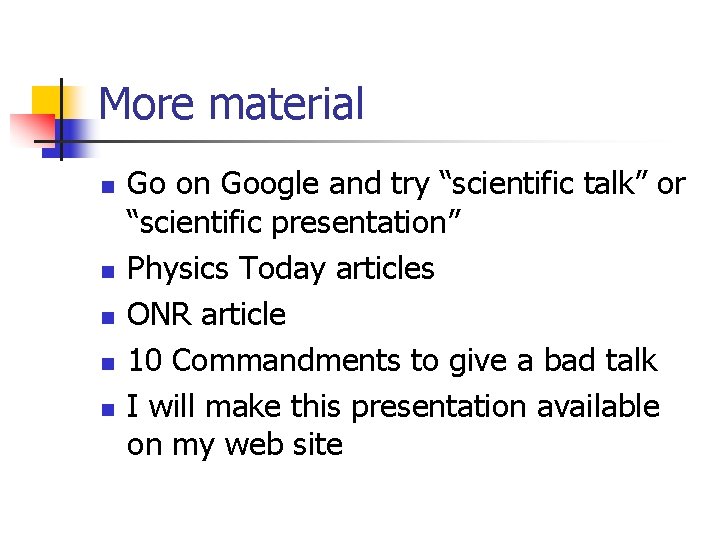
More material n n n Go on Google and try “scientific talk” or “scientific presentation” Physics Today articles ONR article 10 Commandments to give a bad talk I will make this presentation available on my web site