
Anderson Darling Normality Test When to use this
- Slides: 5
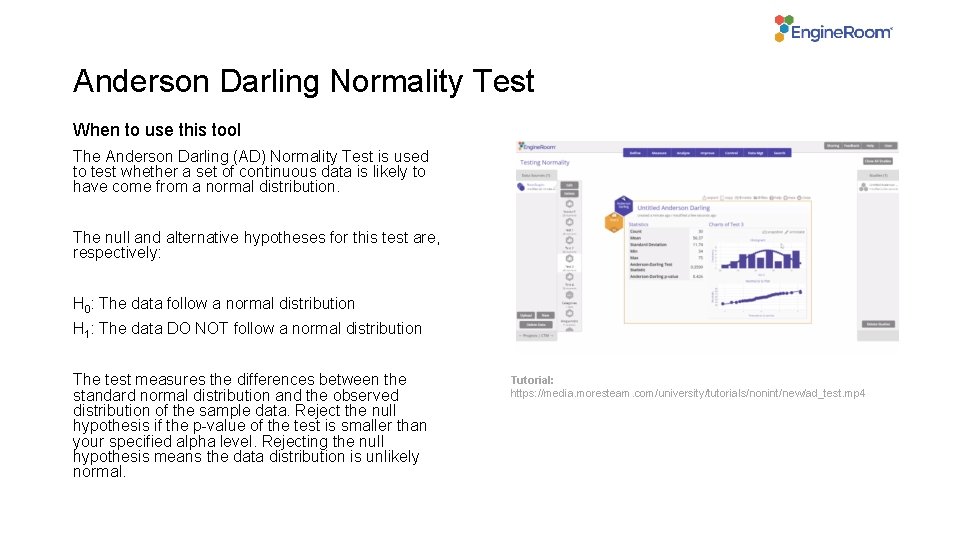
Anderson Darling Normality Test When to use this tool The Anderson Darling (AD) Normality Test is used to test whether a set of continuous data is likely to have come from a normal distribution. The null and alternative hypotheses for this test are, respectively: H 0: The data follow a normal distribution H 1: The data DO NOT follow a normal distribution The test measures the differences between the standard normal distribution and the observed distribution of the sample data. Reject the null hypothesis if the p-value of the test is smaller than your specified alpha level. Rejecting the null hypothesis means the data distribution is unlikely normal. Tutorial: https: //media. moresteam. com/university/tutorials/nonint/new/ad_test. mp 4
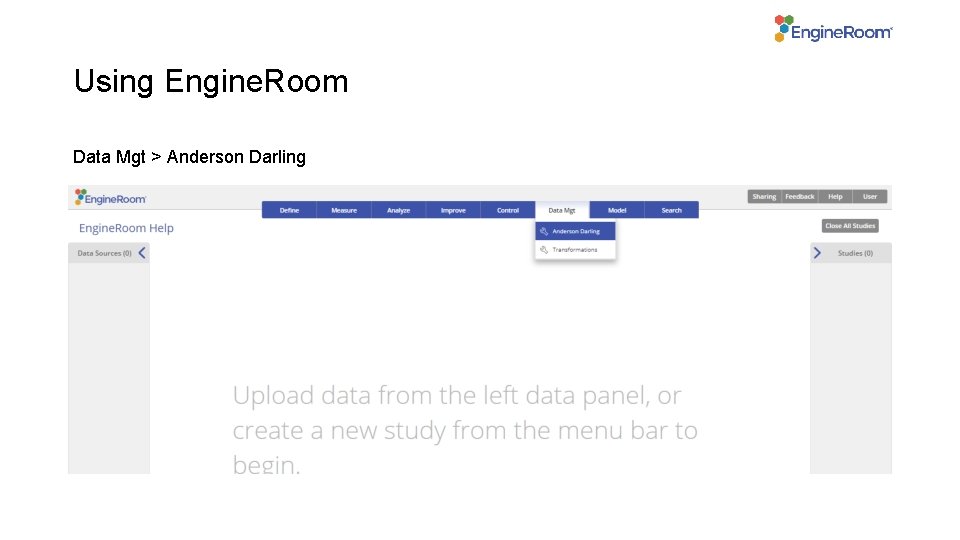
Using Engine. Room Data Mgt > Anderson Darling
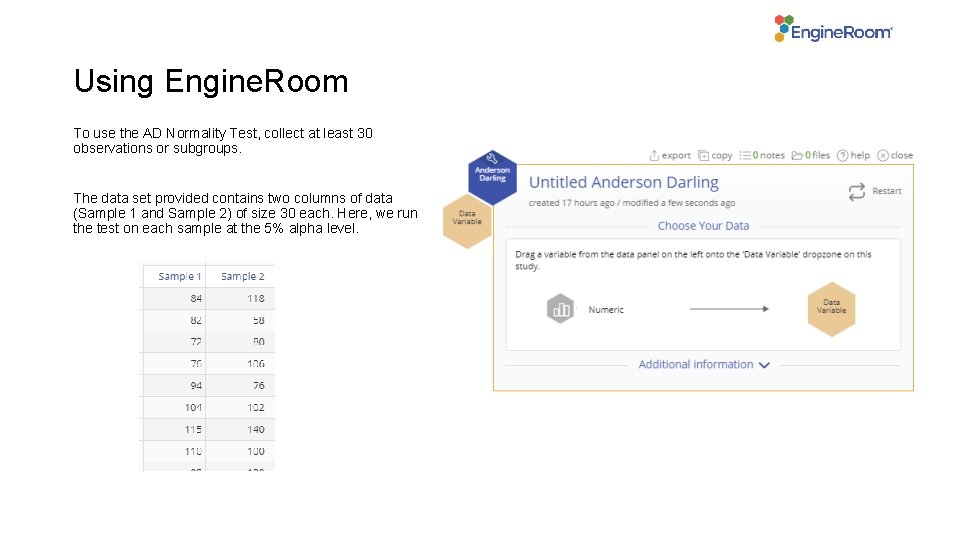
Using Engine. Room To use the AD Normality Test, collect at least 30 observations or subgroups. The data set provided contains two columns of data (Sample 1 and Sample 2) of size 30 each. Here, we run the test on each sample at the 5% alpha level.
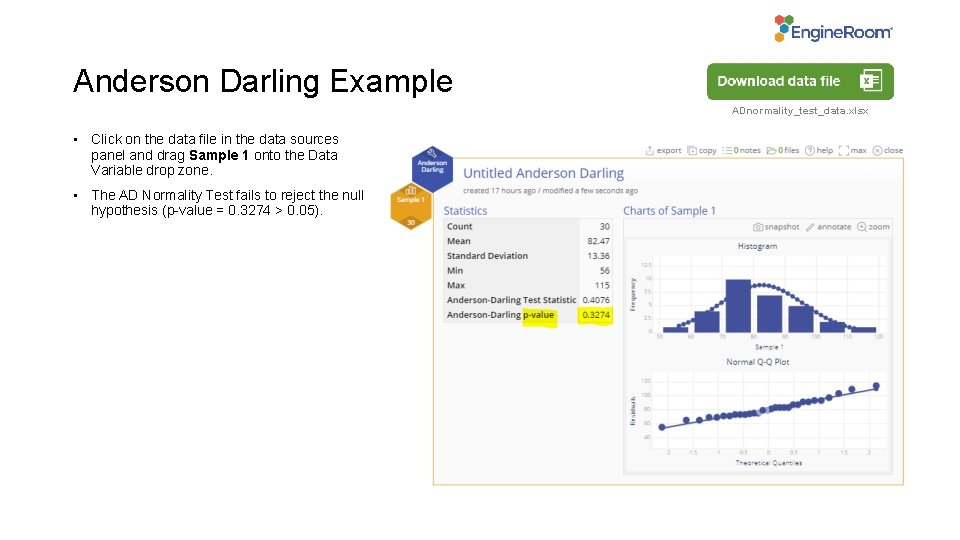
Anderson Darling Example ADnormality_test_data. xlsx • Click on the data file in the data sources panel and drag Sample 1 onto the Data Variable drop zone. • The AD Normality Test fails to reject the null hypothesis (p-value = 0. 3274 > 0. 05).
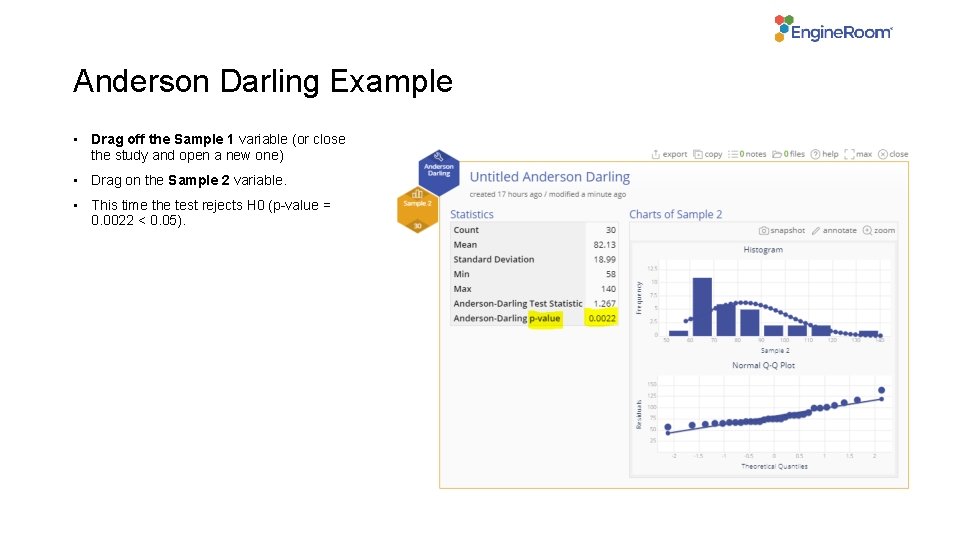
Anderson Darling Example • Drag off the Sample 1 variable (or close the study and open a new one) • Drag on the Sample 2 variable. • This time the test rejects H 0 (p-value = 0. 0022 < 0. 05).