
Anatomy of a Power Point Presentation Conference Presented


- Slides: 26
Anatomy of a Power. Point Presentation Conference Presented by Technology Training Muskie School of Public Service
What is Power. Point? “Power. Point enables you to create presentations that have an impact in person or online. Power. Point makes it easy to create powerful, persuasive presentations. ” (Microsoft website)
Design Templates l Overall look of the presentation l Several from which to choose ¡ Many available within the program
Design Templates § Overall look of the presentation § Several from which to choose § Many available within the program § Download additional at Microsoft. com
Design Templates Overall look of the presentation Several from which to choose n Many available within the program n Download additional at Microsoft. com n Create custom templates
Color Schemes Each template has a default color scheme plus several other color options n Background
Color Schemes Each template has a default color scheme plus several other options n Background n Titles
Color Schemes Each template has a default color scheme plus several other options n n n Background Titles Bulleted Items
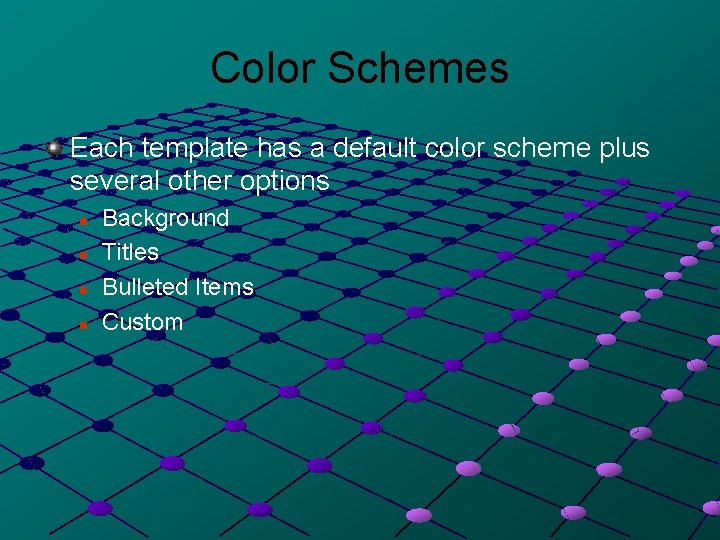
Color Schemes Each template has a default color scheme plus several other options n n Background Titles Bulleted Items Custom
Color Schemes Each template has a default color scheme plus several other options n n Background Titles Bulleted Items Custom
Slide Layouts Titles Only
Slide Layout One-Column Text A Single Bulleted List Aligned on the Left
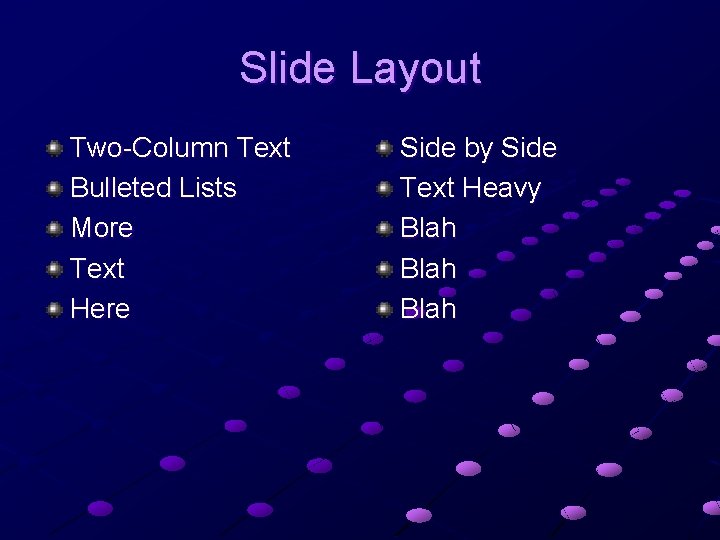
Slide Layout Two-Column Text Bulleted Lists More Text Here Side by Side Text Heavy Blah
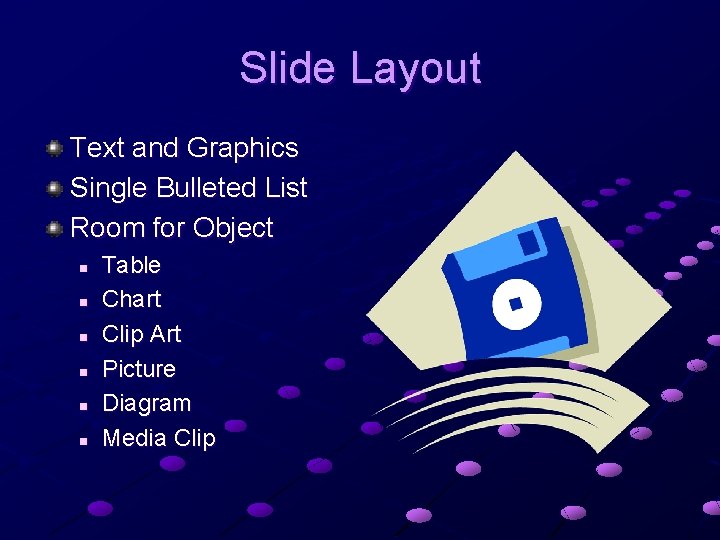
Slide Layout Text and Graphics Single Bulleted List Room for Object n n n Table Chart Clip Art Picture Diagram Media Clip
Slide Layout
Saving your work Save Early, Save Often!!!
Text: Entering and Formatting Click & Type Size
Text: Entering and Formatting Click & Type Size Bullets
Text: Entering and Formatting Click & Type Size Bullets Spacing
Text: Entering and Formatting Click & Type Size Bullets Spacing
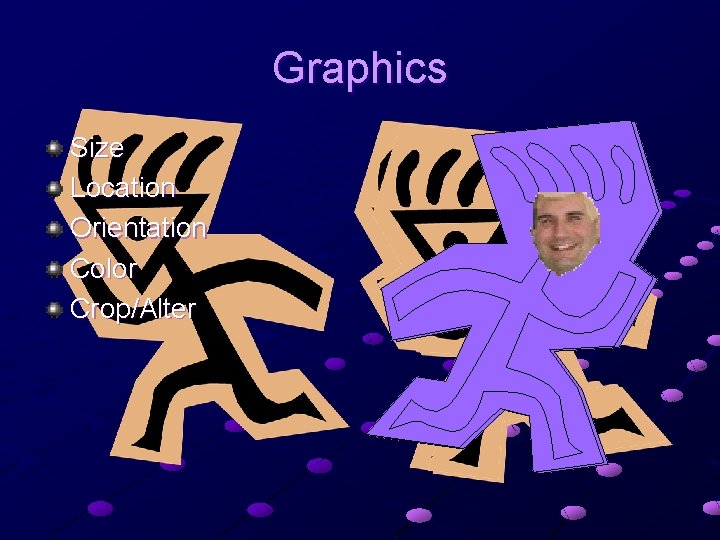
Graphics Size Location Orientation Color Crop/Alter
Transitions Moving from one slide to another n n n Speed Sound Automatic or Manual Don’t go overboard
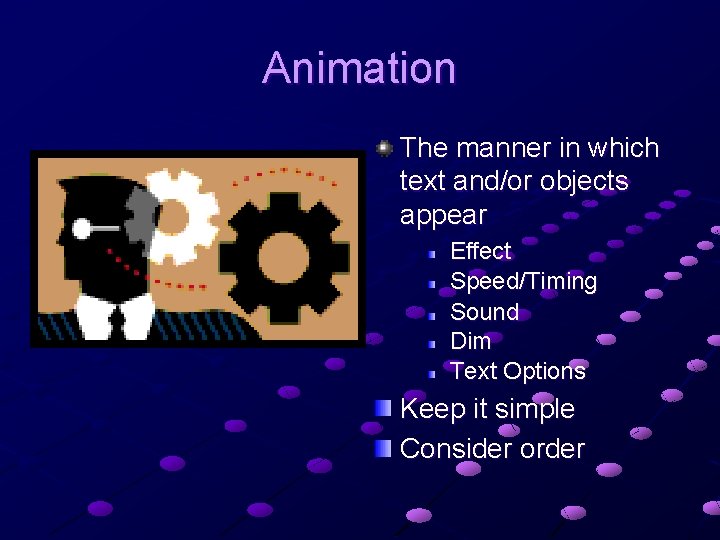
Animation The manner in which text and/or objects appear Effect Speed/Timing Sound Dim Text Options Keep it simple Consider order
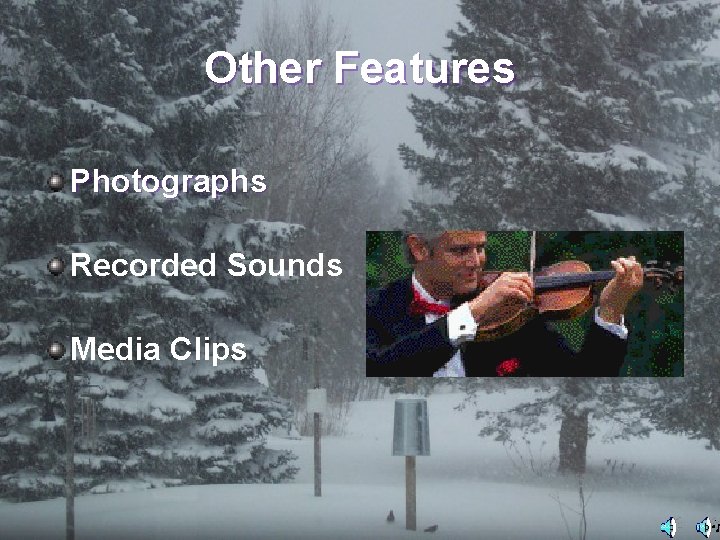
Other Features Photographs Recorded Sounds Media Clips
Running a Slide Show Starting your show Navigation Concluding a show n n n Continuous Loop Black Slide Your Own Closing Slide
The End Thank You