
Analyzing your OPC Data Introduction to OPCReport NET
- Slides: 10
Analyzing your OPC Data Introduction to OPCReport. NET Nathan Pocock Chief Architect & Developer Email: npocock@softwaretoolbox. com Direct Line: +1 (704) 708 -6482
Agenda u Why analyze your data? . . . (1 min) u Introduce OPC Report. NET. . . (3 min) u Report Automation. . . . . (2 min) u Extensibility, interface with your apps. . . (2 min) u Live Demo. . . (25 min) u Summary. . . . (1 min) u Questions & Answers. . . (you decide)
Data Logging Solutions u u OPC Data Logger www. opcdatalogger. com OPC Database. NET www. softwaretoolbox. com/opcsystems/ OPC Data. Hub www. softwaretoolbox. com/opcdatahub/ Custom Development Tools (you build it) www. softwaretoolbox. com
Why analyze and report on your data? u u u u Identify potential machinery problems Optimize process performance Track batch records Verify production quotas Verify who did what and when Generate sums, averages and more… and much, much more…
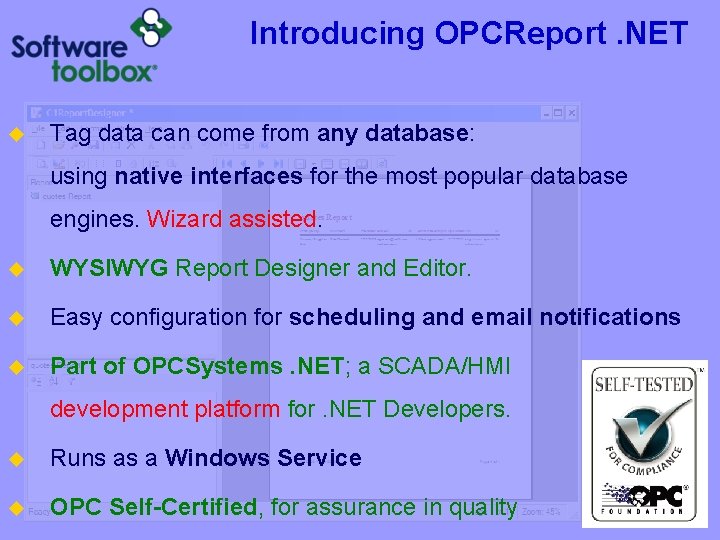
Introducing OPCReport. NET u Tag data can come from any database: using native interfaces for the most popular database engines. Wizard assisted. u WYSIWYG Report Designer and Editor. u Easy configuration for scheduling and email notifications u Part of OPCSystems. NET; a SCADA/HMI development platform for. NET Developers. u Runs as a Windows Service u OPC Self-Certified, for assurance in quality
Report Automation u Run reports on demand, i. e. when clicked. u Schedule automatic report generation, i. e. every minute, hour, day etc. u Execute reports based on a Tag u Filter reports on prev. hour, day, month etc. u Generate reports as PDF, XLS, HTML, CSV u Autom@ically email the generated report to multiple recipients
Extensibility u u u Control report execution from your own apps using the OPCSystems. NET API Example applications with source code for quick development learning You can: u u Get a list of reports Get/Set a list of parameters for a report Invoke the report Save/Load report configuration
Live Demo u Launch the Report Designer u Connect to a Data Source (local SQL Server) u Create simple reports, and charts u Simple math, i. e. Average, Count, Sum etc. u Schedule automated report generation u Generate a report in PDF, XLS and TXT u See example of interfacing with your own applications
Summary u Quick & Easy: Simple and intuitive User Interface u Connectivity: Sql. Server, Oracle, My. Sql, Access, ODBC u Popular Formats: PDF, XLS, CSV, TXT, HTML u Automation: Schedule report execution u Stay Informed: Email reports to you, automatically u Open: API provides interface for your apps to control u Affordable: modular, as low as $795. 00.
More Information www. softwaretoolbox. com/opcsystems Download your 30 -day unlimited demo* Today! Technical Support: * Demo can turn into full-version software Nathan Pocock: Tel: +1 (704) 849 -2773 Email: npocock@softwaretoolbox. com Web: http: //support. softwaretoolbox. com Tel: +1 (704) 708 -6482