
An Overview of the Features Functions of EOP

- Slides: 38
An Overview of the Features & Functions of EOP ASSIST 2. 0 For State Agency Hosts and Their Stakeholders
EOP ASSIST 2. 0—An Introduction Audience: K-12—state agencies, school districts, and schools. Description: This tool, which is offered as a free Web-accessible software application for state agencies, school districts, and schools to host on their own servers, directs planning team members through a process that will result in the output of an EOP according to the Federal guidelines for developing a high-quality school EOP.
Presentation Outline Background: Federal Guidance on School Emergency Management EOP ASSIST 2. 0 Software EOP ASSIST 2. 0 Resources
Now Is The Time President Barack Obama’s plan to protect children and communities by reducing gun violence. Tasked six Federal agencies to come together and outline guidelines for developing high-quality emergency operations plans for: • Schools • Institutions of Higher Education (IHEs) • Houses of Worship Download the report: http: //www. whitehouse. gov/issues/preventing-gun-violence
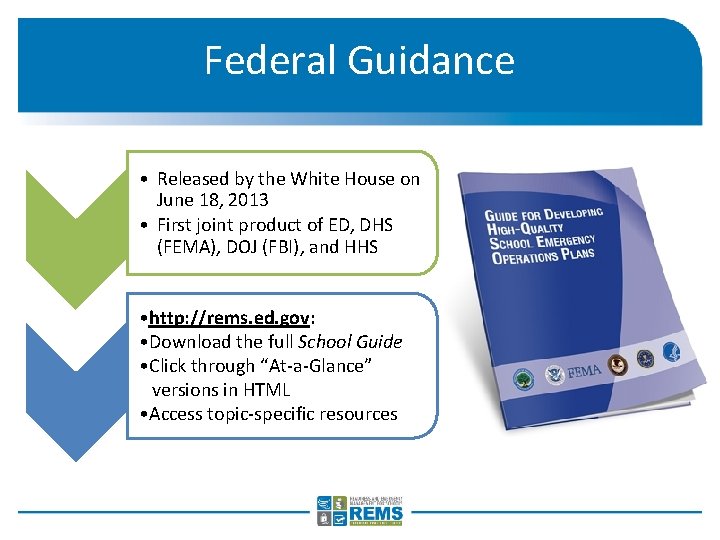
Federal Guidance • Released by the White House on June 18, 2013 • First joint product of ED, DHS (FEMA), DOJ (FBI), and HHS • http: //rems. ed. gov: • Download the full School Guide • Click through “At-a-Glance” versions in HTML • Access topic-specific resources
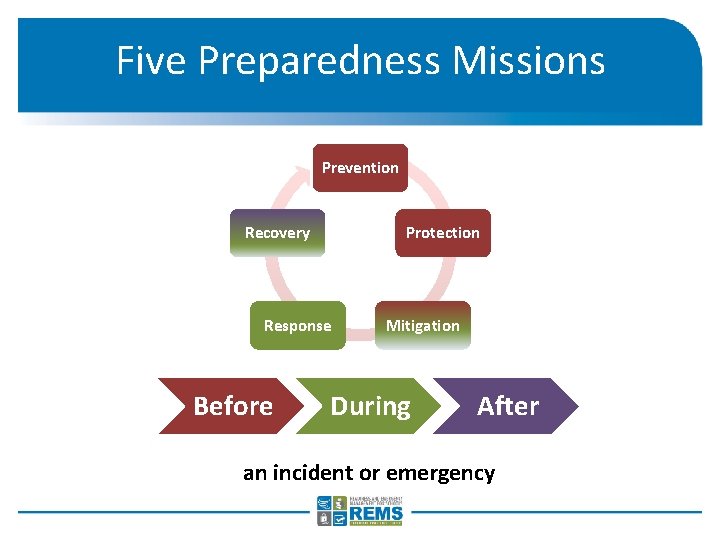
Five Preparedness Missions Prevention Recovery Protection Response Before Mitigation During After an incident or emergency
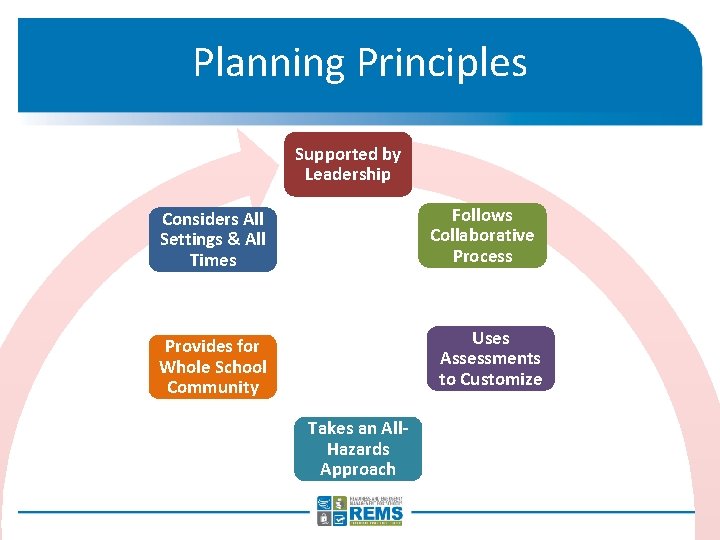
Planning Principles Supported by Leadership Follows Collaborative Process Considers All Settings & All Times Uses Assessments to Customize Provides for Whole School Community Takes an All. Hazards Approach
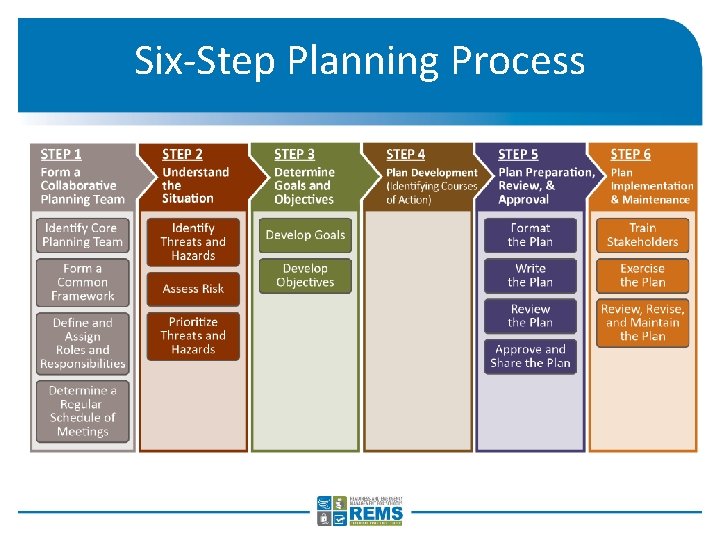
Six-Step Planning Process
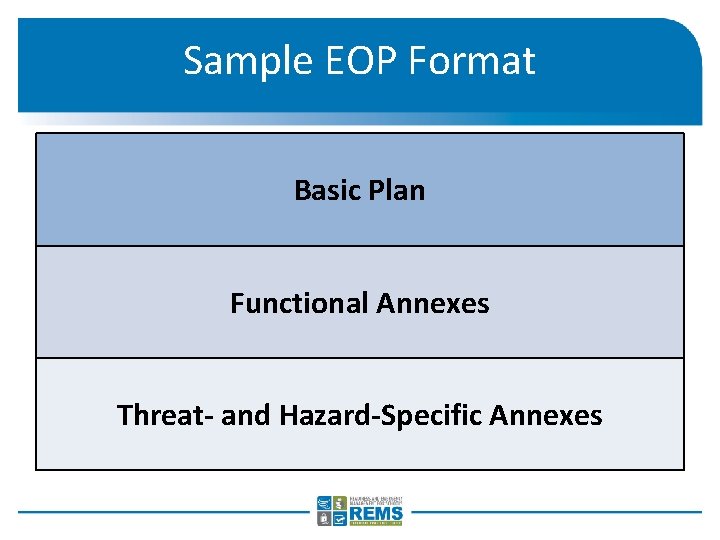
Sample EOP Format Basic Plan Functional Annexes Threat- and Hazard-Specific Annexes
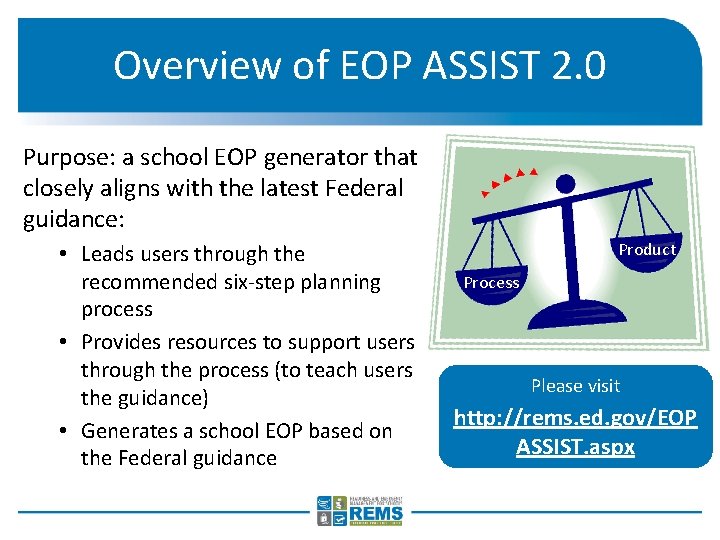
Overview of EOP ASSIST 2. 0 Purpose: a school EOP generator that closely aligns with the latest Federal guidance: • Leads users through the recommended six-step planning process • Provides resources to support users through the process (to teach users the guidance) • Generates a school EOP based on the Federal guidance Product Process Please visit http: //rems. ed. gov/EOP ASSIST. aspx
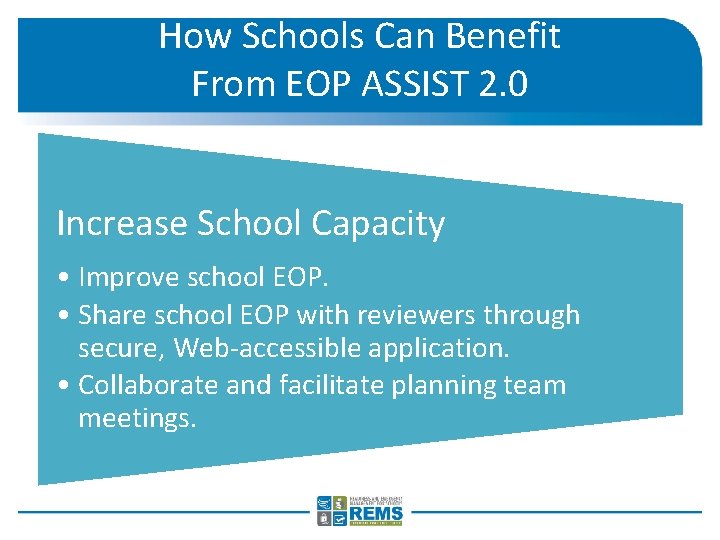
How Schools Can Benefit From EOP ASSIST 2. 0 Increase School Capacity • Improve school EOP. • Share school EOP with reviewers through secure, Web-accessible application. • Collaborate and facilitate planning team meetings.
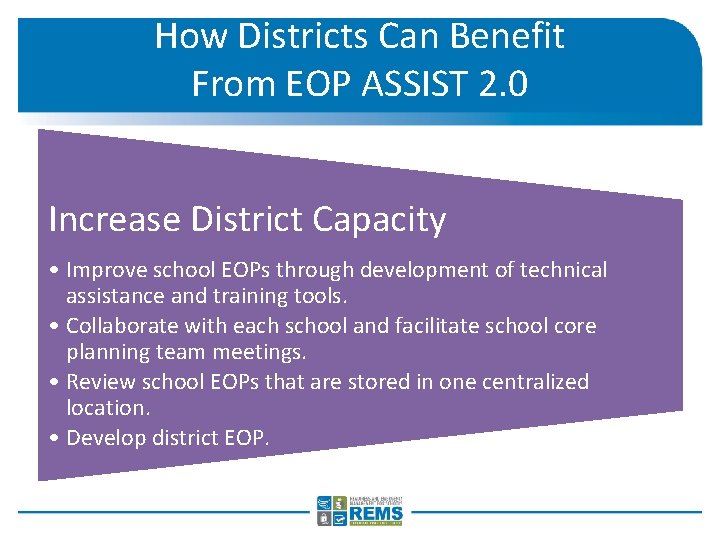
How Districts Can Benefit From EOP ASSIST 2. 0 Increase District Capacity • Improve school EOPs through development of technical assistance and training tools. • Collaborate with each school and facilitate school core planning team meetings. • Review school EOPs that are stored in one centralized location. • Develop district EOP.
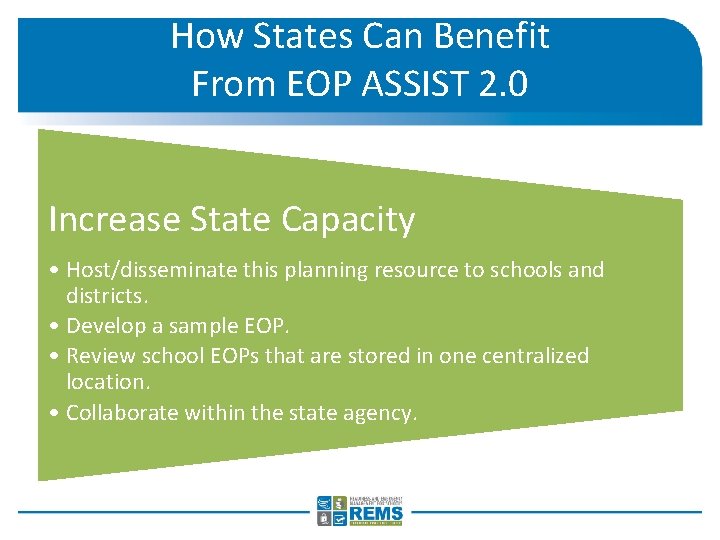
How States Can Benefit From EOP ASSIST 2. 0 Increase State Capacity • Host/disseminate this planning resource to schools and districts. • Develop a sample EOP. • Review school EOPs that are stored in one centralized location. • Collaborate within the state agency.
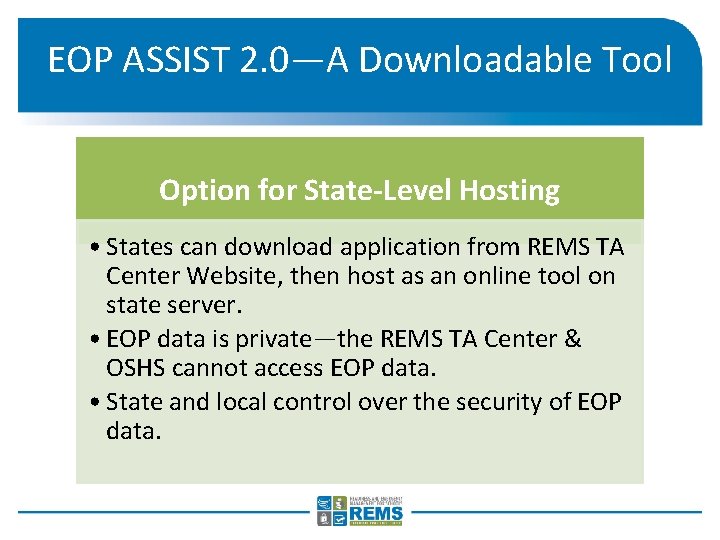
EOP ASSIST 2. 0—A Downloadable Tool Option for State-Level Hosting • States can download application from REMS TA Center Website, then host as an online tool on state server. • EOP data is private—the REMS TA Center & OSHS cannot access EOP data. • State and local control over the security of EOP data.
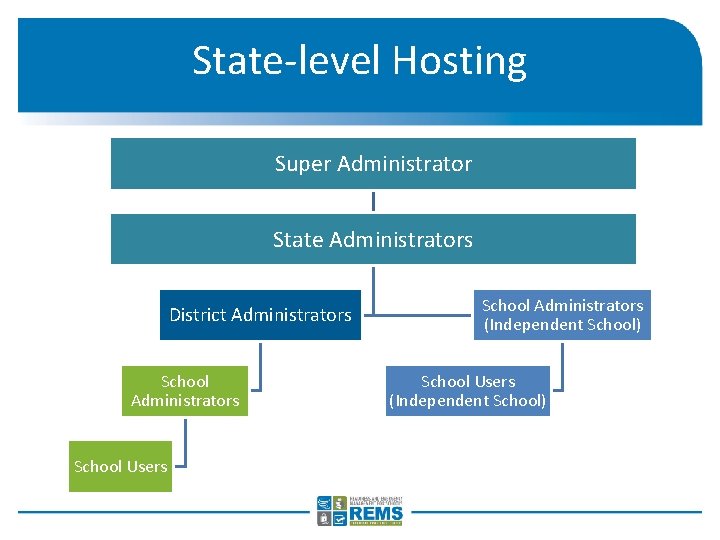
State-level Hosting Super Administrator State Administrators District Administrators School Users School Administrators (Independent School) School Users (Independent School)
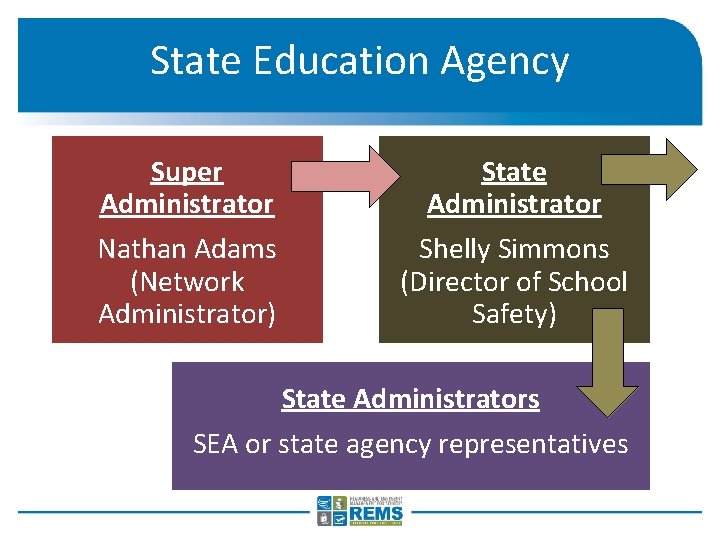
State Education Agency Super Administrator Nathan Adams (Network Administrator) State Administrator Shelly Simmons (Director of School Safety) State Administrators SEA or state agency representatives
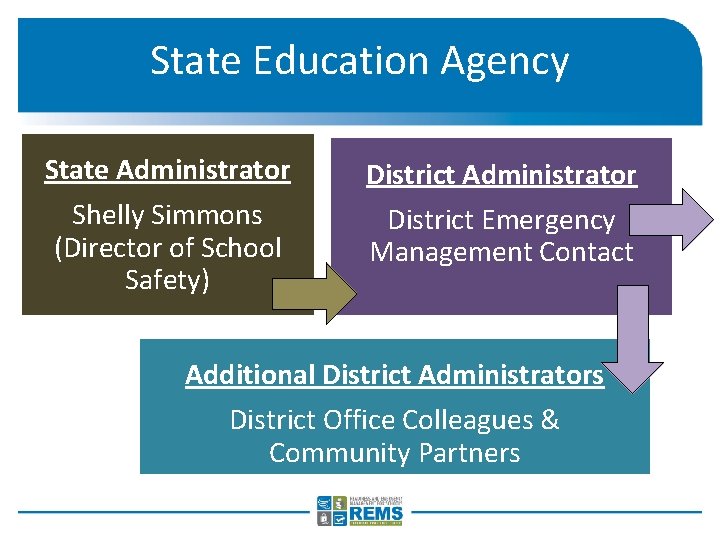
State Education Agency State Administrator Shelly Simmons (Director of School Safety) District Administrator District Emergency Management Contact Additional District Administrators District Office Colleagues & Community Partners
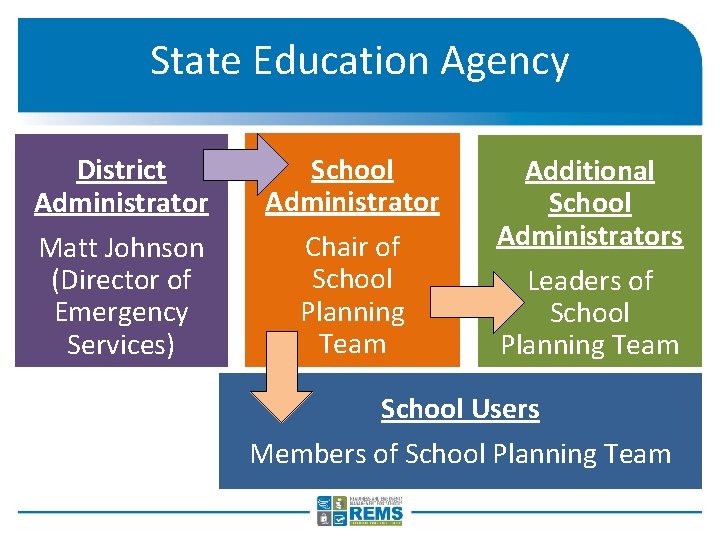
State Education Agency District Administrator Matt Johnson (Director of Emergency Services) School Administrator Chair of School Planning Team Additional School Administrators Leaders of School Planning Team School Users Members of School Planning Team
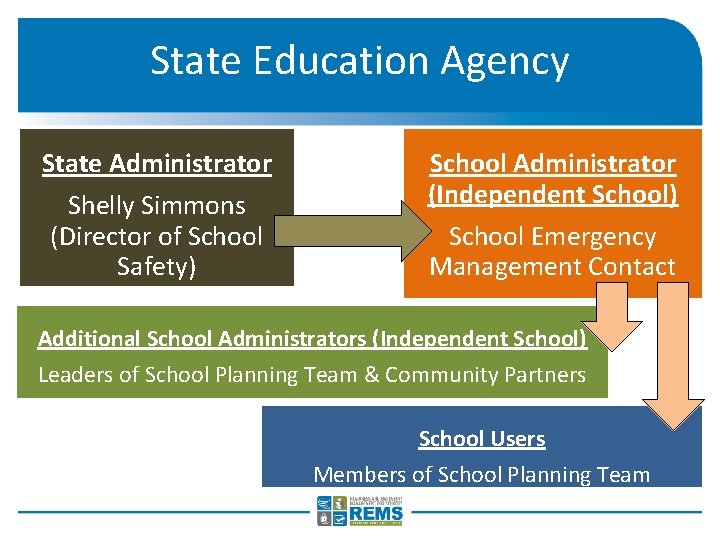
State Education Agency State Administrator Shelly Simmons (Director of School Safety) School Administrator (Independent School) School Emergency Management Contact Additional School Administrators (Independent School) Leaders of School Planning Team & Community Partners School Users Members of School Planning Team
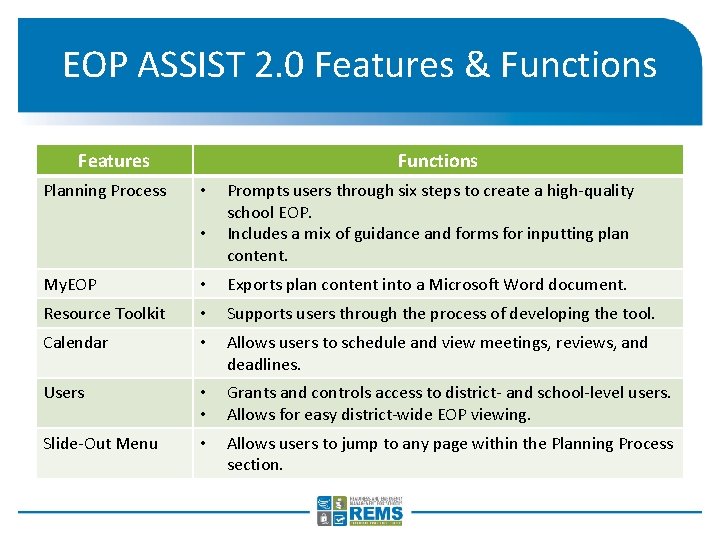
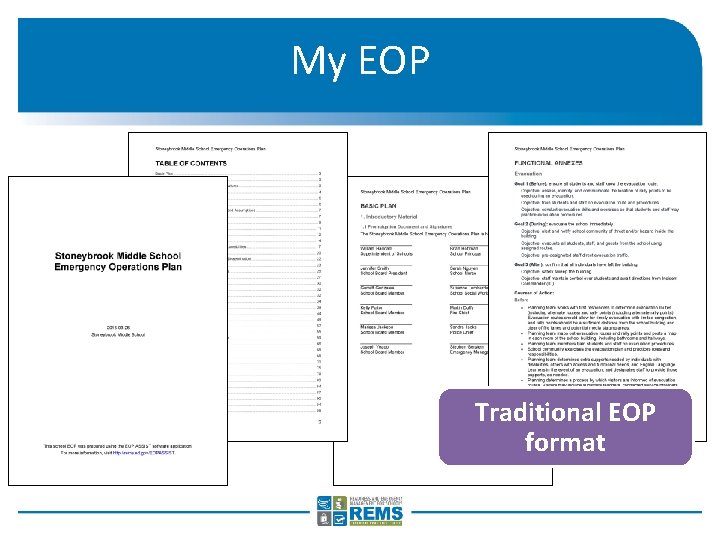
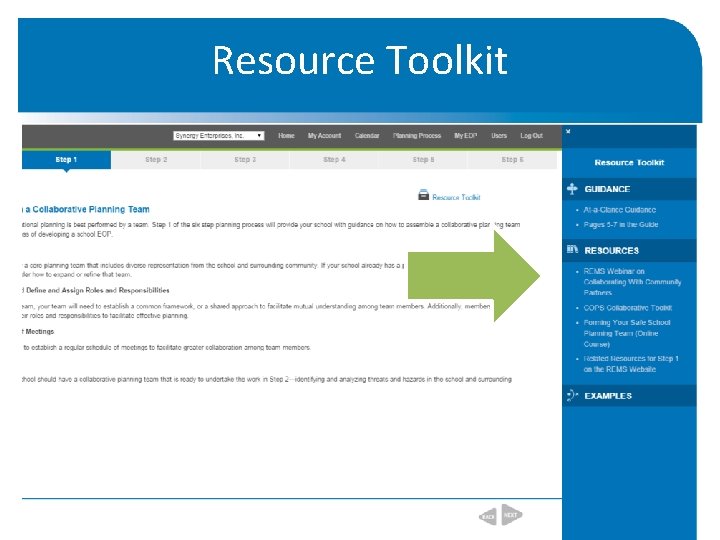
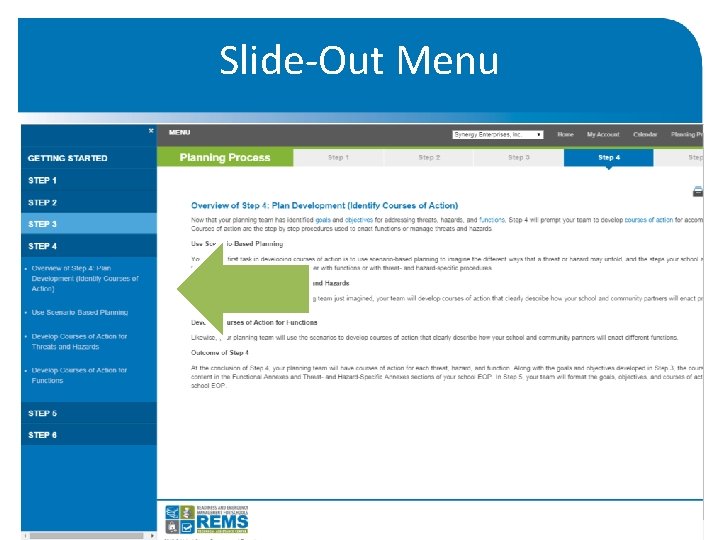
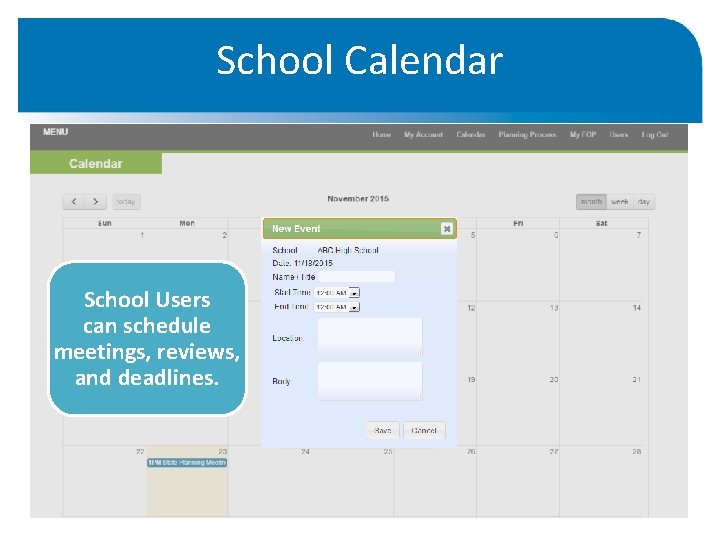
EOP ASSIST 2. 0 Features & Functions Features Planning Process Functions • • Prompts users through six steps to create a high-quality school EOP. Includes a mix of guidance and forms for inputting plan content. My. EOP • Exports plan content into a Microsoft Word document. Resource Toolkit • Supports users through the process of developing the tool. Calendar • Allows users to schedule and view meetings, reviews, and deadlines. Users • • Grants and controls access to district- and school-level users. Allows for easy district-wide EOP viewing. Slide-Out Menu • Allows users to jump to any page within the Planning Process section.
Forms Guidance Planning Process Prompts users through the recommended six steps to develop a high-quality school EOP.
My EOP Traditional EOP format
Resource Toolkit
Slide-Out Menu
School Calendar School Users can schedule meetings, reviews, and deadlines.
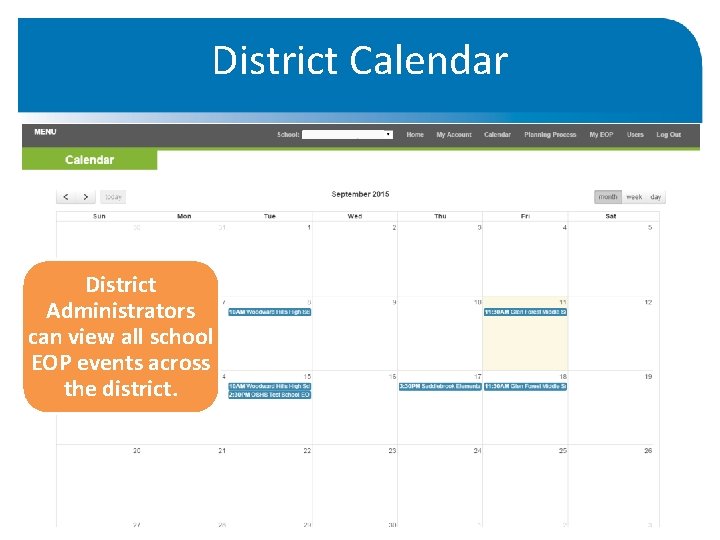
District Calendar District Administrators can view all school EOP events across the district.
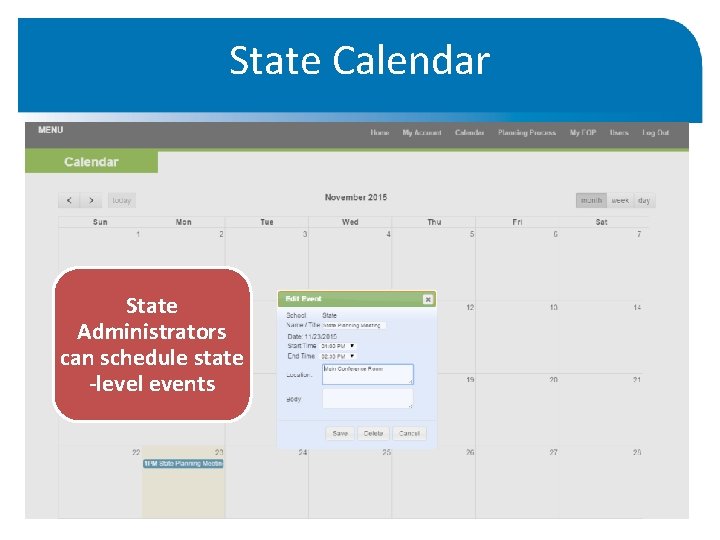
State Calendar State Administrators can schedule state -level events
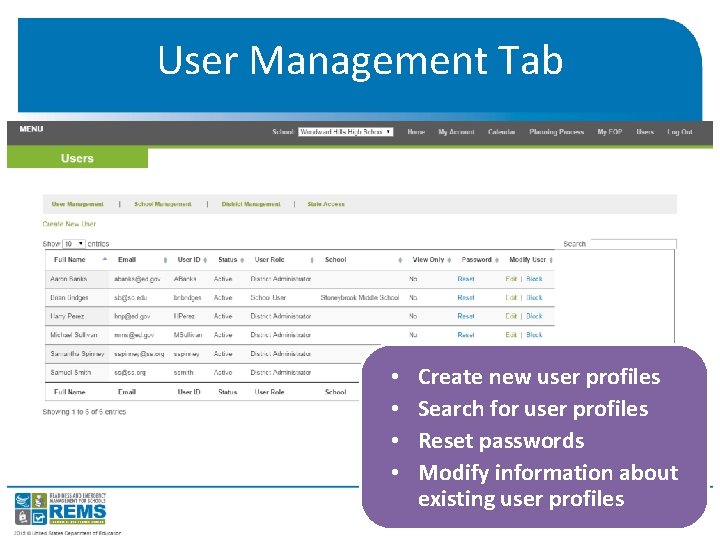
User Management Tab • • Create new user profiles Search for user profiles Reset passwords Modify information about existing user profiles
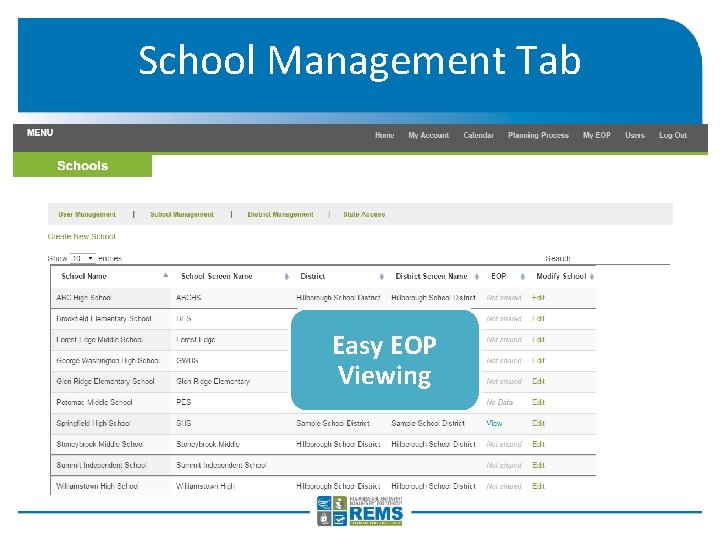
School Management Tab Easy EOP Viewing
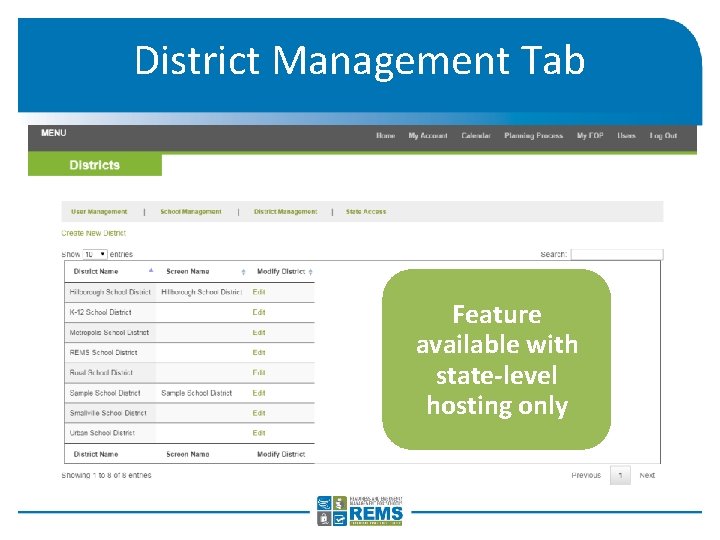
District Management Tab Feature available with state-level hosting only
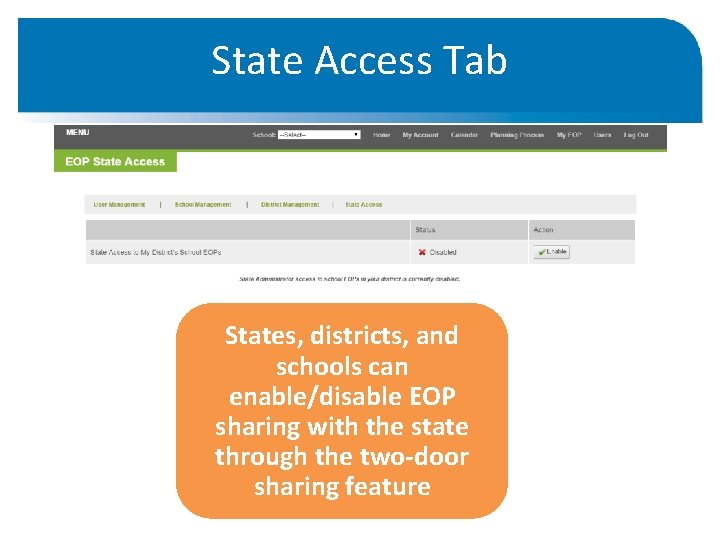
State Access Tab States, districts, and schools can enable/disable EOP sharing with the state through the two-door sharing feature
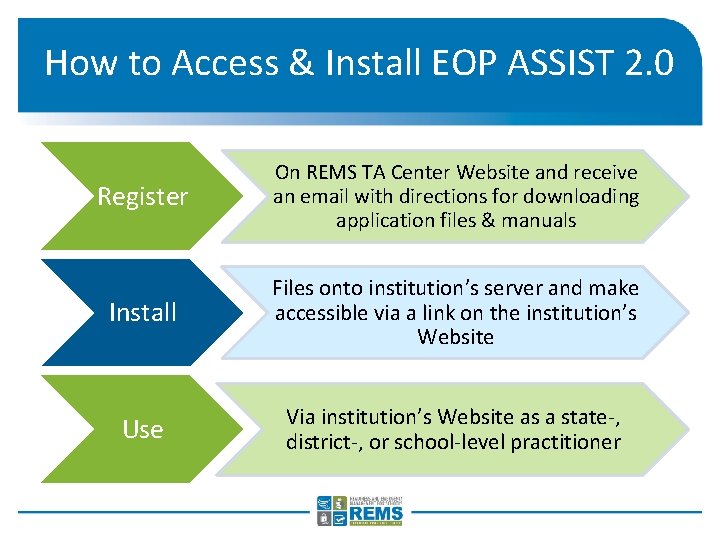
How to Access & Install EOP ASSIST 2. 0 Register On REMS TA Center Website and receive an email with directions for downloading application files & manuals Install Files onto institution’s server and make accessible via a link on the institution’s Website Use Via institution’s Website as a state-, district-, or school-level practitioner
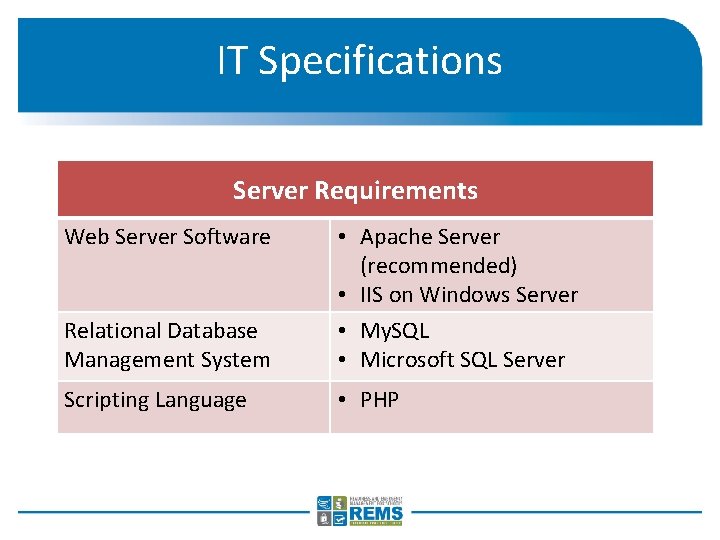
IT Specifications Server Requirements Web Server Software Relational Database Management System • Apache Server (recommended) • IIS on Windows Server • My. SQL • Microsoft SQL Server Scripting Language • PHP
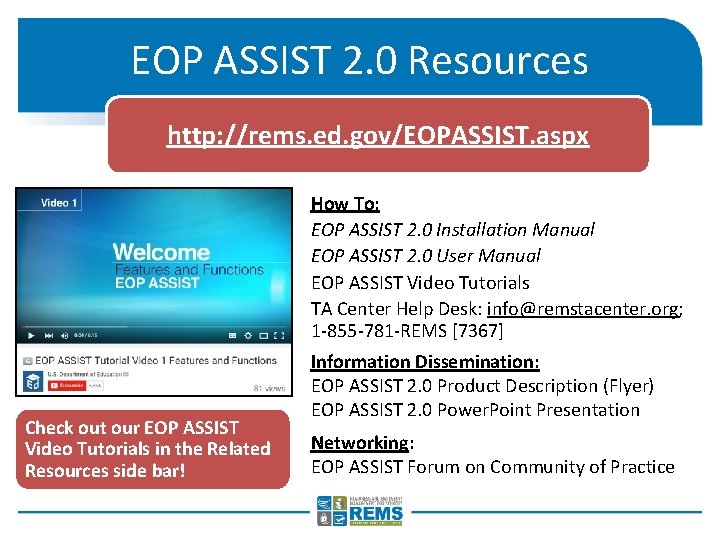
EOP ASSIST 2. 0 Resources http: //rems. ed. gov/EOPASSIST. aspx How To: EOP ASSIST 2. 0 Installation Manual EOP ASSIST 2. 0 User Manual EOP ASSIST Video Tutorials TA Center Help Desk: info@remstacenter. org; 1 -855 -781 -REMS [7367] Check out our EOP ASSIST Video Tutorials in the Related Resources side bar! Information Dissemination: EOP ASSIST 2. 0 Product Description (Flyer) EOP ASSIST 2. 0 Power. Point Presentation Networking: EOP ASSIST Forum on Community of Practice
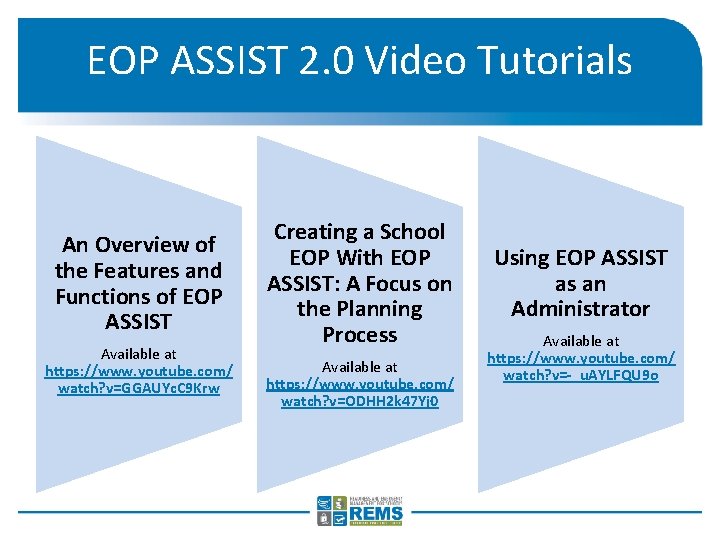
EOP ASSIST 2. 0 Video Tutorials An Overview of the Features and Functions of EOP ASSIST Available at https: //www. youtube. com/ watch? v=GGAUYc. C 9 Krw Creating a School EOP With EOP ASSIST: A Focus on the Planning Process Available at https: //www. youtube. com/ watch? v=ODHH 2 k 47 Yj 0 Using EOP ASSIST as an Administrator Available at https: //www. youtube. com/ watch? v=-_u. AYLFQU 9 o
Summary EOP ASSIST 2. 0 generates a downloadable school EOP that follows the six-step planning process and aligns with the School Guide. EOP ASSIST 2. 0 supports school emergency management planning at the state, school district, and school level. EOP ASSIST 2. 0 accommodates a variety of hosting options and technical configurations. The REMS TA Center has developed a number of resources to complement and support the use of EOP ASSIST 2. 0.
Next Steps What are three things I learned from this presentation? How can I incorporate EOP ASSIST 2. 0 in my state, in my district, or at my school? What steps will I take to implement this software in my school emergency management planning efforts?
Further Information Phone: (855) 781 -7367 (REMS) Email: info@remstacenter. org Twitter: @remstacenter http: //rems. ed. gov Join our Community of Practice! Access Virtual Trainings Get the School Guide Request an On-site Training