
An Overview of Tcl and Tk John Ousterhout
![Factorial Procedure proc fac x { if $x<=1 {return 1} expr $x*[fac [expr $x-1]]](https://slidetodoc.com/presentation_image_h2/3cc89e8667f1b7957c09bab1e4812e2b/image-9.jpg "Factorial Procedure proc fac x { if $x<=1 {return 1} expr $x*[fac [expr $x-1]]")
- Slides: 26
An Overview of Tcl and Tk John Ousterhout Sun Microsystems Laboratories john. ousterhout@eng. sun. com Tcl/Tk Tutorial, Part I
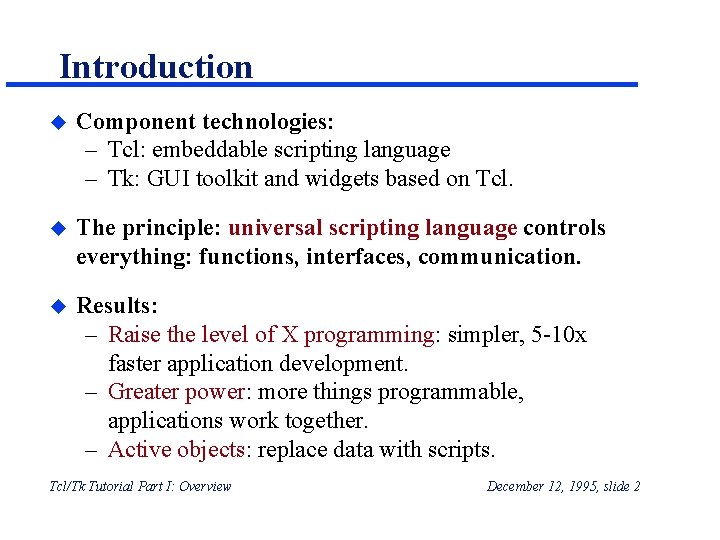
Introduction u Component technologies: – Tcl: embeddable scripting language – Tk: GUI toolkit and widgets based on Tcl. u The principle: universal scripting language controls everything: functions, interfaces, communication. u Results: – Raise the level of X programming: simpler, 5 -10 x faster application development. – Greater power: more things programmable, applications work together. – Active objects: replace data with scripts. Tcl/Tk Tutorial Part I: Overview December 12, 1995, slide 2
Outline u Tcl scripting language. u Tk toolkit. u Tk applications. u Survey of applications and extensions. u Conclusions. Tcl/Tk Tutorial Part I: Overview December 12, 1995, slide 3
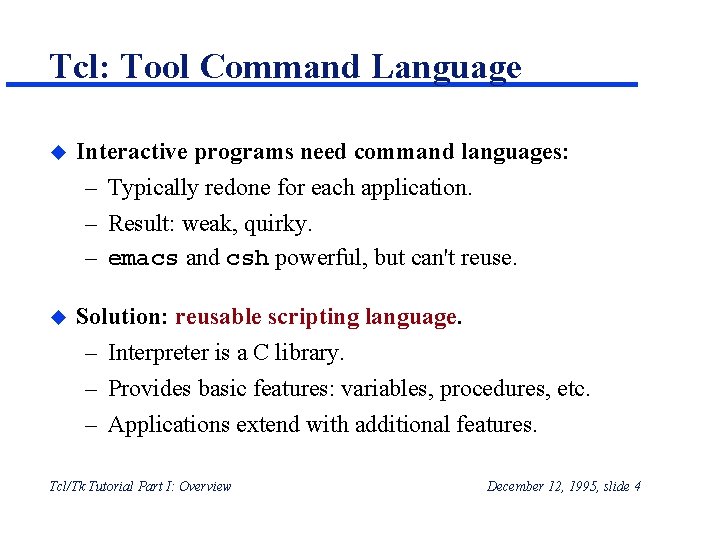
Tcl: Tool Command Language u Interactive programs need command languages: – Typically redone for each application. – Result: weak, quirky. – emacs and csh powerful, but can't reuse. u Solution: reusable scripting language. – Interpreter is a C library. – Provides basic features: variables, procedures, etc. – Applications extend with additional features. Tcl/Tk Tutorial Part I: Overview December 12, 1995, slide 4
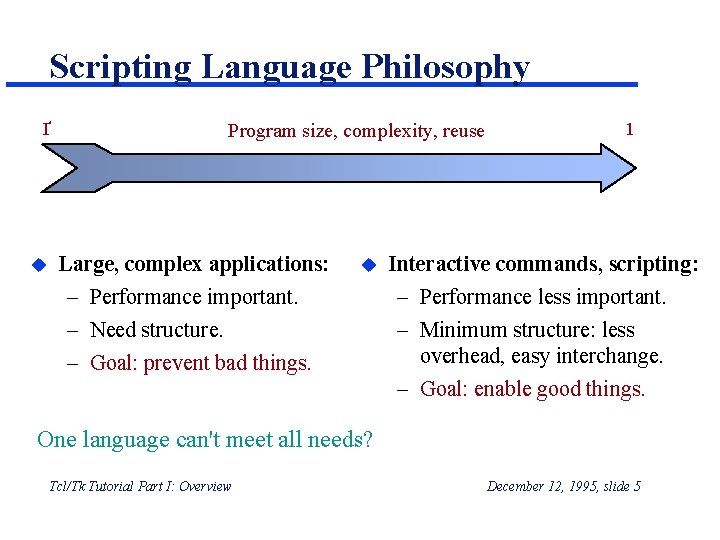
Scripting Language Philosophy Ґ u Program size, complexity, reuse Large, complex applications: – Performance important. – Need structure. – Goal: prevent bad things. u 1 Interactive commands, scripting: – Performance less important. – Minimum structure: less overhead, easy interchange. – Goal: enable good things. One language can't meet all needs? Tcl/Tk Tutorial Part I: Overview December 12, 1995, slide 5
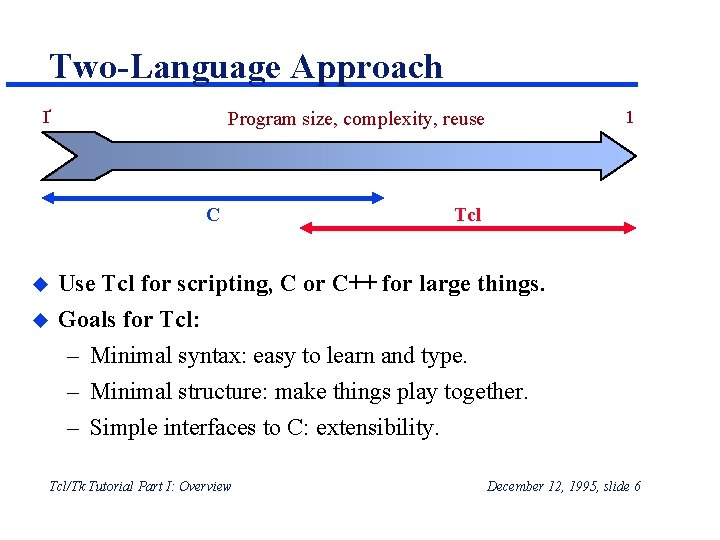
Two-Language Approach 1 Program size, complexity, reuse Ґ C Tcl u Use Tcl for scripting, C or C++ for large things. u Goals for Tcl: – Minimal syntax: easy to learn and type. – Minimal structure: make things play together. – Simple interfaces to C: extensibility. Tcl/Tk Tutorial Part I: Overview December 12, 1995, slide 6
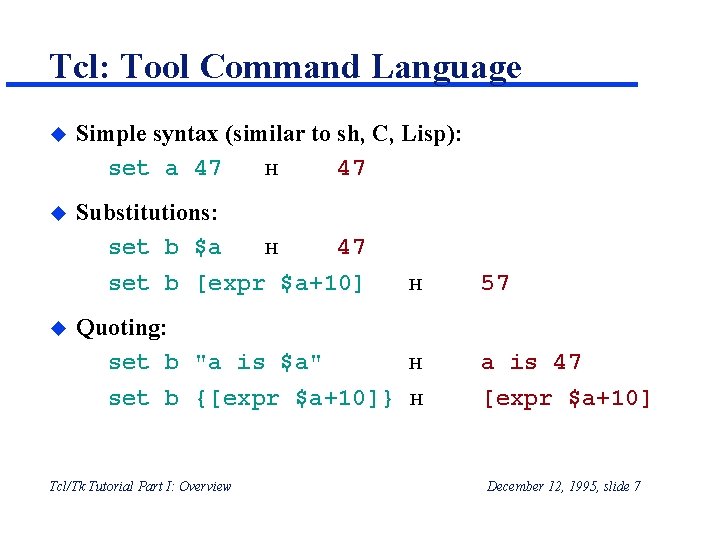
Tcl: Tool Command Language u Simple syntax (similar to sh, C, Lisp): set a 47 н 47 u Substitutions: set b $a н 47 set b [expr $a+10] н 57 Quoting: set b "a is $a" н a is 47 u set b {[expr $a+10]} н Tcl/Tk Tutorial Part I: Overview [expr $a+10] December 12, 1995, slide 7
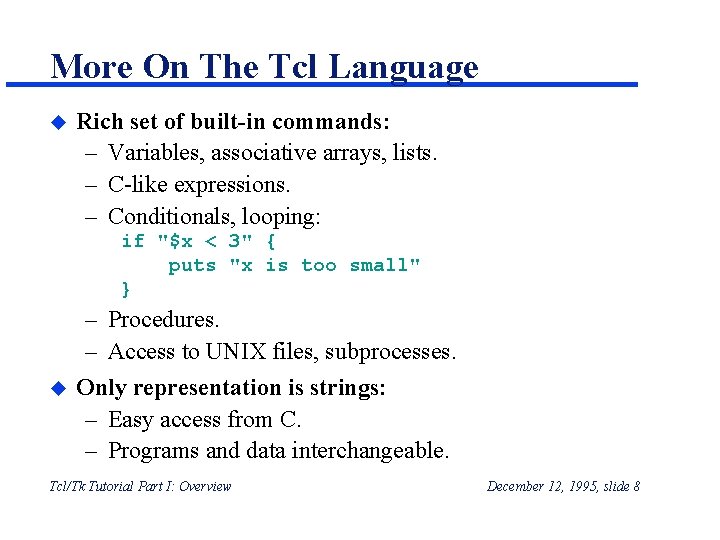
More On The Tcl Language u Rich set of built-in commands: – Variables, associative arrays, lists. – C-like expressions. – Conditionals, looping: if "$x < 3" { puts "x is too small" } u – Procedures. – Access to UNIX files, subprocesses. Only representation is strings: – Easy access from C. – Programs and data interchangeable. Tcl/Tk Tutorial Part I: Overview December 12, 1995, slide 8
Factorial Procedure proc fac x { if $x<=1 {return 1} expr $x*[fac [expr $x-1]] } fac 4 н Tcl/Tk Tutorial Part I: Overview 24 December 12, 1995, slide 9
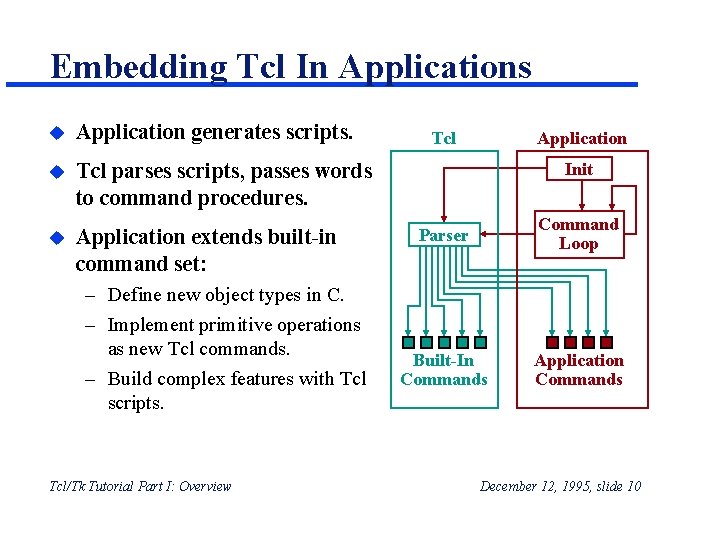
Embedding Tcl In Applications u Application generates scripts. u Tcl parses scripts, passes words to command procedures. u Application extends built-in command set: – Define new object types in C. – Implement primitive operations as new Tcl commands. – Build complex features with Tcl scripts. Tcl/Tk Tutorial Part I: Overview Tcl Application Init Parser Command Loop Built-In Commands Application Commands December 12, 1995, slide 10
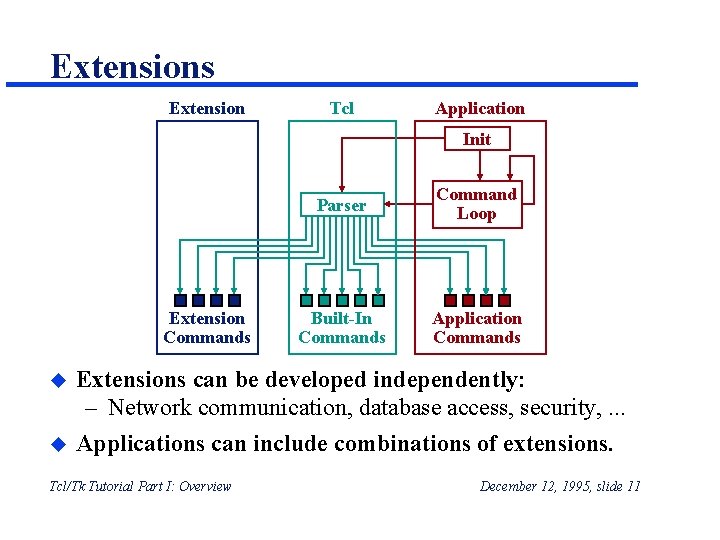
Extensions Extension Tcl Application Init Extension Commands u u Parser Command Loop Built-In Commands Application Commands Extensions can be developed independently: – Network communication, database access, security, . . . Applications can include combinations of extensions. Tcl/Tk Tutorial Part I: Overview December 12, 1995, slide 11
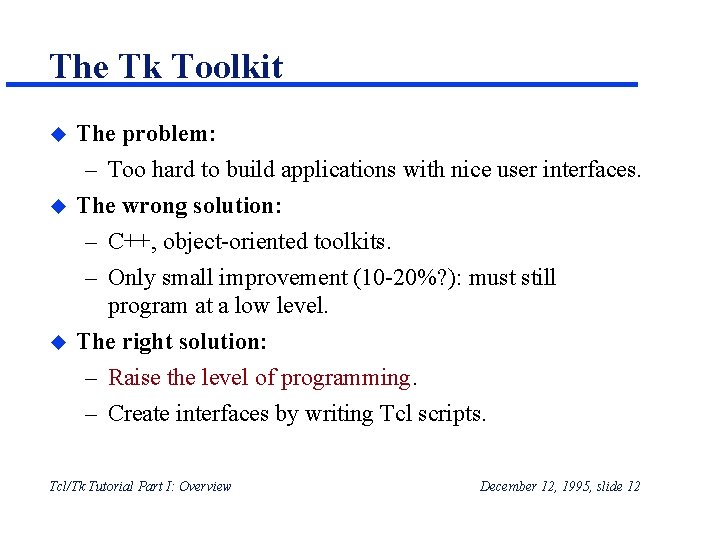
The Tk Toolkit u u u The problem: – Too hard to build applications with nice user interfaces. The wrong solution: – C++, object-oriented toolkits. – Only small improvement (10 -20%? ): must still program at a low level. The right solution: – Raise the level of programming. – Create interfaces by writing Tcl scripts. Tcl/Tk Tutorial Part I: Overview December 12, 1995, slide 12
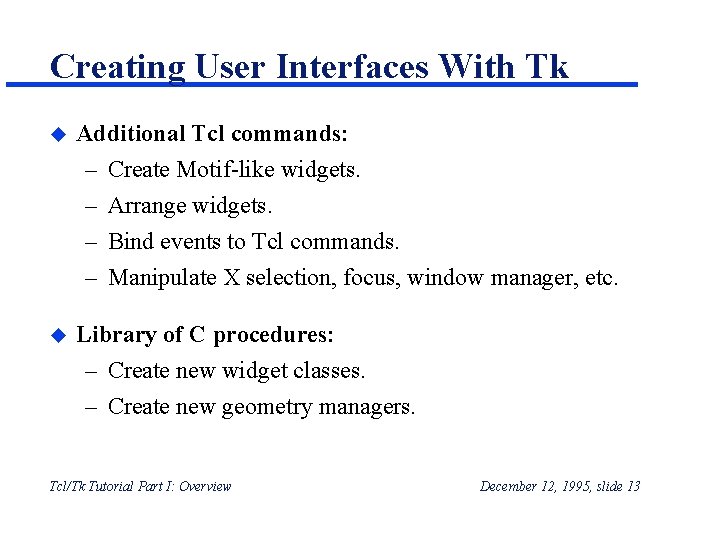
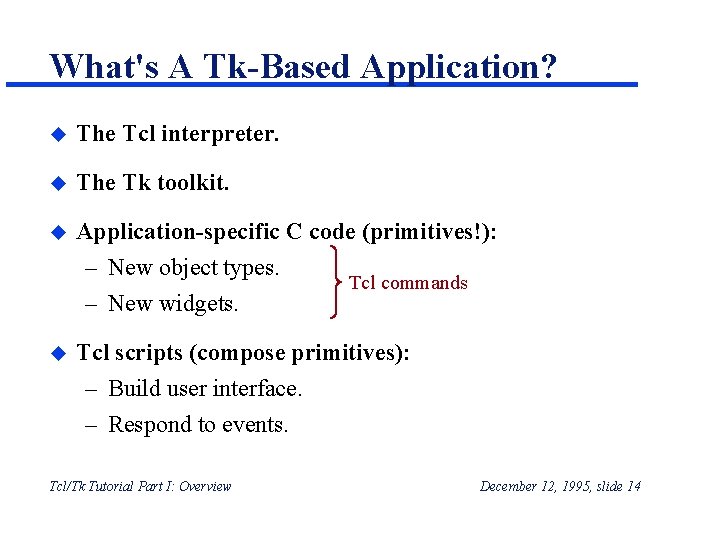
Creating User Interfaces With Tk u Additional Tcl commands: – – u Create Motif-like widgets. Arrange widgets. Bind events to Tcl commands. Manipulate X selection, focus, window manager, etc. Library of C procedures: – Create new widget classes. – Create new geometry managers. Tcl/Tk Tutorial Part I: Overview December 12, 1995, slide 13
What's A Tk-Based Application? u The Tcl interpreter. u The Tk toolkit. u Application-specific C code (primitives!): – New object types. Tcl commands – New widgets. u Tcl scripts (compose primitives): – Build user interface. – Respond to events. Tcl/Tk Tutorial Part I: Overview December 12, 1995, slide 14
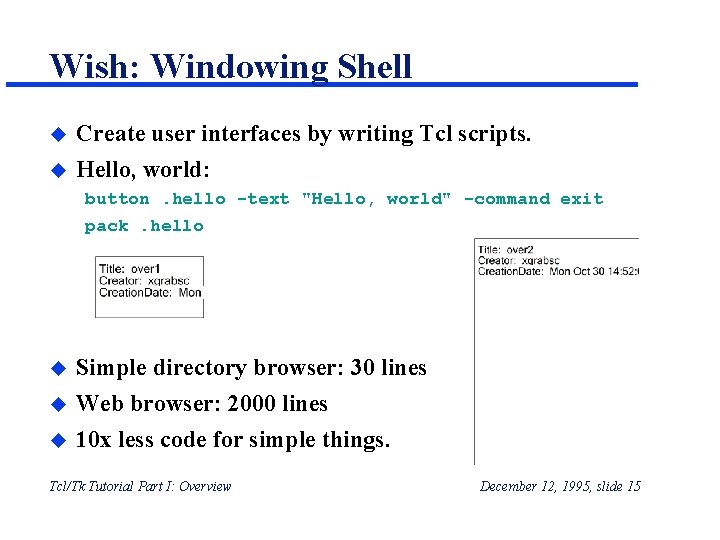
Wish: Windowing Shell u Create user interfaces by writing Tcl scripts. u Hello, world: button. hello -text "Hello, world" -command exit pack. hello u u u Simple directory browser: 30 lines Web browser: 2000 lines 10 x less code for simple things. Tcl/Tk Tutorial Part I: Overview December 12, 1995, slide 15
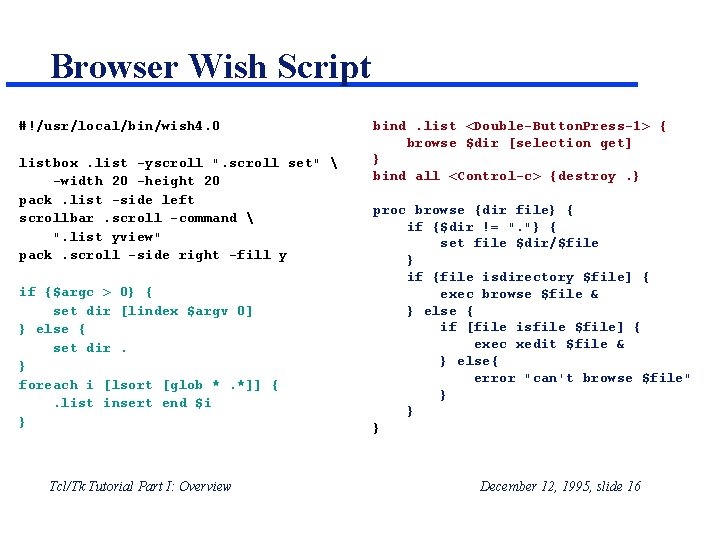
Browser Wish Script #!/usr/local/bin/wish 4. 0 listbox. list -yscroll ". scroll set" -width 20 -height 20 pack. list -side left scrollbar. scroll -command ". list yview" pack. scroll -side right -fill y if {$argc > 0} { set dir [lindex $argv 0] } else { set dir. } foreach i [lsort [glob *. *]] {. list insert end $i } Tcl/Tk Tutorial Part I: Overview bind. list <Double-Button. Press-1> { browse $dir [selection get] } bind all <Control-c> {destroy. } proc browse {dir file} { if {$dir != ". "} { set file $dir/$file } if {file isdirectory $file] { exec browse $file & } else { if [file isfile $file] { exec xedit $file & } else{ error "can't browse $file" } } } December 12, 1995, slide 16
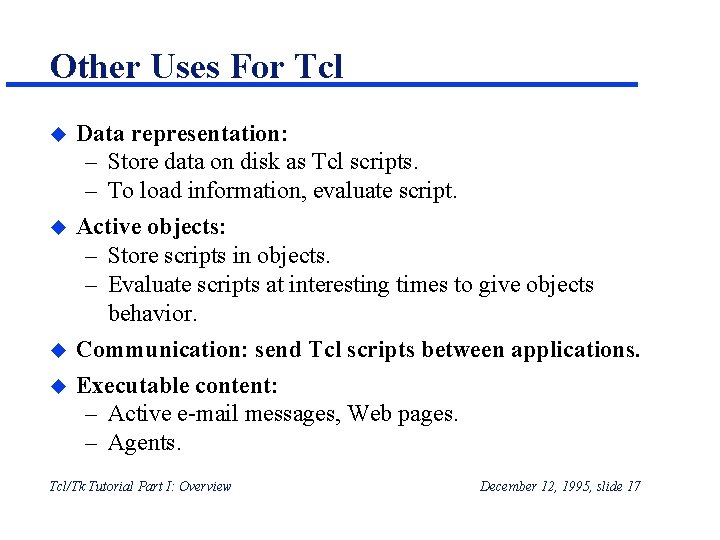
Other Uses For Tcl u u Data representation: – Store data on disk as Tcl scripts. – To load information, evaluate script. Active objects: – Store scripts in objects. – Evaluate scripts at interesting times to give objects behavior. Communication: send Tcl scripts between applications. Executable content: – Active e-mail messages, Web pages. – Agents. Tcl/Tk Tutorial Part I: Overview December 12, 1995, slide 17
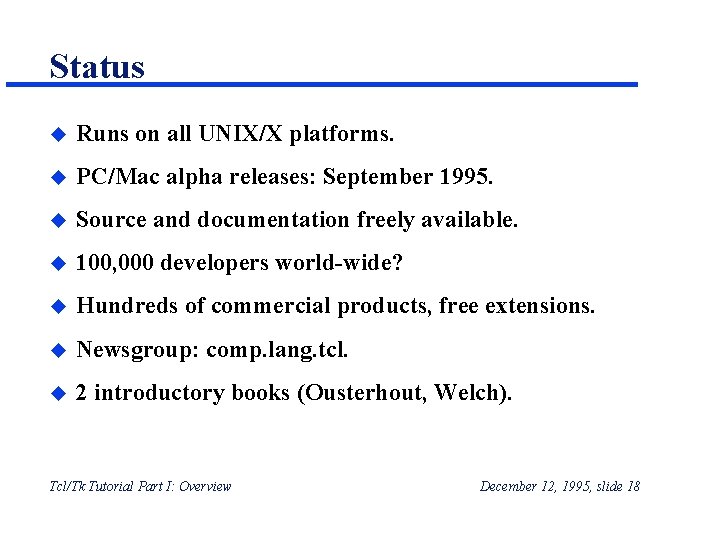
Status u Runs on all UNIX/X platforms. u PC/Mac alpha releases: September 1995. u Source and documentation freely available. u 100, 000 developers world-wide? u Hundreds of commercial products, free extensions. u Newsgroup: comp. lang. tcl. u 2 introductory books (Ousterhout, Welch). Tcl/Tk Tutorial Part I: Overview December 12, 1995, slide 18
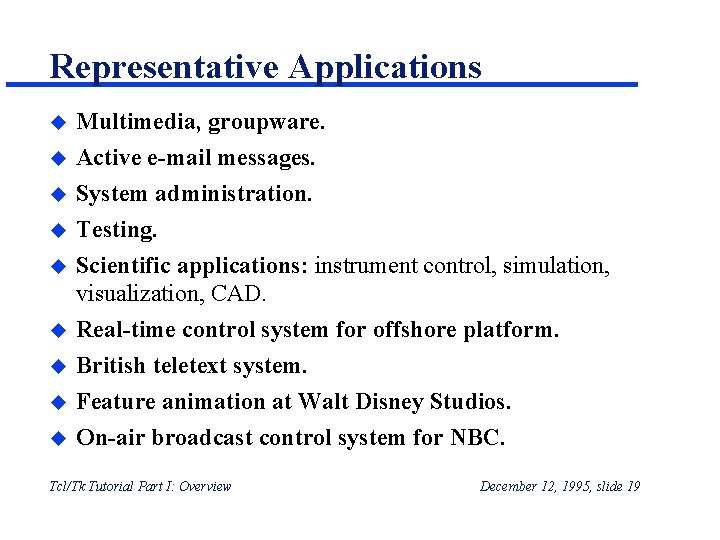
Representative Applications u Multimedia, groupware. u Active e-mail messages. System administration. Testing. Scientific applications: instrument control, simulation, visualization, CAD. Real-time control system for offshore platform. British teletext system. Feature animation at Walt Disney Studios. On-air broadcast control system for NBC. u u u u Tcl/Tk Tutorial Part I: Overview December 12, 1995, slide 19
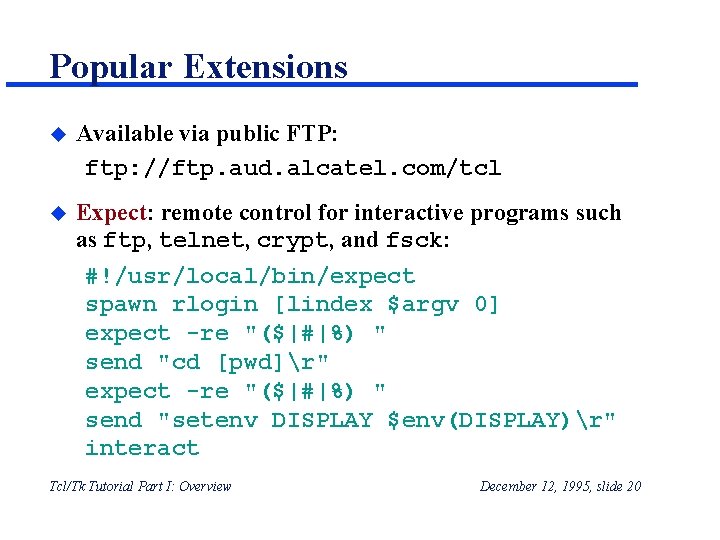
Popular Extensions u Available via public FTP: ftp: //ftp. aud. alcatel. com/tcl u Expect: remote control for interactive programs such as ftp, telnet, crypt, and fsck: #!/usr/local/bin/expect spawn rlogin [lindex $argv 0] expect -re "($|#|%) " send "cd [pwd]r" expect -re "($|#|%) " send "setenv DISPLAY $env(DISPLAY)r" interact Tcl/Tk Tutorial Part I: Overview December 12, 1995, slide 20
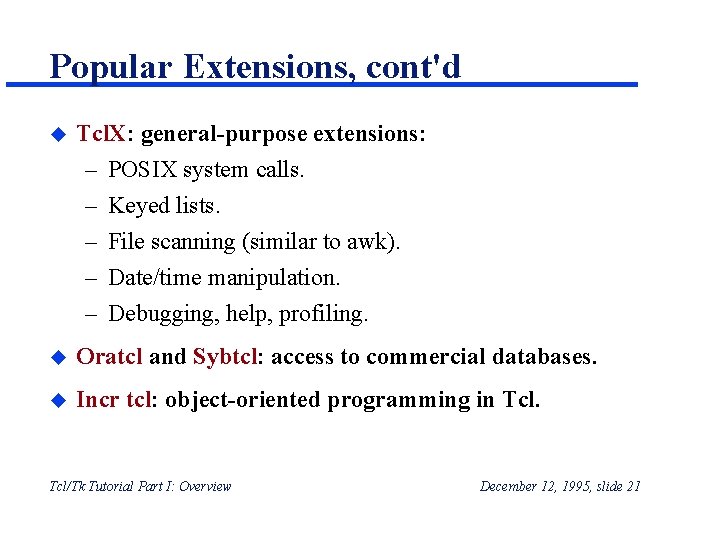
Popular Extensions, cont'd u Tcl. X: general-purpose extensions: – – – POSIX system calls. Keyed lists. File scanning (similar to awk). Date/time manipulation. Debugging, help, profiling. u Oratcl and Sybtcl: access to commercial databases. u Incr tcl: object-oriented programming in Tcl/Tk Tutorial Part I: Overview December 12, 1995, slide 21
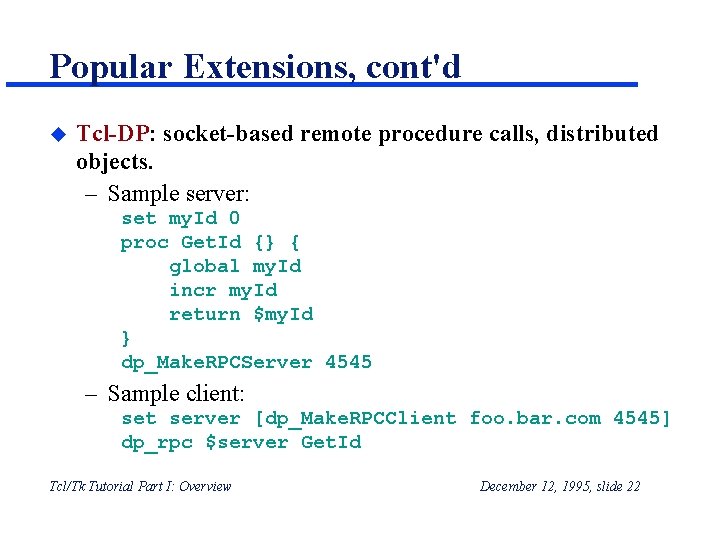
Popular Extensions, cont'd u Tcl-DP: socket-based remote procedure calls, distributed objects. – Sample server: set my. Id 0 proc Get. Id {} { global my. Id incr my. Id return $my. Id } dp_Make. RPCServer 4545 – Sample client: set server [dp_Make. RPCClient foo. bar. com 4545] dp_rpc $server Get. Id Tcl/Tk Tutorial Part I: Overview December 12, 1995, slide 22
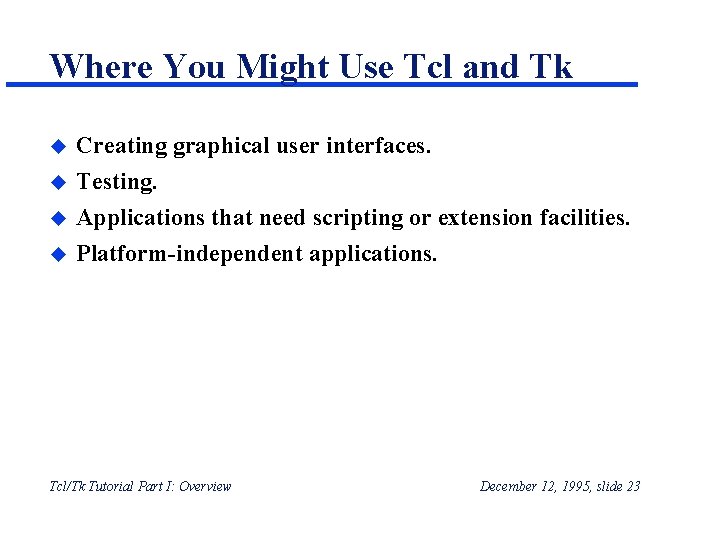
Where You Might Use Tcl and Tk u Creating graphical user interfaces. u Testing. Applications that need scripting or extension facilities. Platform-independent applications. u u Tcl/Tk Tutorial Part I: Overview December 12, 1995, slide 23
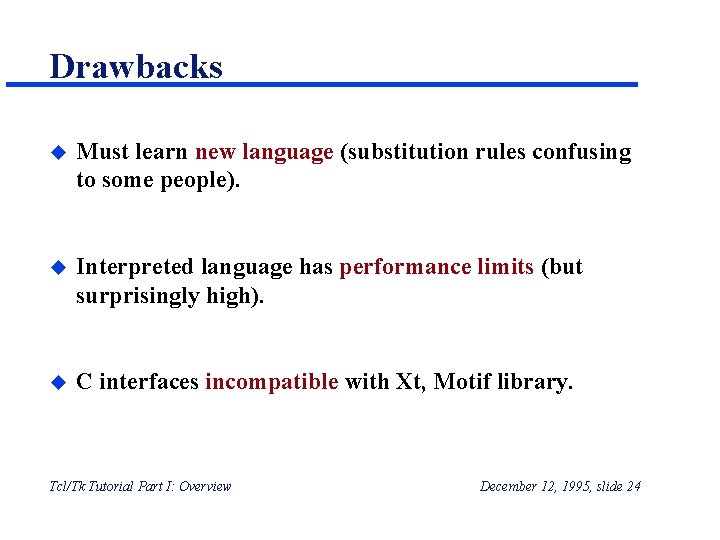
Drawbacks u Must learn new language (substitution rules confusing to some people). u Interpreted language has performance limits (but surprisingly high). u C interfaces incompatible with Xt, Motif library. Tcl/Tk Tutorial Part I: Overview December 12, 1995, slide 24
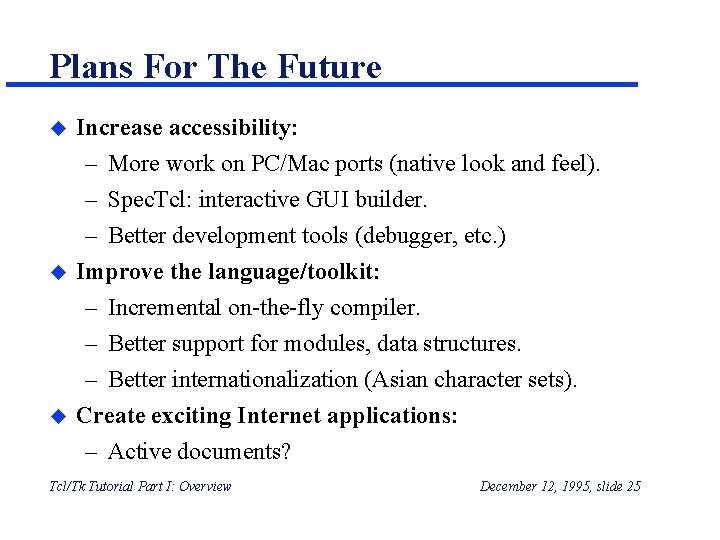
Plans For The Future u u u Increase accessibility: – More work on PC/Mac ports (native look and feel). – Spec. Tcl: interactive GUI builder. – Better development tools (debugger, etc. ) Improve the language/toolkit: – Incremental on-the-fly compiler. – Better support for modules, data structures. – Better internationalization (Asian character sets). Create exciting Internet applications: – Active documents? Tcl/Tk Tutorial Part I: Overview December 12, 1995, slide 25
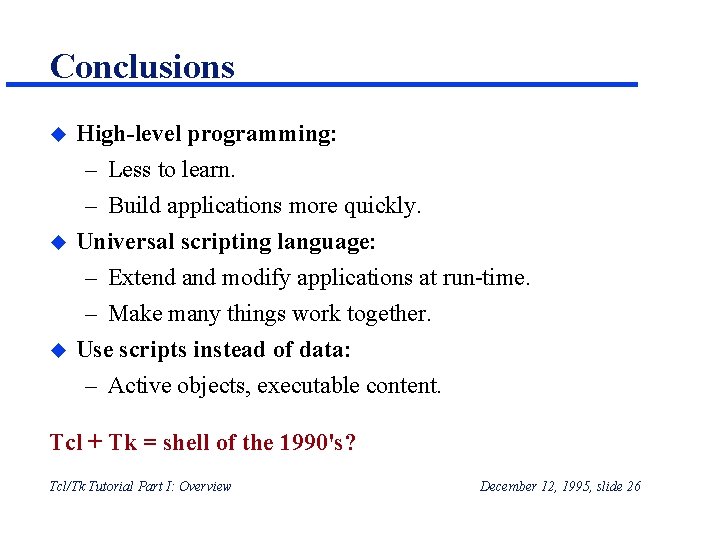
Conclusions u u u High-level programming: – Less to learn. – Build applications more quickly. Universal scripting language: – Extend and modify applications at run-time. – Make many things work together. Use scripts instead of data: – Active objects, executable content. Tcl + Tk = shell of the 1990's? Tcl/Tk Tutorial Part I: Overview December 12, 1995, slide 26