
An introduction to Windows Presentation Foundation LEADING EDGE

- Slides: 36
An introduction to Windows Presentation Foundation LEADING EDGE WINDOWS DEVELOPMENT
Introducing WPF Available on Vista, Xp SP 2, and Windows Server 2003 Hardware acceleration Resolution independence Declarative user interface Object-based drawing Dynamic control appearance (lookless controls)
WPF Features Web like layout model Rich drawing model Styles and control templates Animation Audio and Video Page based applications Command model
WPF Applications Windows Standalone Applications Full trust by default Installed XAML Browser Applications (XBAP) Partial trust by default Not installed Windows: IE, Firefox Both require. NET Framework 3. 0/3. 5
Display Technologies Same display technology for 15 years. User 32 provides familiar look and feel. GDI/GDI+ provides drawing support for rendering shapes, text, and images. Newer frameworks increase usability, but are fundamentally limited by base technology.
WPF Display Technology WPF uses Direct. X for all rendering. WPF is not a wrapper for GDI/GDI+, it is a replacement. Direct. X is more efficient as it is able to use the video card to render textures and gradients. GDI/GDI+ can’t. WPF still uses User 32 for some things such as handling user input.
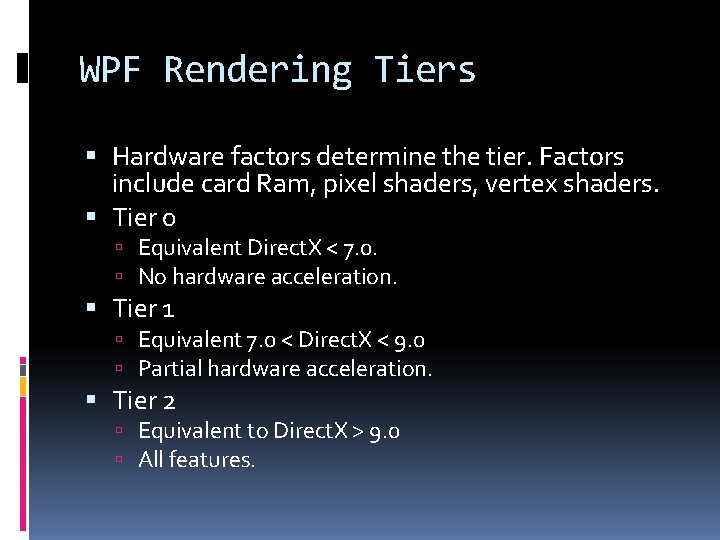
WPF Rendering Tiers Hardware factors determine the tier. Factors include card Ram, pixel shaders, vertex shaders. Tier 0 Equivalent Direct. X < 7. 0. No hardware acceleration. Tier 1 Equivalent 7. 0 < Direct. X < 9. 0 Partial hardware acceleration. Tier 2 Equivalent to Direct. X > 9. 0 All features.
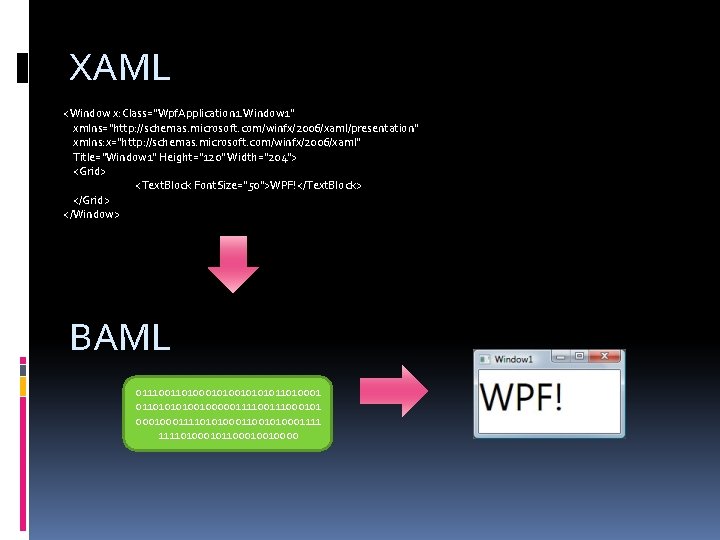
XAML <Window x: Class="Wpf. Application 1. Window 1" xmlns="http: //schemas. microsoft. com/winfx/2006/xaml/presentation" xmlns: x="http: //schemas. microsoft. com/winfx/2006/xaml" Title="Window 1" Height="120" Width="204"> <Grid> <Text. Block Font. Size="50">WPF!</Text. Block> </Grid> </Window> BAML 011100110100010101011010001 01101001000001111000101 000111101010001100101000111101000101100010010000
XAML Separation of design from code. No conversion of graphical content. Main domain is WPF user interfaces. Understanding XAML is critical in WPF application design.
With XAML Wire up event handlers Define resources Define control templates Data bind Animate
Alien Sokoban Demo
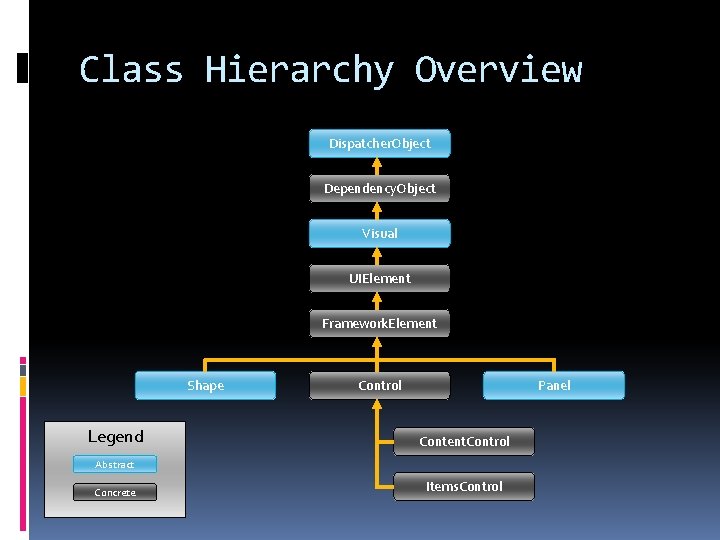
Class Hierarchy Overview Dispatcher. Object Dependency. Object Visual UIElement Framework. Element Shape Legend Control Panel Content. Control Abstract Concrete Items. Control
The Application Class Single Threaded Apartment State. Tracks all open windows. Allows for initialization and cleanup. System. Windows. Application ≈ System. Windows. Forms. Application
Layout defined using containers. Coordinate based layout is discouraged. Resolution-independent and sizeindependent interfaces. Advantages: Scale well on different monitors. Adjust when content changes. Handle transition to other languages.
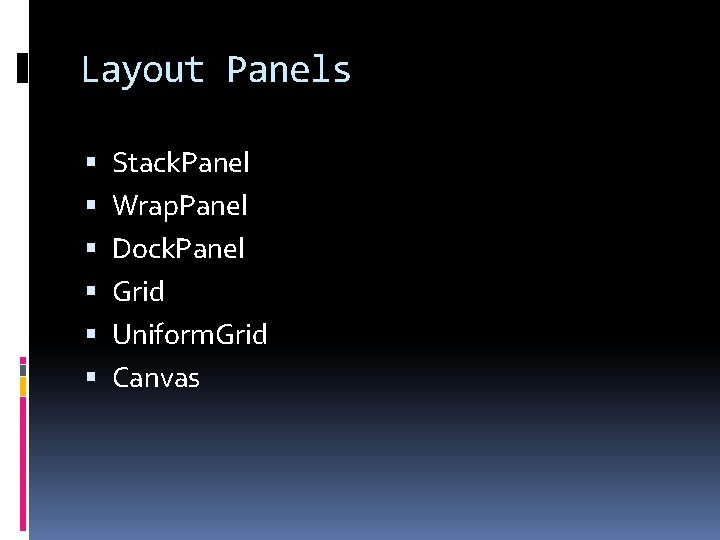
Layout Panels Stack. Panel Wrap. Panel Dock. Panel Grid Uniform. Grid Canvas
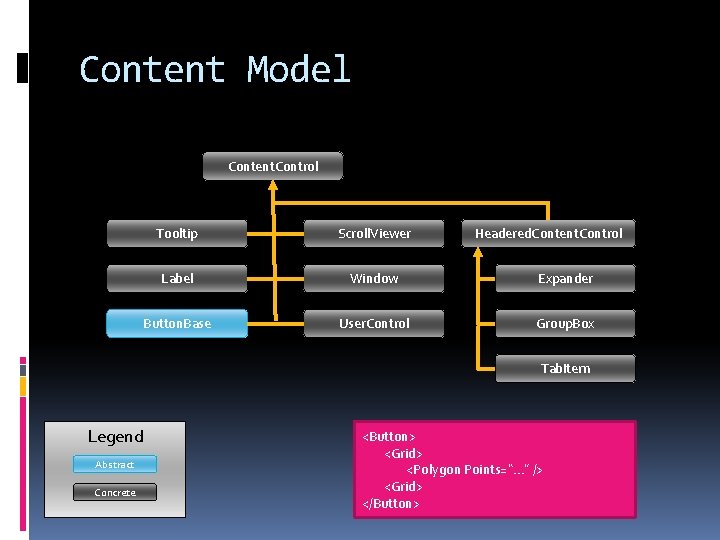
Content Model Content. Control Tooltip Scroll. Viewer Headered. Content. Control Label Window Expander Button. Base User. Control Group. Box Tab. Item Legend Abstract Concrete <Button> <Grid> <Polygon Points=“. . . ” /> <Grid> </Button>
Dependency Properties Change notification Property value inheritance Used in animation, data binding, and styles
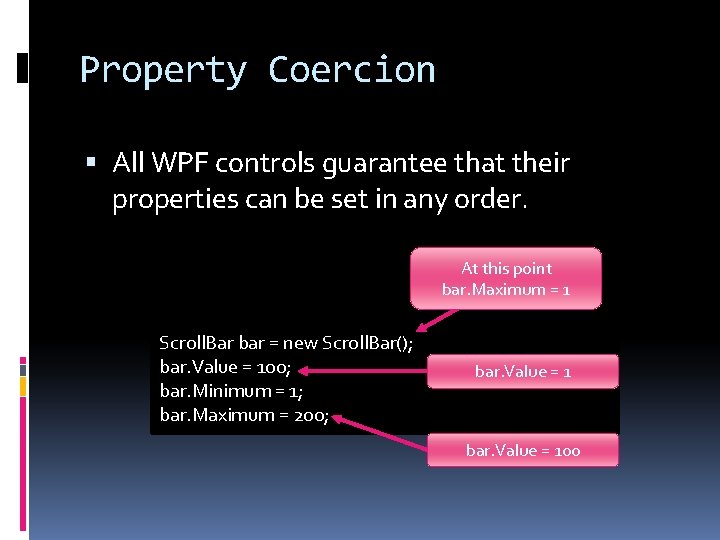
Property Coercion All WPF controls guarantee that their properties can be set in any order. At this point bar. Maximum = 1 Scroll. Bar bar = new Scroll. Bar(); bar. Value = 100; bar. Minimum = 1; bar. Maximum = 200; bar. Value = 100
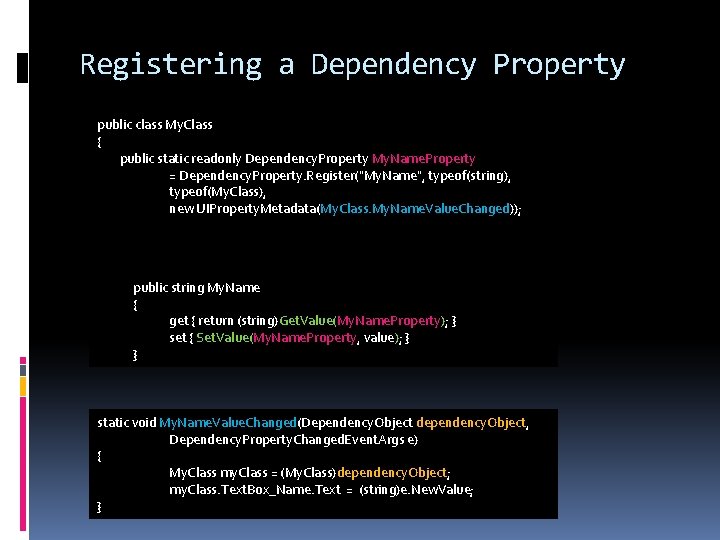
Registering a Dependency Property public class My. Class { public static readonly Dependency. Property My. Name. Property = Dependency. Property. Register("My. Name", typeof(string), typeof(My. Class), new UIProperty. Metadata(My. Class. My. Name. Value. Changed)); public string My. Name { get { return (string)Get. Value(My. Name. Property); } set { Set. Value(My. Name. Property, value); } } static void My. Name. Value. Changed(Dependency. Object dependency. Object, Dependency. Property. Changed. Event. Args e) { My. Class my. Class = (My. Class)dependency. Object; my. Class. Text. Box_Name. Text = (string)e. New. Value; }
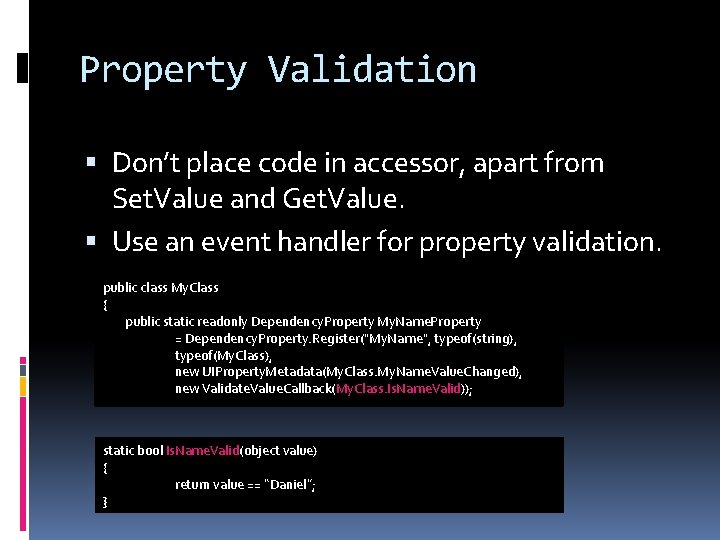
Property Validation Don’t place code in accessor, apart from Set. Value and Get. Value. Use an event handler for property validation. public class My. Class { public static readonly Dependency. Property My. Name. Property = Dependency. Property. Register("My. Name", typeof(string), typeof(My. Class), new UIProperty. Metadata(My. Class. My. Name. Value. Changed), new Validate. Value. Callback(My. Class. Is. Name. Valid)); static bool Is. Name. Valid(object value) { return value == “Daniel”; }
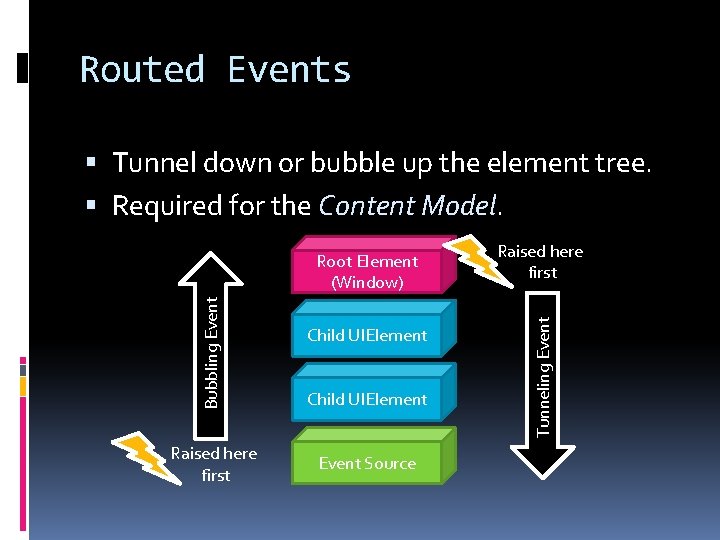
Routed Events Tunnel down or bubble up the element tree. Required for the Content Model. Raised here first Child UIElement Event Source Raised here first Tunneling Event Bubbling Event Root Element (Window)
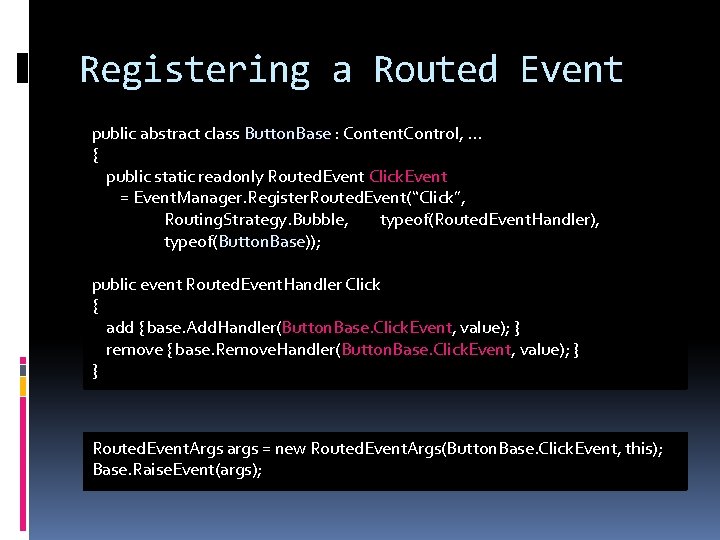
Registering a Routed Event public abstract class Button. Base : Content. Control, . . . { public static readonly Routed. Event Click. Event = Event. Manager. Register. Routed. Event(“Click”, Routing. Strategy. Bubble, typeof(Routed. Event. Handler), typeof(Button. Base)); public event Routed. Event. Handler Click { add { base. Add. Handler(Button. Base. Click. Event, value); } remove { base. Remove. Handler(Button. Base. Click. Event, value); } } Routed. Event. Args args = new Routed. Event. Args(Button. Base. Click. Event, this); Base. Raise. Event(args);
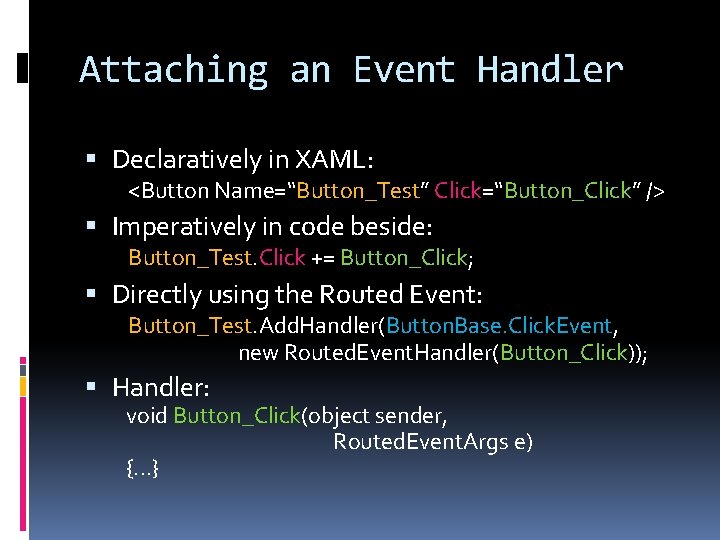
Attaching an Event Handler Declaratively in XAML: <Button Name=“Button_Test” Click=“Button_Click” /> Imperatively in code beside: Button_Test. Click += Button_Click; Directly using the Routed Event: Button_Test. Add. Handler(Button. Base. Click. Event, new Routed. Event. Handler(Button_Click)); Handler: void Button_Click(object sender, Routed. Event. Args e) {. . . }
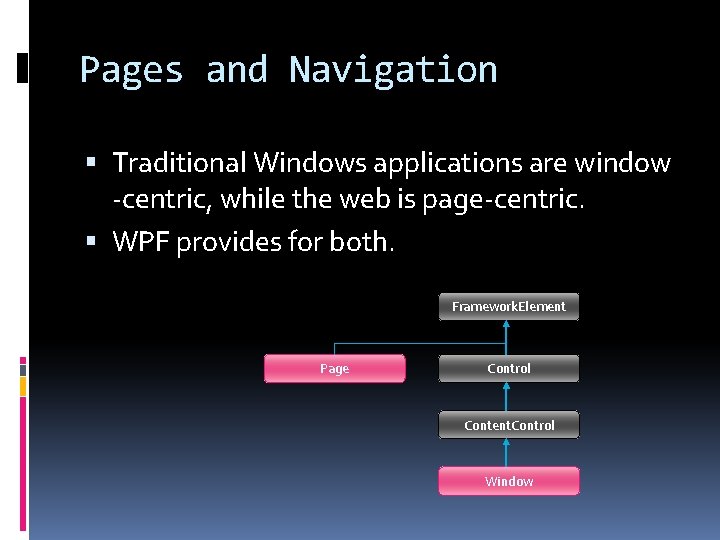
Pages and Navigation Traditional Windows applications are window -centric, while the web is page-centric. WPF provides for both. Framework. Element Page Control Content. Control Window
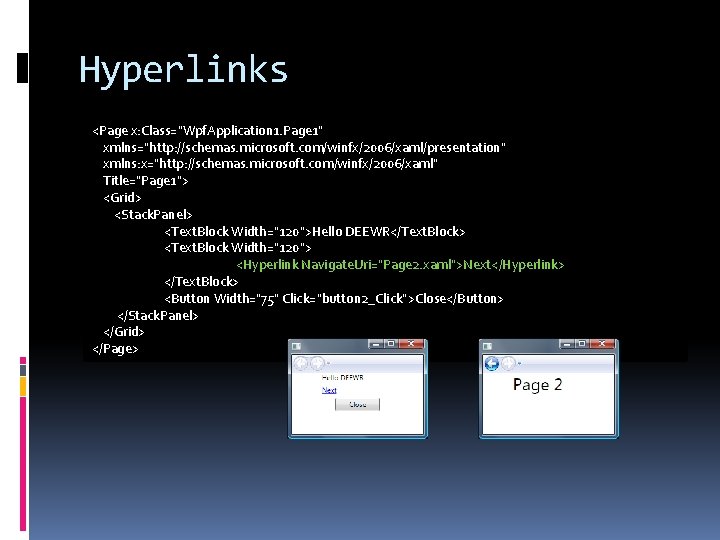
Hyperlinks <Page x: Class="Wpf. Application 1. Page 1" xmlns="http: //schemas. microsoft. com/winfx/2006/xaml/presentation" xmlns: x="http: //schemas. microsoft. com/winfx/2006/xaml" Title="Page 1"> <Grid> <Stack. Panel> <Text. Block Width="120">Hello DEEWR</Text. Block> <Text. Block Width="120"> <Hyperlink Navigate. Uri="Page 2. xaml">Next</Hyperlink> </Text. Block> <Button Width="75" Click="button 2_Click">Close</Button> </Stack. Panel> </Grid> </Page>
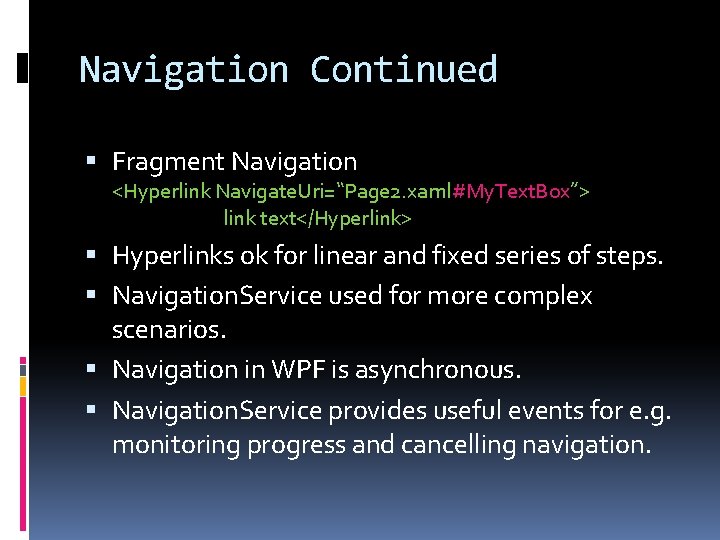
Navigation Continued Fragment Navigation <Hyperlink Navigate. Uri=“Page 2. xaml#My. Text. Box”> link text</Hyperlink> Hyperlinks ok for linear and fixed series of steps. Navigation. Service used for more complex scenarios. Navigation in WPF is asynchronous. Navigation. Service provides useful events for e. g. monitoring progress and cancelling navigation.
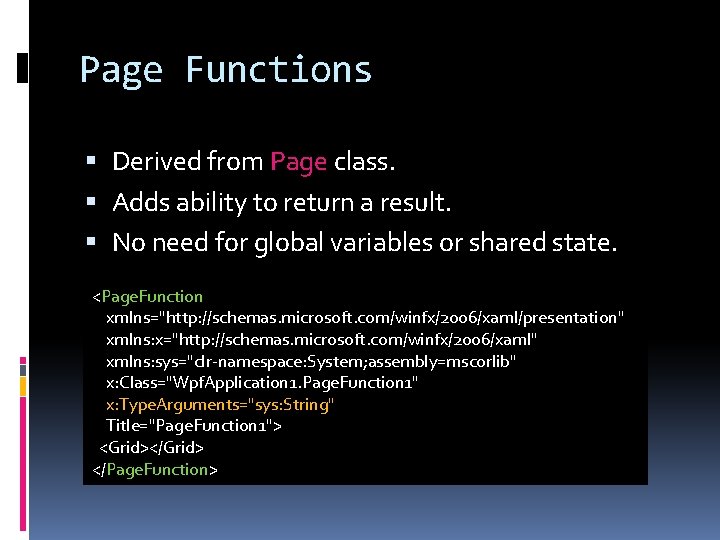
Page Functions Derived from Page class. Adds ability to return a result. No need for global variables or shared state. <Page. Function xmlns="http: //schemas. microsoft. com/winfx/2006/xaml/presentation" xmlns: x="http: //schemas. microsoft. com/winfx/2006/xaml" xmlns: sys="clr-namespace: System; assembly=mscorlib" x: Class="Wpf. Application 1. Page. Function 1" x: Type. Arguments="sys: String" Title="Page. Function 1"> <Grid></Grid> </Page. Function>
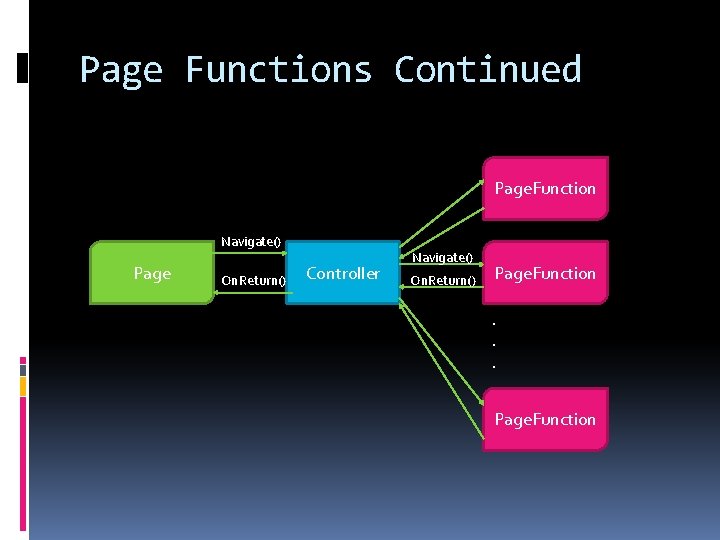
Page Functions Continued Page. Function Navigate() Page On. Return() Controller Navigate() On. Return() Page. Function. . . Page. Function
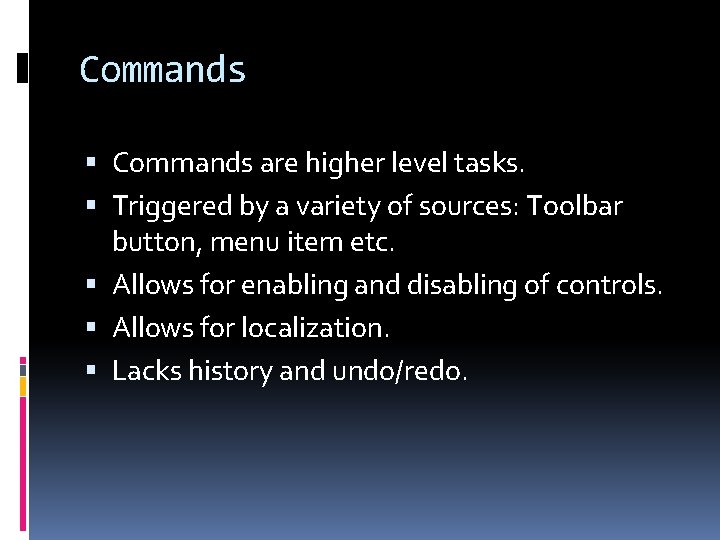
Commands are higher level tasks. Triggered by a variety of sources: Toolbar button, menu item etc. Allows for enabling and disabling of controls. Allows for localization. Lacks history and undo/redo.
Commands continued Business logic usually shouldn’t sit in event handlers, and may reside in separately compiled components. Wiring up event handlers for controls can be messy. WPF Command model Designates events to commands Synchronizes enabled control state Wired up using XAML
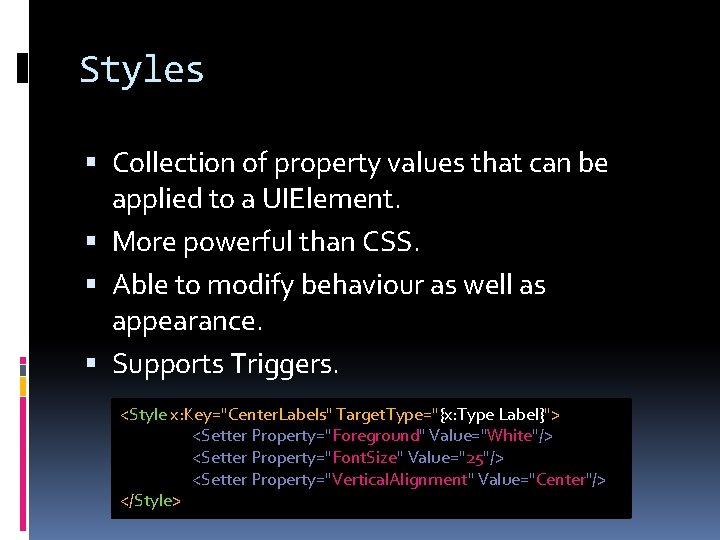
Styles Collection of property values that can be applied to a UIElement. More powerful than CSS. Able to modify behaviour as well as appearance. Supports Triggers. <Style x: Key="Center. Labels" Target. Type="{x: Type Label}"> <Setter Property="Foreground" Value="White"/> <Setter Property="Font. Size" Value="25"/> <Setter Property="Vertical. Alignment" Value="Center"/> </Style>
Control Templates Allows radical redesign of every control. In the past Customization difficult or impossible. Had to choose between convenience (prebuilt controls) and flexibility (roll your own).
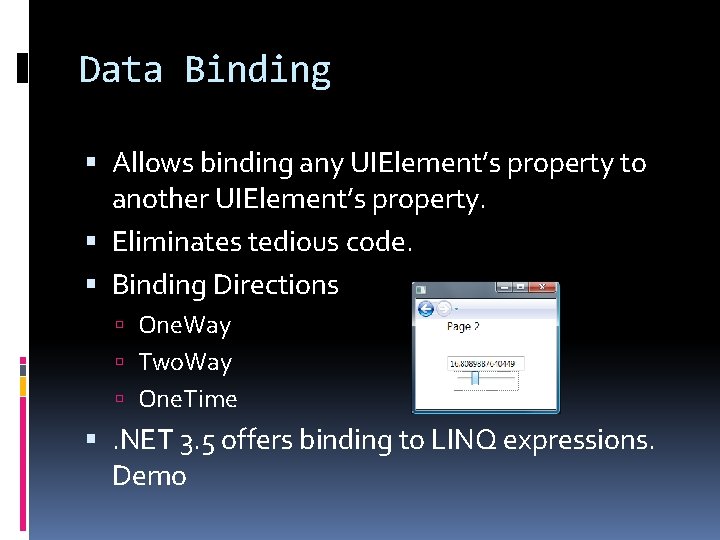
Data Binding Allows binding any UIElement’s property to another UIElement’s property. Eliminates tedious code. Binding Directions One. Way Two. Way One. Time . NET 3. 5 offers binding to LINQ expressions. Demo
Notable Omissions XPS Resources Accessibility Data binding validation Animation 3 D
Further Information http: //danielvaughan. orpius. com
References Dependency Properties Mac. Donald, M. 2008, Pro WPF in C# 2008, Apress Dependency Properties Overview