
An introduction to Windows Phone 7 Development Introductions



- Slides: 16
An introduction to Windows Phone 7 Development
Introductions � I’m Rob Fonseca-Ensor � A Solution Architect at Infusion � I run the Canary Wharf. NET User Group � I blog at http: //www. robfe. com � My twitter account is @robfe � I helped write a book on WP 7
Agenda � The Phone � The App Store Marketplace � The Development Environment � The Code
Hardware - Standardised All Manufacturers target a single chassis spec � 480 x 800 pixels � Buttons: Back, Windows, Search, Volume, Lock, Camera �Only back can be handled � GPS, Accelerometer, Wi-Fi, Bluetooth, Rear camera, Compass �Optional: Keyboard, Gyroscope �Potential: Higher res, Front camera, NFC
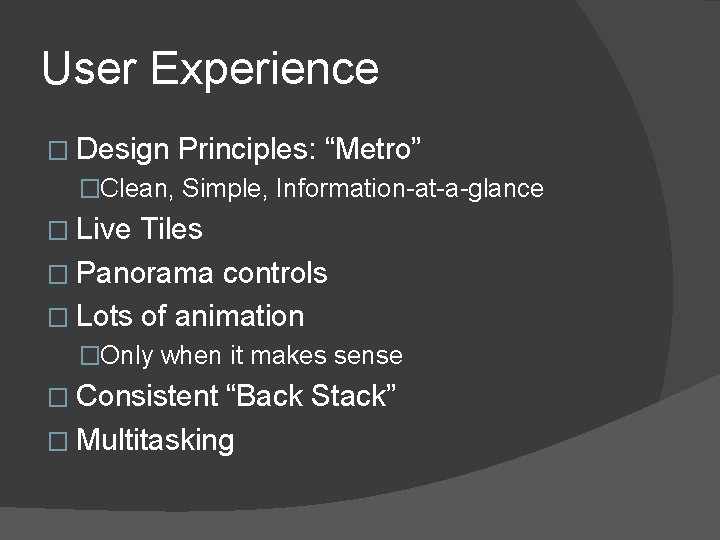
User Experience � Design Principles: “Metro” �Clean, Simple, Information-at-a-glance � Live Tiles � Panorama controls � Lots of animation �Only when it makes sense � Consistent “Back Stack” � Multitasking
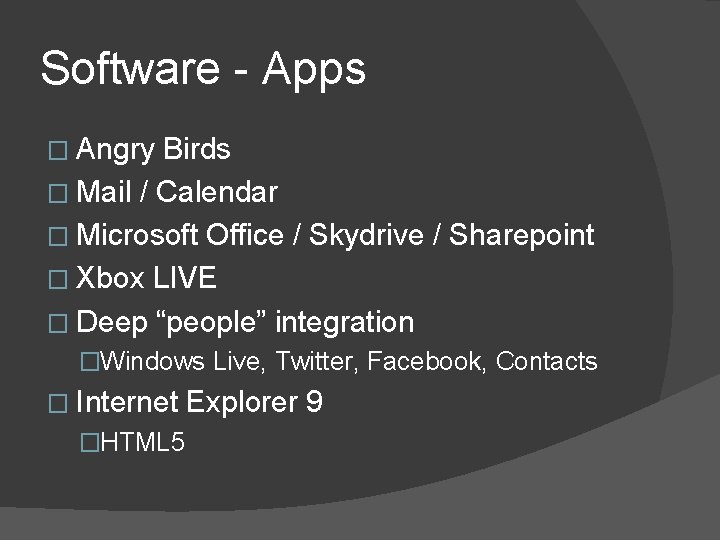
Software - Apps � Angry Birds � Mail / Calendar � Microsoft Office / Skydrive / Sharepoint � Xbox LIVE � Deep “people” integration �Windows Live, Twitter, Facebook, Contacts � Internet �HTML 5 Explorer 9
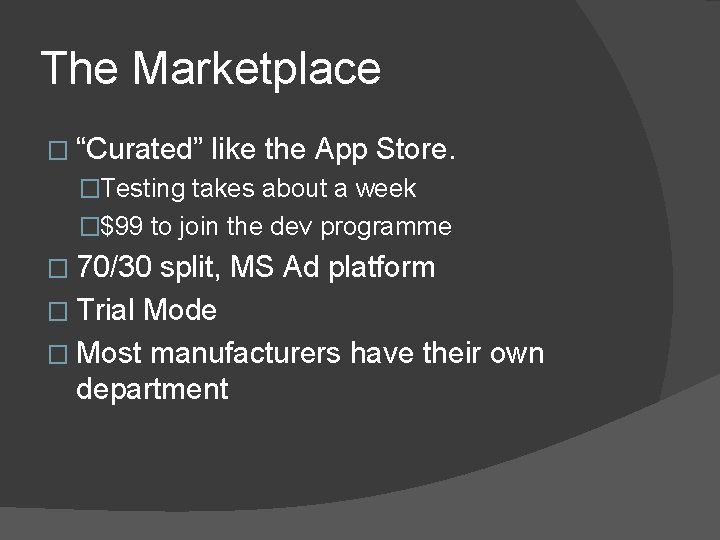
The Marketplace � “Curated” like the App Store. �Testing takes about a week �$99 to join the dev programme � 70/30 split, MS Ad platform � Trial Mode � Most manufacturers have their own department
Tools � http: //create. msdn. com �Downloads -> Windows Phone SDK 7. 1 ○ Visual Studio Express for Windows Phone ○ Blend for Windows Phone �Free � Phone unlock �Join the Developer Program ($99) �Chevron. WP 7 – semiofficial ($9)
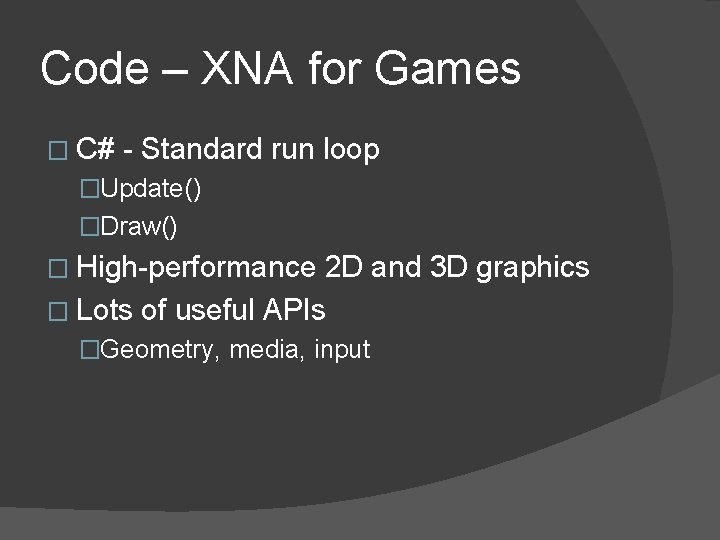
Code – XNA for Games � C# - Standard run loop �Update() �Draw() � High-performance 2 D and 3 D graphics � Lots of useful APIs �Geometry, media, input
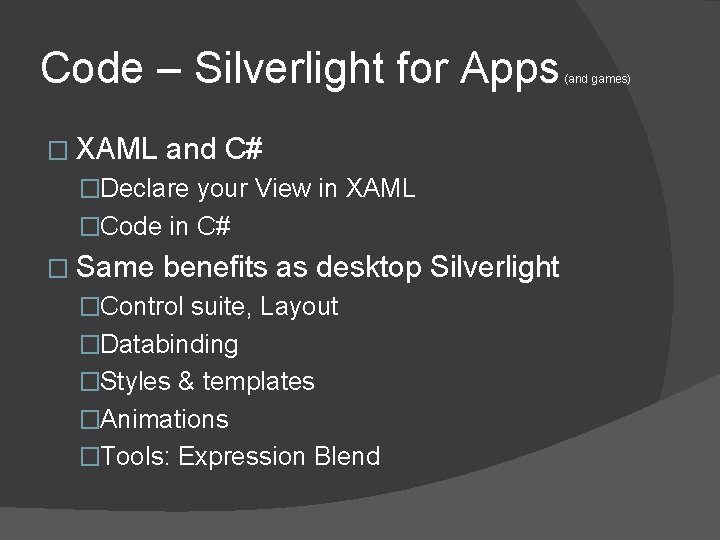
Code – Silverlight for Apps � XAML and C# �Declare your View in XAML �Code in C# � Same benefits as desktop Silverlight �Control suite, Layout �Databinding �Styles & templates �Animations �Tools: Expression Blend (and games)
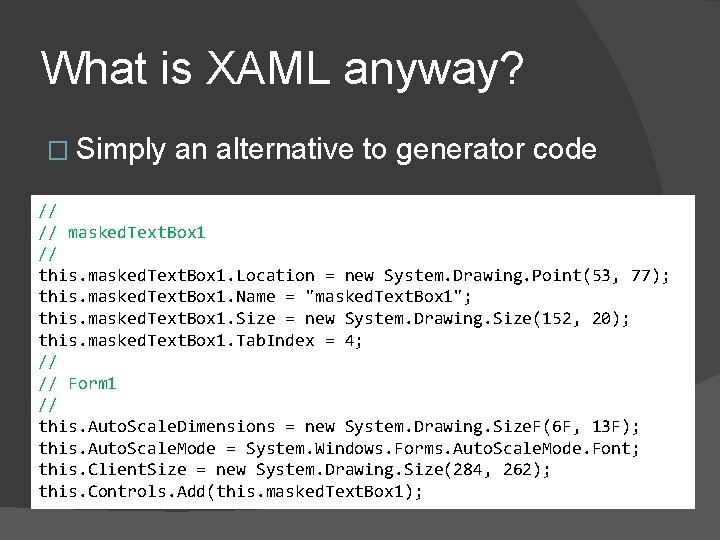
What is XAML anyway? � Simply an alternative to generator code // // masked. Text. Box 1 // this. masked. Text. Box 1. Location = new System. Drawing. Point(53, 77); this. masked. Text. Box 1. Name = "masked. Text. Box 1"; this. masked. Text. Box 1. Size = new System. Drawing. Size(152, 20); this. masked. Text. Box 1. Tab. Index = 4; // // Form 1 // this. Auto. Scale. Dimensions = new System. Drawing. Size. F(6 F, 13 F); this. Auto. Scale. Mode = System. Windows. Forms. Auto. Scale. Mode. Font; this. Client. Size = new System. Drawing. Size(284, 262); this. Controls. Add(this. masked. Text. Box 1);
DEMO: A simple UI � Lets make a screen that checks if a webpage can be accessed. �Create a WP 7 project �Add the controls to the XAML �Hook up the code � Bonus Demo: Expression Blend
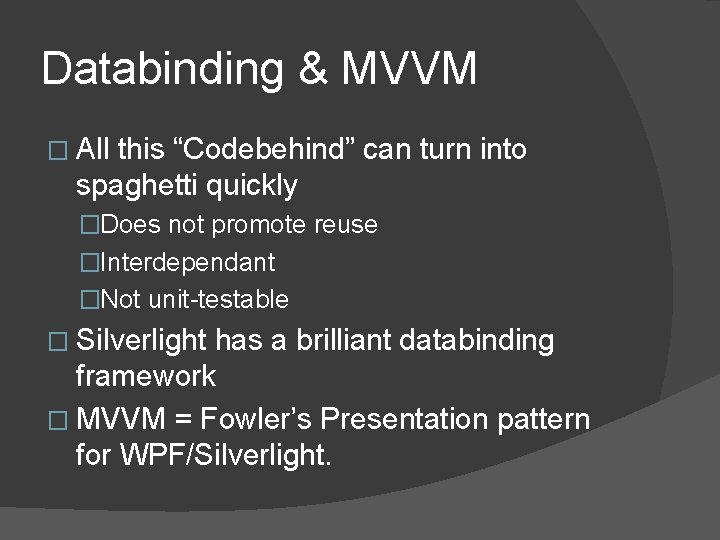
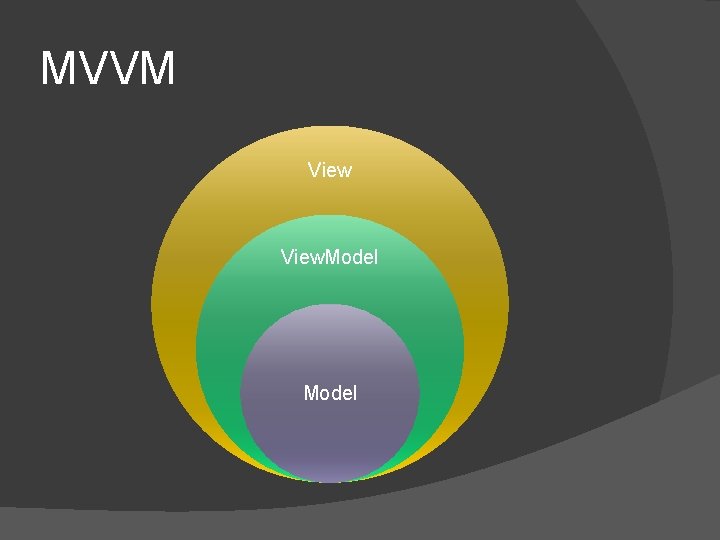
Databinding & MVVM � All this “Codebehind” can turn into spaghetti quickly �Does not promote reuse �Interdependant �Not unit-testable � Silverlight has a brilliant databinding framework � MVVM = Fowler’s Presentation pattern for WPF/Silverlight.
MVVM View. Model
Databinding Demo?
Questions?