
An introduction to Visual Literacy Grade 10 Click
- Slides: 11
An introduction to Visual Literacy Grade 10 Click here to continue 1
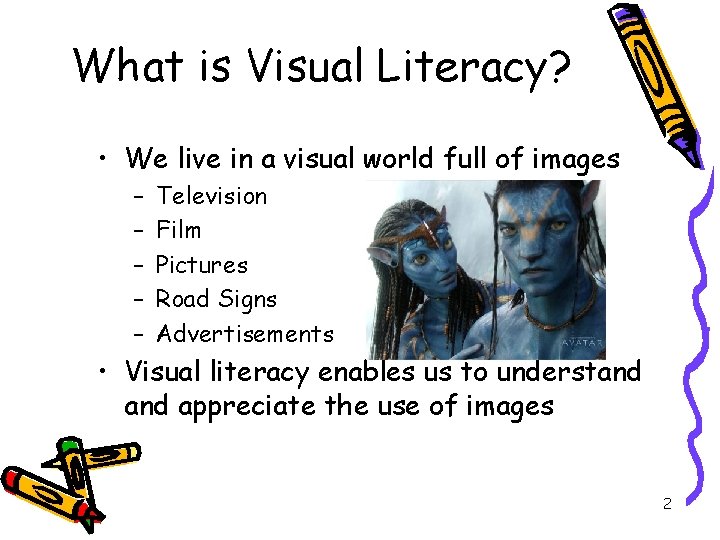
What is Visual Literacy? • We live in a visual world full of images – – – Television Film Pictures Road Signs Advertisements • Visual literacy enables us to understand appreciate the use of images 2
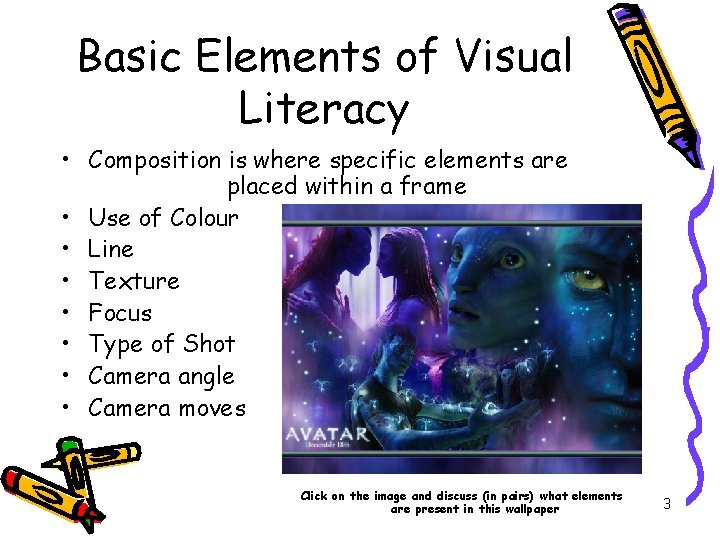
Basic Elements of Visual Literacy • Composition is where specific elements are placed within a frame • Use of Colour • Line • Texture • Focus • Type of Shot • Camera angle • Camera moves Click on the image and discuss (in pairs) what elements are present in this wallpaper 3
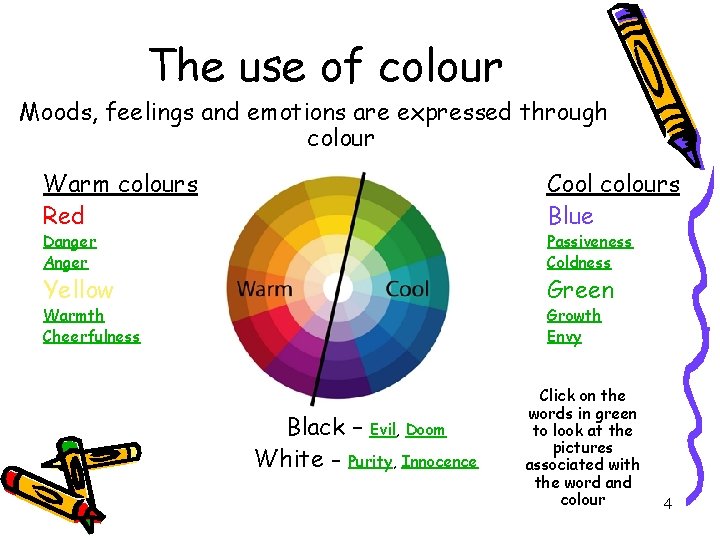
The use of colour Moods, feelings and emotions are expressed through colour Warm colours Red Cool colours Blue Yellow Green Danger Anger Passiveness Coldness Warmth Cheerfulness Growth Envy Black – Evil, Doom White - Purity, Innocence Click on the words in green to look at the pictures associated with the word and colour 4
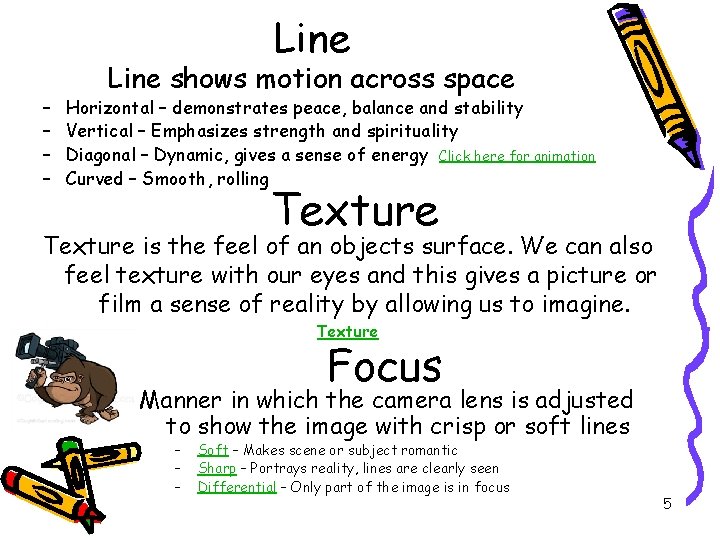
Line – – Line shows motion across space Horizontal – demonstrates peace, balance and stability Vertical – Emphasizes strength and spirituality Diagonal – Dynamic, gives a sense of energy Click here for animation Curved – Smooth, rolling Texture is the feel of an objects surface. We can also feel texture with our eyes and this gives a picture or film a sense of reality by allowing us to imagine. Texture Focus Manner in which the camera lens is adjusted to show the image with crisp or soft lines – – – Soft – Makes scene or subject romantic Sharp – Portrays reality, lines are clearly seen Differential – Only part of the image is in focus 5
Type of shot The type of shot refers to the distance the subject is standing away from the camera or recorder. • Long Shot – Sets the scene and gives an over all picture Video (LS) Picture 1 Picture 2 Picture 3 • Full Shot – Concentrates on the subject with no distracting details, background is seen as secondary Picture 1 Picture 2 Picture 3 • Medium Shot – Shows body language with approximately half of the object in the frame Video (MS) Picture 1 Picture 2 Picture 3 • Close Up – Focuses on a small part of the subject thus emphasizing dramatic impact of detail Video (CU) Picture 1 Picture 2 Picture 3 • Extreme close up – Focuses on enlarged detail in order to give a heightened effect and specifically draws attention to specific features Video (ECU) Picture 1 Picture 2 Picture 3 6
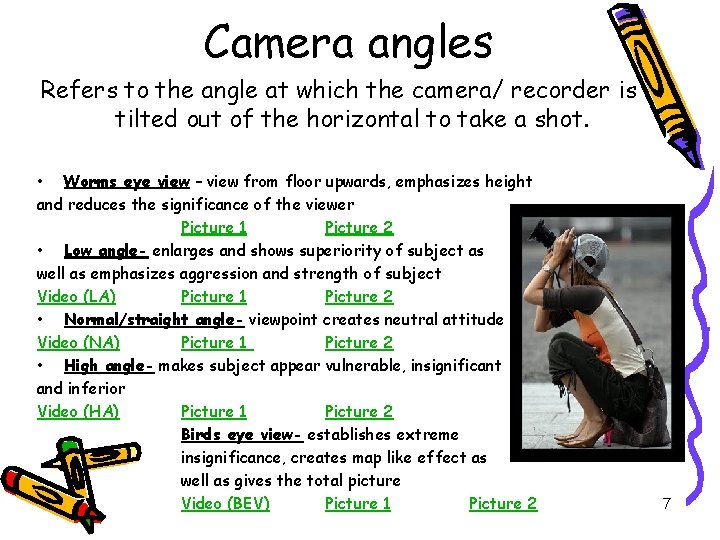
Camera angles Refers to the angle at which the camera/ recorder is tilted out of the horizontal to take a shot. • Worms eye view – view from floor upwards, emphasizes height and reduces the significance of the viewer Picture 1 Picture 2 • Low angle- enlarges and shows superiority of subject as well as emphasizes aggression and strength of subject Video (LA) Picture 1 Picture 2 • Normal/straight angle- viewpoint creates neutral attitude Video (NA) Picture 1 Picture 2 • High angle- makes subject appear vulnerable, insignificant and inferior Video (HA) Picture 1 Picture 2 Birds eye view- establishes extreme insignificance, creates map like effect as well as gives the total picture Video (BEV) Picture 1 Picture 2 7
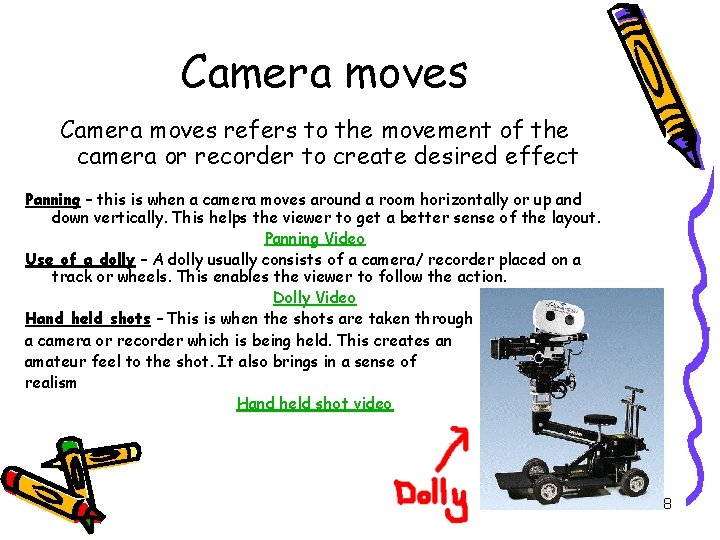
Camera moves refers to the movement of the camera or recorder to create desired effect Panning – this is when a camera moves around a room horizontally or up and down vertically. This helps the viewer to get a better sense of the layout. Panning Video Use of a dolly – A dolly usually consists of a camera/ recorder placed on a track or wheels. This enables the viewer to follow the action. Dolly Video Hand held shots – This is when the shots are taken through a camera or recorder which is being held. This creates an amateur feel to the shot. It also brings in a sense of realism Hand held shot video 8
Reflection • • • What have you learnt? Can you list the different elements? Can you apply the information given to new pictures or film strips? Now think back to the Avatar wallpaper that we first analyzed. Do you think you can analyze it better now that you have more information about visual literacy? Work together with your partner and discuss the Avatar poster in detail, once again using the elements that you have learnt about Avatar poster 9
Individual Assignment Using the knowledge that you have gained from this exercise as well as the information given on pg 106 of your textbooks to complete the following: • • • Find a picture, video clip or wallpaper on the internet. Discuss the chosen piece according to the elements analyzed in the slide. In your discussion refer to at least six out of the seven elements that are relevant to your chosen picture/video clip. Hand in an assignment with the picture or web address of the clip on your front page. Then add in your discussion/analysis of the picture/video clip under suitable headings. Remember to not only point out the elements but say why you think they have been used and what is their purpose in the composition. Due date: 20 April 2010 Length: +- 4 pages 10
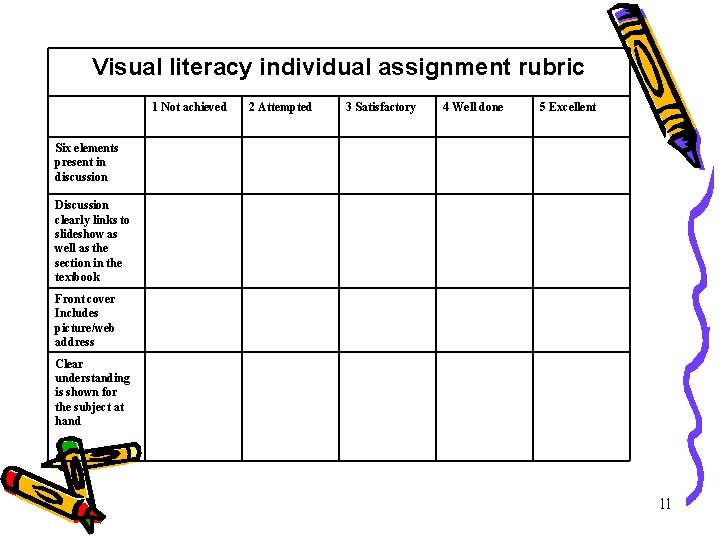
Visual literacy individual assignment rubric 1 Not achieved 2 Attempted 3 Satisfactory 4 Well done 5 Excellent Six elements present in discussion Discussion clearly links to slideshow as well as the section in the textbook Front cover Includes picture/web address Clear understanding is shown for the subject at hand 11