
An Introduction to the Individual Student Enrollment System

- Slides: 76
An Introduction to the Individual Student Enrollment System ISES Segment 1 Department of Public Instruction Spring 2008
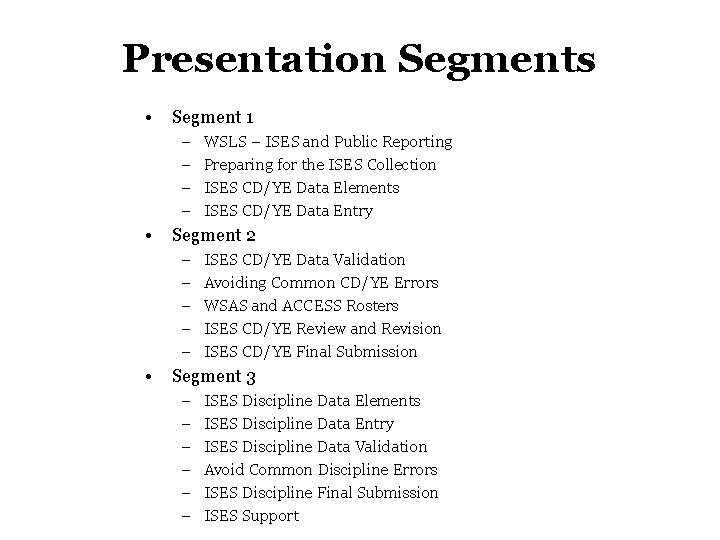
Presentation Segments • Segment 1 – – • Segment 2 – – – • WSLS – ISES and Public Reporting Preparing for the ISES Collection ISES CD/YE Data Elements ISES CD/YE Data Entry ISES CD/YE Data Validation Avoiding Common CD/YE Errors WSAS and ACCESS Rosters ISES CD/YE Review and Revision ISES CD/YE Final Submission Segment 3 – – – ISES Discipline Data Elements ISES Discipline Data Entry ISES Discipline Data Validation Avoid Common Discipline Errors ISES Discipline Final Submission ISES Support
WSLS – ISES and Public Reporting
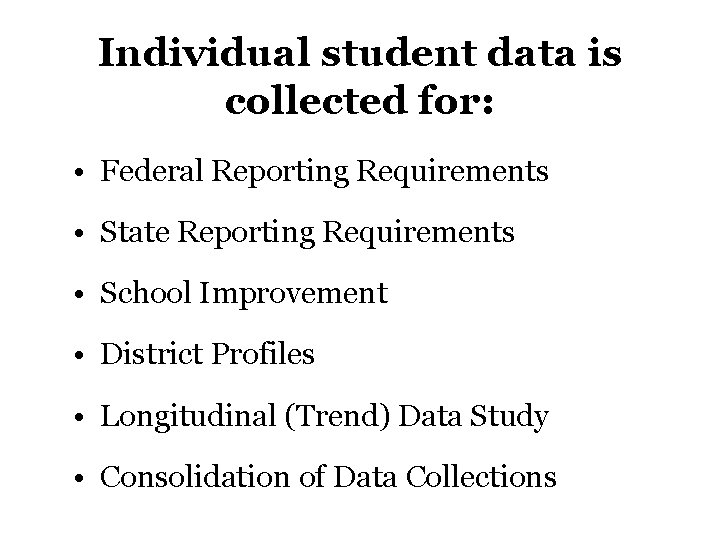
Individual student data is collected for: • Federal Reporting Requirements • State Reporting Requirements • School Improvement • District Profiles • Longitudinal (Trend) Data Study • Consolidation of Data Collections
Individual student data may be aggregated many different ways: • to meet other state requirements, • to meet federal data requirements, and • to answer key school improvement questions.
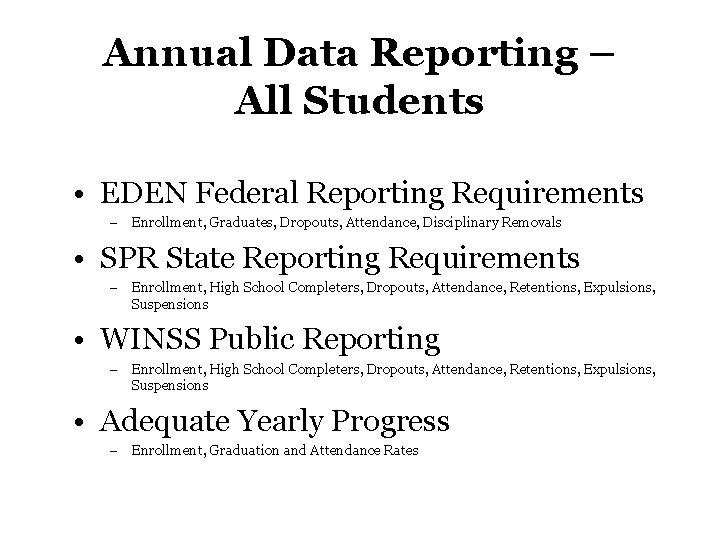
Annual Data Reporting – All Students • EDEN Federal Reporting Requirements – Enrollment, Graduates, Dropouts, Attendance, Disciplinary Removals • SPR State Reporting Requirements – Enrollment, High School Completers, Dropouts, Attendance, Retentions, Expulsions, Suspensions • WINSS Public Reporting – Enrollment, High School Completers, Dropouts, Attendance, Retentions, Expulsions, Suspensions • Adequate Yearly Progress – Enrollment, Graduation and Attendance Rates
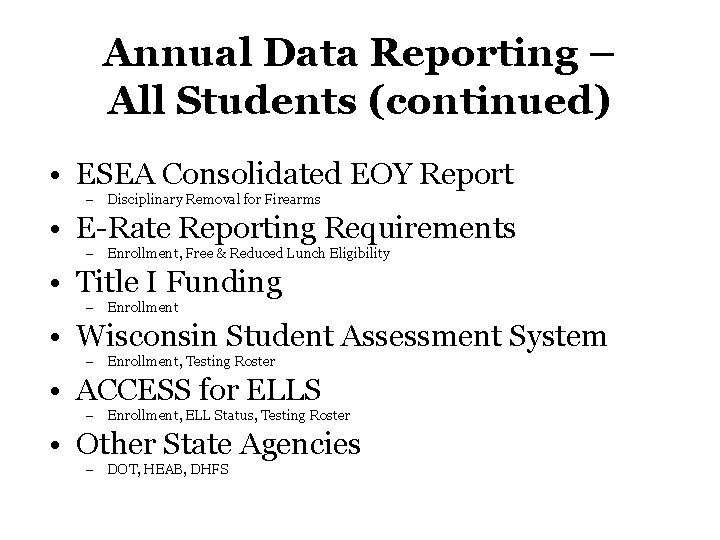
Annual Data Reporting – All Students (continued) • ESEA Consolidated EOY Report – Disciplinary Removal for Firearms • E-Rate Reporting Requirements – Enrollment, Free & Reduced Lunch Eligibility • Title I Funding – Enrollment • Wisconsin Student Assessment System – Enrollment, Testing Roster • ACCESS for ELLS – Enrollment, ELL Status, Testing Roster • Other State Agencies – DOT, HEAB, DHFS
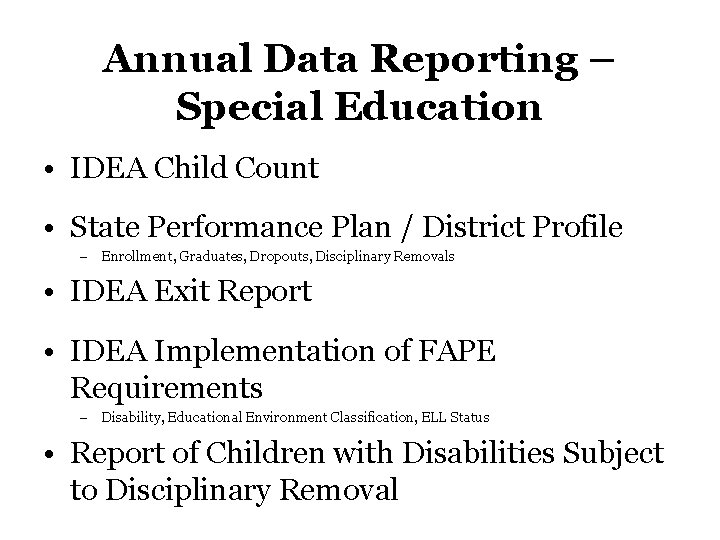
Annual Data Reporting – Special Education • IDEA Child Count • State Performance Plan / District Profile – Enrollment, Graduates, Dropouts, Disciplinary Removals • IDEA Exit Report • IDEA Implementation of FAPE Requirements – Disability, Educational Environment Classification, ELL Status • Report of Children with Disabilities Subject to Disciplinary Removal
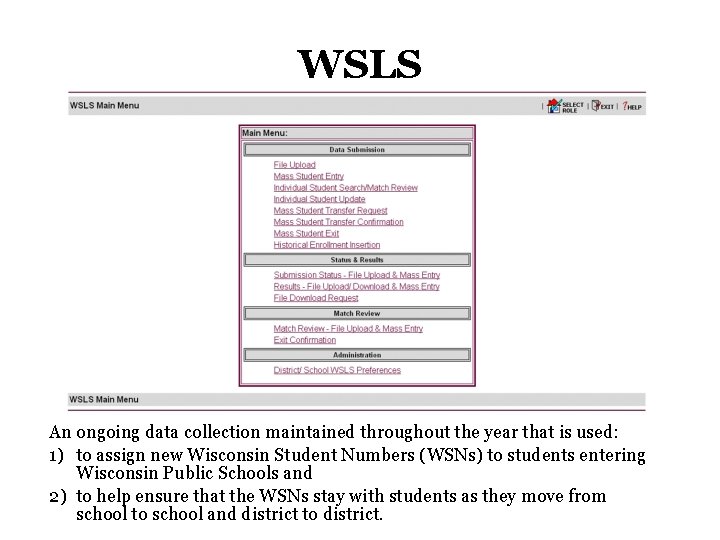
WSLS An ongoing data collection maintained throughout the year that is used: 1) to assign new Wisconsin Student Numbers (WSNs) to students entering Wisconsin Public Schools and 2) to help ensure that the WSNs stay with students as they move from school to school and district to district.
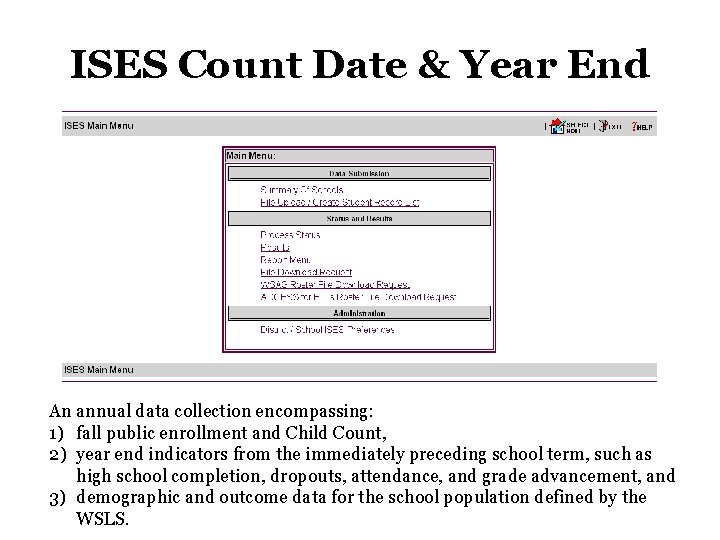
ISES Count Date & Year End An annual data collection encompassing: 1) fall public enrollment and Child Count, 2) year end indicators from the immediately preceding school term, such as high school completion, dropouts, attendance, and grade advancement, and 3) demographic and outcome data for the school population defined by the WSLS.
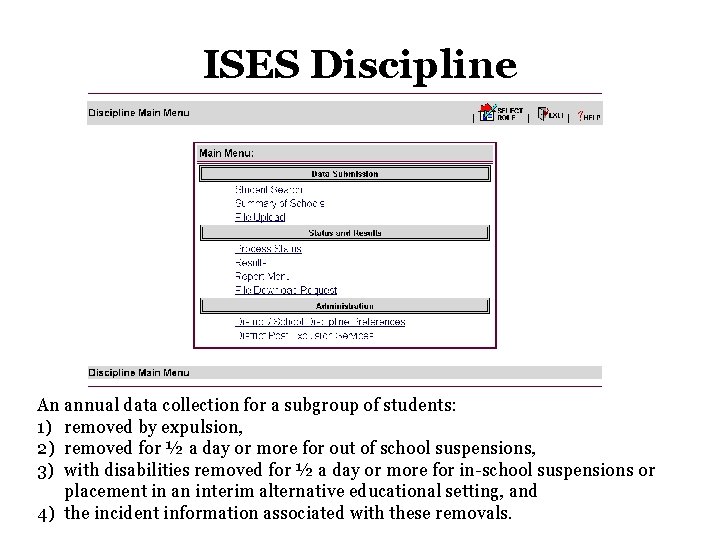
ISES Discipline An annual data collection for a subgroup of students: 1) removed by expulsion, 2) removed for ½ a day or more for out of school suspensions, 3) with disabilities removed for ½ a day or more for in-school suspensions or placement in an interim alternative educational setting, and 4) the incident information associated with these removals.
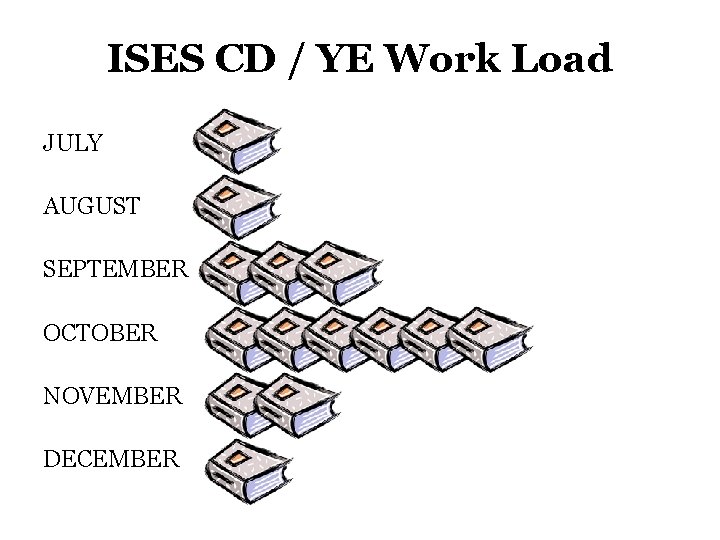
ISES CD / YE Work Load JULY AUGUST SEPTEMBER OCTOBER NOVEMBER DECEMBER
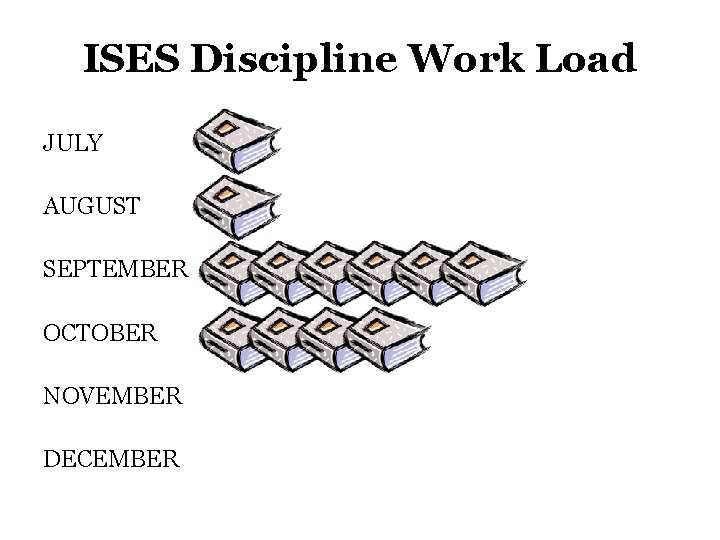
ISES Discipline Work Load JULY AUGUST SEPTEMBER OCTOBER NOVEMBER DECEMBER
Resources Data Management - Vision and Guiding Principles dpi. wi. gov/lbstat/isesprinc. html Meeting ESEA/NCLB Report Card Requirements dpi. wi. gov/lbstat/dm-eseadata. html
Preparing for the ISES Collection
WAMS Profile Management – Obtain a Wisconsin User ID, if new to the WSLS/ISES – Verify profile includes current email address
Delegated Authority – Verify District Superintendent has access to the Delegated Authority application; access transfers to new Superintendents when they submit their WAMS IDs to DPI – Verify Local WSLS/ISES Administrator has been appointed and appoint an Assistant Administrator, if appropriate – Delegate authorization to access local student data in WSLS/ISES for new staff – Rescind authorization from staff that have left or no longer work in the WSLS/ISES
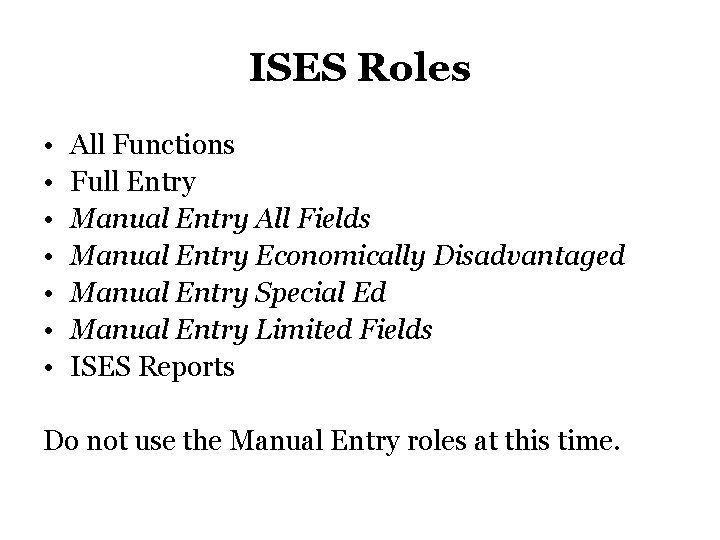
ISES Roles • • All Functions Full Entry Manual Entry All Fields Manual Entry Economically Disadvantaged Manual Entry Special Ed Manual Entry Limited Fields ISES Reports Do not use the Manual Entry roles at this time.
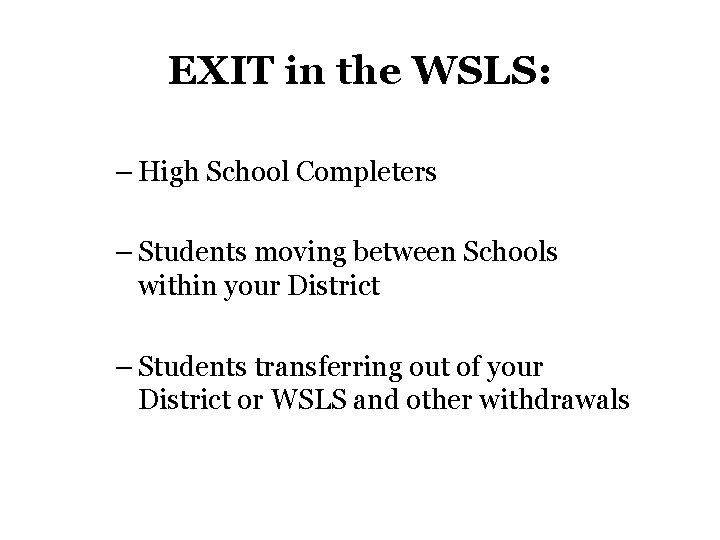
EXIT in the WSLS: – High School Completers – Students moving between Schools within your District – Students transferring out of your District or WSLS and other withdrawals
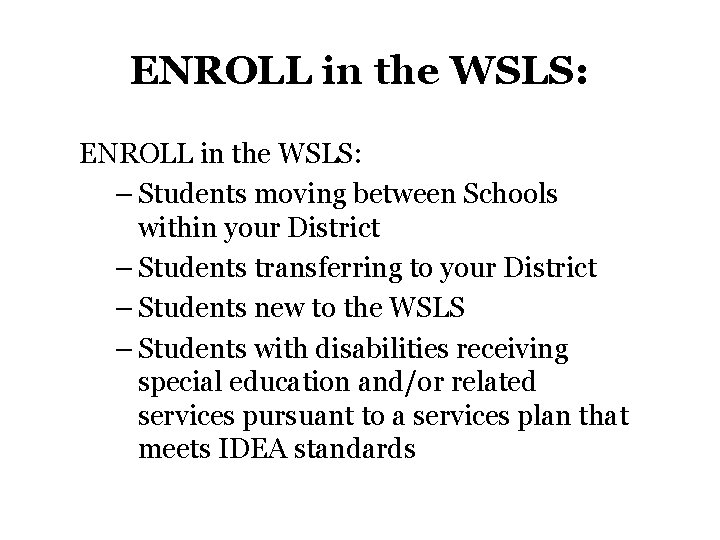
ENROLL in the WSLS: – Students moving between Schools within your District – Students transferring to your District – Students new to the WSLS – Students with disabilities receiving special education and/or related services pursuant to a services plan that meets IDEA standards
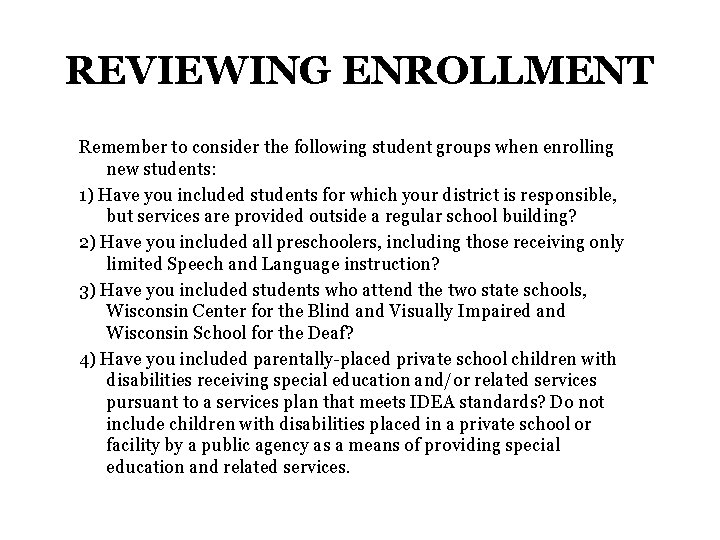
REVIEWING ENROLLMENT Remember to consider the following student groups when enrolling new students: 1) Have you included students for which your district is responsible, but services are provided outside a regular school building? 2) Have you included all preschoolers, including those receiving only limited Speech and Language instruction? 3) Have you included students who attend the two state schools, Wisconsin Center for the Blind and Visually Impaired and Wisconsin School for the Deaf? 4) Have you included parentally-placed private school children with disabilities receiving special education and/or related services pursuant to a services plan that meets IDEA standards? Do not include children with disabilities placed in a private school or facility by a public agency as a means of providing special education and related services.
UPDATE in the WSLS: – Birth Location – Existing students, as needed
REVIEW in the WSLS: – Use File Download Request to review the WSLS enrollment for the previous school term – Use File Download Request to review the WSLS enrollment for Third Friday of September, the Count Date, of the current school term
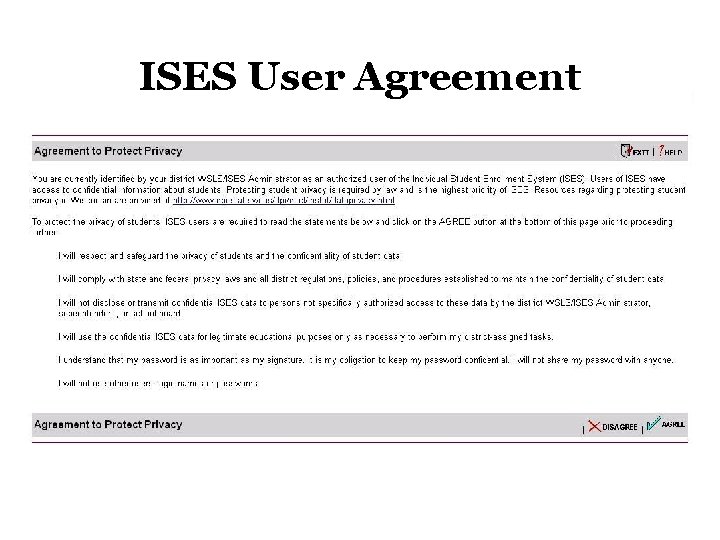
ISES User Agreement
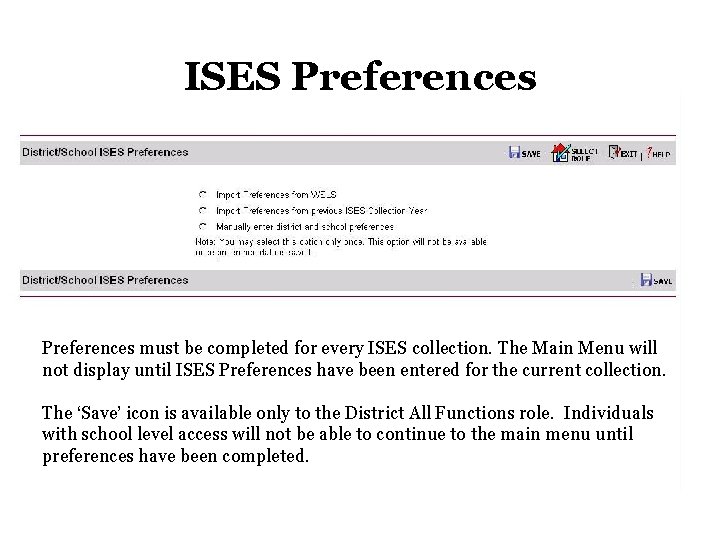
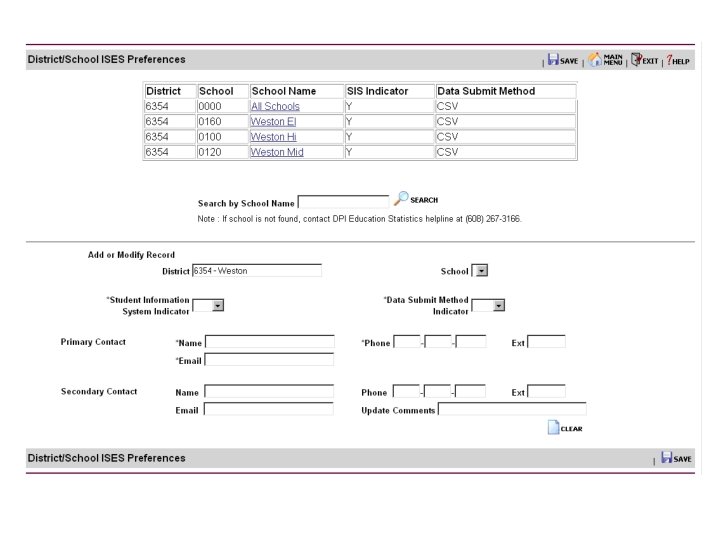
ISES Preferences must be completed for every ISES collection. The Main Menu will not display until ISES Preferences have been entered for the current collection. The ‘Save’ icon is available only to the District All Functions role. Individuals with school level access will not be able to continue to the main menu until preferences have been completed.
Resources Delegated Authority dpi. wi. gov/lbstat/delauthapp. html Protecting student privacy dpi. wi. gov/lbstat/isesagree. html dpi. wi. gov/lbstat/dataprivacy. html Enroll and Exit Dates dpi. wi. gov/lbstat/dataenroll. html#use Web-based Tutorial – District / School Preferences dpi. wi. gov/lbstat/swf/isestutor 2. html
ISES CD / YE Data Elements
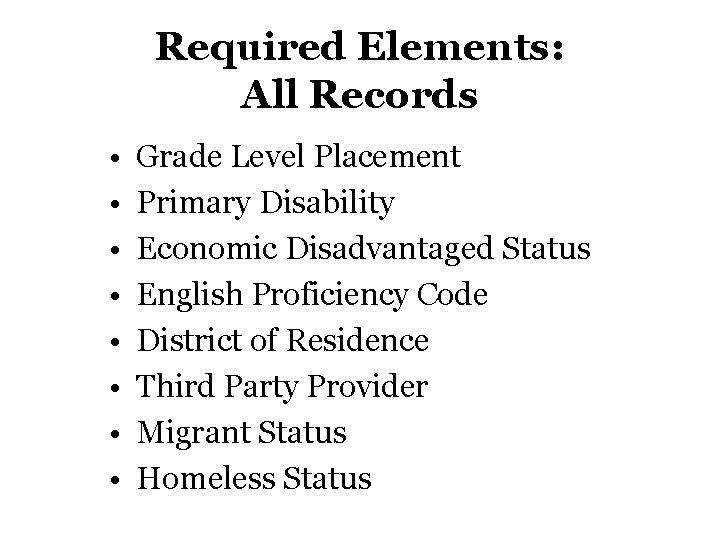
Required Elements: All Records • • Grade Level Placement Primary Disability Economic Disadvantaged Status English Proficiency Code District of Residence Third Party Provider Migrant Status Homeless Status
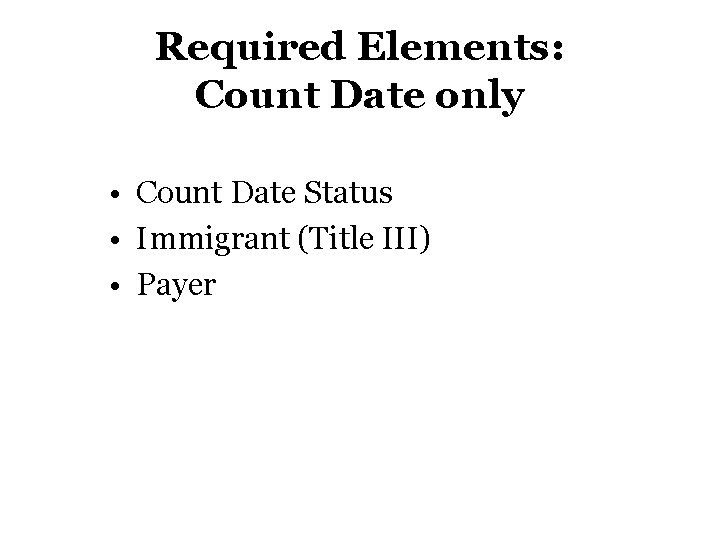
Required Elements: Count Date only • Count Date Status • Immigrant (Title III) • Payer
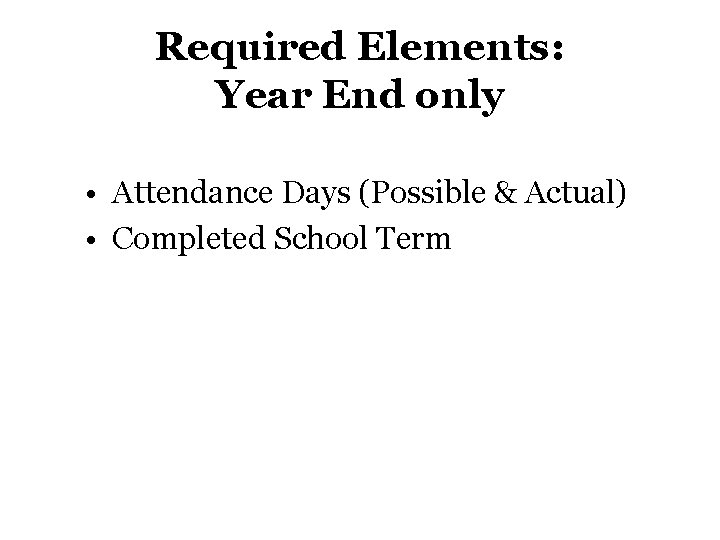
Required Elements: Year End only • Attendance Days (Possible & Actual) • Completed School Term
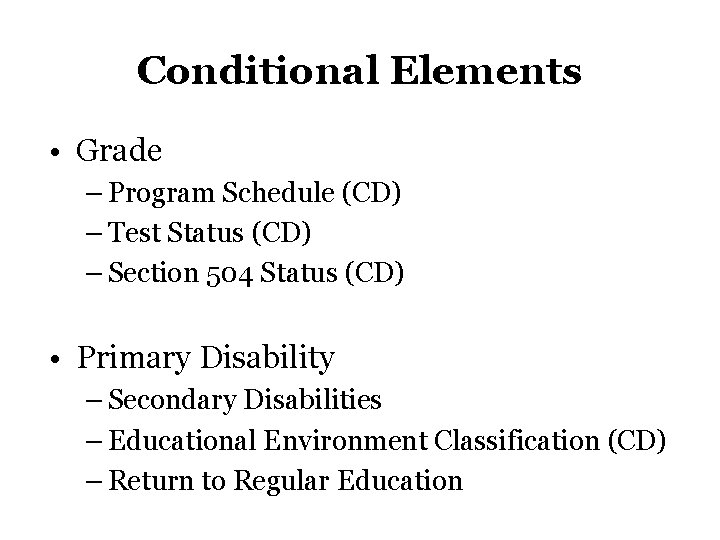
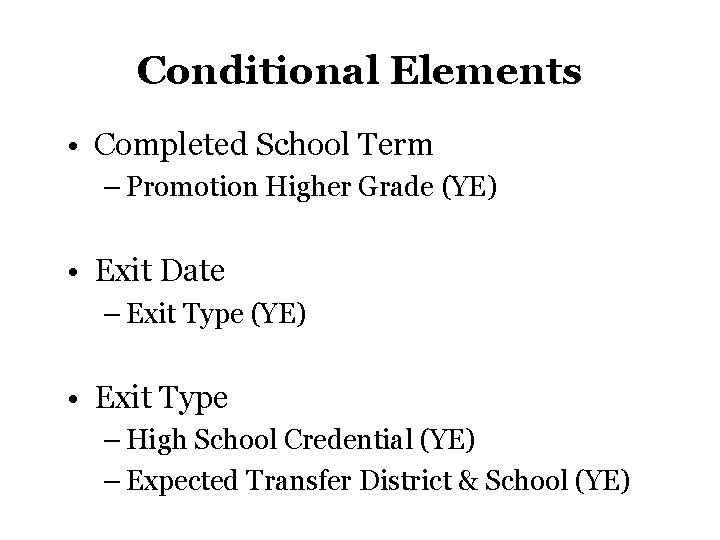
Conditional Elements • Grade – Program Schedule (CD) – Test Status (CD) – Section 504 Status (CD) • Primary Disability – Secondary Disabilities – Educational Environment Classification (CD) – Return to Regular Education
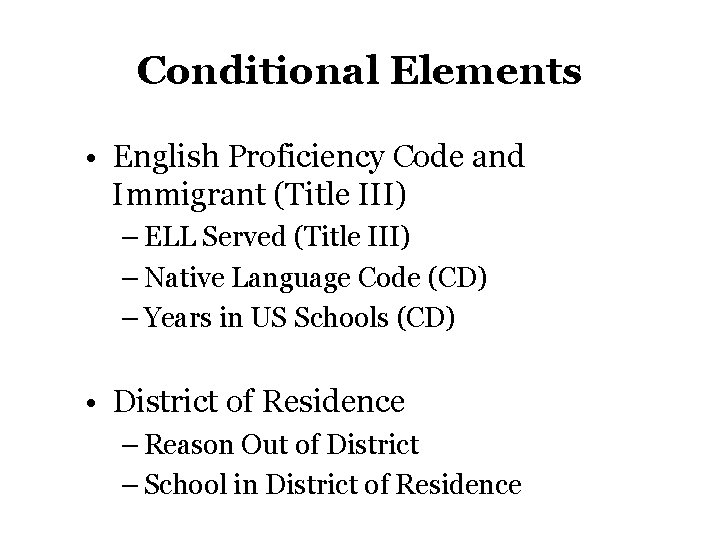
Conditional Elements • English Proficiency Code and Immigrant (Title III) – ELL Served (Title III) – Native Language Code (CD) – Years in US Schools (CD) • District of Residence – Reason Out of District – School in District of Residence
Conditional Elements • Completed School Term – Promotion Higher Grade (YE) • Exit Date – Exit Type (YE) • Exit Type – High School Credential (YE) – Expected Transfer District & School (YE)
ISES CD / YE Data Entry
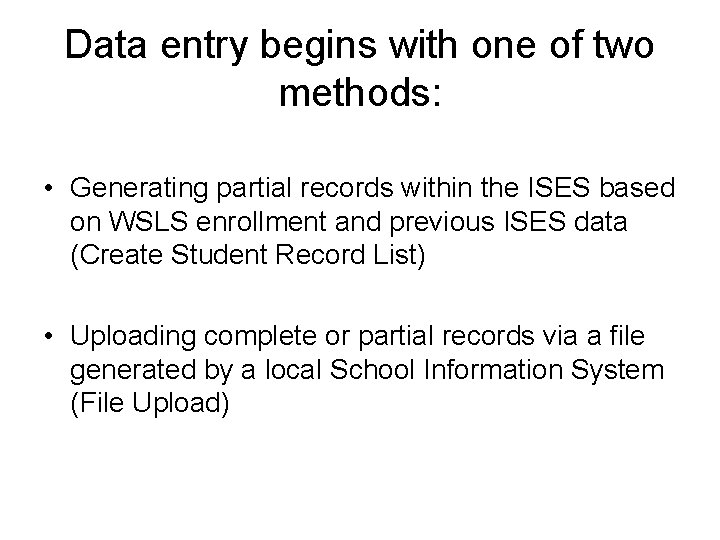
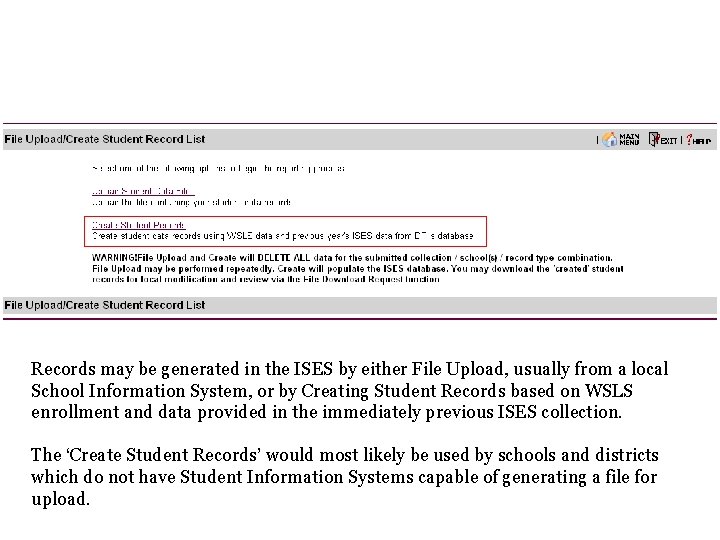
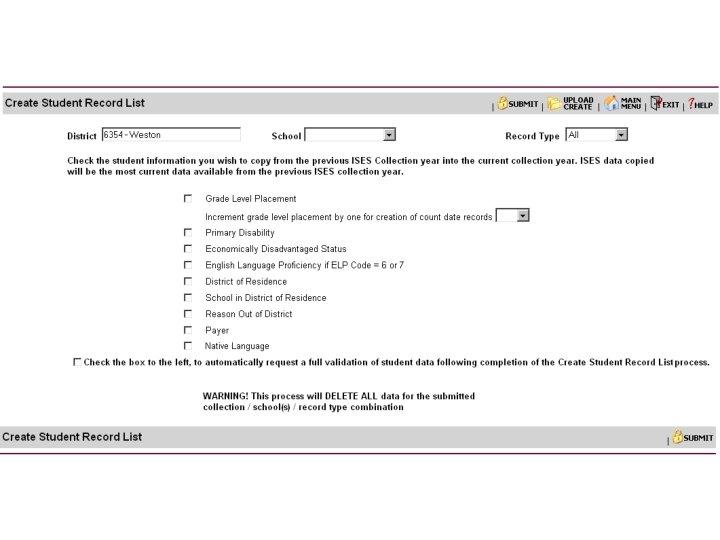
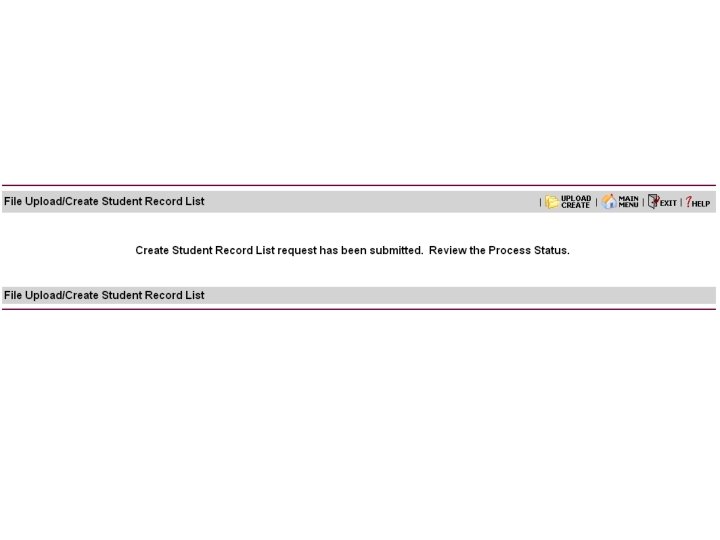
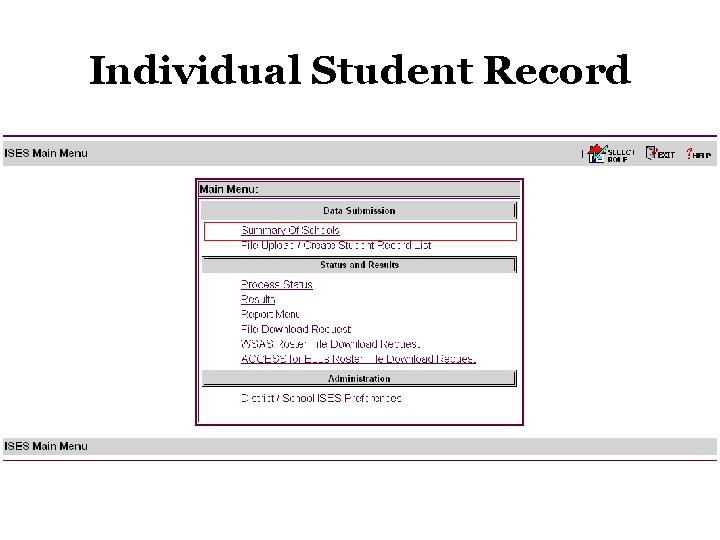
Data entry begins with one of two methods: • Generating partial records within the ISES based on WSLS enrollment and previous ISES data (Create Student Record List) • Uploading complete or partial records via a file generated by a local School Information System (File Upload)
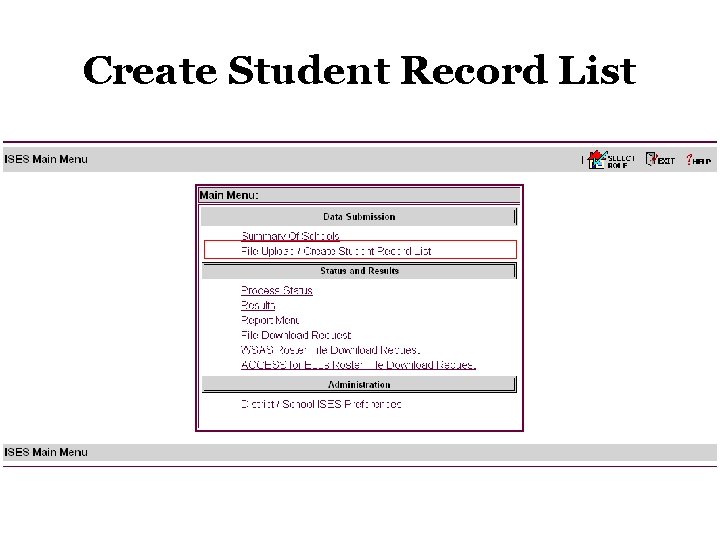
Create Student Record List
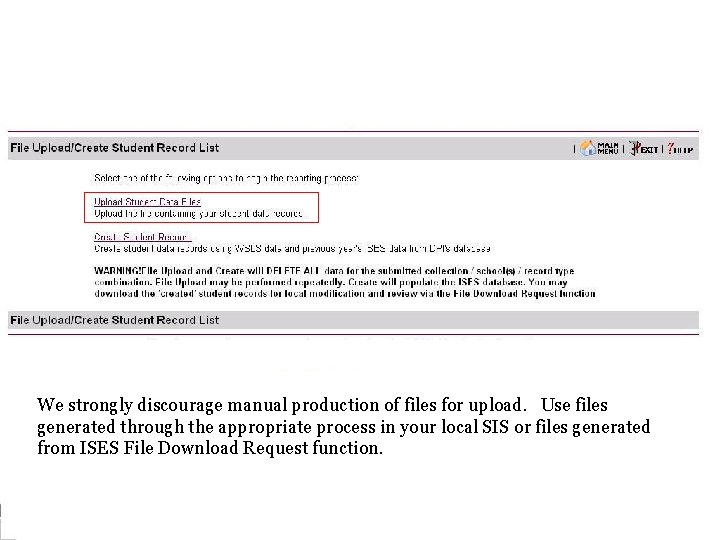
Records may be generated in the ISES by either File Upload, usually from a local School Information System, or by Creating Student Records based on WSLS enrollment and data provided in the immediately previous ISES collection. The ‘Create Student Records’ would most likely be used by schools and districts which do not have Student Information Systems capable of generating a file for upload.
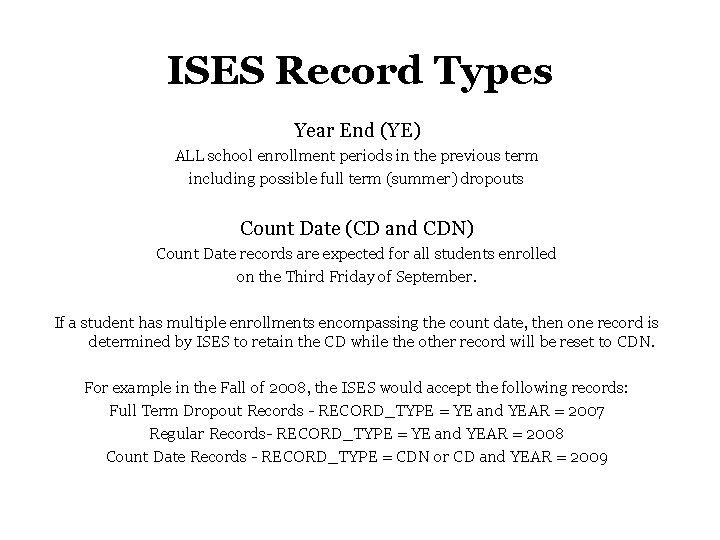
ISES Record Types Year End (YE) ALL school enrollment periods in the previous term including possible full term (summer) dropouts Count Date (CD and CDN) Count Date records are expected for all students enrolled on the Third Friday of September. If a student has multiple enrollments encompassing the count date, then one record is determined by ISES to retain the CD while the other record will be reset to CDN. For example in the Fall of 2008, the ISES would accept the following records: Full Term Dropout Records - RECORD_TYPE = YE and YEAR = 2007 Regular Records- RECORD_TYPE = YE and YEAR = 2008 Count Date Records - RECORD_TYPE = CDN or CD and YEAR = 2009
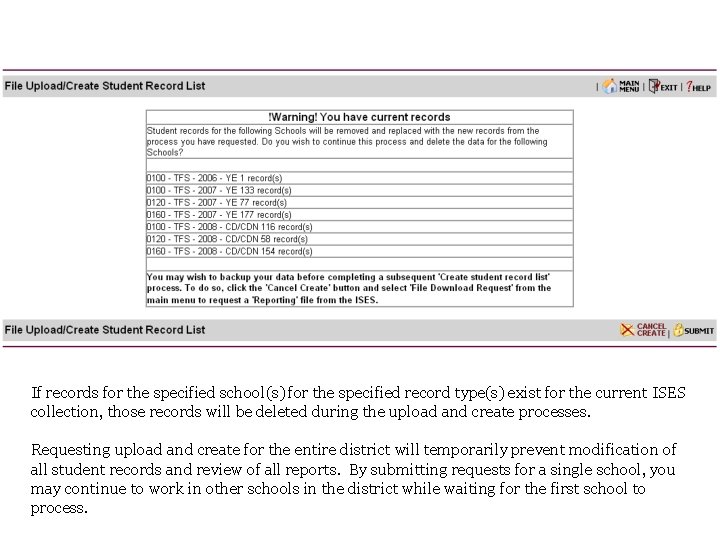
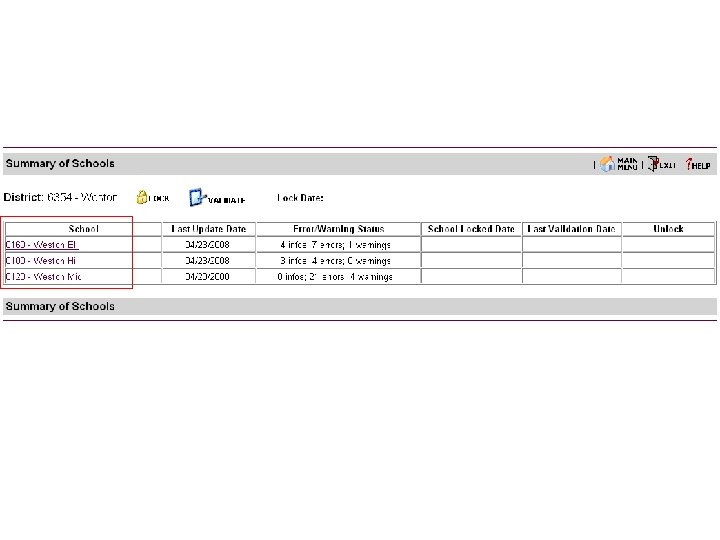
If records for the specified school(s) for the specified record type(s) exist for the current ISES collection, those records will be deleted during the upload and create processes. Requesting upload and create for the entire district will temporarily prevent modification of all student records and review of all reports. By submitting requests for a single school, you may continue to work in other schools in the district while waiting for the first school to process.
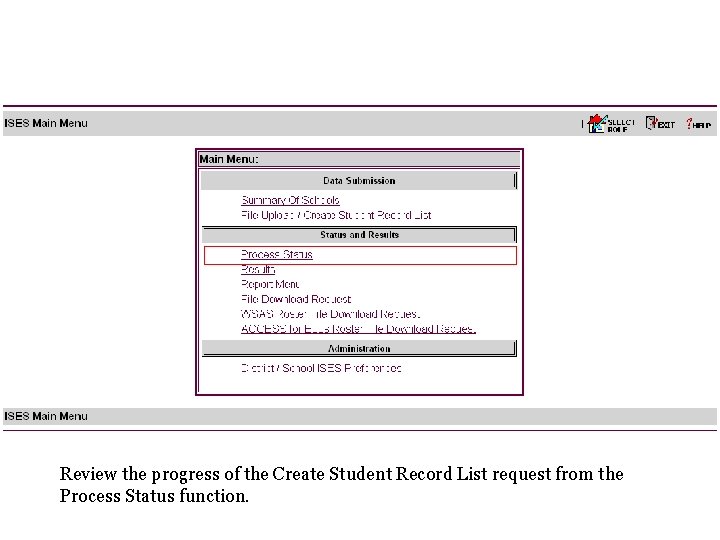
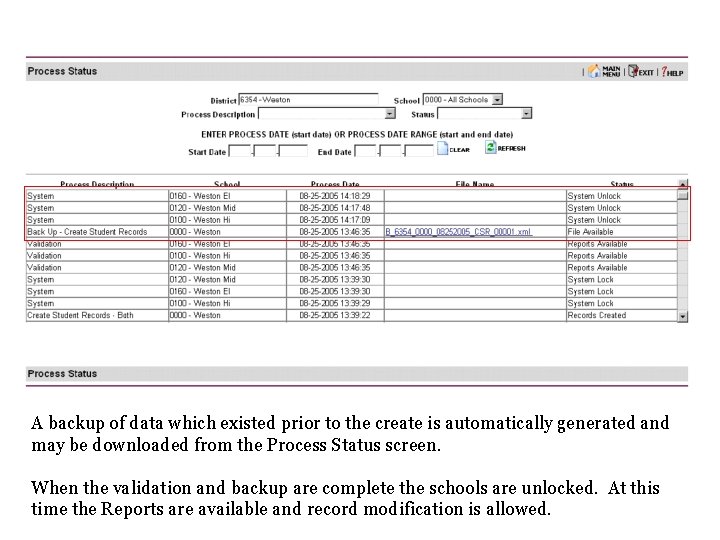
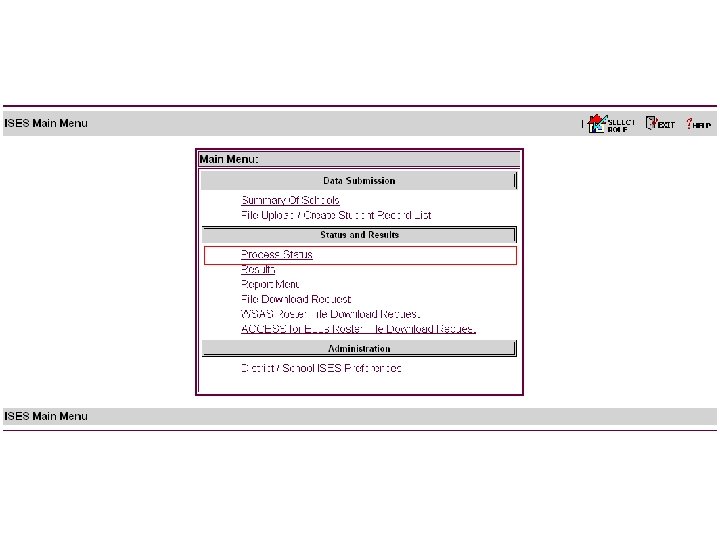
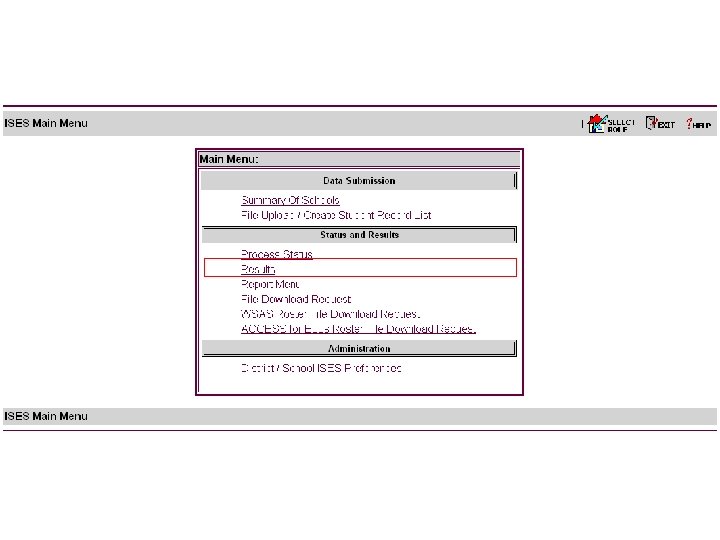
Review the progress of the Create Student Record List request from the Process Status function.
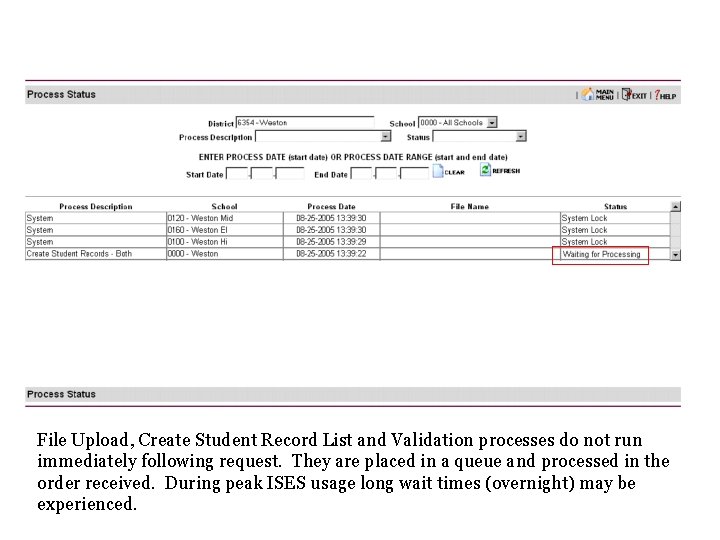
File Upload, Create Student Record List and Validation processes do not run immediately following request. They are placed in a queue and processed in the order received. During peak ISES usage long wait times (overnight) may be experienced.
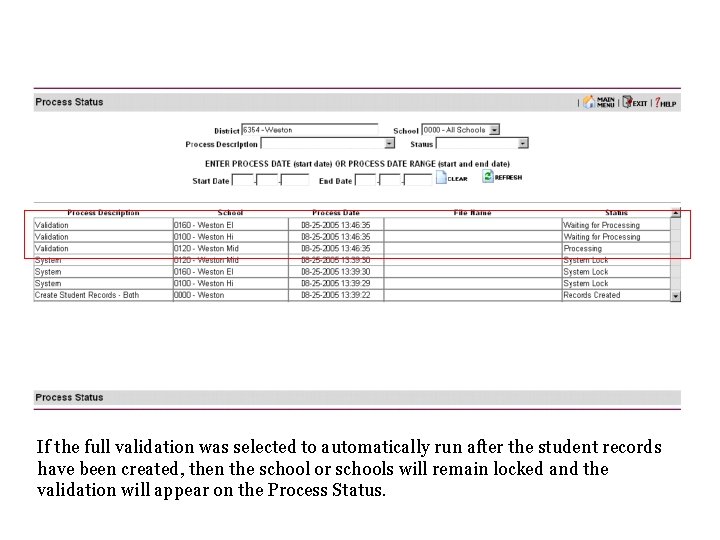
If the full validation was selected to automatically run after the student records have been created, then the school or schools will remain locked and the validation will appear on the Process Status.
A backup of data which existed prior to the create is automatically generated and may be downloaded from the Process Status screen. When the validation and backup are complete the schools are unlocked. At this time the Reports are available and record modification is allowed.
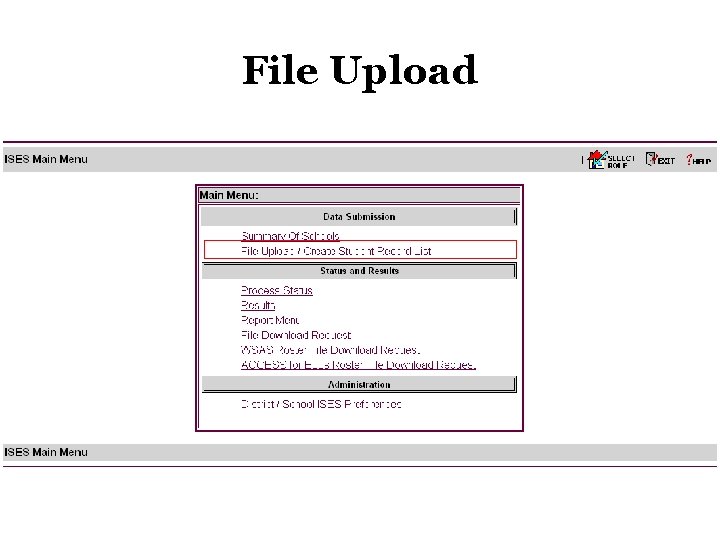
File Upload
We strongly discourage manual production of files for upload. Use files generated through the appropriate process in your local SIS or files generated from ISES File Download Request function.
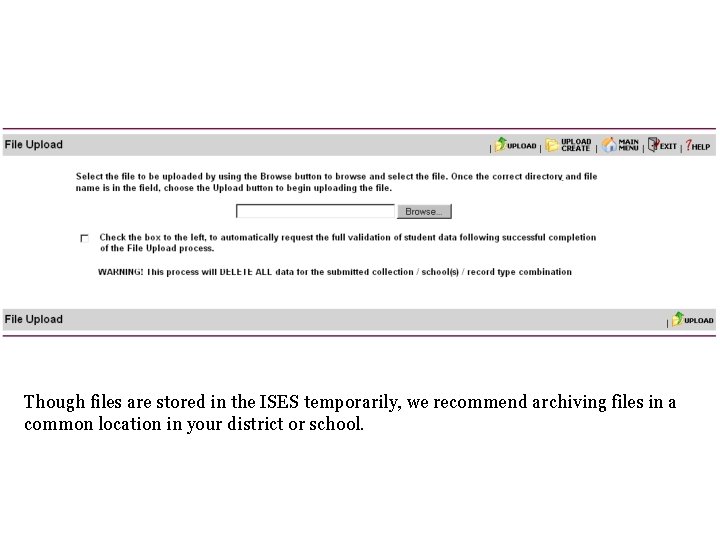
Though files are stored in the ISES temporarily, we recommend archiving files in a common location in your district or school.
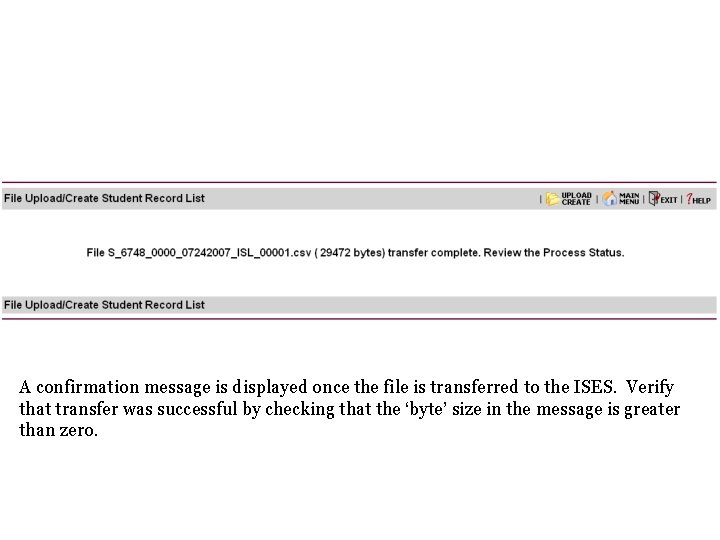
A confirmation message is displayed once the file is transferred to the ISES. Verify that transfer was successful by checking that the ‘byte’ size in the message is greater than zero.
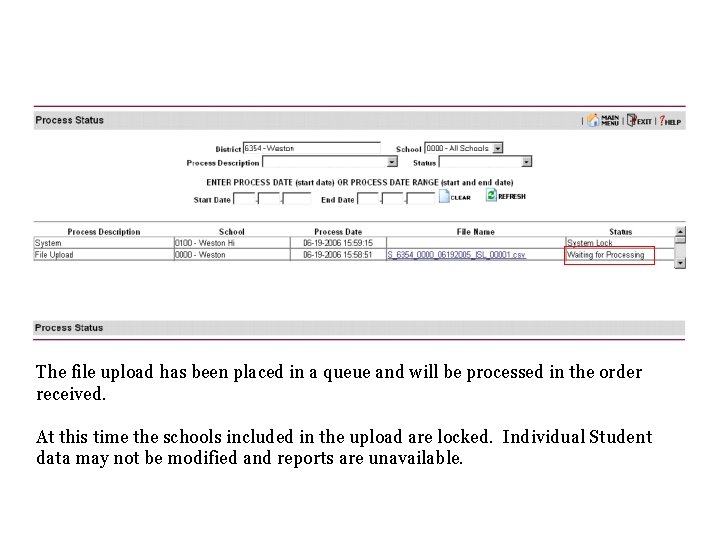
The file upload has been placed in a queue and will be processed in the order received. At this time the schools included in the upload are locked. Individual Student data may not be modified and reports are unavailable.
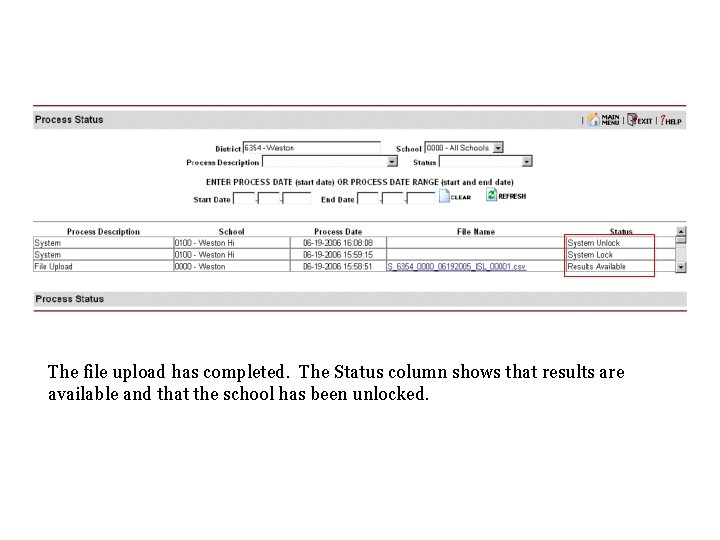
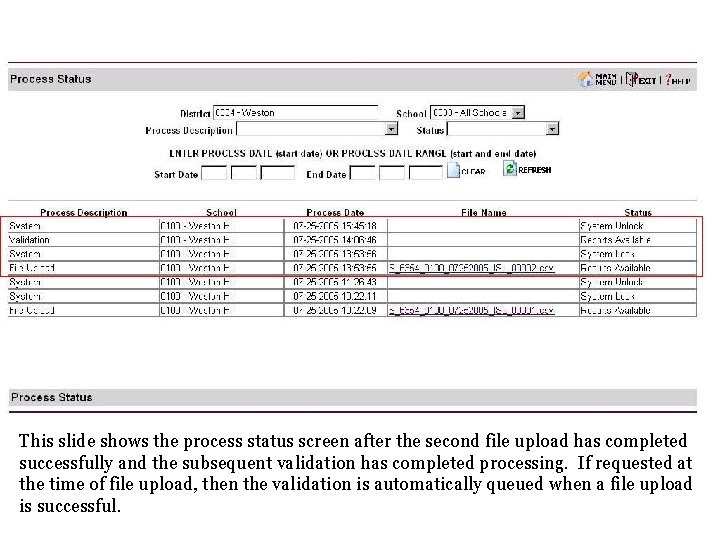
The file upload has completed. The Status column shows that results are available and that the school has been unlocked.
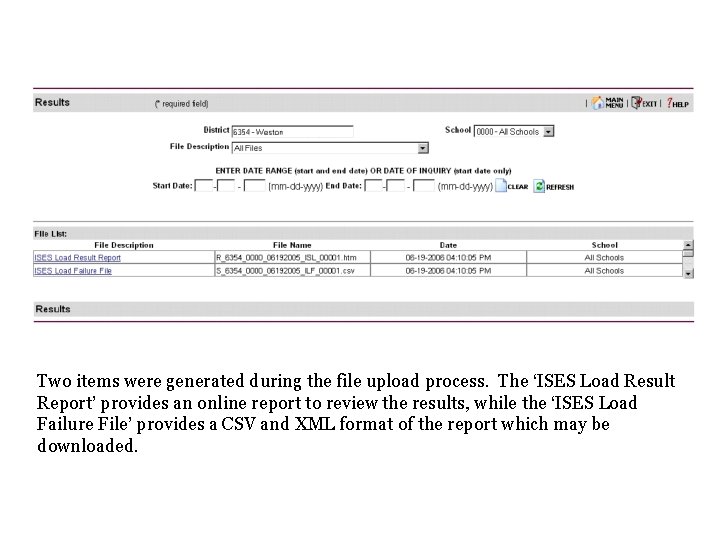
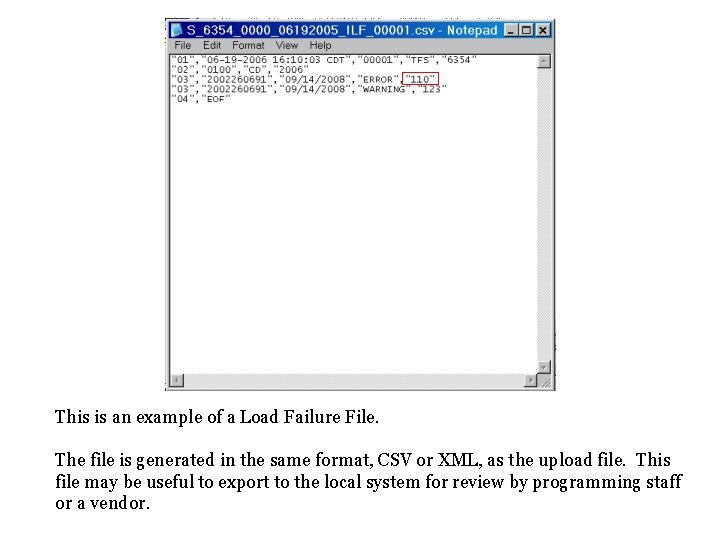
Two items were generated during the file upload process. The ‘ISES Load Result Report’ provides an online report to review the results, while the ‘ISES Load Failure File’ provides a CSV and XML format of the report which may be downloaded.
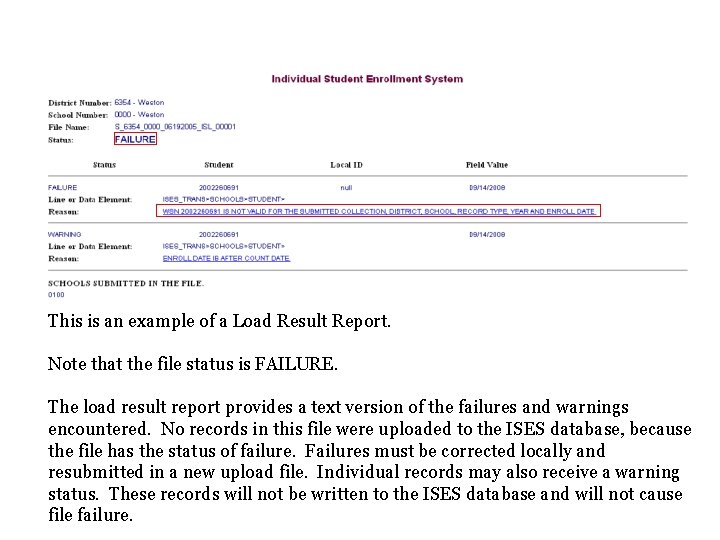
This is an example of a Load Result Report. Note that the file status is FAILURE. The load result report provides a text version of the failures and warnings encountered. No records in this file were uploaded to the ISES database, because the file has the status of failure. Failures must be corrected locally and resubmitted in a new upload file. Individual records may also receive a warning status. These records will not be written to the ISES database and will not cause file failure.
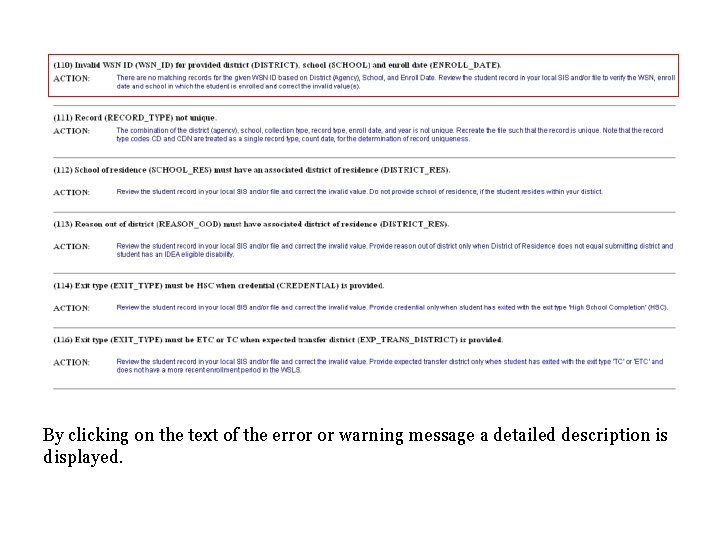
By clicking on the text of the error or warning message a detailed description is displayed.
This is an example of a Load Failure File. The file is generated in the same format, CSV or XML, as the upload file. This file may be useful to export to the local system for review by programming staff or a vendor.
This slide shows the process status screen after the second file upload has completed successfully and the subsequent validation has completed processing. If requested at the time of file upload, then the validation is automatically queued when a file upload is successful.
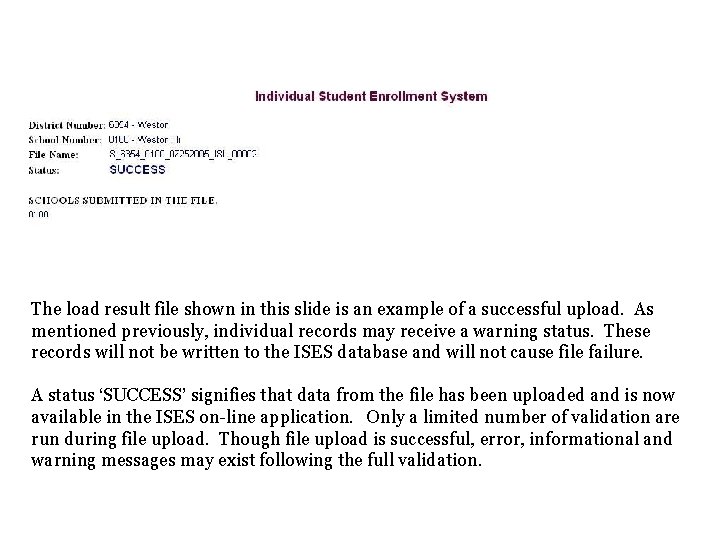
The load result file shown in this slide is an example of a successful upload. As mentioned previously, individual records may receive a warning status. These records will not be written to the ISES database and will not cause file failure. A status ‘SUCCESS’ signifies that data from the file has been uploaded and is now available in the ISES on-line application. Only a limited number of validation are run during file upload. Though file upload is successful, error, informational and warning messages may exist following the full validation.
Data entry continues by: • manual data entry, • on-line review and correction, and • resubmission of the file upload.
Individual Student Record
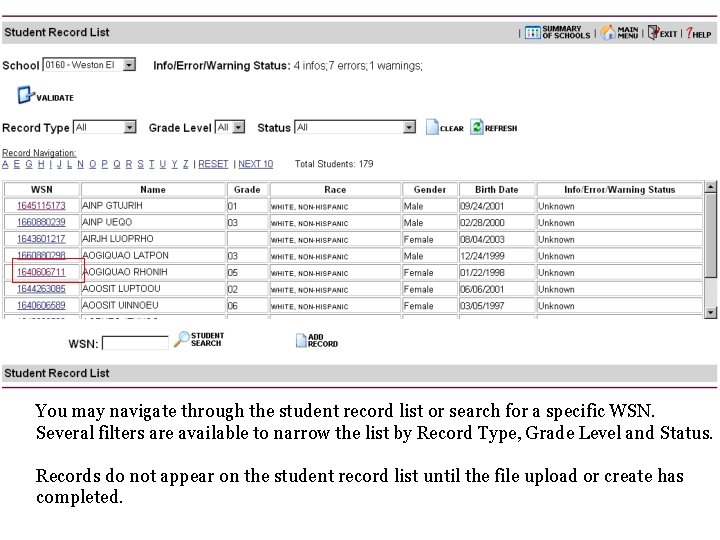
You may navigate through the student record list or search for a specific WSN. Several filters are available to narrow the list by Record Type, Grade Level and Status. Records do not appear on the student record list until the file upload or create has completed.
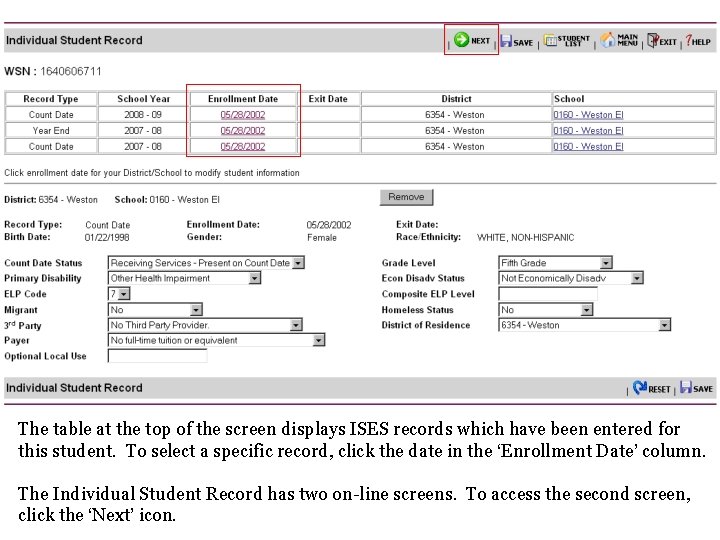
Individual Student Record • Most elements are required when displayed; a few are displayed but are conditionally required based on the responses for related elements: – Exit Type – School in District of Residence • Composite English Language Proficiency Level displays the result from the most recent Access for ELLs exam.
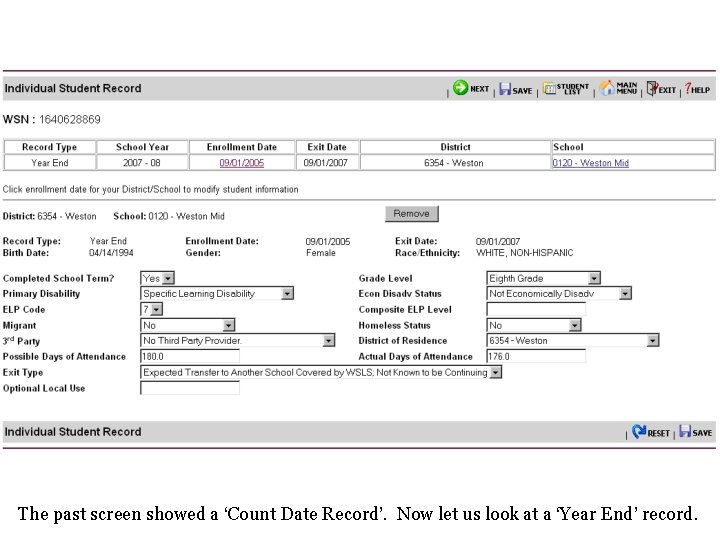
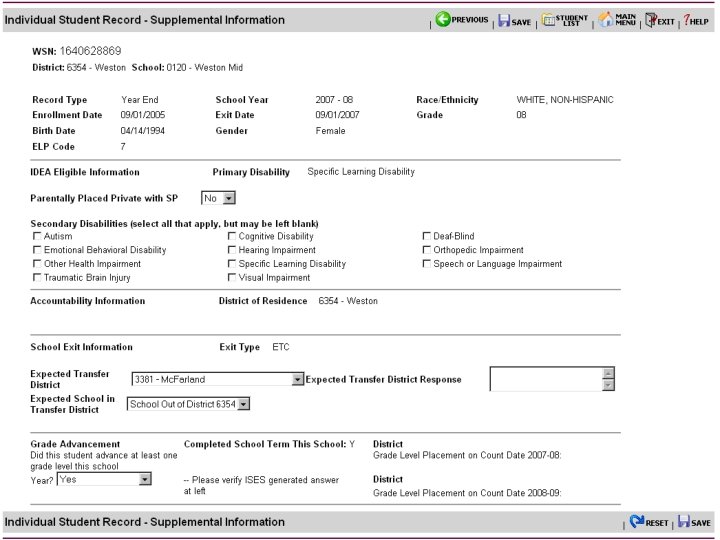
The table at the top of the screen displays ISES records which have been entered for this student. To select a specific record, click the date in the ‘Enrollment Date’ column. The Individual Student Record has two on-line screens. To access the second screen, click the ‘Next’ icon.
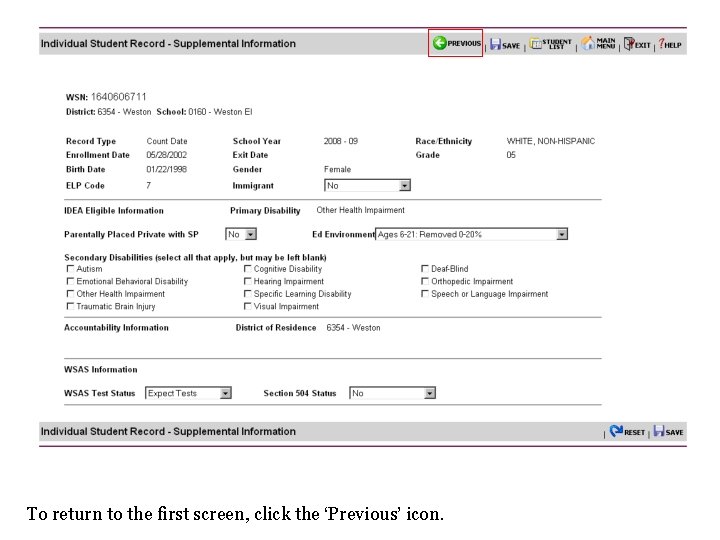
To return to the first screen, click the ‘Previous’ icon.
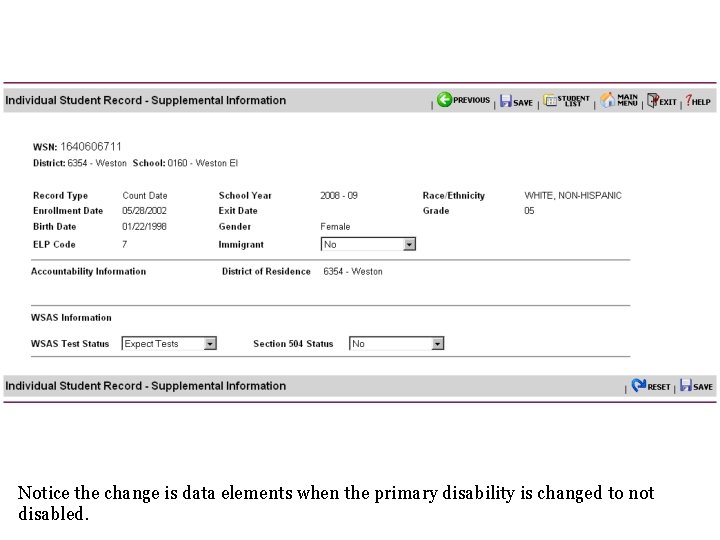
Notice the change is data elements when the primary disability is changed to not disabled.
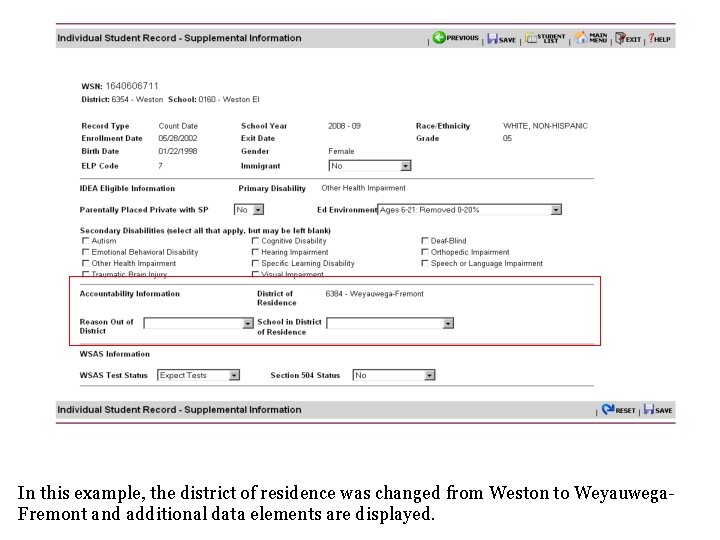
In this example, the district of residence was changed from Weston to Weyauwega. Fremont and additional data elements are displayed.
The past screen showed a ‘Count Date Record’. Now let us look at a ‘Year End’ record.
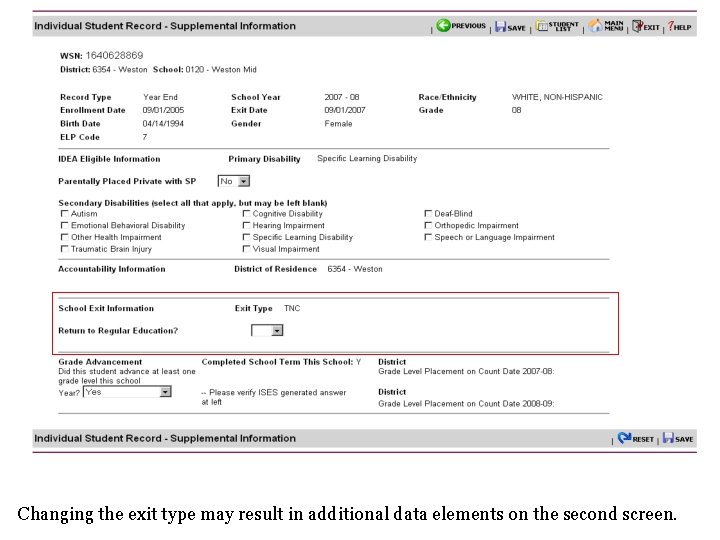
Changing the exit type may result in additional data elements on the second screen.
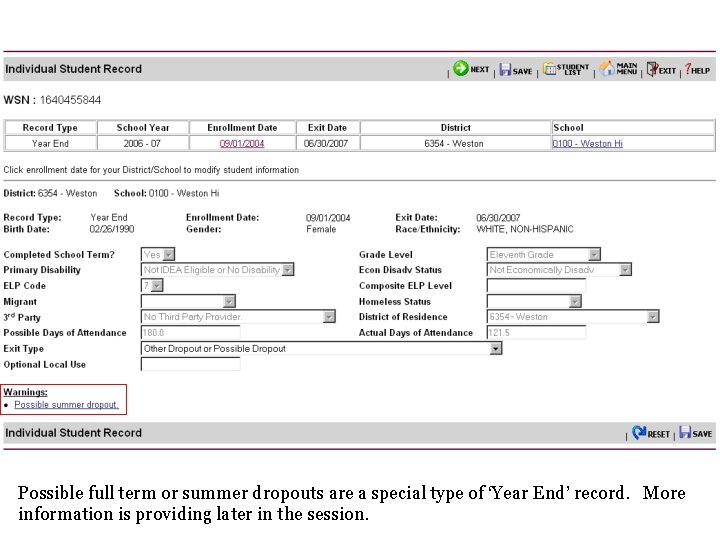
Possible full term or summer dropouts are a special type of ‘Year End’ record. More information is providing later in the session.
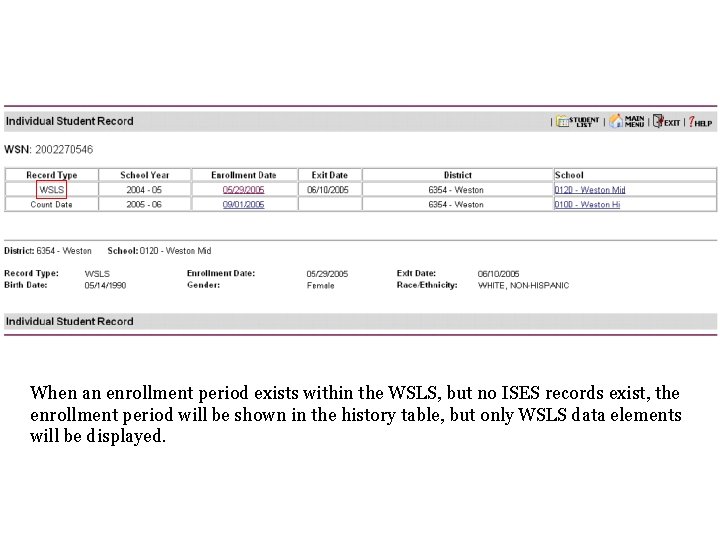
When an enrollment period exists within the WSLS, but no ISES records exist, the enrollment period will be shown in the history table, but only WSLS data elements will be displayed.
Resources Interface Specification dpi. wi. gov/lbstat/isesspec. html Code Descriptions dpi. wi. gov/lbstat/isescodes. html Element Descriptions dpi. wi. gov/lbstat/eseamap. html#data Calculated Elements dpi. wi. gov/lbstat/isescalc. html
An Introduction to the Individual Student Enrollment System ISES Segment 1 Department of Public Instruction Spring 2008