
An Introduction to the Data Documentation Initiative DDI
![James Clark, interview with Dr. Dobbs Journal "[What's the next step for XML? ]](https://slidetodoc.com/presentation_image_h2/6fa04198009c782b34ee02f61bce18fc/image-7.jpg "James Clark, interview with Dr. Dobbs Journal \"[What's the next step for XML? ]")


- Slides: 39
An Introduction to the Data Documentation Initiative (DDI) ICPSR OR Meeting 2001 Wendy L. Thomas Data Access Core Director William C. Block Information Technology Core Directory Minnesota Population Center 26 October 2001
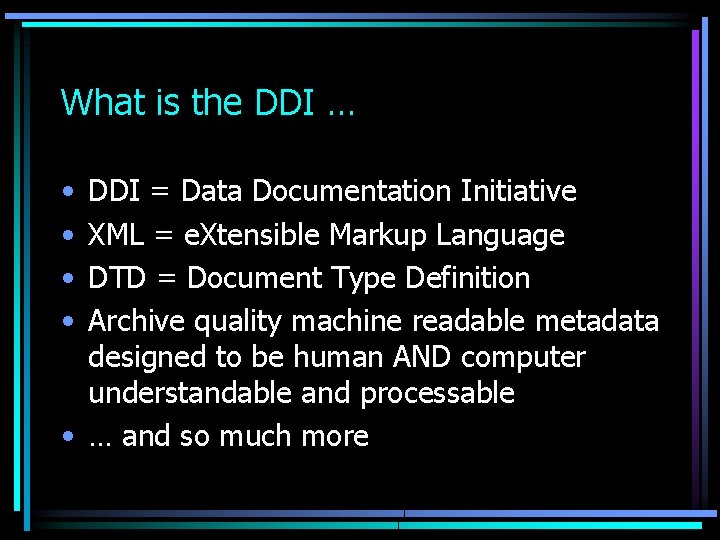
What is the DDI … • • DDI = Data Documentation Initiative XML = e. Xtensible Markup Language DTD = Document Type Definition Archive quality machine readable metadata designed to be human AND computer understandable and processable • … and so much more
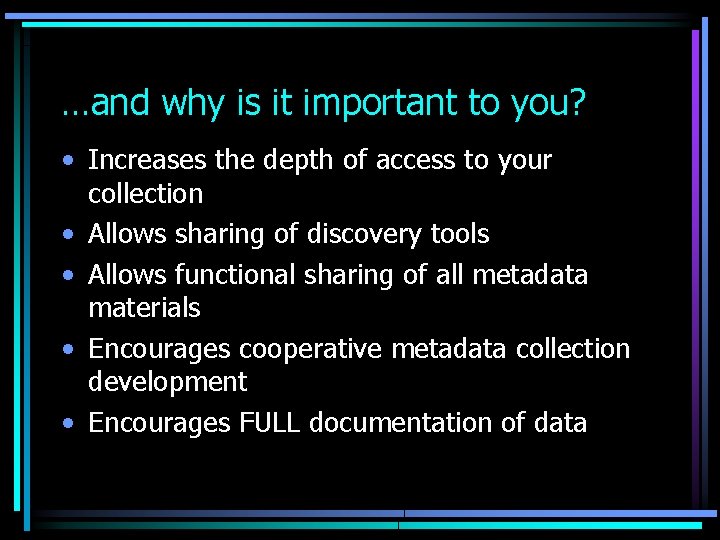
…and why is it important to you? • Increases the depth of access to your collection • Allows sharing of discovery tools • Allows functional sharing of all metadata materials • Encourages cooperative metadata collection development • Encourages FULL documentation of data
Jakob Nielsen, Distinguished Engineer at Sun Microsystems “ XML is one of the greatest advances in the Web in a long time. Whereas most other Web innovations since 1993 have focused on glitz and on making superficially glamorous but useless fancy layouts, XML attacks the usefulness of the Web by adding structure and meaning to its vast seas of information. "
Stewart Brand, Founder of the Whole Earth Catalog “ Perpetually obsolescing and thus losing all data and programs every 10 years (the current pattern) is no way to run an information economy or a civilization. "
Brian Behlendorf, President, Apache Software Foundation "XML has become increasingly crucial throughout the software industry, as well as the Open Source community, as a non-proprietary method of storing and exchanging complex data. "
James Clark, interview with Dr. Dobbs Journal "[What's the next step for XML? ] That's a difficult question. . . it's like asking me, "What's the next application for ASCII text? "
The Session: • XML & where you • Managing large scale might encounter DDI coding projects • The ‘Bill’ Experience: • Tools of the trade helping the hapless • Questions • Using and exploiting DDI compliant files
XML basics • XML is to a document’s intellectual content what HTML is to the physical structure of that document • Elements <element></element> • Attribute <element attribute=“xxx”> • Attribute types (imposing controls) • Hierarchies and nesting
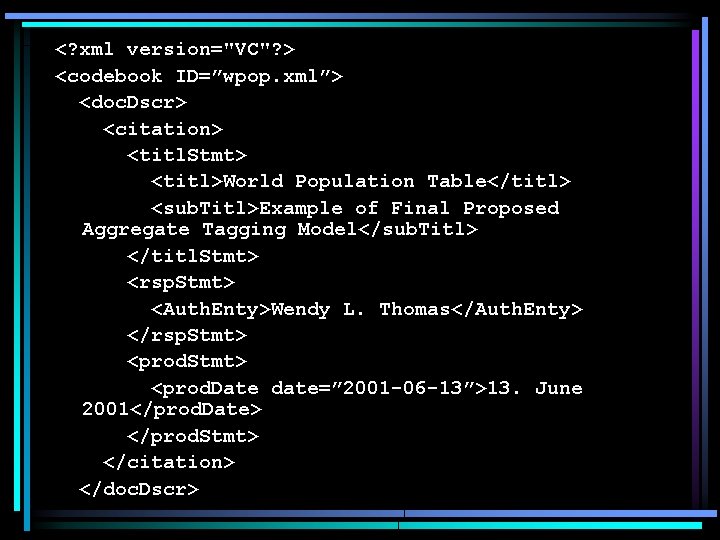
<? xml version="VC"? > <codebook ID=”wpop. xml”> <doc. Dscr> <citation> <titl. Stmt> <titl>World Population Table</titl> <sub. Titl>Example of Final Proposed Aggregate Tagging Model</sub. Titl> </titl. Stmt> <rsp. Stmt> <Auth. Enty>Wendy L. Thomas</Auth. Enty> </rsp. Stmt> <prod. Date date=” 2001 -06 -13”>13. June 2001</prod. Date> </prod. Stmt> </citation> </doc. Dscr>
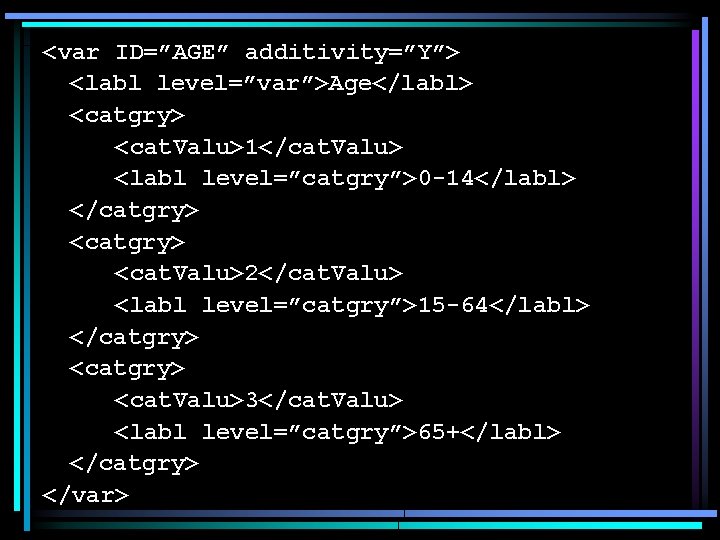
<var ID=”AGE” additivity=”Y”> <labl level=”var”>Age</labl> <catgry> <cat. Valu>1</cat. Valu> <labl level=”catgry”>0 -14</labl> </catgry> <cat. Valu>2</cat. Valu> <labl level=”catgry”>15 -64</labl> </catgry> <cat. Valu>3</cat. Valu> <labl level=”catgry”>65+</labl> </catgry> </var>
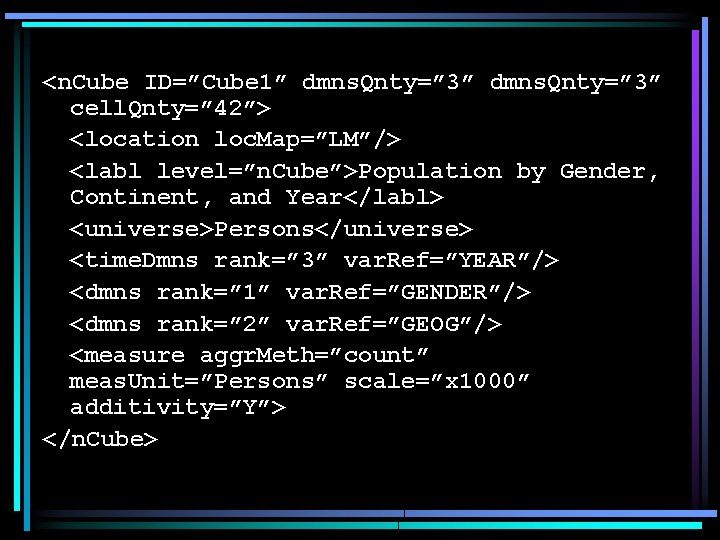
<n. Cube ID=”Cube 1” dmns. Qnty=” 3” cell. Qnty=” 42”> <location loc. Map=”LM”/> <labl level=”n. Cube”>Population by Gender, Continent, and Year</labl> <universe>Persons</universe> <time. Dmns rank=” 3” var. Ref=”YEAR”/> <dmns rank=” 1” var. Ref=”GENDER”/> <dmns rank=” 2” var. Ref=”GEOG”/> <measure aggr. Meth=”count” meas. Unit=”Persons” scale=”x 1000” additivity=”Y”> </n. Cube>
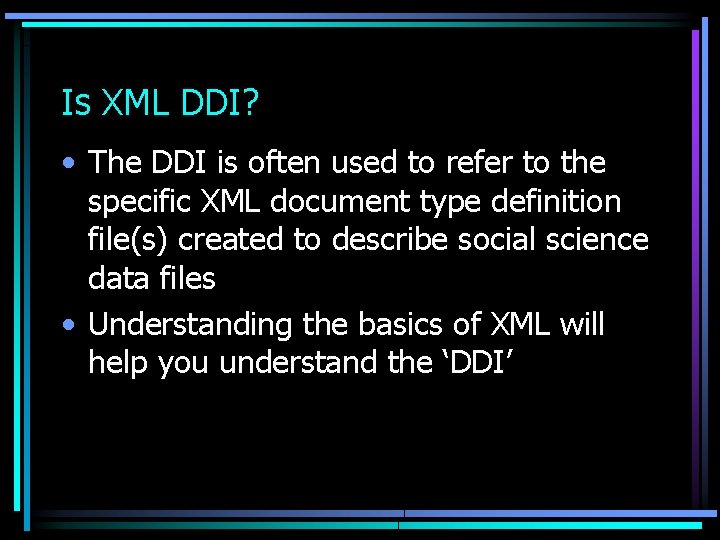
Is XML DDI? • The DDI is often used to refer to the specific XML document type definition file(s) created to describe social science data files • Understanding the basics of XML will help you understand the ‘DDI’
Where you might encounter DDI • DDI compliant documents distributed with data • Creating DDI codebooks for your own collection • Assisting researchers with creating DDI codebooks for their own research projects
The ‘Bill’ Experience: helping the hapless : -) • What I was doing • Why I documented using DDI • Issues raised in this experience: – Broad to specific or specific to broad? – The glories of the ID attribute – OR’s support role
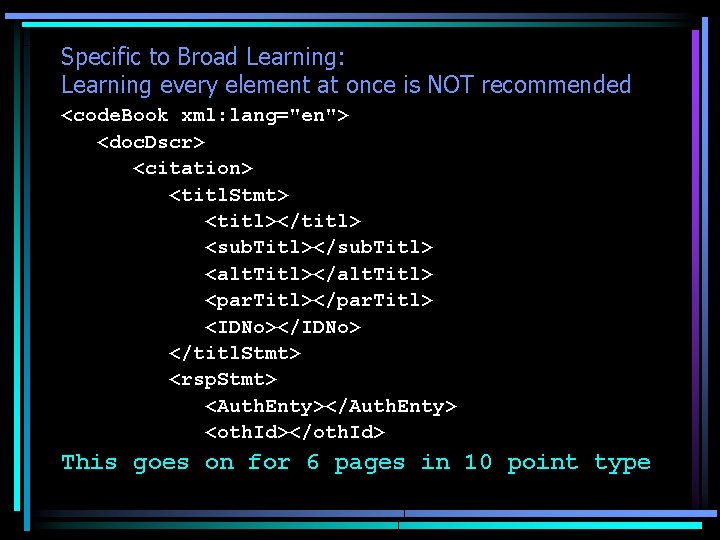
Specific to Broad Learning: Learning every element at once is NOT recommended <code. Book xml: lang="en"> <doc. Dscr> <citation> <titl. Stmt> <titl></titl> <sub. Titl></sub. Titl> <alt. Titl></alt. Titl> <par. Titl></par. Titl> <IDNo></IDNo> </titl. Stmt> <rsp. Stmt> <Auth. Enty></Auth. Enty> <oth. Id></oth. Id> This goes on for 6 pages in 10 point type
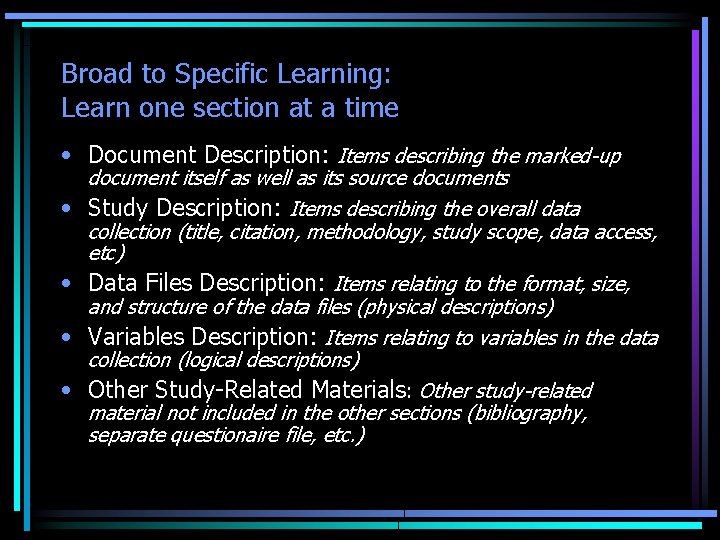
Broad to Specific Learning: Learn one section at a time • Document Description: Items describing the marked-up • • document itself as well as its source documents Study Description: Items describing the overall data collection (title, citation, methodology, study scope, data access, etc) Data Files Description: Items relating to the format, size, and structure of the data files (physical descriptions) Variables Description: Items relating to variables in the data collection (logical descriptions) Other Study-Related Materials: Other study-related material not included in the other sections (bibliography, separate questionaire file, etc. )
Lowering the Learning Curve: Creating customized views and subsets
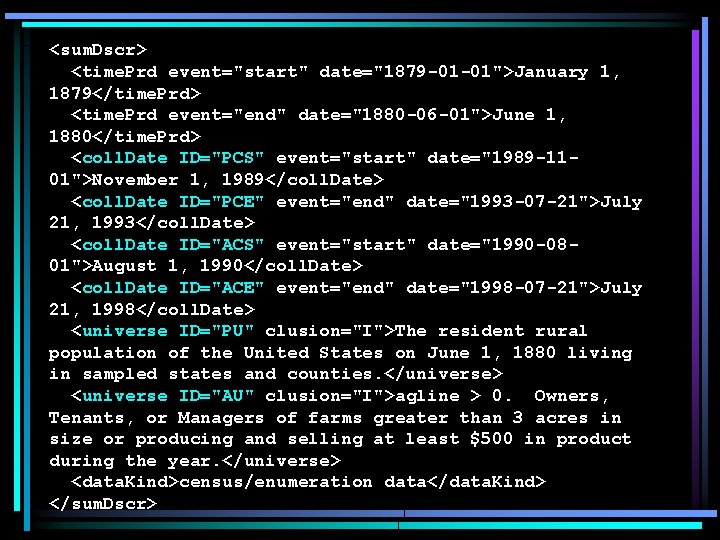
<sum. Dscr> <time. Prd event="start" date="1879 -01 -01">January 1, 1879</time. Prd> <time. Prd event="end" date="1880 -06 -01">June 1, 1880</time. Prd> <coll. Date ID="PCS" event="start" date="1989 -1101">November 1, 1989</coll. Date> <coll. Date ID="PCE" event="end" date="1993 -07 -21">July 21, 1993</coll. Date> <coll. Date ID="ACS" event="start" date="1990 -0801">August 1, 1990</coll. Date> <coll. Date ID="ACE" event="end" date="1998 -07 -21">July 21, 1998</coll. Date> <universe ID="PU" clusion="I">The resident rural population of the United States on June 1, 1880 living in sampled states and counties. </universe> <universe ID="AU" clusion="I">agline > 0. Owners, Tenants, or Managers of farms greater than 3 acres in size or producing and selling at least $500 in product during the year. </universe> <data. Kind>census/enumeration data</data. Kind> </sum. Dscr>
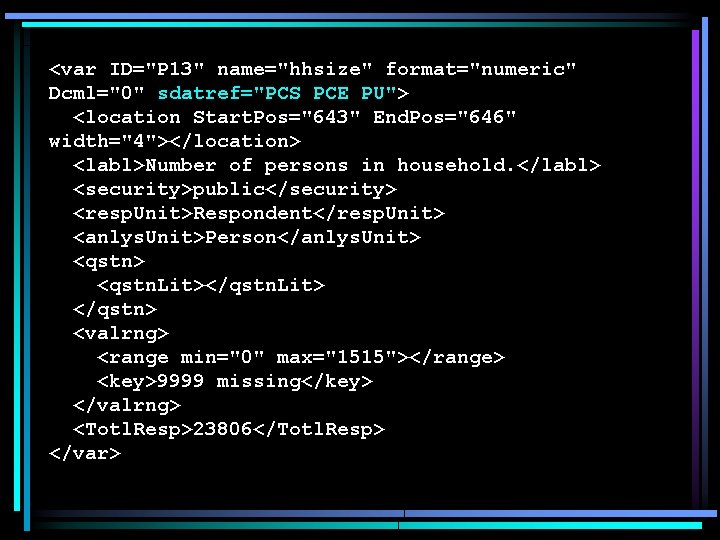
<var ID="P 13" name="hhsize" format="numeric" Dcml="0" sdatref="PCS PCE PU"> <location Start. Pos="643" End. Pos="646" width="4"></location> <labl>Number of persons in household. </labl> <security>public</security> <resp. Unit>Respondent</resp. Unit> <anlys. Unit>Person</anlys. Unit> <qstn. Lit></qstn. Lit> </qstn> <valrng> <range min="0" max="1515"></range> <key>9999 missing</key> </valrng> <Totl. Resp>23806</Totl. Resp> </var>
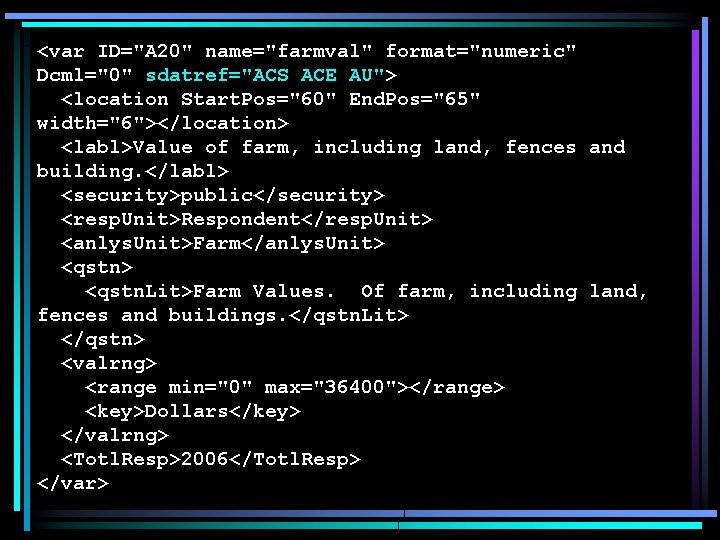
<var ID="A 20" name="farmval" format="numeric" Dcml="0" sdatref="ACS ACE AU"> <location Start. Pos="60" End. Pos="65" width="6"></location> <labl>Value of farm, including land, fences and building. </labl> <security>public</security> <resp. Unit>Respondent</resp. Unit> <anlys. Unit>Farm</anlys. Unit> <qstn. Lit>Farm Values. Of farm, including land, fences and buildings. </qstn. Lit> </qstn> <valrng> <range min="0" max="36400"></range> <key>Dollars</key> </valrng> <Totl. Resp>2006</Totl. Resp> </var>
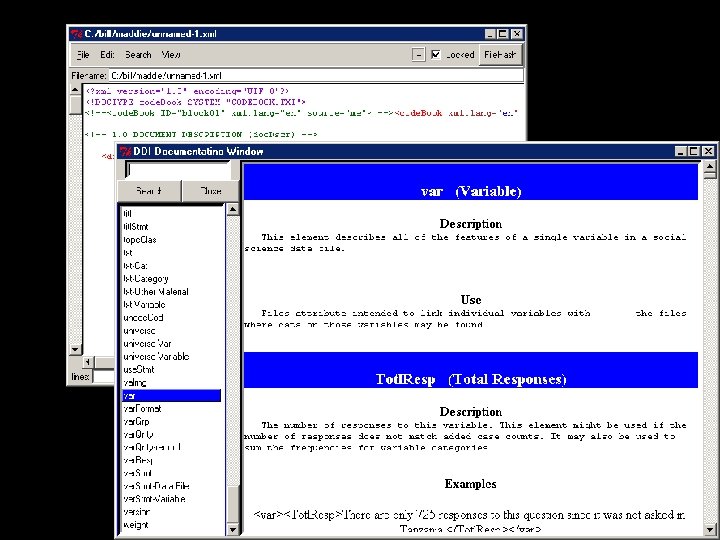
The BIGGEST Lesson The importance of the TAG LIBRARY!! “If you could only take one thing to a deserted island to do DDI…make it the Tag Library. ”
Using/Exploiting DDI compliant files • The key lies in uniformity and consistency within an XML instance or within a series • Never forget that a computer as well as a human being will be reading this – Element contents are for people – Attribute contents are for machines
The Concept of Inheritance The idea that lower elements within an intellectual tree ‘inherit’ the attributes of the higher levels unless a new value is provided Inheritance allows you to: • Increase uniformity • Reduce entry time • Speed up processing
Looking for inheritance options • Within a single xml instance – Within an element type – Within a section – Within the ‘codebook’ • Within a series of xml instances – External references – Cut and paste
The power of the ID attribute • Every element should have an ID • Developing a schema for ID’s • IDRef and IDRefs: – sdat. Ref – meth. Ref – pub. Ref – Others (var, n. Cube, var. Grp, loc. Map…)
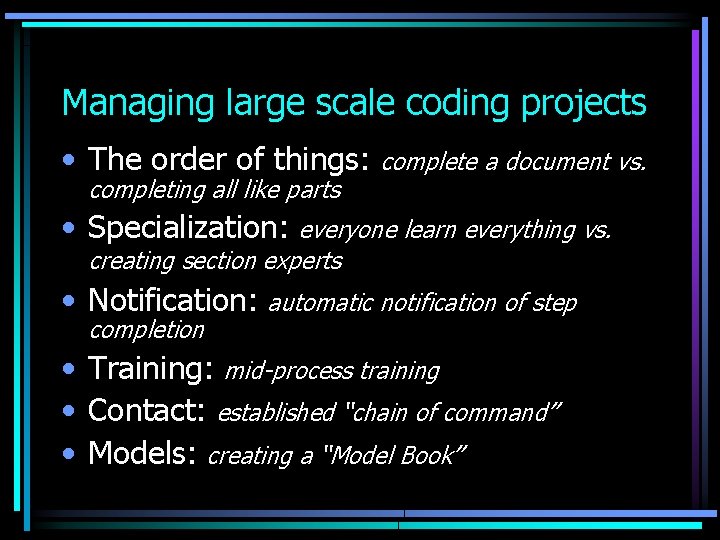
Managing large scale coding projects • The order of things: complete a document vs. completing all like parts • Specialization: everyone learn everything vs. creating section experts • Notification: automatic notification of step completion • Training: mid-process training • Contact: established “chain of command” • Models: creating a “Model Book”
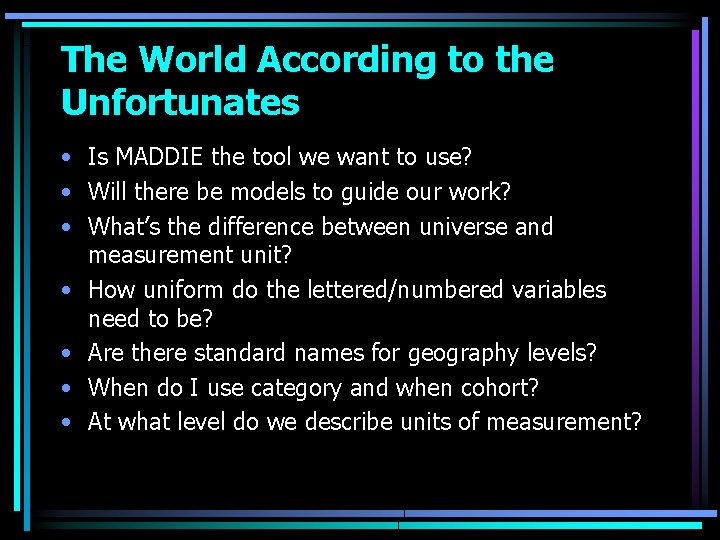
The World According to the Unfortunates • Is MADDIE the tool we want to use? • Will there be models to guide our work? • What’s the difference between universe and measurement unit? • How uniform do the lettered/numbered variables need to be? • Are there standard names for geography levels? • When do I use category and when cohort? • At what level do we describe units of measurement?
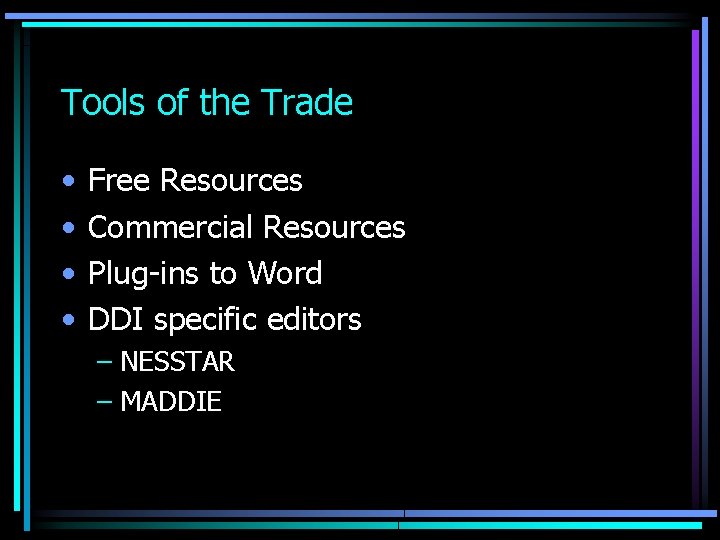
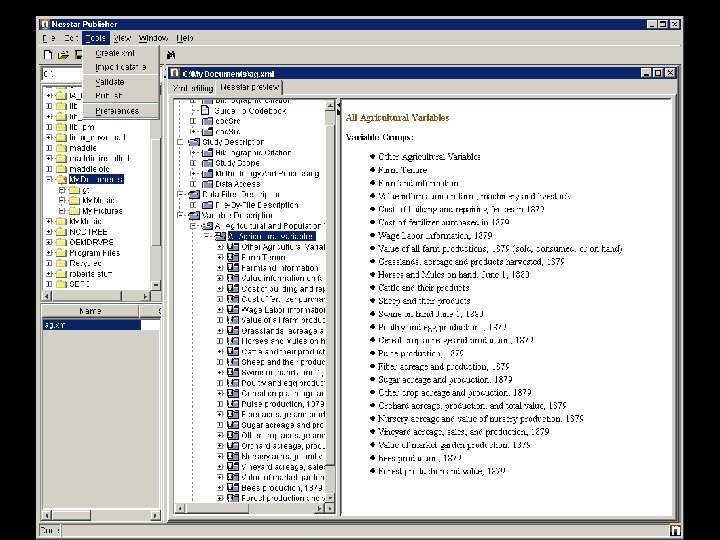
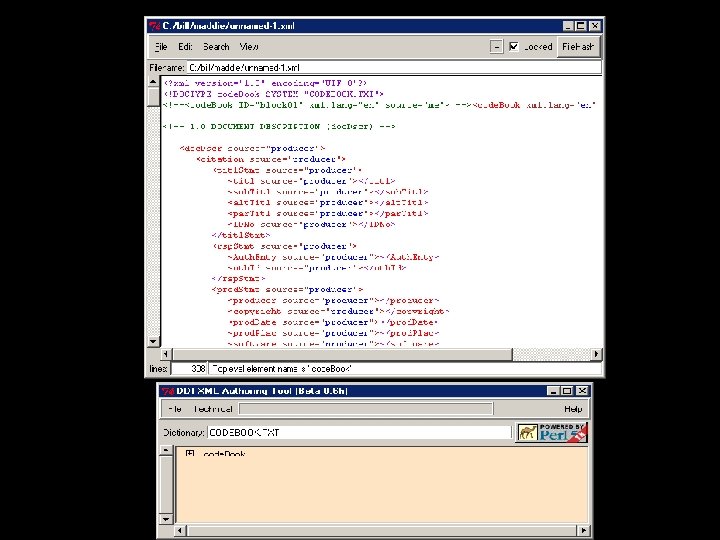
Tools of the Trade • • Free Resources Commercial Resources Plug-ins to Word DDI specific editors – NESSTAR – MADDIE
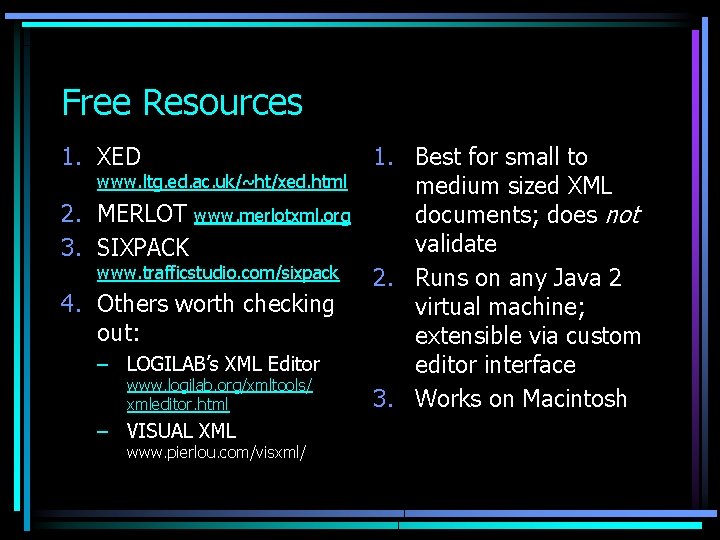
Free Resources 1. XED www. ltg. ed. ac. uk/~ht/xed. html 2. MERLOT www. merlotxml. org 3. SIXPACK www. trafficstudio. com/sixpack 4. Others worth checking out: – LOGILAB’s XML Editor www. logilab. org/xmltools/ xmleditor. html – VISUAL XML www. pierlou. com/visxml/ 1. Best for small to medium sized XML documents; does not validate 2. Runs on any Java 2 virtual machine; extensible via custom editor interface 3. Works on Macintosh
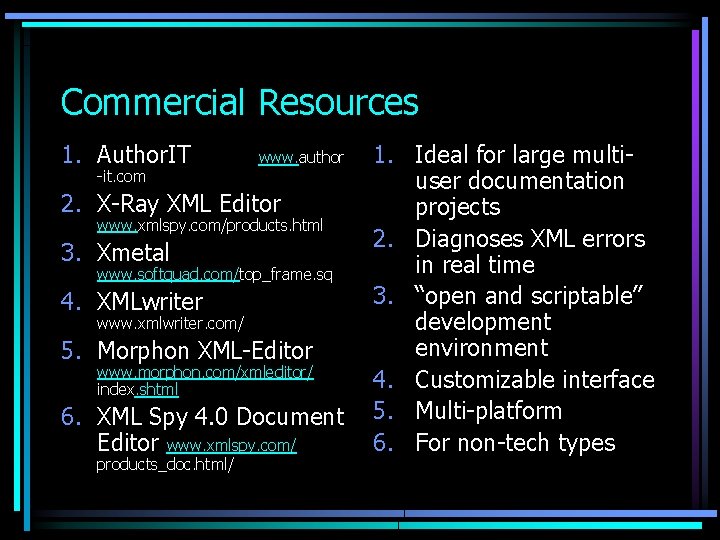
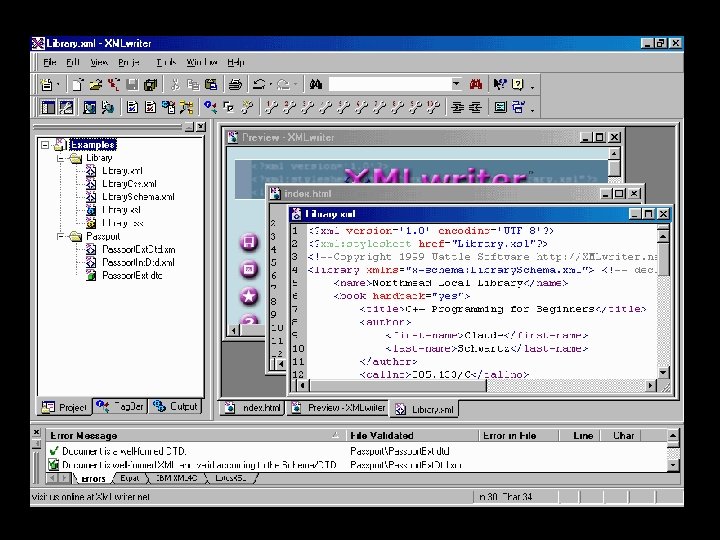
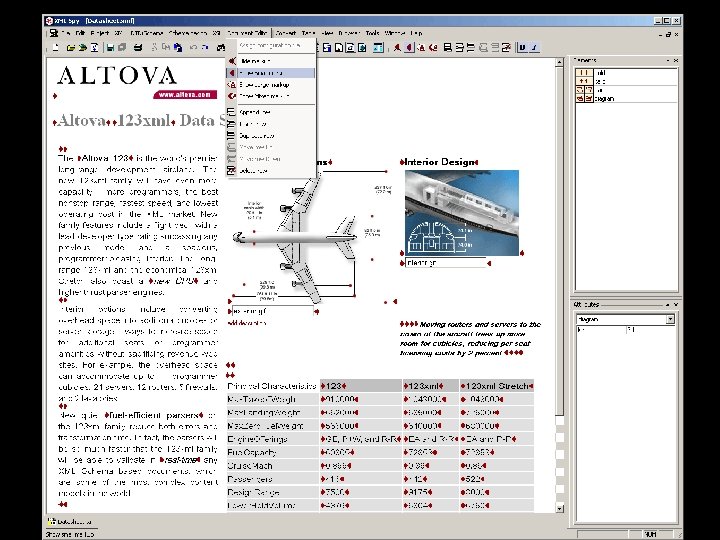
Commercial Resources 1. Author. IT -it. com www. author 2. X-Ray XML Editor www. xmlspy. com/products. html 3. Xmetal www. softquad. com/top_frame. sq 4. XMLwriter www. xmlwriter. com/ 5. Morphon XML-Editor www. morphon. com/xmleditor/ index. shtml 6. XML Spy 4. 0 Document Editor www. xmlspy. com/ products_doc. html/ 1. Ideal for large multiuser documentation projects 2. Diagnoses XML errors in real time 3. “open and scriptable” development environment 4. Customizable interface 5. Multi-platform 6. For non-tech types
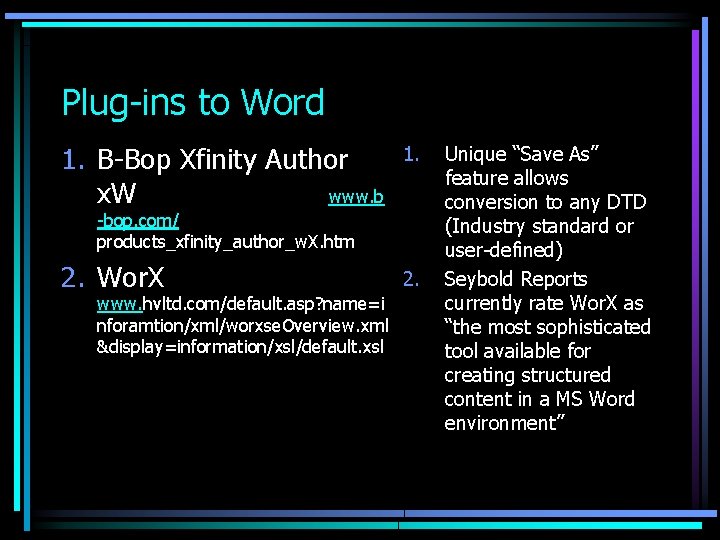
Plug-ins to Word 1. B-Bop Xfinity Author x. W www. b 1. 2. Wor. X 2. -bop. com/ products_xfinity_author_w. X. htm www. hvltd. com/default. asp? name=i nforamtion/xml/worxse. Overview. xml &display=information/xsl/default. xsl Unique “Save As” feature allows conversion to any DTD (Industry standard or user-defined) Seybold Reports currently rate Wor. X as “the most sophisticated tool available for creating structured content in a MS Word environment”
DDI Specific Editors • NESSTAR Publisher • MADDIE Followed by QUESTIONS
Wendy Thomas wlt@pop. umn. edu Bill Block block@pop. umn. edu