
An Introduction to Python Programming Dr Mark Goadrich
- Slides: 27
An Introduction to Python Programming Dr. Mark Goadrich Centenary College of Louisiana http: //mark. goadrich. com NWLAPCUG - May 15 th 2008
I’m Thinking of a Number… • Can we guess the computer’s secret number between 0 and 100? • Can the computer guess our secret number between 0 and 100? • We need a common language to communicate.
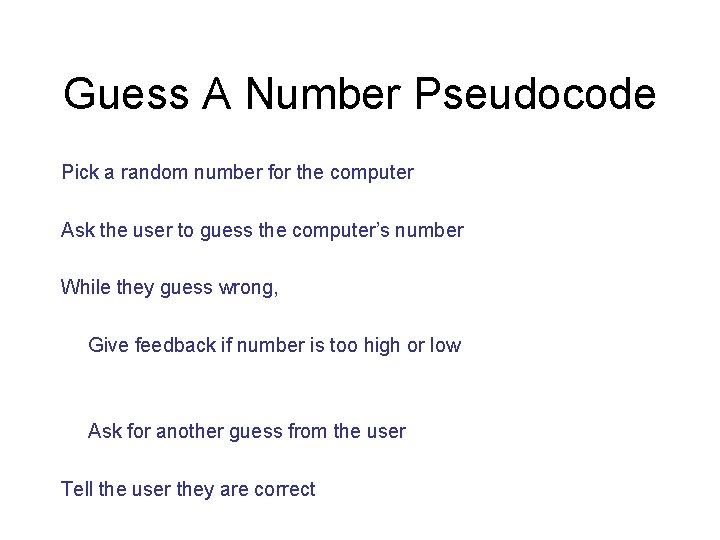
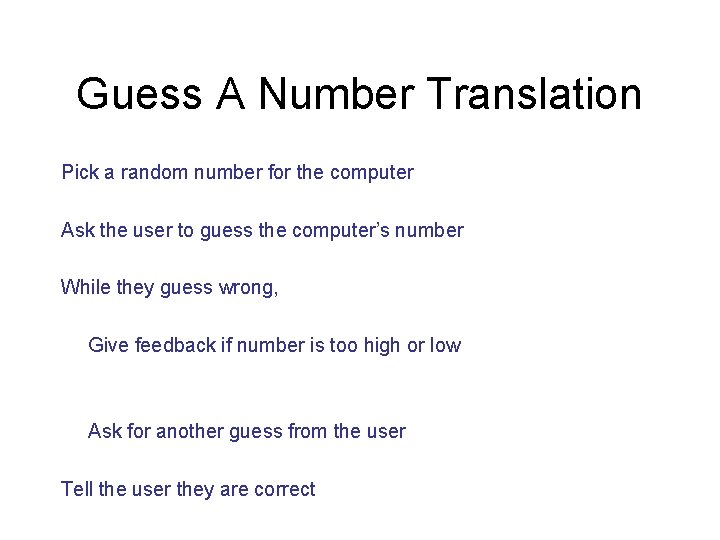
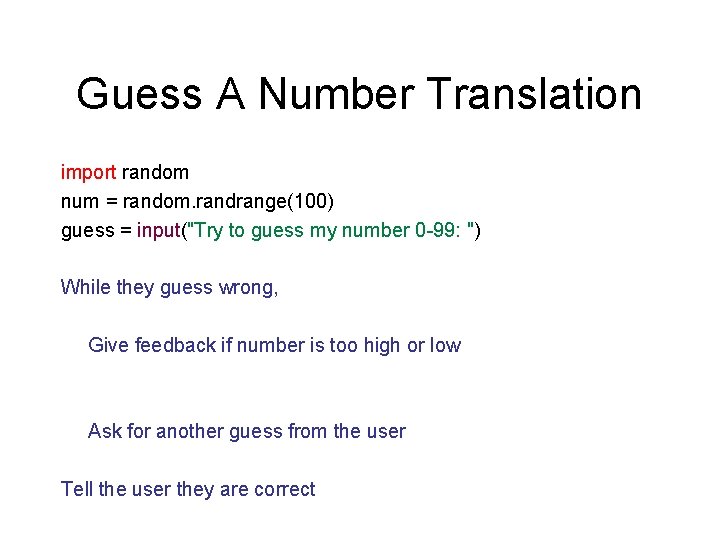
Guess A Number Pseudocode Pick a random number for the computer Ask the user to guess the computer’s number While they guess wrong, Give feedback if number is too high or low Ask for another guess from the user Tell the user they are correct
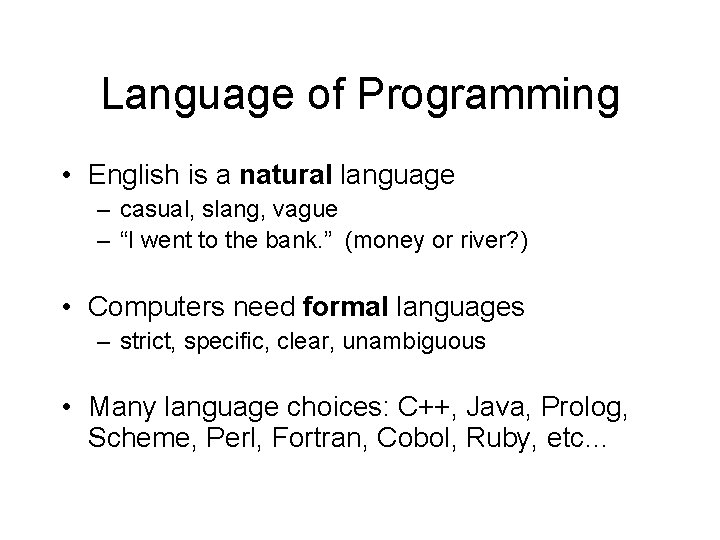
Language of Programming • English is a natural language – casual, slang, vague – “I went to the bank. ” (money or river? ) • Computers need formal languages – strict, specific, clear, unambiguous • Many language choices: C++, Java, Prolog, Scheme, Perl, Fortran, Cobol, Ruby, etc…
Python Programming
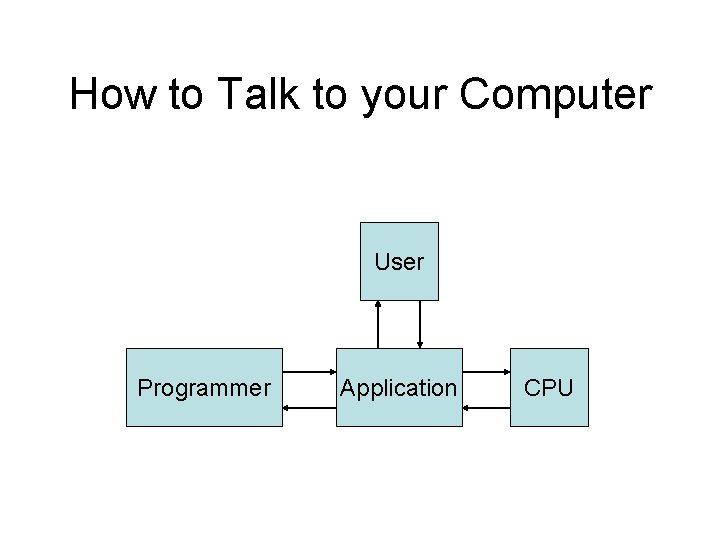
How to Talk to your Computer User Programmer Application CPU
Python Interpreter
Python and IDLE
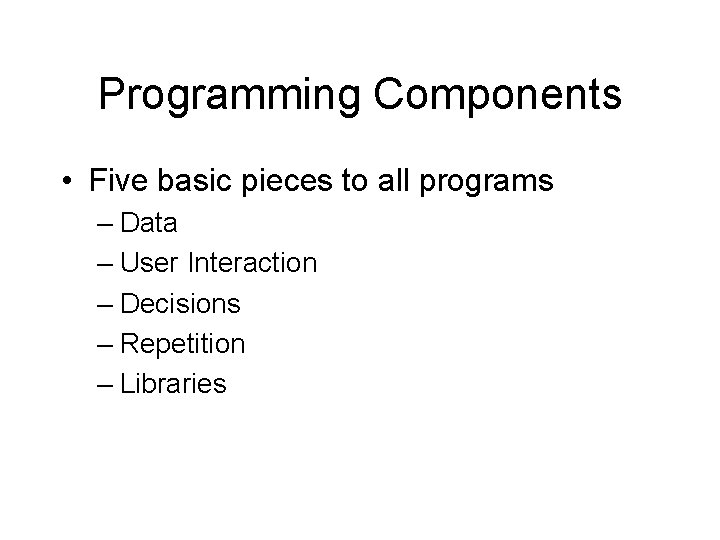
Programming Components • Five basic pieces to all programs – Data – User Interaction – Decisions – Repetition – Libraries
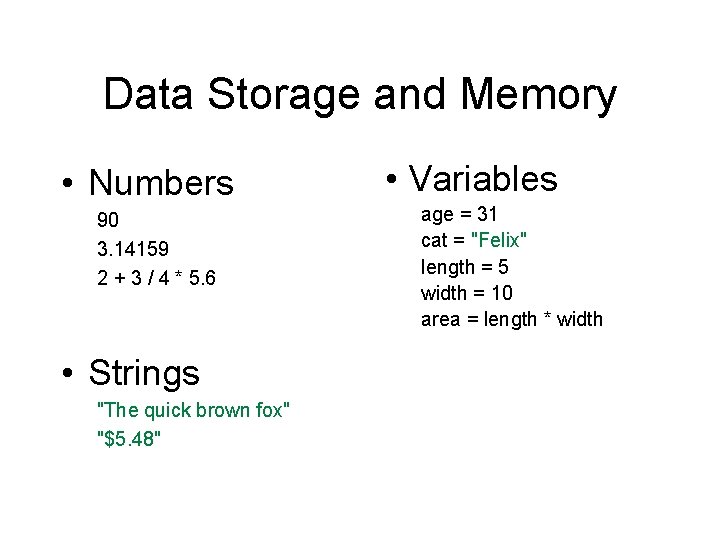
Data Storage and Memory • Numbers 90 3. 14159 2 + 3 / 4 * 5. 6 • Strings "The quick brown fox" "$5. 48" • Variables age = 31 cat = "Felix" length = 5 width = 10 area = length * width
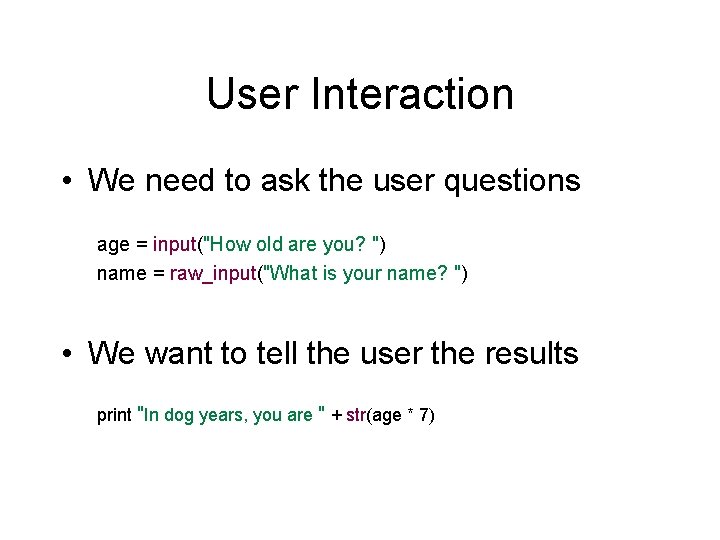
User Interaction • We need to ask the user questions age = input("How old are you? ") name = raw_input("What is your name? ") • We want to tell the user the results print "In dog years, you are " + str(age * 7)
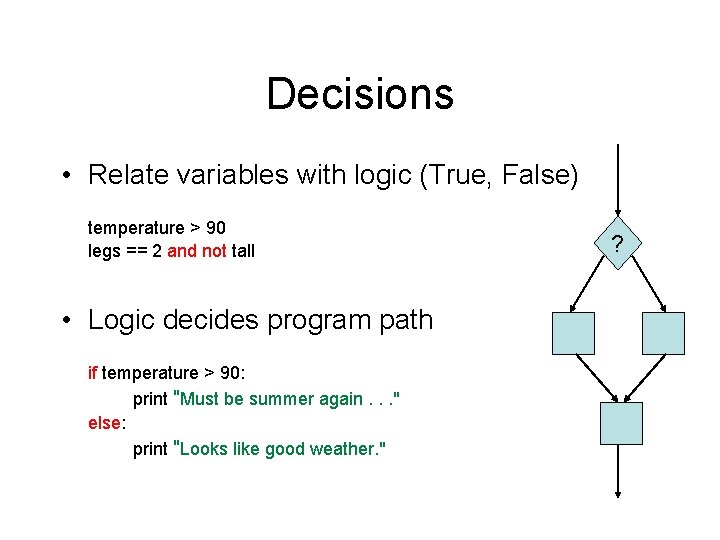
Decisions • Relate variables with logic (True, False) temperature > 90 legs == 2 and not tall • Logic decides program path if temperature > 90: print "Must be summer again. . . " else: print "Looks like good weather. " ?
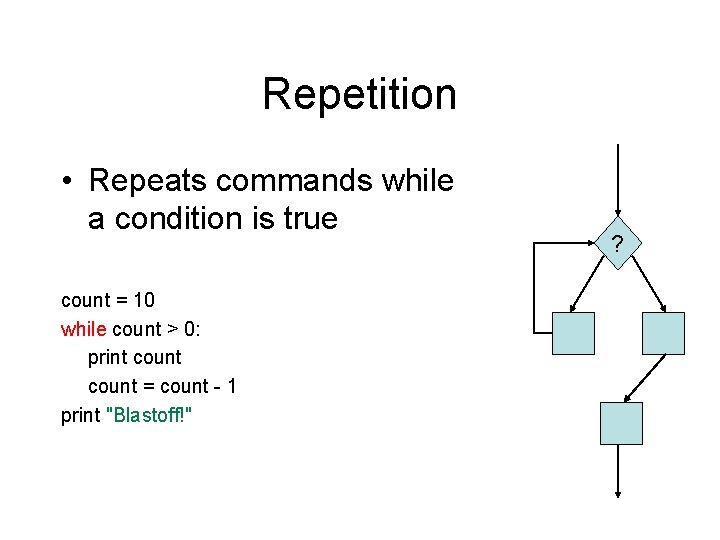
Repetition • Repeats commands while a condition is true count = 10 while count > 0: print count = count - 1 print "Blastoff!" ?
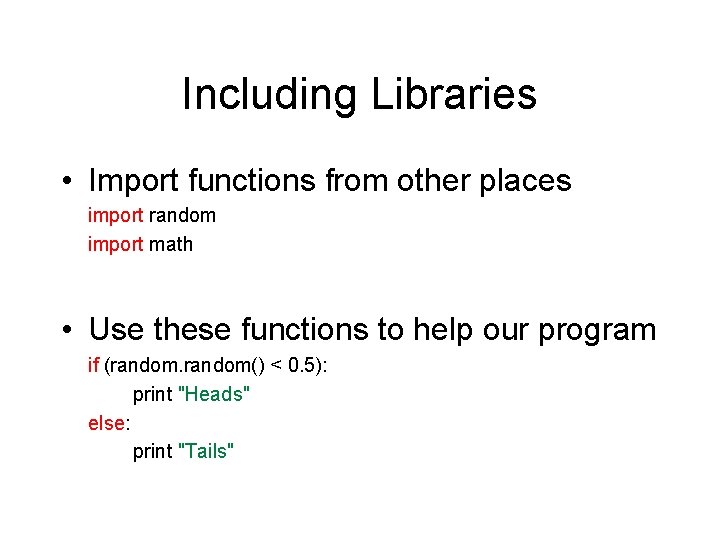
Including Libraries • Import functions from other places import random import math • Use these functions to help our program if (random() < 0. 5): print "Heads" else: print "Tails"
Guess A Number Translation Pick a random number for the computer Ask the user to guess the computer’s number While they guess wrong, Give feedback if number is too high or low Ask for another guess from the user Tell the user they are correct
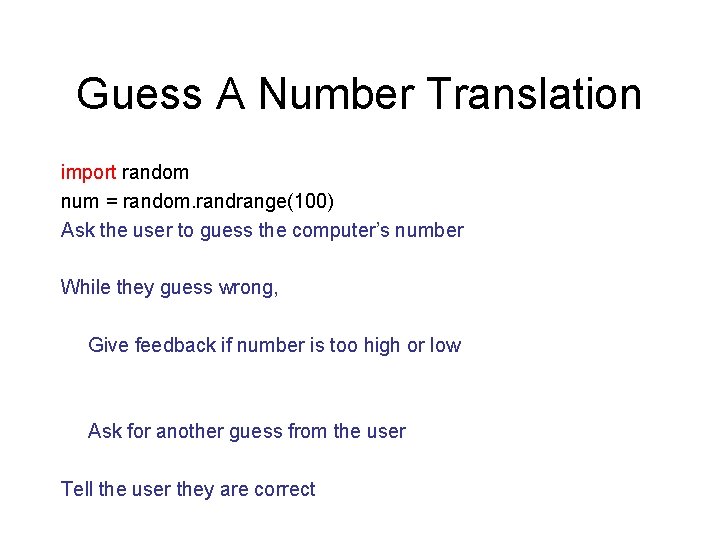
Guess A Number Translation import random num = random. randrange(100) Ask the user to guess the computer’s number While they guess wrong, Give feedback if number is too high or low Ask for another guess from the user Tell the user they are correct
Guess A Number Translation import random num = random. randrange(100) guess = input("Try to guess my number 0 -99: ") While they guess wrong, Give feedback if number is too high or low Ask for another guess from the user Tell the user they are correct
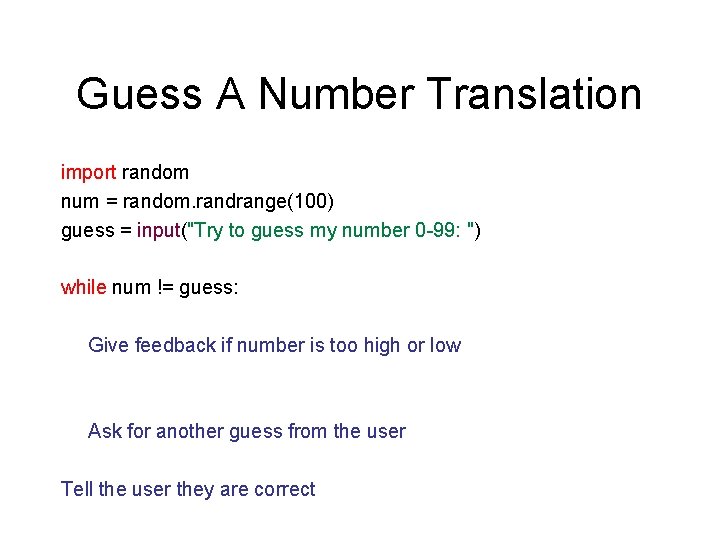
Guess A Number Translation import random num = random. randrange(100) guess = input("Try to guess my number 0 -99: ") while num != guess: Give feedback if number is too high or low Ask for another guess from the user Tell the user they are correct
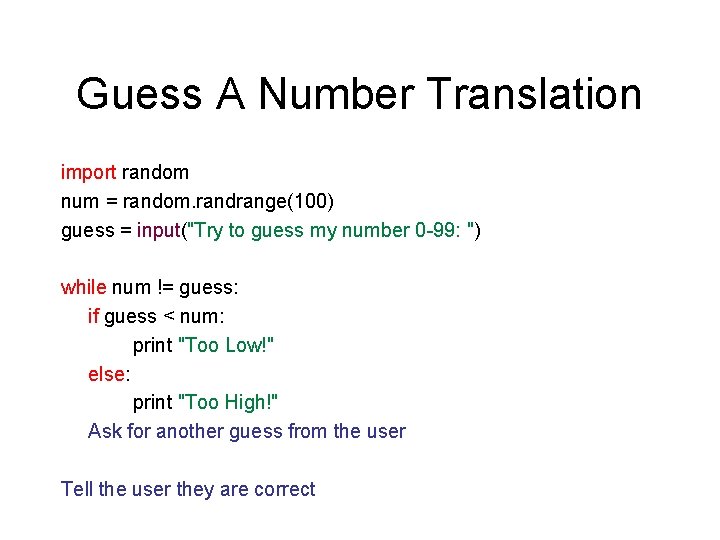
Guess A Number Translation import random num = random. randrange(100) guess = input("Try to guess my number 0 -99: ") while num != guess: if guess < num: print "Too Low!" else: print "Too High!" Ask for another guess from the user Tell the user they are correct
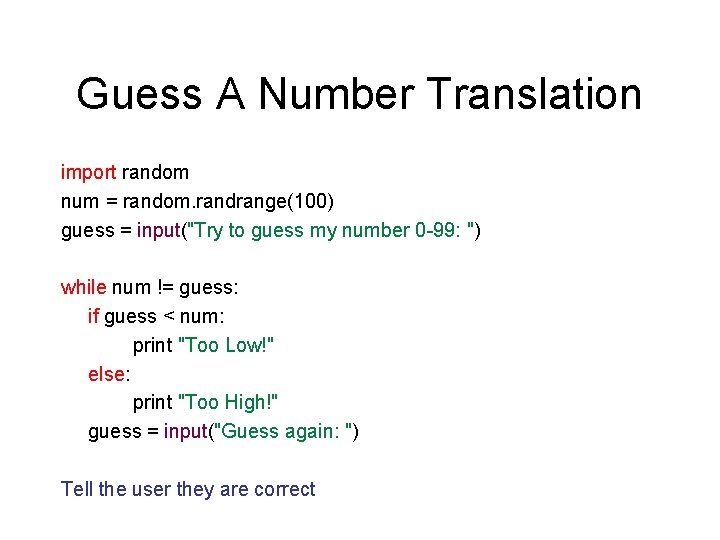
Guess A Number Translation import random num = random. randrange(100) guess = input("Try to guess my number 0 -99: ") while num != guess: if guess < num: print "Too Low!" else: print "Too High!" guess = input("Guess again: ") Tell the user they are correct
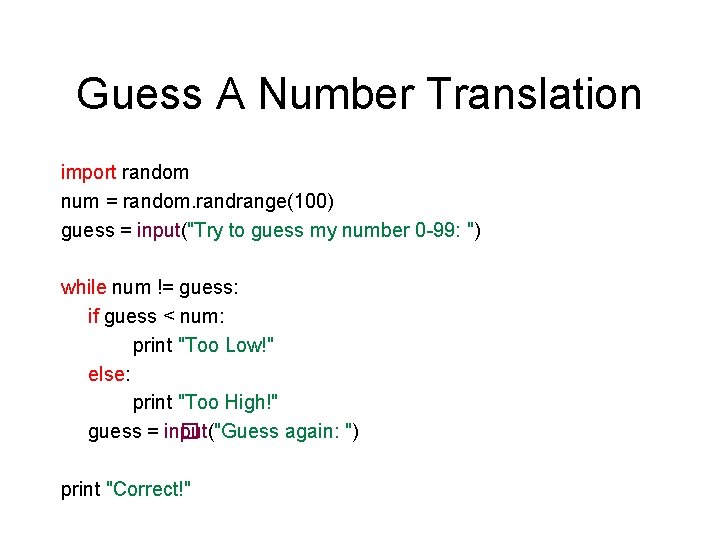
Guess A Number Translation import random num = random. randrange(100) guess = input("Try to guess my number 0 -99: ") while num != guess: if guess < num: print "Too Low!" else: print "Too High!" guess = in� put("Guess again: ") print "Correct!"
Running our Code • Go to IDLE • Open guess 1. py • Press F 5 to run the program
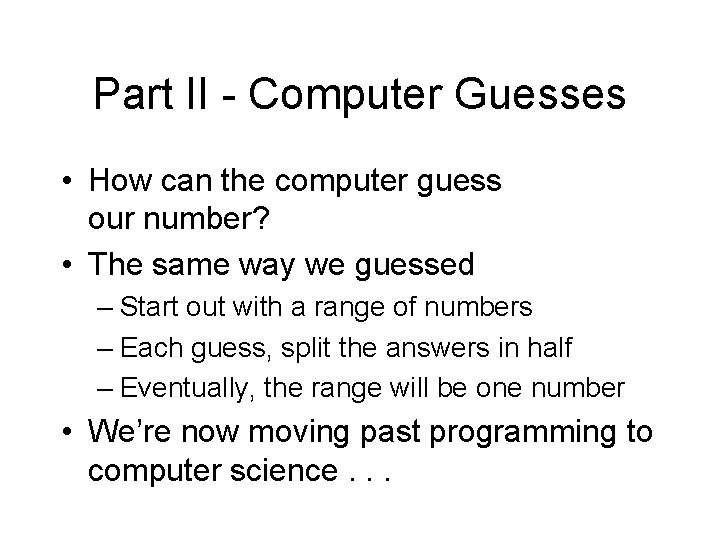
Part II - Computer Guesses • How can the computer guess our number? • The same way we guessed – Start out with a range of numbers – Each guess, split the answers in half – Eventually, the range will be one number • We’re now moving past programming to computer science. . .
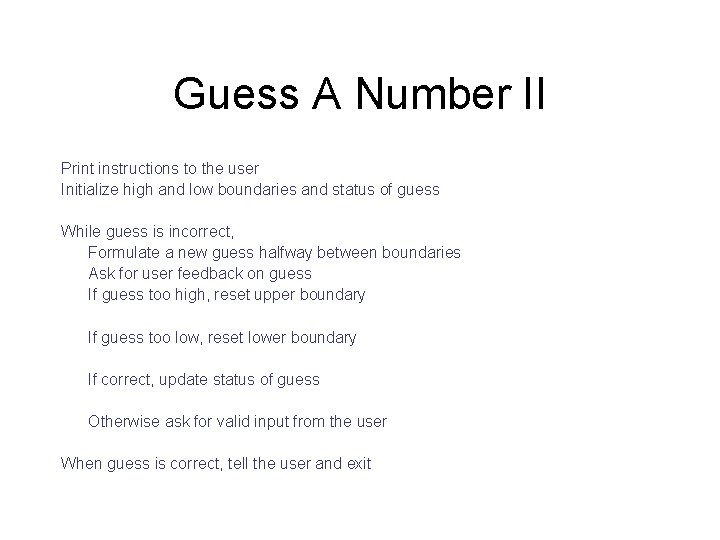
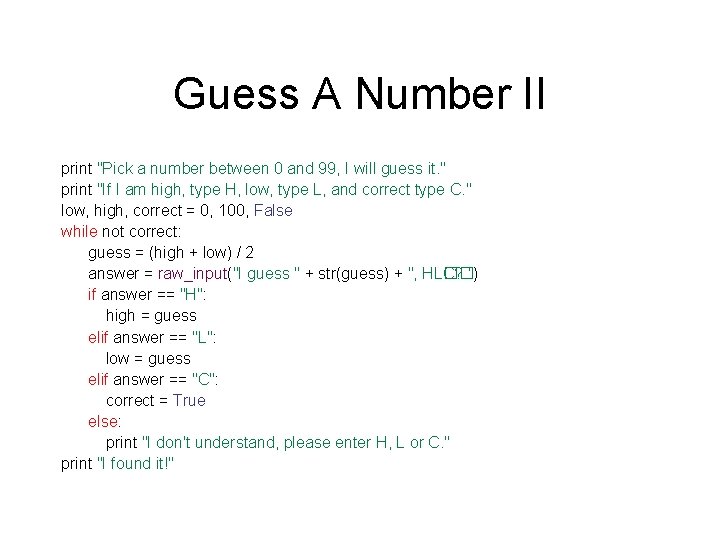
Guess A Number II Print instructions to the user Initialize high and low boundaries and status of guess While guess is incorrect, Formulate a new guess halfway between boundaries Ask for user feedback on guess If guess too high, reset upper boundary If guess too low, reset lower boundary If correct, update status of guess Otherwise ask for valid input from the user When guess is correct, tell the user and exit
Guess A Number II print "Pick a number between 0 and 99, I will guess it. " print "If I am high, type H, low, type L, and correct type C. " low, high, correct = 0, 100, False while not correct: guess = (high + low) / 2 answer = raw_input("I guess " + str(guess) + ", HL�� C? ") if answer == "H": high = guess elif answer == "L": low = guess elif answer == "C": correct = True else: print "I don't understand, please enter H, L or C. " print "I found it!"
Other Examples • Chaos and Fractals • Can’t Stop the Monkeys
Further References • Python Home Page http: //python. org • How to Think Like a (Python) Programmer http: //thinkpython. com • Graphics Package for Python http: //cs 1 graphics. org