
An Introduction to Programming with CUDA Paul Richmond



![A Coded Example • Serial solution for (i=0; i<N; i++){ result[i] = 2*i; }](https://slidetodoc.com/presentation_image_h/f64e7f99815516d731970df5c6791864/image-16.jpg "A Coded Example • Serial solution for (i=0; i<N; i++){ result[i] = 2*i; }")
![A 2 D Matrix Addition Example //Device Code __global__ void matrix. Add(float a[N][N], float](https://slidetodoc.com/presentation_image_h/f64e7f99815516d731970df5c6791864/image-21.jpg "A 2 D Matrix Addition Example //Device Code __global__ void matrix. Add(float a[N][N], float")
- Slides: 28
An Introduction to Programming with CUDA Paul Richmond GPUComputing@Sheffield http: //gpucomputing. sites. sheffield. ac. uk/
Overview • Motivation • Introduction to CUDA Kernels • CUDA Memory Management
Overview • Motivation • Introduction to CUDA Kernels • CUDA Memory Management
About NVIDIA CUDA • Traditional sequential languages are not suitable for GPUs • GPUs are data NOT task parallel • CUDA allows NVIDIA GPUs to be programmed in C/C++ (also in Fortran) • Language extensions for compute “kernels” • Kernels execute on multiple threads concurrently • API functions provide management (e. g. memory, synchronisation, etc. )
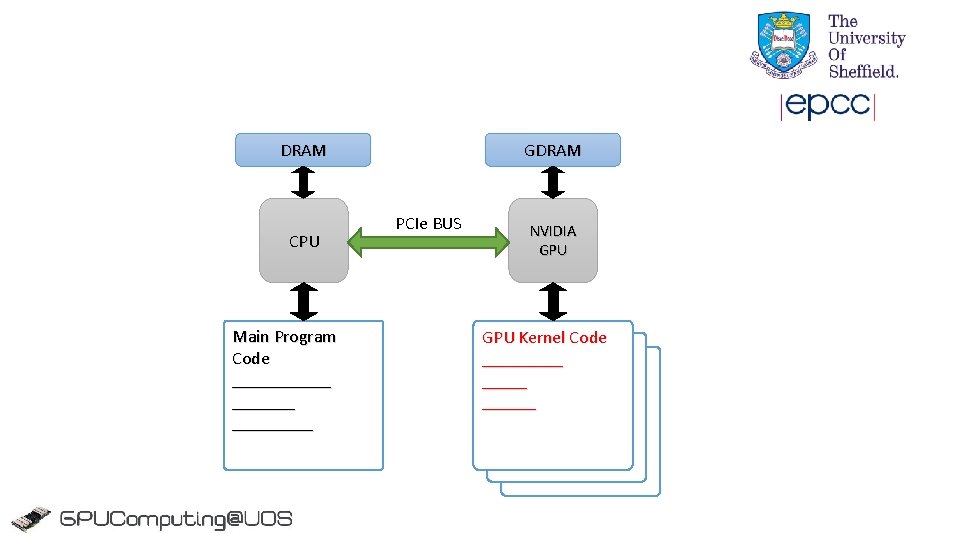
DRAM CPU Main Program Code _________ GDRAM PCIe BUS NVIDIA GPU Kernel Code _________ ______ ______
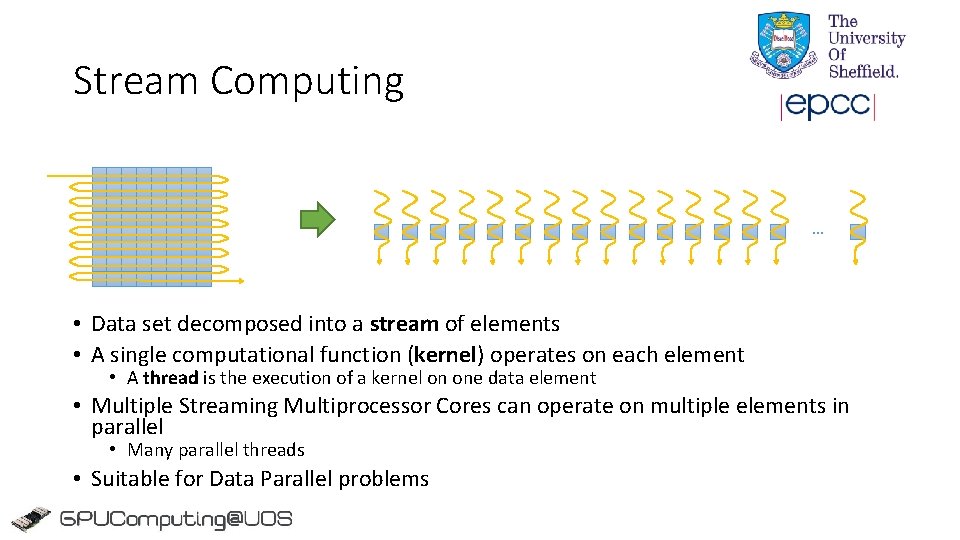
Stream Computing … • Data set decomposed into a stream of elements • A single computational function (kernel) operates on each element • A thread is the execution of a kernel on one data element • Multiple Streaming Multiprocessor Cores can operate on multiple elements in parallel • Many parallel threads • Suitable for Data Parallel problems
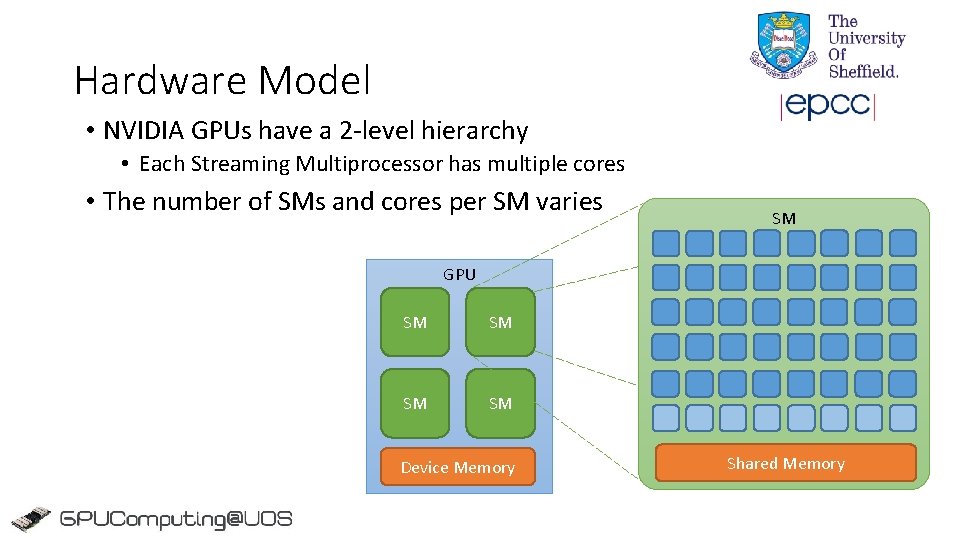
Hardware Model • NVIDIA GPUs have a 2 -level hierarchy • Each Streaming Multiprocessor has multiple cores • The number of SMs and cores per SM varies SM GPU SM SM Device Memory Shared Memory
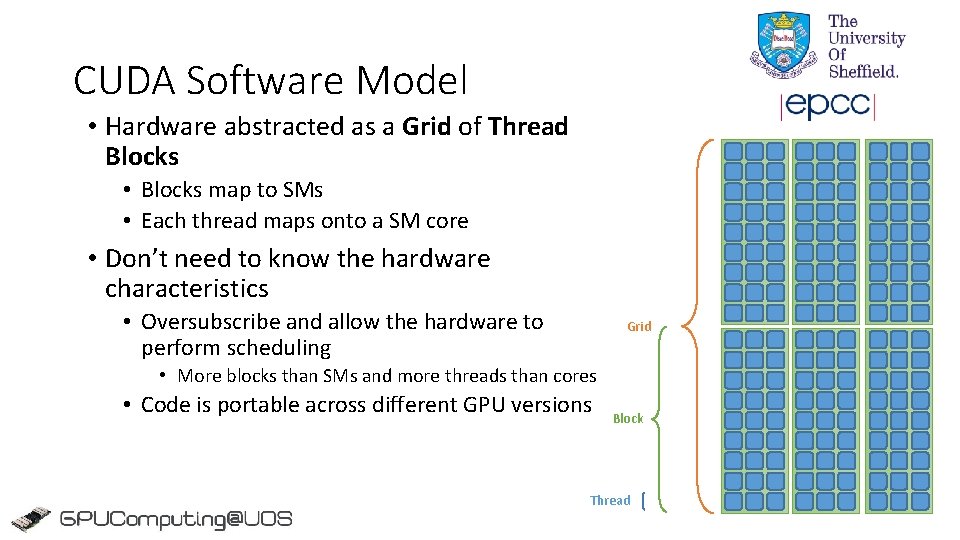
CUDA Software Model • Hardware abstracted as a Grid of Thread Blocks • Blocks map to SMs • Each thread maps onto a SM core • Don’t need to know the hardware characteristics • Oversubscribe and allow the hardware to perform scheduling Grid • More blocks than SMs and more threads than cores • Code is portable across different GPU versions Block Thread
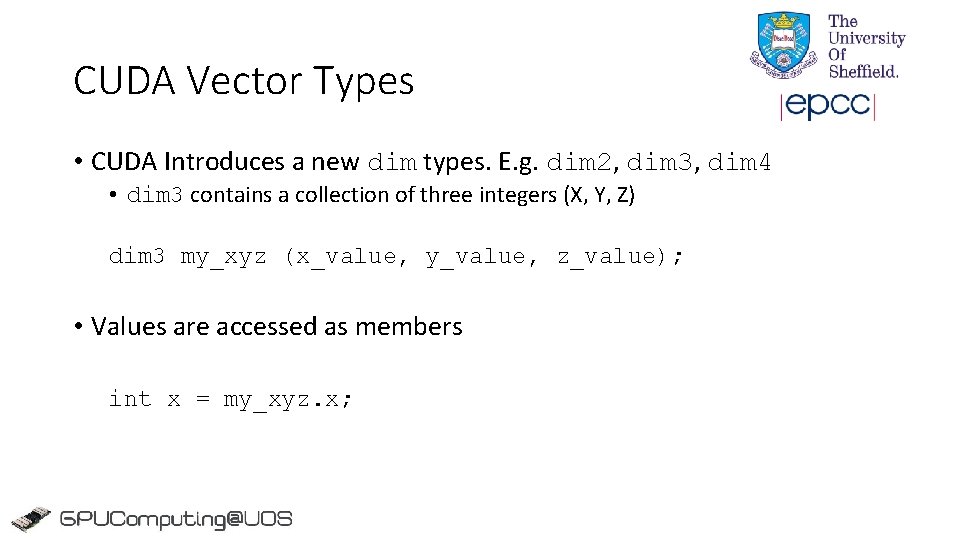
CUDA Vector Types • CUDA Introduces a new dim types. E. g. dim 2, dim 3, dim 4 • dim 3 contains a collection of three integers (X, Y, Z) dim 3 my_xyz (x_value, y_value, z_value); • Values are accessed as members int x = my_xyz. x;
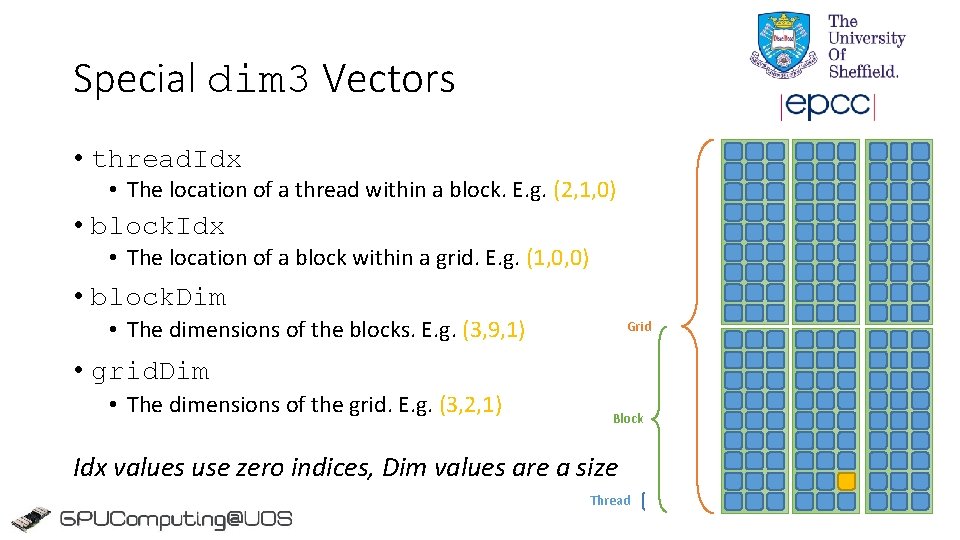
Special dim 3 Vectors • thread. Idx • The location of a thread within a block. E. g. (2, 1, 0) • block. Idx • The location of a block within a grid. E. g. (1, 0, 0) • block. Dim • The dimensions of the blocks. E. g. (3, 9, 1) Grid • grid. Dim • The dimensions of the grid. E. g. (3, 2, 1) Block Idx values use zero indices, Dim values are a size Thread
Analogy • Students arrive at halls of residence to check in • Rooms allocated in order • Unfortunately admission rates are down! • Only half as many rooms as students • Each student can be moved from room i to room 2 i so that no-one has a neighbour
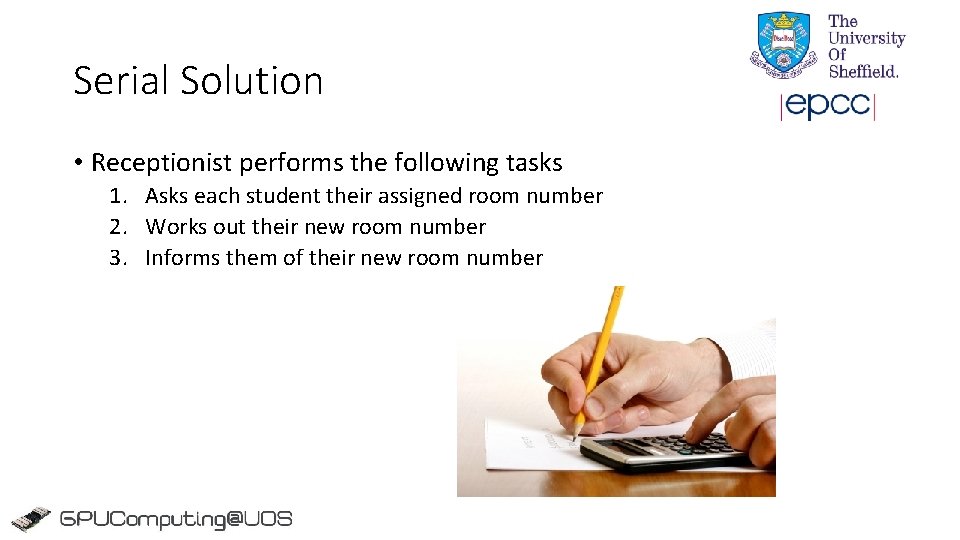
Serial Solution • Receptionist performs the following tasks 1. Asks each student their assigned room number 2. Works out their new room number 3. Informs them of their new room number
Parallel Solution “Everybody check your room number. Multiply it by 2 and go to that room”
Overview • Motivation • Introduction to CUDA Kernels • CUDA Memory Management
A Coded Example • Serial solution for (i=0; i<N; i++){ result[i] = 2*i; } • We can parallelise this by assigning each iteration to a CUDA thread!
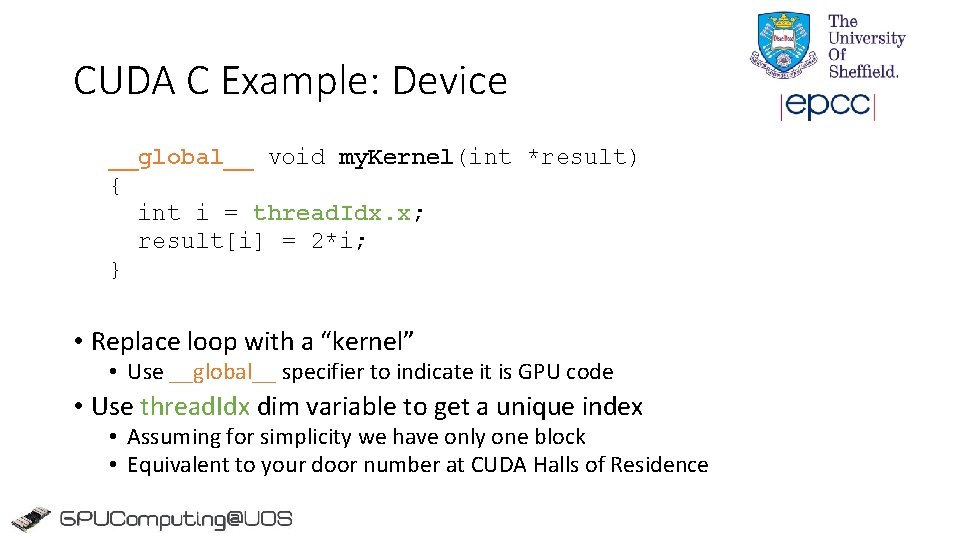
CUDA C Example: Device __global__ void my. Kernel(int *result) { int i = thread. Idx. x; result[i] = 2*i; } • Replace loop with a “kernel” • Use __global__ specifier to indicate it is GPU code • Use thread. Idx dim variable to get a unique index • Assuming for simplicity we have only one block • Equivalent to your door number at CUDA Halls of Residence
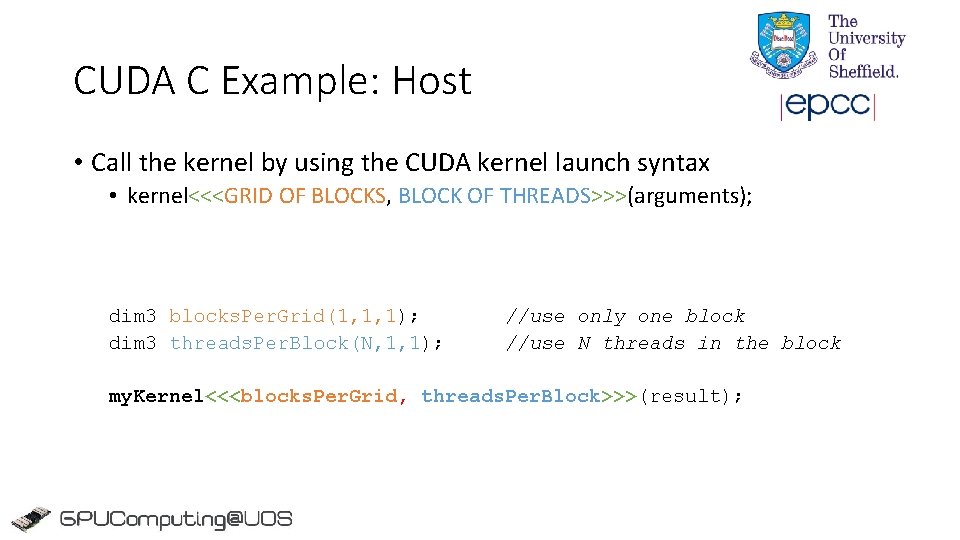
CUDA C Example: Host • Call the kernel by using the CUDA kernel launch syntax • kernel<<<GRID OF BLOCKS, BLOCK OF THREADS>>>(arguments); dim 3 blocks. Per. Grid(1, 1, 1); dim 3 threads. Per. Block(N, 1, 1); //use only one block //use N threads in the block my. Kernel<<<blocks. Per. Grid, threads. Per. Block>>>(result);
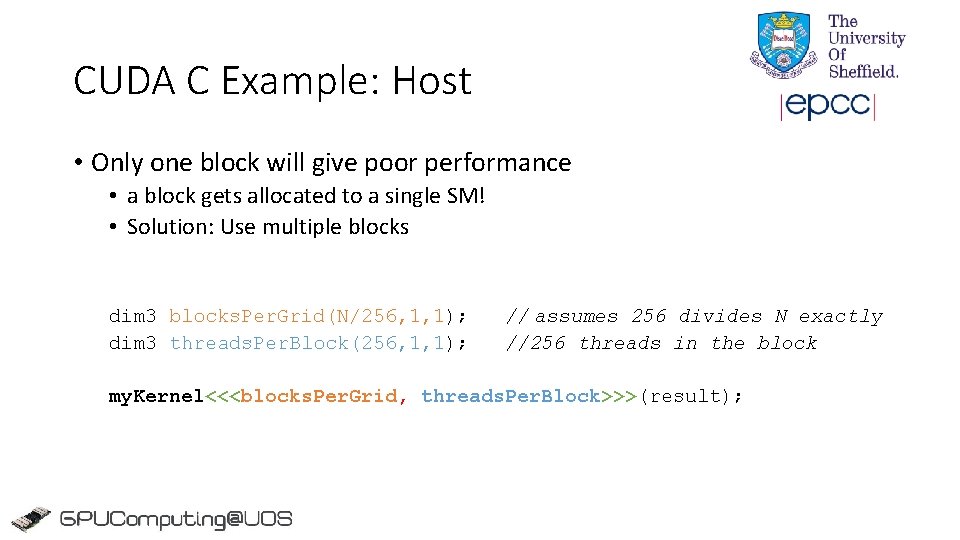
CUDA C Example: Host • Only one block will give poor performance • a block gets allocated to a single SM! • Solution: Use multiple blocks dim 3 blocks. Per. Grid(N/256, 1, 1); dim 3 threads. Per. Block(256, 1, 1); // assumes 256 divides N exactly //256 threads in the block my. Kernel<<<blocks. Per. Grid, threads. Per. Block>>>(result);
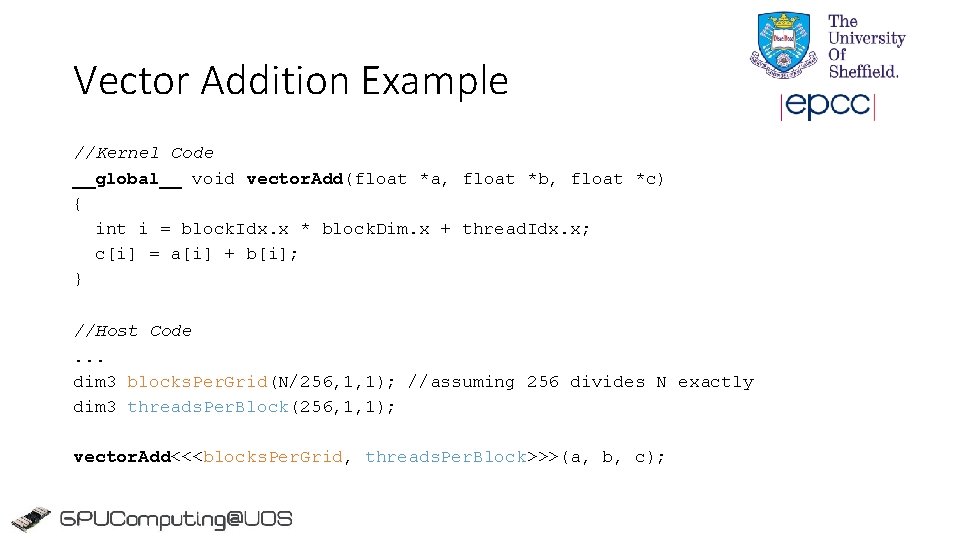
Vector Addition Example //Kernel Code __global__ void vector. Add(float *a, float *b, float *c) { int i = block. Idx. x * block. Dim. x + thread. Idx. x; c[i] = a[i] + b[i]; } //Host Code. . . dim 3 blocks. Per. Grid(N/256, 1, 1); //assuming 256 divides N exactly dim 3 threads. Per. Block(256, 1, 1); vector. Add<<<blocks. Per. Grid, threads. Per. Block>>>(a, b, c);
A 2 D Matrix Addition Example //Device Code __global__ void matrix. Add(float a[N][N], float b[N][N], float c[N][N]) { int j = block. Idx. x * block. Dim. x + thread. Idx. x; int i = block. Idx. y * block. Dim. y + thread. Idx. y; c[i][j] = a[i][j] + b[i][j]; } //Host Code. . . dim 3 blocks. Per. Grid(N/16, 1); // (N/16)x(N/16) blocks/grid (2 D) dim 3 threads. Per. Block(16, 1); // 16 x 16=256 threads/block (2 D) matrix. Add<<<blocks. Per. Grid, threads. Per. Block>>>(a, b, c);
Overview • Motivation • Introduction to CUDA Kernels • CUDA Memory Management
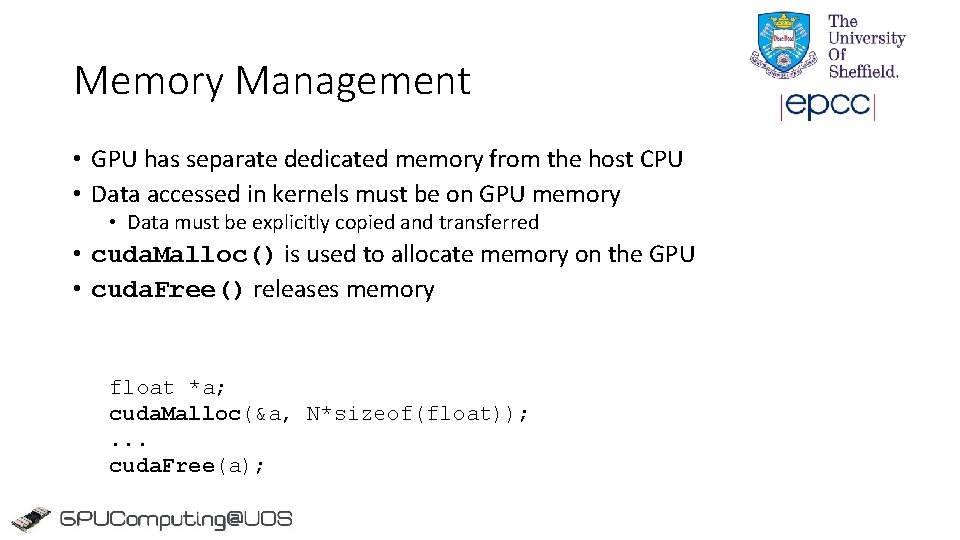
Memory Management • GPU has separate dedicated memory from the host CPU • Data accessed in kernels must be on GPU memory • Data must be explicitly copied and transferred • cuda. Malloc() is used to allocate memory on the GPU • cuda. Free() releases memory float *a; cuda. Malloc(&a, N*sizeof(float)); . . . cuda. Free(a);
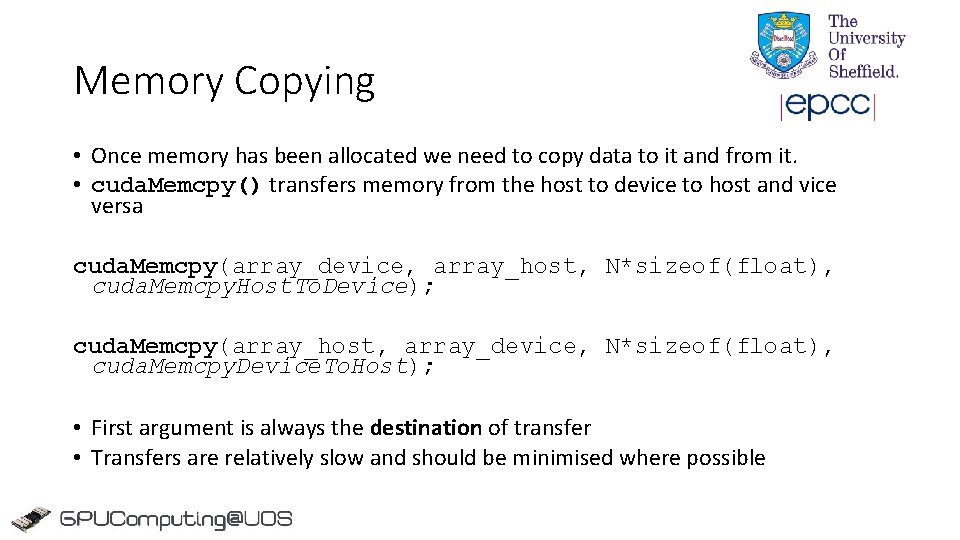
Memory Copying • Once memory has been allocated we need to copy data to it and from it. • cuda. Memcpy() transfers memory from the host to device to host and vice versa cuda. Memcpy(array_device, array_host, N*sizeof(float), cuda. Memcpy. Host. To. Device); cuda. Memcpy(array_host, array_device, N*sizeof(float), cuda. Memcpy. Device. To. Host); • First argument is always the destination of transfer • Transfers are relatively slow and should be minimised where possible
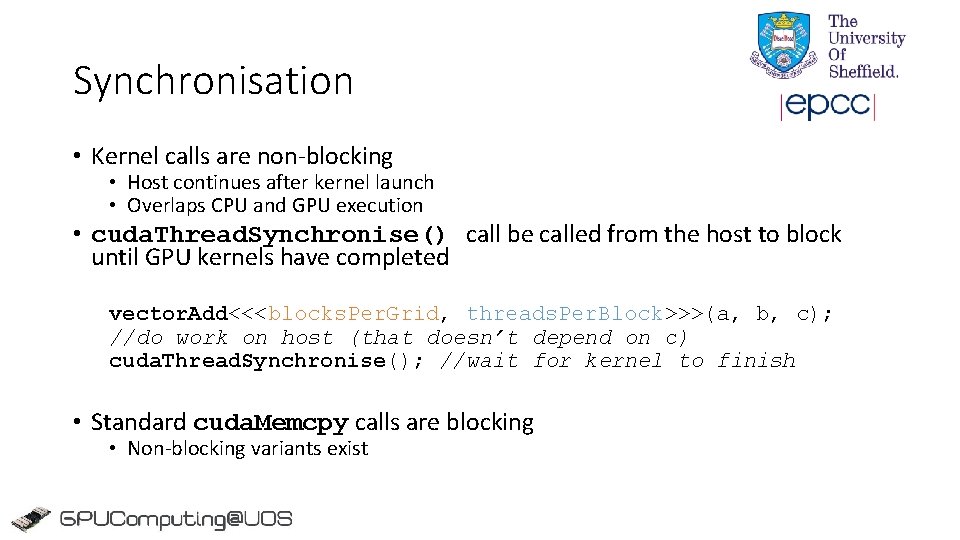
Synchronisation • Kernel calls are non-blocking • Host continues after kernel launch • Overlaps CPU and GPU execution • cuda. Thread. Synchronise() call be called from the host to block until GPU kernels have completed vector. Add<<<blocks. Per. Grid, threads. Per. Block>>>(a, b, c); //do work on host (that doesn’t depend on c) cuda. Thread. Synchronise(); //wait for kernel to finish • Standard cuda. Memcpy calls are blocking • Non-blocking variants exist
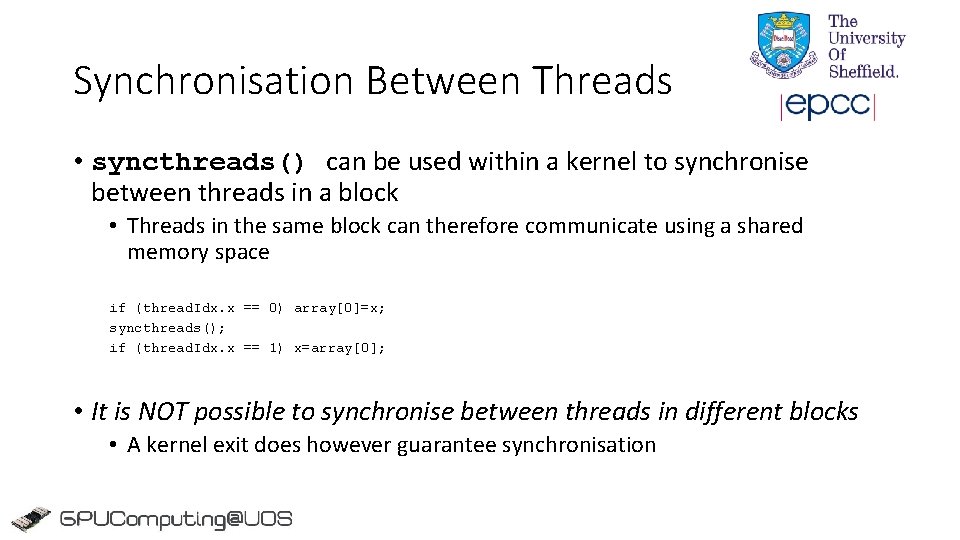
Synchronisation Between Threads • syncthreads() can be used within a kernel to synchronise between threads in a block • Threads in the same block can therefore communicate using a shared memory space if (thread. Idx. x == 0) array[0]=x; syncthreads(); if (thread. Idx. x == 1) x=array[0]; • It is NOT possible to synchronise between threads in different blocks • A kernel exit does however guarantee synchronisation
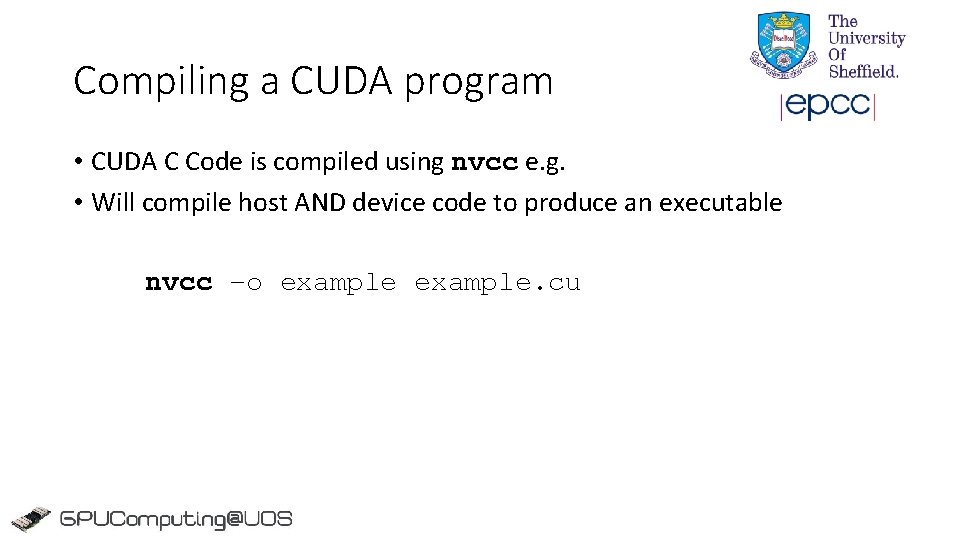
Compiling a CUDA program • CUDA C Code is compiled using nvcc e. g. • Will compile host AND device code to produce an executable nvcc –o example. cu
Summary • Traditional languages alone are not sufficient for programming GPUs • CUDA allows NVIDIA GPUs to be programmed using C/C++ • defines language extensions and APIs to enable this • We introduced the key CUDA concepts and gave examples • Kernels for the device • Host API for memory management and kernel launching Now lets try it out…