
An Introduction to Programming Stewart Venit Elizabeth Drake
An Introduction to Programming Stewart Venit ~ Elizabeth Drake Addison Wesley is an imprint of © 2011 Pearson Addison-Wesley. All rights reserved.
1. 1 What is Programming? • A program is a list of instructions that is executed by a computer to accomplish a particular task. • Creating those instructions is programming • Program development cycle: – – Analyze the problem Design a program to solve the problem Code the program Test the program 1 -2 © 2011 Pearson Addison-Wesley. All rights reserved. 1 -2

1. 2 Basic Programming Concepts • Important concepts: – Pseudocode is used to plan out the logic of a computer program, using English words and phrases. – Input refers to information that is accepted into the program from the user or other sources. – Variables represent values within a program. – Constants are values used within a program. The value of a constant does not change (i. e. , it is constant) throughout the program. 1 -3 © 2011 Pearson Addison-Wesley. All rights reserved. 1 -3
The Music Purchase Program • Example: a simple programming problem: compute the cost of downloading music online. • Pseudocode used – Input the number of songs to purchase, Songs – Compute the total cost: Set Dollar. Price = 0. 99 * Songs – Output the total cost: Write Dollar. Price – Variables used: Songs and Dollar. Price – Constants: 0. 99 1 -4 © 2011 Pearson Addison-Wesley. All rights reserved. 1 -4
Data Input • Input operations get data into the programs • A user is prompted for the data to be entered – This text uses the word Write to indicate a prompt for input – The word Input indicates that a user has entered a value – Example: Write “Enter the number of songs you wish to purchase today. ” Input Songs – Other types of input can be from a file, dragged by mouse, and more 1 -5 © 2011 Pearson Addison-Wesley. All rights reserved. 1 -5
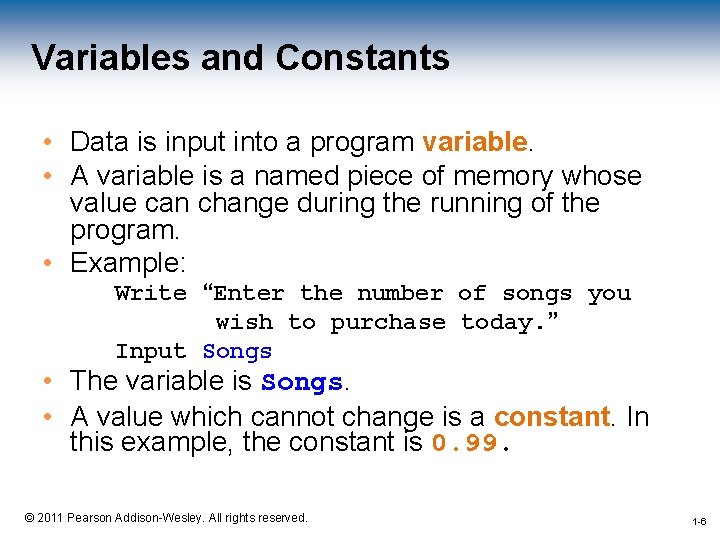
Variables and Constants • Data is input into a program variable. • A variable is a named piece of memory whose value can change during the running of the program. • Example: Write “Enter the number of songs you wish to purchase today. ” Input Songs • The variable is Songs. • A value which cannot change is a constant. In this example, the constant is 0. 99. 1 -6 © 2011 Pearson Addison-Wesley. All rights reserved. 1 -6

Input Prompts • A prompt indicates to the user that data should be input. • To get the user to enter one number: Write “Enter a number: ” Input Number • To get the user to enter two numbers: Write “Enter two numbers: ” Input Number 1 Input Number 2 • prompts the user to enter a number stores the number in a variable named Number The prompt is the Write statement prompts the user to enter 2 numbers stores the numbers in 2 variables named Number 1 and Number 2 1 -7 © 2011 Pearson Addison-Wesley. All rights reserved. 1 -7
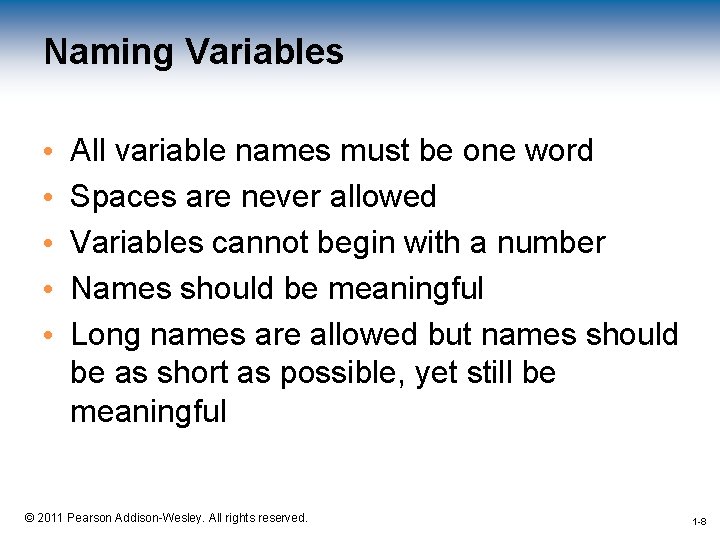
Naming Variables • • • All variable names must be one word Spaces are never allowed Variables cannot begin with a number Names should be meaningful Long names are allowed but names should be as short as possible, yet still be meaningful 1 -8 © 2011 Pearson Addison-Wesley. All rights reserved. 1 -8
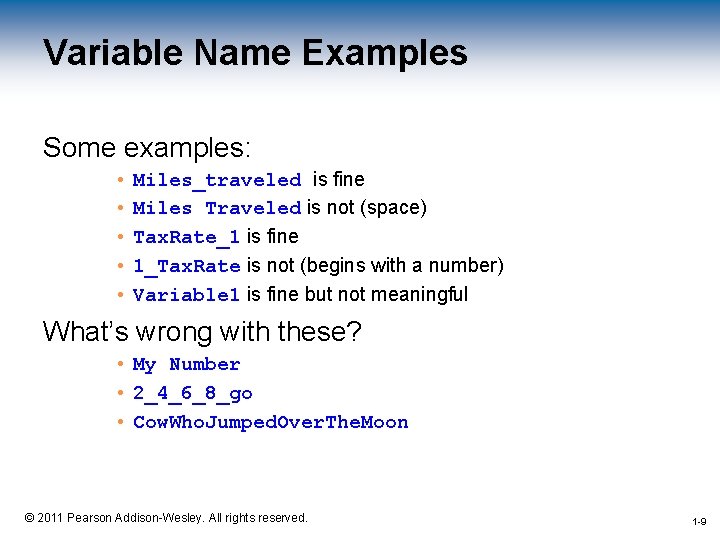
Variable Name Examples Some examples: • Miles_traveled is fine • Miles Traveled is not (space) • Tax. Rate_1 is fine • 1_Tax. Rate is not (begins with a number) • Variable 1 is fine but not meaningful What’s wrong with these? • My Number • 2_4_6_8_go • Cow. Who. Jumped. Over. The. Moon 1 -9 © 2011 Pearson Addison-Wesley. All rights reserved. 1 -9
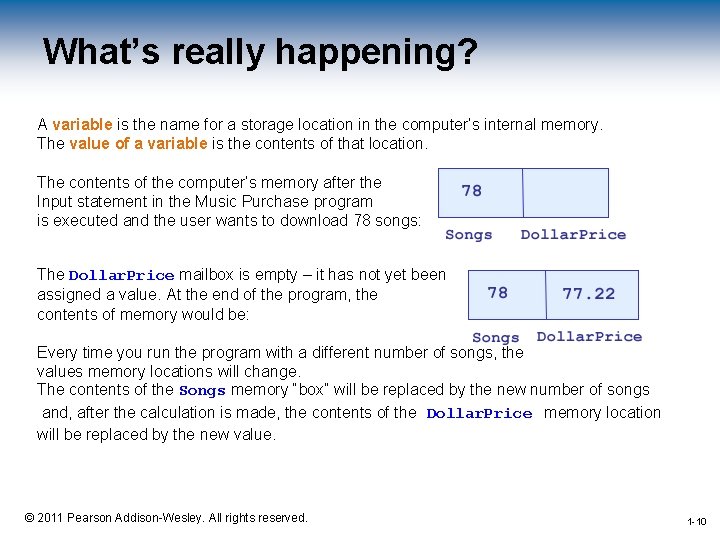
What’s really happening? A variable is the name for a storage location in the computer’s internal memory. The value of a variable is the contents of that location. The contents of the computer’s memory after the Input statement in the Music Purchase program is executed and the user wants to download 78 songs: The Dollar. Price mailbox is empty – it has not yet been assigned a value. At the end of the program, the contents of memory would be: Every time you run the program with a different number of songs, the values memory locations will change. The contents of the Songs memory “box” will be replaced by the new number of songs and, after the calculation is made, the contents of the Dollar. Price memory location will be replaced by the new value. 1 -10 © 2011 Pearson Addison-Wesley. All rights reserved. 1 -10
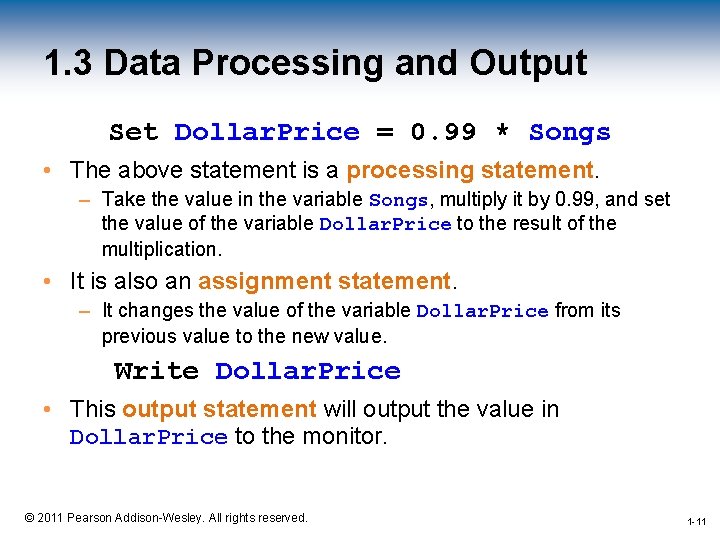
1. 3 Data Processing and Output Set Dollar. Price = 0. 99 * Songs • The above statement is a processing statement. – Take the value in the variable Songs, multiply it by 0. 99, and set the value of the variable Dollar. Price to the result of the multiplication. • It is also an assignment statement. – It changes the value of the variable Dollar. Price from its previous value to the new value. Write Dollar. Price • This output statement will output the value in Dollar. Price to the monitor. 1 -11 © 2011 Pearson Addison-Wesley. All rights reserved. 1 -11
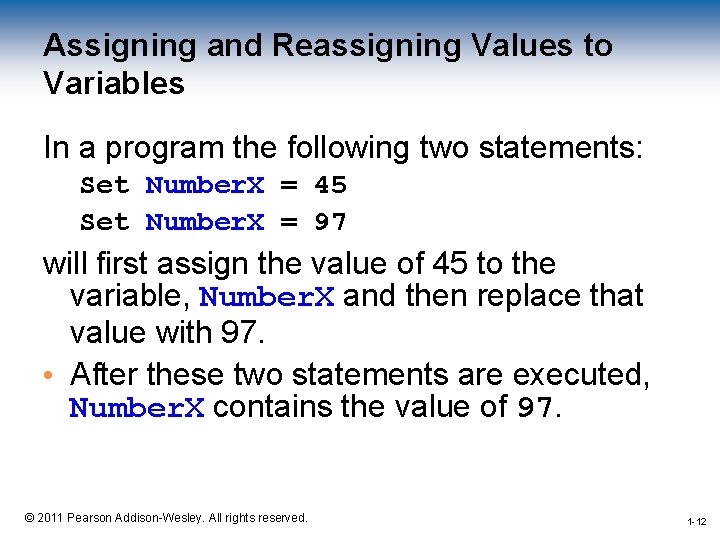
Assigning and Reassigning Values to Variables In a program the following two statements: Set Number. X = 45 Set Number. X = 97 will first assign the value of 45 to the variable, Number. X and then replace that value with 97. • After these two statements are executed, Number. X contains the value of 97. 1 -12 © 2011 Pearson Addison-Wesley. All rights reserved. 1 -12
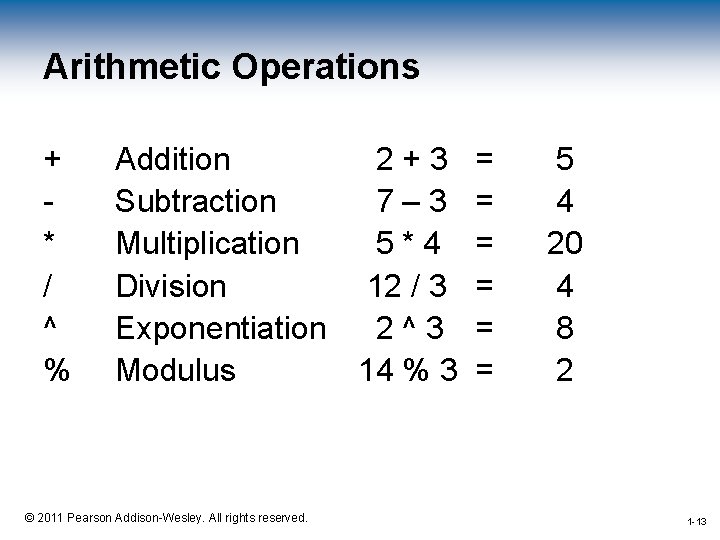
Arithmetic Operations + * / ^ % Addition 2+3 Subtraction 7– 3 Multiplication 5*4 Division 12 / 3 Exponentiation 2^3 Modulus 14 % 3 = = = 5 4 20 4 8 2 1 -13 © 2011 Pearson Addison-Wesley. All rights reserved. 1 -13
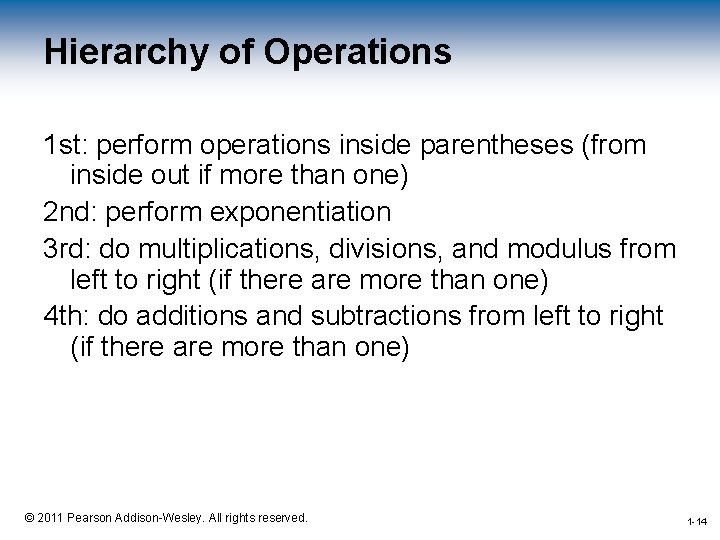
Hierarchy of Operations 1 st: perform operations inside parentheses (from inside out if more than one) 2 nd: perform exponentiation 3 rd: do multiplications, divisions, and modulus from left to right (if there are more than one) 4 th: do additions and subtractions from left to right (if there are more than one) 1 -14 © 2011 Pearson Addison-Wesley. All rights reserved. 1 -14
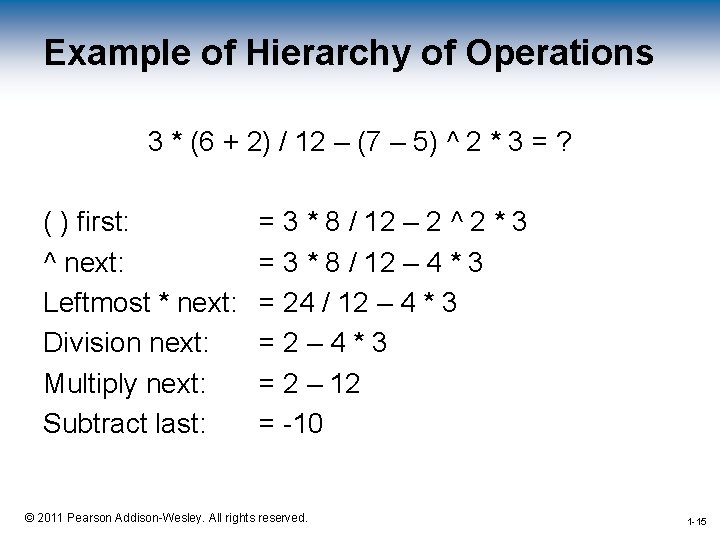
Example of Hierarchy of Operations 3 * (6 + 2) / 12 – (7 – 5) ^ 2 * 3 = ? ( ) first: ^ next: Leftmost * next: Division next: Multiply next: Subtract last: = 3 * 8 / 12 – 2 ^ 2 * 3 = 3 * 8 / 12 – 4 * 3 = 24 / 12 – 4 * 3 =2– 4*3 = 2 – 12 = -10 1 -15 © 2011 Pearson Addison-Wesley. All rights reserved. 1 -15
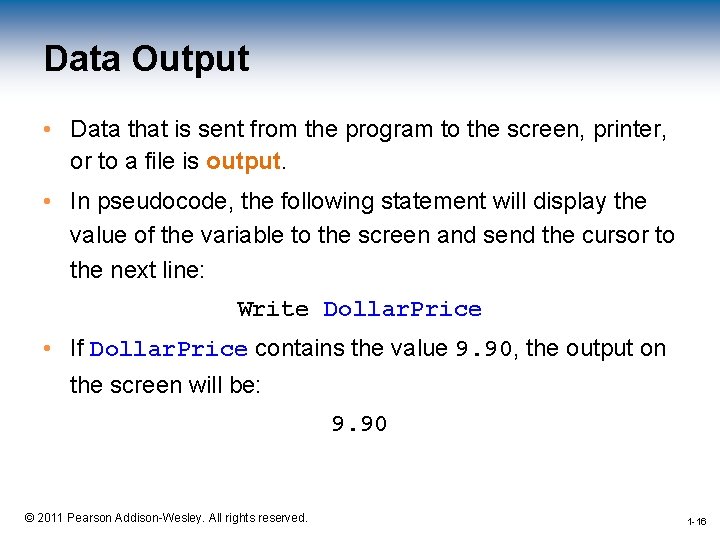
Data Output • Data that is sent from the program to the screen, printer, or to a file is output. • In pseudocode, the following statement will display the value of the variable to the screen and send the cursor to the next line: Write Dollar. Price • If Dollar. Price contains the value 9. 90, the output on the screen will be: 9. 90 1 -16 © 2011 Pearson Addison-Wesley. All rights reserved. 1 -16
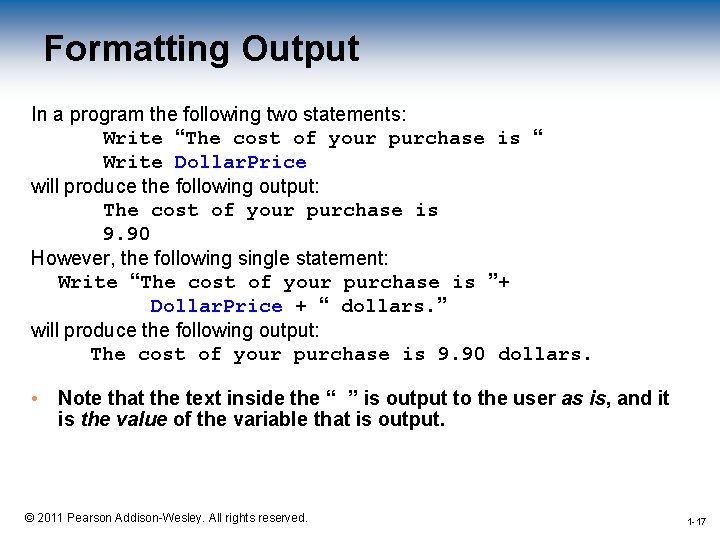
Formatting Output In a program the following two statements: Write “The cost of your purchase is “ Write Dollar. Price will produce the following output: The cost of your purchase is 9. 90 However, the following single statement: Write “The cost of your purchase is ”+ Dollar. Price + “ dollars. ” will produce the following output: The cost of your purchase is 9. 90 dollars. • Note that the text inside the “ ” is output to the user as is, and it is the value of the variable that is output. 1 -17 © 2011 Pearson Addison-Wesley. All rights reserved. 1 -17
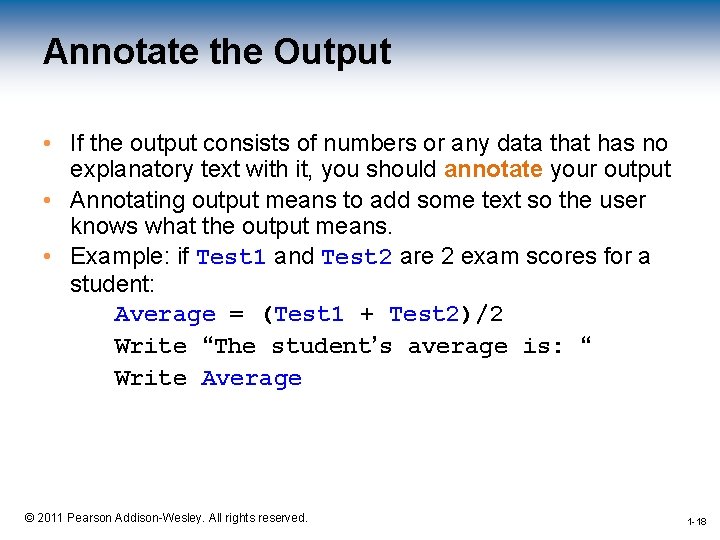
Annotate the Output • If the output consists of numbers or any data that has no explanatory text with it, you should annotate your output • Annotating output means to add some text so the user knows what the output means. • Example: if Test 1 and Test 2 are 2 exam scores for a student: Average = (Test 1 + Test 2)/2 Write “The student’s average is: “ Write Average 1 -18 © 2011 Pearson Addison-Wesley. All rights reserved. 1 -18
Any Questions ? 1 -19 © 2011 Pearson Addison-Wesley. All rights reserved. 19
- Slides: 19