
An Introduction to Programming and Object Oriented Design
An Introduction to Programming and Object Oriented Design using Java 2 nd Edition. May 2004 Jaime Niño Frederick Hosch Chapter 7 : Building a Text-based user interface.
Objectives ñ After studying this chapter you should understand the following: ñ independence of servers from clients; ñ likeliness of the user interface to change; ñ i/o streams; ñ structure of a simple text-based user interface; ñ purpose and structure of a while loop; ñ how existing classes can be composed to define a new class. May 2004 Chapter 7 1
Objectives ñ Also, you should be able to: ñ use input/output objects to read and write data; ñ build a simple text-based user interface; ñ use and trace a basic while statement; ñ define classes whose implementations contain other classes as components. May 2004 Chapter 7 2
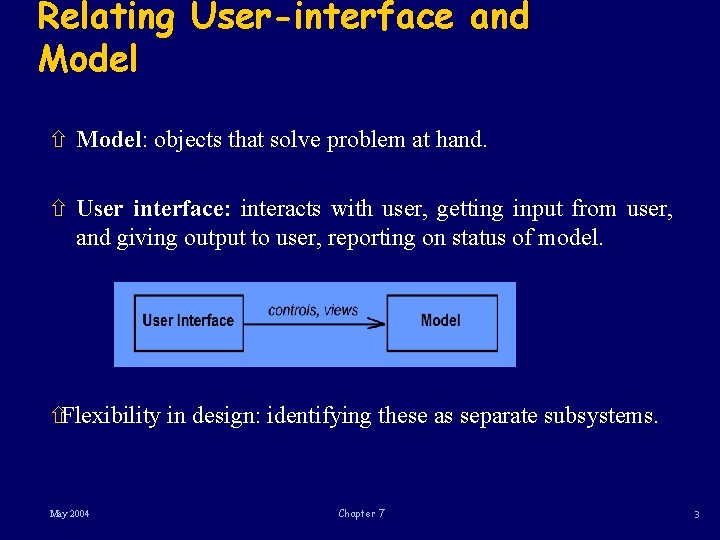
Relating User-interface and Model ñ Model: objects that solve problem at hand. ñ User interface: interacts with user, getting input from user, and giving output to user, reporting on status of model. ñFlexibility in design: identifying these as separate subsystems. May 2004 Chapter 7 3
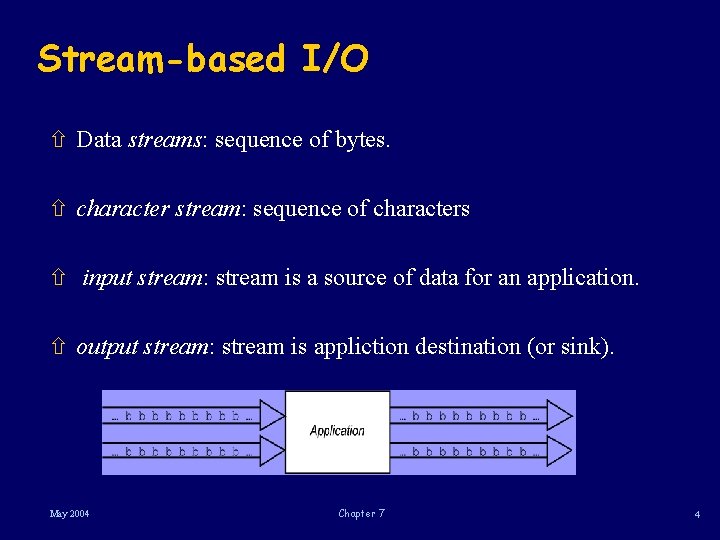
Stream-based I/O ñ Data streams: sequence of bytes. ñ character stream: sequence of characters ñ input stream: stream is a source of data for an application. ñ output stream: stream is appliction destination (or sink). May 2004 Chapter 7 4
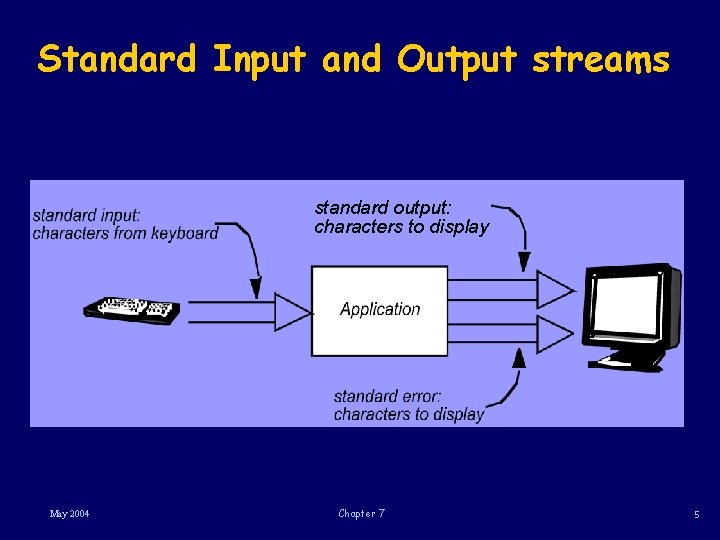
Standard Input and Output streams standard output: characters to display May 2004 Chapter 7 5
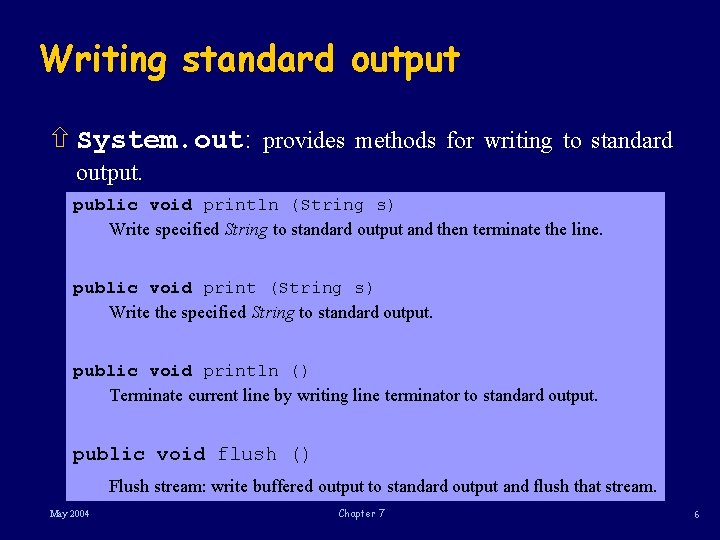
Writing standard output ñ System. out: provides methods for writing to standard output. public void println (String s) Write specified String to standard output and then terminate the line. public void print (String s) Write the specified String to standard output. public void println () Terminate current line by writing line terminator to standard output. public void flush () Flush stream: write buffered output to standard output and flush that stream. May 2004 Chapter 7 6
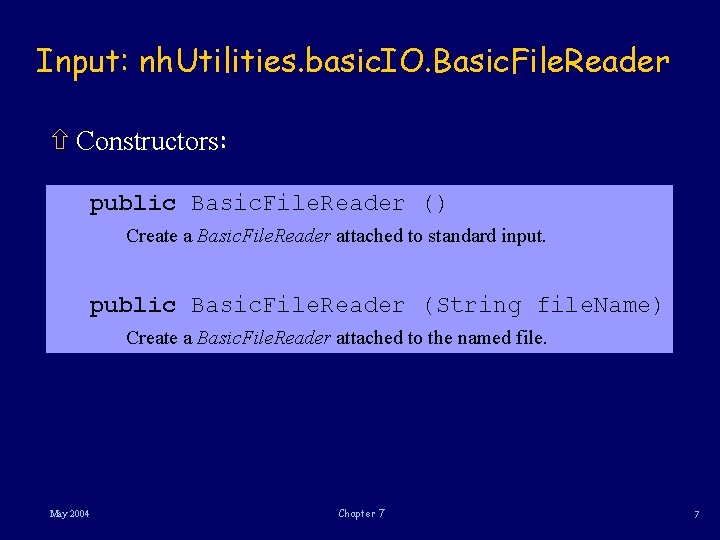
Input: nh. Utilities. basic. IO. Basic. File. Reader ñ Constructors: public Basic. File. Reader () Create a Basic. File. Reader attached to standard input. public Basic. File. Reader (String file. Name) Create a Basic. File. Reader attached to the named file. May 2004 Chapter 7 7
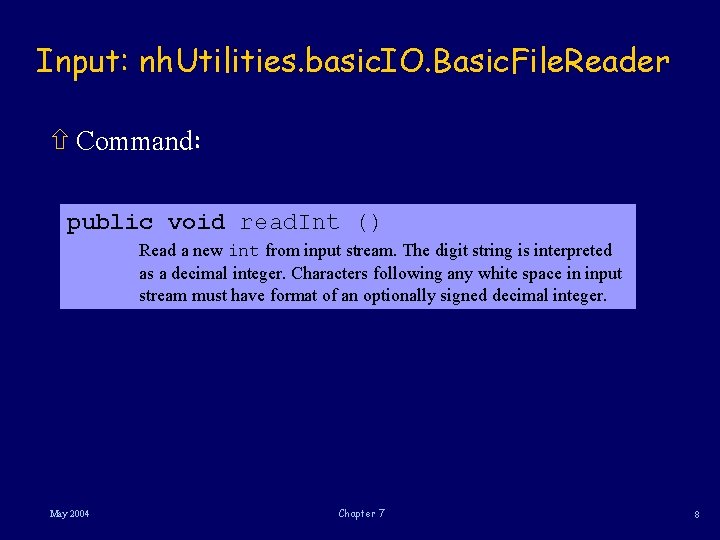
Input: nh. Utilities. basic. IO. Basic. File. Reader ñ Command: public void read. Int () Read a new int from input stream. The digit string is interpreted as a decimal integer. Characters following any white space in input stream must have format of an optionally signed decimal integer. May 2004 Chapter 7 8
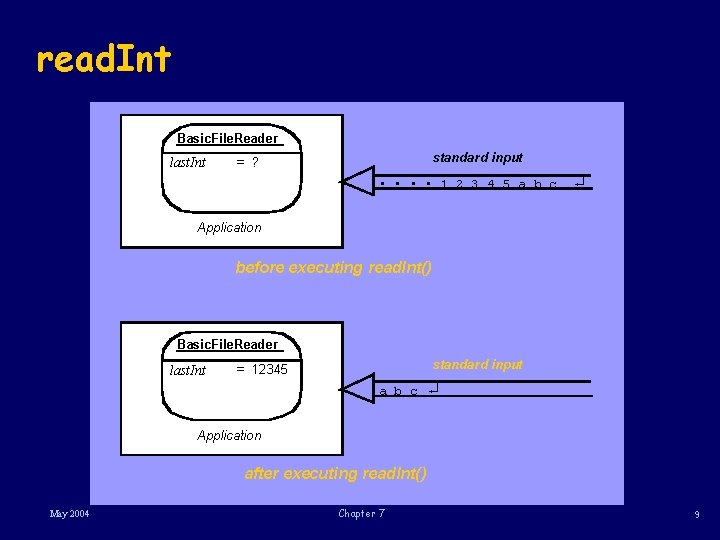
read. Int Basic. File. Reader last. Int standard input = ? • • 1 2 3 4 5 a b c ¿ Application before executing read. Int() Basic. File. Reader last. Int standard input = 12345 a b c ¿ Application after executing read. Int() May 2004 Chapter 7 9
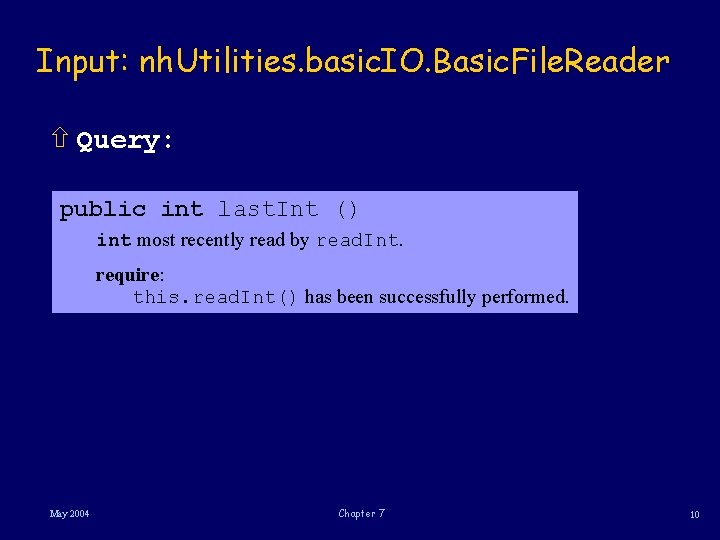
Input: nh. Utilities. basic. IO. Basic. File. Reader ñ Query: public int last. Int () int most recently read by read. Int. require: this. read. Int() has been successfully performed. May 2004 Chapter 7 10
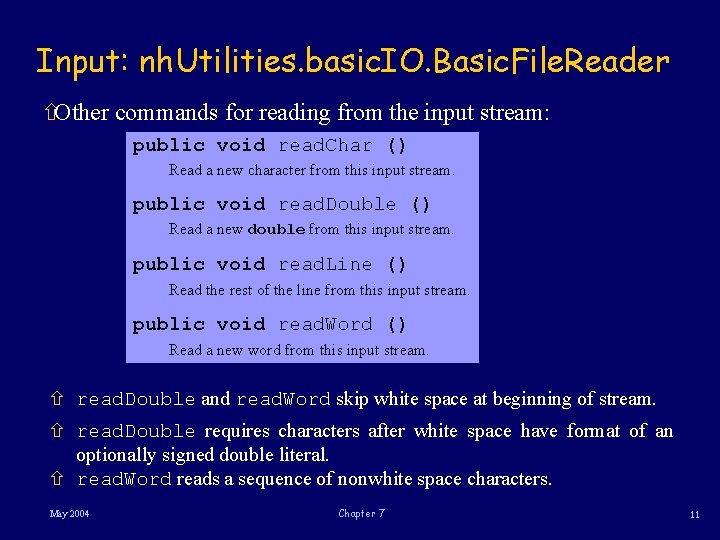
Input: nh. Utilities. basic. IO. Basic. File. Reader ñOther commands for reading from the input stream: public void read. Char () Read a new character from this input stream. public void read. Double () Read a new double from this input stream. public void read. Line () Read the rest of the line from this input stream. public void read. Word () Read a new word from this input stream. ñ read. Double and read. Word skip white space at beginning of stream. ñ read. Double requires characters after white space have format of an optionally signed double literal. ñ read. Word reads a sequence of nonwhite space characters. May 2004 Chapter 7 11
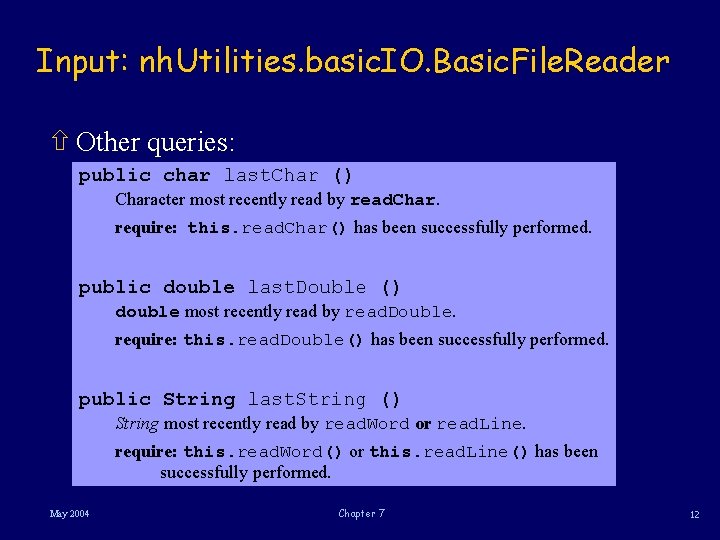
Input: nh. Utilities. basic. IO. Basic. File. Reader ñ Other queries: public char last. Char () Character most recently read by read. Char. require: this. read. Char() has been successfully performed. public double last. Double () double most recently read by read. Double. require: this. read. Double() has been successfully performed. public String last. String () String most recently read by read. Word or read. Line. require: this. read. Word() or this. read. Line() has been successfully performed. May 2004 Chapter 7 12
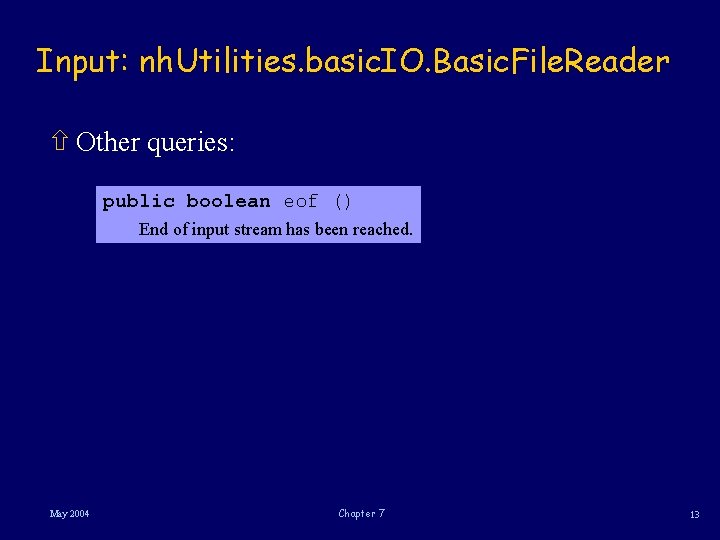
Input: nh. Utilities. basic. IO. Basic. File. Reader ñ Other queries: public boolean eof () End of input stream has been reached. May 2004 Chapter 7 13
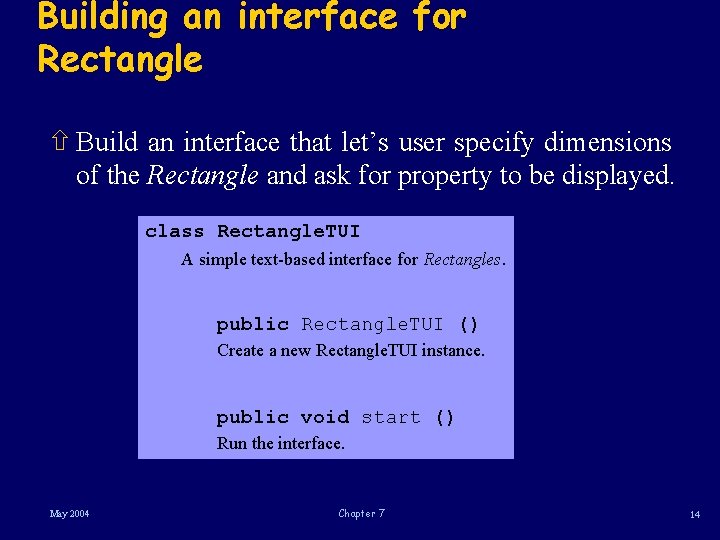
Building an interface for Rectangle ñ Build an interface that let’s user specify dimensions of the Rectangle and ask for property to be displayed. class Rectangle. TUI A simple text-based interface for Rectangles. public Rectangle. TUI () Create a new Rectangle. TUI instance. public void start () Run the interface. May 2004 Chapter 7 14
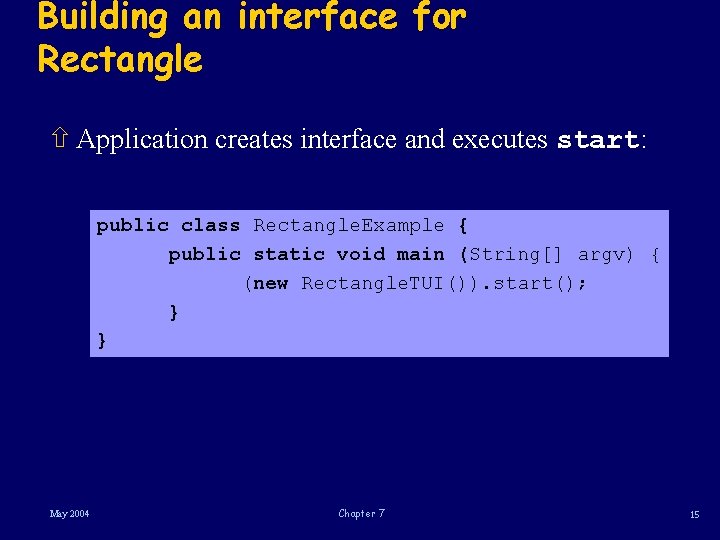
Building an interface for Rectangle ñ Application creates interface and executes start: public class Rectangle. Example { public static void main (String[] argv) { (new Rectangle. TUI()). start(); } } May 2004 Chapter 7 15
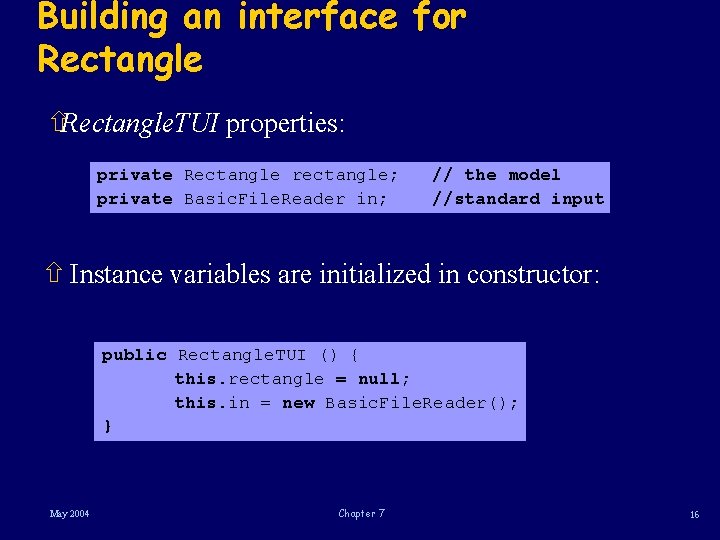
Building an interface for Rectangle ñRectangle. TUI properties: private Rectangle rectangle; private Basic. File. Reader in; // the model //standard input ñ Instance variables are initialized in constructor: public Rectangle. TUI () { this. rectangle = null; this. in = new Basic. File. Reader(); } May 2004 Chapter 7 16
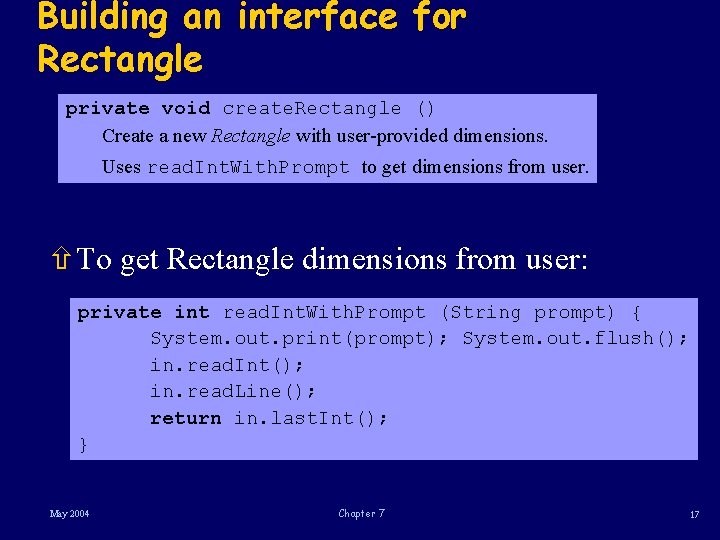
Building an interface for Rectangle private void create. Rectangle () Create a new Rectangle with user-provided dimensions. Uses read. Int. With. Prompt to get dimensions from user. ñTo get Rectangle dimensions from user: private int read. Int. With. Prompt (String prompt) { System. out. print(prompt); System. out. flush(); in. read. Int(); in. read. Line(); return in. last. Int(); } May 2004 Chapter 7 17
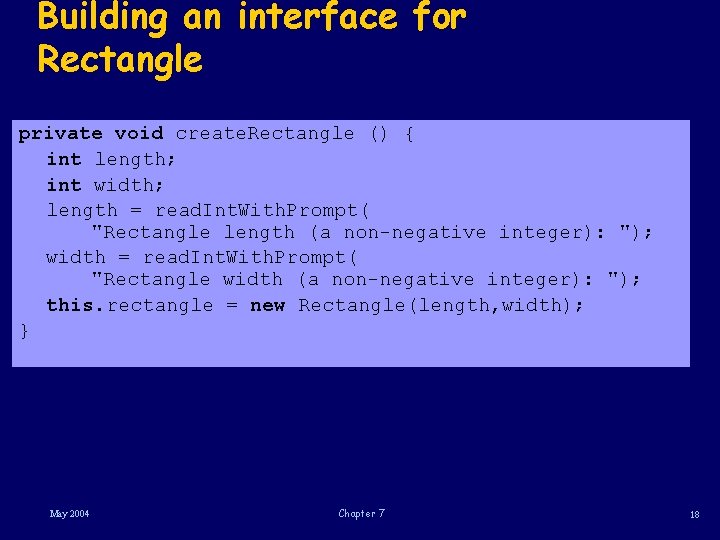
Building an interface for Rectangle private void create. Rectangle () { int length; int width; length = read. Int. With. Prompt( "Rectangle length (a non-negative integer): "); width = read. Int. With. Prompt( "Rectangle width (a non-negative integer): "); this. rectangle = new Rectangle(length, width); } May 2004 Chapter 7 18
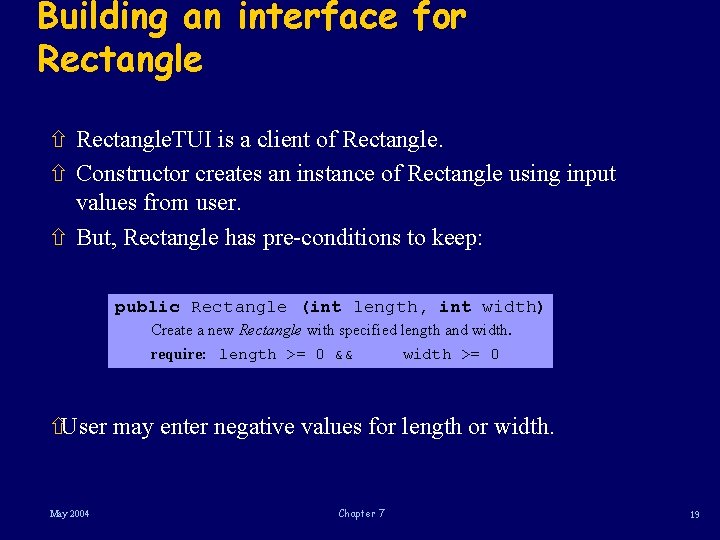
Building an interface for Rectangle ñ Rectangle. TUI is a client of Rectangle. ñ Constructor creates an instance of Rectangle using input values from user. ñ But, Rectangle has pre-conditions to keep: public Rectangle (int length, int width) Create a new Rectangle with specified length and width. require: length >= 0 && width >= 0 ñUser may enter negative values for length or width. May 2004 Chapter 7 19
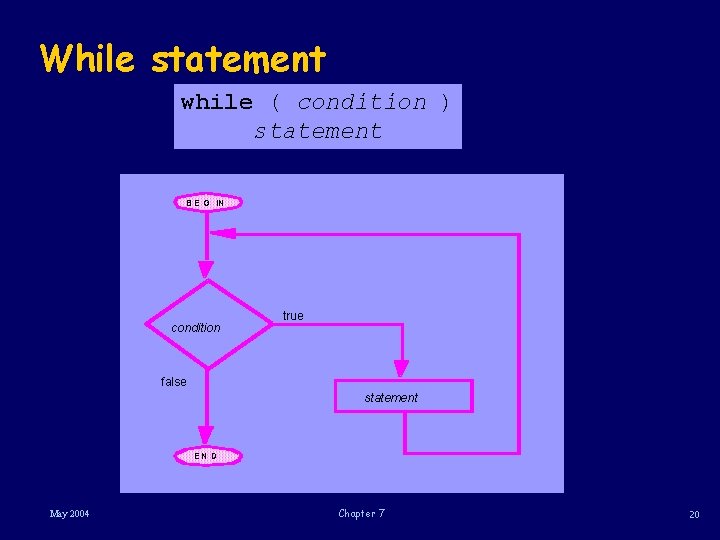
While statement while ( condition ) statement B E G IN condition true false statement EN D May 2004 Chapter 7 20
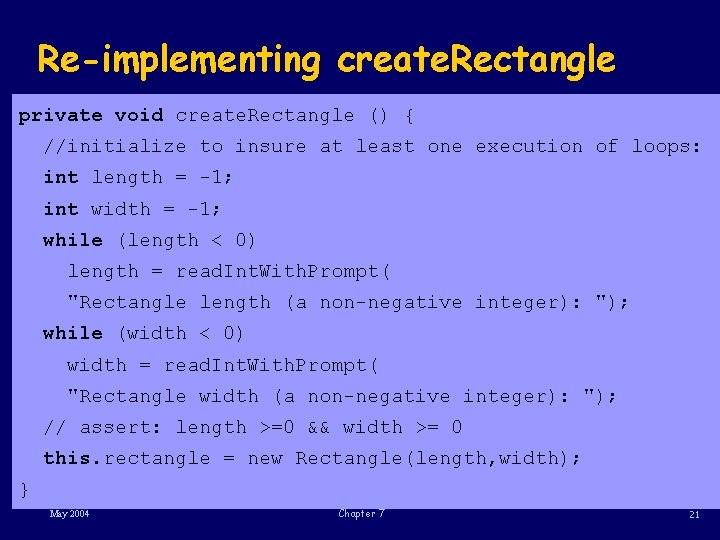
Re-implementing create. Rectangle private void create. Rectangle () { //initialize to insure at least one execution of loops: int length = -1; int width = -1; while (length < 0) length = read. Int. With. Prompt( "Rectangle length (a non-negative integer): "); while (width < 0) width = read. Int. With. Prompt( "Rectangle width (a non-negative integer): "); // assert: length >=0 && width >= 0 this. rectangle = new Rectangle(length, width); } May 2004 Chapter 7 21
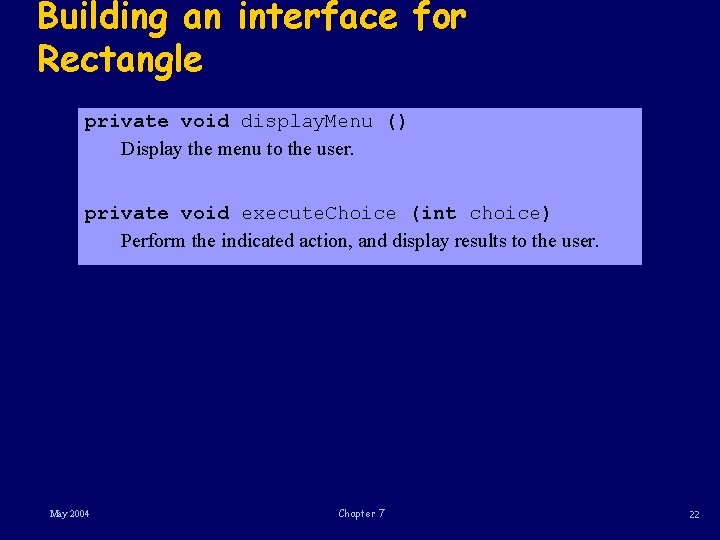
Building an interface for Rectangle private void display. Menu () Display the menu to the user. private void execute. Choice (int choice) Perform the indicated action, and display results to the user. May 2004 Chapter 7 22
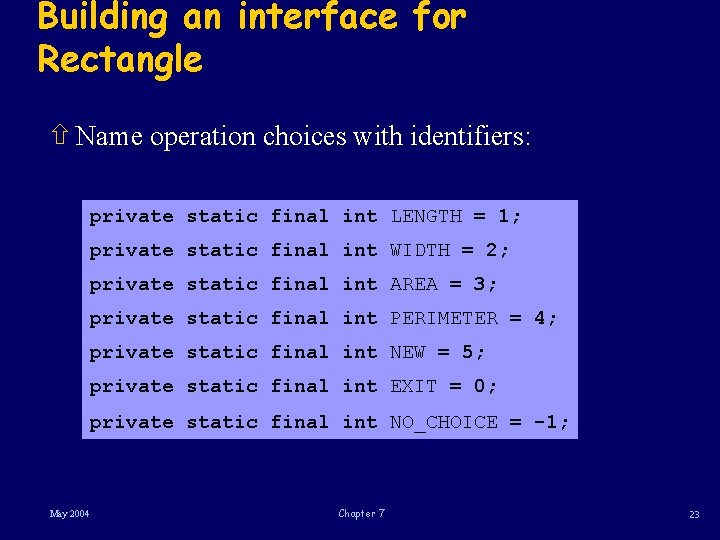
Building an interface for Rectangle ñ Name operation choices with identifiers: private static final int LENGTH = 1; private static final int WIDTH = 2; private static final int AREA = 3; private static final int PERIMETER = 4; private static final int NEW = 5; private static final int EXIT = 0; private static final int NO_CHOICE = -1; May 2004 Chapter 7 23
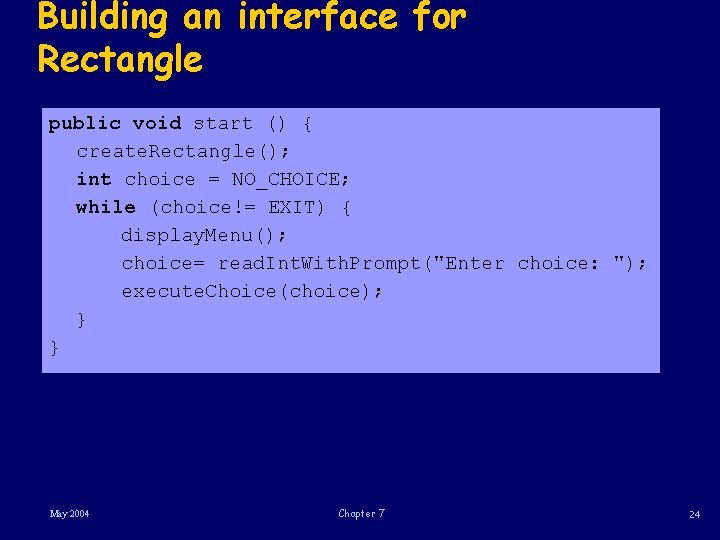
Building an interface for Rectangle public void start () { create. Rectangle(); int choice = NO_CHOICE; while (choice!= EXIT) { display. Menu(); choice= read. Int. With. Prompt("Enter choice: "); execute. Choice(choice); } } May 2004 Chapter 7 24
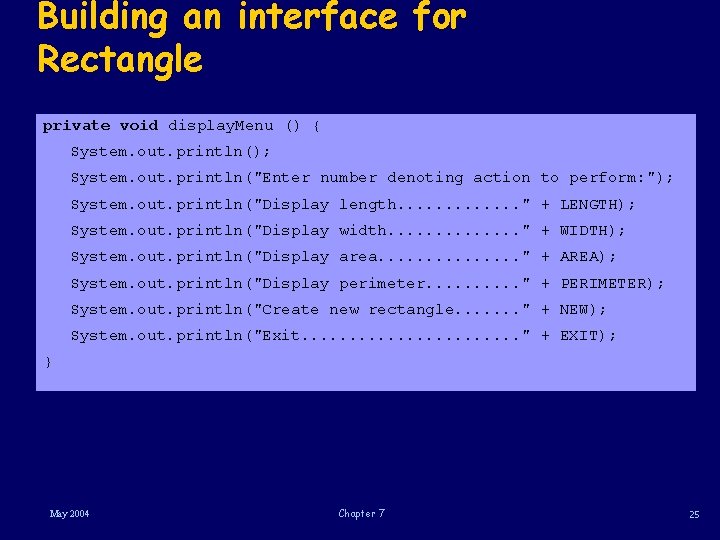
Building an interface for Rectangle private void display. Menu () { System. out. println(); System. out. println("Enter number denoting action to perform: "); System. out. println("Display length. . . " + LENGTH); System. out. println("Display width. . . " + WIDTH); System. out. println("Display area. . . . " + AREA); System. out. println("Display perimeter. . " + PERIMETER); System. out. println("Create new rectangle. . . . " + NEW); System. out. println("Exit. . . " + EXIT); } May 2004 Chapter 7 25
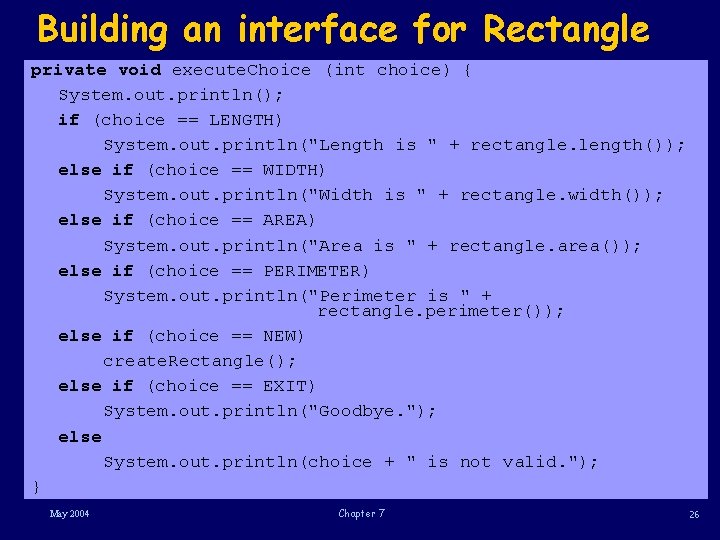
Building an interface for Rectangle private void execute. Choice (int choice) { System. out. println(); if (choice == LENGTH) System. out. println("Length is " + rectangle. length()); else if (choice == WIDTH) System. out. println("Width is " + rectangle. width()); else if (choice == AREA) System. out. println("Area is " + rectangle. area()); else if (choice == PERIMETER) System. out. println("Perimeter is " + rectangle. perimeter()); else if (choice == NEW) create. Rectangle(); else if (choice == EXIT) System. out. println("Goodbye. "); else System. out. println(choice + " is not valid. "); } May 2004 Chapter 7 26
Using composition ñ Build an application that lets a user access a “locked oracle. ” ñ user can get a fortune from oracle only by providing correct key. ñ Use classes Combination. Lock and Oracle. ñ Create two new classes, ñ one modeling a locked oracle, and ñ other defining user interface. May 2004 Chapter 7 27
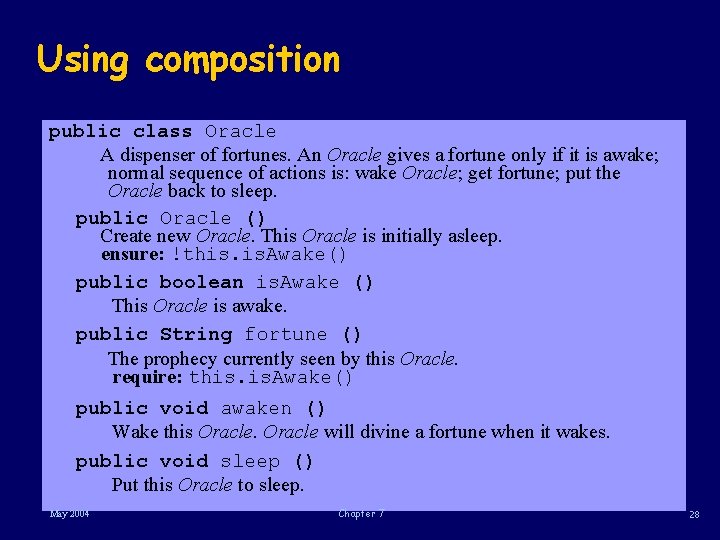
Using composition public class Oracle A dispenser of fortunes. An Oracle gives a fortune only if it is awake; normal sequence of actions is: wake Oracle; get fortune; put the Oracle back to sleep. public Oracle () Create new Oracle. This Oracle is initially asleep. ensure: !this. Awake() public boolean is. Awake () This Oracle is awake. public String fortune () The prophecy currently seen by this Oracle. require: this. Awake() public void awaken () Wake this Oracle will divine a fortune when it wakes. public void sleep () Put this Oracle to sleep. May 2004 Chapter 7 28
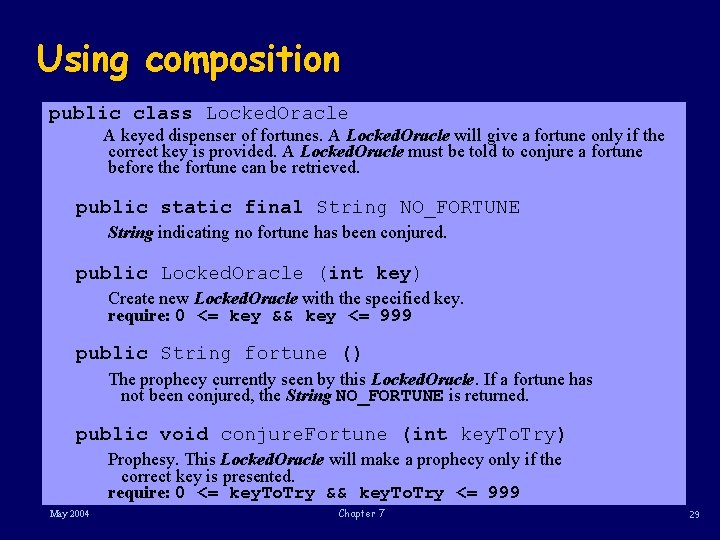
Using composition public class Locked. Oracle A keyed dispenser of fortunes. A Locked. Oracle will give a fortune only if the correct key is provided. A Locked. Oracle must be told to conjure a fortune before the fortune can be retrieved. public static final String NO_FORTUNE String indicating no fortune has been conjured. public Locked. Oracle (int key) Create new Locked. Oracle with the specified key. require: 0 <= key && key <= 999 public String fortune () The prophecy currently seen by this Locked. Oracle. If a fortune has not been conjured, the String NO_FORTUNE is returned. public void conjure. Fortune (int key. To. Try) Prophesy. This Locked. Oracle will make a prophecy only if the correct key is presented. require: 0 <= key. To. Try && key. To. Try <= 999 May 2004 Chapter 7 29
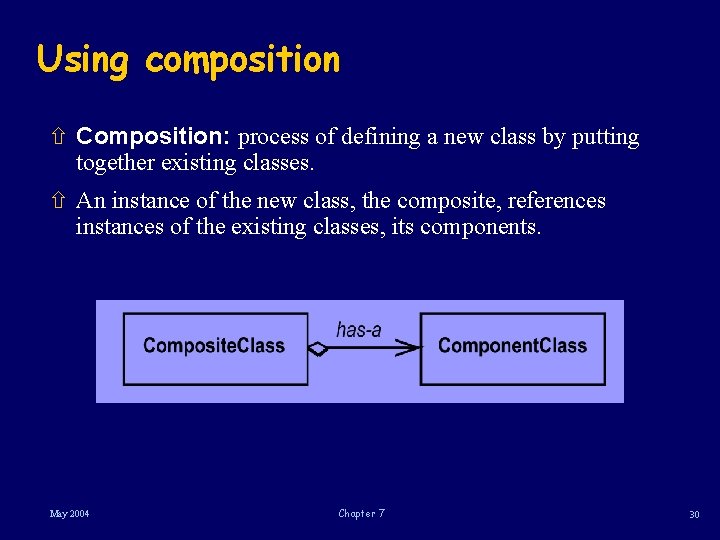
Using composition ñ Composition: process of defining a new class by putting together existing classes. ñ An instance of the new class, the composite, references instances of the existing classes, its components. May 2004 Chapter 7 30
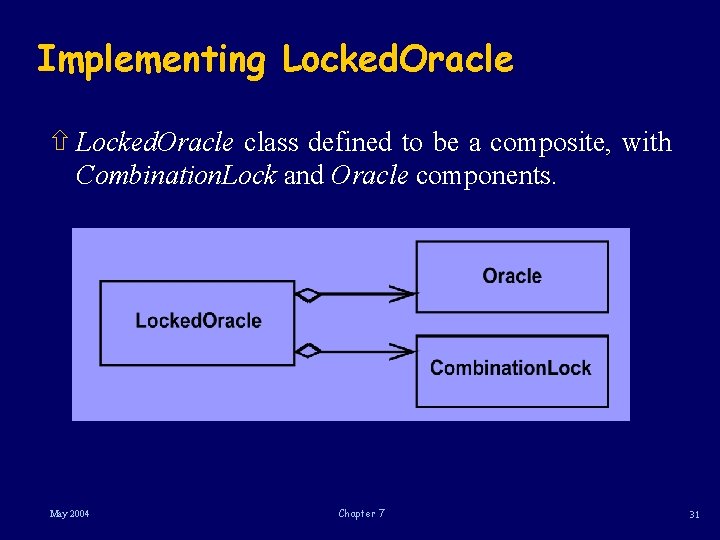
Implementing Locked. Oracle ñ Locked. Oracle class defined to be a composite, with Combination. Lock and Oracle components. May 2004 Chapter 7 31
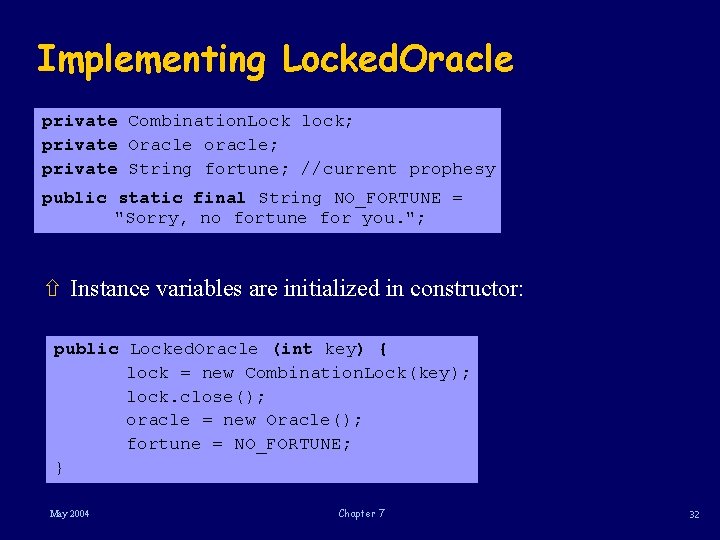
Implementing Locked. Oracle private Combination. Lock lock; private Oracle oracle; private String fortune; //current prophesy public static final String NO_FORTUNE = "Sorry, no fortune for you. "; ñ Instance variables are initialized in constructor: public Locked. Oracle (int key) { lock = new Combination. Lock(key); lock. close(); oracle = new Oracle(); fortune = NO_FORTUNE; } May 2004 Chapter 7 32
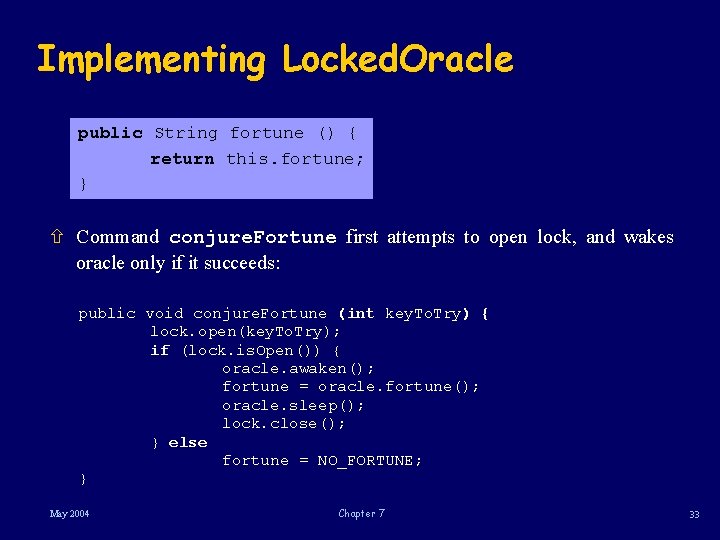
Implementing Locked. Oracle public String fortune () { return this. fortune; } ñ Command conjure. Fortune first attempts to open lock, and wakes oracle only if it succeeds: public void conjure. Fortune (int key. To. Try) { lock. open(key. To. Try); if (lock. is. Open()) { oracle. awaken(); fortune = oracle. fortune(); oracle. sleep(); lock. close(); } else fortune = NO_FORTUNE; } May 2004 Chapter 7 33
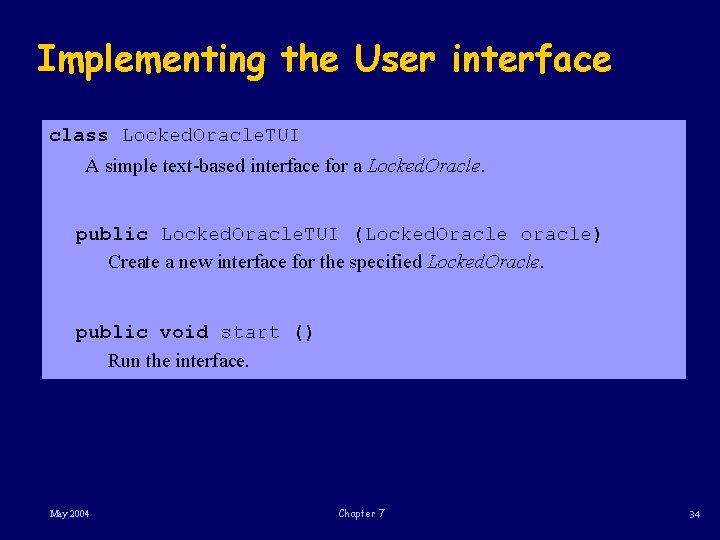
Implementing the User interface class Locked. Oracle. TUI A simple text-based interface for a Locked. Oracle. public Locked. Oracle. TUI (Locked. Oracle oracle) Create a new interface for the specified Locked. Oracle. public void start () Run the interface. May 2004 Chapter 7 34
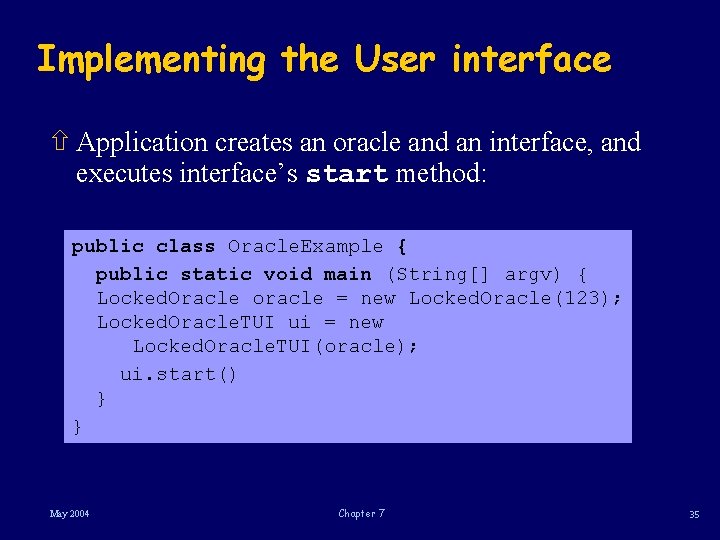
Implementing the User interface ñ Application creates an oracle and an interface, and executes interface’s start method: public class Oracle. Example { public static void main (String[] argv) { Locked. Oracle oracle = new Locked. Oracle(123); Locked. Oracle. TUI ui = new Locked. Oracle. TUI(oracle); ui. start() } } May 2004 Chapter 7 35
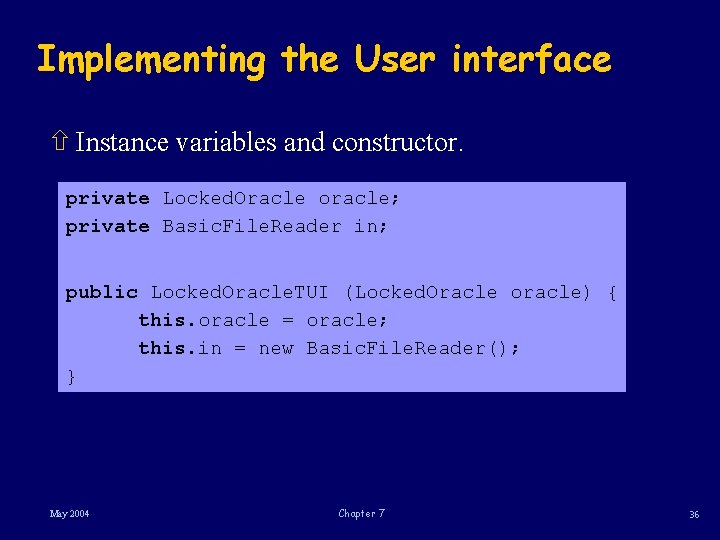
Implementing the User interface ñ Instance variables and constructor. private Locked. Oracle oracle; private Basic. File. Reader in; public Locked. Oracle. TUI (Locked. Oracle oracle) { this. oracle = oracle; this. in = new Basic. File. Reader(); } May 2004 Chapter 7 36
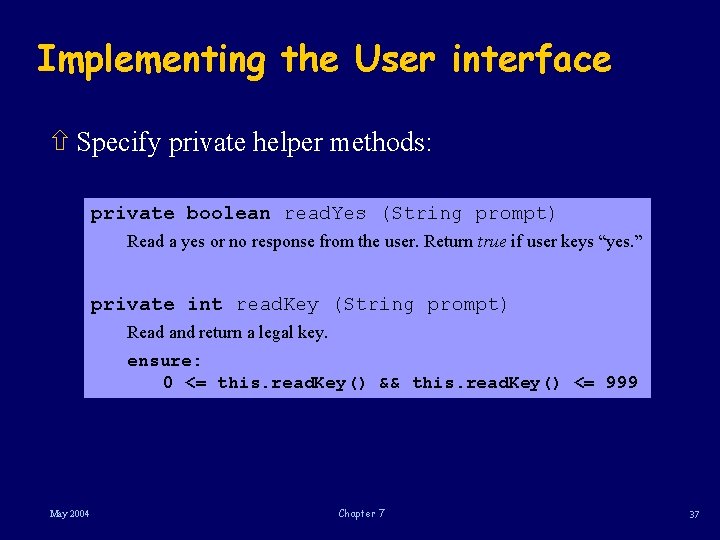
Implementing the User interface ñ Specify private helper methods: private boolean read. Yes (String prompt) Read a yes or no response from the user. Return true if user keys “yes. ” private int read. Key (String prompt) Read and return a legal key. ensure: 0 <= this. read. Key() && this. read. Key() <= 999 May 2004 Chapter 7 37
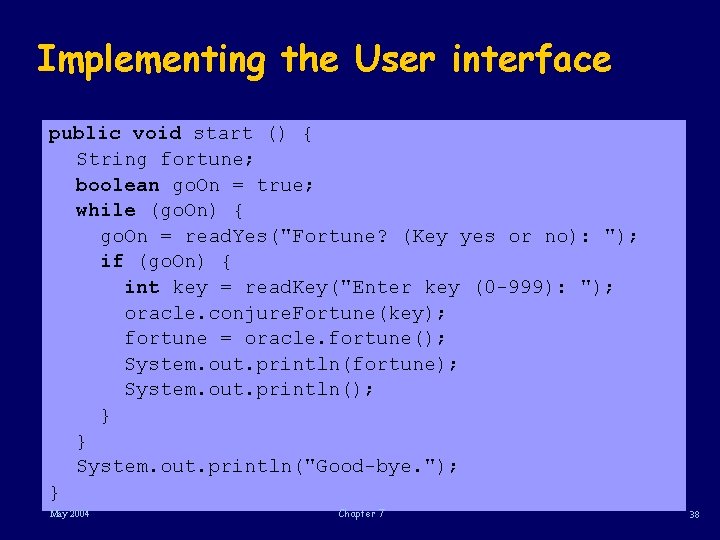
Implementing the User interface public void start () { String fortune; boolean go. On = true; while (go. On) { go. On = read. Yes("Fortune? (Key yes or no): "); if (go. On) { int key = read. Key("Enter key (0 -999): "); oracle. conjure. Fortune(key); fortune = oracle. fortune(); System. out. println(fortune); System. out. println(); } } System. out. println("Good-bye. "); } May 2004 Chapter 7 38
Summary ñ Built a simple text-based user interface. ñ We reviewed the relationship between client and server: ñ a client is dependent on its server, ñ a server is independent of its client. May 2004 Chapter 7 39
Summary ñ In designing a system, it is preferable to make stable components independent of those likely to require change. ñ Since user interface is considerably less stable than model, we favor designs in which the user interface acts as client to the model. ñ In cases where model must collaborate with the user interface, need to minimize interface for this collaboration. May 2004 Chapter 7 40
Summary ñ Introduced i/o streams. ñ A stream is a sequence of bytes, sometimes viewed as characters, to which an application can append data (an output stream) or from which an application can read data (an input stream). ñ Java has an extensive library of classes to deal with streams. ñ Use only basic functionality ñ from the predefined object System. out for output, ñ Basic. File. Reader class from nh. Utilities. basic. IO package for Chapter 7 May 2004 input. 41
Summary ñ Presented two simple applications with their textbased user interfaces. ñ Introduced while statement or while-loop: a Java construct that specifies a sequence of actions to be repeated until a condition fails to hold. May 2004 Chapter 7 42
Summary ñ In design of Locked. Oracle composed existing classes to construct a new class. ñ The relation between a composite class and its component classes is called the has-a relation. ñ Locked. Oracle class wraps Oracle, adapting its specification to that required by the system: the adapter pattern. May 2004 Chapter 7 43
- Slides: 44