
An Introduction to PointandClick Game Engines Jonathan Martin
- Slides: 16
An Introduction to Point-and-Click Game Engines Jonathan Martin
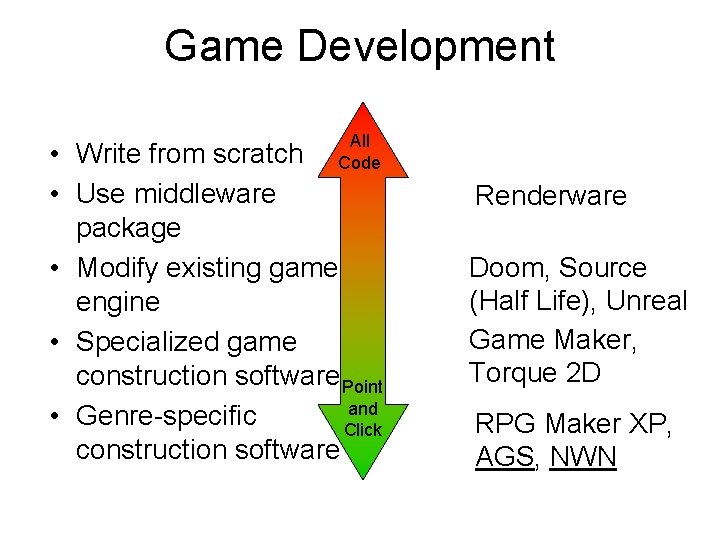
Game Development All Code • Write from scratch • Use middleware package • Modify existing game engine • Specialized game construction software Point and • Genre-specific Click construction software Renderware Doom, Source (Half Life), Unreal Game Maker, Torque 2 D RPG Maker XP, AGS, NWN
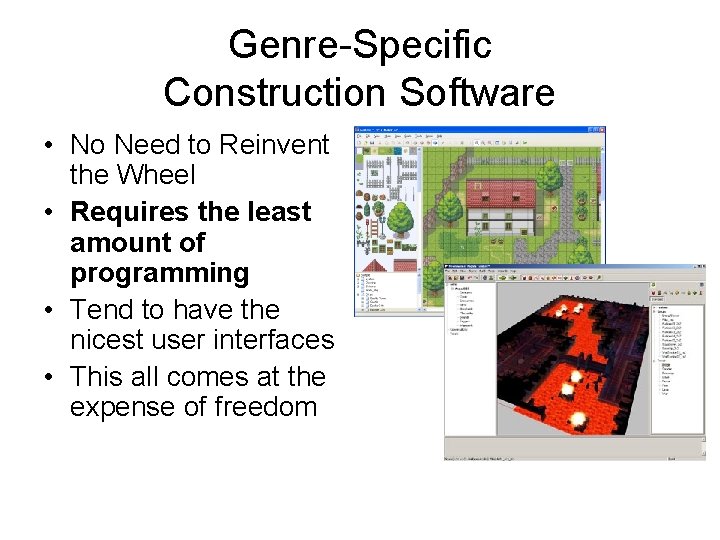
Genre-Specific Construction Software • No Need to Reinvent the Wheel • Requires the least amount of programming • Tend to have the nicest user interfaces • This all comes at the expense of freedom
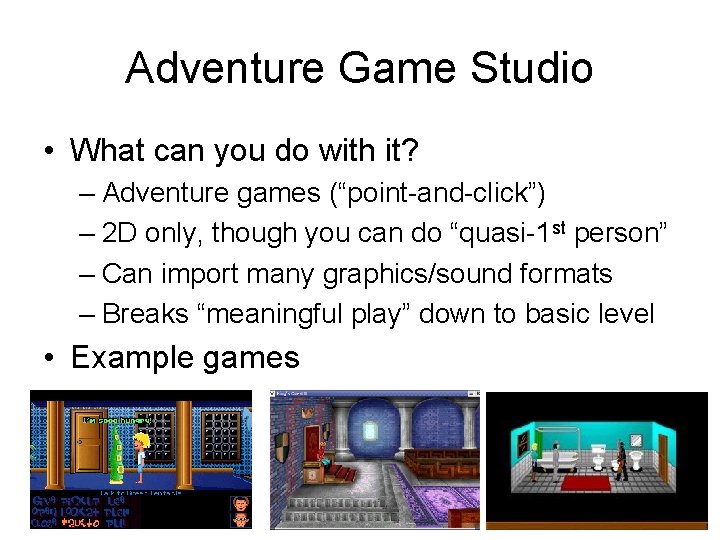
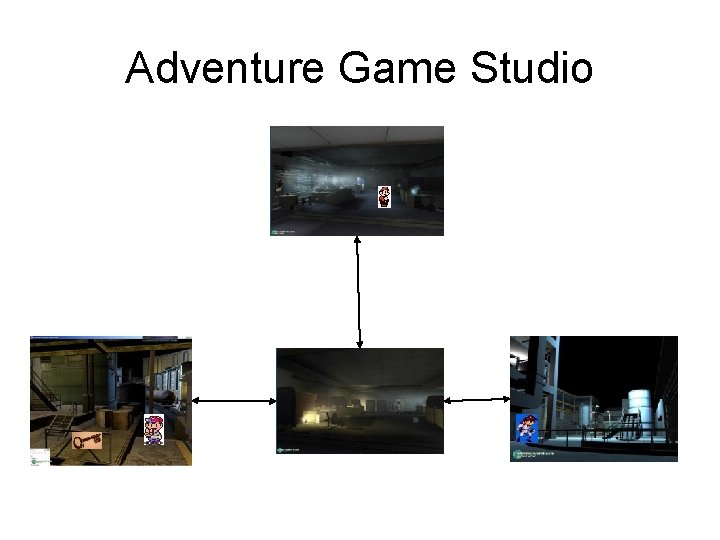
Adventure Game Studio • What can you do with it? – Adventure games (“point-and-click”) – 2 D only, though you can do “quasi-1 st person” – Can import many graphics/sound formats – Breaks “meaningful play” down to basic level • Example games
Adventure Game Studio
Adventure Game Studio • Easily create point-and-click interfaces • “C-like” scripting language for advanced functions • Lucasarts-style conversation system should you want to use it. • Inventory Support Built-In • Plugin System for Advanced Users • File Types Supported: – Audio: OGG, MP 3, WAV, MOD, XM, MIDI – Video: BMP, PCX, PNG, GIF, TGA • Display Modes Supported: – 320 x 200, 320 x 240, 640 x 400, 640 x 480, 800 x 600 – 256 -color, 16 -bit color and 32 bit color – Anti-aliasing and alpha blending supported in certain modes • Available for Windows, Linux and Mac OSX
Adventure Game Studio • Room Creation Demo
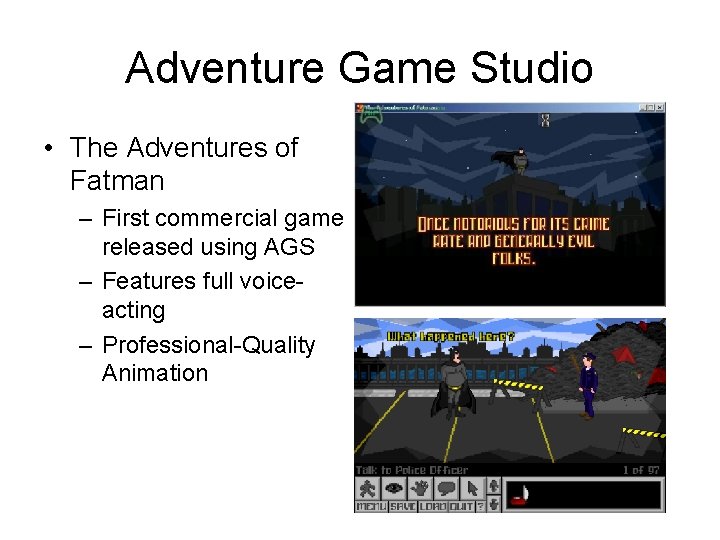
Adventure Game Studio • The Adventures of Fatman – First commercial game released using AGS – Features full voiceacting – Professional-Quality Animation
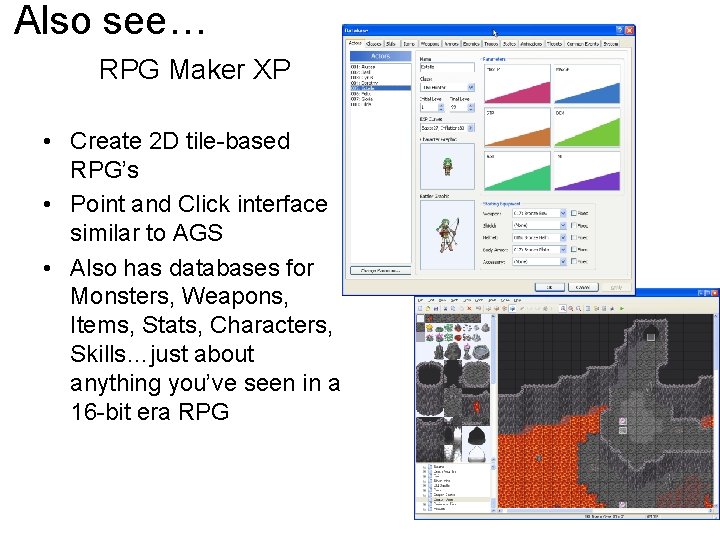
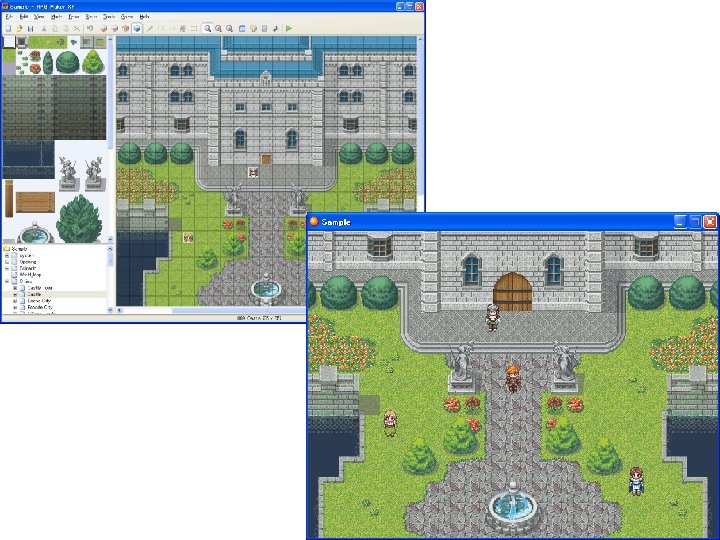
Also see… RPG Maker XP • Create 2 D tile-based RPG’s • Point and Click interface similar to AGS • Also has databases for Monsters, Weapons, Items, Stats, Characters, Skills…just about anything you’ve seen in a 16 -bit era RPG
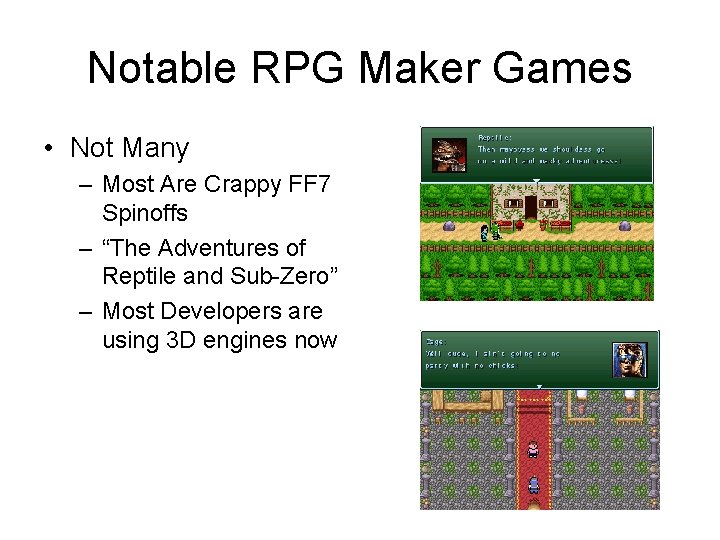
Notable RPG Maker Games • Not Many – Most Are Crappy FF 7 Spinoffs – “The Adventures of Reptile and Sub-Zero” – Most Developers are using 3 D engines now
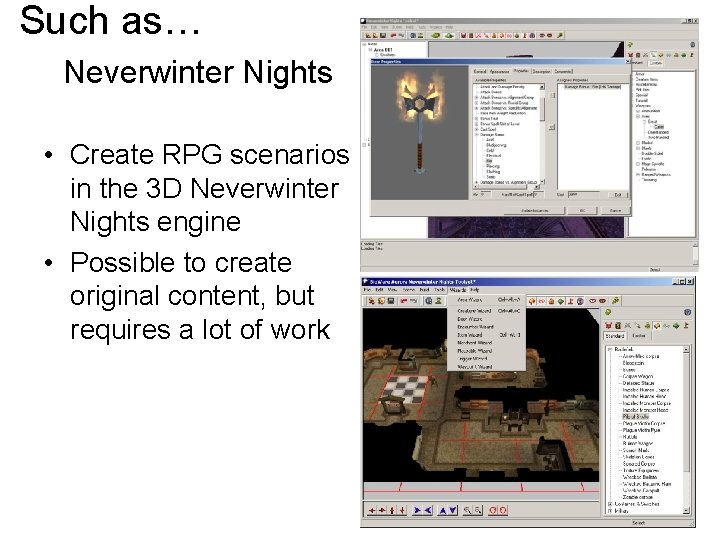
Such as… Neverwinter Nights • Create RPG scenarios in the 3 D Neverwinter Nights engine • Possible to create original content, but requires a lot of work
Neverwinter Nights • Demo
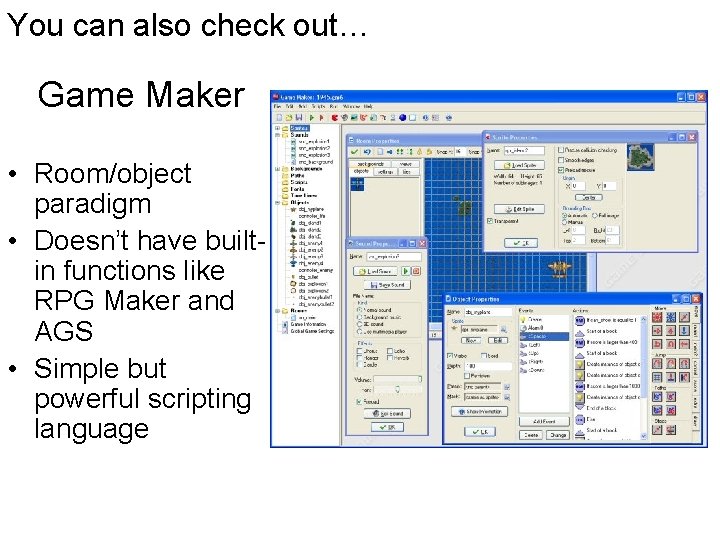
You can also check out… Game Maker • Room/object paradigm • Doesn’t have builtin functions like RPG Maker and AGS • Simple but powerful scripting language
Remember… • 3 D graphics not necessary!! • Use the tools you are most comfortable with, not what you believe is inherently “better” • Small amount of programming knowledge still required • Test your game as you are making it— Iterative Design!
Resources • http: //www. adventuregamestudio. co. uk/ • http: //www. gamemaker. nl/ • http: //www. enterbrain. co. jp/tkool/RPG_XP/ eng/ • http: //nwn. bioware. com/builders/