
An Introduction to Perl Part 2 CSC 8304

![Some example of using Arrays @trees=qw(oak cedar maple apple); print $trees[0]; #prints “oak”; print](https://slidetodoc.com/presentation_image/c4b3ff641956427f8d9279f05d841a54/image-6.jpg "Some example of using Arrays @trees=qw(oak cedar maple apple); print $trees[0]; #prints “oak”; print")
- Slides: 22
An Introduction to Perl Part 2 CSC 8304 – Computing Environments for Bioinformatics - Lecture 8 1
Objectives l l To introduce the Perl programming language • Lists, arrays, hashes Recommended Books: • • SAMS – Teach yourself Perl in 24 hours – Clinton Pierce Beginning Perl for Bioinformatics – James Tisdall The Best way to learn Perl is to read the books, numerous tutorials and to Practice. These notes are not a comprehensive tutorial – reading extra material is essential CSC 8304 – Computing Environments for Bioinformatics - Lecture 8 2
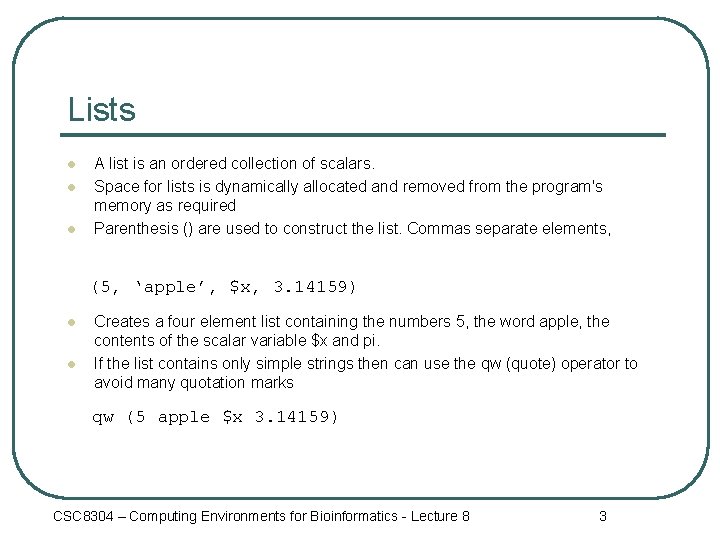
Lists l l l A list is an ordered collection of scalars. Space for lists is dynamically allocated and removed from the program's memory as required Parenthesis () are used to construct the list. Commas separate elements, (5, ‘apple’, $x, 3. 14159) l l Creates a four element list containing the numbers 5, the word apple, the contents of the scalar variable $x and pi. If the list contains only simple strings then can use the qw (quote) operator to avoid many quotation marks qw (5 apple $x 3. 14159) CSC 8304 – Computing Environments for Bioinformatics - Lecture 8 3
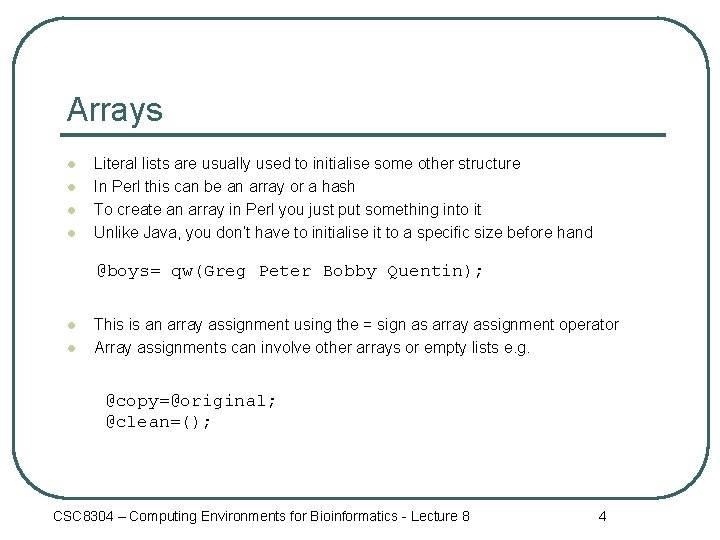
Arrays l l Literal lists are usually used to initialise some other structure In Perl this can be an array or a hash To create an array in Perl you just put something into it Unlike Java, you don’t have to initialise it to a specific size before hand @boys= qw(Greg Peter Bobby Quentin); l l This is an array assignment using the = sign as array assignment operator Array assignments can involve other arrays or empty lists e. g. @copy=@original; @clean=(); CSC 8304 – Computing Environments for Bioinformatics - Lecture 8 4
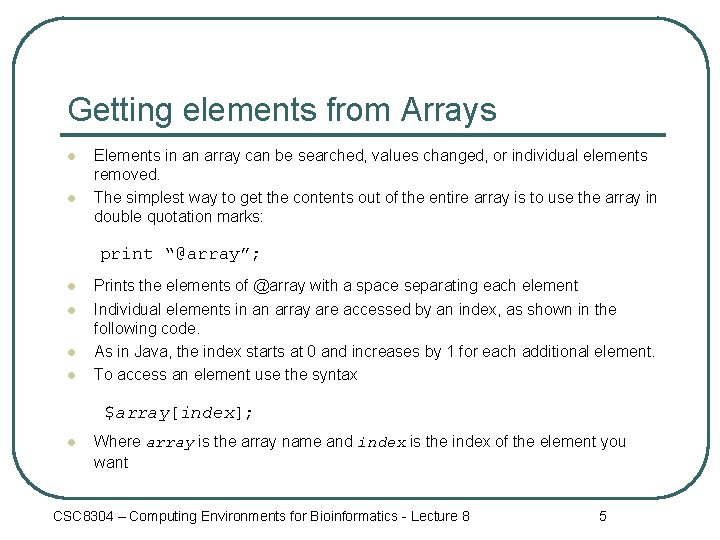
Getting elements from Arrays l l Elements in an array can be searched, values changed, or individual elements removed. The simplest way to get the contents out of the entire array is to use the array in double quotation marks: print “@array”; l l Prints the elements of @array with a space separating each element Individual elements in an array are accessed by an index, as shown in the following code. As in Java, the index starts at 0 and increases by 1 for each additional element. To access an element use the syntax $array[index]; l Where array is the array name and index is the index of the element you want CSC 8304 – Computing Environments for Bioinformatics - Lecture 8 5
Some example of using Arrays @trees=qw(oak cedar maple apple); print $trees[0]; #prints “oak”; print $trees[3]; #prints “apple”; $trees[4]=‘pine’; l l l Notice that individual elements of the array are referred to using a $ This is because it refers to a single scalar value within the array Finding the size of the array: $size=@array; CSC 8304 – Computing Environments for Bioinformatics - Lecture 8 6
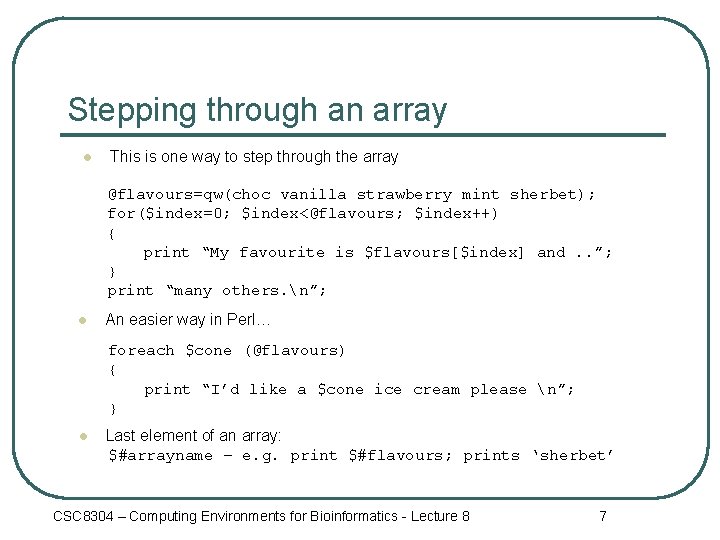
Stepping through an array l This is one way to step through the array @flavours=qw(choc vanilla strawberry mint sherbet); for($index=0; $index<@flavours; $index++) { print “My favourite is $flavours[$index] and. . ”; } print “many others. n”; l An easier way in Perl… foreach $cone (@flavours) { print “I’d like a $cone ice cream please n”; } l Last element of an array: $#arrayname – e. g. print $#flavours; prints ‘sherbet’ CSC 8304 – Computing Environments for Bioinformatics - Lecture 8 7
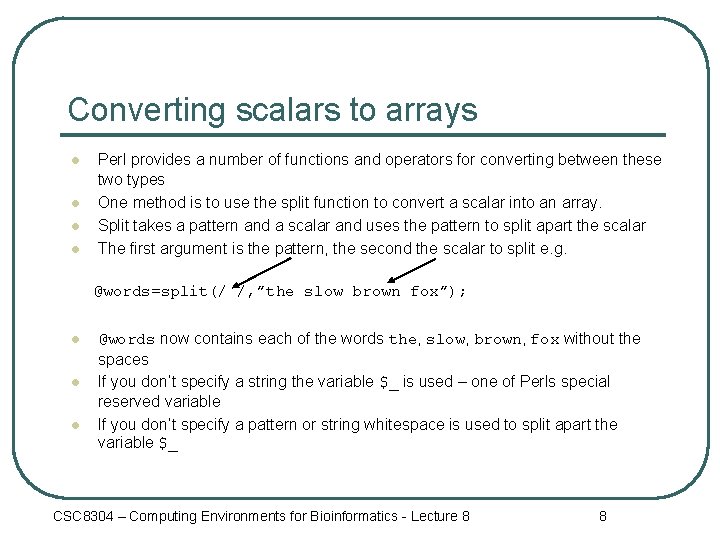
Converting scalars to arrays l l Perl provides a number of functions and operators for converting between these two types One method is to use the split function to convert a scalar into an array. Split takes a pattern and a scalar and uses the pattern to split apart the scalar The first argument is the pattern, the second the scalar to split e. g. @words=split(/ /, ”the slow brown fox”); l l l @words now contains each of the words the, slow, brown, fox without the spaces If you don’t specify a string the variable $_ is used – one of Perls special reserved variable If you don’t specify a pattern or string whitespace is used to split apart the variable $_ CSC 8304 – Computing Environments for Bioinformatics - Lecture 8 8
Converting scalars to arrays l The patterns used by split are called regular expressions. l Regular expressions are a pattern matching language that we will discuss a bit later CSC 8304 – Computing Environments for Bioinformatics - Lecture 8 9
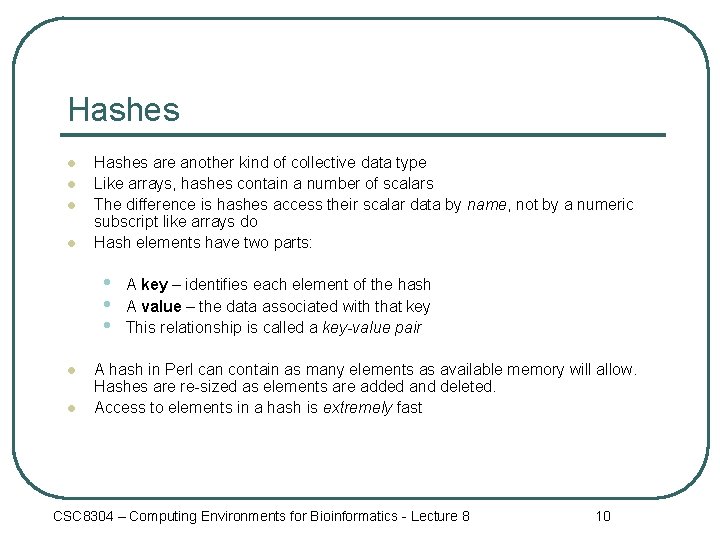
Hashes l l Hashes are another kind of collective data type Like arrays, hashes contain a number of scalars The difference is hashes access their scalar data by name, not by a numeric subscript like arrays do Hash elements have two parts: • • • l l A key – identifies each element of the hash A value – the data associated with that key This relationship is called a key-value pair A hash in Perl can contain as many elements as available memory will allow. Hashes are re-sized as elements are added and deleted. Access to elements in a hash is extremely fast CSC 8304 – Computing Environments for Bioinformatics - Lecture 8 10
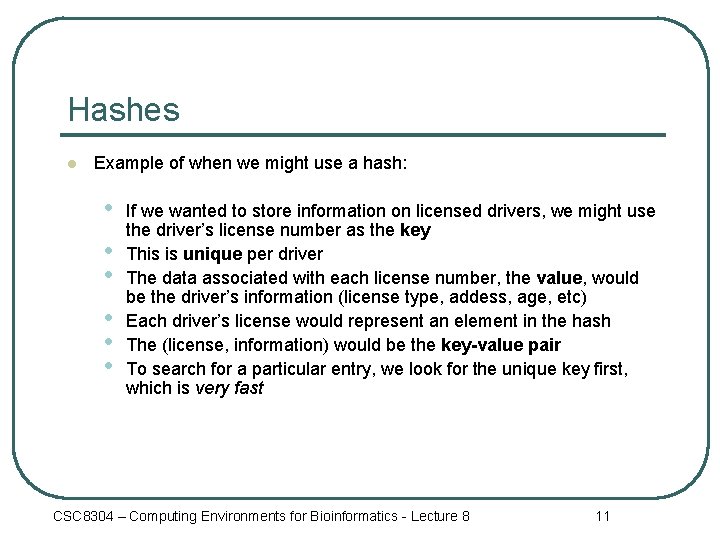
Hashes l Example of when we might use a hash: • • • If we wanted to store information on licensed drivers, we might use the driver’s license number as the key This is unique per driver The data associated with each license number, the value, would be the driver’s information (license type, addess, age, etc) Each driver’s license would represent an element in the hash The (license, information) would be the key-value pair To search for a particular entry, we look for the unique key first, which is very fast CSC 8304 – Computing Environments for Bioinformatics - Lecture 8 11
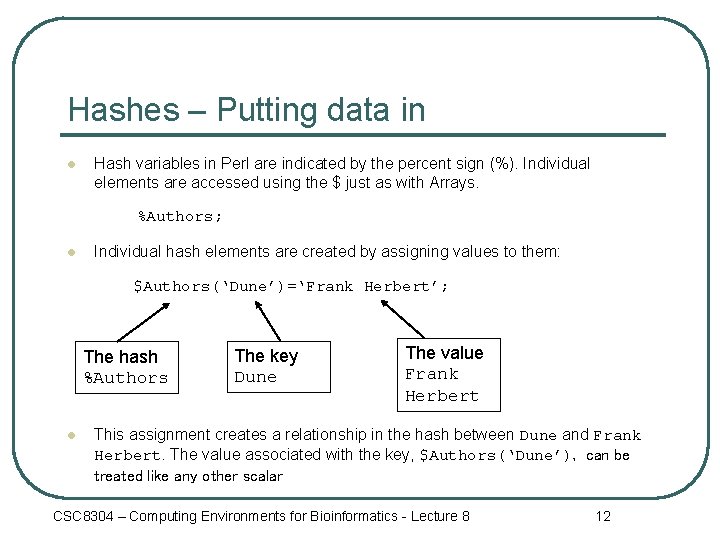
Hashes – Putting data in l Hash variables in Perl are indicated by the percent sign (%). Individual elements are accessed using the $ just as with Arrays. %Authors; l Individual hash elements are created by assigning values to them: $Authors(‘Dune’)=‘Frank Herbert’; The hash %Authors l The key Dune The value Frank Herbert This assignment creates a relationship in the hash between Dune and Frank Herbert. The value associated with the key, $Authors(‘Dune’), can be treated like any other scalar CSC 8304 – Computing Environments for Bioinformatics - Lecture 8 12
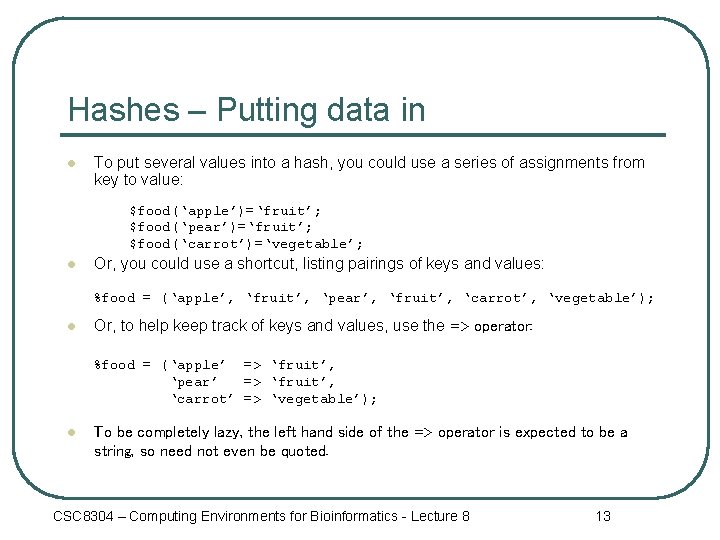
Hashes – Putting data in l To put several values into a hash, you could use a series of assignments from key to value: $food(‘apple’)=‘fruit’; $food(‘pear’)=‘fruit’; $food(‘carrot’)=‘vegetable’; l Or, you could use a shortcut, listing pairings of keys and values: %food = (‘apple’, ‘fruit’, ‘pear’, ‘fruit’, ‘carrot’, ‘vegetable’); l Or, to help keep track of keys and values, use the => operator: %food = (‘apple’ => ‘fruit’, ‘pear’ => ‘fruit’, ‘carrot’ => ‘vegetable’); l To be completely lazy, the left hand side of the => operator is expected to be a string, so need not even be quoted. CSC 8304 – Computing Environments for Bioinformatics - Lecture 8 13
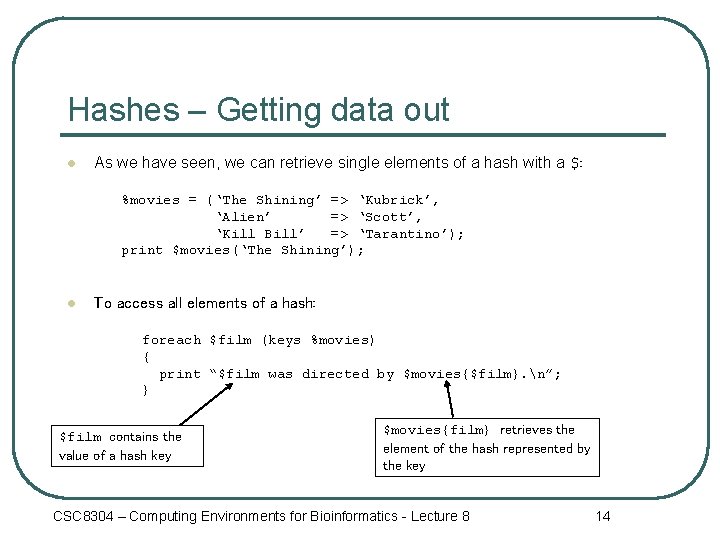
Hashes – Getting data out l As we have seen, we can retrieve single elements of a hash with a $: %movies = (‘The Shining’ => ‘Kubrick’, ‘Alien’ => ‘Scott’, ‘Kill Bill’ => ‘Tarantino’); print $movies(‘The Shining’); l To access all elements of a hash: foreach $film (keys %movies) { print “$film was directed by $movies{$film}. n”; } $film contains the value of a hash key $movies{film} retrieves the element of the hash represented by the key CSC 8304 – Computing Environments for Bioinformatics - Lecture 8 14
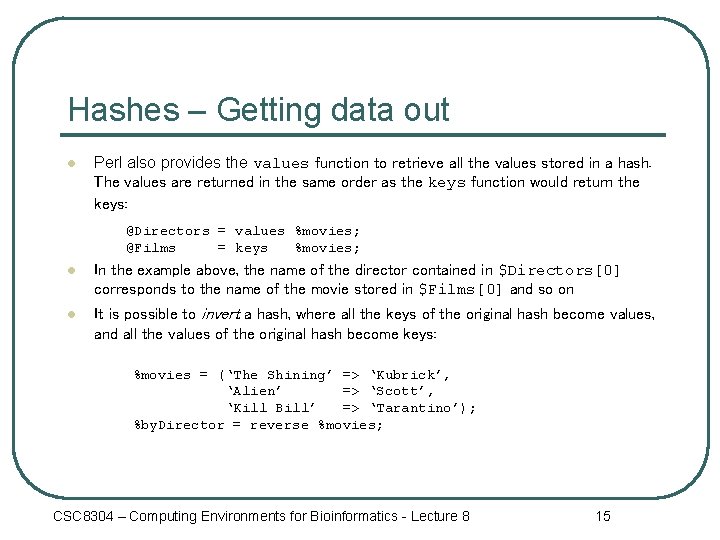
Hashes – Getting data out l Perl also provides the values function to retrieve all the values stored in a hash. The values are returned in the same order as the keys function would return the keys: @Directors = values %movies; @Films = keys %movies; l In the example above, the name of the director contained in $Directors[0] corresponds to the name of the movie stored in $Films[0] and so on l It is possible to invert a hash, where all the keys of the original hash become values, and all the values of the original hash become keys: %movies = (‘The Shining’ => ‘Kubrick’, ‘Alien’ => ‘Scott’, ‘Kill Bill’ => ‘Tarantino’); %by. Director = reverse %movies; CSC 8304 – Computing Environments for Bioinformatics - Lecture 8 15
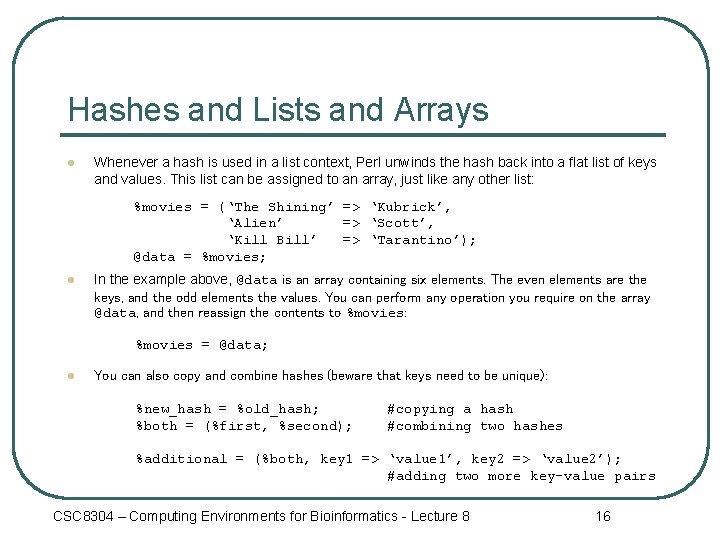
Hashes and Lists and Arrays l Whenever a hash is used in a list context, Perl unwinds the hash back into a flat list of keys and values. This list can be assigned to an array, just like any other list: %movies = (‘The Shining’ => ‘Kubrick’, ‘Alien’ => ‘Scott’, ‘Kill Bill’ => ‘Tarantino’); @data = %movies; l In the example above, @data is an array containing six elements. The even elements are the keys, and the odd elements the values. You can perform any operation you require on the array @data, and then reassign the contents to %movies: %movies = @data; l You can also copy and combine hashes (beware that keys need to be unique): %new_hash = %old_hash; %both = (%first, %second); #copying a hash #combining two hashes %additional = (%both, key 1 => ‘value 1’, key 2 => ‘value 2’); #adding two more key-value pairs CSC 8304 – Computing Environments for Bioinformatics - Lecture 8 16
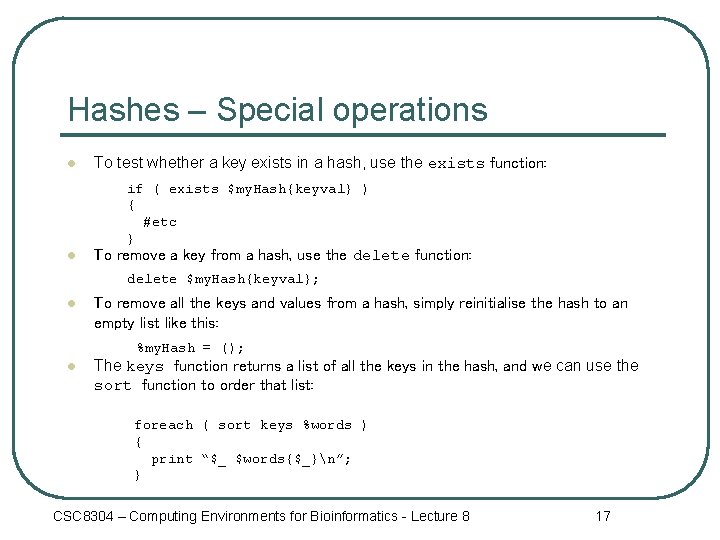
Hashes – Special operations l To test whether a key exists in a hash, use the exists function: if ( exists $my. Hash{keyval} ) { #etc } l To remove a key from a hash, use the delete function: delete $my. Hash{keyval}; l To remove all the keys and values from a hash, simply reinitialise the hash to an empty list like this: %my. Hash = (); l The keys function returns a list of all the keys in the hash, and we can use the sort function to order that list: foreach ( sort keys %words ) { print “$_ $words{$_}n”; } CSC 8304 – Computing Environments for Bioinformatics - Lecture 8 17
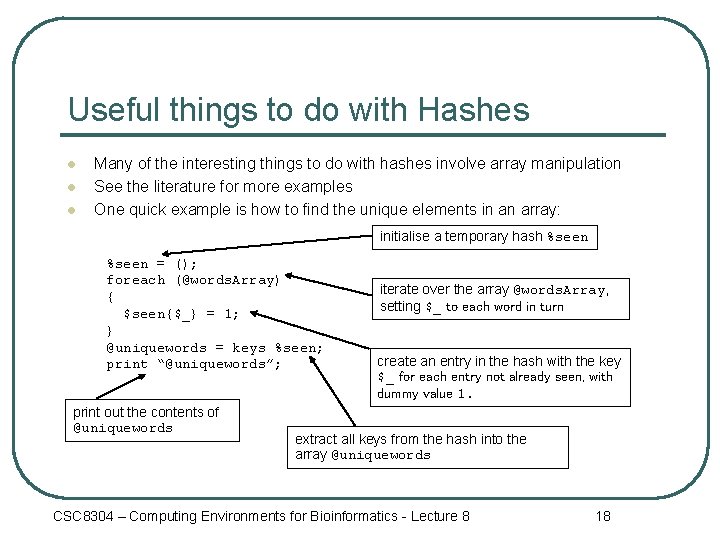
Useful things to do with Hashes l l l Many of the interesting things to do with hashes involve array manipulation See the literature for more examples One quick example is how to find the unique elements in an array: initialise a temporary hash %seen = (); foreach (@words. Array) { $seen{$_} = 1; } @uniquewords = keys %seen; print “@uniquewords”; print out the contents of @uniquewords iterate over the array @words. Array, setting $_ to each word in turn create an entry in the hash with the key $_ for each entry not already seen, with dummy value 1. extract all keys from the hash into the array @uniquewords CSC 8304 – Computing Environments for Bioinformatics - Lecture 8 18
Summary l l l Lists Arrays Conversion of scalars to arrays using patterns Hashes Conversions between hashes, arrays and lists CSC 8304 – Computing Environments for Bioinformatics - Lecture 8 19
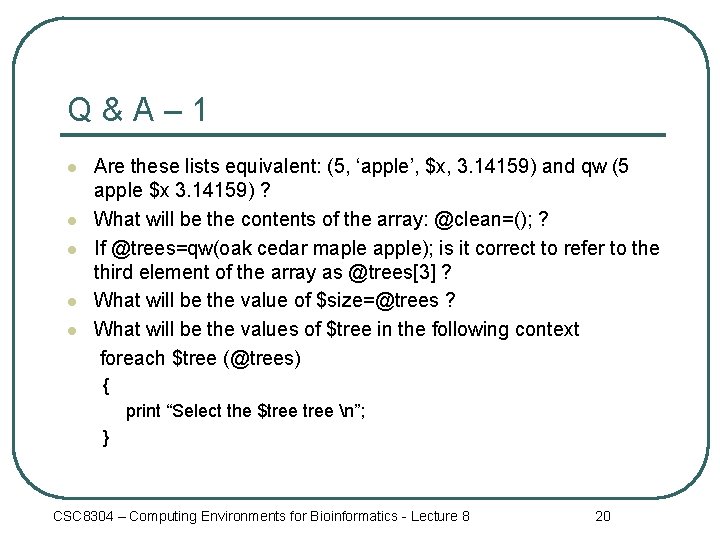
Q&A– 1 l l l Are these lists equivalent: (5, ‘apple’, $x, 3. 14159) and qw (5 apple $x 3. 14159) ? What will be the contents of the array: @clean=(); ? If @trees=qw(oak cedar maple apple); is it correct to refer to the third element of the array as @trees[3] ? What will be the value of $size=@trees ? What will be the values of $tree in the following context foreach $tree (@trees) { print “Select the $tree n”; } CSC 8304 – Computing Environments for Bioinformatics - Lecture 8 20
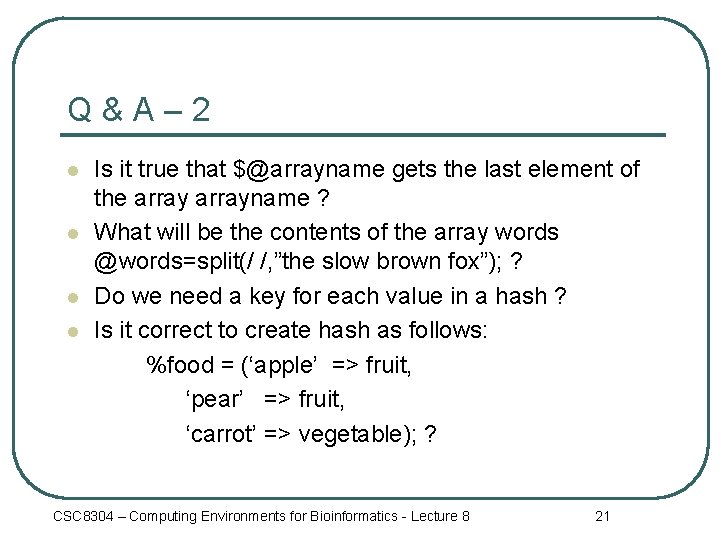
Q&A– 2 l l Is it true that $@arrayname gets the last element of the arrayname ? What will be the contents of the array words @words=split(/ /, ”the slow brown fox”); ? Do we need a key for each value in a hash ? Is it correct to create hash as follows: %food = (‘apple’ => fruit, ‘pear’ => fruit, ‘carrot’ => vegetable); ? CSC 8304 – Computing Environments for Bioinformatics - Lecture 8 21
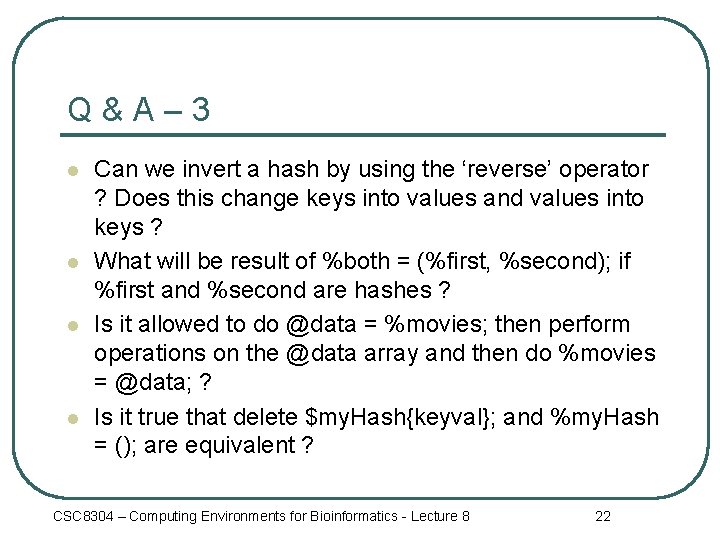
Q&A– 3 l l Can we invert a hash by using the ‘reverse’ operator ? Does this change keys into values and values into keys ? What will be result of %both = (%first, %second); if %first and %second are hashes ? Is it allowed to do @data = %movies; then perform operations on the @data array and then do %movies = @data; ? Is it true that delete $my. Hash{keyval}; and %my. Hash = (); are equivalent ? CSC 8304 – Computing Environments for Bioinformatics - Lecture 8 22