
An Introduction to Microprocessor Architecture using intel 8085

- Slides: 15
An Introduction to Microprocessor Architecture using intel 8085 as a classic processor
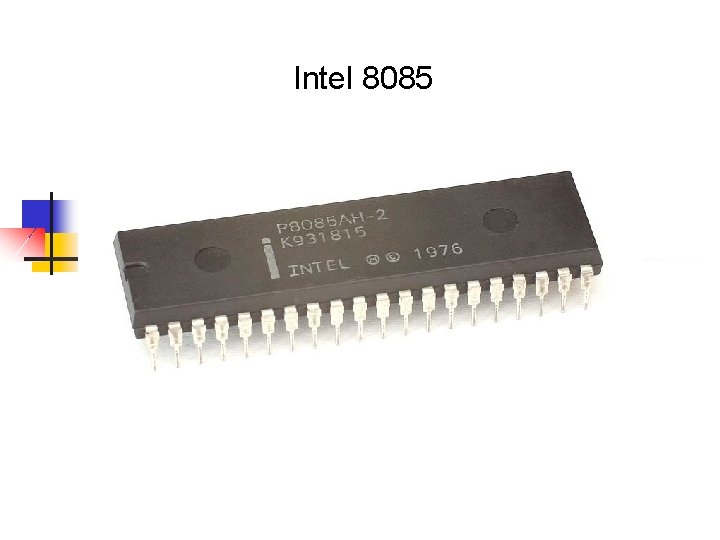
Intel 8085
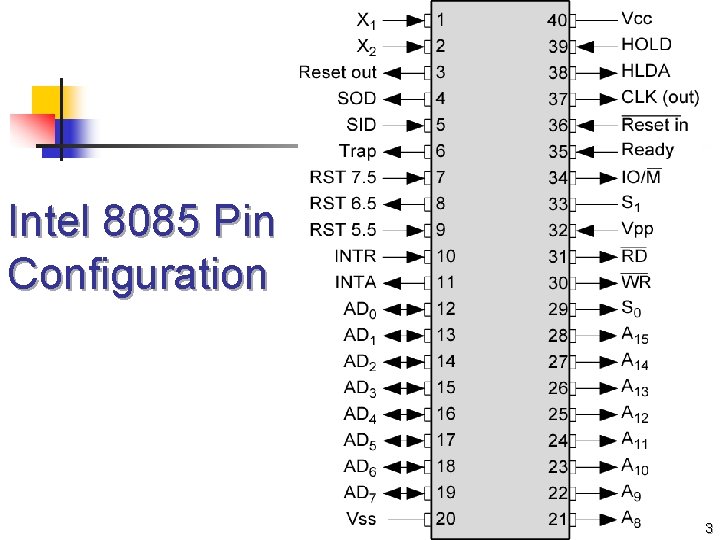
Intel 8085 Pin Configuration 3
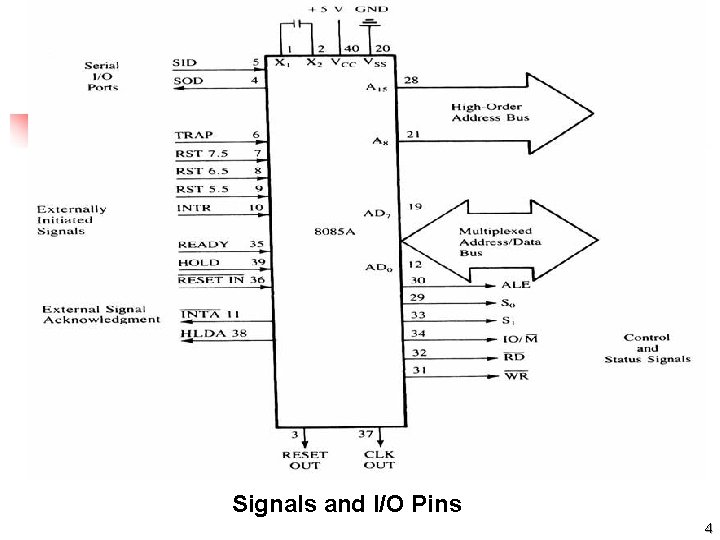
Signals and I/O Pins 4
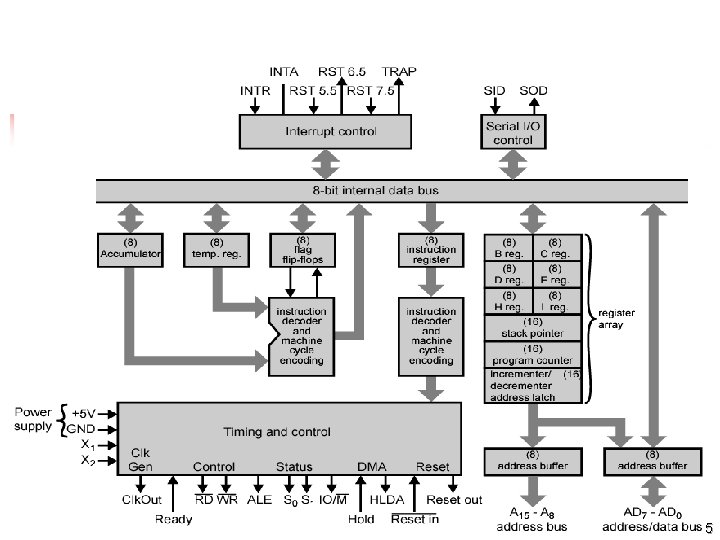
Intel 8085 CPU Block Diagram 5
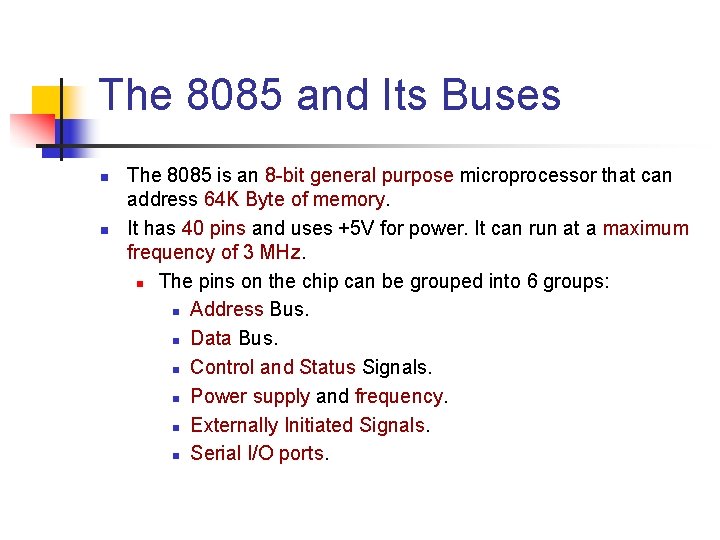
The 8085 and Its Buses n n The 8085 is an 8 -bit general purpose microprocessor that can address 64 K Byte of memory. It has 40 pins and uses +5 V for power. It can run at a maximum frequency of 3 MHz. n The pins on the chip can be grouped into 6 groups: n Address Bus. n Data Bus. n Control and Status Signals. n Power supply and frequency. n Externally Initiated Signals. n Serial I/O ports.
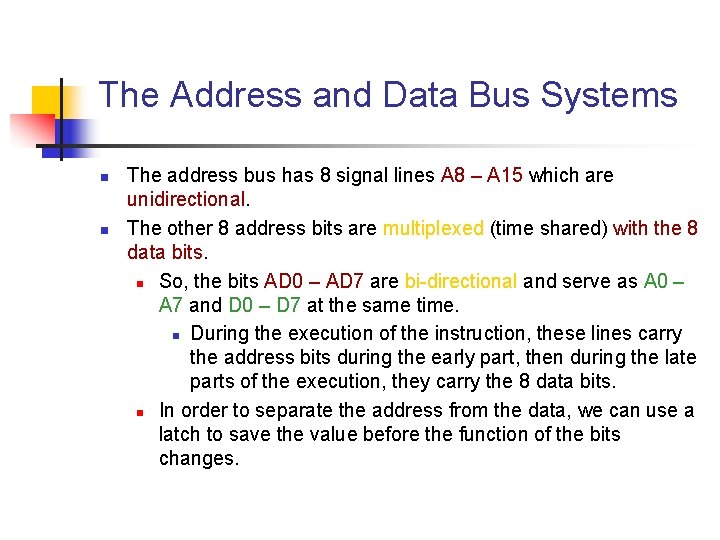
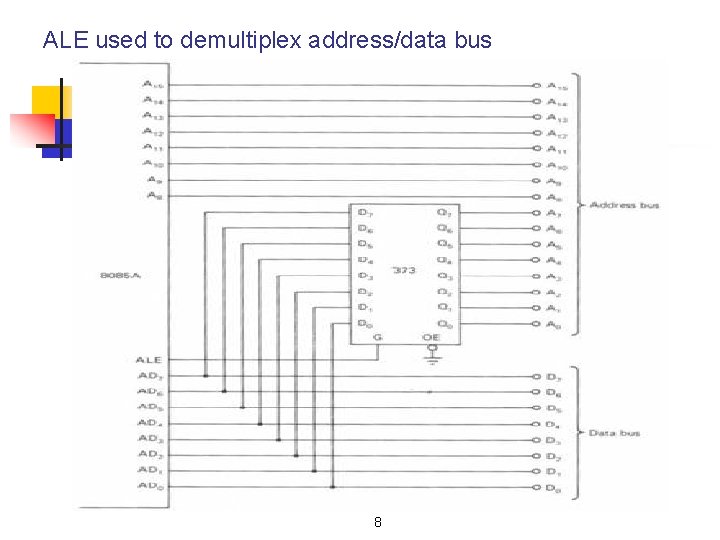
The Address and Data Bus Systems n n The address bus has 8 signal lines A 8 – A 15 which are unidirectional. The other 8 address bits are multiplexed (time shared) with the 8 data bits. n So, the bits AD 0 – AD 7 are bi-directional and serve as A 0 – A 7 and D 0 – D 7 at the same time. n During the execution of the instruction, these lines carry the address bits during the early part, then during the late parts of the execution, they carry the 8 data bits. n In order to separate the address from the data, we can use a latch to save the value before the function of the bits changes.
ALE used to demultiplex address/data bus 8
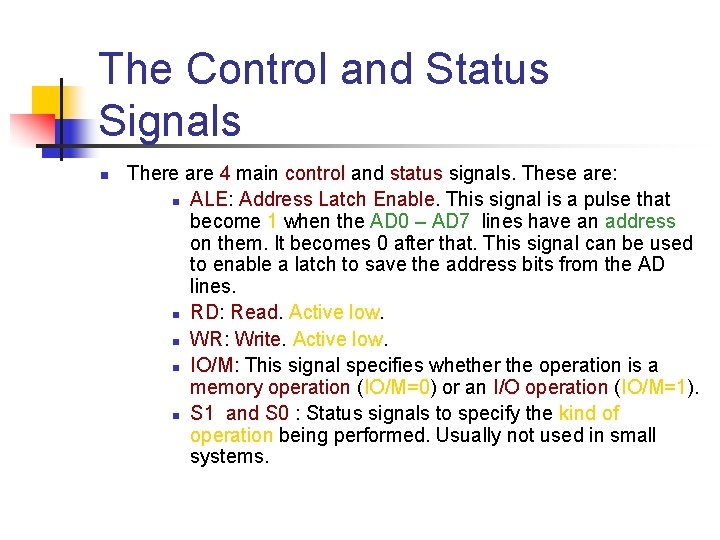
The Control and Status Signals n There are 4 main control and status signals. These are: n ALE: Address Latch Enable. This signal is a pulse that become 1 when the AD 0 – AD 7 lines have an address on them. It becomes 0 after that. This signal can be used to enable a latch to save the address bits from the AD lines. n RD: Read. Active low. n WR: Write. Active low. n IO/M: This signal specifies whether the operation is a memory operation (IO/M=0) or an I/O operation (IO/M=1). n S 1 and S 0 : Status signals to specify the kind of operation being performed. Usually not used in small systems.
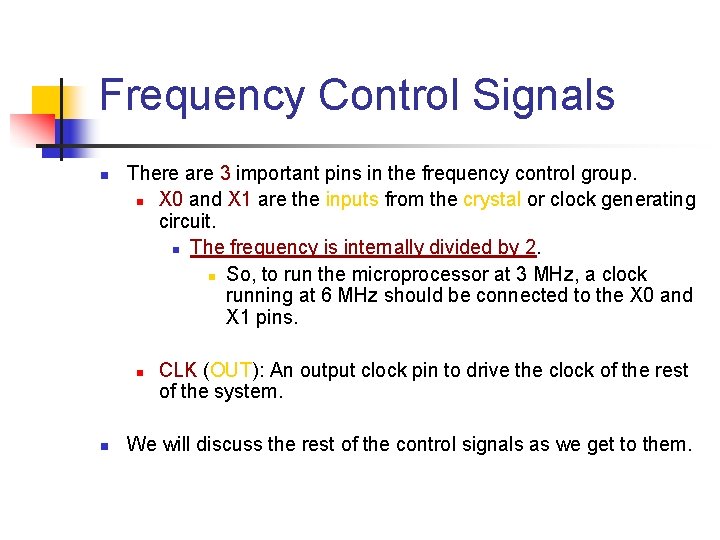
Frequency Control Signals n There are 3 important pins in the frequency control group. n X 0 and X 1 are the inputs from the crystal or clock generating circuit. n The frequency is internally divided by 2. n So, to run the microprocessor at 3 MHz, a clock running at 6 MHz should be connected to the X 0 and X 1 pins. n n CLK (OUT): An output clock pin to drive the clock of the rest of the system. We will discuss the rest of the control signals as we get to them.
A closer look at the 8085 Architecture n Now, let’s look at some of its features with more details.
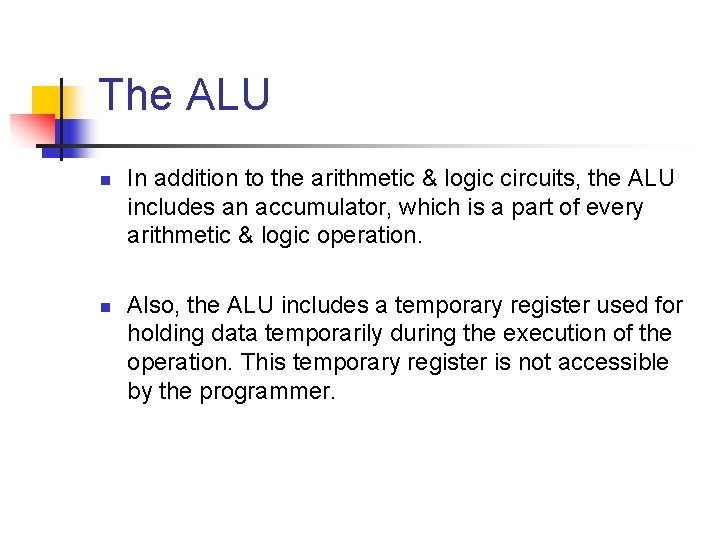
The ALU n n In addition to the arithmetic & logic circuits, the ALU includes an accumulator, which is a part of every arithmetic & logic operation. Also, the ALU includes a temporary register used for holding data temporarily during the execution of the operation. This temporary register is not accessible by the programmer.
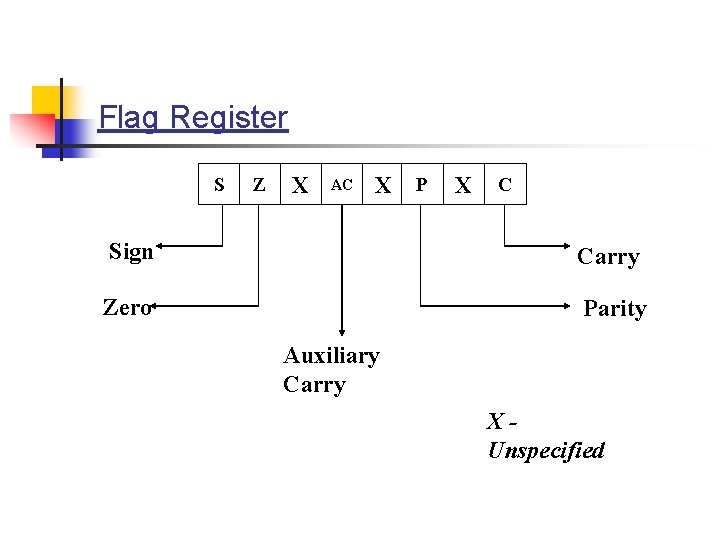
Flag Register S Z X AC X P X C Sign Carry Zero Parity Auxiliary Carry XUnspecified
The Flags register n There is also a flag register whose bits are affected by the arithmetic & logic operations. n S-sign flag n The sign flag is set if bit D 7 of the accumulator is set after an arithmetic or logic operation. n Z-zero flag n Set if the result of the ALU operation is 0. Otherwise is reset. This flag is affected by operations on the accumulator as well as other registers. (DCR B). n AC-Auxiliary Carry n This flag is set when a carry is generated from bit D 3 and passed to D 4. This flag is used only internally for BCD operations. n P-Parity flag n After an ALU operation, if the result has an even # of 1 s, the p-flag is set. Otherwise it is cleared. So, the flag can be used to indicate even parity. n CY-carry flag n This flag is set when a carry is generated from bit D 7 after an unsigned operation. n OV-Overflow flag n This flag is set when an overflow occurs after a signed operation.
Thank You!!