
An Introduction to GCSE Pod Students GCSEPod is
- Slides: 14
An Introduction to GCSE Pod Students
GCSEPod is here! Click on picture for 1 minute video
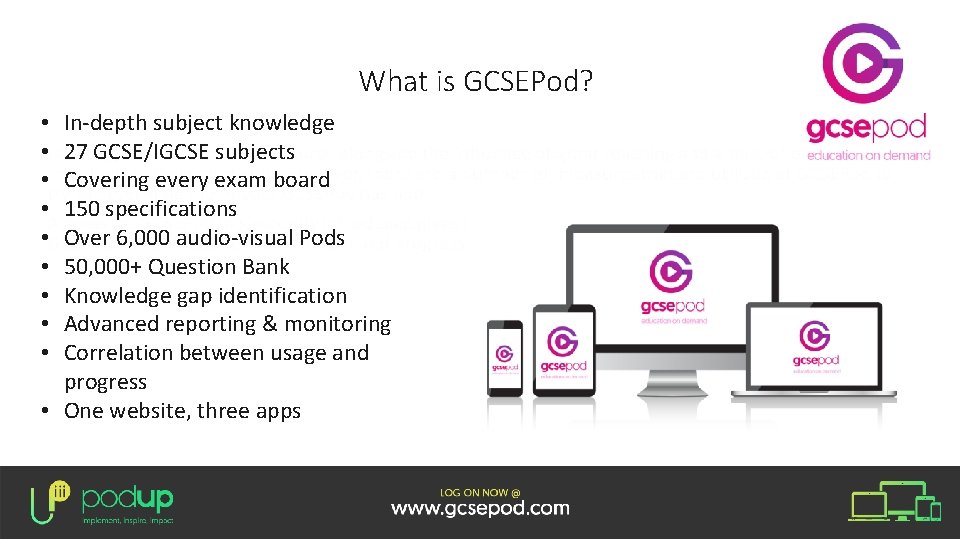
What is GCSEPod? In-depth subject knowledge 27 GCSE/IGCSE subjects Covering every exam board 150 specifications Over 6, 000 audio-visual Pods 50, 000+ Question Bank Knowledge gap identification Advanced reporting & monitoring Correlation between usage and progress • One website, three apps • • •
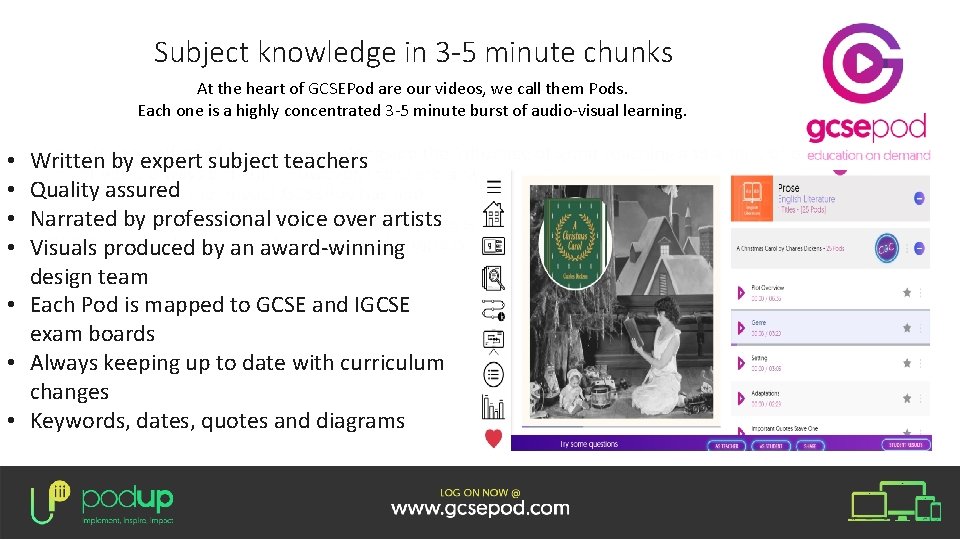
Subject knowledge in 3 -5 minute chunks At the heart of GCSEPod are our videos, we call them Pods. Each one is a highly concentrated 3 -5 minute burst of audio-visual learning. Written by expert subject teachers Quality assured Narrated by professional voice over artists Visuals produced by an award-winning design team • Each Pod is mapped to GCSE and IGCSE exam boards • Always keeping up to date with curriculum changes • Keywords, dates, quotes and diagrams • •
Download content so you can watch GCSEPod online or offline.
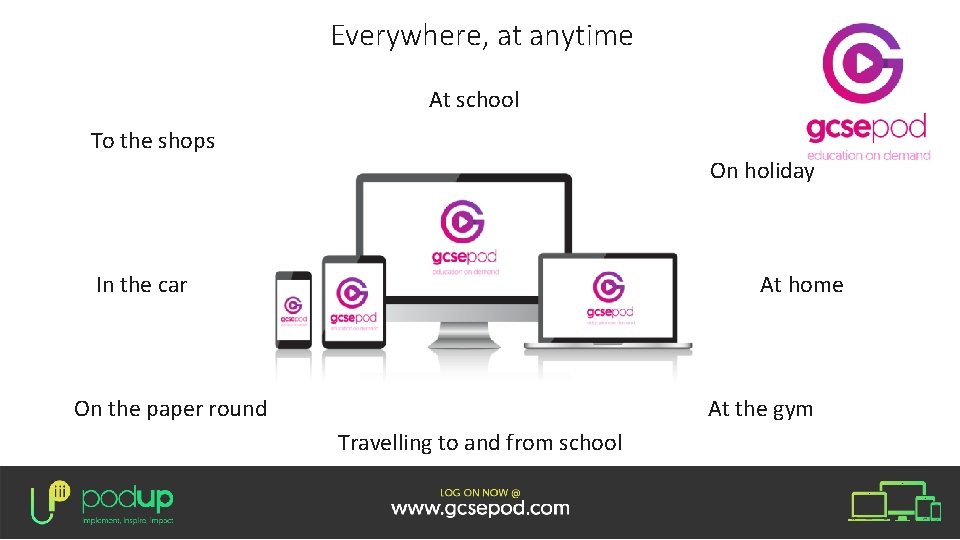
Everywhere, at anytime At school To the shops On holiday In the car At home On the paper round At the gym Travelling to and from school
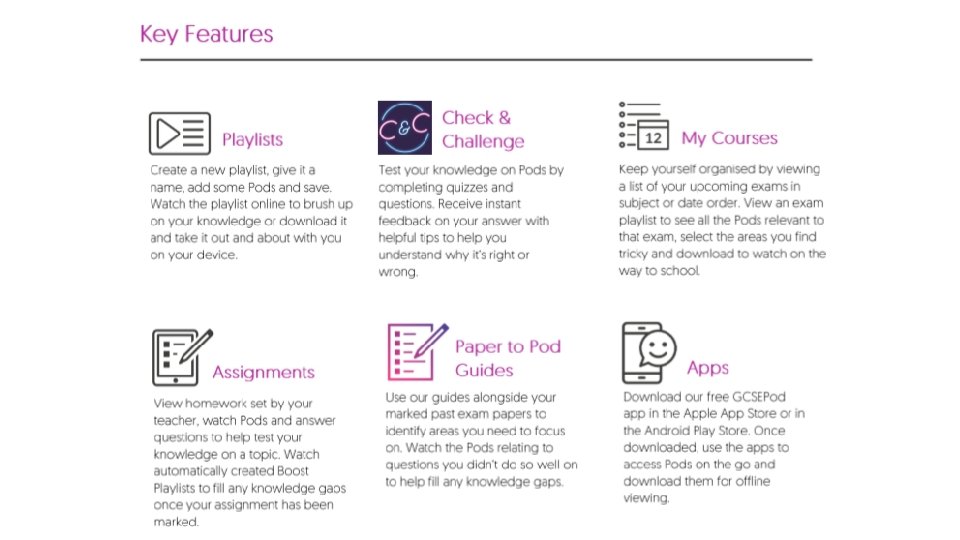
Student Benefits • • • Easy to learn 3 -5 minute short, sharp bursts of audio-visual learning Access to content from 27 subjects, all mapped to your exam boards Available online or offline Ability to favourite any Pods on topics you find hard and revisit them Ability to complete tests and receive instant feedback on assignments You will accelerate your progress by receiving instant feedback on your knowledge gaps Pre-made exam playlists, helping to organise your revision Takes the stress out of learning Links to your current curriculum plans
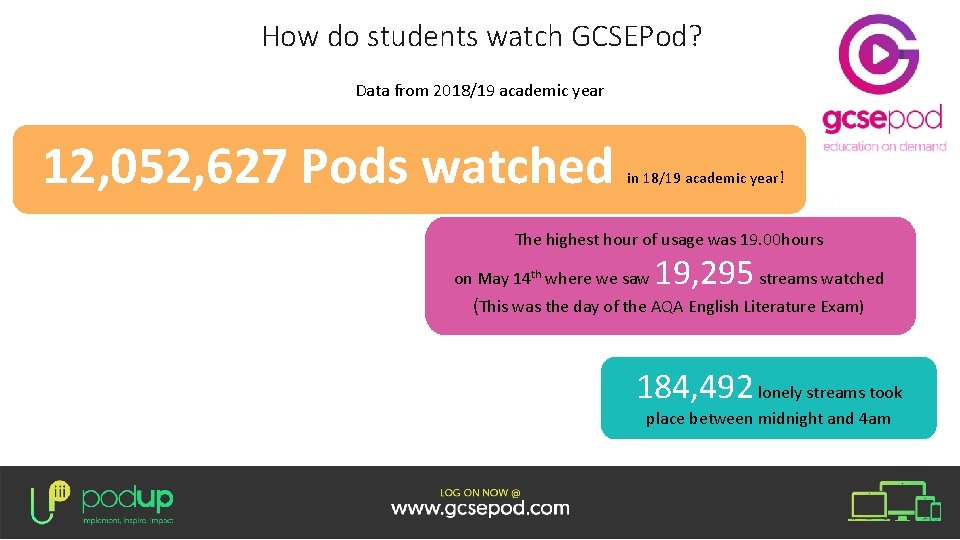
How do students watch GCSEPod? Data from 2018/19 academic year 12, 052, 627 Pods watched in 18/19 academic year! The highest hour of usage was 19. 00 hours on May 14 th where we saw 19, 295 streams watched (This was the day of the AQA English Literature Exam) 184, 492 lonely streams took place between midnight and 4 am
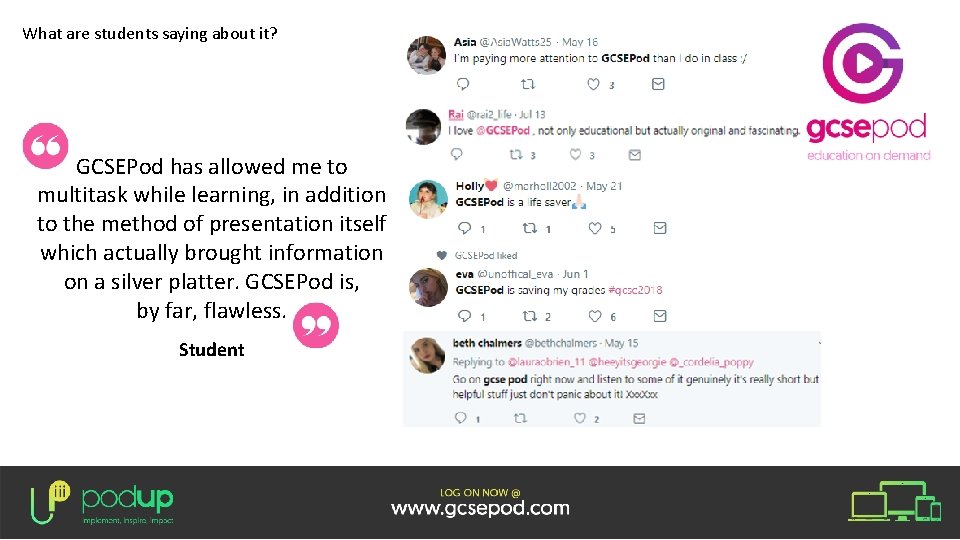
What are students saying about it? GCSEPod has allowed me to multitask while learning, in addition to the method of presentation itself which actually brought information on a silver platter. GCSEPod is, by far, flawless. Student
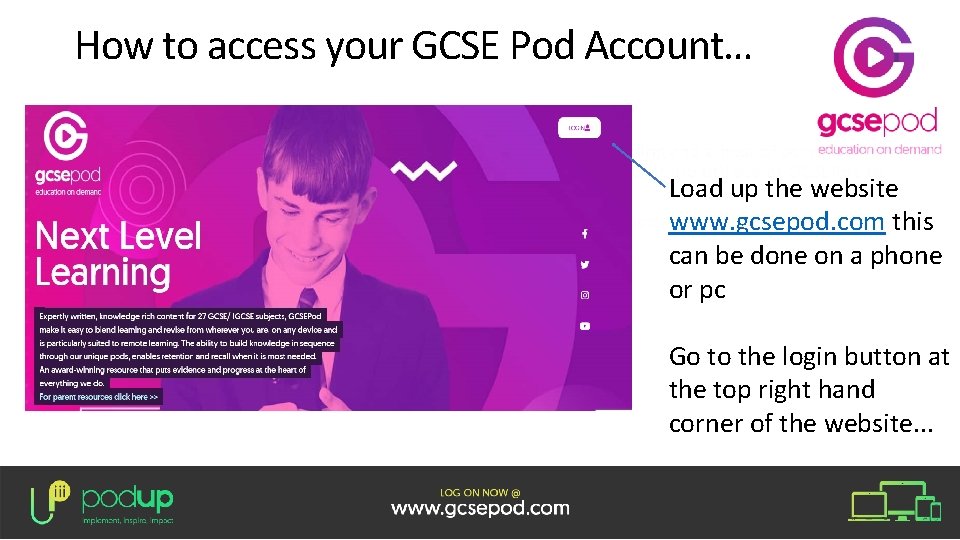
How to access your GCSE Pod Account… Load up the website www. gcsepod. com this can be done on a phone or pc Go to the login button at the top right hand corner of the website. . .
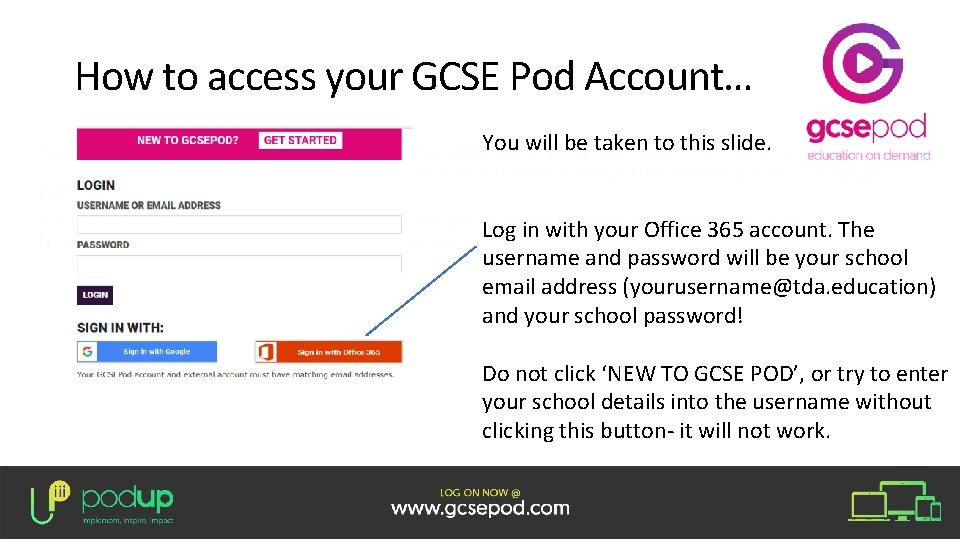
How to access your GCSE Pod Account… You will be taken to this slide. Log in with your Office 365 account. The username and password will be your school email address (yourusername@tda. education) and your school password! Do not click ‘NEW TO GCSE POD’, or try to enter your school details into the username without clicking this button- it will not work.
If you get stuck with logging on. . . • Please email staff at the following: servicedesk@tdet. education
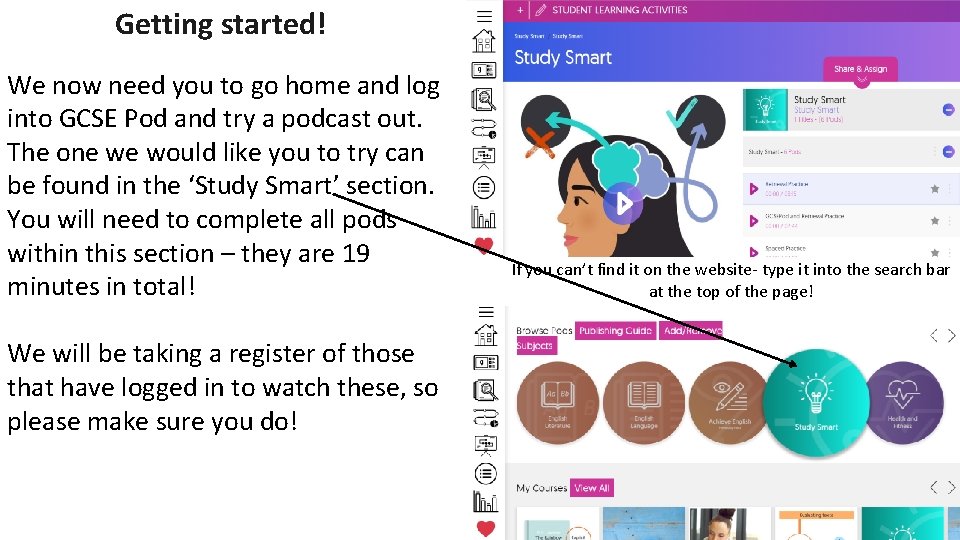
Getting started! We now need you to go home and log into GCSE Pod and try a podcast out. The one we would like you to try can be found in the ‘Study Smart’ section. You will need to complete all pods within this section – they are 19 minutes in total! We will be taking a register of those that have logged in to watch these, so please make sure you do! If you can’t find it on the website- type it into the search bar at the top of the page!