
An Introduction to Flash Mobile Technology on Android
An Introduction to Flash Mobile Technology on Android, i. OS, and Blackberry Cross-Platform App Development with Flex Mobile Stephen Chief Agile Methodologist at GXS Twitter: @steveonjava http: //flash. steveonjava. com/ Oswald Campesato HTML 5 Canvas/CSS 3 Graphics Primer Twitter: @ocampesato
Flash and AIR on Android, i. OS, and Blackberry Available on Android and Blackberry Phones and Tablets � Does not run on i. Phone or i. Pad � Works in the Browser � Limited Access to Device APIs � Adobe Flash Adobe AIR � � Available on Android, Blackberry, and i. OS Works on Smart Phones and Tablets Deploys as a Native Application Gives Full Access to Device APIs

Flash Tooling Tool Name Description Supports Android Deployment Adobe Flash CS 5. 5 Visual design tool for building Flash applications with some Actionscript Direct to Device Adobe Flash Builder 4. 5 Professional Flex and Actionscript development environment. Flex/MXML, Actionscript Direct to Device Flex 4. 5 SDK Stand-alone development toolkit. Flex, Actionscript Build Script Adobe Flash Catalyst 1. 5 Rapid Development Platform for building Flex user interfaces. Flex, Actionscript Via Flash Builder
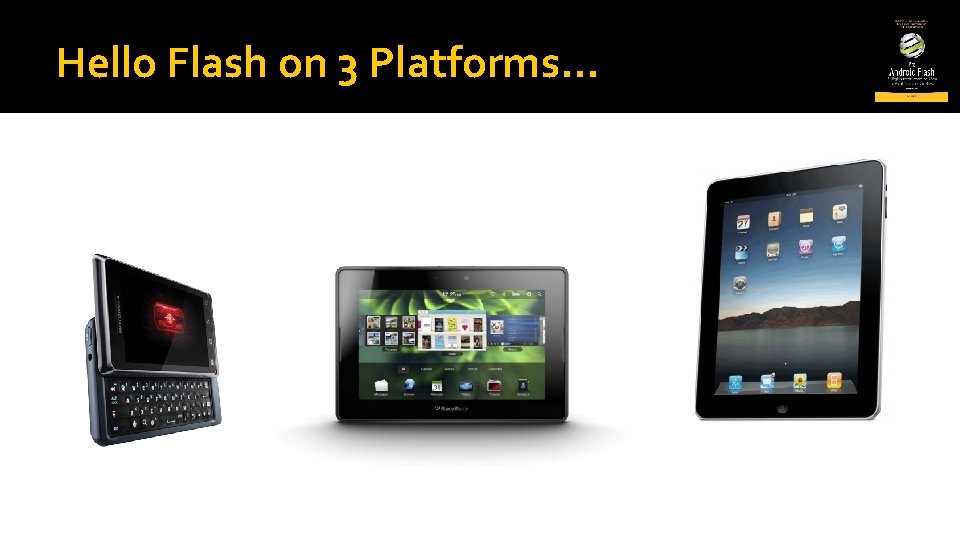
Hello Flash on 3 Platforms…
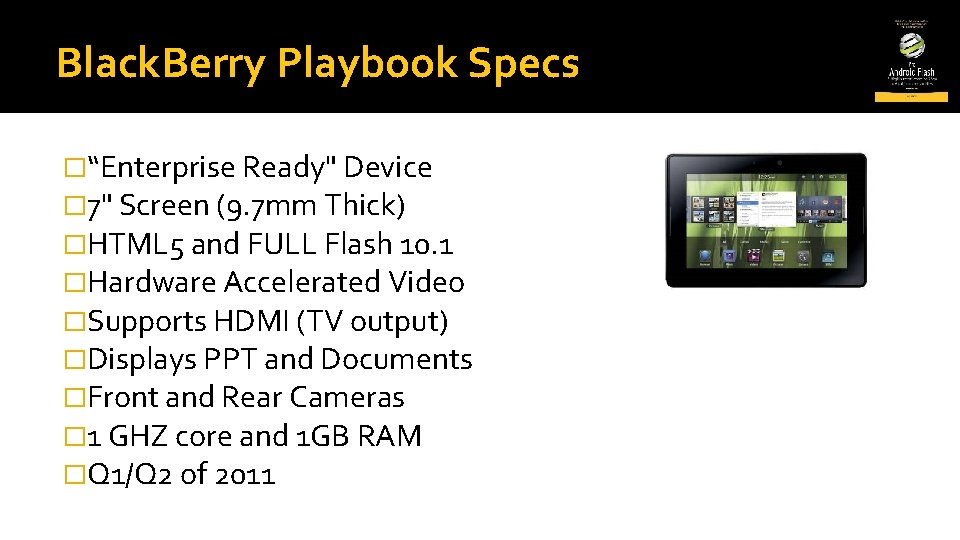
Black. Berry Playbook Specs �“Enterprise Ready" Device � 7" Screen (9. 7 mm Thick) �HTML 5 and FULL Flash 10. 1 �Hardware Accelerated Video �Supports HDMI (TV output) �Displays PPT and Documents �Front and Rear Cameras � 1 GHZ core and 1 GB RAM �Q 1/Q 2 of 2011
Black. Berry Deployment � Register for Blackberry App World Account Free, but requires ID verification (driver's license) � Request code signing certificates Takes 1 -2 business days for a response � Install Blackberry SDK Integrates with Flash Builder 4. 5 � Install Plug-in Update Manual process right now � Setup device in Flash Builder Turn on device debugging Enable via USB or Wifi � Setup Flash Builder with 2 certificate files Difficult Rating: Moderate
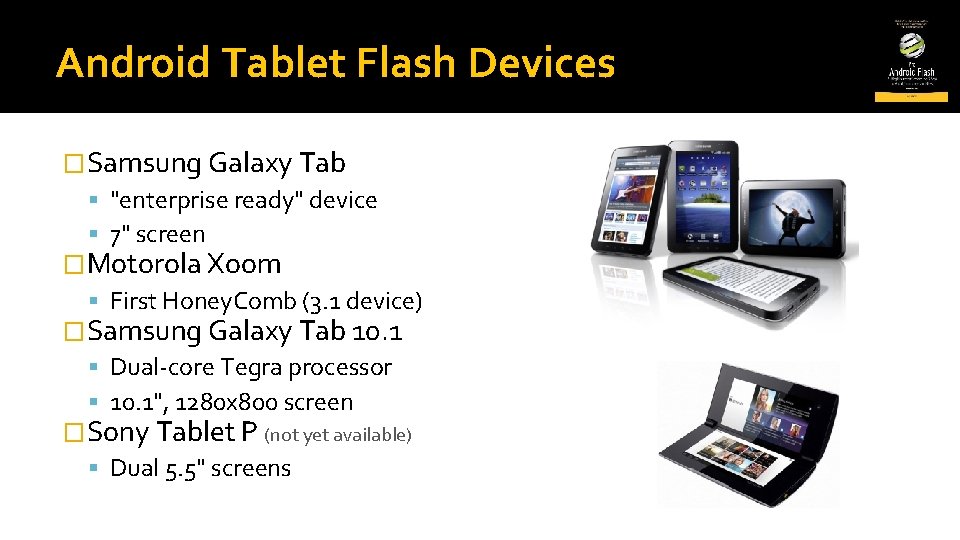
Android Tablet Flash Devices �Samsung Galaxy Tab "enterprise ready" device 7" screen �Motorola Xoom First Honey. Comb (3. 1 device) �Samsung Galaxy Tab 10. 1 Dual-core Tegra processor 10. 1", 1280 x 800 screen �Sony Tablet P (not yet available) Dual 5. 5" screens
Deploying to Android �Turn on Device Debugging �Plug in via USB And install necessary drivers �Deploy! Difficult Rating: Easy!
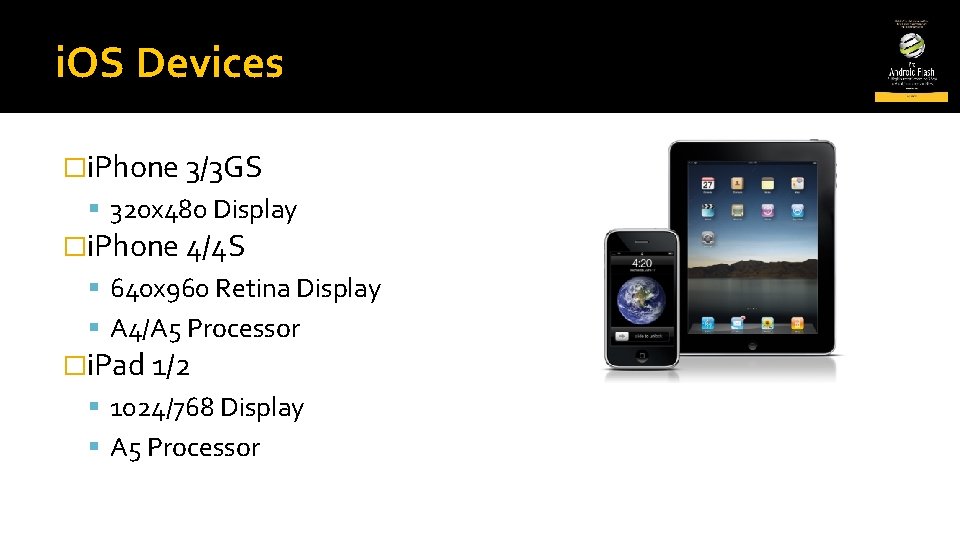
i. OS Devices �i. Phone 3/3 GS 320 x 480 Display �i. Phone 4/4 S 640 x 960 Retina Display A 4/A 5 Processor �i. Pad 1/2 1024/768 Display A 5 Processor
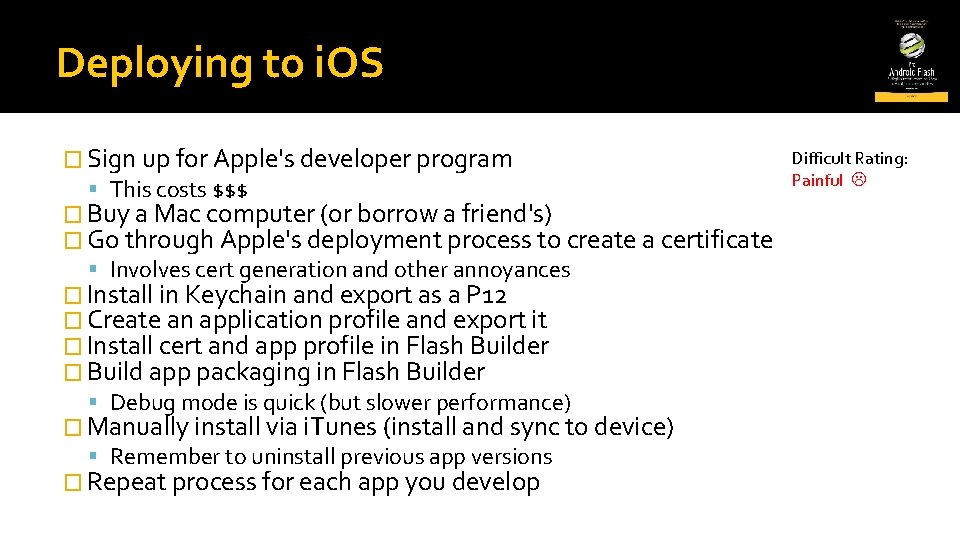
Deploying to i. OS Difficult Rating: � Sign up for Apple's developer program Painful This costs $$$ � Buy a Mac computer (or borrow a friend's) � Go through Apple's deployment process to create a certificate Involves cert generation and other annoyances � Install in Keychain and export as a P 12 � Create an application profile and export it � Install cert and app profile in Flash Builder � Build app packaging in Flash Builder Debug mode is quick (but slower performance) � Manually install via i. Tunes (install and sync to device) Remember to uninstall previous app versions � Repeat process for each app you develop
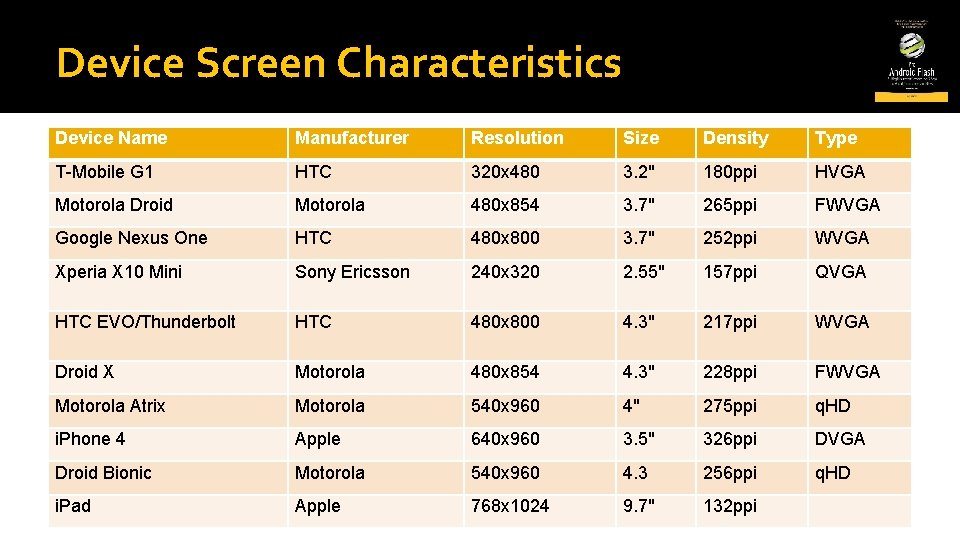
Device Screen Characteristics Device Name Manufacturer Resolution Size Density Type T-Mobile G 1 HTC 320 x 480 3. 2" 180 ppi HVGA Motorola Droid Motorola 480 x 854 3. 7" 265 ppi FWVGA Google Nexus One HTC 480 x 800 3. 7" 252 ppi WVGA Xperia X 10 Mini Sony Ericsson 240 x 320 2. 55" 157 ppi QVGA HTC EVO/Thunderbolt HTC 480 x 800 4. 3" 217 ppi WVGA Droid X Motorola 480 x 854 4. 3" 228 ppi FWVGA Motorola Atrix Motorola 540 x 960 4" 275 ppi q. HD i. Phone 4 Apple 640 x 960 3. 5" 326 ppi DVGA Droid Bionic Motorola 540 x 960 4. 3 256 ppi q. HD i. Pad Apple 768 x 1024 9. 7" 132 ppi
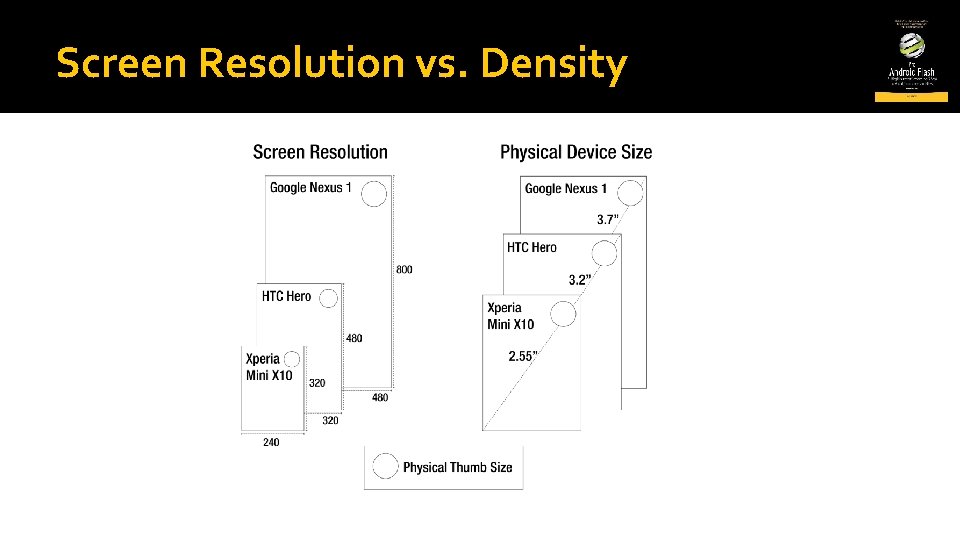
Screen Resolution vs. Density
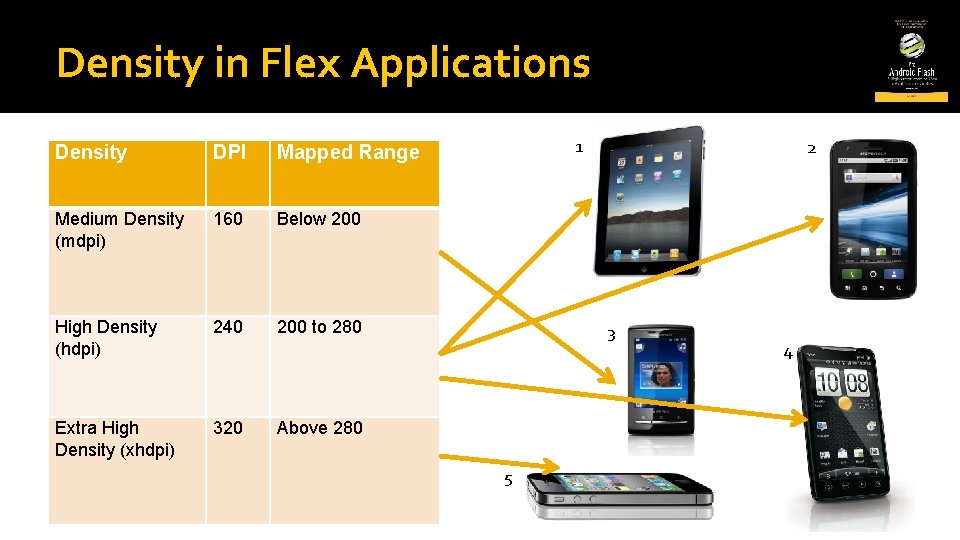
Density in Flex Applications Density DPI Mapped Range Medium Density (mdpi) 160 Below 200 High Density (hdpi) 240 200 to 280 Extra High Density (xhdpi) 320 1 2 3 Above 280 5 4
![Density Explorer Application <fx: Script> <![CDATA[ [Bindable] protected var application. DPI: Number; [Bindable] public](http://slidetodoc.com/presentation_image/4d349702e96ba3e553fe29d2313da81d/image-14.jpg "Density Explorer Application <fx: Script> <![CDATA[ [Bindable] protected var application. DPI: Number; [Bindable] public")
Density Explorer Application <fx: Script> <![CDATA[ [Bindable] protected var application. DPI: Number; [Bindable] public var device. DPI: Number; ]]> </fx: Script> <s: VGroup padding. Top="20" padding. Left="15" padding. Right="15" padding. Bottom="15" gap="20" width="100%" height="100%"> <s: Label text="Application DPI: "/> <s: HGroup gap="30"> <s: Radio. Button id="ad 160" content="160" click="application. DPI = 160"/> <s: Radio. Button id="ad 240" content="240" click="application. DPI = 240"/> <s: Radio. Button id="ad 320" content="320" click="application. DPI = 320"/> </s: HGroup> <s: Label text="Device DPI: {device. DPI}"/> <s: HSlider id="dpi. Slider" minimum="130" maximum="320" value="@{device. DPI}" width="100%"/> </s: VGroup>
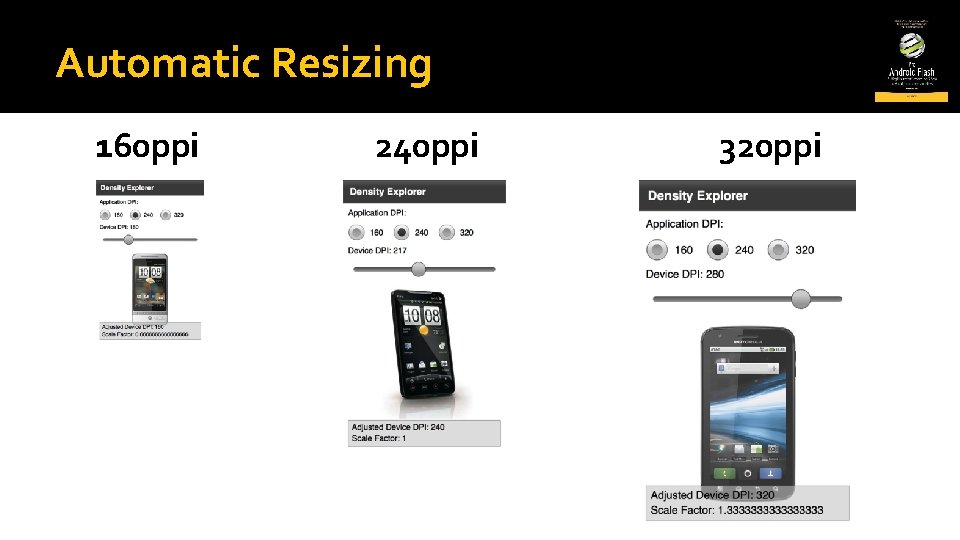
Automatic Resizing 160 ppi 240 ppi 320 ppi
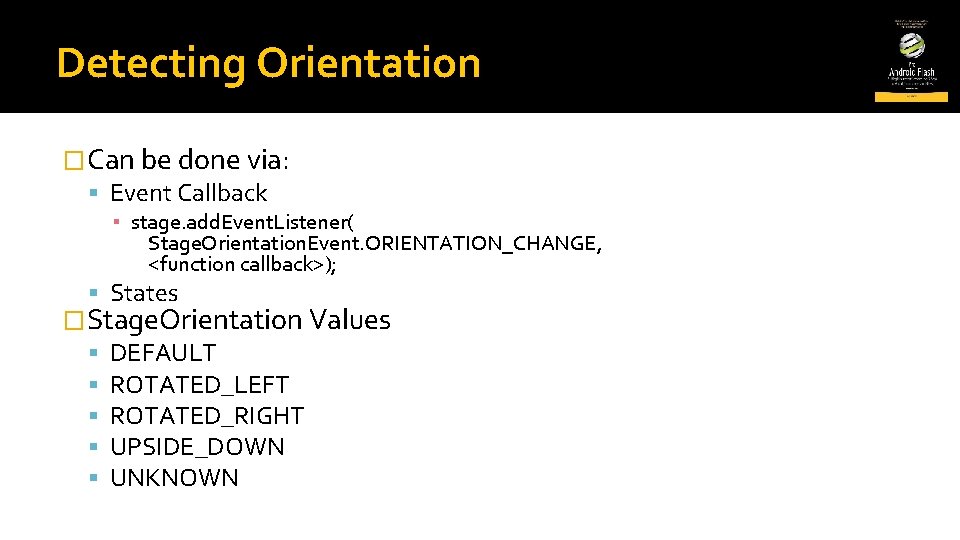
Detecting Orientation �Can be done via: Event Callback ▪ stage. add. Event. Listener( Stage. Orientation. Event. ORIENTATION_CHANGE, <function callback>); States �Stage. Orientation Values DEFAULT ROTATED_LEFT ROTATED_RIGHT UPSIDE_DOWN UNKNOWN
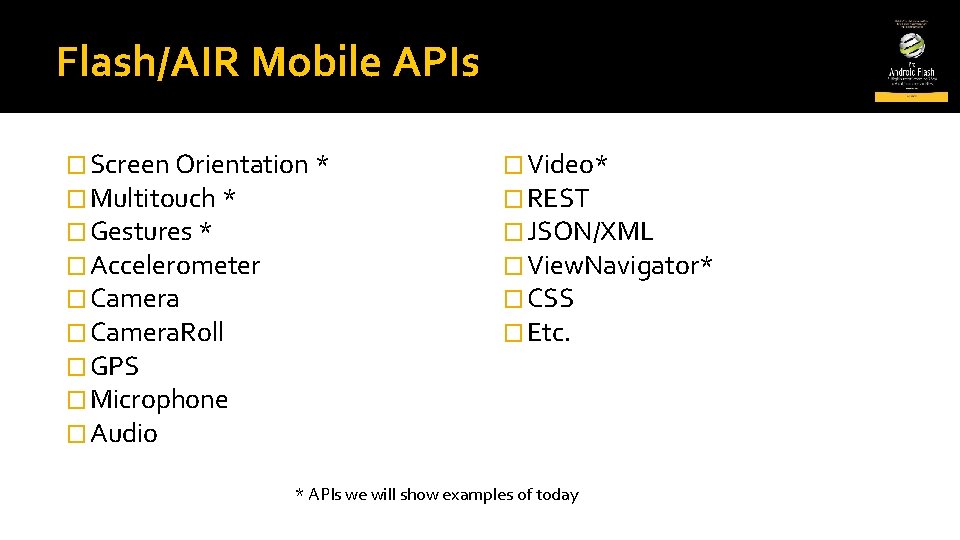
Flash/AIR Mobile APIs � Screen Orientation * � Multitouch * � Gestures * � Accelerometer � Camera. Roll � GPS � Microphone � Audio � Video* � REST � JSON/XML � View. Navigator* � CSS � Etc. * APIs we will show examples of today
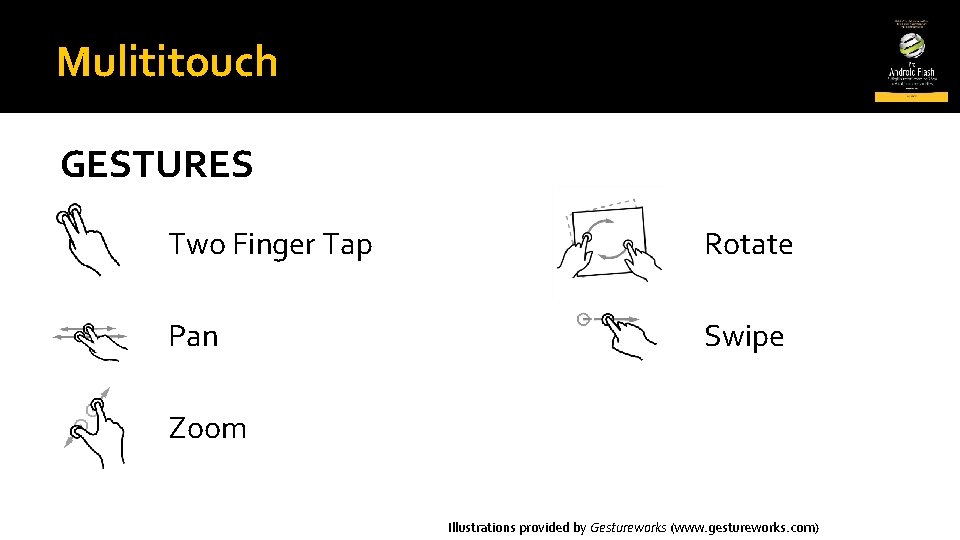
Mulititouch GESTURES Two Finger Tap Rotate Pan Swipe Zoom Illustrations provided by Gestureworks (www. gestureworks. com)
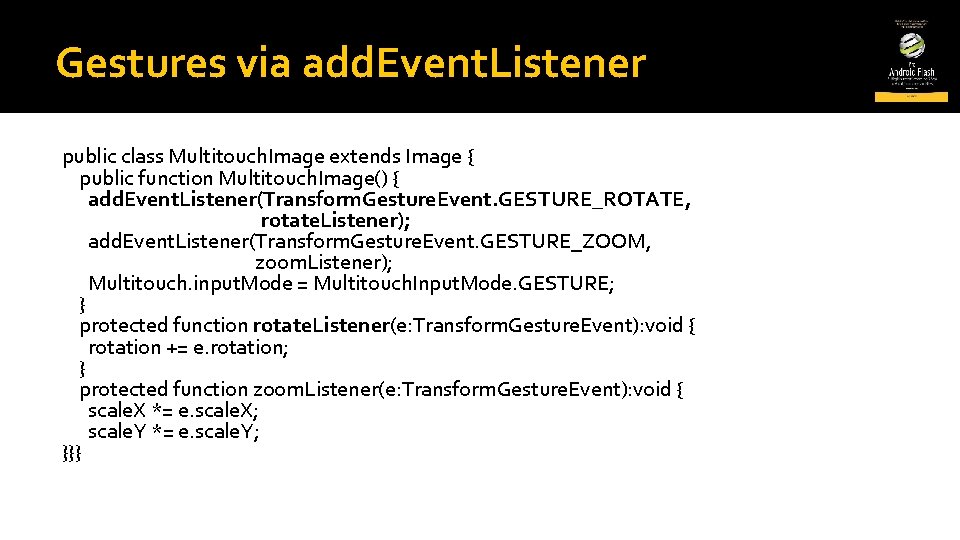
Gestures via add. Event. Listener public class Multitouch. Image extends Image { public function Multitouch. Image() { add. Event. Listener(Transform. Gesture. Event. GESTURE_ROTATE, rotate. Listener); add. Event. Listener(Transform. Gesture. Event. GESTURE_ZOOM, zoom. Listener); Multitouch. input. Mode = Multitouch. Input. Mode. GESTURE; } protected function rotate. Listener(e: Transform. Gesture. Event): void { rotation += e. rotation; } protected function zoom. Listener(e: Transform. Gesture. Event): void { scale. X *= e. scale. X; scale. Y *= e. scale. Y; }}}
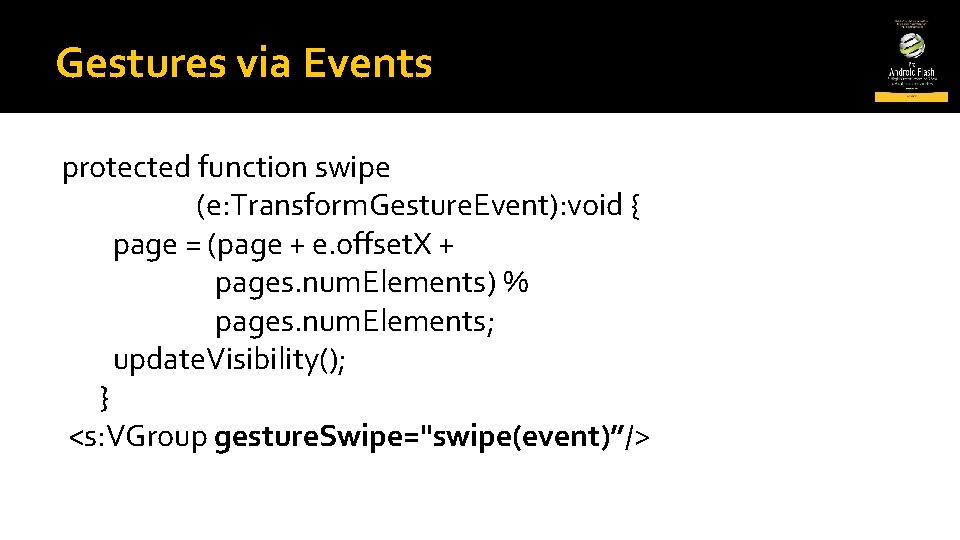
Gestures via Events protected function swipe (e: Transform. Gesture. Event): void { page = (page + e. offset. X + pages. num. Elements) % pages. num. Elements; update. Visibility(); } <s: VGroup gesture. Swipe="swipe(event)”/>
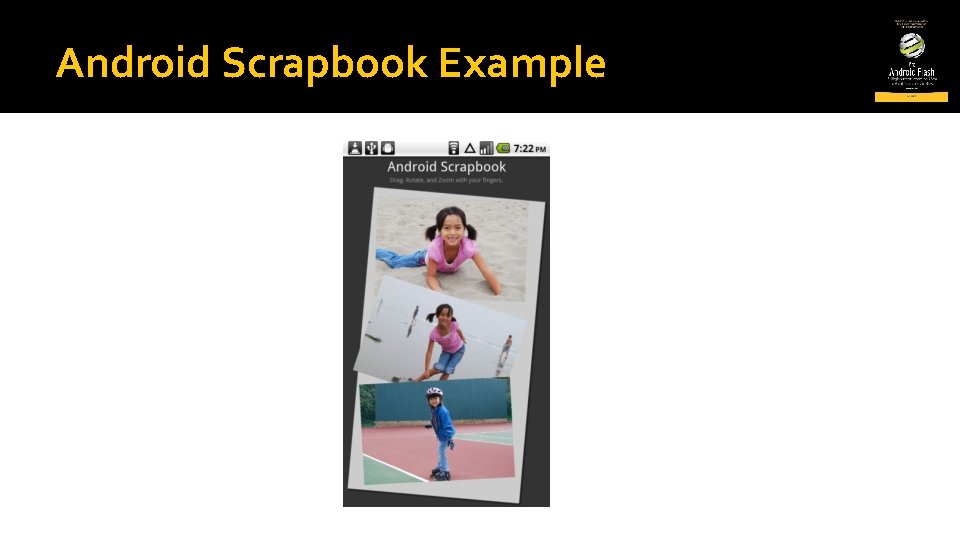
Android Scrapbook Example
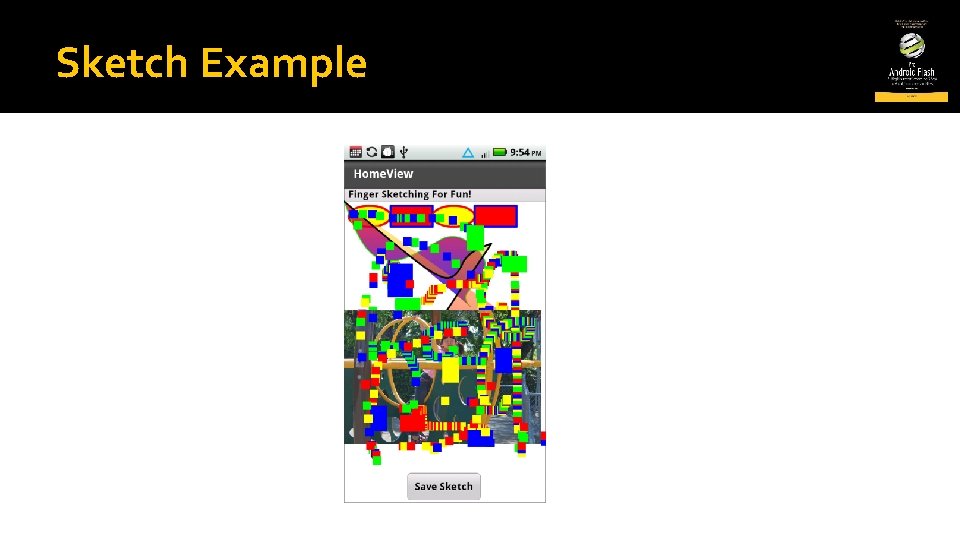
Sketch Example
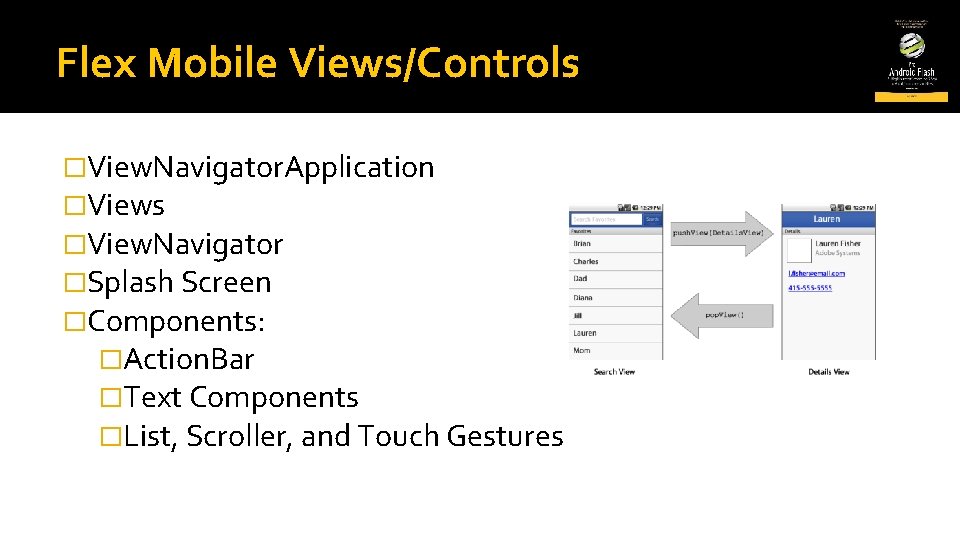
Flex Mobile Views/Controls �View. Navigator. Application �Views �View. Navigator �Splash Screen �Components: �Action. Bar �Text Components �List, Scroller, and Touch Gestures
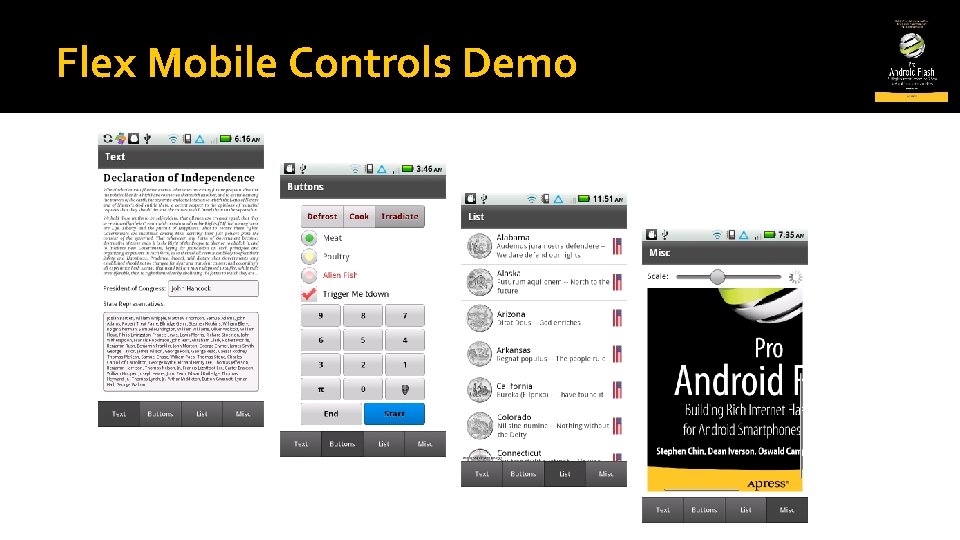
Flex Mobile Controls Demo
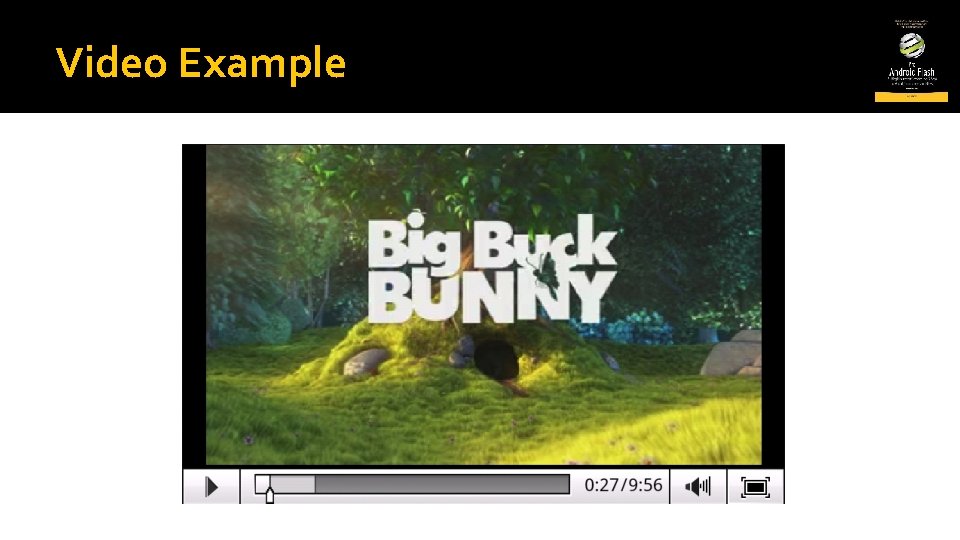
Video Example
Development Links � Android SDK http: //developer. android. com/sdk/index. html � AIR 2. 5 http: //labs. adobe. com/technologies/air 2/android/ � Flex Builder 4. 5 (Burrito) http: //labs. adobe. com/technologies/flashbuilder_burrito/ � Flex Catalyst 5. 5 (Panini) http: //labs. adobe. com/technologies/flashcatalyst_panini/ � Flex 4. 5 SDK (Hero) http: //labs. adobe. com/technologies/flexsdk_hero/ � i. Phone Packager http: //labs. adobe. com/technologies/packagerforiphone/
Blogs to Read � Stephen Chin http: //flash. steveonjava. com/ � Duane Nickull http: //technoracle. blogspot. com/ � Christian Cantrell http: //blogs. adobe. com/cantrell/ � Christophe Coenraets http: //coenraets. org/blog/ � Serge Jespers http: //www. webkitchen. be/ � Lee Brimelow (The Flash Blog) http: //blog. theflashblog. com/ � Mark Doherty (Flash. Mobile. Blog) http: //www. flashmobileblog. com/
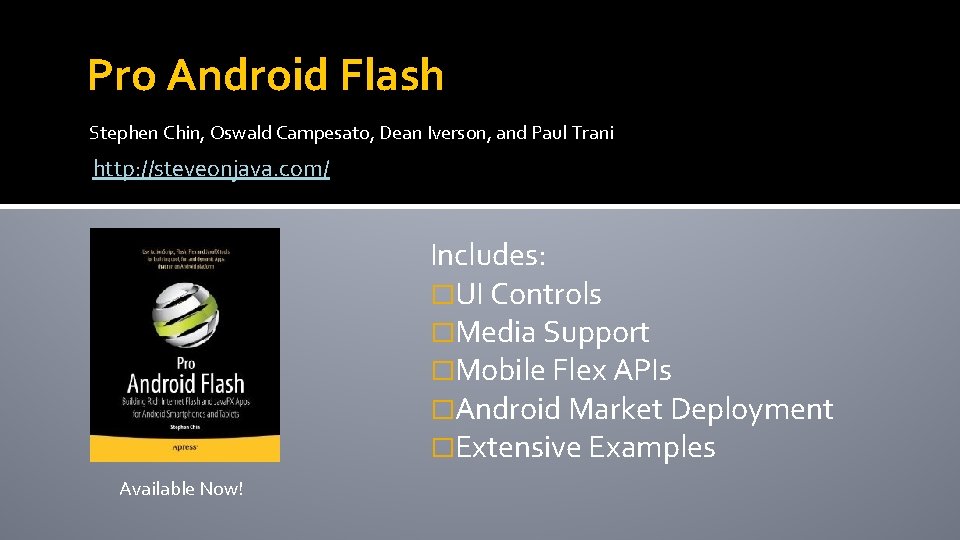
Pro Android Flash Stephen Chin, Oswald Campesato, Dean Iverson, and Paul Trani http: //steveonjava. com/ Includes: �UI Controls �Media Support �Mobile Flex APIs �Android Market Deployment �Extensive Examples Available Now!
- Slides: 28