
An Introduction to Firewalls By David Moss NUIT
An Introduction to Firewalls By: David Moss, NUIT Technology Support Services Vince Celindro, NUIT Telecommunications and Network Services Robert Vance, NUIT Telecommunications and Network Services Barbara Mims, Office of Alumni Relations and Development
Agenda • Firewall Basics for the Beginning User • NUIT Firewall Offering • Case Study – Desktop Firewall Software Implementation for the Office of Alumni Relations and Development • Questions and Answers
What is a Firewall? • A firewall is hardware, software, or a combination of both that is used to prevent unauthorized programs or Internet users from accessing a private network and/or a single computer

Hardware vs. Software Firewalls • Hardware Firewalls – Protect an entire network – Implemented on the router level – Usually more expensive, harder to configure • Software Firewalls – Protect a single computer – Usually less expensive, easier to configure
How does a software firewall work? • Inspects each individual “packet” of data as it arrives at either side of the firewall • Inbound to or outbound from your computer • Determines whether it should be allowed to pass through or if it should be blocked
Firewall Rules • Allow – traffic that flows automatically because it has been deemed as “safe” (Ex. Meeting Maker, Eudora, etc. ) • Block – traffic that is blocked because it has been deemed dangerous to your computer • Ask – asks the user whether or not the traffic is allowed to pass through
What a personal firewall can do • Stop hackers from accessing your computer • Protects your personal information • Blocks “pop up” ads and certain cookies • Determines which programs can access the Internet
What a personal firewall cannot do • Cannot prevent e-mail viruses – Only an antivirus product with updated definitions can prevent e-mail viruses • After setting it initially, you can forget about it – The firewall will require periodic updates to the rulesets and the software itself
Considerations when using personal firewall software • If you did not initialize an action and your firewall picks up something, you should most likely deny it and investigate it • It’s a learning process (Ex. Spooler Subsystem App) • If you notice you cannot do something you did prior to the installation, there is a good chance it might be because of your firewall
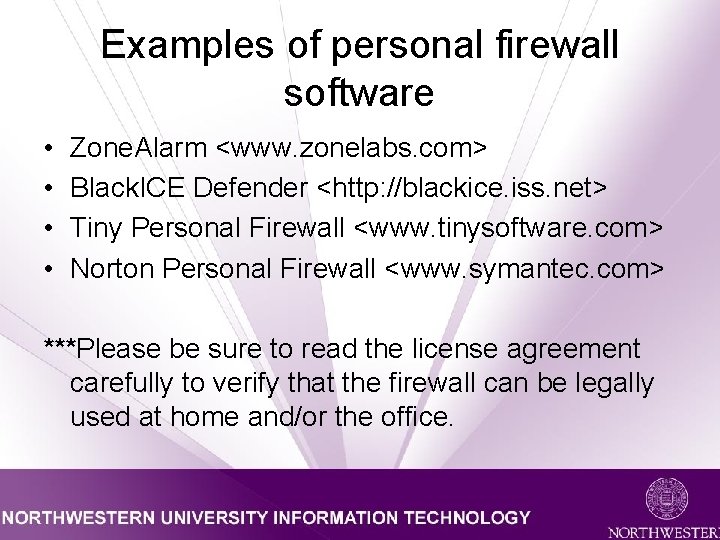
Examples of personal firewall software • • Zone. Alarm <www. zonelabs. com> Black. ICE Defender <http: //blackice. iss. net> Tiny Personal Firewall <www. tinysoftware. com> Norton Personal Firewall <www. symantec. com> ***Please be sure to read the license agreement carefully to verify that the firewall can be legally used at home and/or the office.
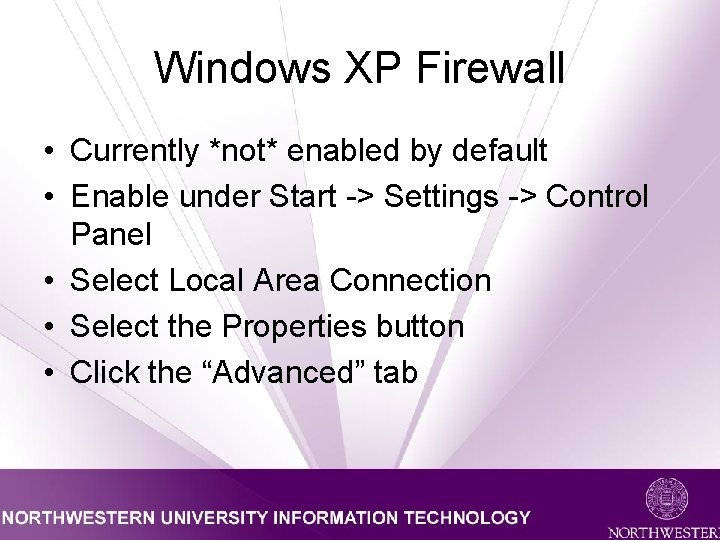
Windows XP Firewall • Currently *not* enabled by default • Enable under Start -> Settings -> Control Panel • Select Local Area Connection • Select the Properties button • Click the “Advanced” tab
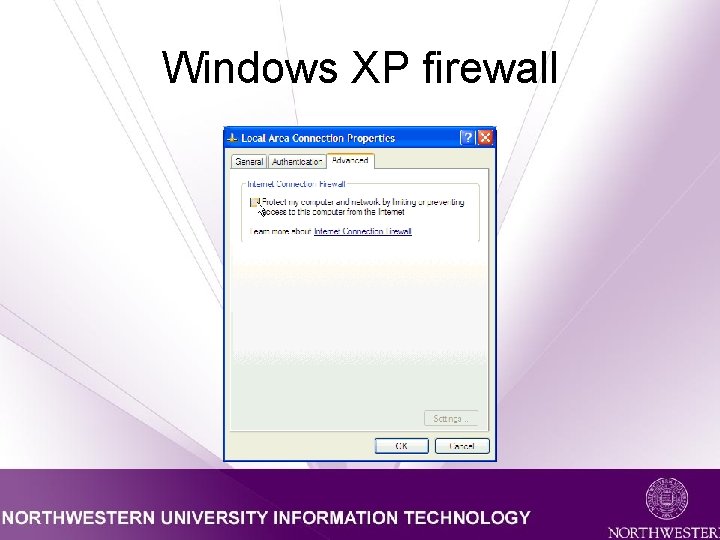
Windows XP firewall
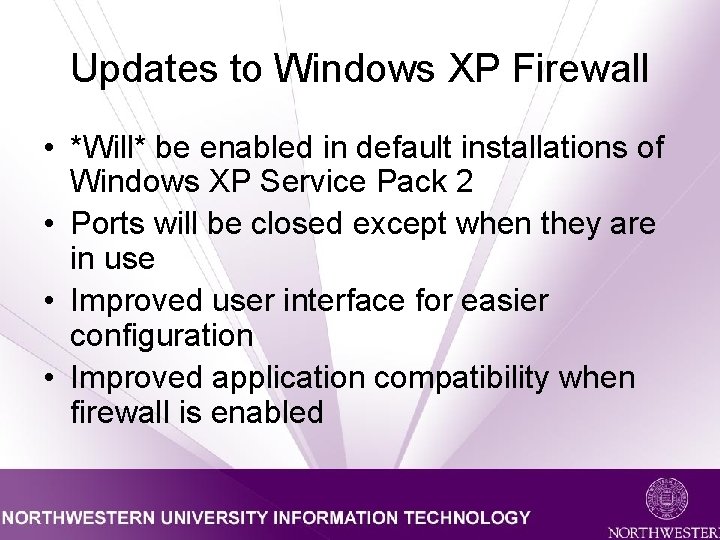
Updates to Windows XP Firewall • *Will* be enabled in default installations of Windows XP Service Pack 2 • Ports will be closed except when they are in use • Improved user interface for easier configuration • Improved application compatibility when firewall is enabled
Mac OS X firewall • • • *Not* enabled by default Enable under System Preferences Select Sharing Click “Firewall” tab Click “Start” button
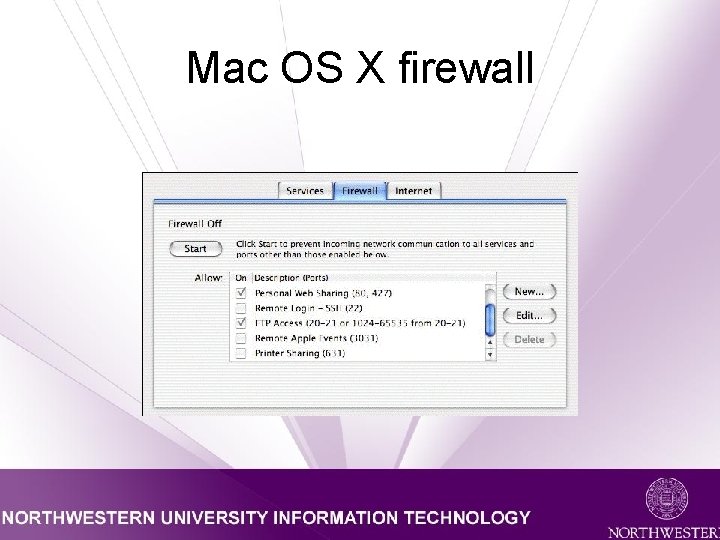
Mac OS X firewall
NUIT Firewall Service
Why Netscreen? • Comparison of the Big 3 – Hardware vs. Software – Transparent Mode vs. Routing Mode – Distributed Management – Pricing Models
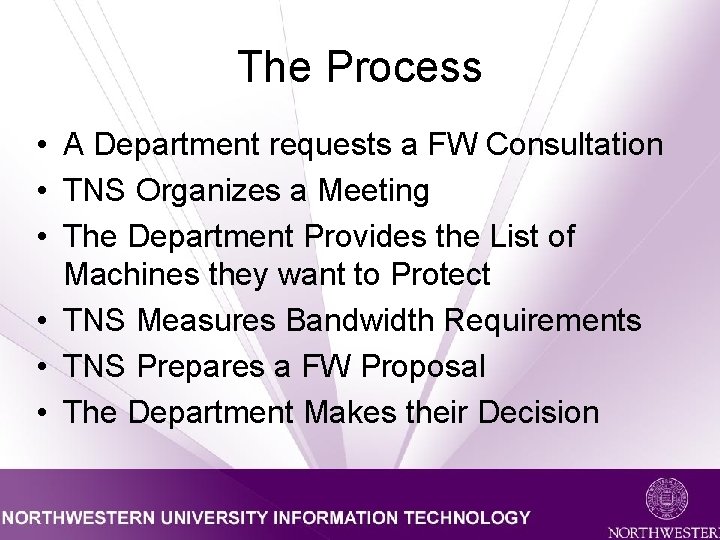
The Process • A Department requests a FW Consultation • TNS Organizes a Meeting • The Department Provides the List of Machines they want to Protect • TNS Measures Bandwidth Requirements • TNS Prepares a FW Proposal • The Department Makes their Decision
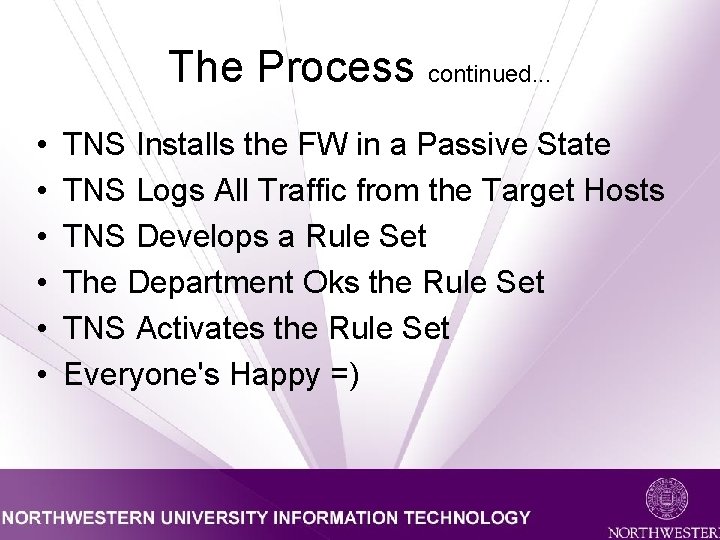
The Process continued. . . • • • TNS Installs the FW in a Passive State TNS Logs All Traffic from the Target Hosts TNS Develops a Rule Set The Department Oks the Rule Set TNS Activates the Rule Set Everyone's Happy =)
Final Notes • Rule Management • Default Allow vs. Default Deny • Firewalls do NOT Solve the Entire Problem
Additional Information • Visit the following websites: • • http: //www. it. northwestern. edu/reference/firewall_strategies_wp. html http: //www. juniper. net/netscreen_com. html • Or simply email: – nsg-net@northwestern. edu – consulting-services@northwestern. edu
- Slides: 21