
AN INTRODUCTION TO COMPUTER SCIENCE ALGORITHMS IN EVERYDAY
- Slides: 16
AN INTRODUCTION TO COMPUTER SCIENCE ALGORITHMS IN EVERYDAY LIFE DEVELOPED BASED ON WORK BY J. PATTERSON & S. HAMILTON https: //www. stem. org. uk/resources/elibrary/resource/373076/introduction-computer-science-algorithms-everyday-life
SESSION 2: PROGRAM CONSTRUCTS: SEQUENCE/ SUBROUTINES
SESSION 2 OBJECTIVES Be able to: Explain and use a subroutine. Explain and use a sequence. CHALLENGE ACTIVITY Use Python to code a simple sequence.
INSTRUCTIONS SESSION 2 NOTE: Read through SESSION 2_Activities. pptx (OR PDF) - the document contains all session activities and discussion. ACTIVITY 1 a) Watch Video “Session 2_Sequences_and_Subroutines. mp 4“ b) Write a NEW set of instructions for Albert to make a cup of tea. Using the example from slide 5 (Boil Water in Kettle) take your instructions from the previous Session(1) and breakdown each instruction into a smaller set of instructions using subroutines. ACTIVITY 2 Define the keywords SEQUENCE and SUBROUTINE a) Read slides 5 to 7 AND 9 to 12. b) Write a paragraph to explain 'what a sequence is' in programming. c) Write a paragraph to explain 'what a subroutine is' in programming. CHALLENGE ACTIVITY Create a sequence using subroutines Python a) Watch the video “Session 2_Challenge. mp 4”. b) Open the online IDE https: //www. tutorialspoint. com/execute_python_online. php c) Run the program code on slide 15 to see the outcome of coding a sequence using subroutines in Python.
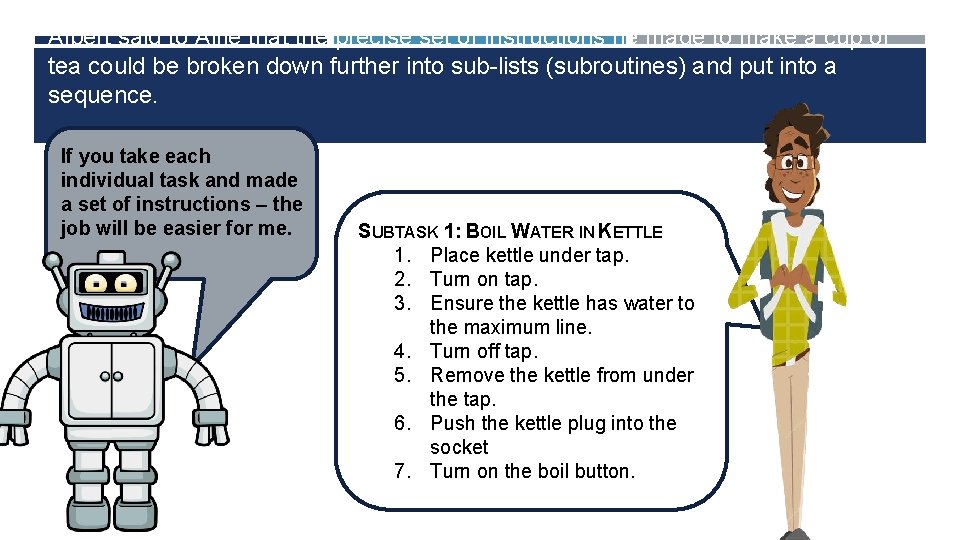
Albert said to Alfie that the precise set of instructions he made to make a cup of tea could be broken down further into sub-lists (subroutines) and put into a sequence. If you take each individual task and made a set of instructions – the job will be easier for me. SUBTASK 1: BOIL WATER IN KETTLE 1. Place kettle under tap. 2. Turn on tap. 3. Ensure the kettle has water to the maximum line. 4. Turn off tap. 5. Remove the kettle from under the tap. 6. Push the kettle plug into the socket 7. Turn on the boil button.
WHAT IS A SUBROUTINE We must refine an algorithm into simple steps so that they can be carried out in turn and in order. One task could be broken up into smaller tasks. This is known as a SUBROUTINE.
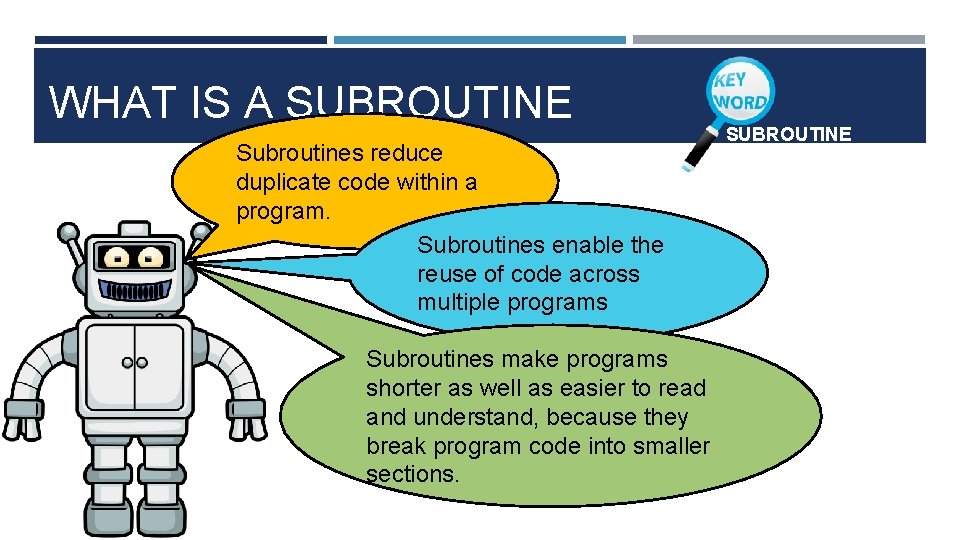
WHAT IS A SUBROUTINE Subroutines reduce duplicate code within a program. Subroutines enable the reuse of code across multiple programs Subroutines make programs shorter as well as easier to read and understand, because they break program code into smaller sections. SUBROUTINE
ACTIVITY 1 WRITE A NEW SET OF INSTRUCTIONS FOR ALBERT TO MAKE A CUP OF TEA. Using the example from slide 5 (BOIL WATER IN KETTLE) take your instructions from the previous SESSION (1) and breakdown each instruction into a smaller set of instructions (subroutines).
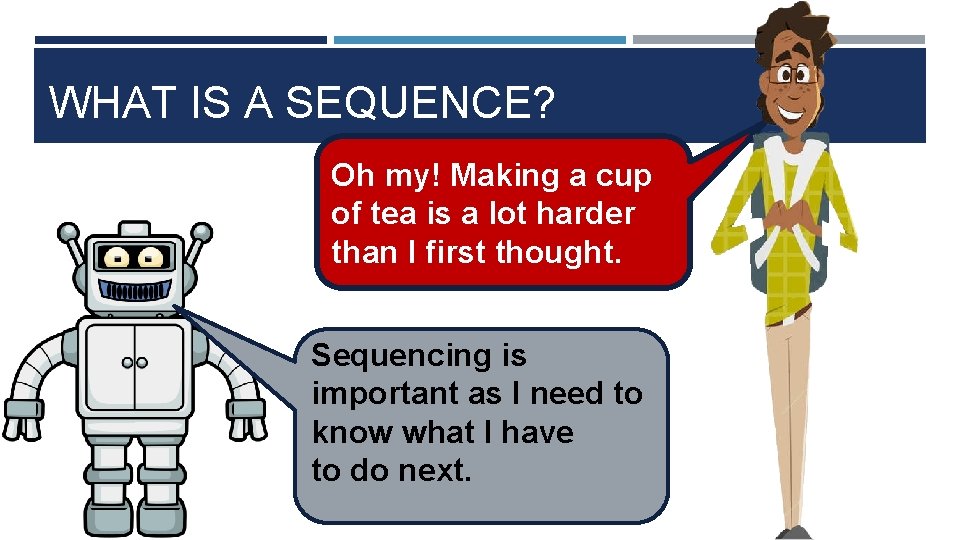
WHAT IS A SEQUENCE? Oh my! Making a cup of tea is a lot harder than I first thought. Sequencing is important as I need to know what I have to do next.
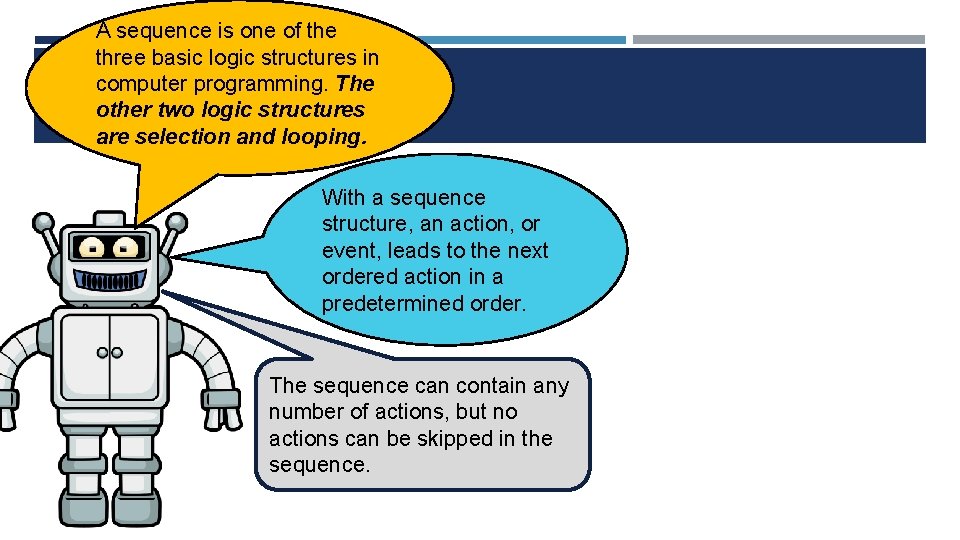
A sequence is one of the three basic logic structures in computer programming. The other two logic structures are selection and looping. With a sequence structure, an action, or event, leads to the next ordered action in a predetermined order. The sequence can contain any number of actions, but no actions can be skipped in the sequence.
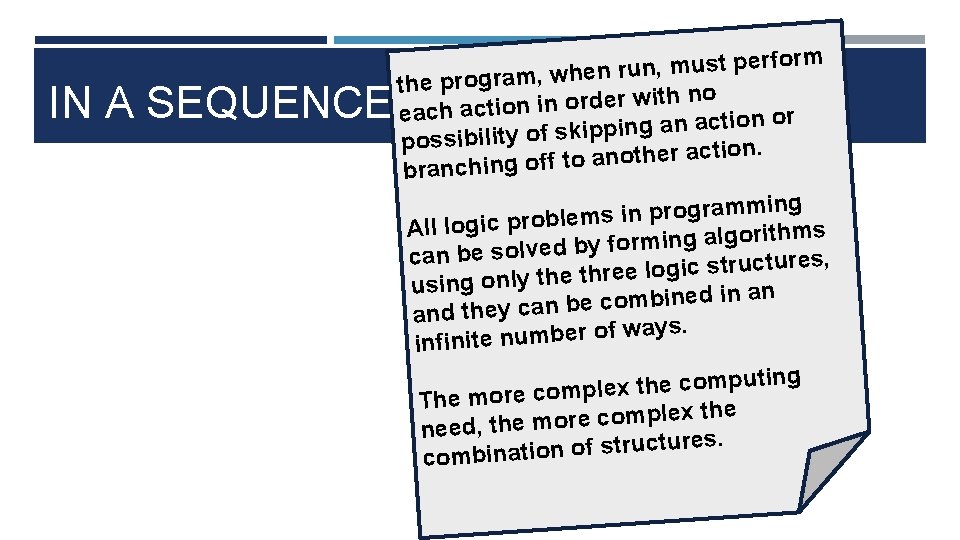
IN A SEQUENCE rform e p t s u m , n u r n e the program, wh ith no w r e d r o in n io t each ac tion or c a n a g in p ip k s possibility of n. io t c a r e h t o n a o branching off t ing m m a r g o r p in s All logic problem hms it r o lg a g in m r o f y can be solved b res, u t c u r t s ic g lo e hre using only the t an in d e in b m o c e and they can b ays. w f o r e b m u n e infinit g in t u p m o c e h t x le The more comp x the le p m o c e r o m e need, th es. r u t c u r t s f o n io t combina
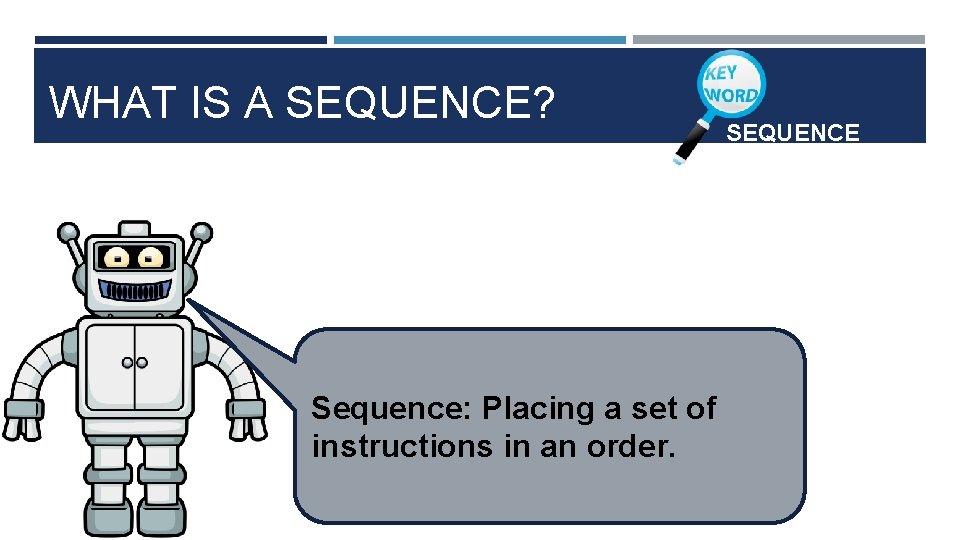
WHAT IS A SEQUENCE? Sequence: Placing a set of instructions in an order. SEQUENCE
ACTIVITY 2 DEFINE THE KEYWORDS SEQUENCE AND SUBROUTINE 1. 2. 3. Read slides 5 to 7 AND 9 to 12. Write a short paragraph to explain ‘what a sequence is’ in programming. Write a short paragraph to explain ‘what a subroutine is’ in programming.
CHALLENGE ACTIVITY 1. Watch the video “Session 2_Challenge. mp 4”. 2. Open the online IDE: https: //www. tutorialspoint. com/execute_python_online. php 3. Run the given program code on slide 16 to see the outcome of coding a sequence using subroutines in Python.
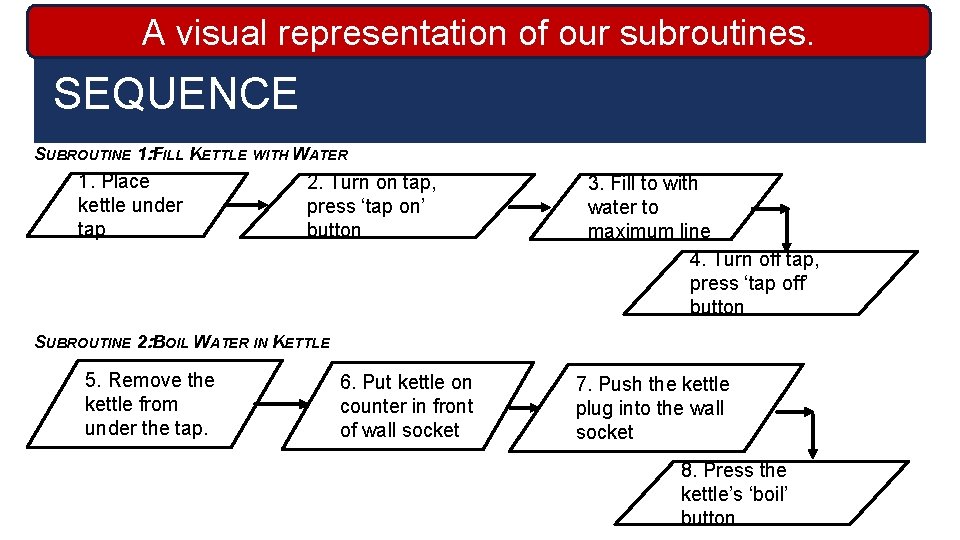
visual representation our subroutines. USEAPYTHON TO RUNof. OUR SEQUENCE SUBROUTINE 1: FILL KETTLE WITH WATER 1. Place kettle under tap 2. Turn on tap, press ‘tap on’ button 3. Fill to with water to maximum line 4. Turn off tap, press ‘tap off’ button SUBROUTINE 2: BOIL WATER IN KETTLE 5. Remove the kettle from under the tap. 6. Put kettle on counter in front of wall socket 7. Push the kettle plug into the wall socket 8. Press the kettle’s ‘boil’ button
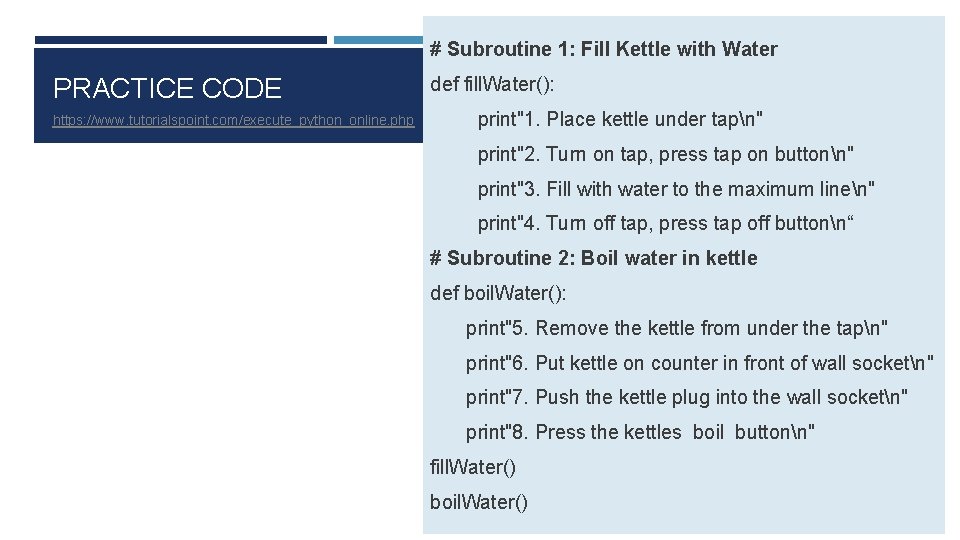
# Subroutine 1: Fill Kettle with Water PRACTICE CODE https: //www. tutorialspoint. com/execute_python_online. php def fill. Water(): print"1. Place kettle under tapn" print"2. Turn on tap, press tap on buttonn" print"3. Fill with water to the maximum linen" print"4. Turn off tap, press tap off buttonn“ # Subroutine 2: Boil water in kettle def boil. Water(): print"5. Remove the kettle from under the tapn" print"6. Put kettle on counter in front of wall socketn" print"7. Push the kettle plug into the wall socketn" print"8. Press the kettles boil buttonn" fill. Water() boil. Water()