
An Example Conversion between matter and energy Problem

An Example (Conversion between matter and energy) • Problem statement: – Find the amount of matter necessary to produce the amount of energy radiated by sun every day. • What do we know? (Input) – Sun radiates 385× 1024 Joules/sec – The equation connecting energy and matter is formulated by famous Einstein’s relativity theory E = mc 2 where E is the energy, m is the mass and c is the speed of light which is 3. 0 × 108 meter/sec.
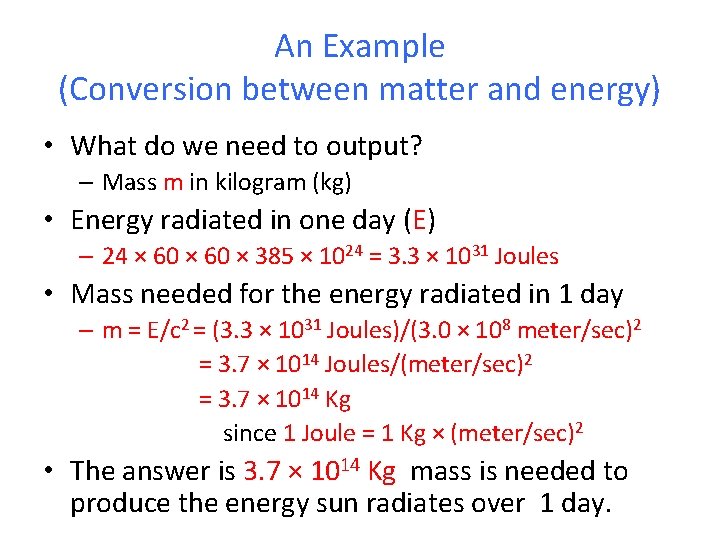
An Example (Conversion between matter and energy) • What do we need to output? – Mass m in kilogram (kg) • Energy radiated in one day (E) – 24 × 60 × 385 × 1024 = 3. 3 × 1031 Joules • Mass needed for the energy radiated in 1 day – m = E/c 2 = (3. 3 × 1031 Joules)/(3. 0 × 108 meter/sec)2 = 3. 7 × 10¹⁴ Joules/(meter/sec)2 = 3. 7 × 10¹⁴ Kg since 1 Joule = 1 Kg × (meter/sec)2 • The answer is 3. 7 × 10¹⁴ Kg mass is needed to produce the energy sun radiates over 1 day.
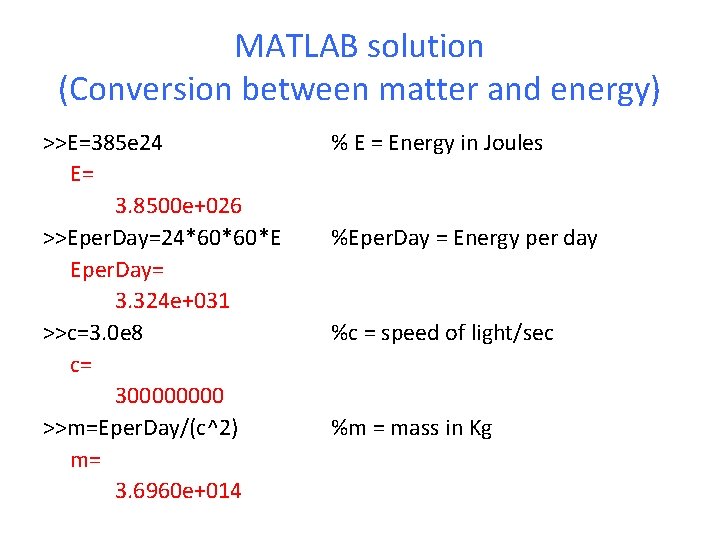
MATLAB solution (Conversion between matter and energy) >>E=385 e 24 E= 3. 8500 e+026 >>Eper. Day=24*60*60*E Eper. Day= 3. 324 e+031 >>c=3. 0 e 8 c= 30000 >>m=Eper. Day/(c^2) m= 3. 6960 e+014 % E = Energy in Joules %Eper. Day = Energy per day %c = speed of light/sec %m = mass in Kg
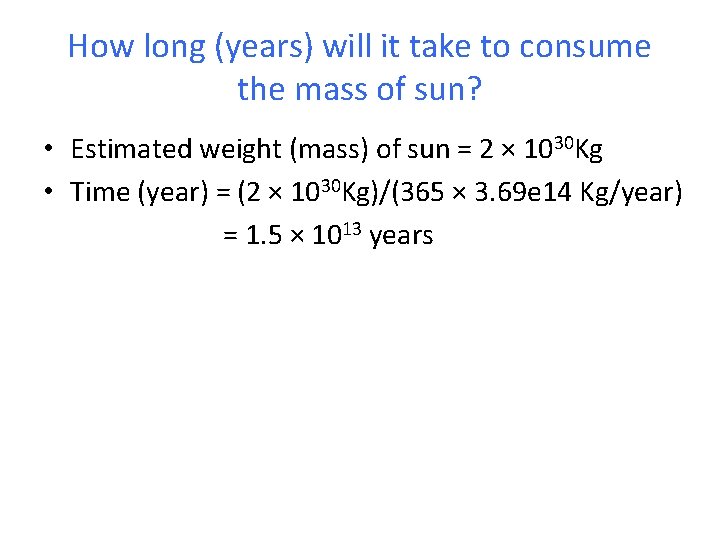
How long (years) will it take to consume the mass of sun? • Estimated weight (mass) of sun = 2 × 1030 Kg • Time (year) = (2 × 1030 Kg)/(365 × 3. 69 e 14 Kg/year) = 1. 5 × 10¹³ years
Another problem Taken from the book: Learning Programming Using MATLAB by Khalid Sayood (available online using the library account)

Gas mileage problem • Computing the gas mileage for a car each time it gets filled. – Need a set of simple instructions that when followed will correctly compute the gas mileage. – The individual to implement the instructions is very simple minded (computer). – The gas mileage is the number of kilometers (kms) traveled divided by the number of liters of gas used. Need to determine the number of kms traveled since the last fill-up, and the number of liters used during this period.
Computing gas mileage (First attempt) 1. Read the odometer value. 2. Subtract previous odometer value from the current odometer value to determine the number of kms traveled. 3. Divide by the number of liters of gas pumped to determine the mileage.
Computing gas mileage (First attempt) 1. Read the odometer value. 2. Subtract previous odometer value from the current odometer value to determine the number of kms traveled. 3. Divide by the number of liters of gas pumped to determine the mileage. The computer doesn’t remember the previous odometer reading!

Computing gas mileage (Second attempt) 1. Read the current odometer value. 2. Retrieve the previous value from the glove compartment. 3. Subtract the value obtained in step 2 from the value obtained in step 1. 4. Fill up the tank. 5. Read the number of liters pumped. 6. Divide by the number obtained in step 3 by the number obtained in step 5. 7. Display the number obtained in step 6 as the mileage. 8. Write the odometer value obtained in step 1 on a piece of paper. 9. Store the paper from step 8 in the glove compartment. 10. Stop
Computing gas mileage (Second attempt) 1. Read the current odometer value. 2. Retrieve the previous value from the glove compartment. 3. Subtract the value obtained in step 2 from the value obtained in step 1. Are the instructions simple enough? 4. Fill up the tank. 5. Read the number of liters pumped. 6. Divide by the number obtained in step 3 by the number obtained in step 5. 7. Display the number obtained in step 6 as the mileage. 8. Write the odometer value obtained in step 1 on a piece of paper. 9. Store the paper from step 8 in the glove compartment. 10. Stop
Computing gas mileage (Second attempt) 1. Read the current odometer value. 2. Retrieve the previous value from the glove compartment. 3. Subtract the value obtained in step 2 from the value Are the instructions simple enough? obtained in step 1. In step 8 we are recalling something 4. Fill up the tank. happened in step 1. 5. Read the number of liters pumped. 6. Divide by the number obtained in step 3 by the number obtained in step 5. 7. Display the number obtained in step 6 as the mileage. 8. Write the odometer value obtained in step 1 on a piece of paper. 9. Store the paper from step 8 in the glove compartment. 10. Stop
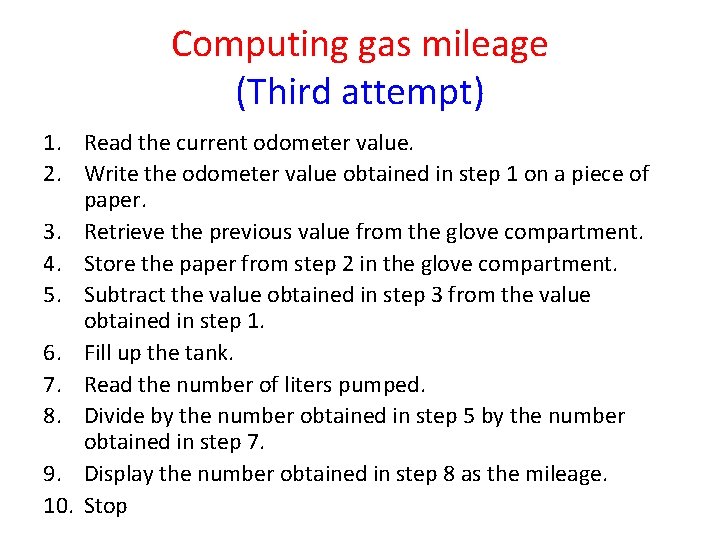
Computing gas mileage (Third attempt) 1. Read the current odometer value. 2. Write the odometer value obtained in step 1 on a piece of paper. 3. Retrieve the previous value from the glove compartment. 4. Store the paper from step 2 in the glove compartment. 5. Subtract the value obtained in step 3 from the value obtained in step 1. 6. Fill up the tank. 7. Read the number of liters pumped. 8. Divide by the number obtained in step 5 by the number obtained in step 7. 9. Display the number obtained in step 8 as the mileage. 10. Stop
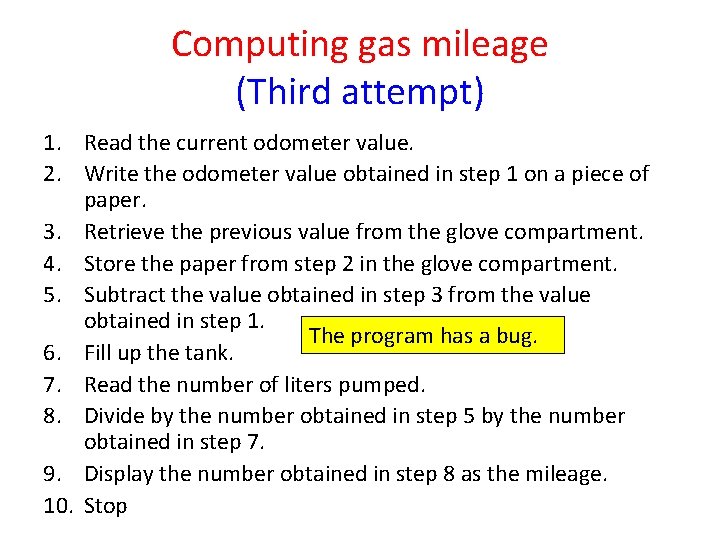
Computing gas mileage (Third attempt) 1. Read the current odometer value. 2. Write the odometer value obtained in step 1 on a piece of paper. 3. Retrieve the previous value from the glove compartment. 4. Store the paper from step 2 in the glove compartment. 5. Subtract the value obtained in step 3 from the value obtained in step 1. The program has a bug. 6. Fill up the tank. 7. Read the number of liters pumped. 8. Divide by the number obtained in step 5 by the number obtained in step 7. 9. Display the number obtained in step 8 as the mileage. 10. Stop
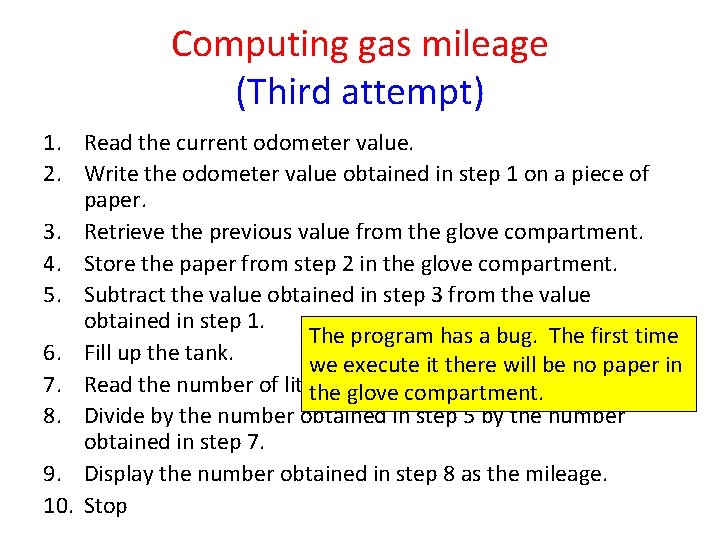
Computing gas mileage (Third attempt) 1. Read the current odometer value. 2. Write the odometer value obtained in step 1 on a piece of paper. 3. Retrieve the previous value from the glove compartment. 4. Store the paper from step 2 in the glove compartment. 5. Subtract the value obtained in step 3 from the value obtained in step 1. The program has a bug. The first time 6. Fill up the tank. we execute it there will be no paper in 7. Read the number of liters thepumped. glove compartment. 8. Divide by the number obtained in step 5 by the number obtained in step 7. 9. Display the number obtained in step 8 as the mileage. 10. Stop
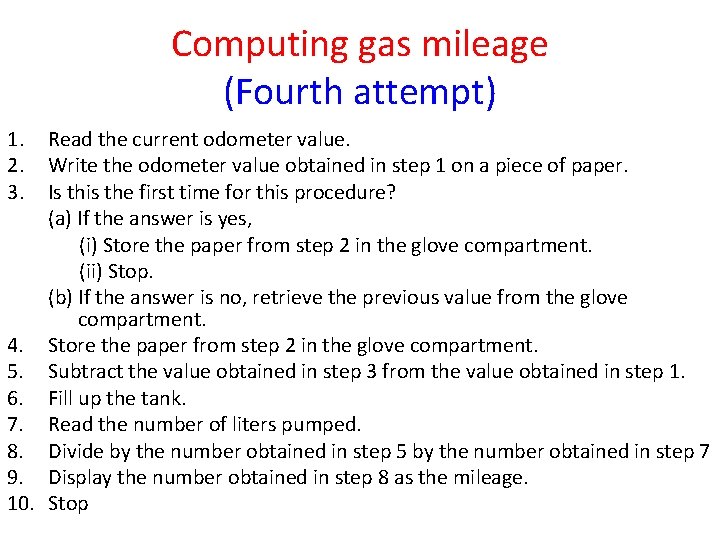
Computing gas mileage (Fourth attempt) 1. 2. 3. Read the current odometer value. Write the odometer value obtained in step 1 on a piece of paper. Is this the first time for this procedure? (a) If the answer is yes, (i) Store the paper from step 2 in the glove compartment. (ii) Stop. (b) If the answer is no, retrieve the previous value from the glove compartment. 4. Store the paper from step 2 in the glove compartment. 5. Subtract the value obtained in step 3 from the value obtained in step 1. 6. Fill up the tank. 7. Read the number of liters pumped. 8. Divide by the number obtained in step 5 by the number obtained in step 7 9. Display the number obtained in step 8 as the mileage. 10. Stop
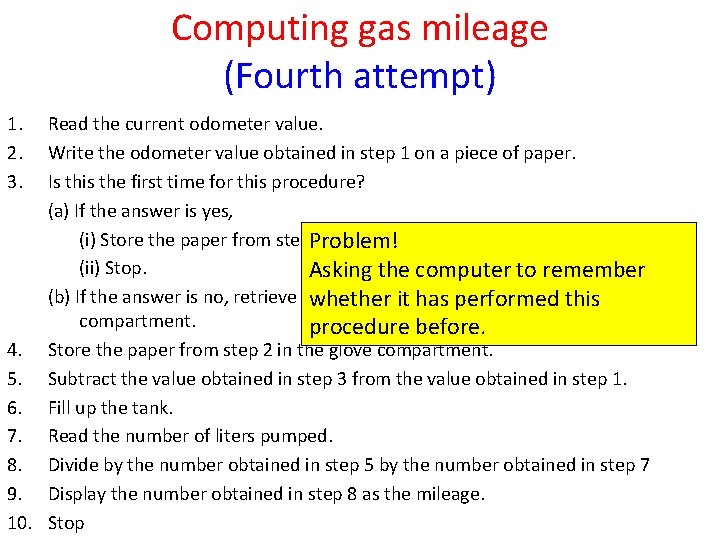
Computing gas mileage (Fourth attempt) 1. 2. 3. Read the current odometer value. Write the odometer value obtained in step 1 on a piece of paper. Is this the first time for this procedure? (a) If the answer is yes, (i) Store the paper from step. Problem! 2 in the glove compartment. (ii) Stop. Asking the computer to remember (b) If the answer is no, retrieve the previousitvalue from the glove whether has performed this compartment. procedure before. 4. Store the paper from step 2 in the glove compartment. 5. Subtract the value obtained in step 3 from the value obtained in step 1. 6. Fill up the tank. 7. Read the number of liters pumped. 8. Divide by the number obtained in step 5 by the number obtained in step 7 9. Display the number obtained in step 8 as the mileage. 10. Stop
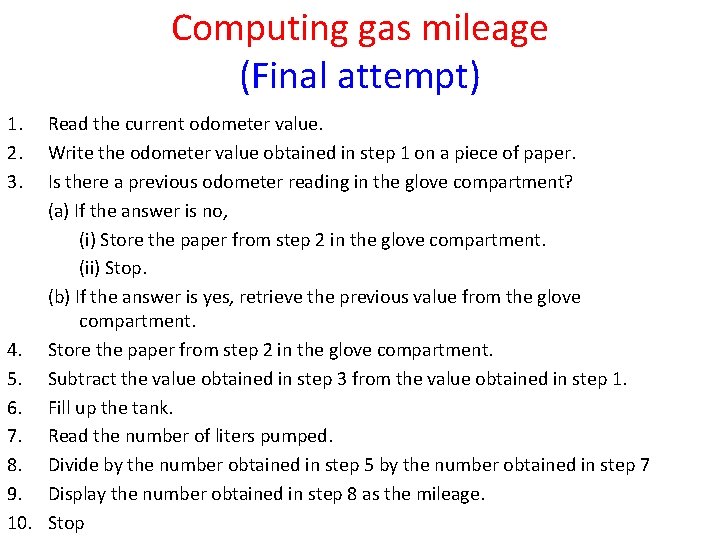
Computing gas mileage (Final attempt) 1. 2. 3. Read the current odometer value. Write the odometer value obtained in step 1 on a piece of paper. Is there a previous odometer reading in the glove compartment? (a) If the answer is no, (i) Store the paper from step 2 in the glove compartment. (ii) Stop. (b) If the answer is yes, retrieve the previous value from the glove compartment. 4. Store the paper from step 2 in the glove compartment. 5. Subtract the value obtained in step 3 from the value obtained in step 1. 6. Fill up the tank. 7. Read the number of liters pumped. 8. Divide by the number obtained in step 5 by the number obtained in step 7 9. Display the number obtained in step 8 as the mileage. 10. Stop
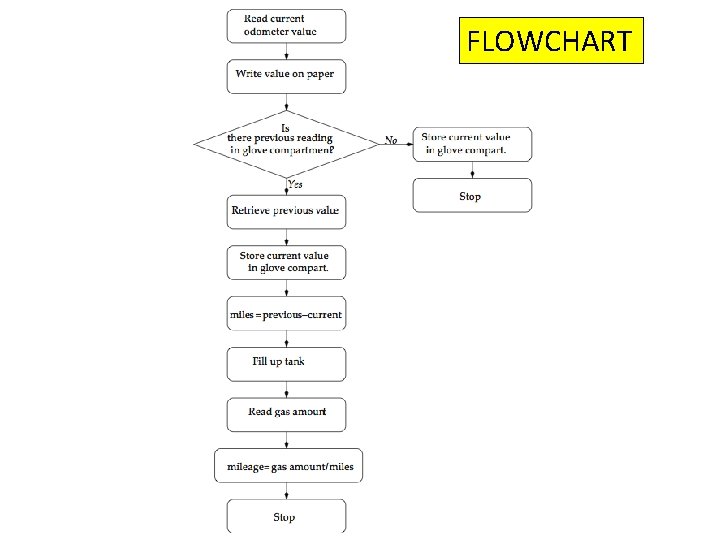
Flowchart FLOWCHART

Next we will cover Chapter 2
- Slides: 19