
Amiga demos without Amiga Making highend Amiga demos
- Slides: 45
Amiga demos without Amiga Making 'high-end' Amiga demos Lessons learned by Michal 'kiero' Wozniak kiero@theelude. eu
Who I? polish demo groups since year 2000: Member. Am of various - Appendix - Madwizards - Elude (currently) Doing development for over 25 years now. Graphics and not-graphics related. Released over 30 demos and intros throughout the years. Mainly on original Amiga but also Power. PC and hardware accelerated (Amiga and Android) kiero@theelude. eu
Agenda What are we talking about? - Amiga AGA MC 68060 demos. - Almost no hardware specific - Streamed music - No True. Color graphics. Palette-based only - Basically how WE make demos, not how all of them are made. kiero@theelude. eu
Agenda. . . and in bit more detail: - Main issues and showstoppers - Prototyping - Optimization - Asset management (extra) kiero@theelude. eu
Making demos is hard Main problems with Amiga demo development: - I want to do Amiga demo but dont have an Amiga - Time is short and constant rebooting is painful - Familiar with Linux/Windows tools but not Amiga tools kiero@theelude. eu
Amiga demos without Amiga Making demos is hard but making demos without hardware is harder. But You have emulation! kiero@theelude. eu
Amiga demos without Amiga Making demos is hard but making demos without hardware is harder. But You have emulation!. . . which has very serious problems for this platform. . . kiero@theelude. eu
Amiga demos without Amiga Making demos is hard but making demos without hardware is harder. So, a showstopper? kiero@theelude. eu
Amiga demos without Amiga Making demos is hard but making demos without hardware is harder. So, a showstopper? No, but you will need slaves. Slaves and preparation. kiero@theelude. eu
Amiga demos without Amiga So how? - I dont know Amiga hardware - I dont know Amiga assembly - Is that it? Not really. kiero@theelude. eu
Amiga demos without Amiga Basic ingredients: simple demo framework. kiero@theelude. eu
Framework – Tooling Striking a balance between Amiga and other system of choice tools kiero@theelude. eu
Framework – Tooling Striking a balance between Amiga and other system of choice tools - Compiler choice - Additional tools - Debugging of native code kiero@theelude. eu
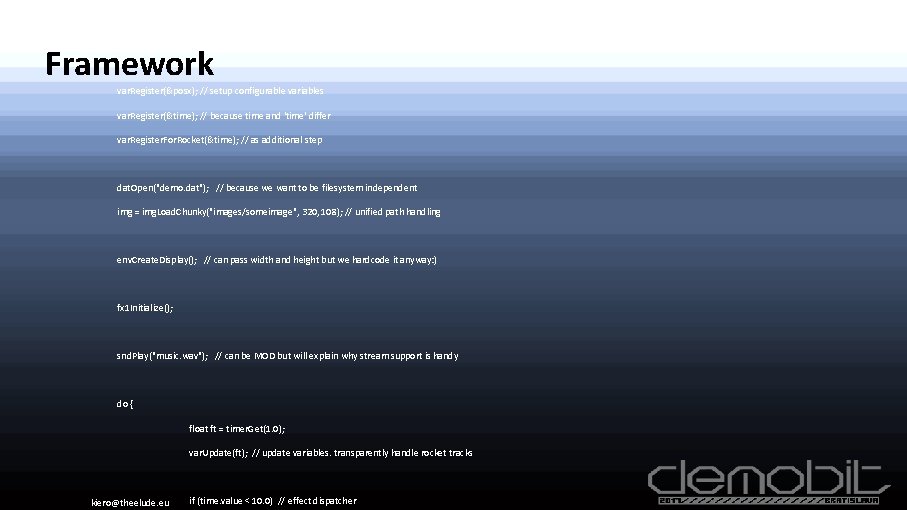
CVARN(posx, 50. 0, 100. 0); // float-type variable with range (only for UI) CVARCOLOR(color, 1. 0, 1. 0); // color-type variable Framework var. Register(&posx); // setup configurable variables var. Register(&time); // because time and 'time' differ var. Register. For. Rocket(&time); // as additional step dat. Open("demo. dat"); // because we want to be filesystem independent img = img. Load. Chunky("images/someimage", 320, 108); // unified path handling env. Create. Display(); // can pass width and height but we hardcode it anyway: ) fx 1 Initialize(); snd. Play("music. wav"); // can be MOD but will explain why stream support is handy do { float ft = timer. Get(1. 0); var. Update(ft); // update variables. transparently handle rocket tracks kiero@theelude. eu if (time. value < 10. 0) // effect dispatcher
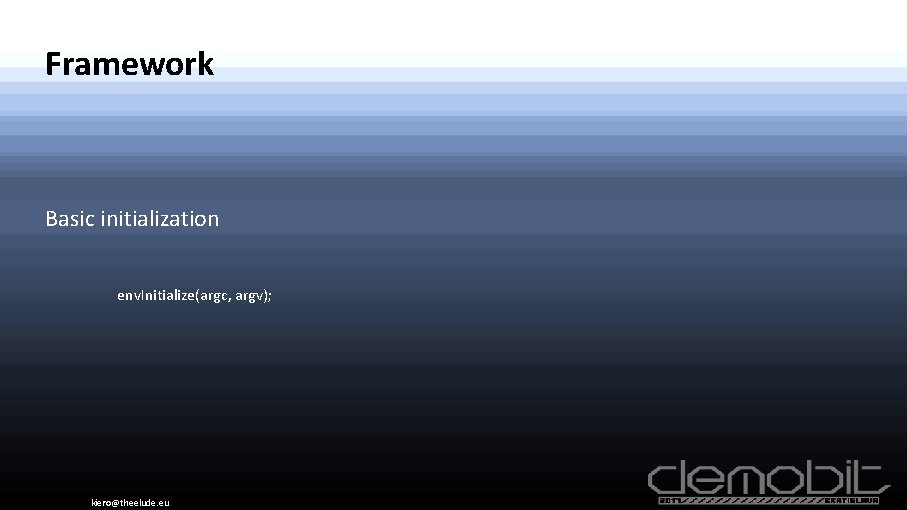
Framework Basic initialization env. Initialize(argc, argv); kiero@theelude. eu
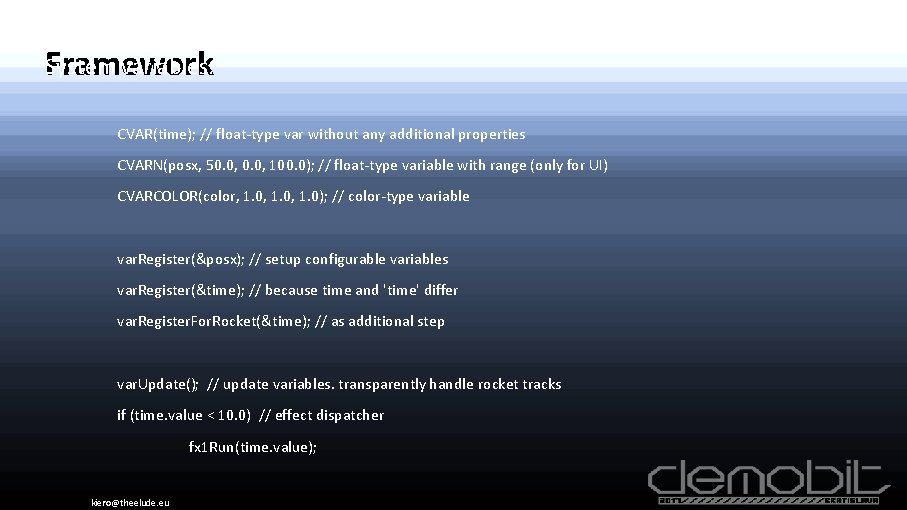
System variables. Framework CVAR(time); // float-type var without any additional properties CVARN(posx, 50. 0, 100. 0); // float-type variable with range (only for UI) CVARCOLOR(color, 1. 0, 1. 0); // color-type variable var. Register(&posx); // setup configurable variables var. Register(&time); // because time and 'time' differ var. Register. For. Rocket(&time); // as additional step var. Update(); // update variables. transparently handle rocket tracks if (time. value < 10. 0) // effect dispatcher fx 1 Run(time. value); kiero@theelude. eu
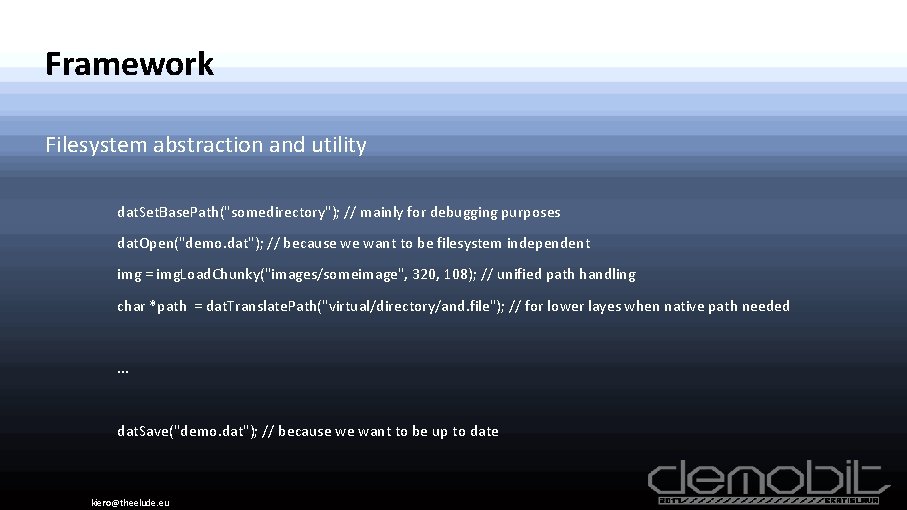
Framework Filesystem abstraction and utility dat. Set. Base. Path("somedirectory"); // mainly for debugging purposes dat. Open("demo. dat"); // because we want to be filesystem independent img = img. Load. Chunky("images/someimage", 320, 108); // unified path handling char *path = dat. Translate. Path("virtual/directory/and. file"); // for lower layes when native path needed . . . dat. Save("demo. dat"); // because we want to be up to date kiero@theelude. eu
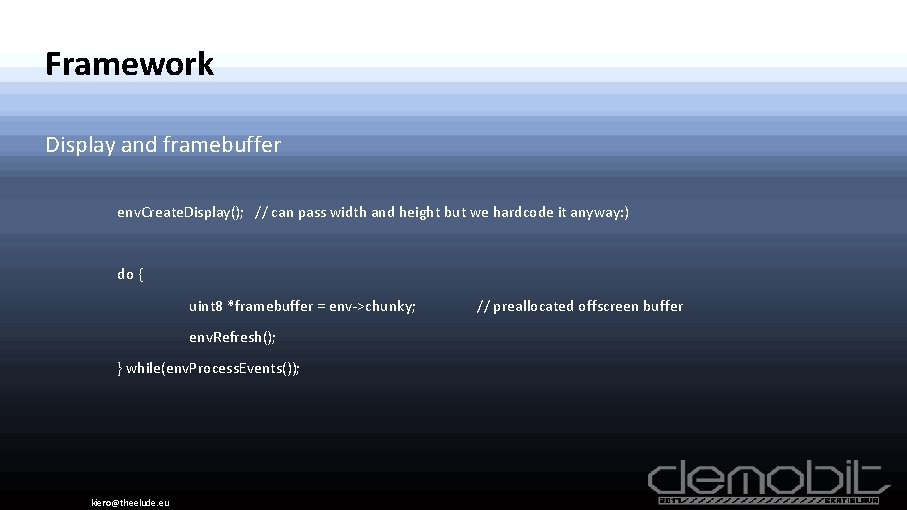
Framework Display and framebuffer env. Create. Display(); // can pass width and height but we hardcode it anyway: ) do { uint 8 *framebuffer = env->chunky; env. Refresh(); } while(env. Process. Events()); kiero@theelude. eu // preallocated offscreen buffer
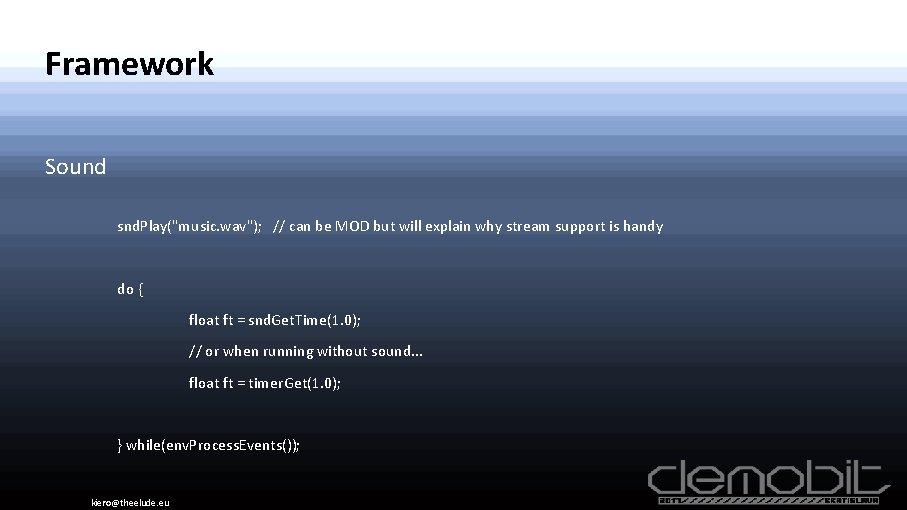
Framework Sound snd. Play("music. wav"); // can be MOD but will explain why stream support is handy do { float ft = snd. Get. Time(1. 0); // or when running without sound. . . float ft = timer. Get(1. 0); } while(env. Process. Events()); kiero@theelude. eu
Framework And this is it! kiero@theelude. eu
Framework And this is it! Ok, not really, but almost. kiero@theelude. eu
Framework additions Development enviroment additions - UI for variable tweaking kiero@theelude. eu
Framework additions Development enviroment additions - UI for variable tweaking - UI for color correction kiero@theelude. eu
Framework additions Development enviroment additions - UI for variable tweaking - UI for color correction - UI for synchronization kiero@theelude. eu
Workflow Exploit fact that we are not really bound by the hardware. kiero@theelude. eu
Workflow Exploit fact that we are not really bound by the hardware. - Always keep C version as a fallback - Know Your endians - Emulate hardware if needed kiero@theelude. eu
Workflow - Prototyping Write as native, optimize, compile on Amiga, test on real hardware, cry. . . - This is how this is gonna look at first - Take your mesurments on real hardware, scale down. Either drop or optimize - Becomes much easier with time - Aim for ~12 -13 fps in final version kiero@theelude. eu
Workflow - Prototyping So the code doesn't run reasonably on Amiga. Drop it? kiero@theelude. eu
Workflow - Prototyping So the code doesn't run reasonably on Amiga. - Do what You would usualy do kiero@theelude. eu
Workflow - Prototyping So the code doesn't run reasonably on Amiga. - Do what You would usualy do - Precalculate, with caution - Cache is your friend. Tiny one. kiero@theelude. eu
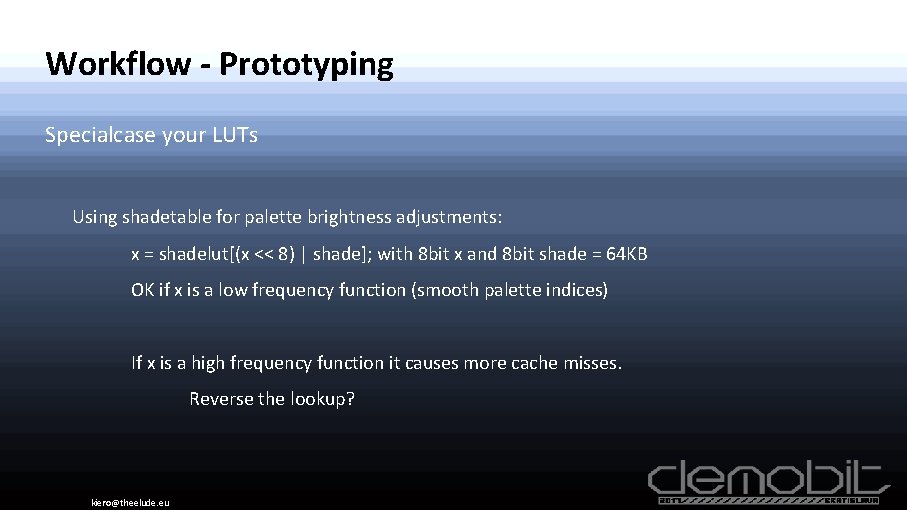
Workflow - Prototyping Specialcase your LUTs Using shadetable for palette brightness adjustments: x = shadelut[(x << 8) | shade]; with 8 bit x and 8 bit shade = 64 KB OK if x is a low frequency function (smooth palette indices) If x is a high frequency function it causes more cache misses. Reverse the lookup? kiero@theelude. eu
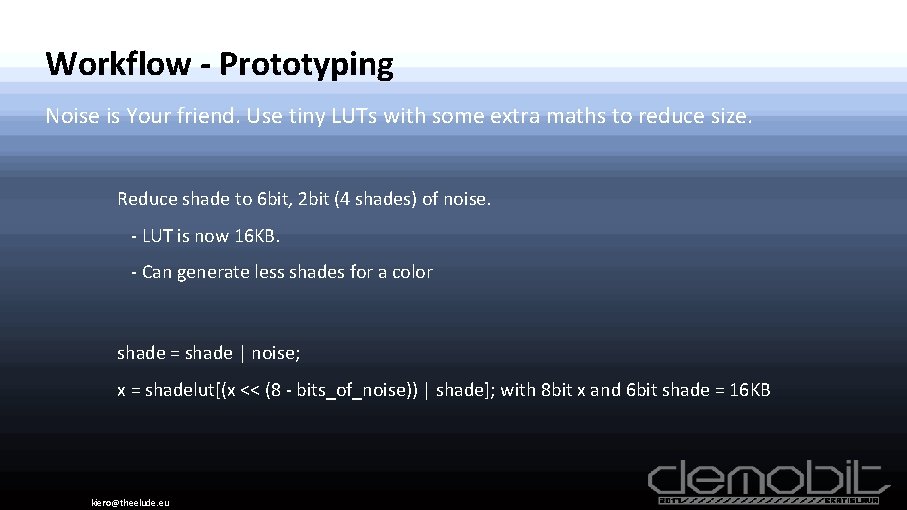
Workflow - Prototyping Noise is Your friend. Use tiny LUTs with some extra maths to reduce size. Reduce shade to 6 bit, 2 bit (4 shades) of noise. - LUT is now 16 KB. - Can generate less shades for a color shade = shade | noise; x = shadelut[(x << (8 - bits_of_noise)) | shade]; with 8 bit x and 6 bit shade = 16 KB kiero@theelude. eu
Workflow - Prototyping So the code doesn't run reasonably on Amiga. - Do what You would usualy do - Precalculate, with caution - Cache is your friend. Tiny one. - SIMD? kiero@theelude. eu
Workflow - Prototyping So the code doesn't run reasonably on Amiga. - Do what You would usualy do - Precalculate, with caution - Cache is your friend. Tiny one. - SIMD? kiero@theelude. eu
Workflow - Prototyping So the code doesn't run reasonably on Amiga. - Do what You would usualy do - Precalculate, with caution - Cache is your friend. Tiny one. - SIMD? - Frame coherence? kiero@theelude. eu
Workflow - Optimization So the code doesn't run reasonably on Amiga. - Do what You would usualy do - Precalculate, with caution - Cache is your friend. Tiny one. - SIMD? - Frame coherence? - Do we really need 320 x 180? kiero@theelude. eu
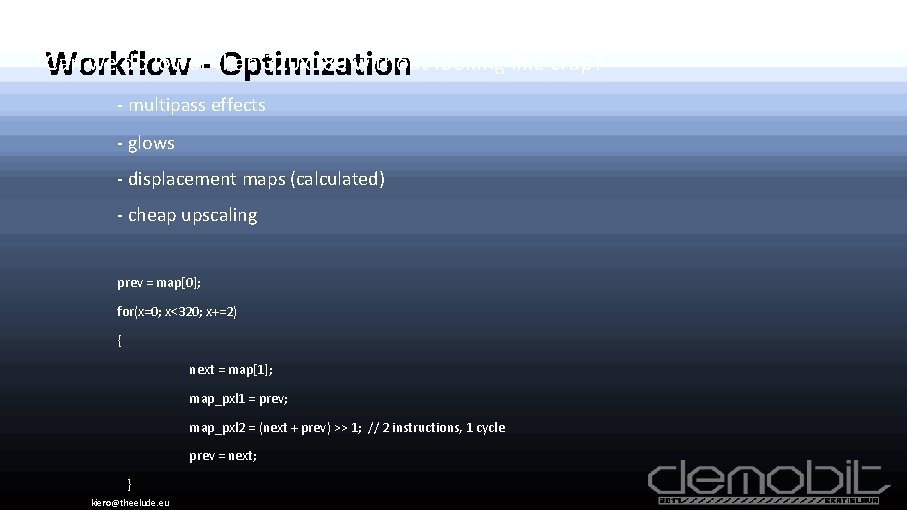
Can we do lower- than 320 x 180 without looking like crap? Workflow Optimization - multipass effects - glows - displacement maps (calculated) - cheap upscaling prev = map[0]; for(x=0; x<320; x+=2) { next = map[1]; map_pxl 1 = prev; map_pxl 2 = (next + prev) >> 1; // 2 instructions, 1 cycle prev = next; } kiero@theelude. eu
Workflow - Optimization Sometimes You get lucky and framerate is almost there. - 9 fps is a good baseline for low-level optimizations - Back to the issues with lack of hardware. Wake up your slaves - Prepare for blind optimization - Do Your reading! kiero@theelude. eu
Workflow - Optimization 9 fps Should be enough for everyone. . . - not much to reach watchable levels. - in many cases can just help the compiler - disassemble - unroll - help with register allocation - reduce register pressure - don't assume things, verify kiero@theelude. eu
Workflow - Optimization This is a time to learn 68 k assembly basics - Just the basics! - 68060 UM. pdf Chapter 10 – Instruction Timing - Usualy easier to rewrite short parts than disasm and fix. kiero@theelude. eu
Workflow - Extras Palette handling is a PITA - We are running in 8 bit mode. - Effects require multiple shades of each color - Not only towards black but many variations of shading - Effect specific - Hard to handle, especialy for the artists kiero@theelude. eu
Workflow - Extras Conversion scripting - custom, script-based tool to handle image conversion - image remapping - downsampling - color correction - shades generation - common palette extraction - dithering (True. Color input handling) kiero@theelude. eu
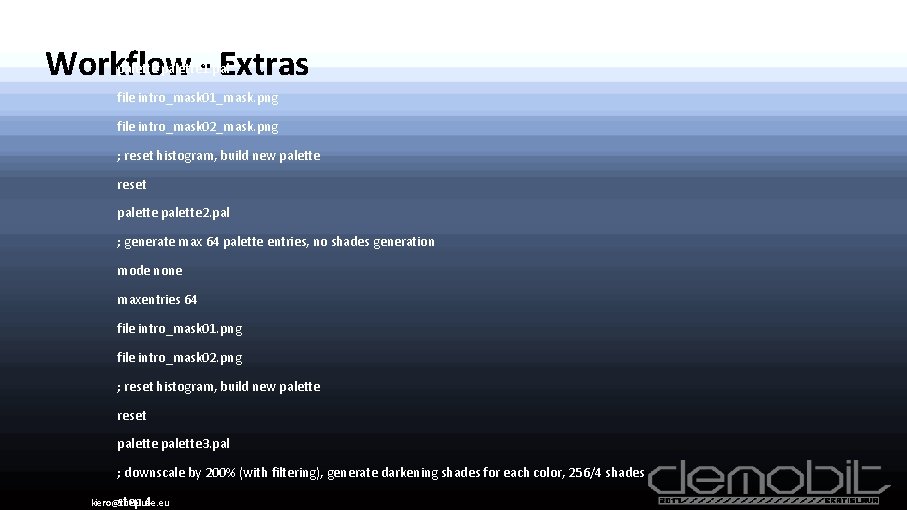
mode gray contrast 200 Workflow - Extras palette 1. pal file intro_mask 01_mask. png file intro_mask 02_mask. png ; reset histogram, build new palette reset palette 2. pal ; generate max 64 palette entries, no shades generation mode none maxentries 64 file intro_mask 01. png file intro_mask 02. png ; reset histogram, build new palette reset palette 3. pal ; downscale by 200% (with filtering), generate darkening shades for each color, 256/4 shades step 4 kiero@theelude. eu
Workflow - Extras Palette adjustments for final tweaking (NOTE: add ui screenshot) - After remapping things WILL look bad often - Helps to build common shading/tint throughout demo - Interactive, but be careful (NOTE: about tweaking at the party) kiero@theelude. eu
That's it! Thanks You kiero@theelude. eu