
Alternative NoteTaking Strategies Using Technology Kamran Rasul Director
- Slides: 29
Alternative Note-Taking Strategies Using Technology Kamran Rasul Director of Assistive Technology Columbia Basin College krasul@columbiabasin. edu |509 -543 -1448 Kamran Rasul, Director of Assistive Technology
Office of Campus Life – Academic Support & Access Center (ASAC) Kamran Rasul, Assistive Technology Specialist
Kamran Rasul, Director of Assistive Technology
1. 2. 3. 4. Rationale Research Evaluation Conclusion Kamran Rasul, Director of Assistive Technology
Rationale • Cost saving measures • Alternate options • Self Interest Kamran Rasul, Director of Assistive Technology
Kamran Rasul, Director of Assistive Technology
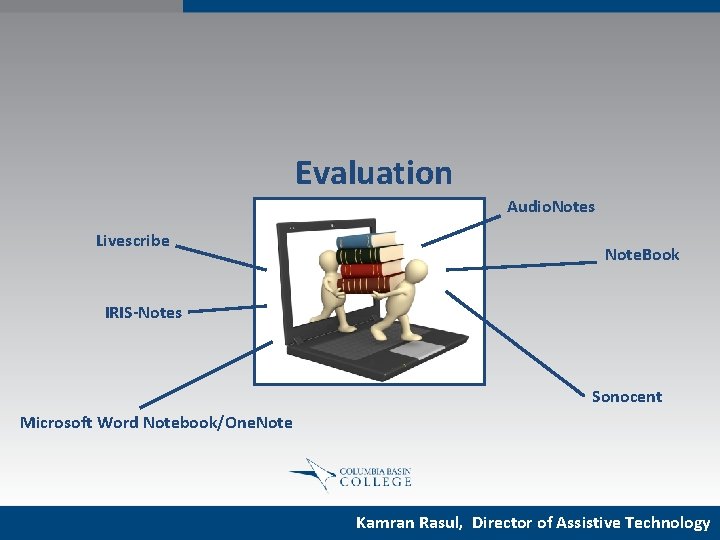
Evaluation Audio. Notes Livescribe Note. Book IRIS-Notes Sonocent Microsoft Word Notebook/One. Note Kamran Rasul, Director of Assistive Technology
Evaluation Technology Likes Challenges Kamran Rasul, Director of Assistive Technology
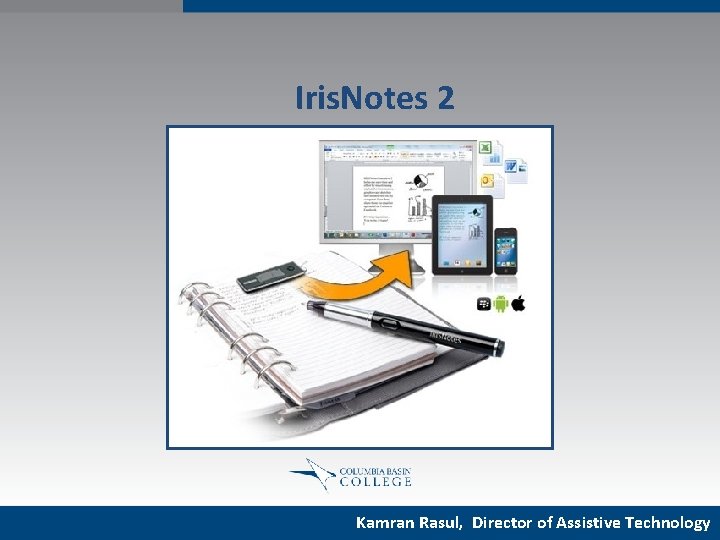
Iris. Notes 2 Kamran Rasul, Director of Assistive Technology
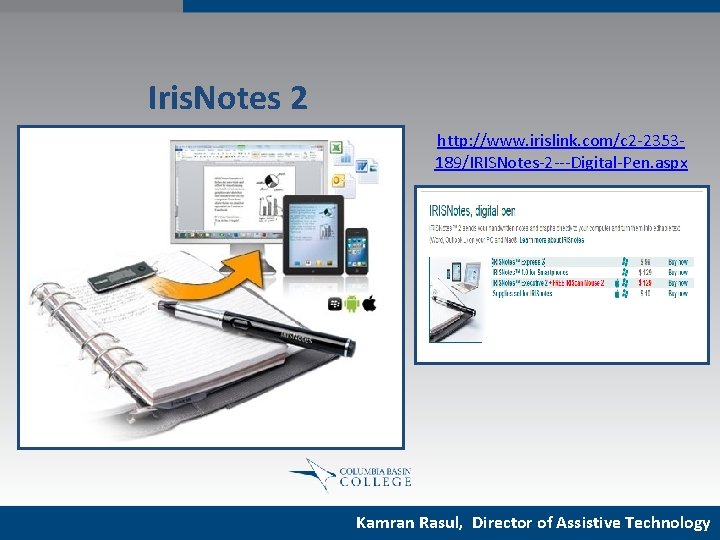
Iris. Notes 2 http: //www. irislink. com/c 2 -2353189/IRISNotes-2 ---Digital-Pen. aspx Kamran Rasul, Director of Assistive Technology
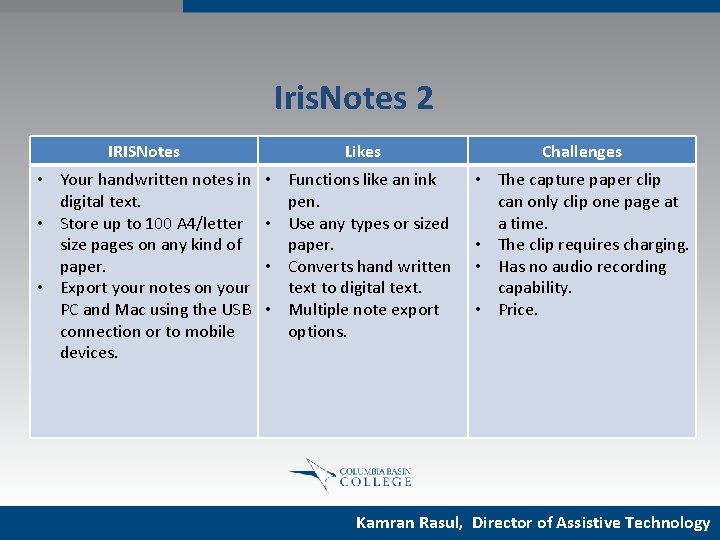
Iris. Notes 2 IRISNotes Likes Challenges • Your handwritten notes in digital text. • Store up to 100 A 4/letter size pages on any kind of paper. • Export your notes on your PC and Mac using the USB connection or to mobile devices. • Functions like an ink pen. • Use any types or sized paper. • Converts hand written text to digital text. • Multiple note export options. • The capture paper clip can only clip one page at a time. • The clip requires charging. • Has no audio recording capability. • Price. Kamran Rasul, Director of Assistive Technology
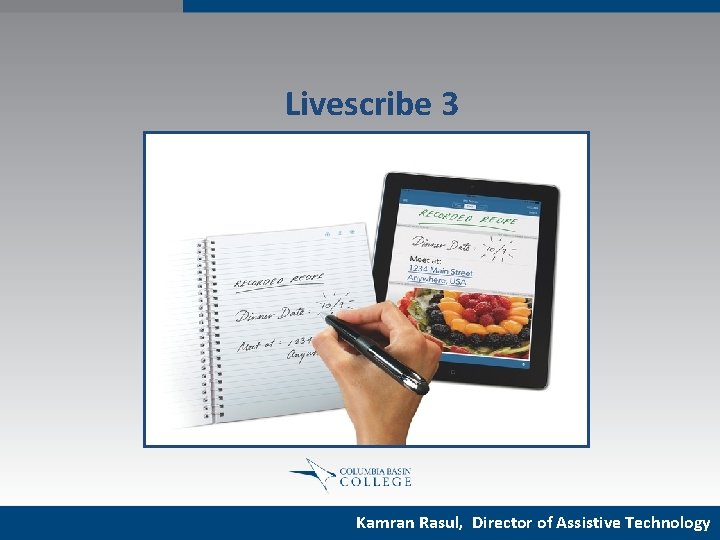
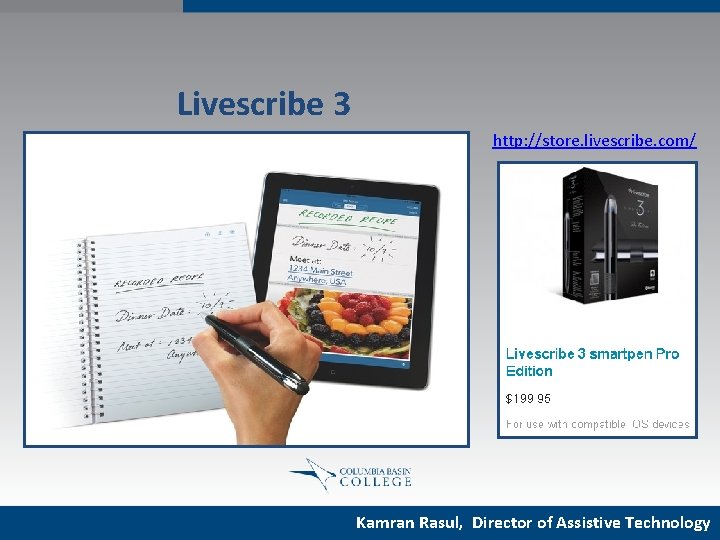
Livescribe 3 Kamran Rasul, Director of Assistive Technology
Livescribe 3 http: //store. livescribe. com/ Kamran Rasul, Director of Assistive Technology
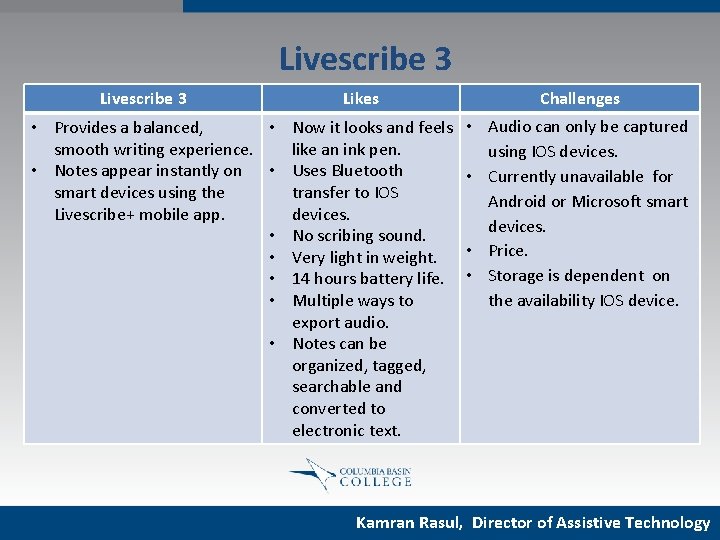
Livescribe 3 Likes • Provides a balanced, • Now it looks and feels smooth writing experience. like an ink pen. • Notes appear instantly on • Uses Bluetooth smart devices using the transfer to IOS Livescribe+ mobile app. devices. • No scribing sound. • Very light in weight. • 14 hours battery life. • Multiple ways to export audio. • Notes can be organized, tagged, searchable and converted to electronic text. Challenges • Audio can only be captured using IOS devices. • Currently unavailable for Android or Microsoft smart devices. • Price. • Storage is dependent on the availability IOS device. Kamran Rasul, Director of Assistive Technology
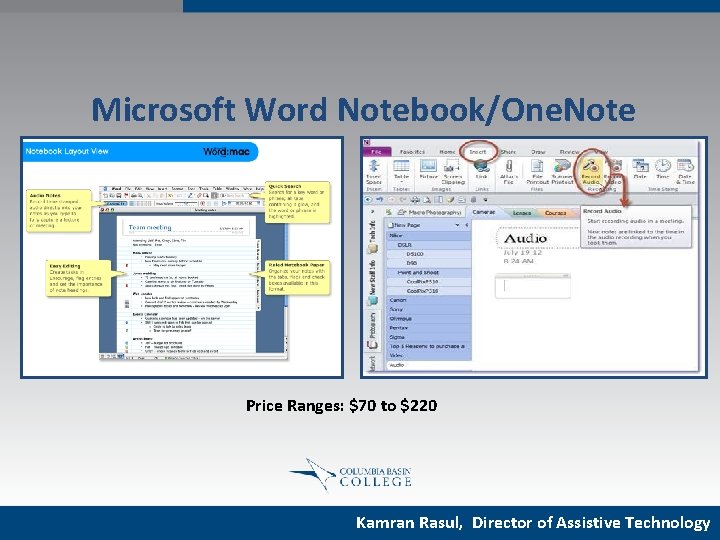
Microsoft Word Notebook/One. Note Price Ranges: $70 to $220 Kamran Rasul, Director of Assistive Technology
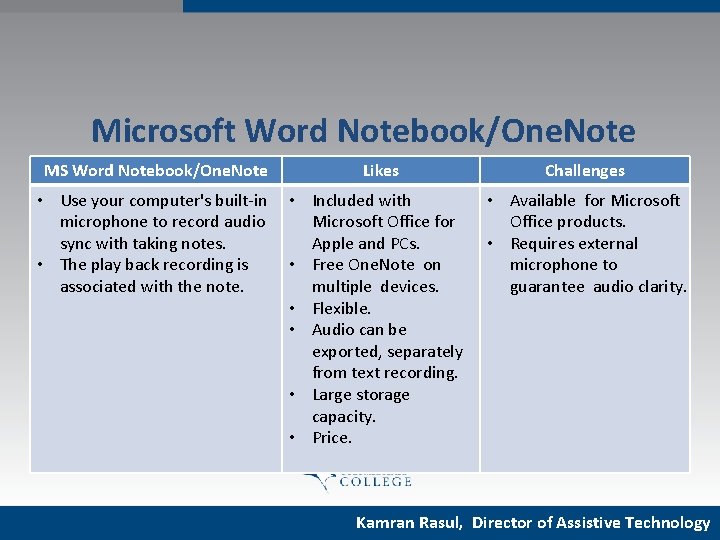
Microsoft Word Notebook/One. Note MS Word Notebook/One. Note Likes Challenges • Use your computer's built-in microphone to record audio sync with taking notes. • The play back recording is associated with the note. • Included with Microsoft Office for Apple and PCs. • Free One. Note on multiple devices. • Flexible. • Audio can be exported, separately from text recording. • Large storage capacity. • Price. • Available for Microsoft Office products. • Requires external microphone to guarantee audio clarity. Kamran Rasul, Director of Assistive Technology
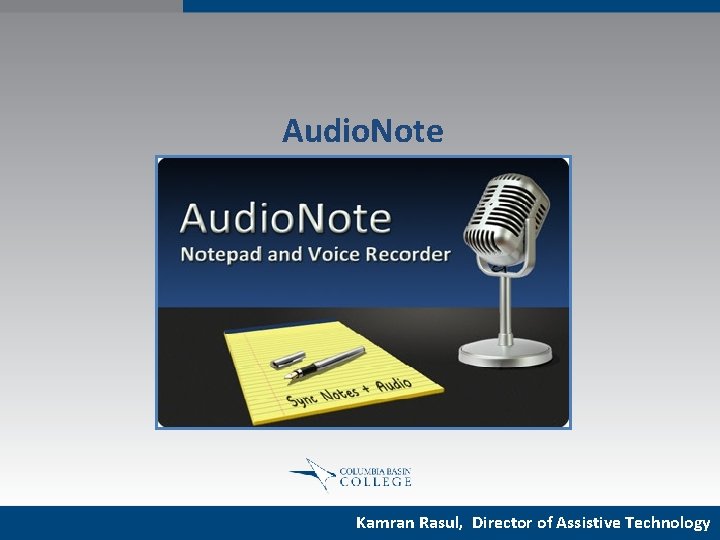
Audio. Note Kamran Rasul, Director of Assistive Technology
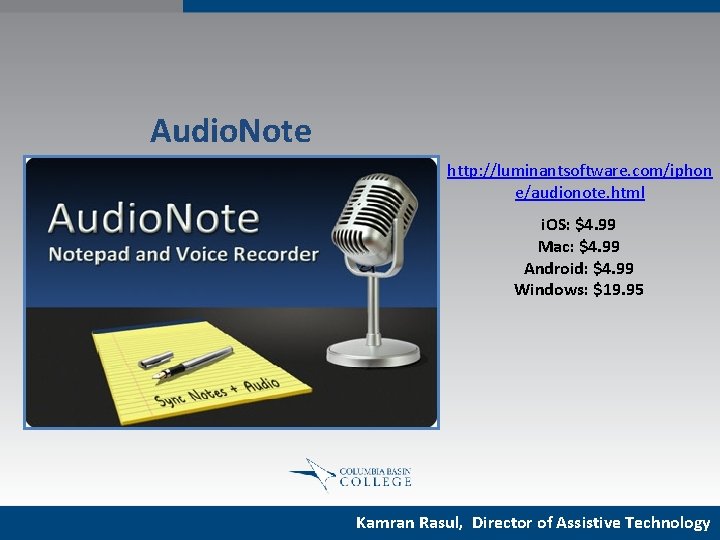
Audio. Note http: //luminantsoftware. com/iphon e/audionote. html i. OS: $4. 99 Mac: $4. 99 Android: $4. 99 Windows: $19. 95 Kamran Rasul, Director of Assistive Technology
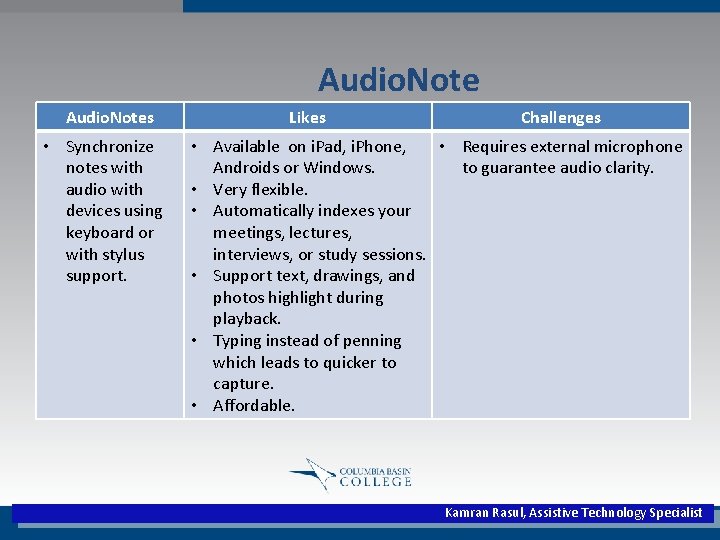
Audio. Notes • Synchronize notes with audio with devices using keyboard or with stylus support. Likes Challenges • Available on i. Pad, i. Phone, • Requires external microphone Androids or Windows. to guarantee audio clarity. • Very flexible. • Automatically indexes your meetings, lectures, interviews, or study sessions. • Support text, drawings, and photos highlight during playback. • Typing instead of penning which leads to quicker to capture. • Affordable. Kamran Rasul, Assistive Technology Specialist
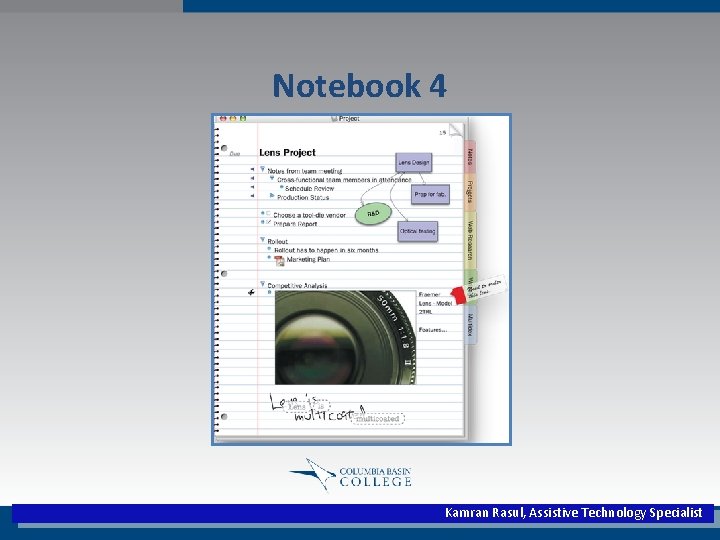
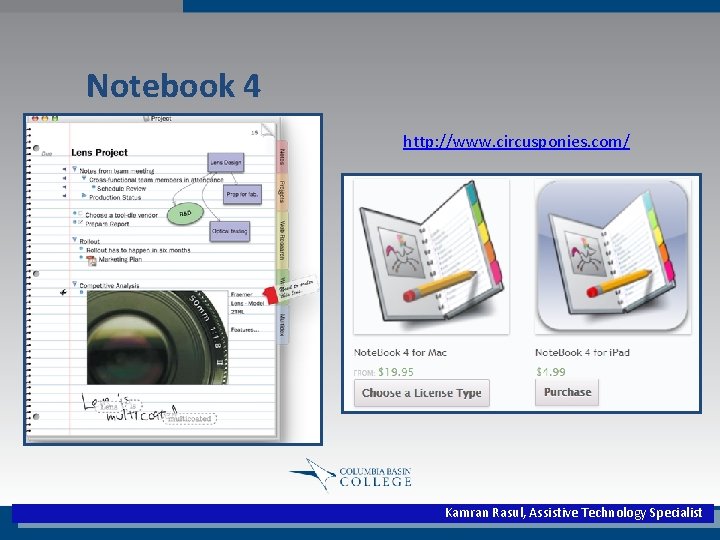
Notebook 4 Kamran Rasul, Assistive Technology Specialist
Notebook 4 http: //www. circusponies. com/ Kamran Rasul, Assistive Technology Specialist
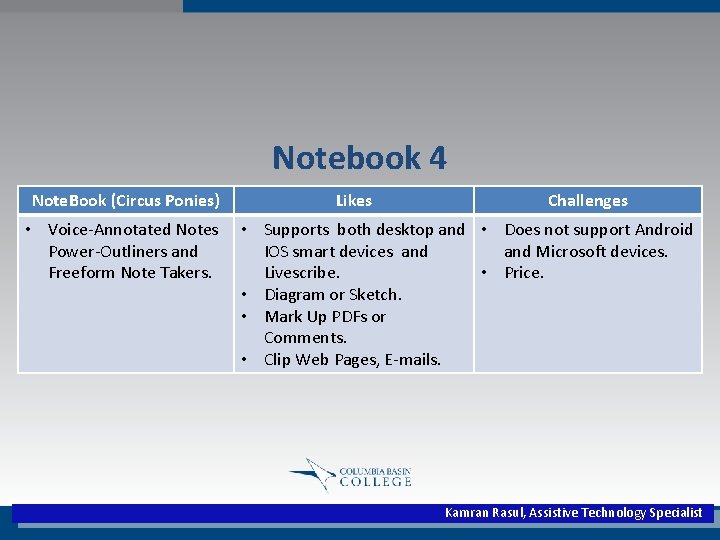
Notebook 4 Note. Book (Circus Ponies) • Voice-Annotated Notes Power-Outliners and Freeform Note Takers. Likes Challenges • Supports both desktop and • Does not support Android IOS smart devices and Microsoft devices. Livescribe. • Price. • Diagram or Sketch. • Mark Up PDFs or Comments. • Clip Web Pages, E-mails. Kamran Rasul, Assistive Technology Specialist
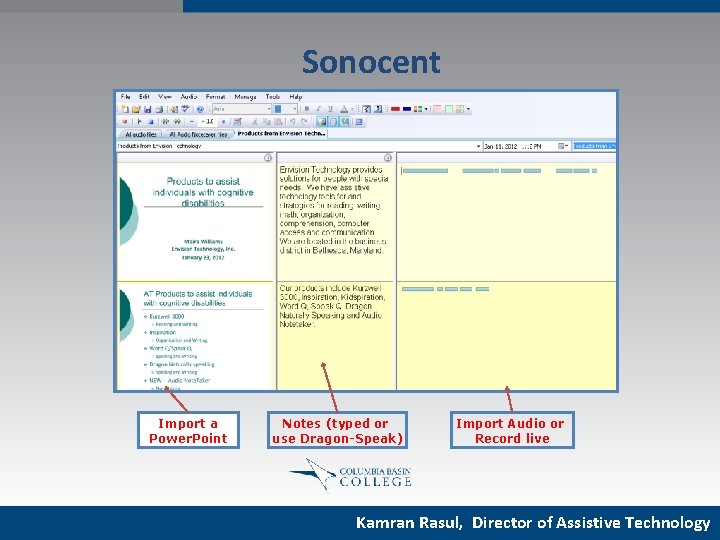
Sonocent Import a Power. Point Notes (typed or use Dragon-Speak) Import Audio or Record live Kamran Rasul, Director of Assistive Technology
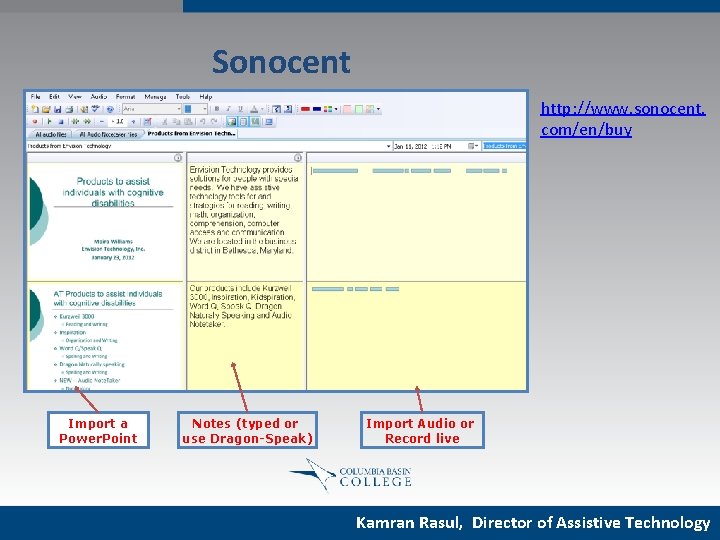
Sonocent http: //www. sonocent. com/en/buy Import a Power. Point Notes (typed or use Dragon-Speak) Import Audio or Record live Kamran Rasul, Director of Assistive Technology
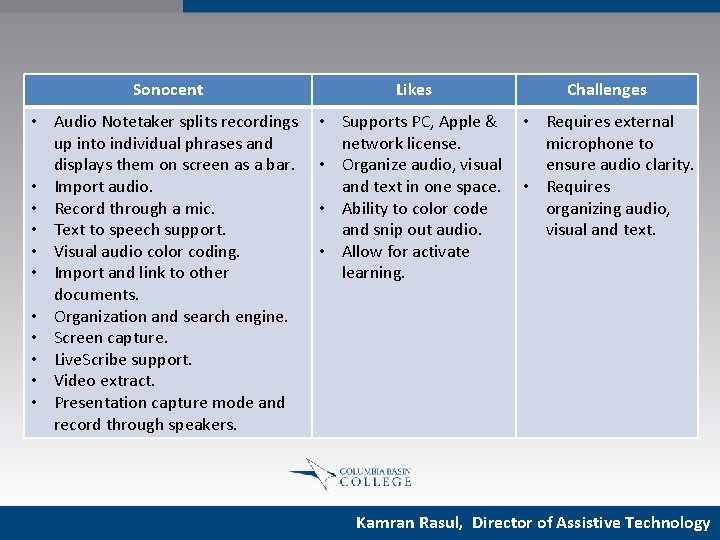
Sonocent Likes Challenges • Audio Notetaker splits recordings up into individual phrases and displays them on screen as a bar. • Import audio. • Record through a mic. • Text to speech support. • Visual audio color coding. • Import and link to other documents. • Organization and search engine. • Screen capture. • Live. Scribe support. • Video extract. • Presentation capture mode and record through speakers. • Supports PC, Apple & network license. • Organize audio, visual and text in one space. • Ability to color code and snip out audio. • Allow for activate learning. • Requires external microphone to ensure audio clarity. • Requires organizing audio, visual and text. Kamran Rasul, Director of Assistive Technology
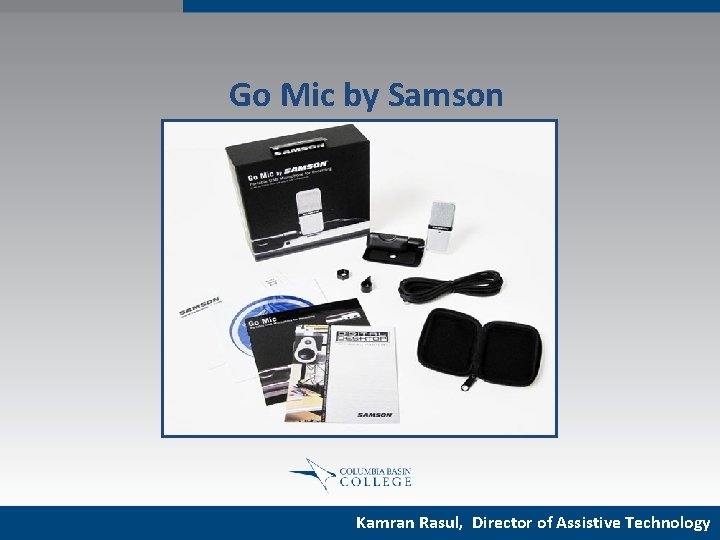
Go Mic by Samson Kamran Rasul, Director of Assistive Technology
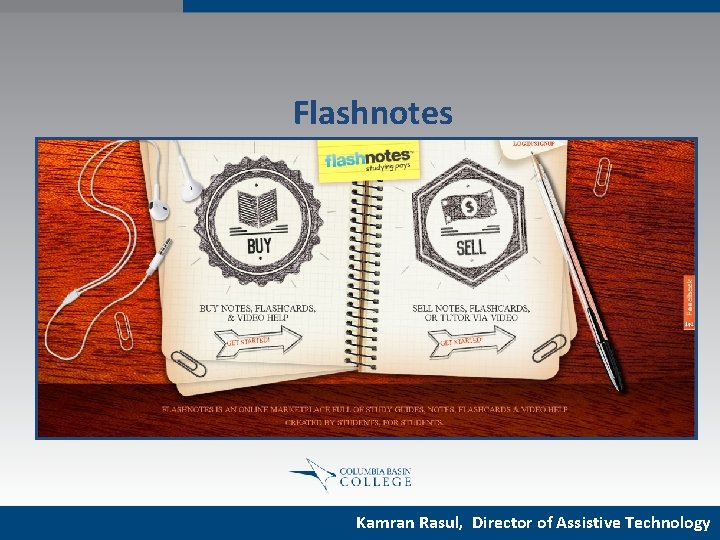
Flashnotes Kamran Rasul, Director of Assistive Technology
Conclusion Kamran Rasul, Director of Assistive Technology
Alternative Note-Taking Strategies Using Technology Kamran Rasul Director of Assistive Technology Columbia Basin College krasul@columbiabasin. edu |509 -543 -1448 Kamran Rasul, Director of Assistive Technology