
Alternate Version of STARTING OUT WITH C 4
- Slides: 27
Alternate Version of STARTING OUT WITH C++ 4 th Edition Chapter 1 Introduction to Computers and Programming
Why Program? • • Computer – programmable machine designed to follow instructions Program – instructions in computer memory to make it do something Programmer – person who writes instructions (programs) to make computer perform a task SO, without programmers, no programs; without programs, the computer cannot do anything
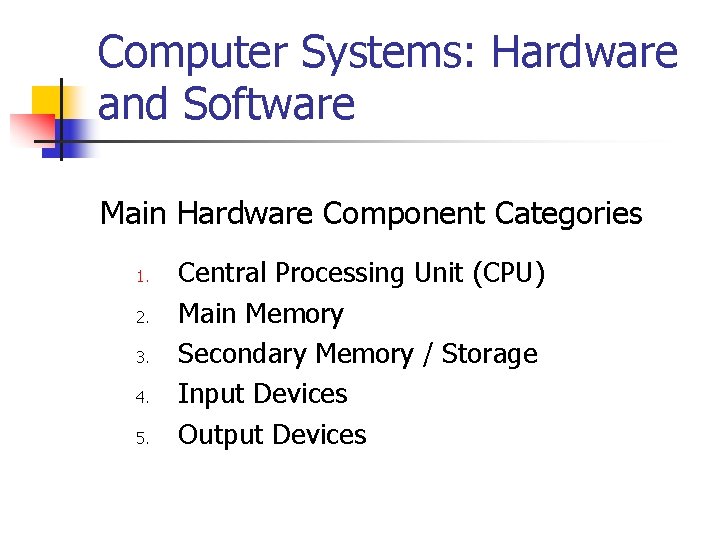
Computer Systems: Hardware and Software Main Hardware Component Categories 1. 2. 3. 4. 5. Central Processing Unit (CPU) Main Memory Secondary Memory / Storage Input Devices Output Devices
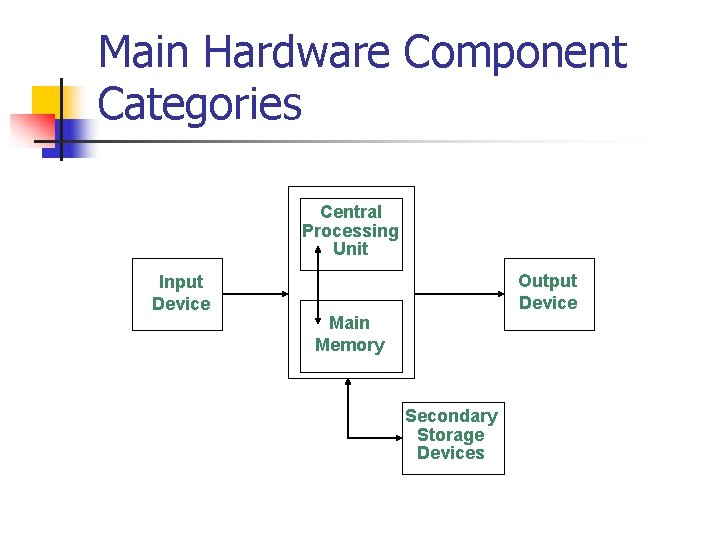
Main Hardware Component Categories Central Processing Unit Input Device Output Device Main Memory Secondary Storage Devices
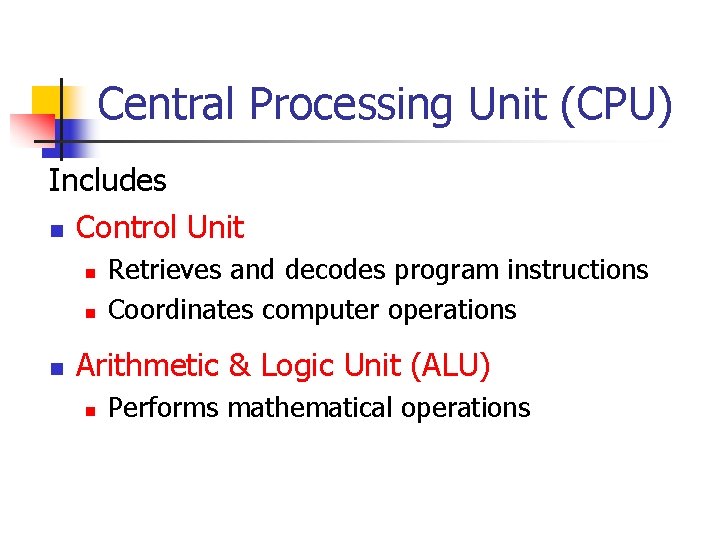
Central Processing Unit (CPU) Includes n Control Unit n n n Retrieves and decodes program instructions Coordinates computer operations Arithmetic & Logic Unit (ALU) n Performs mathematical operations
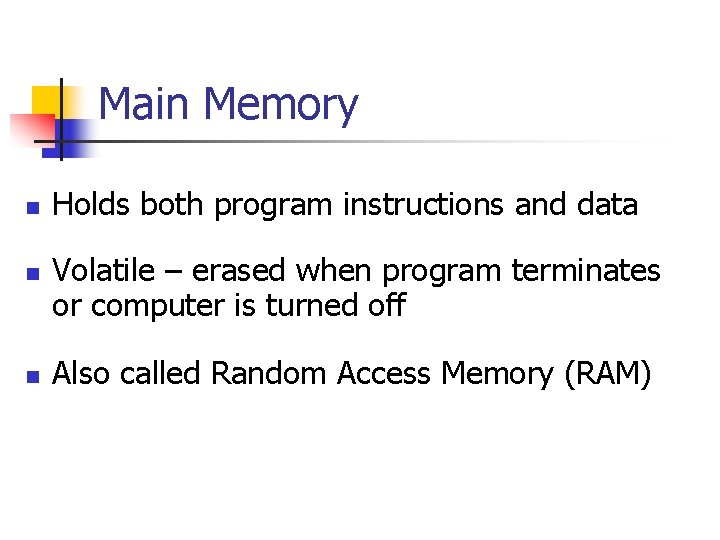
Main Memory n n n Holds both program instructions and data Volatile – erased when program terminates or computer is turned off Also called Random Access Memory (RAM)
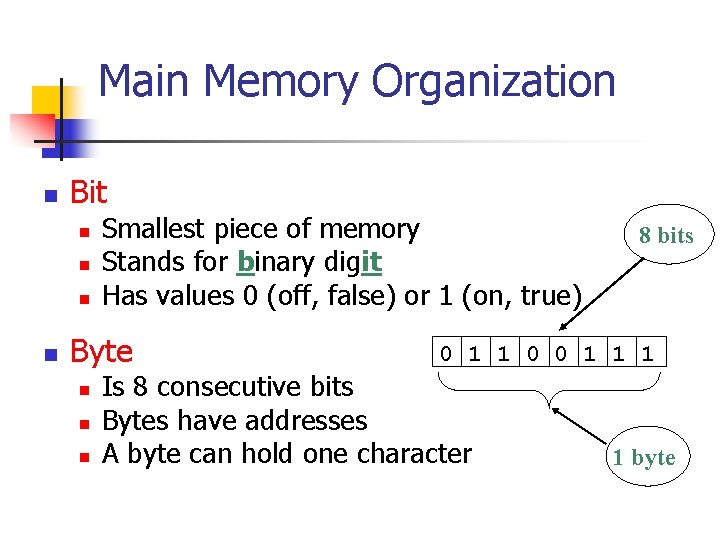
Main Memory Organization n Bit n n Smallest piece of memory Stands for binary digit Has values 0 (off, false) or 1 (on, true) Byte n n n 8 bits 0 1 1 0 0 1 1 1 Is 8 consecutive bits Bytes have addresses A byte can hold one character 1 byte
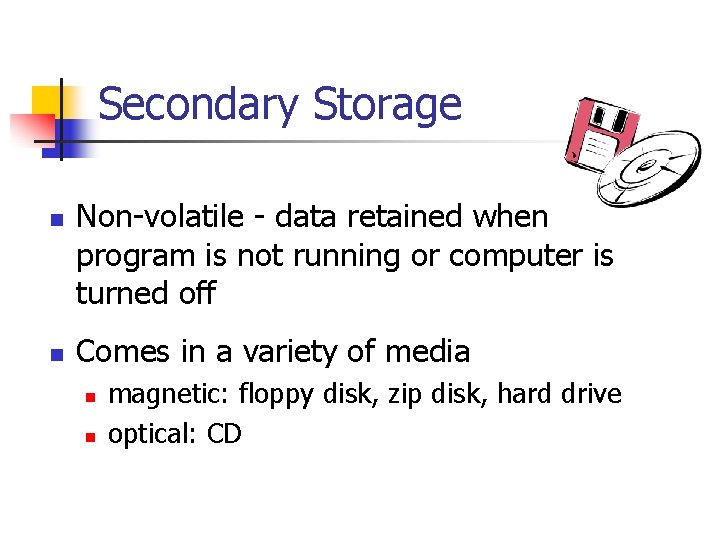
Secondary Storage n n Non-volatile - data retained when program is not running or computer is turned off Comes in a variety of media n n magnetic: floppy disk, zip disk, hard drive optical: CD
Input Devices n n Used to send information to the computer from outside Many devices can provide input n keyboard, mouse, scanner, digital camera, disk drive, CD drive
Output Devices n n Used to send information from the computer to the outside Many devices can be used for output n Computer monitor, printer, disk drive, writable CD drive
Software Programs That Run on a Computer n Operating system software n programs that manage the computer hardware and the programs that run on them Ex: Windows, UNIX, Linux n Application software n programs that provide services to the user. Ex: word processing, games, programs to solve specific problems
Programs and Programming Languages n Program a set of instructions directing a computer to perform a task n Programming Language a language used to write programs
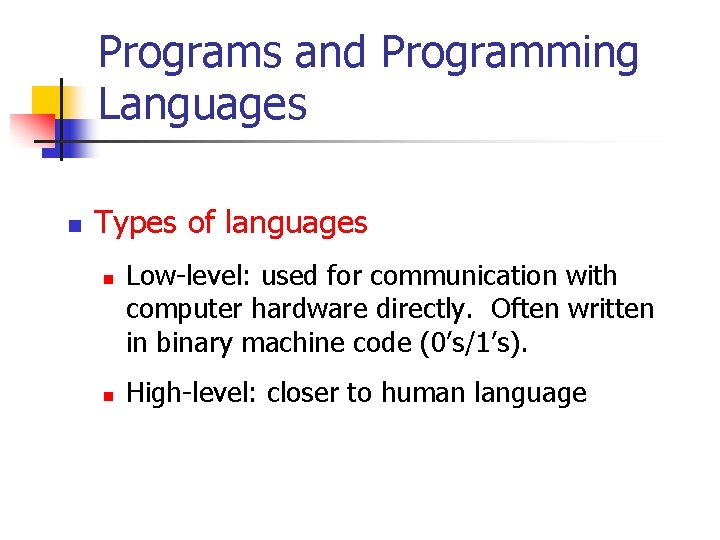
Programs and Programming Languages n Types of languages n n Low-level: used for communication with computer hardware directly. Often written in binary machine code (0’s/1’s). High-level: closer to human language
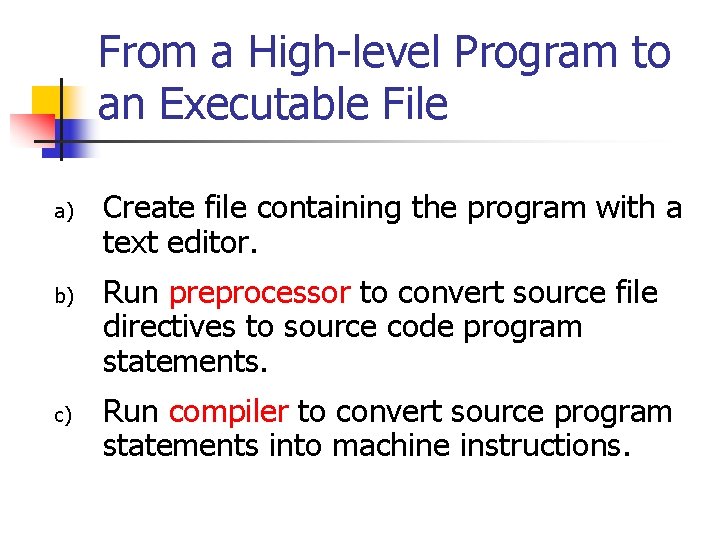
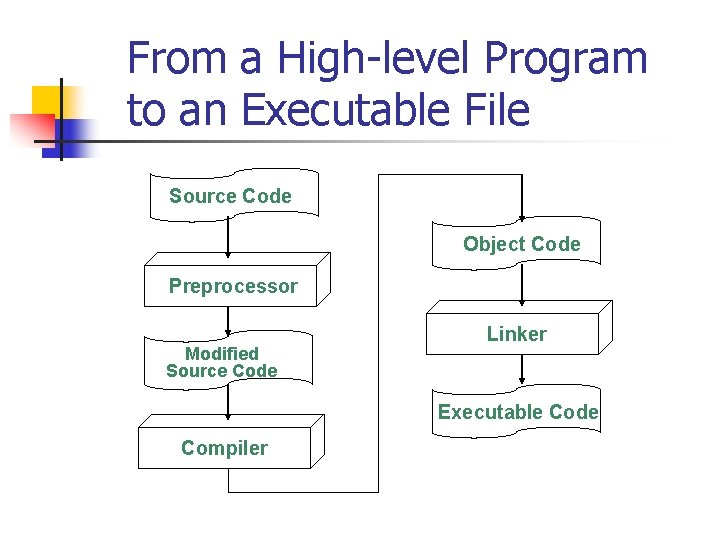
From a High-level Program to an Executable File a) b) c) Create file containing the program with a text editor. Run preprocessor to convert source file directives to source code program statements. Run compiler to convert source program statements into machine instructions.
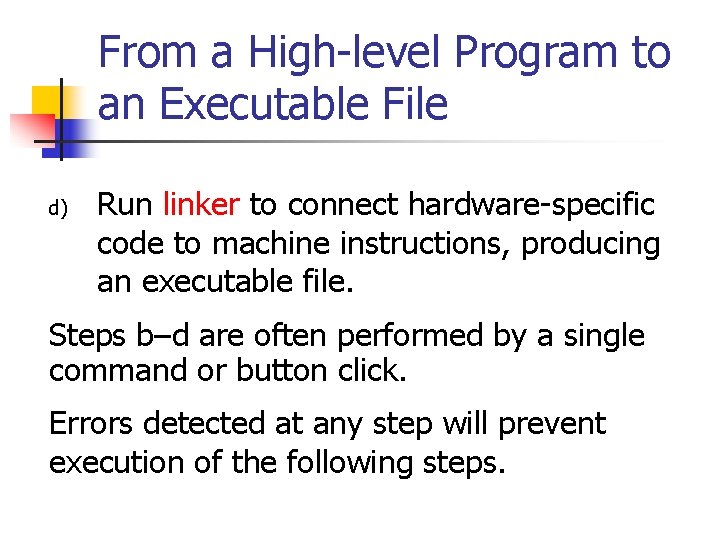
From a High-level Program to an Executable File d) Run linker to connect hardware-specific code to machine instructions, producing an executable file. Steps b–d are often performed by a single command or button click. Errors detected at any step will prevent execution of the following steps.
From a High-level Program to an Executable File Source Code Object Code Preprocessor Modified Source Code Linker Executable Code Compiler
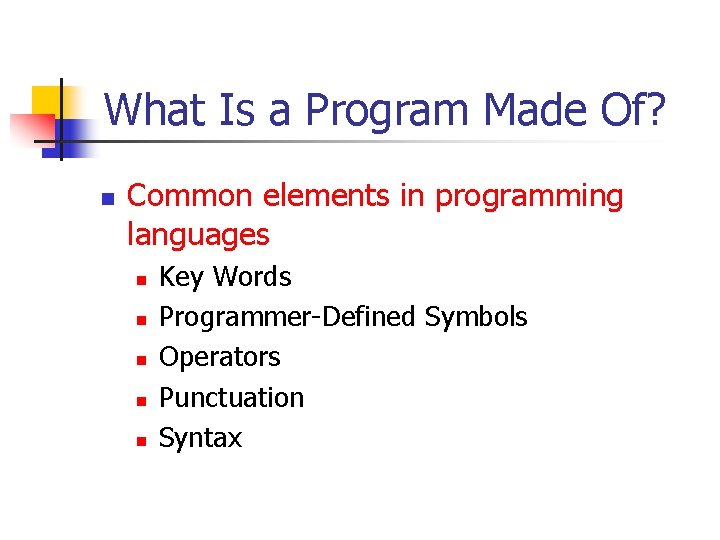
What Is a Program Made Of? n Common elements in programming languages n n n Key Words Programmer-Defined Symbols Operators Punctuation Syntax
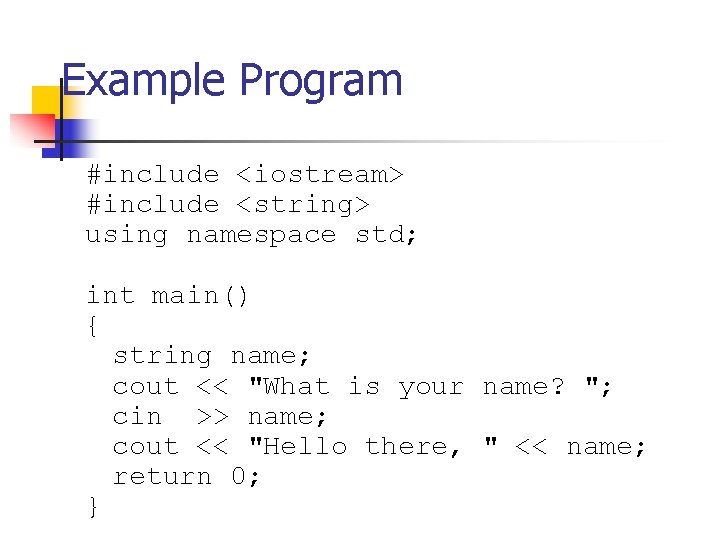
Example Program #include <iostream> #include <string> using namespace std; int main() { string name; cout << "What is your name? "; cin >> name; cout << "Hello there, " << name; return 0; }
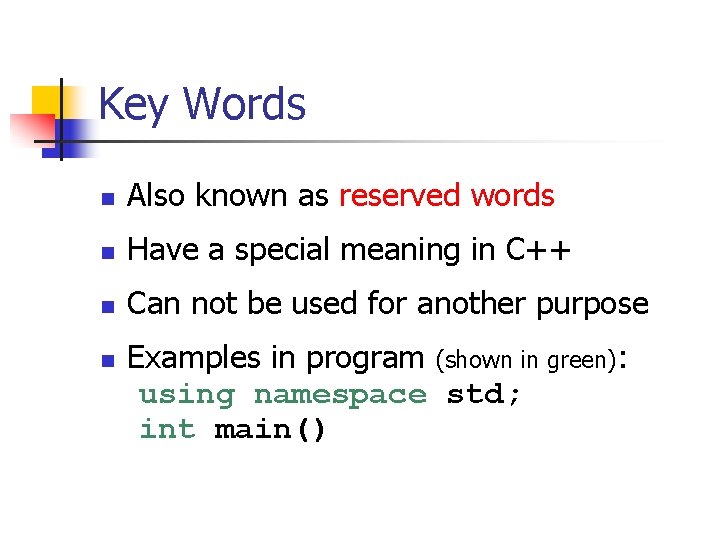
Key Words n Also known as reserved words n Have a special meaning in C++ n Can not be used for another purpose n Examples in program (shown in green): using namespace std; int main()
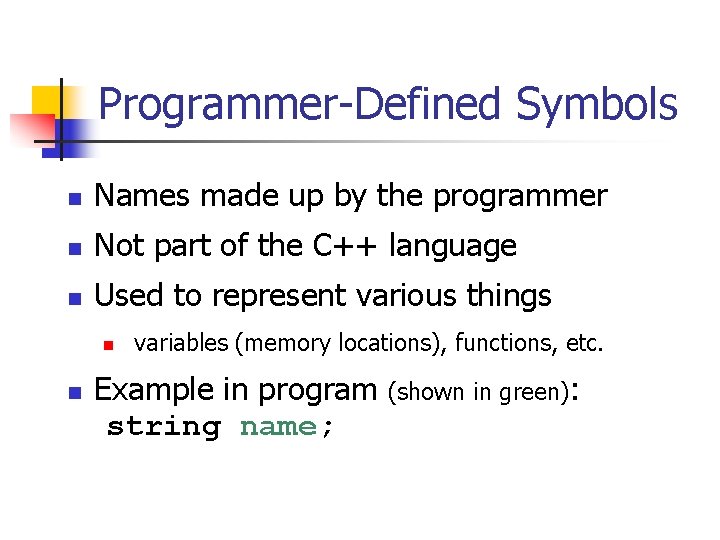
Programmer-Defined Symbols n Names made up by the programmer n Not part of the C++ language n Used to represent various things n n variables (memory locations), functions, etc. Example in program string name; (shown in green):
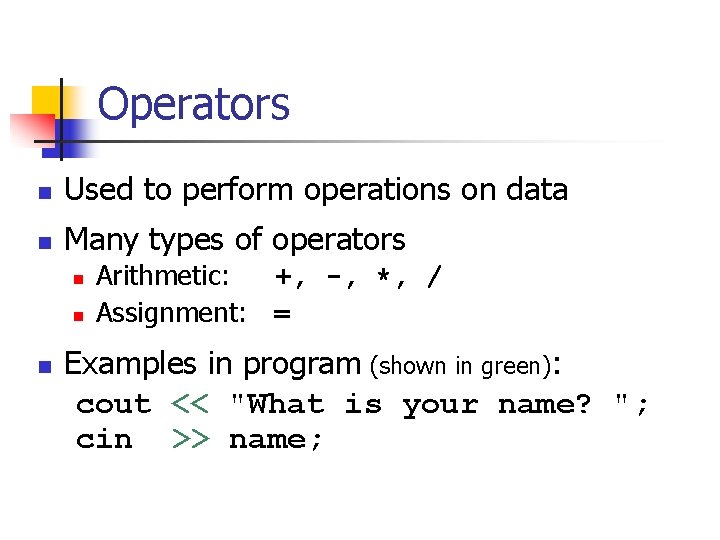
Operators n Used to perform operations on data n Many types of operators n n n Arithmetic: +, -, *, / Assignment: = Examples in program (shown in green): cout << "What is your name? "; cin >> name;
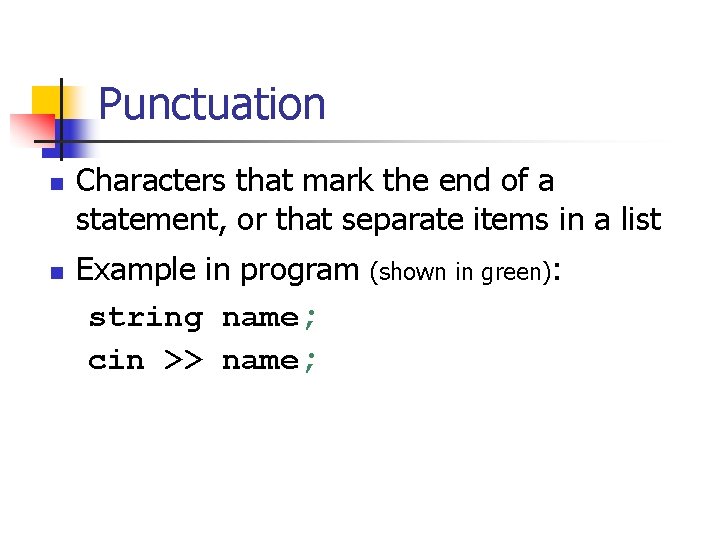
Punctuation n n Characters that mark the end of a statement, or that separate items in a list Example in program string name; cin >> name; (shown in green):
Syntax n n The rules of grammar that must be followed when writing a program Controls the use of key words, operators, programmer-defined symbols, and punctuation
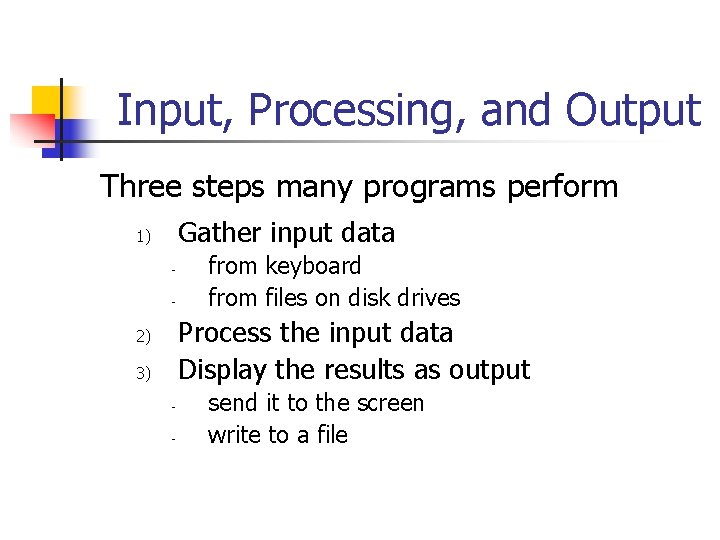
Input, Processing, and Output Three steps many programs perform Gather input data 1) - from keyboard from files on disk drives Process the input data Display the results as output 2) 3) - send it to the screen write to a file
Software Engineering n Encompasses the whole process of crafting computer software. n n n Specification Design Implementation Test Maintenance
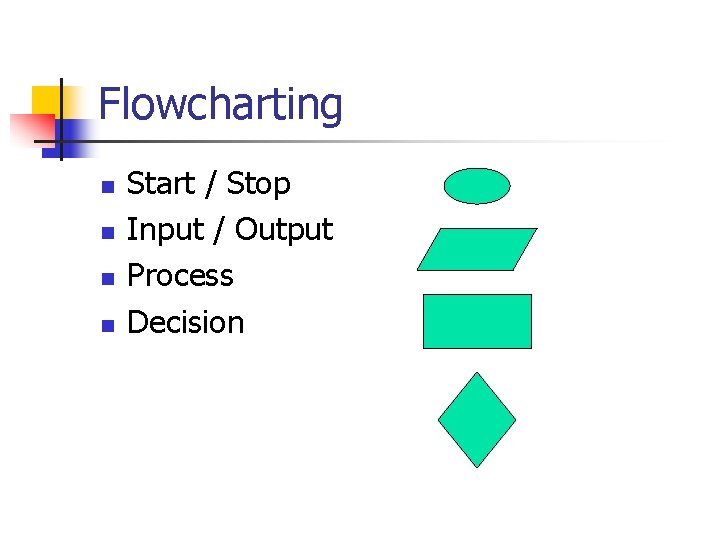
Flowcharting n n Start / Stop Input / Output Process Decision
Procedural and Object. Oriented Programming n Procedural programming n n n Focus is on the process Procedures/functions are written to process data Object-Oriented programming n n Focus is on objects, which contain data and the means to manipulate the data Messages are sent to objects to perform operations