
Aloha Point of Sale POS System Presented by
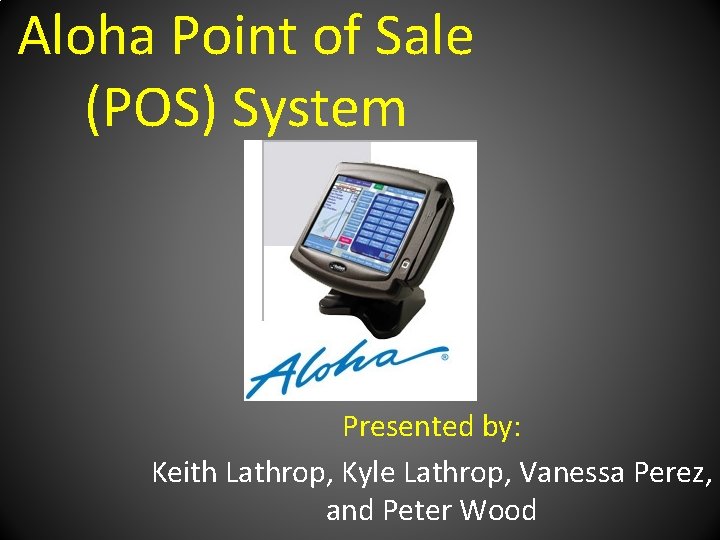
Aloha Point of Sale (POS) System Presented by: Keith Lathrop, Kyle Lathrop, Vanessa Perez, and Peter Wood
Outline • Objective • Procedures • Hardware/Software • Managing With Aloha • Data • People
Objective • What is at research? – Whether or not the implementation of an information system can enhance the productivity at a restaurant • Look at the hardware, software, data, procedures, and people that make a certain information system operational in a restaurant environment. • How is something like this beneficial in the restaurant industry?

Hardware/Software
Hardware/ Software • Machines first introduced about 10 years ago – Solid-state touch screen POS hardware terminals. – The terminals were introduced to the petroleum and convenience store industries. • They continue to drive non-stop sales reliability with key innovationsincluding: – Passive cooling in all of their systems – Cable locking system – Solid-state electronics – Embedded operating systemsin their machines.
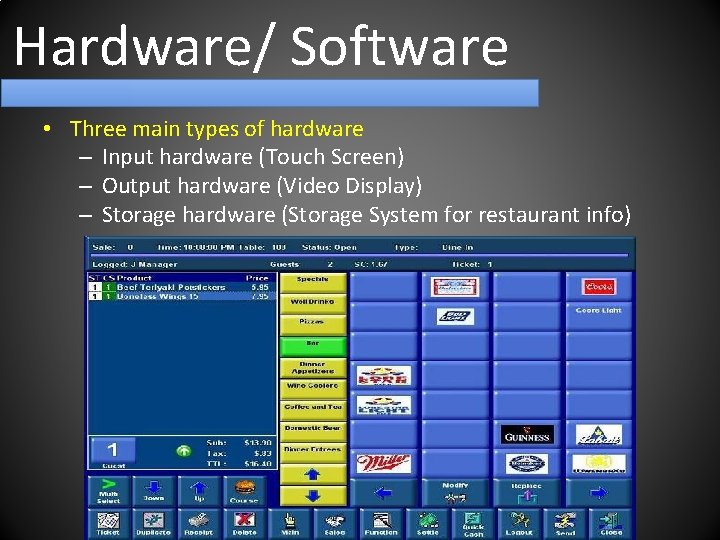
Hardware/ Software • Three main types of hardware – Input hardware (Touch Screen) – Output hardware (Video Display) – Storage hardware (Storage System for restaurant info)
Hardware/ Software • Software – Windows based operating system – Whole system built on its intuitive software interface • Features • Off-the-shelf, nonproprietary hardware • Enterprise capabilities • Intuitive touch-screen interfaces • Built-in redundancy • Several graphical user interfaces • Performance measurements for servers • Benefits • Unmatched performance and functionality • Easy ordering process • Powerful management functions • Unparalleled menu management capacity • Built in security system • Fast and easy employee training

Data
Data What is Data? • Collection of facts or figures • Bridge between hardware/software and people/procedures • Building block of valuable information Information • Knowledge derived from data • Data presented in a meaningful context • Processed data
Data In The Aloha System Data Input: • Customer orders: beverages, appetizers, entrées, and desserts • Accuracy is key Data Output: • The information obtained from data input • Output tool: Printer • Receipts • Sales Summaries

Procedures
Procedures Instructions for humans How an employee interacts with Aloha – Check-in – Input of Orders – Corrective Procedures & Comps – Check-out
Managing With Aloha
Managing With Aloha • • • Tedious re-entries Human error Missing important steps Inefficient Time Consuming
Transmanager • Creates “ To do lists” for Managers • Entire system is integrated from front to back – Eliminates re-entries, human error, and saves time – Puts data into correct accounting system destinations and formats • Different levels of interactive accounting depending on level of accounting expertise of Managers • Creates data files for every employee

Redundancy Feature • All Point- of Sales (POS) workstations are in constant communication with the file server and each other • Stations work independently in network outages • All is needed is a password to the Master POS workstation – Master POS station becomes the file server – Complete operation is restored in just a few seconds – When the interrupted communication is restored, all of the transaction data is updated and synchronized, resulting in seamless reporting
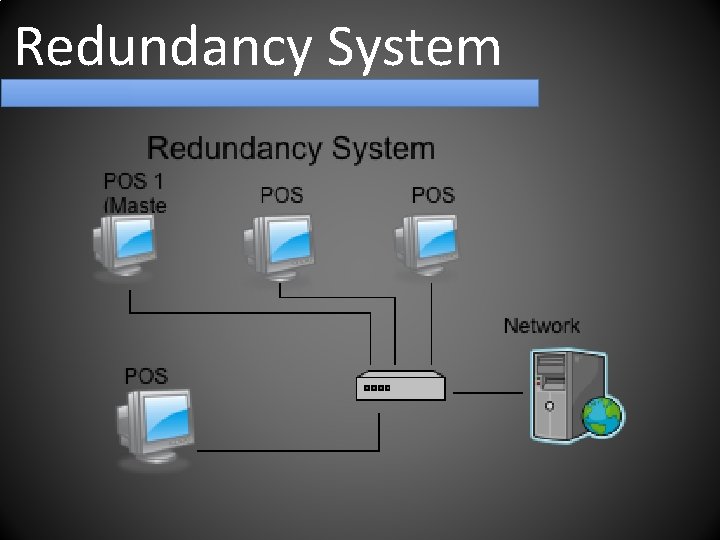
Redundancy System
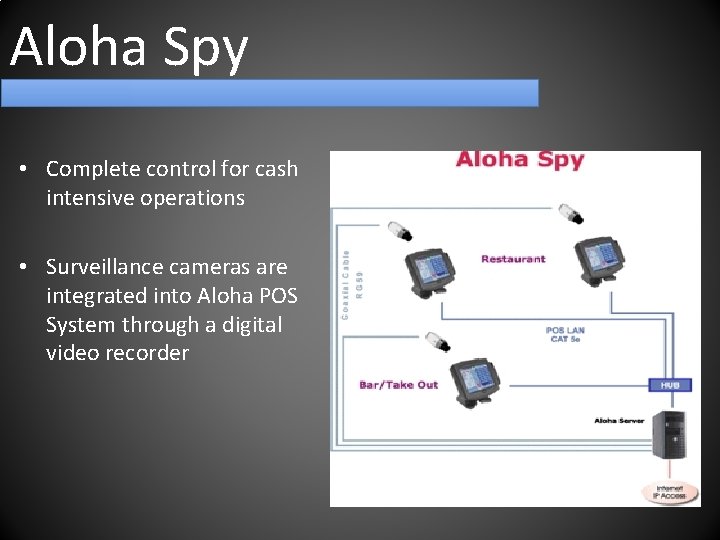
Aloha Spy • Complete control for cash intensive operations • Surveillance cameras are integrated into Aloha POS System through a digital video recorder
People
Old System Time Consuming • More time on Computers • More time Running around the Restaurant • Less time spent on customer service • Harder to keep track of tables Theft • Ghost tickets • Order call backs • Easier to steal drinks
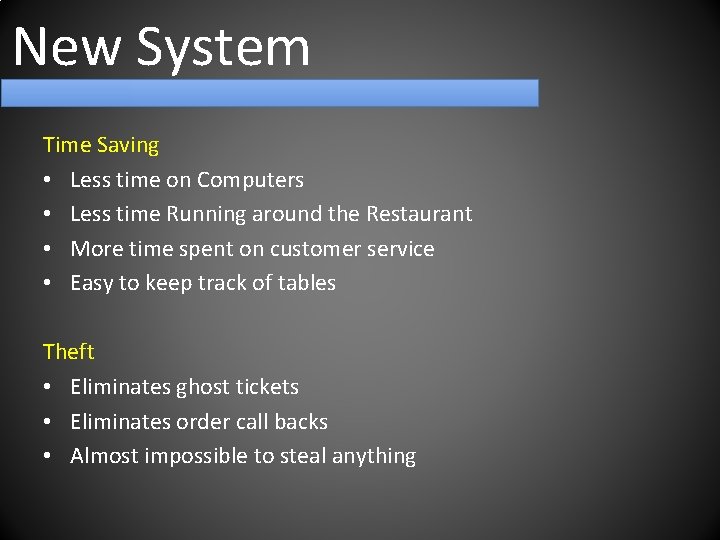
New System Time Saving • Less time on Computers • Less time Running around the Restaurant • More time spent on customer service • Easy to keep track of tables Theft • Eliminates ghost tickets • Eliminates order call backs • Almost impossible to steal anything
- Slides: 21