
Alma New Metadata Editor Alma Metadata Editor demo
- Slides: 27
Alma – New Metadata Editor Alma Metadata Editor demo 9 th December 2020
Overview • Rollout dates and where to find help and guidance • Demonstrate processes: • • • Turn on the new MDE Opening records in the MDE Navigating the menu Cataloguing a book using template Adding holdings and items • Questions
Dates to remember • 6 th September 2020 – New MDE available to turn on • March 2021 – New MDE is default – user can still switch back to the original MDE • June 2021 – Exclusive use of New MDE – original MDE no longer available
Help and guidance • New MDE introductory guide • All resource management guides on the training page will be updated to reflect the new MDE • Peer support contacts in the cataloguing group • Ex Libris guidance
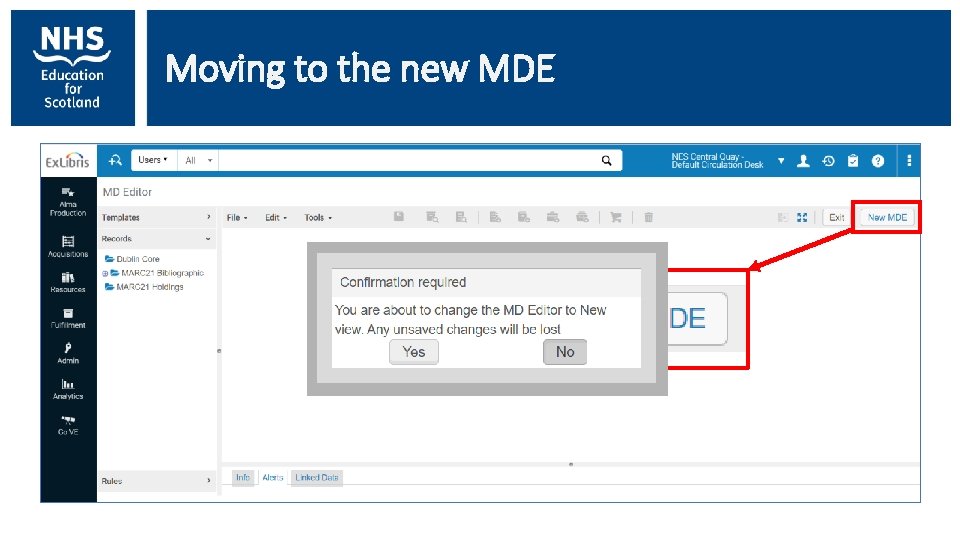
Moving to the new MDE
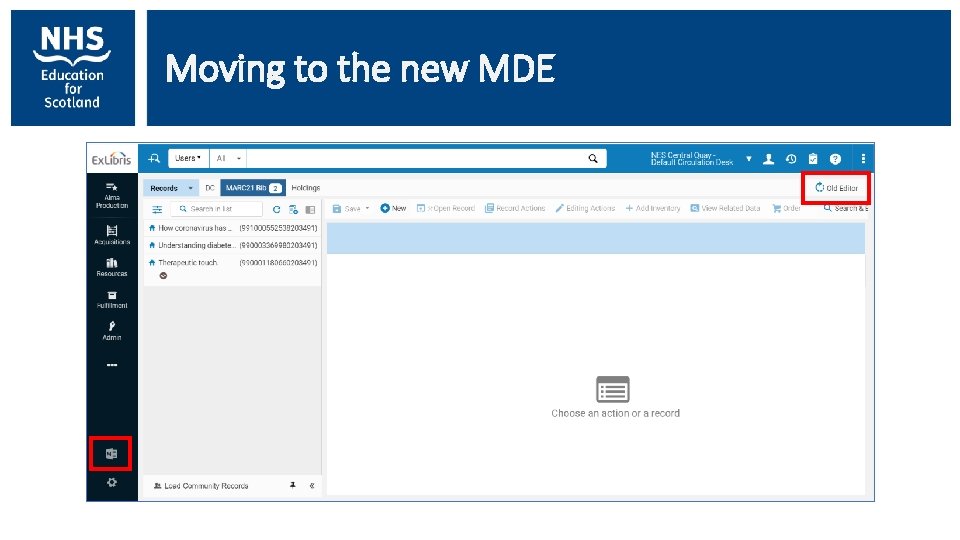
Moving to the new MDE
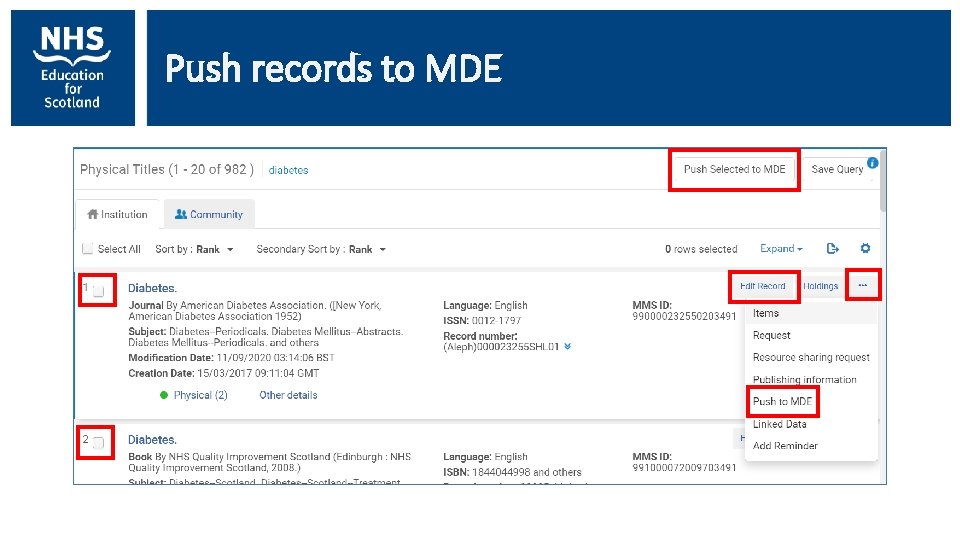
Push records to MDE
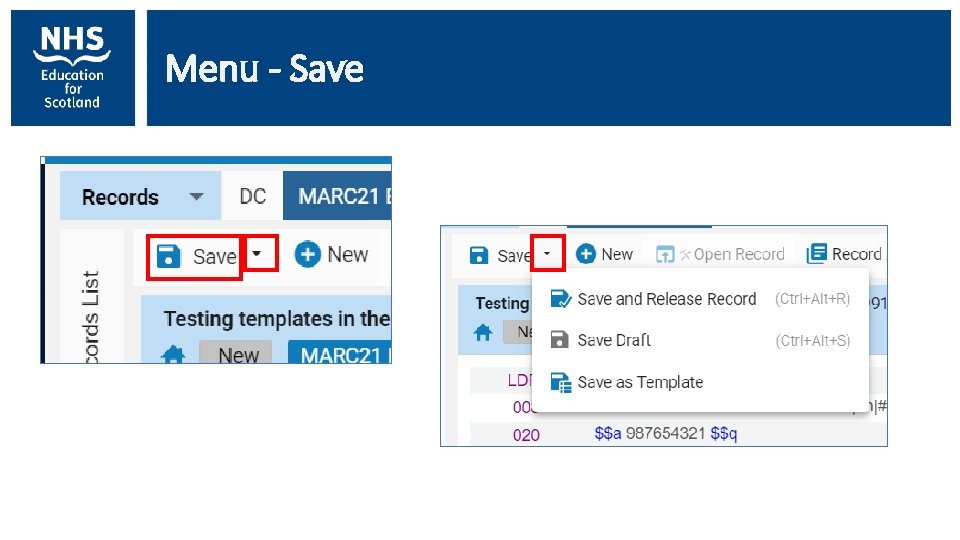
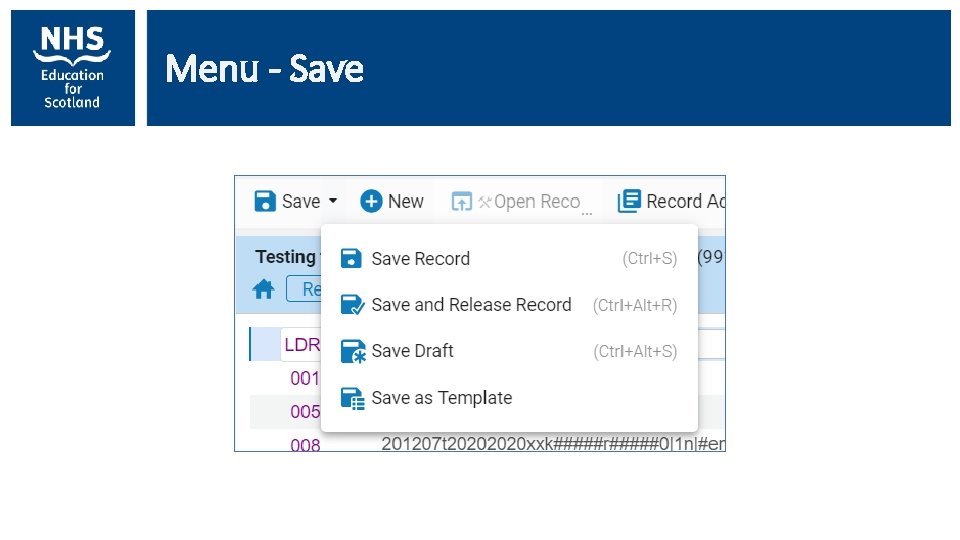
Menu - Save
Menu - Save
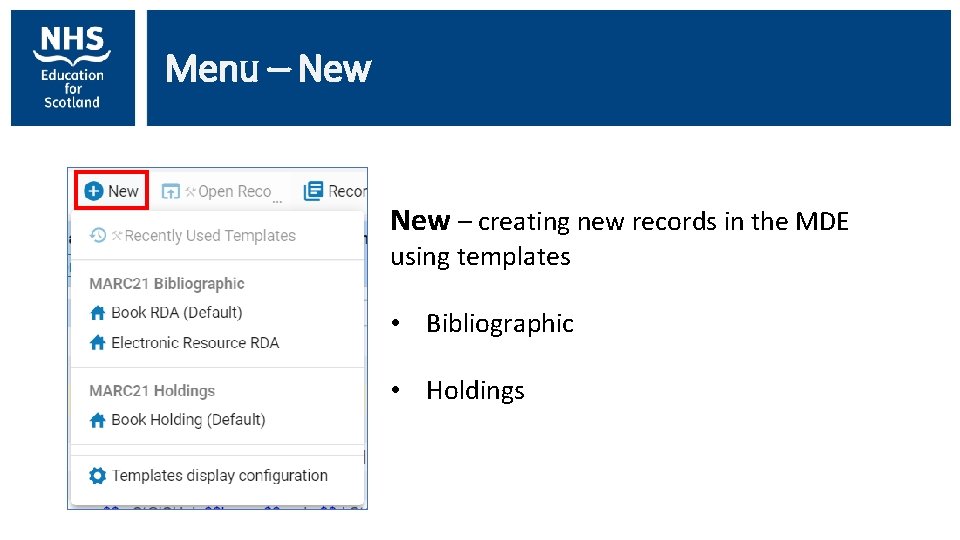
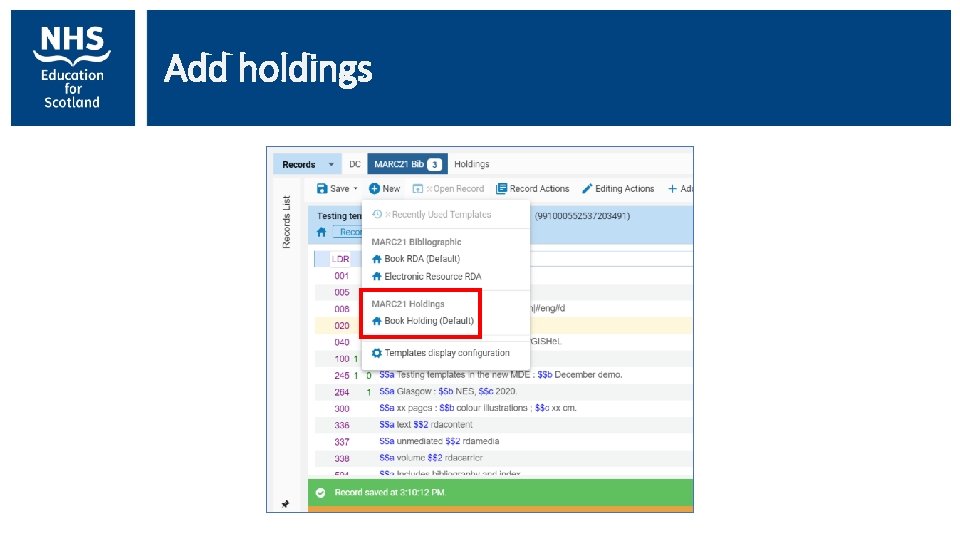
Menu – New – creating new records in the MDE using templates • Bibliographic • Holdings
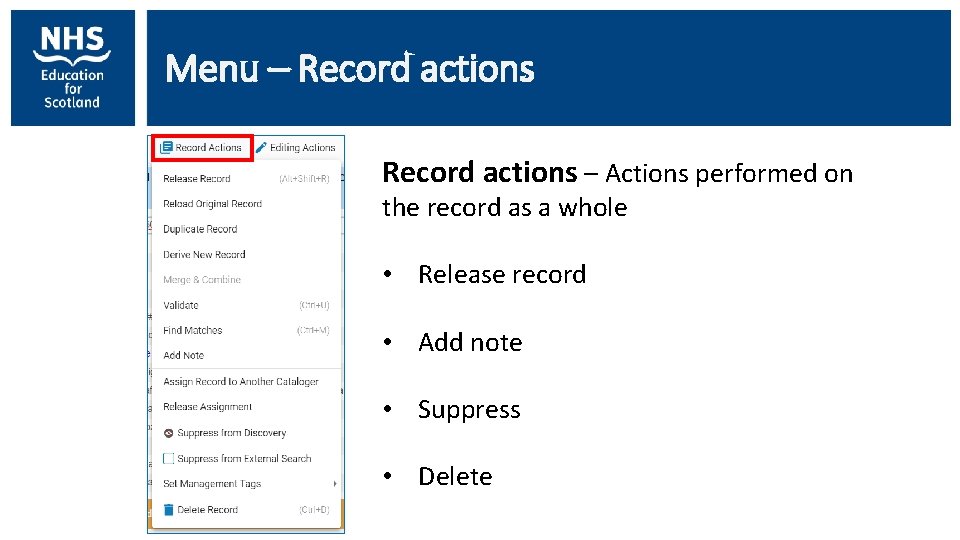
Menu – Record actions – Actions performed on the record as a whole • Release record • Add note • Suppress • Delete
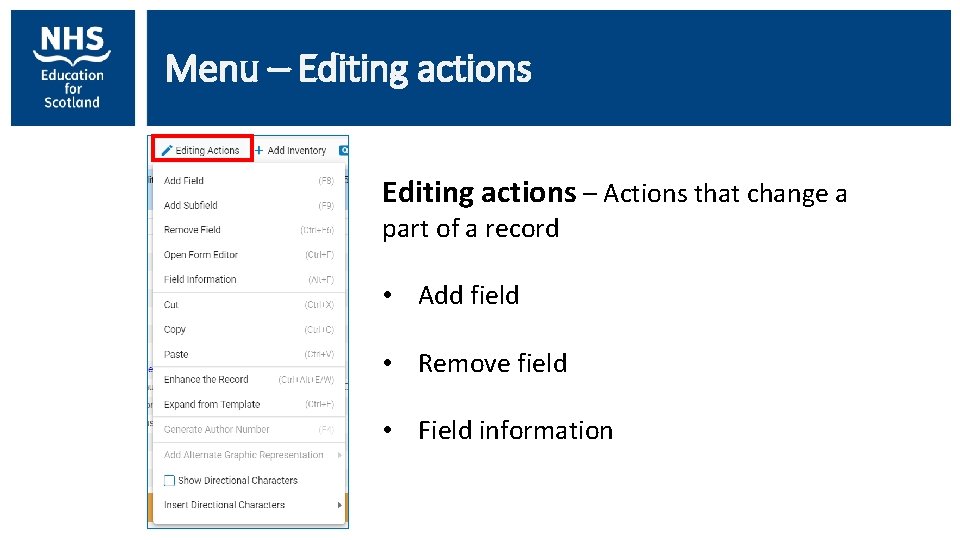
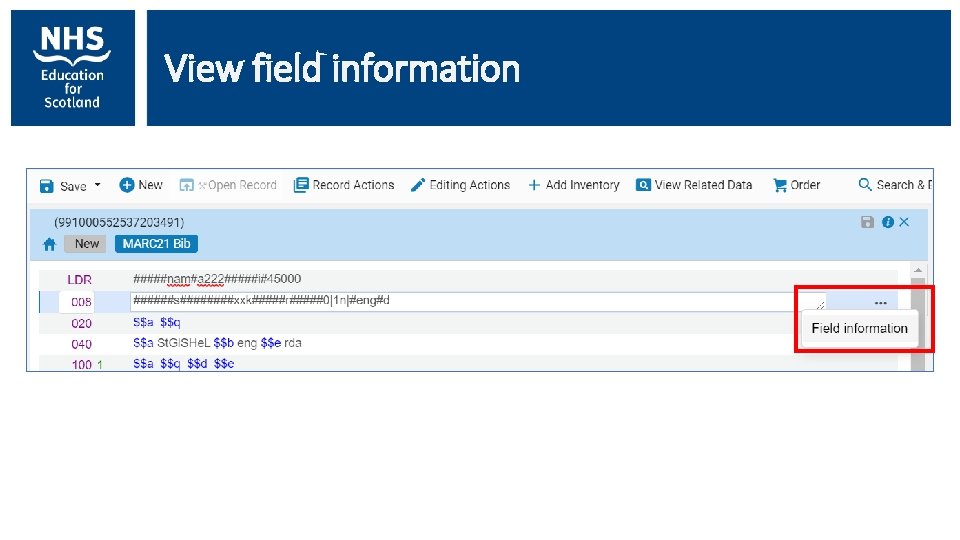
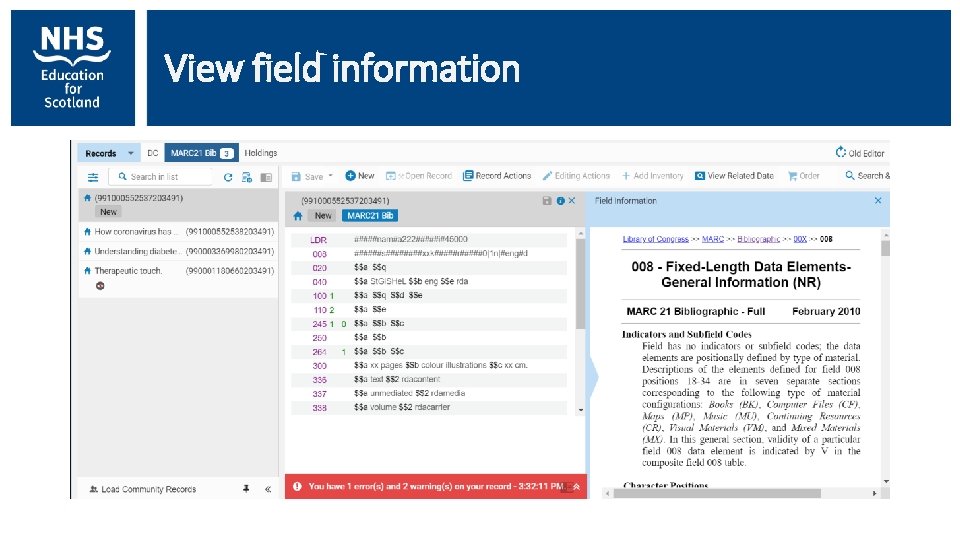
Menu – Editing actions – Actions that change a part of a record • Add field • Remove field • Field information
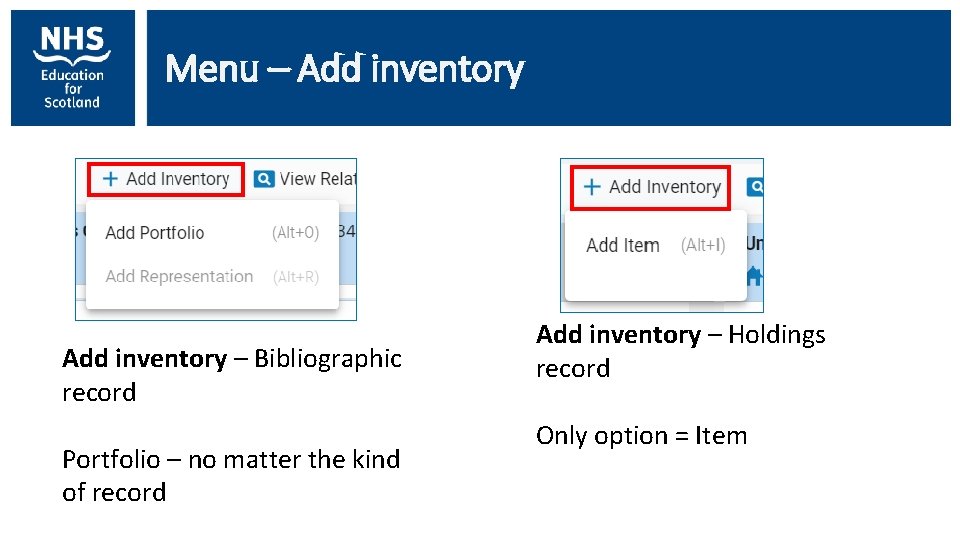
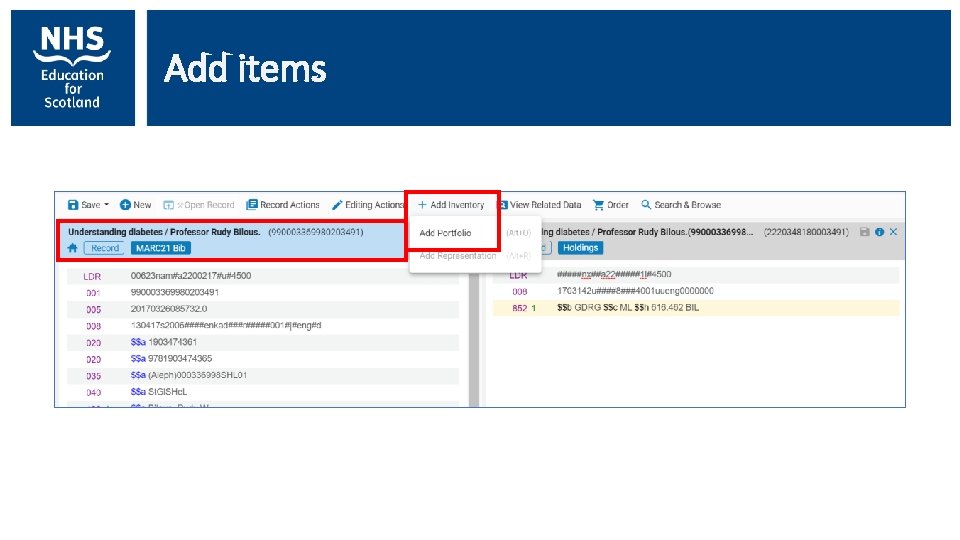
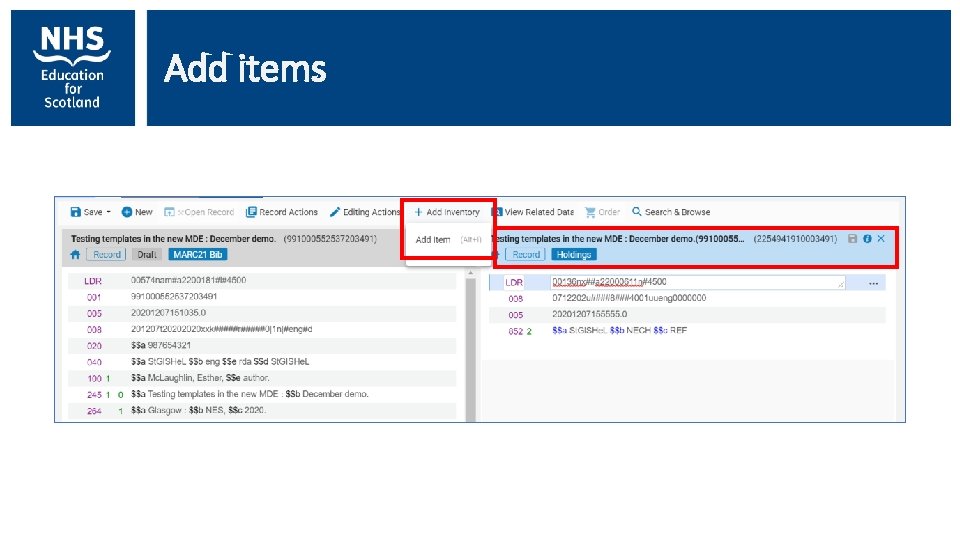
Menu – Add inventory – Bibliographic record Portfolio – no matter the kind of record Add inventory – Holdings record Only option = Item
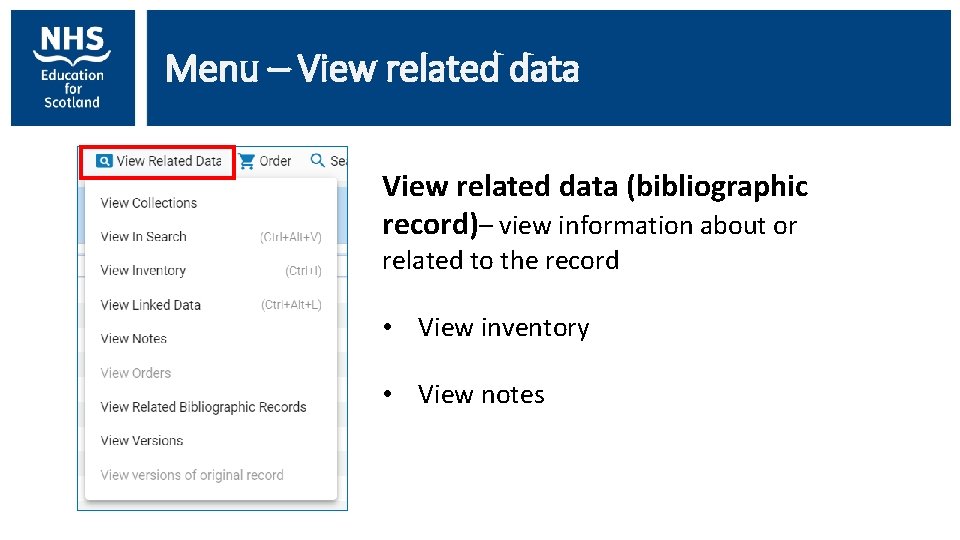
Menu – View related data (bibliographic record)– view information about or related to the record • View inventory • View notes
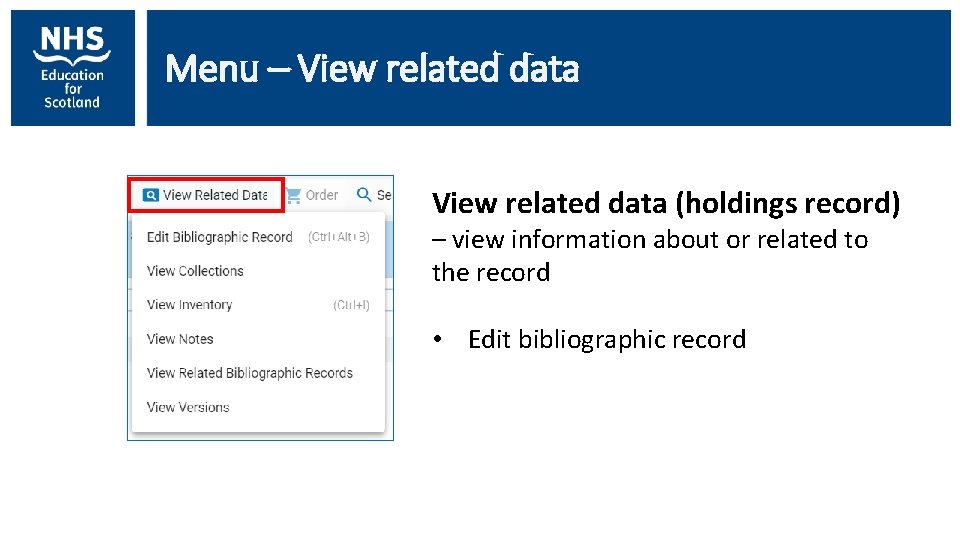
Menu – View related data (holdings record) – view information about or related to the record • Edit bibliographic record
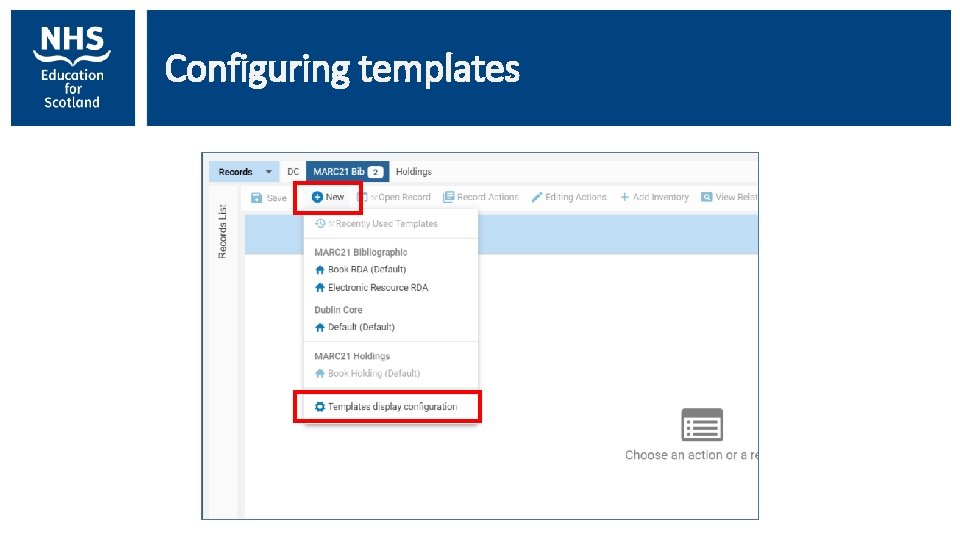
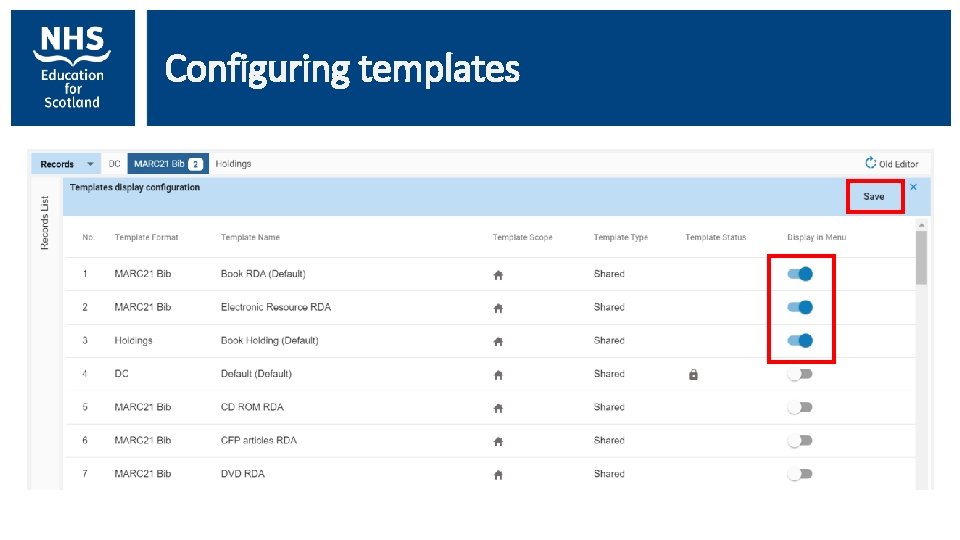
Configuring templates
Configuring templates
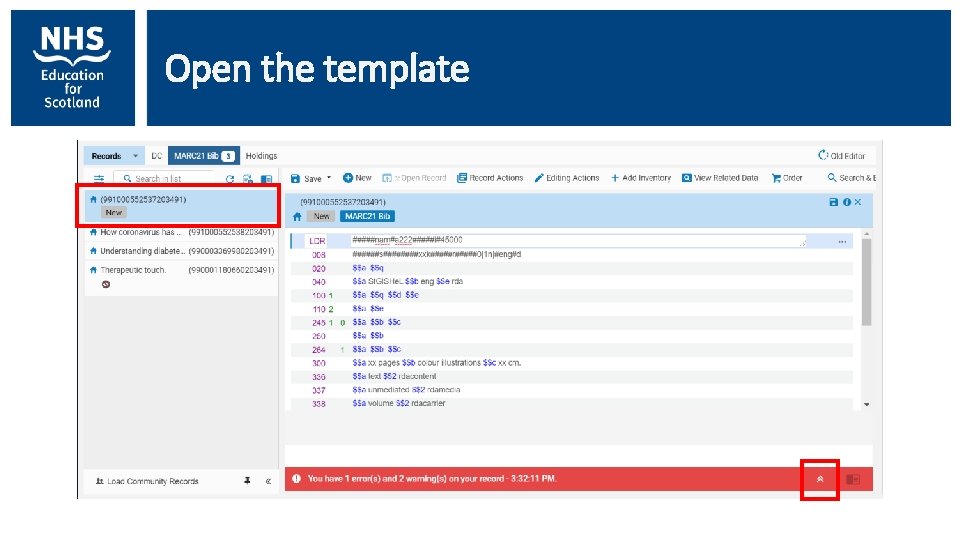
Open the template
View field information
View field information
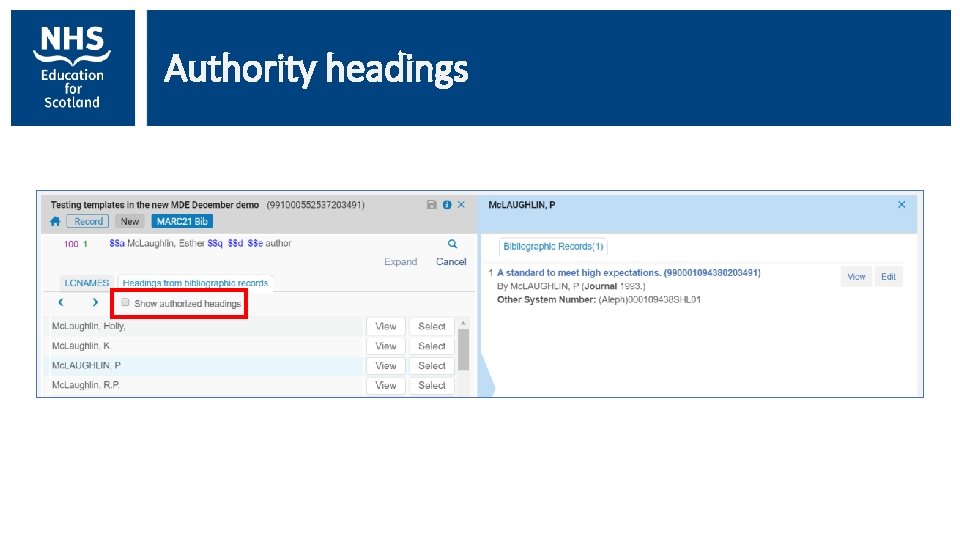
Authority headings
Add holdings
Add items
Add items
Questions?
One last note Let us know if you have any ideas for cataloguing session in the Spring – knowledge@nes. scot. nhs. uk Still available on the training page: • Feb 2020 – Marc and RDA training handout and additional information • May 2019 – Cataloguing training recording and slides, covers topics – converting records to RDA, dealing with subscription e-resources, creating records from scratch
Contact knowledge@nes. scot. nhs. uk esther. mclaughlin@nhs. scot