
Alma Analytics Overview SUNY Workshop 2018 Ex Libris
Alma Analytics Overview SUNY Workshop © 2018 Ex Libris | Confidential & Proprietary
• • © 2018 Ex Libris | Confidential & Proprietary Analytics Infrastructure Design Analytics Objects Resources
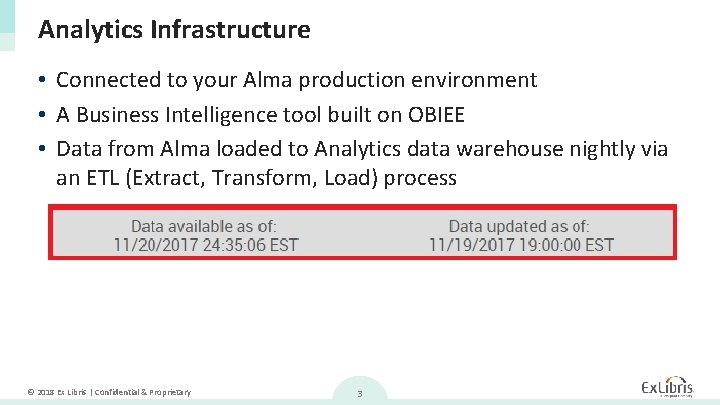
Analytics Infrastructure • Connected to your Alma production environment • A Business Intelligence tool built on OBIEE • Data from Alma loaded to Analytics data warehouse nightly via an ETL (Extract, Transform, Load) process © 2018 Ex Libris | Confidential & Proprietary 3
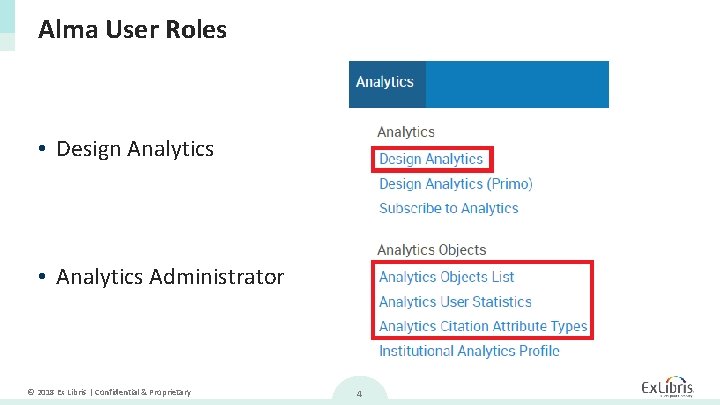
Alma User Roles • Design Analytics • Analytics Administrator © 2018 Ex Libris | Confidential & Proprietary 4
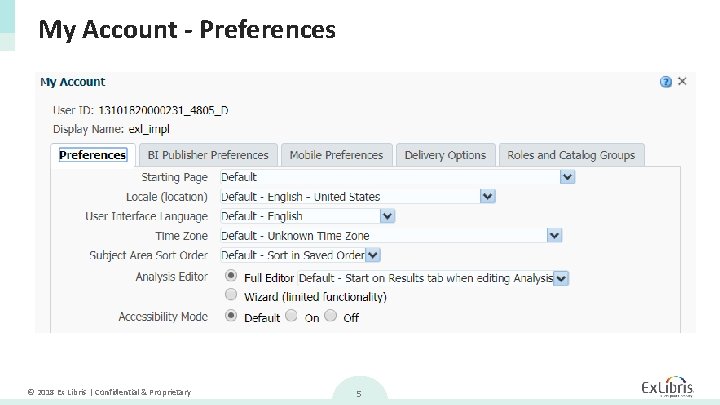
My Account - Preferences © 2018 Ex Libris | Confidential & Proprietary 5
Design Analytics © 2018 Ex Libris | Confidential & Proprietary 6
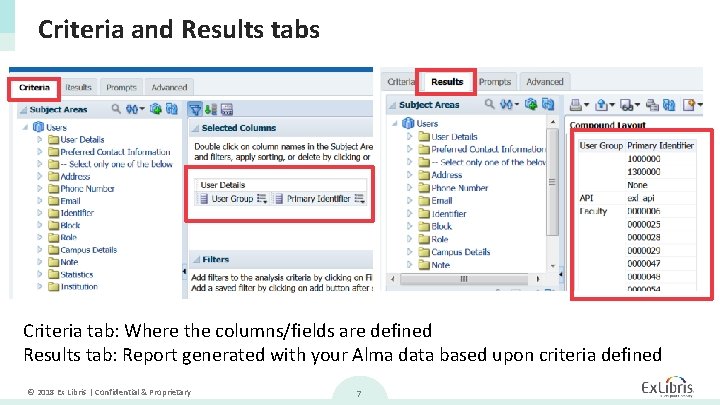
Criteria and Results tabs Criteria tab: Where the columns/fields are defined Results tab: Report generated with your Alma data based upon criteria defined © 2018 Ex Libris | Confidential & Proprietary 7
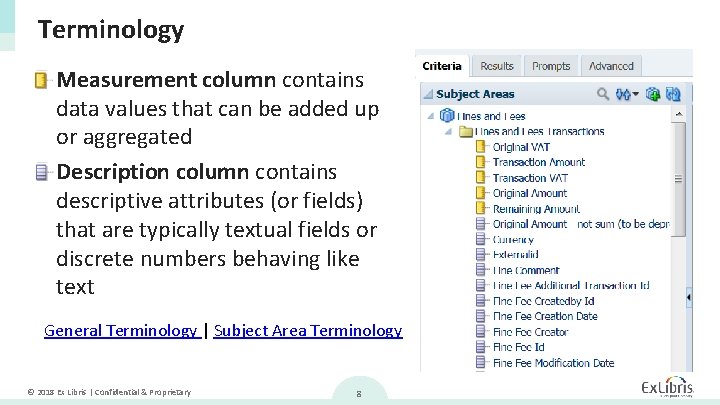
Terminology • Measurement column contains data values that can be added up or aggregated • Description column contains descriptive attributes (or fields) that are typically textual fields or discrete numbers behaving like text General Terminology | Subject Area Terminology © 2018 Ex Libris | Confidential & Proprietary 8
Procedures • Select Columns: Drag and Drop to select columns, reorder columns • Modify a column: Add filter, Edit formula, Column properties, etc. • Create graphs For more information, see Common Alma Analytics Procedures © 2018 Ex Libris | Confidential & Proprietary 9
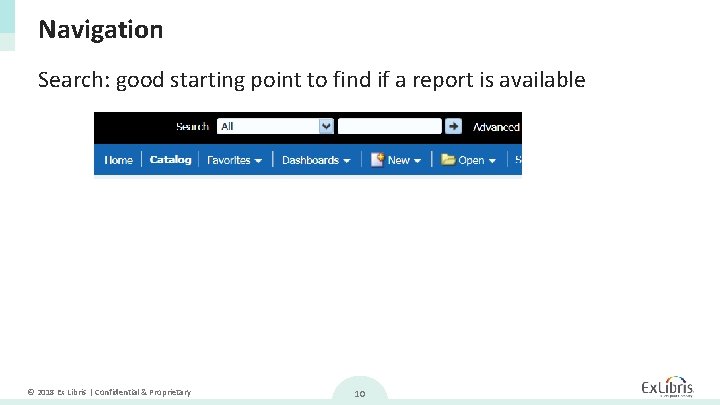
Navigation Search: good starting point to find if a report is available © 2018 Ex Libris | Confidential & Proprietary 10
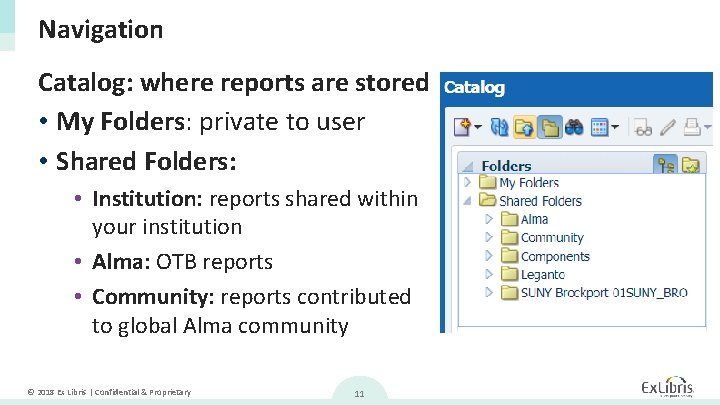
Navigation Catalog: where reports are stored • My Folders: private to user • Shared Folders: • Institution: reports shared within your institution • Alma: OTB reports • Community: reports contributed to global Alma community © 2018 Ex Libris | Confidential & Proprietary 11
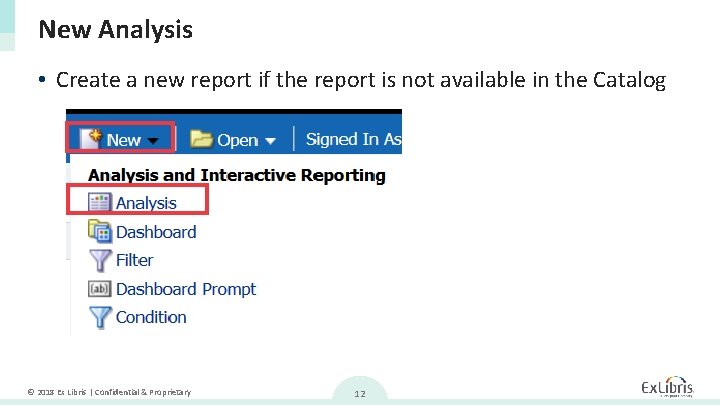
New Analysis • Create a new report if the report is not available in the Catalog © 2018 Ex Libris | Confidential & Proprietary 12
Analytics Objects © 2018 Ex Libris | Confidential & Proprietary 13
Object Types • Widget: reports displayed on Alma homepage • Dashboards: link to dashboard (groups of reports) displayed in Analytics > Reports • Report: link to reports displayed in Analytics > Reports • Scheduled Dashboard or Report © 2018 Ex Libris | Confidential & Proprietary 14
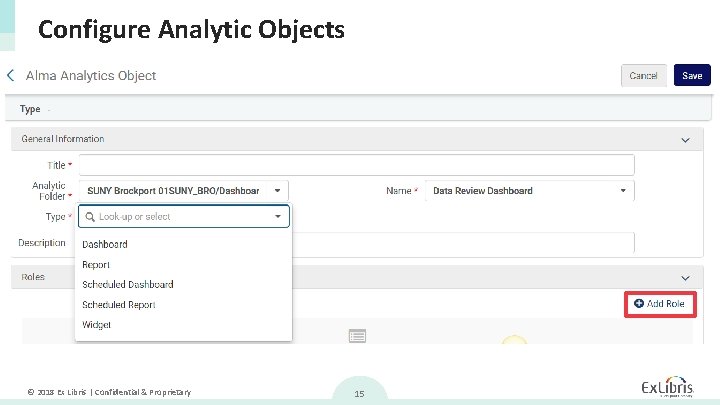
Configure Analytic Objects © 2018 Ex Libris | Confidential & Proprietary 15
Create Set Using Analytics © 2018 Ex Libris | Confidential & Proprietary 16
Adding Contents from Analytics • Recent reports – Reports that you ran within the last hour. Select the report from the Name field. • My Reports – Reports to which you have permissions to access (see Analytics Object List). Select the report from the Name field. • The reports in your community folder, if you have the Design Analytics role. Note: Analytics report must contain a header with a valid field for creating the report. CKC Article © 2018 Ex Libris | Confidential & Proprietary 17
Resources Knowledge Center Presentations and Documents © 2018 Ex Libris | Confidential & Proprietary 18

Thank you! pamela. tejes@exlibrisgroup. com © 2018 Ex Libris | Confidential & Proprietary
- Slides: 19