
Alma Analytics August 21 2015 Priscillas Report An

- Slides: 17
Alma Analytics August 21, 2015
Priscilla’s Report “An easier way to get monthly location statistics. Analytics has temporary location statistics for the year. I now take the year’s total and subtract the previous month totals, from previous reports. ”
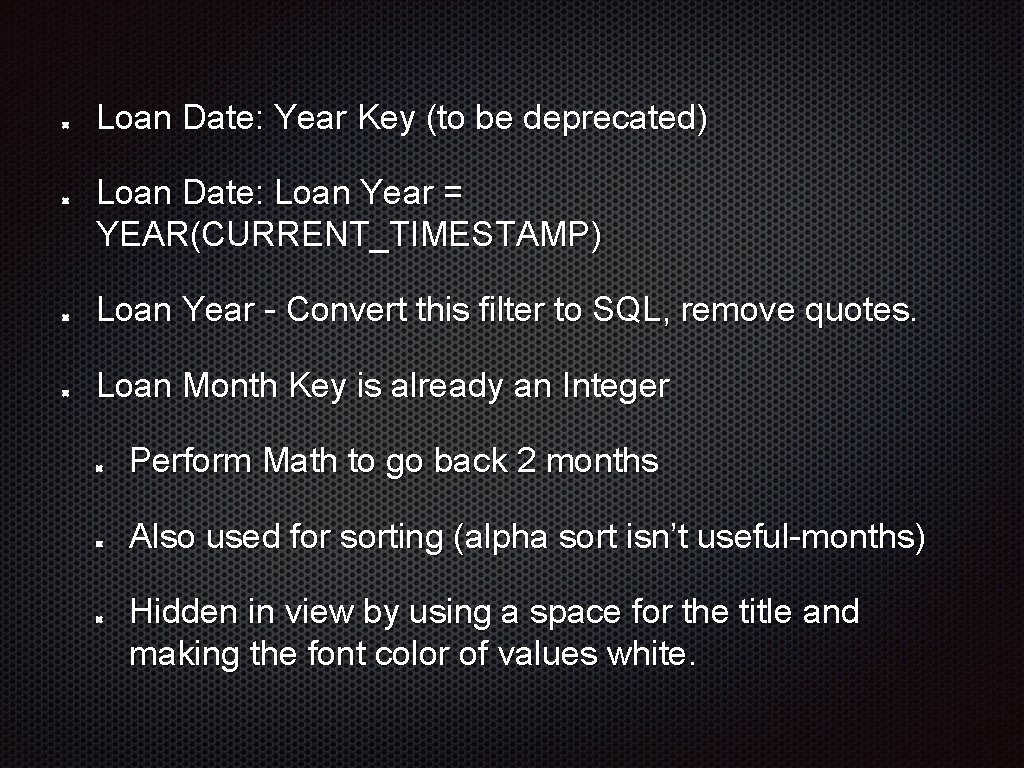
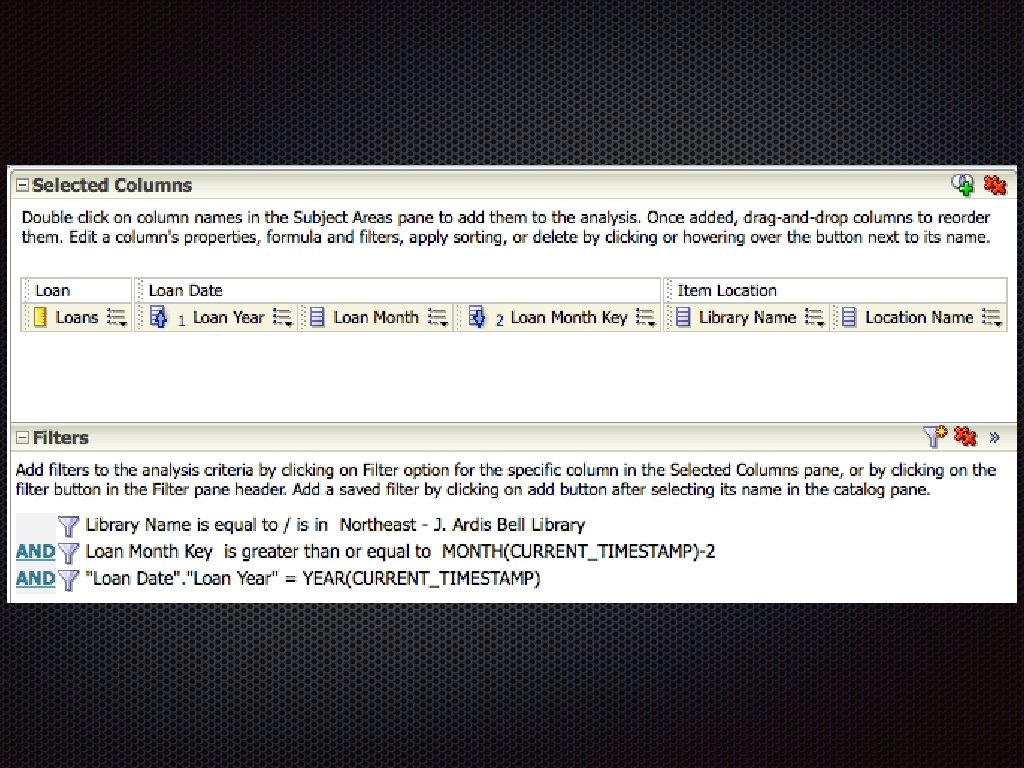
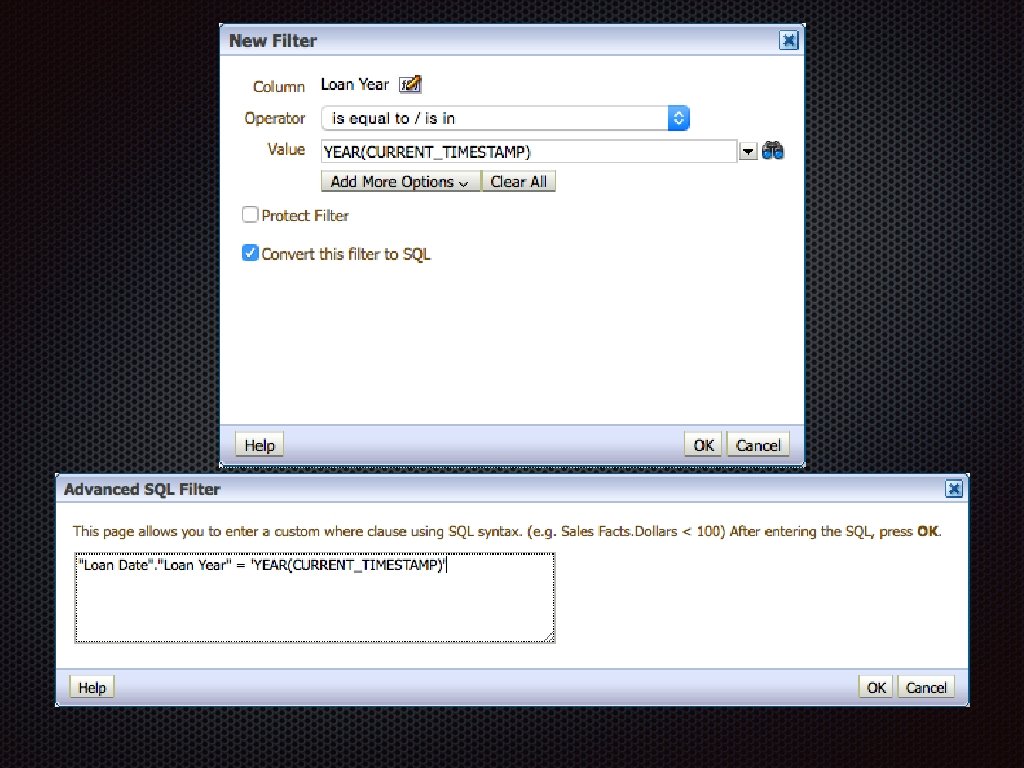
Loan Date: Year Key (to be deprecated) Loan Date: Loan Year = YEAR(CURRENT_TIMESTAMP) Loan Year - Convert this filter to SQL, remove quotes. Loan Month Key is already an Integer Perform Math to go back 2 months Also used for sorting (alpha sort isn’t useful-months) Hidden in view by using a space for the title and making the font color of values white.
Suzanne’s Report Years since the books latest copyright date Number of times it has circulated in the history of the item Date the book was added to the collection How many items are in that section of the collection? Titles & Call numbers & locations for the books Note: Received errors until filters and prompts were added.
Copyright Date Use Bibliographic Details: End Publication Date by default If End Publication Date is NULL, use Begin Publication Date If End Publication Date contains ‘u’, use Begin Publication Date If End Publication Date contains ‘|’, use Begin Publication Dates appear to be Strings, so CAST as Integers Use YEAR(CURRENT_TIMESTAMP) - Publication Date
Circulation History New in August Update: Internal Notes from Alma loans are in Physical Item Details: Num of Loans Voyager loans are in Physical Item Details: Internal Note 3 is a String
Circulation History Physical Item Details: Internal Note 3 is a String Find position of “HISTORICAL_CHARGES: “ If the second character is a “|”, single digit number. If not, it’s a double-digit number. Anything charged over 99 times will be wrong. Can’t add Alma and Voyager; CAST returns errors.
Date Added to Collection Physical Item Details: Creation Date
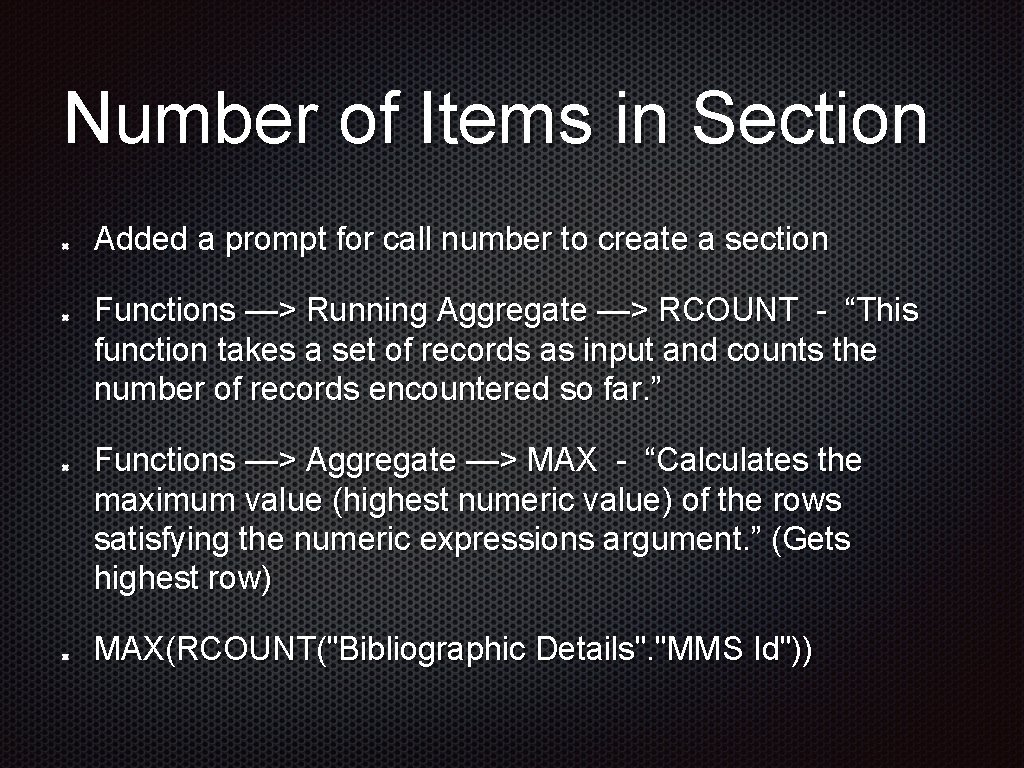
Number of Items in Section Added a prompt for call number to create a section Functions —> Running Aggregate —> RCOUNT - “This function takes a set of records as input and counts the number of records encountered so far. ” Functions —> Aggregate —> MAX - “Calculates the maximum value (highest numeric value) of the rows satisfying the numeric expressions argument. ” (Gets highest row) MAX(RCOUNT("Bibliographic Details". "MMS Id"))
Titles, Locations, Call #s Added Holding Details: Normalized Call Number for sorting, then excluded it from the view. Excluded Location: Library Name from view because Location: Location Name has a campus designation.
CONCAT Function Use CONCAT to include all the new Internal Notes fields into one big note. CONCAT(expr 1, expr 2) CONCAT("Physical Item Details". "Internal Note 1", "Physical Item Details". "Internal Note 2"), "Physical Item Details". "Internal Note 3”) First step: CONCAT(“Physical Item Details". "Internal Note 1", "Physical Item Details". "Internal Note 2")
Lily’s Report “I would like to have an easier way to check stats on one book. Right now the way I do it is find the title. Click on Item. Then click on the barcode. Then click on the History tab. Is there a better way? ” Item Circulation Statistics report now contains Voyager and Alma history.
Jo’s Report OK, here is one. Could she show us how to set up one monthly report that tells us everything we need to put in the statistics page each month? The budget information may not be available in Alma, but let’s ask. 1. Circulation to students 2. Circulation to faculty 3. Circulation to staff 4. Circulation to community 5. Browses 6. Books Acquired 7. Money spent on books 8. Money left in budget It would be lovely if we could get all that from one report
Jo’s Reports Cannot get all of this information in one report because it covers several Subject Areas, but we can make multiple reports and put them all on your Analytics Dashboard. Budget Status report Loan Count per Month report Browses per Month report Total Items Acquired report
Stephanie’s Report There doesn’t appear to be a way to get item-level data for Course Reserve Materials.