
Alice Inheritance and Event Handling Inheritance Concept Consider
- Slides: 21
Alice Inheritance and Event Handling
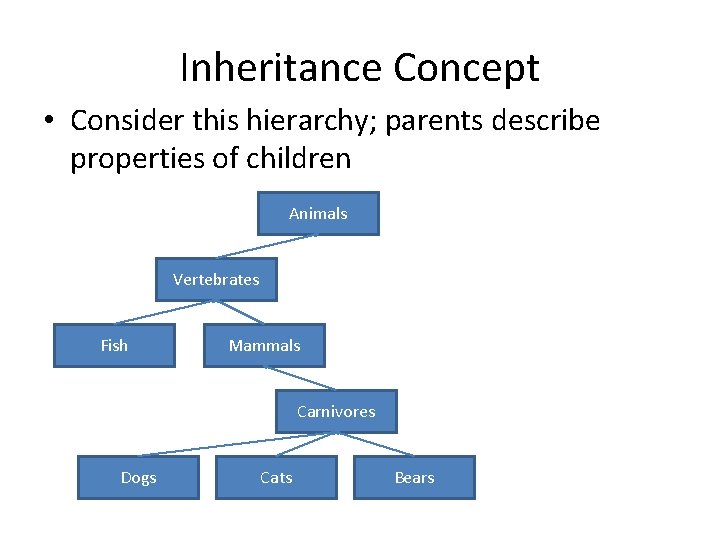
Inheritance Concept • Consider this hierarchy; parents describe properties of children Animals Vertebrates Fish Mammals Carnivores Dogs Cats Bears
Introduction to Inheritance • Inheritance is one of the main techniques of objectoriented programming (OOP) • Using this technique, a very general form of a class is first defined and compiled, and then more specialized versions of the class are defined by adding properties and methods – The specialized classes are said to inherit the methods and properties of the general class
Introduction to Inheritance • Inheritance is the process by which a new class is created from another class – The new class is called a derived class – The original class is called the base class • A derived class automatically has all the properties and methods that the base class has, and it can have additional methods and/or properties as well • Inheritance is especially advantageous because it allows code to be reused, without having to copy it into the definitions of the derived classes
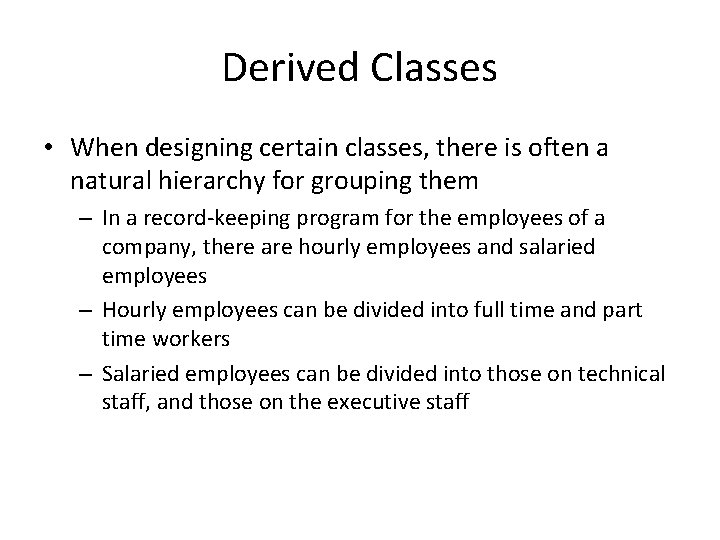
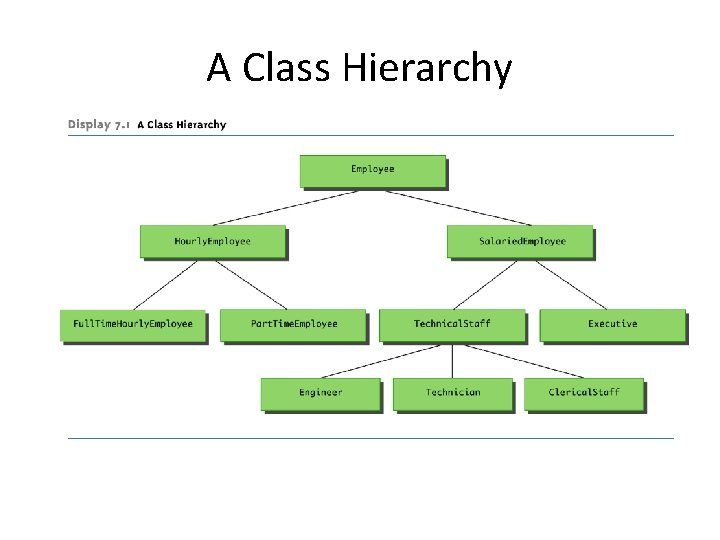
Derived Classes • When designing certain classes, there is often a natural hierarchy for grouping them – In a record-keeping program for the employees of a company, there are hourly employees and salaried employees – Hourly employees can be divided into full time and part time workers – Salaried employees can be divided into those on technical staff, and those on the executive staff
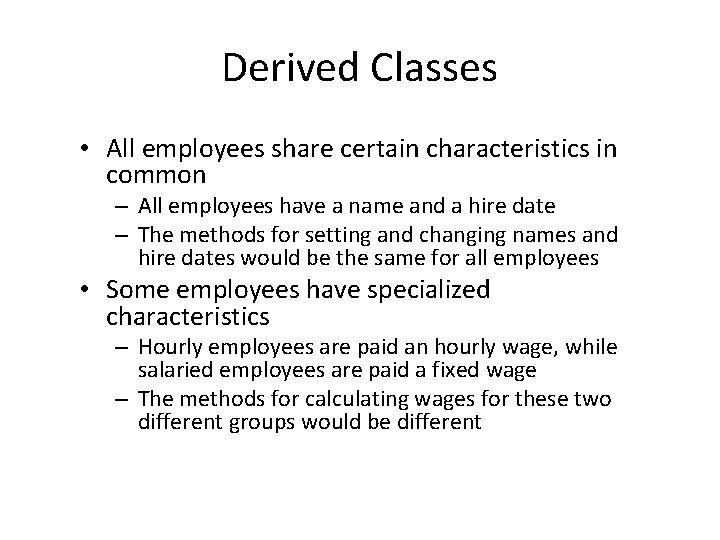
Derived Classes • All employees share certain characteristics in common – All employees have a name and a hire date – The methods for setting and changing names and hire dates would be the same for all employees • Some employees have specialized characteristics – Hourly employees are paid an hourly wage, while salaried employees are paid a fixed wage – The methods for calculating wages for these two different groups would be different
A Class Hierarchy
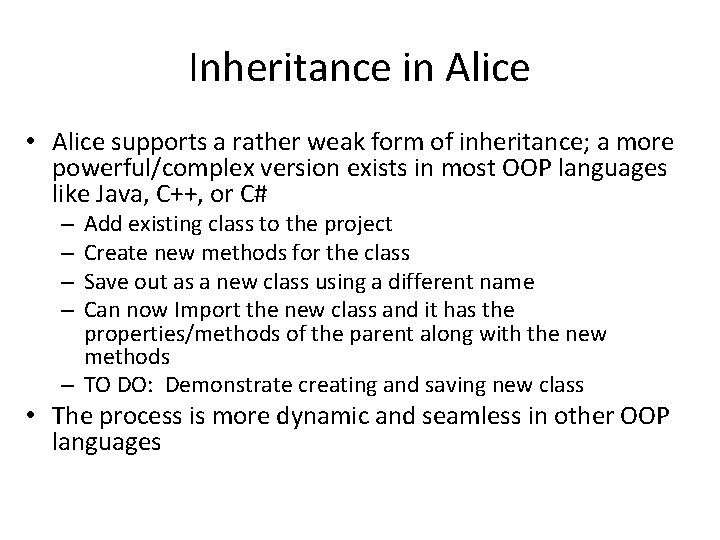
Inheritance in Alice • Alice supports a rather weak form of inheritance; a more powerful/complex version exists in most OOP languages like Java, C++, or C# Add existing class to the project Create new methods for the class Save out as a new class using a different name Can now Import the new class and it has the properties/methods of the parent along with the new methods – TO DO: Demonstrate creating and saving new class – – • The process is more dynamic and seamless in other OOP languages
Guidelines for Class-Level Methods • Create many different class level methods and study methods already written for some objects (e. g. see animal classes) • Play a sound in a class level method only if the sound has been imported for the object, instead of the world – Not loaded if imported into another world • Do not call world level methods from class level methods • Do not use instructions for other objects from within a class level method – Possible exceptions include camera, world objects
Interaction: Events and Event Handling • To date, most of our programs have been moviecentric • Many programs are user-centric, requiring user input • One way to get user input is through events • An event is when something happens, like a particular condition is met, the user clicks the mouse, hits a key, or some other action is performed – We can write methods that react to events, such methods are called event handlers
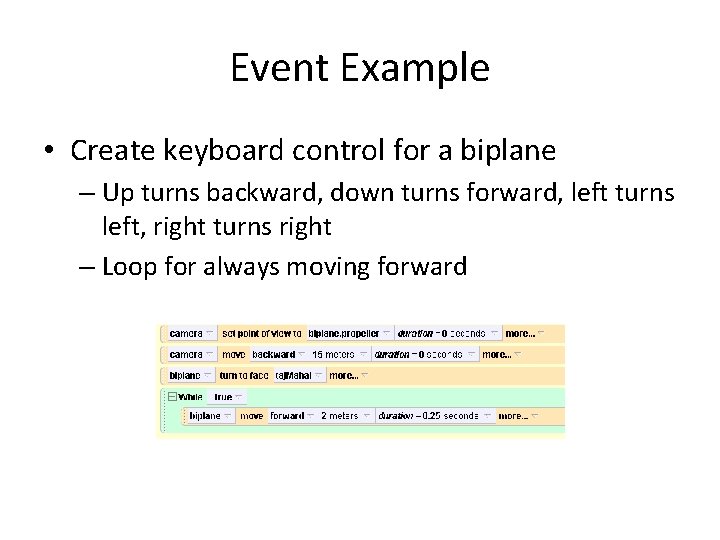
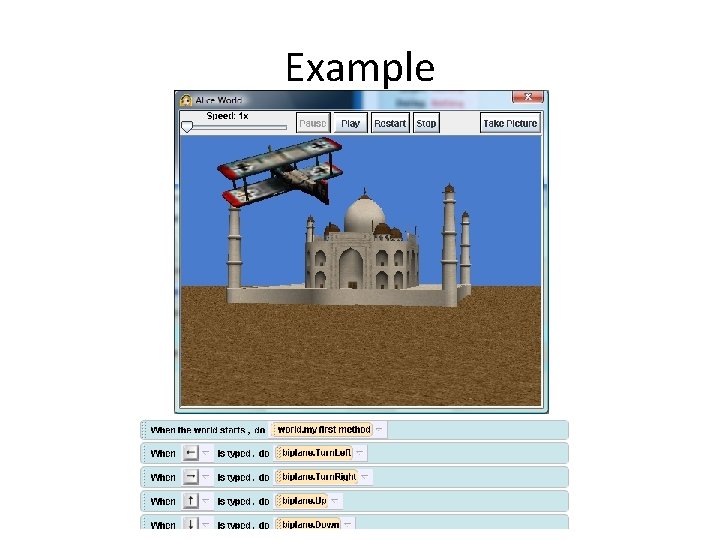
Event Example • Create keyboard control for a biplane – Up turns backward, down turns forward, left turns left, right turns right – Loop for always moving forward
Create Methods and Events • Create separate methods for turning left, right, up, and down • Click to create an event and pick the method and key that will activate the method • Complete the events to control the biplane – Can experiment with rolling
Example
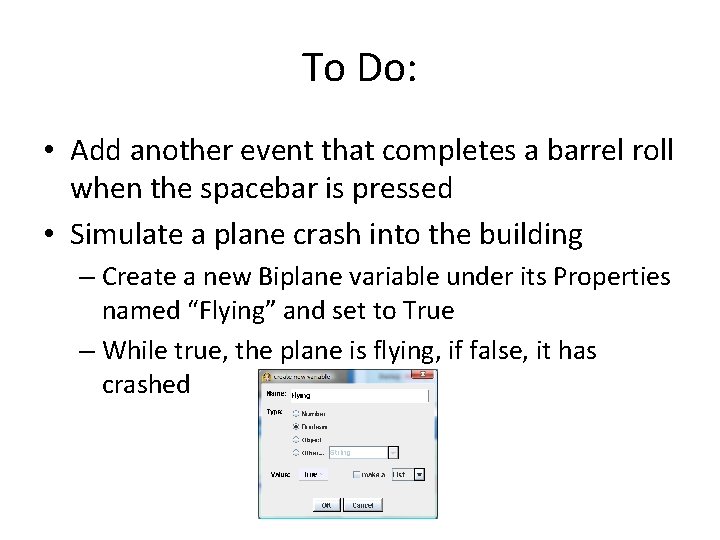
To Do: • Add another event that completes a barrel roll when the spacebar is pressed • Simulate a plane crash into the building – Create a new Biplane variable under its Properties named “Flying” and set to True – While true, the plane is flying, if false, it has crashed
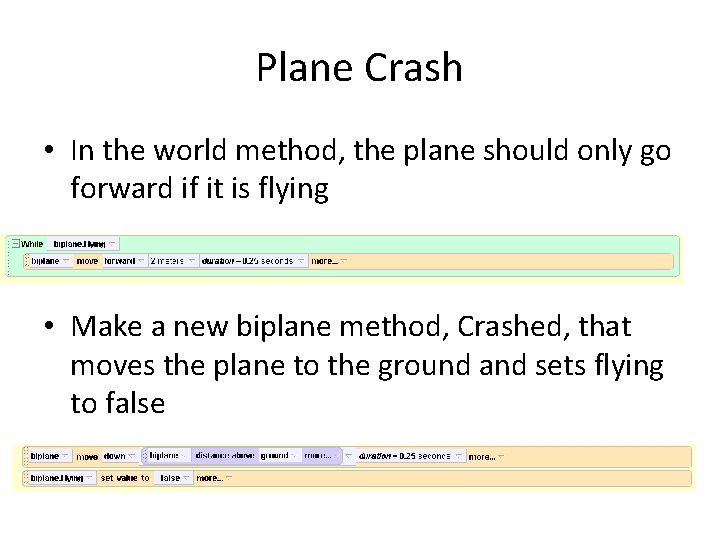
Plane Crash • In the world method, the plane should only go forward if it is flying • Make a new biplane method, Crashed, that moves the plane to the ground and sets flying to false
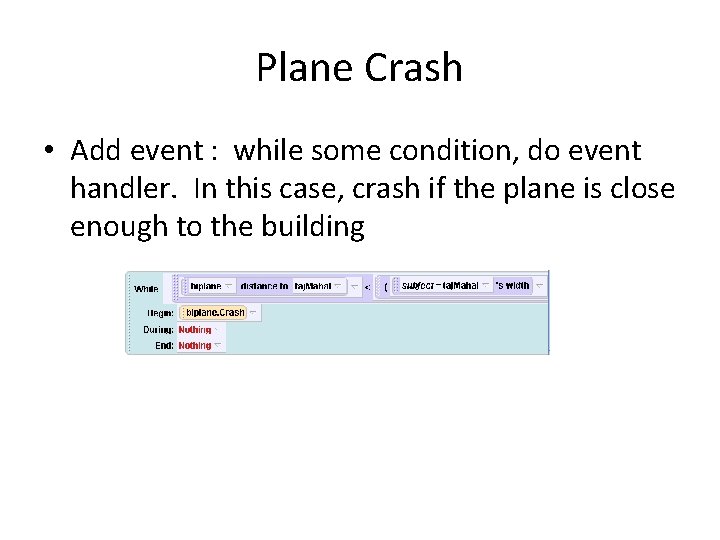
Plane Crash • Add event : while some condition, do event handler. In this case, crash if the plane is close enough to the building
Events and Parameters • Event handlers can also take parameters, just like any other method • For example, we can create a method that takes an Object parameter, then the object to send in can be specified in the Event • Example: Zap Euripides and Socrates with lightning when clicked – Add Euripides, Socrates, Lightning, Animated Fire but set lightning and fire’s visible property to false
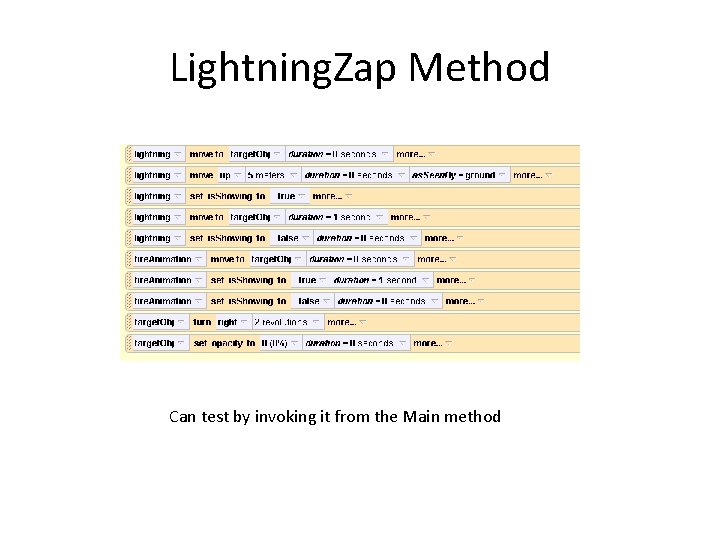
Lightning • Create a world method, Lightning. Zap – Should take a parameter, the object to zap – Position the lightning above the object – Make the lightning visible – Move the lightning to the object – Make the lightning not visible – Move the fire to the object – Make the fire visible – Make the fire invisible – Make the object spin and disappear
Lightning. Zap Method Can test by invoking it from the Main method
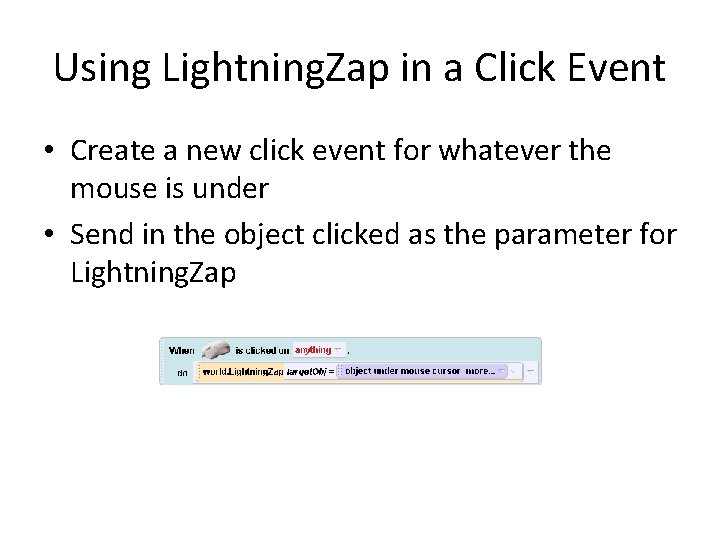
Using Lightning. Zap in a Click Event • Create a new click event for whatever the mouse is under • Send in the object clicked as the parameter for Lightning. Zap
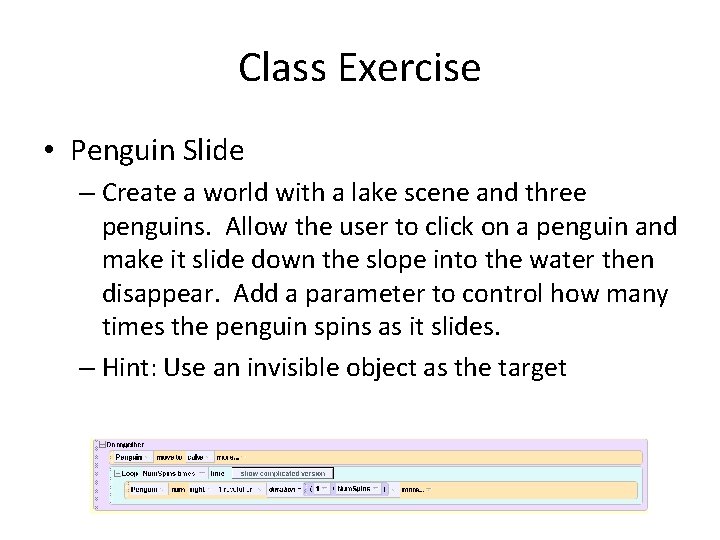
Class Exercise • Penguin Slide – Create a world with a lake scene and three penguins. Allow the user to click on a penguin and make it slide down the slope into the water then disappear. Add a parameter to control how many times the penguin spins as it slides. – Hint: Use an invisible object as the target