
Algorithms II Software Development LifeCycle CMSC 104 Section

- Slides: 19
Algorithms II Software Development Life-Cycle CMSC 104 Section 301 Fall 2005
Problem Solving • Problem solving is the process of transforming the description of a problem into the solution of that problem by using our knowledge of the problem domain and by relying on our ability to select and use appropriate problem-solving strategies, techniques, and tools.
Why Use Computers • Use a computer to solve a problem if: – – – It has extensive input. It has extensive output. Its method of solution is too complicated to implement manually. If done manually, it takes an excessively long time to solve. We expect to use the same method often.
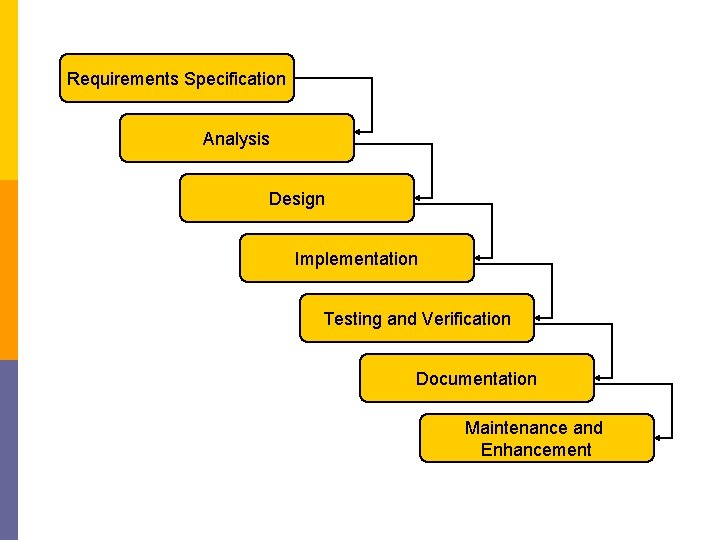
Software Development Life Cycle • • Requirements Specification Analysis Design Implementation Testing and Verification Documentation Maintenance and Enhancement
Requirements Specification Analysis Design Implementation Testing and Verification Documentation Maintenance and Enhancement
The Problem - Quik. Tax The phone rings one day and we get an offer from Quik. Tax, a local federal income tax preparation service to “Develop a computer program to compute income tax from tax schedules for the tax year 2006. ”
Requirements Specifications • One of the most important steps in problem solving is understanding exactly • • what the problem is, what is needed to solve it, what the solution should provide, and if there are constraints and special conditions. • In this step you eliminate ambiguities in the problem statement.
Analysis • In this phase we identify: – Inputs to the problem and their form – Outputs expected from the solution and their form – Special Constraints – Assumptions – Formulas
Inputs • What items must be provided to be able to get a solution? – Taxable income $0. 00 to $1, 000, 000. 00 – Filing status Single, Married/Jointly, Married/Separate, Head of household – Number of dependents 0 - 99
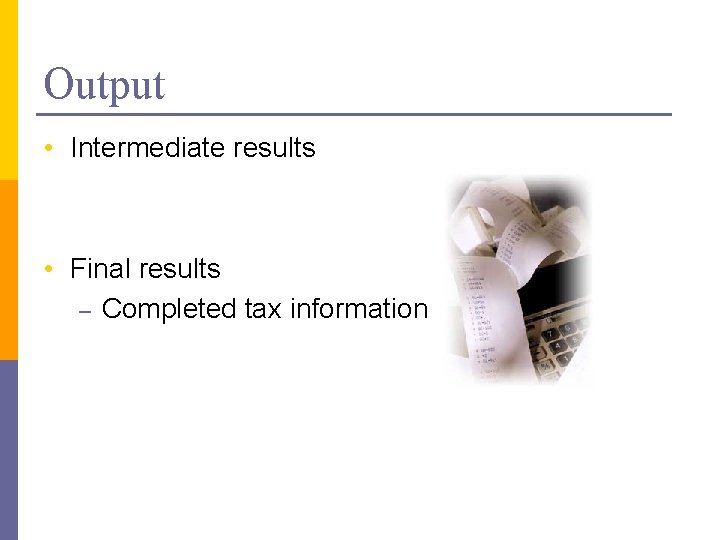
Output • Intermediate results • Final results – Completed tax information
Constraints • What are the limits on the data? – Income can not be a negative number. – Number of dependents must be zero or positive, but not more than what number ? – Filing status must be one of a set of values
Assumptions Problem deals in $US p Only for 2006 p What’s implied by the Requirements? p
Formulas • For income tax, it is the tax tables. • For determining the area, it is length x width • For grades, it is: >90. 0% A 80. 0% - 89. 99% B 70. 0% - 79. 99% C 60. 0% - 69. 99% D >60. 0% F
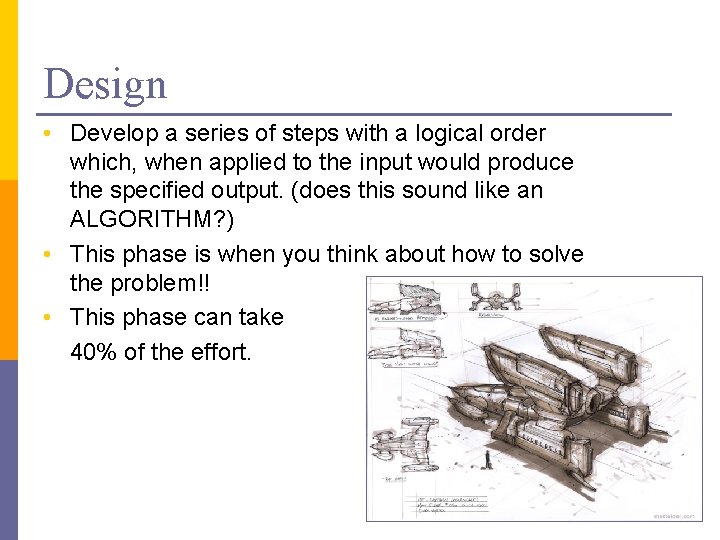
Design • Develop a series of steps with a logical order which, when applied to the input would produce the specified output. (does this sound like an ALGORITHM? ) • This phase is when you think about how to solve the problem!! • This phase can take 40% of the effort.
Implementation • Implementation is the phase where the design is transformed into code. • This is the only portion of the process that is computer and compiler specific. • This should be approximately 10% of the effort.
Implementation Errors • Design errors • Syntax errors • Run-time errors
Testing and Verification • Once the code is developed: – Prove the program produces correct results. – Prove that the program that was built solves the problem that was described in the requirements specification. • Manually solve the problem with a data set, then compare that to the program’s output!
Documentation • Consists of – A concise requirements specification – Description of inputs, outputs, constraints, and formulas used – Pseudocode or flowchart of the algorithm – Source code listing – Hard copy of a sample of data and the output – User’s guide explaining how to use the program
Maintenance and Enhancement • Environments change, so programs must be changed – Tax tables change – Name of organization changes • Users want (or need) the program to do more – New tax credits – Elimination of old tax credits.