
Algorithm Discovery and Design Chapter 2 Topics Representing
![Example using Programming Language { int I, m, Carry; int a[100], b[100], c[100]; cin](https://slidetodoc.com/presentation_image_h/0f45e7a4691481086113dde42815f023/image-7.jpg "Example using Programming Language { int I, m, Carry; int a[100], b[100], c[100]; cin")
- Slides: 54
Algorithm Discovery and Design Chapter 2 Topics: Representing Algorithms Algorithmic Problem Solving CMPUT 101 Introduction to Computing (c) Yngvi Bjornsson & Jia You 1
Why are Algorithms Important? If we can discover an algorithm to perform a task, we can instruct a computing agent to execute it and solve the problem for us. CMPUT 101 Introduction to Computing (c) Yngvi Bjornsson & Jia You 2
Representing Algorithms • What language to use? – Expressive. – Clear, presice, and unambiguous. • For example, we could use: – Natural language (e. g. English). – Formal programming languages (e. g. C++). – Something else? CMPUT 101 Introduction to Computing (c) Yngvi Bjornsson & Jia You 3
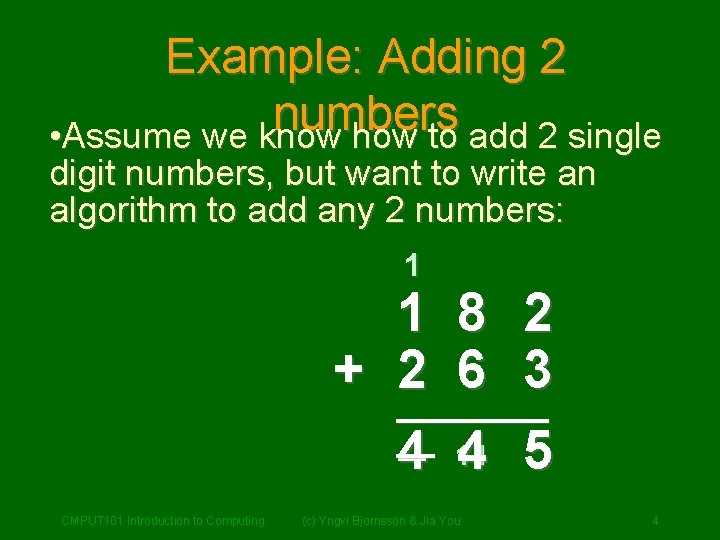
Example: Adding 2 numbers • Assume we know how to add 2 single digit numbers, but want to write an algorithm to add any 2 numbers: 1 1 8 2 + 2 6 3 ____ __ 14 4 4 5 CMPUT 101 Introduction to Computing (c) Yngvi Bjornsson & Jia You 4
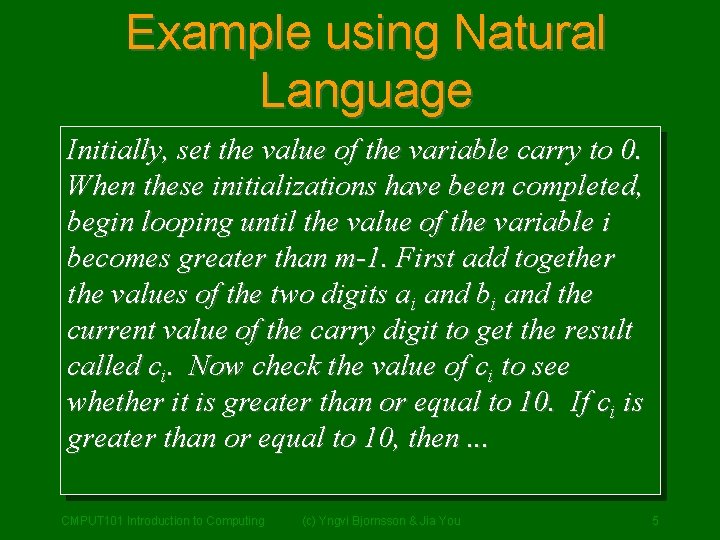
Example using Natural Language Initially, set the value of the variable carry to 0. When these initializations have been completed, begin looping until the value of the variable i becomes greater than m-1. First add together the values of the two digits ai and bi and the current value of the carry digit to get the result called ci. Now check the value of ci to see whether it is greater than or equal to 10. If ci is greater than or equal to 10, then. . . CMPUT 101 Introduction to Computing (c) Yngvi Bjornsson & Jia You 5
Natural Languages • English or some other natural language. • Are not particularly good: –too verbose –unstructured –too rich in interpretation (ambiguous) CMPUT 101 Introduction to Computing (c) Yngvi Bjornsson & Jia You 6
Example using Programming Language { int I, m, Carry; int a[100], b[100], c[100]; cin >> m; for ( int j = 0 ; k <= m-1 ; j++ ) { cin >> a[j]; cin >> b[j]; } Carry = 0; i = 0; while ( i < m ) { … CMPUT 101 Introduction to Computing (c) Yngvi Bjornsson & Jia You 7
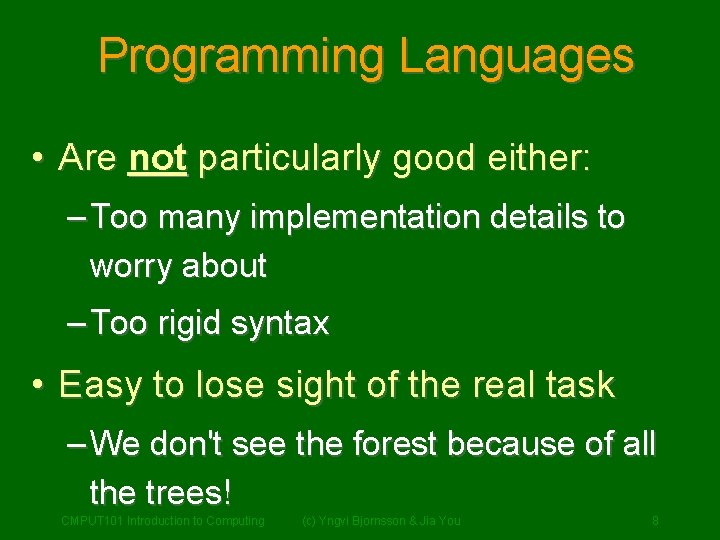
Programming Languages • Are not particularly good either: – Too many implementation details to worry about – Too rigid syntax • Easy to lose sight of the real task – We don't see the forest because of all the trees! CMPUT 101 Introduction to Computing (c) Yngvi Bjornsson & Jia You 8
Pseudo-code • We need a compromise between the two: Pseudo-code • Computer scientists use pseudo-code to express algorithms: – English like constructs (or other natural language), but – modeled to look like statements in typical programming languages. CMPUT 101 Introduction to Computing (c) Yngvi Bjornsson & Jia You 9
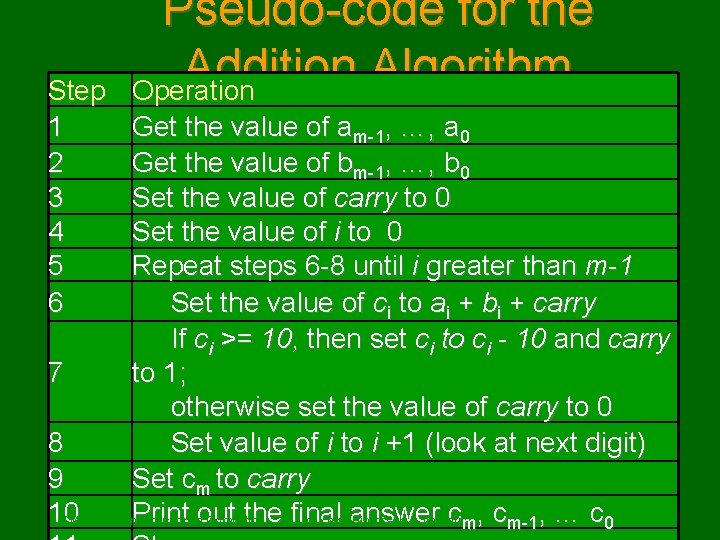
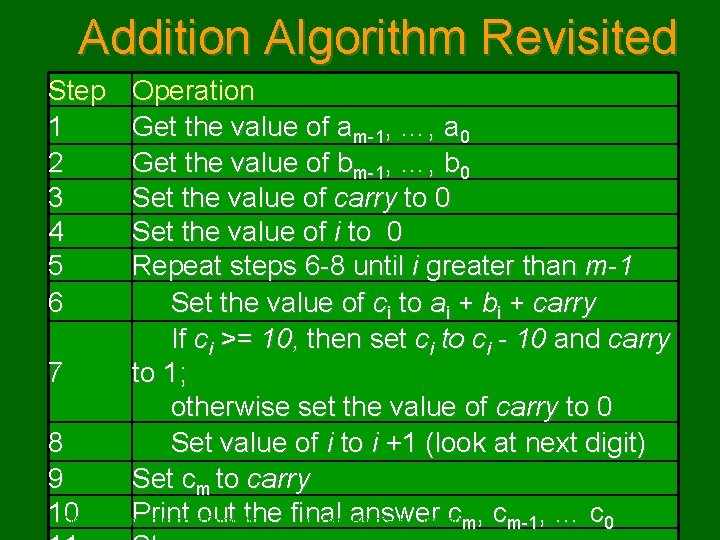
Step 1 2 3 4 5 6 Pseudo-code for the Addition Algorithm Operation Get the value of am-1, …, a 0 Get the value of bm-1, …, b 0 Set the value of carry to 0 Set the value of i to 0 Repeat steps 6 -8 until i greater than m-1 Set the value of ci to ai + bi + carry If ci >= 10, then set ci to ci - 10 and carry to 1; 7 otherwise set the value of carry to 0 8 Set value of i to i +1 (look at next digit) 9 Set cm to carry 10 Print toout the final cm, cm-1, … c 0 10 CMPUT 101 Introduction Computing (c) Yngvi answer Bjornsson & Jia You
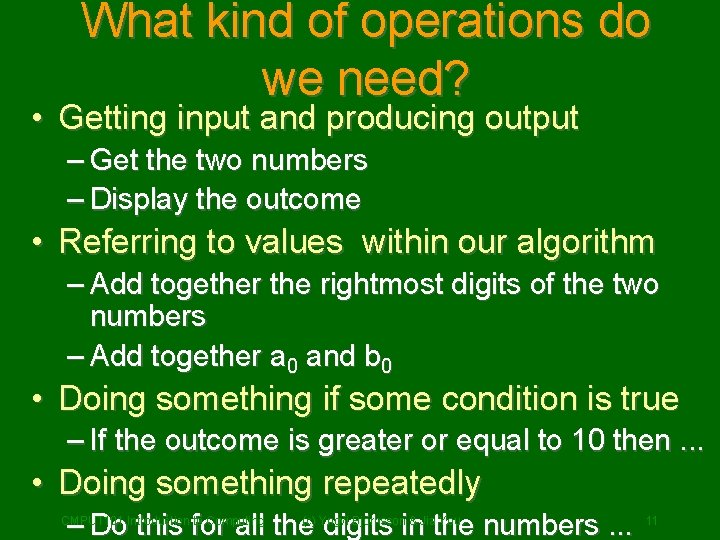
What kind of operations do we need? • Getting input and producing output – Get the two numbers – Display the outcome • Referring to values within our algorithm – Add together the rightmost digits of the two numbers – Add together a 0 and b 0 • Doing something if some condition is true – If the outcome is greater or equal to 10 then. . . • Doing something repeatedly – Do this for all the digits in the numbers. . . CMPUT 101 Introduction to Computing (c) Yngvi Bjornsson & Jia You 11
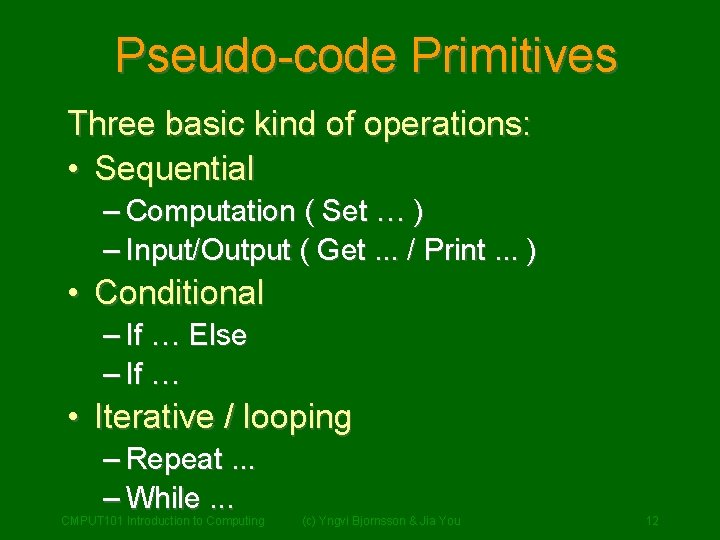
Pseudo-code Primitives Three basic kind of operations: • Sequential – Computation ( Set … ) – Input/Output ( Get. . . / Print. . . ) • Conditional – If … Else – If … • Iterative / looping – Repeat. . . – While. . . CMPUT 101 Introduction to Computing (c) Yngvi Bjornsson & Jia You 12
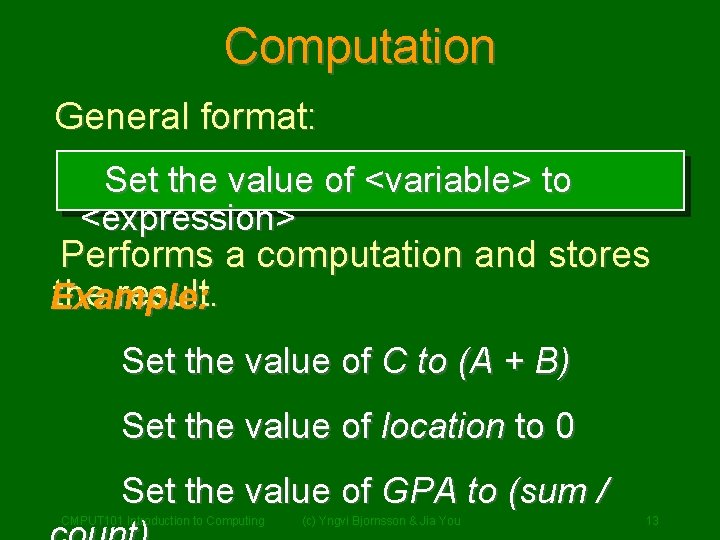
Computation General format: Set the value of <variable> to <expression> Performs a computation and stores the result. Example: Set the value of C to (A + B) Set the value of location to 0 Set the value of GPA to (sum / CMPUT 101 Introduction to Computing (c) Yngvi Bjornsson & Jia You 13
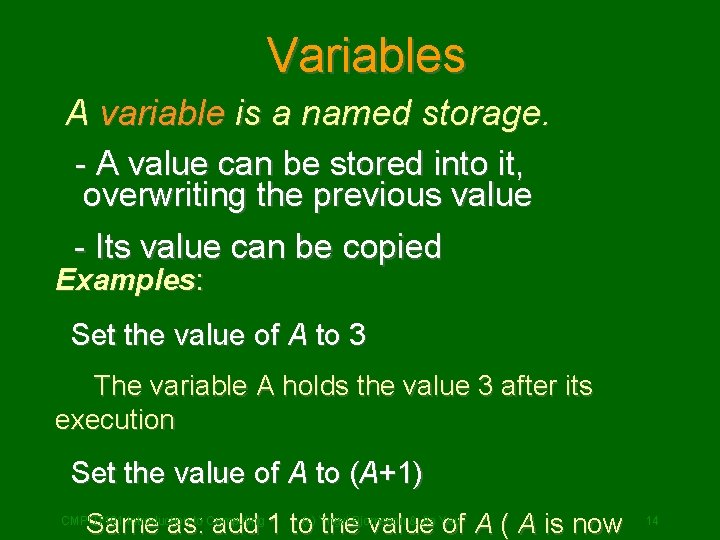
Variables A variable is a named storage. - A value can be stored into it, overwriting the previous value - Its value can be copied Examples: Set the value of A to 3 The variable A holds the value 3 after its execution Set the value of A to (A+1) & Jia You Same as: add 1 to(c) Yngvi the. Bjornsson value of A ( A is now CMPUT 101 Introduction to Computing 14
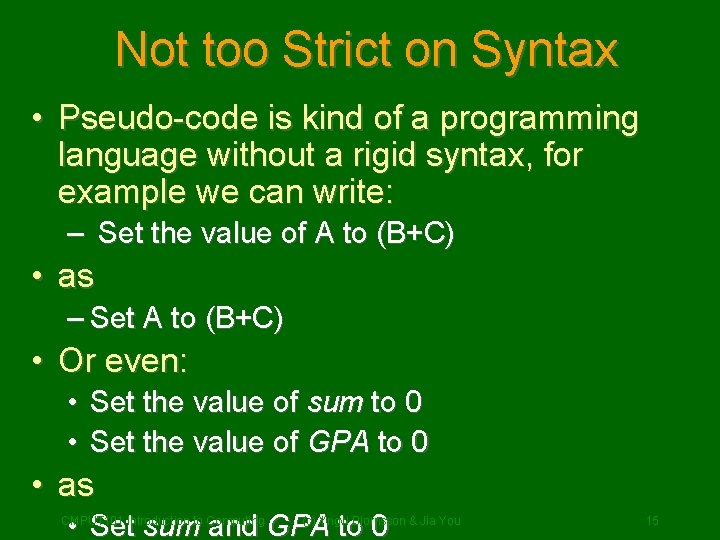
Not too Strict on Syntax • Pseudo-code is kind of a programming language without a rigid syntax, for example we can write: – Set the value of A to (B+C) • as – Set A to (B+C) • Or even: • Set the value of sum to 0 • Set the value of GPA to 0 • as • Set sum and GPA to 0 CMPUT 101 Introduction to Computing (c) Yngvi Bjornsson & Jia You 15
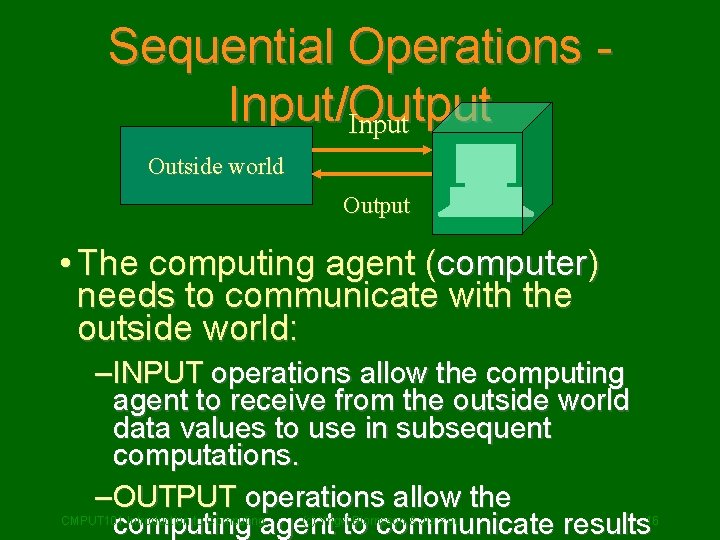
Sequential Operations Input/Output Input Outside world Output • The computing agent (computer) needs to communicate with the outside world: – INPUT operations allow the computing agent to receive from the outside world data values to use in subsequent computations. – OUTPUT operations allow the computing agent to communicate results CMPUT 101 Introduction to Computing (c) Yngvi Bjornsson & Jia You 16
Input General format: Get a value for <variable> The computing agent (computer) suspends executions and waits for an input value. CMPUT 101 Introduction to Computing (c) Yngvi Bjornsson & Jia You 17
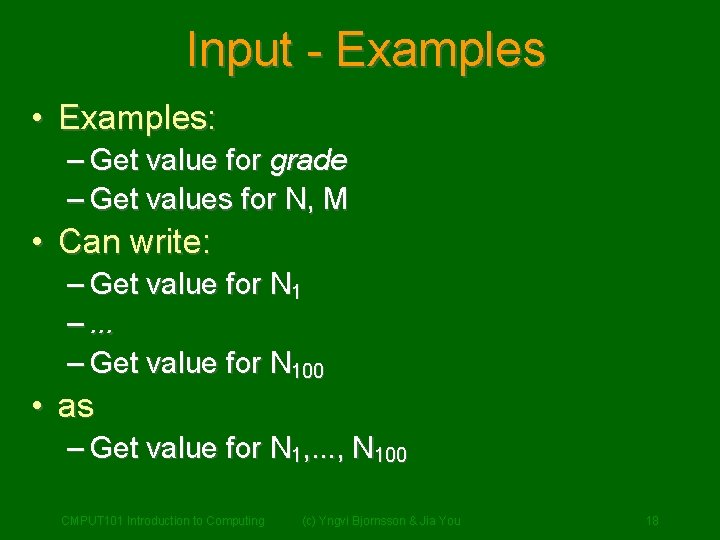
Input - Examples • Examples: – Get value for grade – Get values for N, M • Can write: – Get value for N 1 –. . . – Get value for N 100 • as – Get value for N 1, . . . , N 100 CMPUT 101 Introduction to Computing (c) Yngvi Bjornsson & Jia You 18
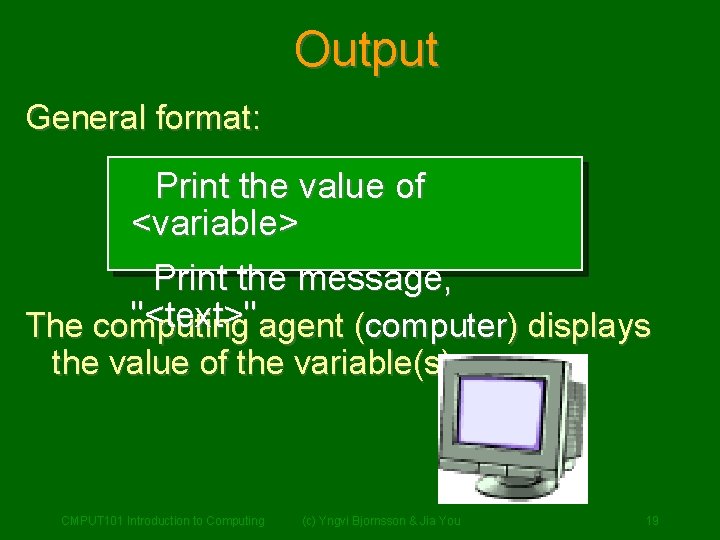
Output General format: Print the value of <variable> Print the message, "<text>" agent (computer) displays The computing the value of the variable(s). CMPUT 101 Introduction to Computing (c) Yngvi Bjornsson & Jia You 19
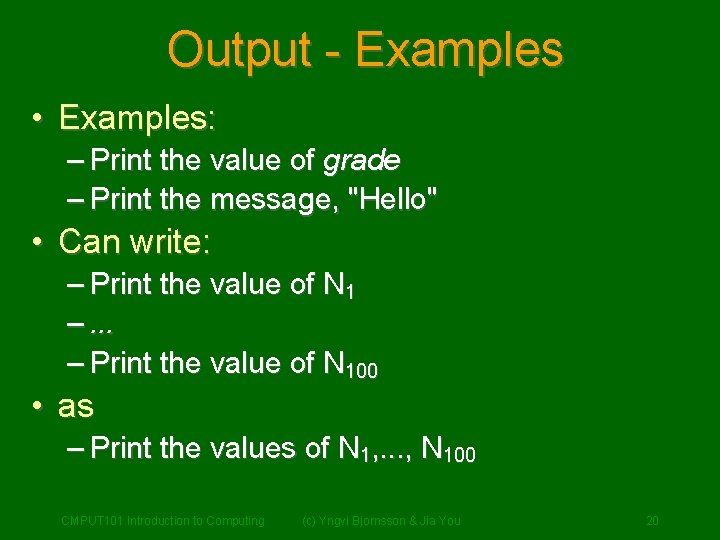
Output - Examples • Examples: – Print the value of grade – Print the message, "Hello" • Can write: – Print the value of N 1 –. . . – Print the value of N 100 • as – Print the values of N 1, . . . , N 100 CMPUT 101 Introduction to Computing (c) Yngvi Bjornsson & Jia You 20
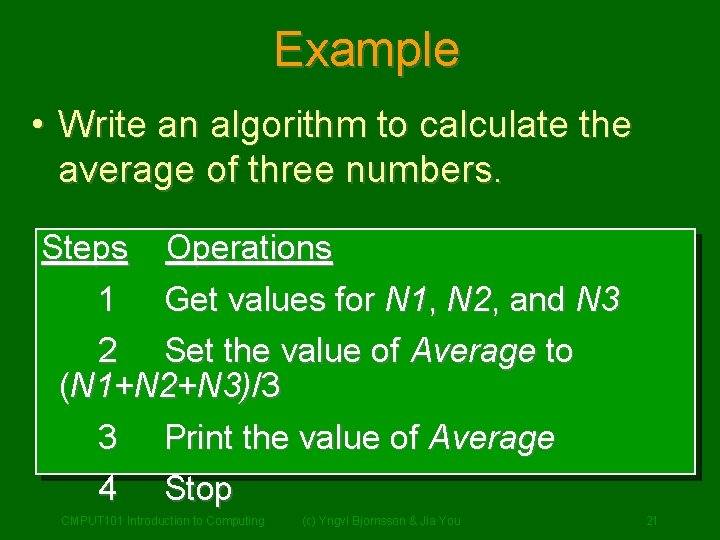
Example • Write an algorithm to calculate the average of three numbers. Steps 1 Operations Get values for N 1, N 2, and N 3 2 Set the value of Average to (N 1+N 2+N 3)/3 3 Print the value of Average 4 Stop CMPUT 101 Introduction to Computing (c) Yngvi Bjornsson & Jia You 21
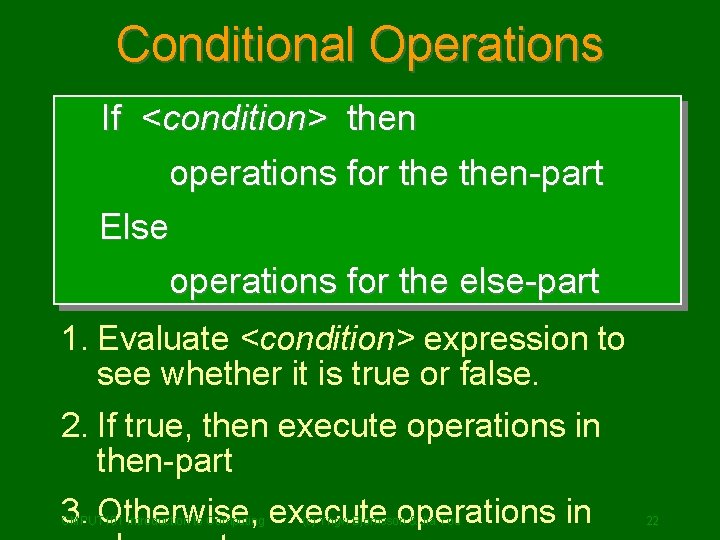
Conditional Operations If <condition> then operations for then-part Else operations for the else-part 1. Evaluate <condition> expression to see whether it is true or false. 2. If true, then execute operations in then-part 3. Otherwise, execute operations in CMPUT 101 Introduction to Computing (c) Yngvi Bjornsson & Jia You 22
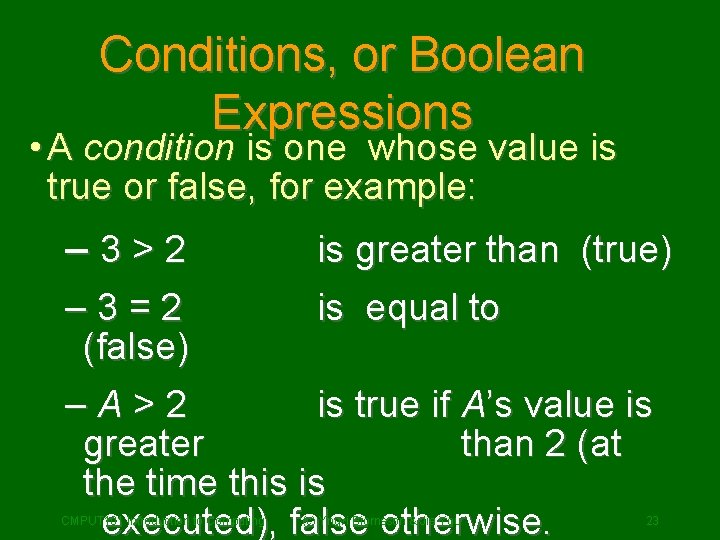
Conditions, or Boolean Expressions • A condition is one whose value is true or false, for example: – 3>2 is greater than (true) is equal to – 3=2 (false) –A>2 is true if A’s value is greater than 2 (at the time this is executed), false otherwise. CMPUT 101 Introduction to Computing (c) Yngvi Bjornsson & Jia You 23
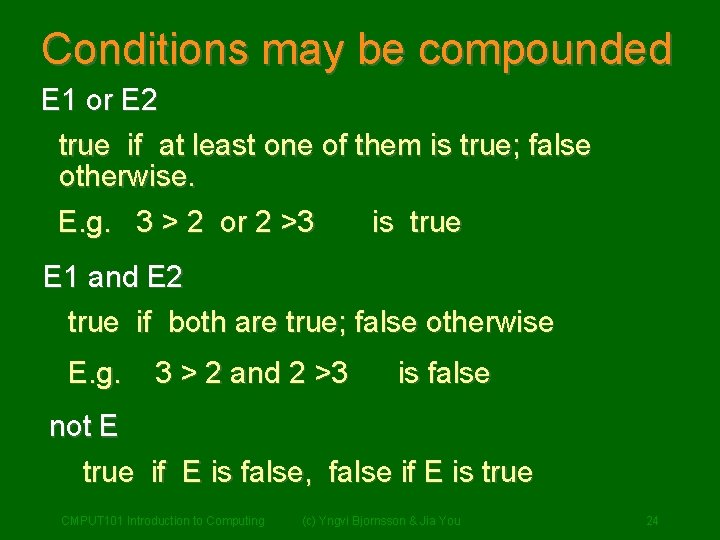
Conditions may be compounded E 1 or E 2 true if at least one of them is true; false otherwise. E. g. 3 > 2 or 2 >3 is true E 1 and E 2 true if both are true; false otherwise E. g. 3 > 2 and 2 >3 is false not E true if E is false, false if E is true CMPUT 101 Introduction to Computing (c) Yngvi Bjornsson & Jia You 24
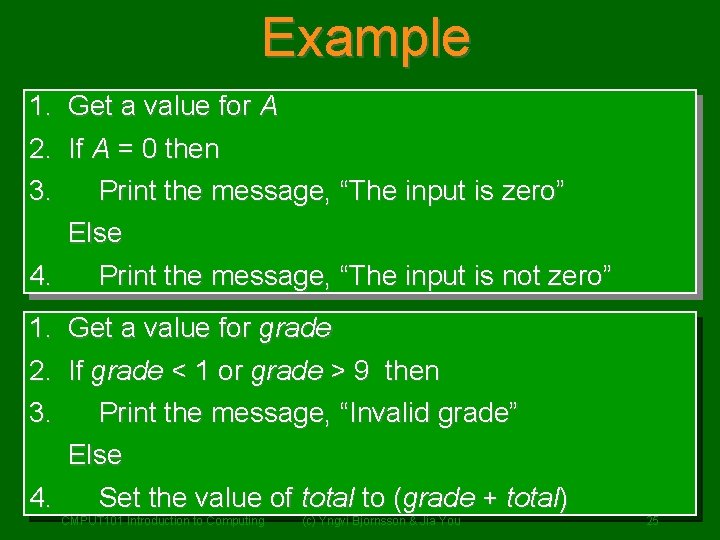
Example 1. Get a value for A 2. If A = 0 then 3. Print the message, “The input is zero” Else 4. Print the message, “The input is not zero” 1. Get a value for grade 2. If grade < 1 or grade > 9 then 3. Print the message, “Invalid grade” Else 4. Set the value of total to (grade + total) CMPUT 101 Introduction to Computing (c) Yngvi Bjornsson & Jia You 25
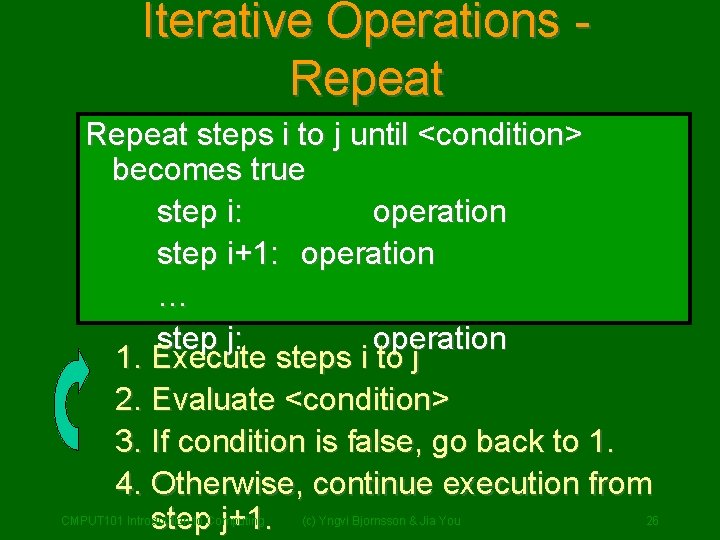
Iterative Operations Repeat steps i to j until <condition> becomes true step i: operation step i+1: operation … step j: operation 1. Execute steps i to j 2. Evaluate <condition> 3. If condition is false, go back to 1. 4. Otherwise, continue execution from step j+1. CMPUT 101 Introduction to Computing (c) Yngvi Bjornsson & Jia You 26
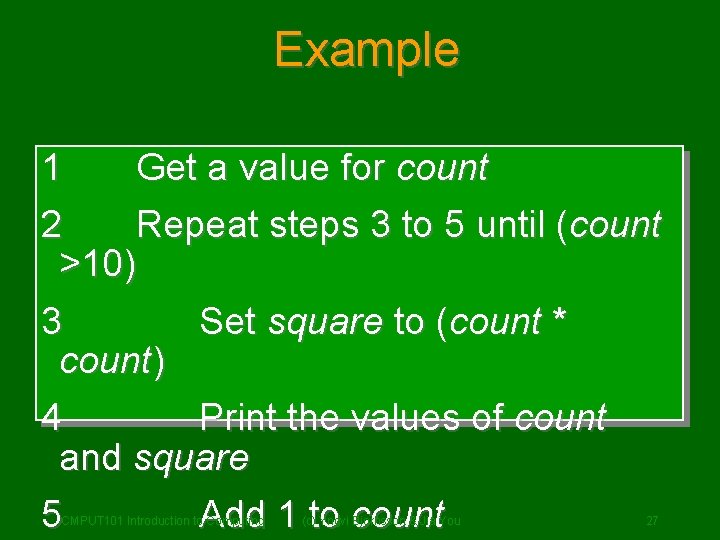
Example 1 Get a value for count 2 Repeat steps 3 to 5 until (count >10) 3 Set square to (count * count) 4 Print the values of count and square 5 Add 1 to count CMPUT 101 Introduction to Computing (c) Yngvi Bjornsson & Jia You 27
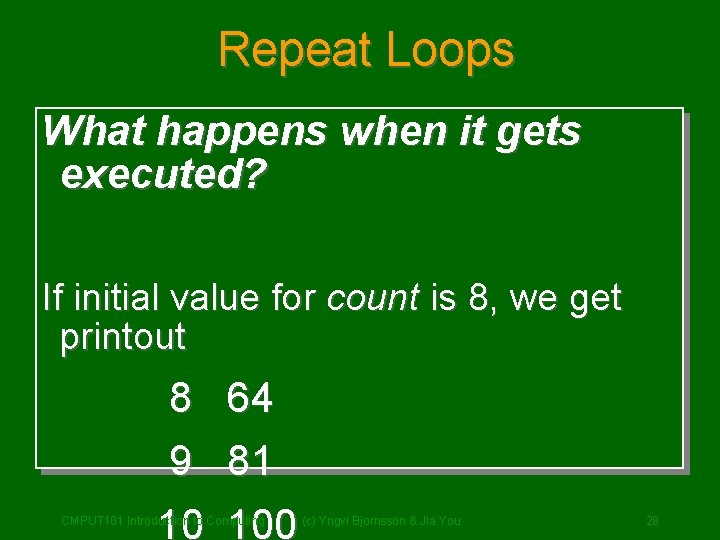
Repeat Loops What happens when it gets executed? If initial value for count is 8, we get printout 8 9 64 81 10 100 CMPUT 101 Introduction to Computing (c) Yngvi Bjornsson & Jia You 28
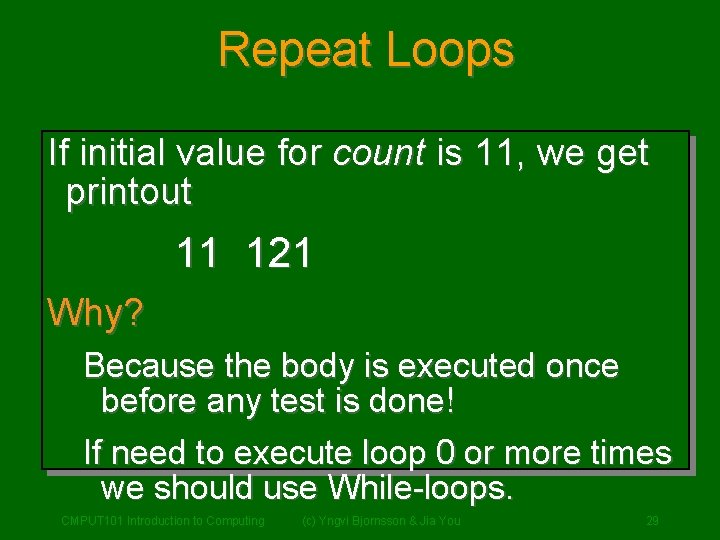
Repeat Loops If initial value for count is 11, we get printout 11 121 Why? Because the body is executed once before any test is done! If need to execute loop 0 or more times we should use While-loops. CMPUT 101 Introduction to Computing (c) Yngvi Bjornsson & Jia You 29
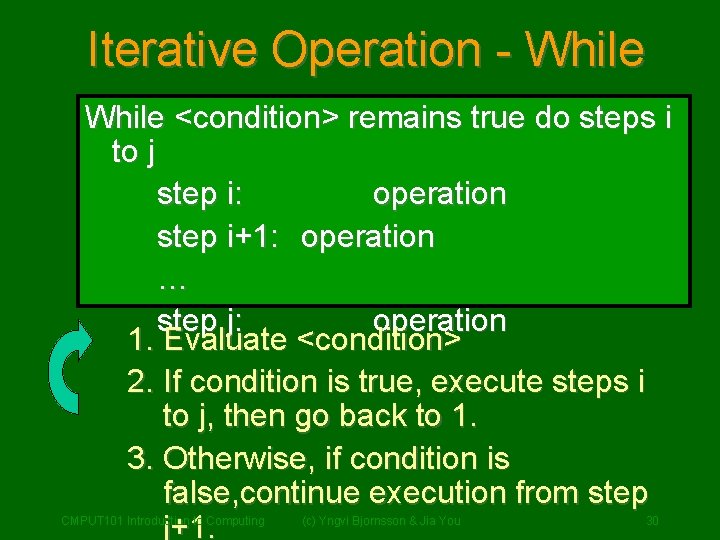
Iterative Operation - While <condition> remains true do steps i to j step i: operation step i+1: operation … step j: operation 1. Evaluate <condition> 2. If condition is true, execute steps i to j, then go back to 1. 3. Otherwise, if condition is false, continue execution from step j+1. CMPUT 101 Introduction to Computing (c) Yngvi Bjornsson & Jia You 30
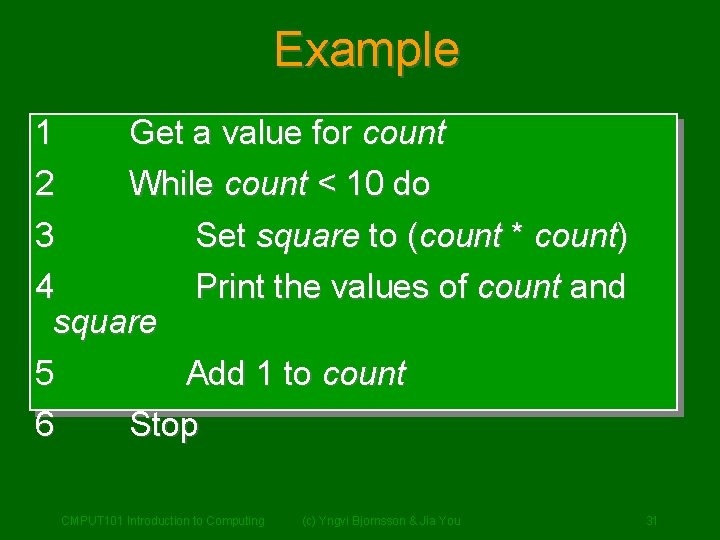
Example 1 2 Get a value for count While count < 10 do 3 Set square to (count * count) 4 Print the values of count and square 5 Add 1 to count 6 Stop CMPUT 101 Introduction to Computing (c) Yngvi Bjornsson & Jia You 31
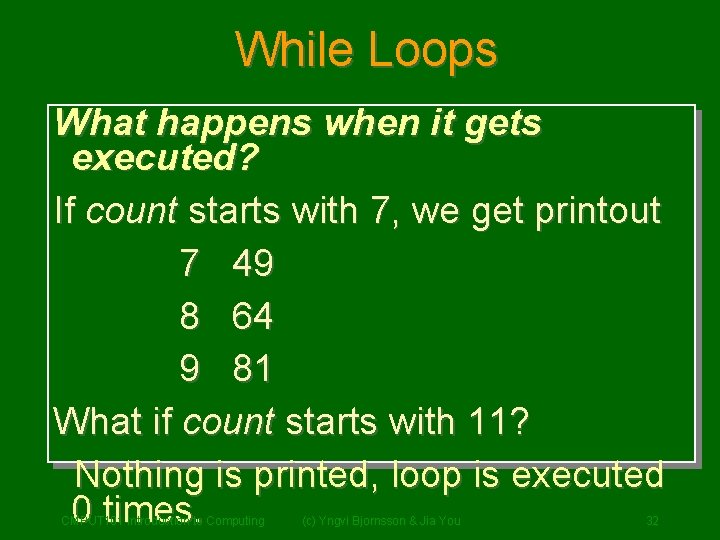
While Loops What happens when it gets executed? If count starts with 7, we get printout 7 49 8 64 9 81 What if count starts with 11? Nothing is printed, loop is executed 0 times. CMPUT 101 Introduction to Computing (c) Yngvi Bjornsson & Jia You 32
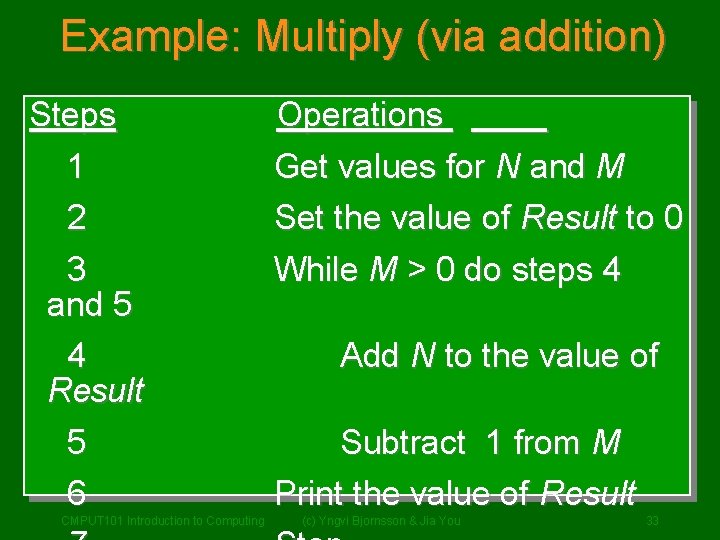
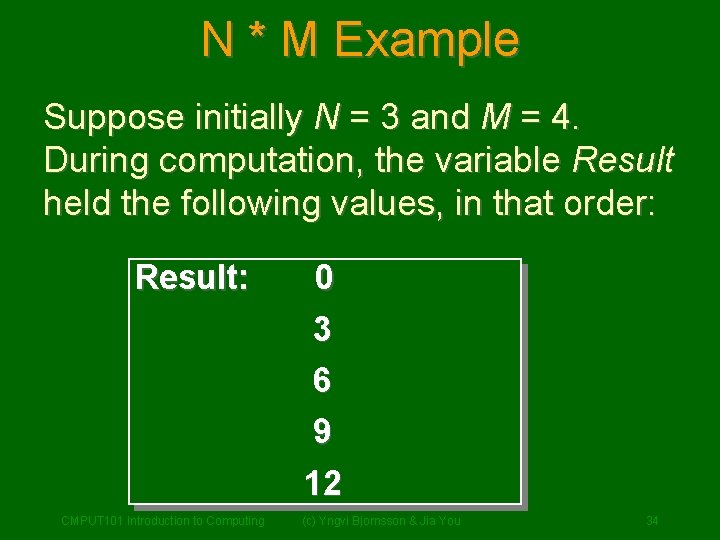
Example: Multiply (via addition) Steps 1 2 3 and 5 4 Result 5 6 CMPUT 101 Introduction to Computing Operations Get values for N and M Set the value of Result to 0 While M > 0 do steps 4 Add N to the value of Subtract 1 from M Print the value of Result (c) Yngvi Bjornsson & Jia You 33
N * M Example Suppose initially N = 3 and M = 4. During computation, the variable Result held the following values, in that order: Result: 0 3 6 9 12 CMPUT 101 Introduction to Computing (c) Yngvi Bjornsson & Jia You 34
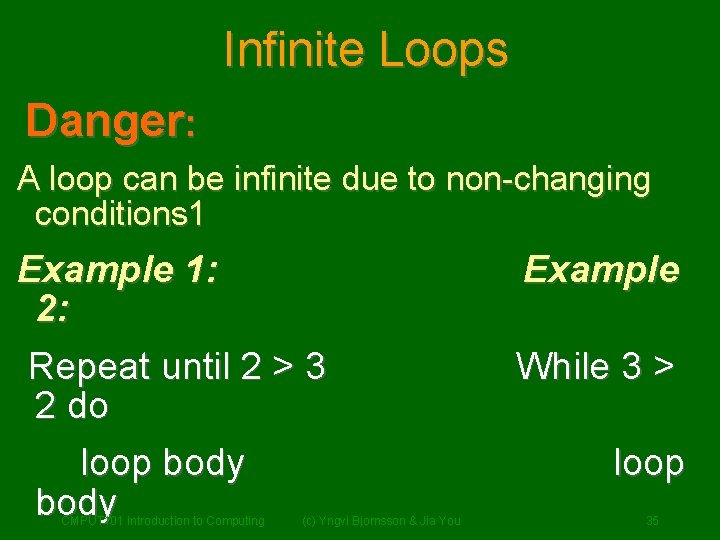
Infinite Loops Danger: A loop can be infinite due to non-changing conditions 1 Example 1: 2: Repeat until 2 > 3 2 do loop body CMPUT 101 Introduction to Computing (c) Yngvi Bjornsson & Jia You Example While 3 > loop 35
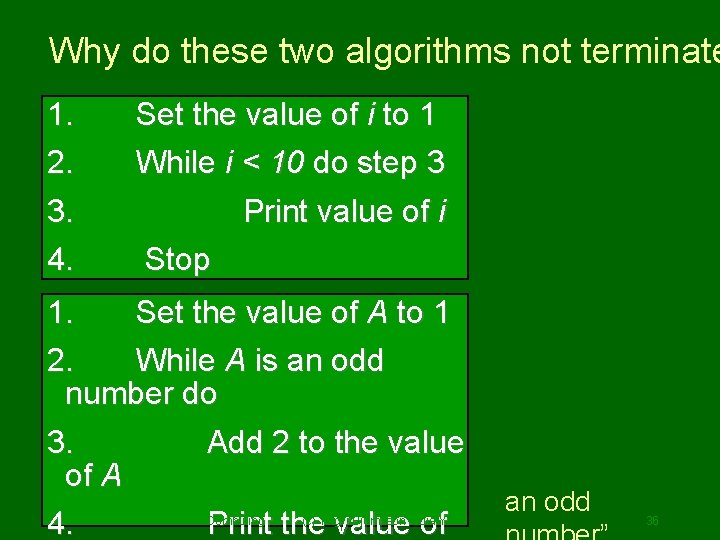
Why do these two algorithms not terminate 1. 2. Set the value of i to 1 While i < 10 do step 3 3. 4. Print value of i Opppsss, we forgot to increase i Stop 1. Set the value of A to 1 2. While A is an odd number do 3. Add 2 to the value of A 4. Print the value of CMPUT 101 Introduction to Computing (c) Yngvi Bjornsson & Jia You Even though we change A’s value, it does not change the fact that “A is an odd 36
Addition Algorithm Revisited Step 1 2 3 4 5 6 Operation Get the value of am-1, …, a 0 Get the value of bm-1, …, b 0 Set the value of carry to 0 Set the value of i to 0 Repeat steps 6 -8 until i greater than m-1 Set the value of ci to ai + bi + carry If ci >= 10, then set ci to ci - 10 and carry to 1; 7 otherwise set the value of carry to 0 8 Set value of i to i +1 (look at next digit) 9 Set cm to carry 10 Print toout the final cm, cm-1, … c 0 37 CMPUT 101 Introduction Computing (c) Yngvi answer Bjornsson & Jia You
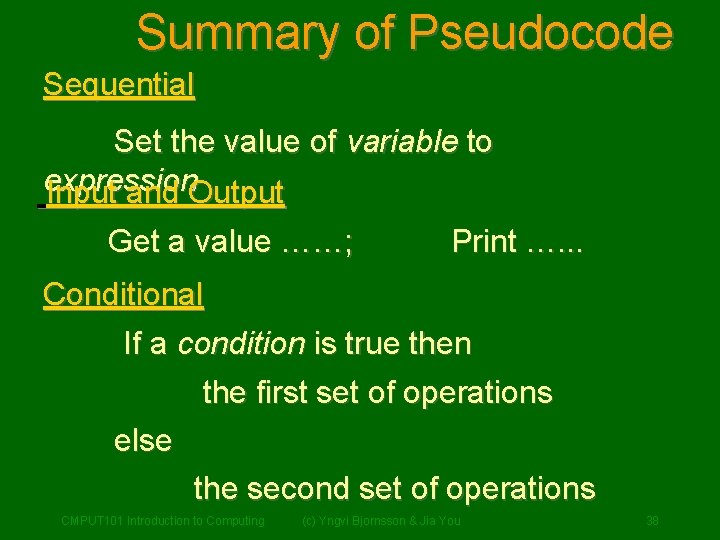
Summary of Pseudocode Sequential Set the value of variable to expression Input and Output Get a value ……; Print …. . . Conditional If a condition is true then the first set of operations else the second set of operations CMPUT 101 Introduction to Computing (c) Yngvi Bjornsson & Jia You 38
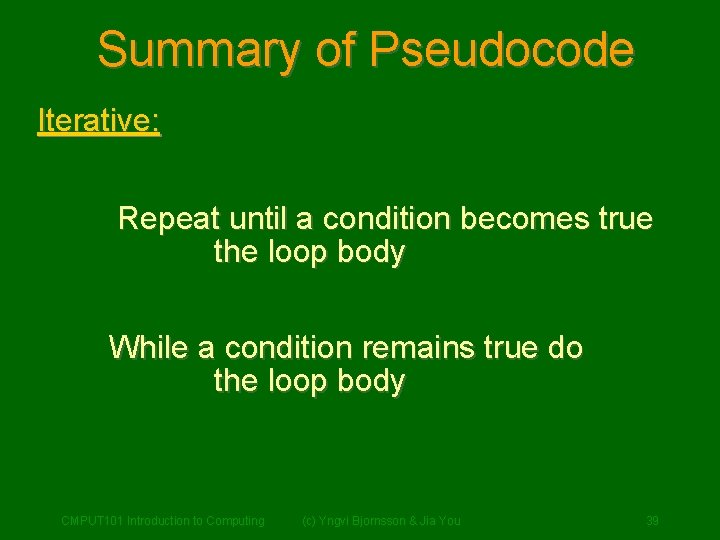
Summary of Pseudocode Iterative: Repeat until a condition becomes true the loop body While a condition remains true do the loop body CMPUT 101 Introduction to Computing (c) Yngvi Bjornsson & Jia You 39
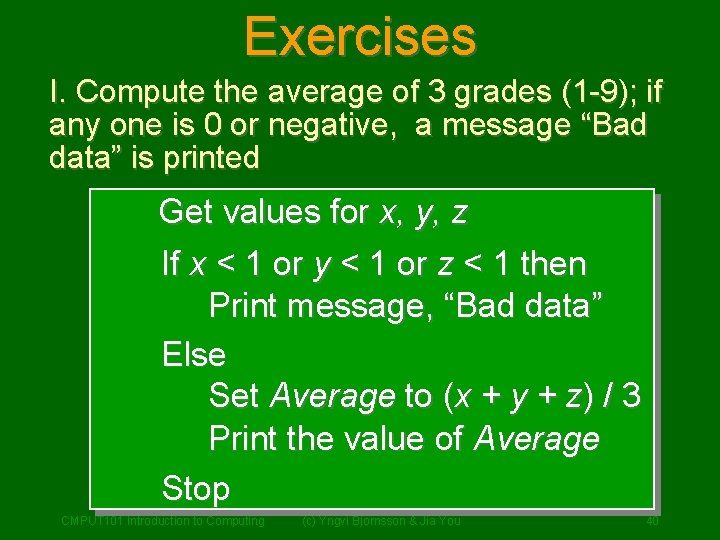
Exercises I. Compute the average of 3 grades (1 -9); if any one is 0 or negative, a message “Bad data” is printed Get values for x, y, z If x < 1 or y < 1 or z < 1 then Print message, “Bad data” Else Set Average to (x + y + z) / 3 Print the value of Average Stop CMPUT 101 Introduction to Computing (c) Yngvi Bjornsson & Jia You 40
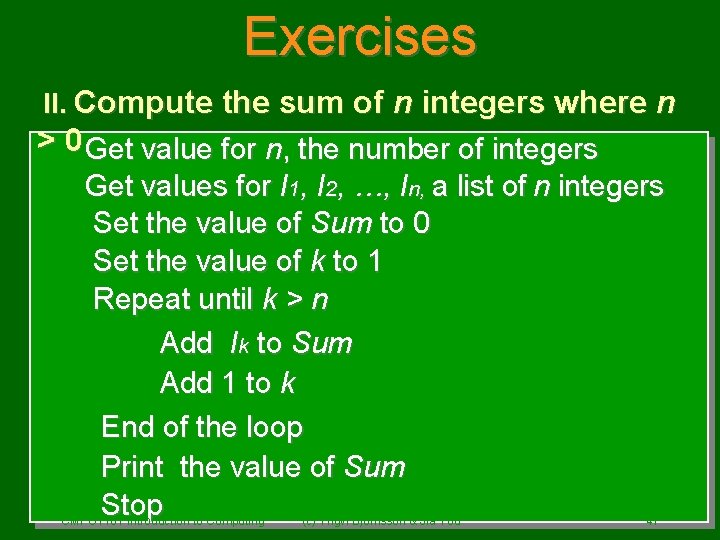
Exercises II. Compute the sum of n integers where n > 0 Get value for n, the number of integers Get values for I 1, I 2, …, In, a list of n integers Set the value of Sum to 0 Set the value of k to 1 Repeat until k > n Add Ik to Sum Add 1 to k End of the loop Print the value of Sum Stop CMPUT 101 Introduction to Computing (c) Yngvi Bjornsson & Jia You 41
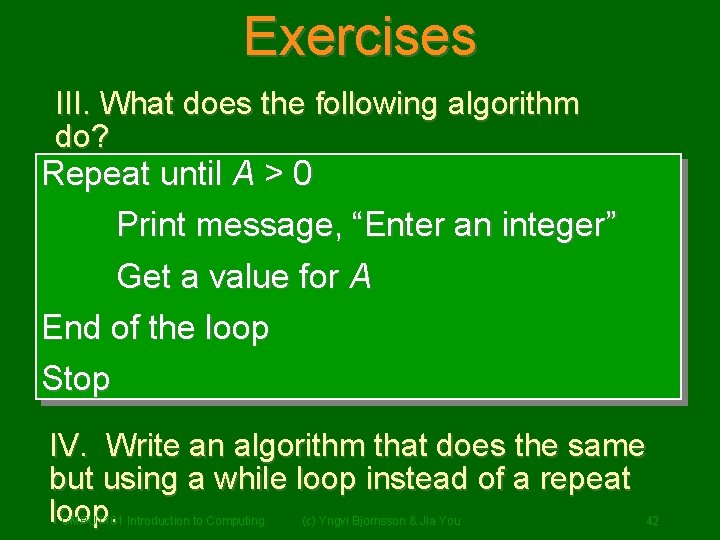
Exercises III. What does the following algorithm do? Repeat until A > 0 Print message, “Enter an integer” Get a value for A End of the loop Stop IV. Write an algorithm that does the same but using a while loop instead of a repeat loop. CMPUT 101 Introduction to Computing (c) Yngvi Bjornsson & Jia You 42
RECALL: Algorithms & Computing Agents If we can discover an algorithm to perform a task, we can instruct a computing agent to execute it to solve the problem for us. CMPUT 101 Introduction to Computing (c) Yngvi Bjornsson & Jia You 43
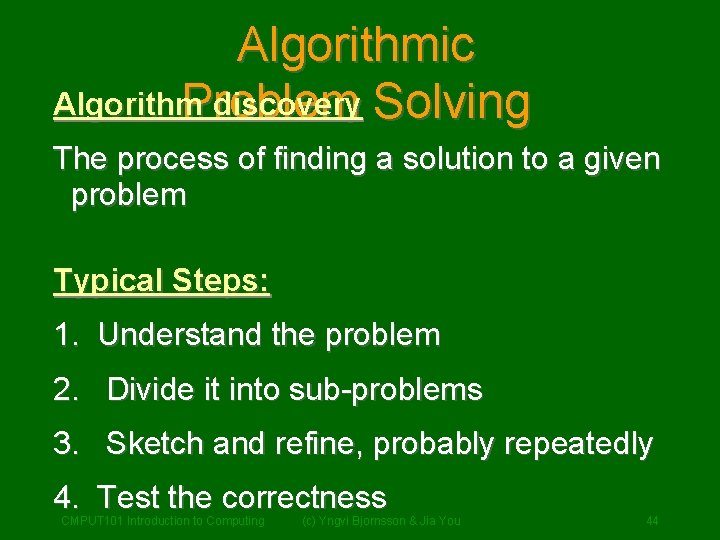
Algorithmic Algorithm discovery Solving Problem The process of finding a solution to a given problem Typical Steps: 1. Understand the problem 2. Divide it into sub-problems 3. Sketch and refine, probably repeatedly 4. Test the correctness CMPUT 101 Introduction to Computing (c) Yngvi Bjornsson & Jia You 44
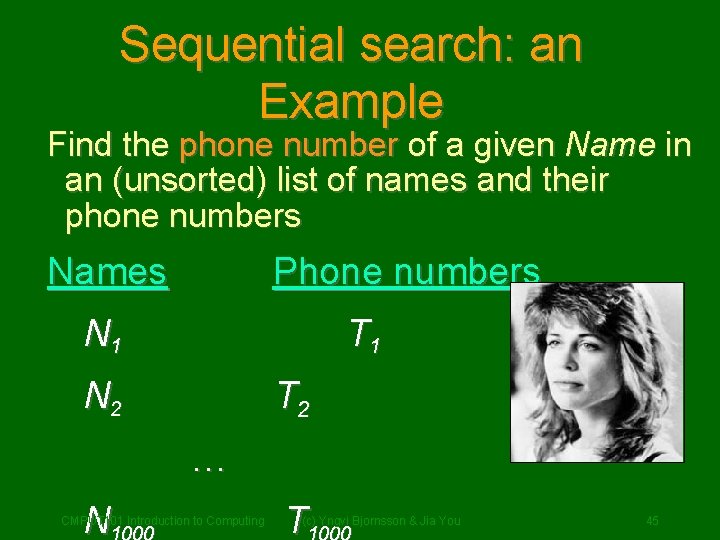
Sequential search: an Example Find the phone number of a given Name in an (unsorted) list of names and their phone numbers Names Phone numbers N 1 T 1 N 2 T 2 … N CMPUT 101 Introduction to Computing T (c) Yngvi Bjornsson & Jia You 45
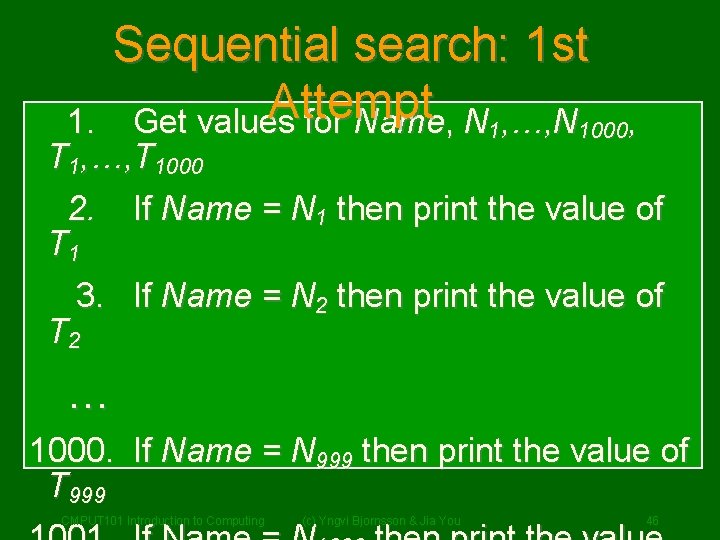
Sequential search: 1 st Attempt Get values for Name, N 1, …, N 1000, 1. T 1, …, T 1000 2. If Name = N 1 then print the value of T 1 3. If Name = N 2 then print the value of T 2 … 1000. If Name = N 999 then print the value of T 999 CMPUT 101 Introduction to Computing (c) Yngvi Bjornsson & Jia You 46
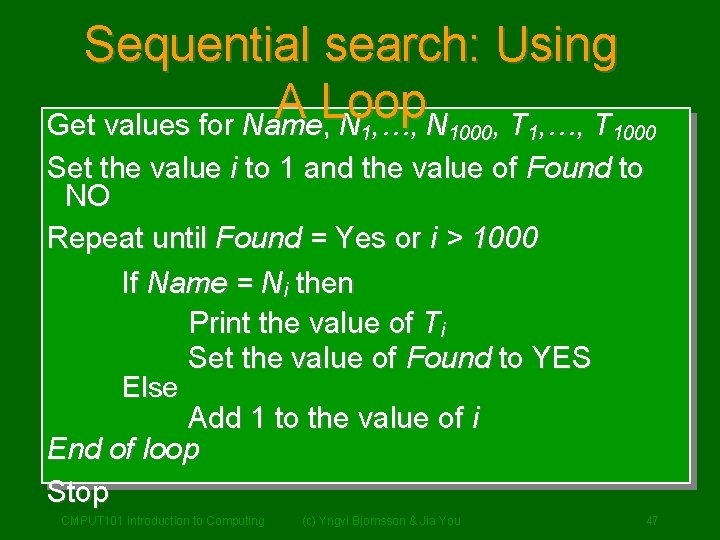
Sequential search: Using A Loop Get values for Name, N 1, …, N 1000, T 1, …, T 1000 Set the value i to 1 and the value of Found to NO Repeat until Found = Yes or i > 1000 If Name = Ni then Print the value of Ti Set the value of Found to YES Else Add 1 to the value of i End of loop Stop CMPUT 101 Introduction to Computing (c) Yngvi Bjornsson & Jia You 47
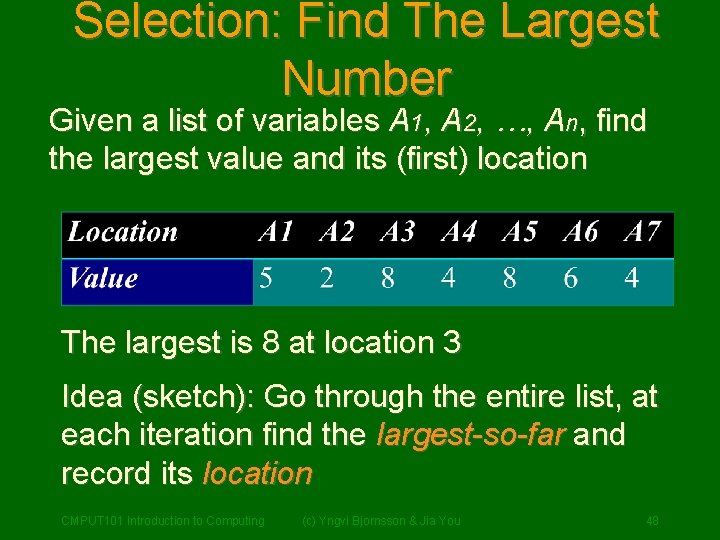
Selection: Find The Largest Number Given a list of variables A 1, A 2, …, An, find the largest value and its (first) location The largest is 8 at location 3 Idea (sketch): Go through the entire list, at each iteration find the largest-so-far and record its location CMPUT 101 Introduction to Computing (c) Yngvi Bjornsson & Jia You 48
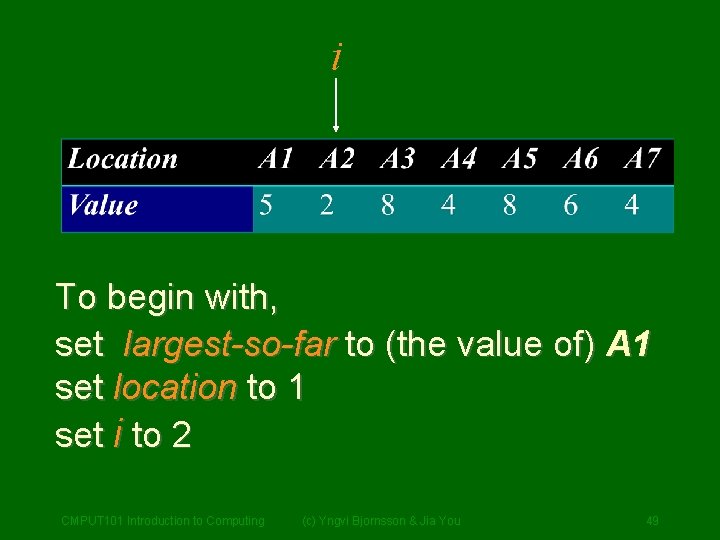
i To begin with, set largest-so-far to (the value of) A 1 set location to 1 set i to 2 CMPUT 101 Introduction to Computing (c) Yngvi Bjornsson & Jia You 49
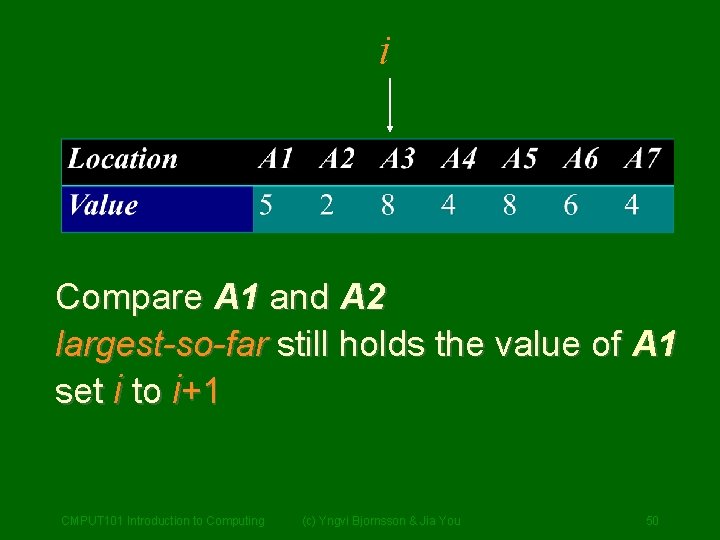
i Compare A 1 and A 2 largest-so-far still holds the value of A 1 set i to i+1 CMPUT 101 Introduction to Computing (c) Yngvi Bjornsson & Jia You 50
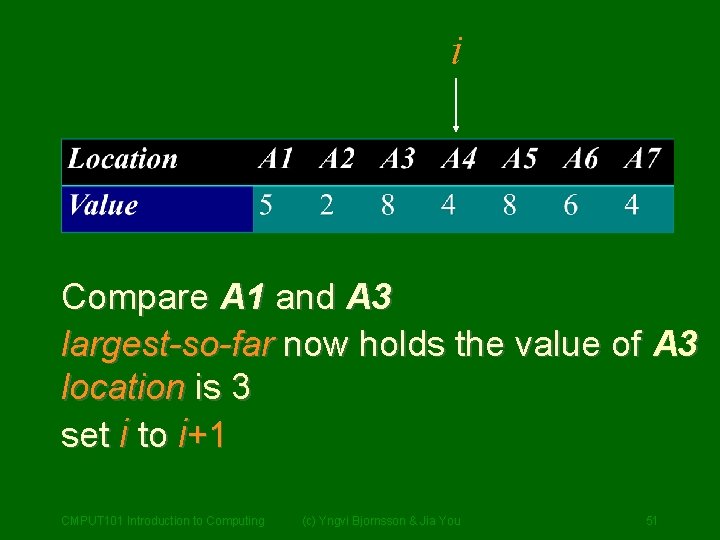
i Compare A 1 and A 3 largest-so-far now holds the value of A 3 location is 3 set i to i+1 CMPUT 101 Introduction to Computing (c) Yngvi Bjornsson & Jia You 51
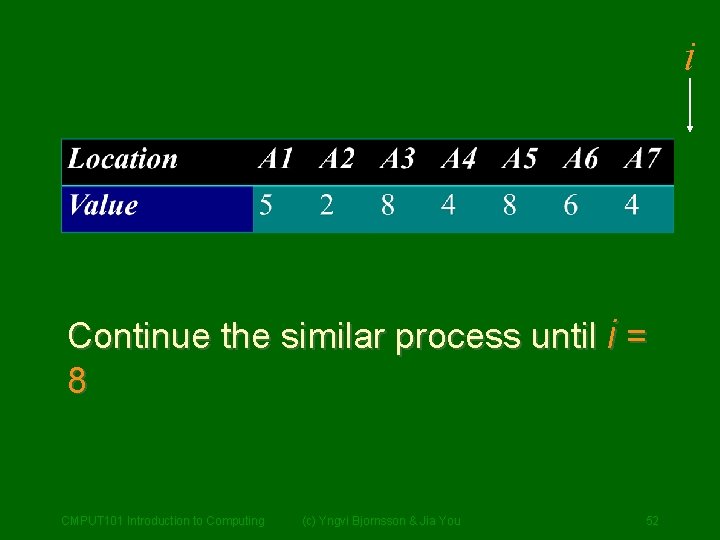
i Continue the similar process until i = 8 CMPUT 101 Introduction to Computing (c) Yngvi Bjornsson & Jia You 52
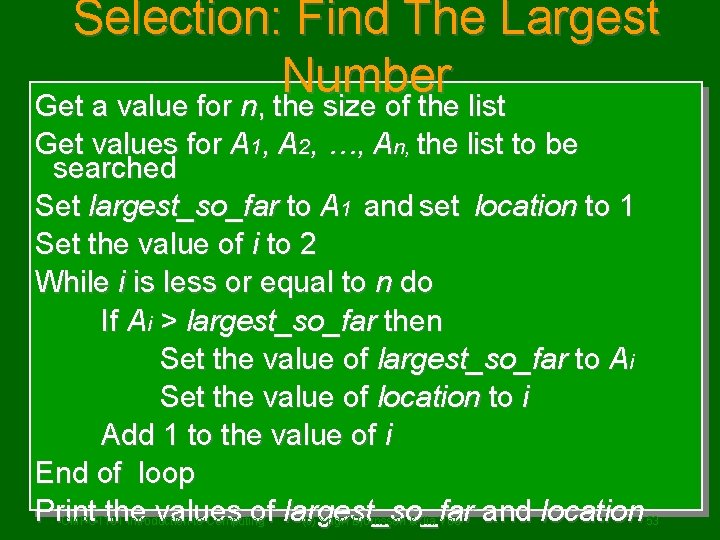
Selection: Find The Largest Number Get a value for n, the size of the list Get values for A 1, A 2, …, An, the list to be searched Set largest_so_far to A 1 and set location to 1 Set the value of i to 2 While i is less or equal to n do If Ai > largest_so_far then Set the value of largest_so_far to Ai Set the value of location to i Add 1 to the value of i End of loop Print the values of largest_so_far and location CMPUT 101 Introduction to Computing (c) Yngvi Bjornsson & Jia You 53
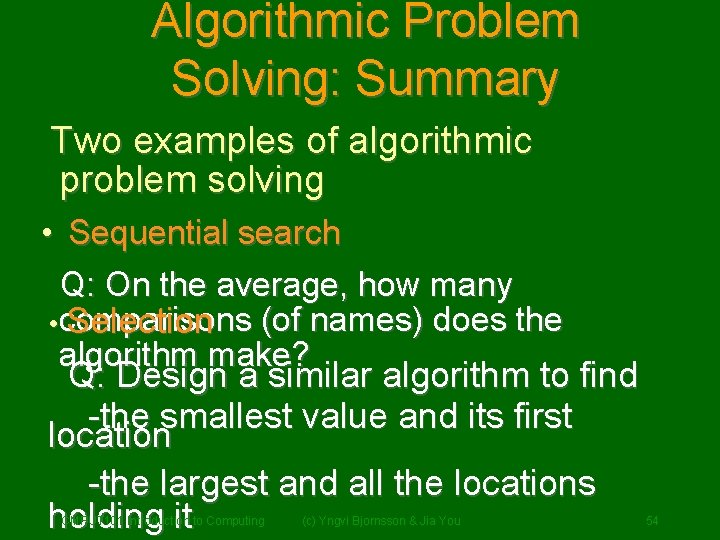
Algorithmic Problem Solving: Summary Two examples of algorithmic problem solving • Sequential search Q: On the average, how many • comparisons Selection (of names) does the algorithm make? Q: Design a similar algorithm to find -the smallest value and its first location -the largest and all the locations holding it CMPUT 101 Introduction to Computing (c) Yngvi Bjornsson & Jia You 54