
Algorithm Development and Control Statements Part 1 Chapter

- Slides: 41
Algorithm Development and Control Statements: Part 1 Chapter 4 of C++ How to Program, 10/e © 1992 -2017 by Pearson Education, Inc. All Rights Reserved.
4. 1 Introduction Before writing a program to solve a problem, have a thorough understanding of the problem and a carefully planned approach to solving it. ◦ Understand the available building blocks and employ proven program-construction techniques. © 1992 -2017 by Pearson Education, Inc. All Rights Reserved.
4. 2 Algorithms Any solvable computing problem can be solved by the execution a series of actions in a specific order. An algorithm is a procedure for solving a problem in terms of ◦ the actions to execute and ◦ the order in which these actions execute Specifying the order in which statements (actions) execute in a computer program is called program control. This chapter investigates program control using C++’s control statements. © 1992 -2017 by Pearson Education, Inc. All Rights Reserved.
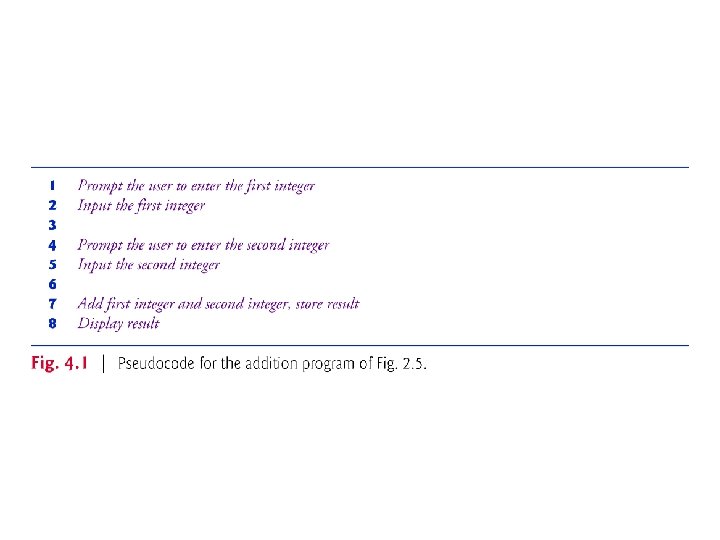
4. 3 Pseudocode Pseudocode (or “fake” code) is an artificial and informal language that helps you develop algorithms. Similar to everyday English Helps you “think out” a program before attempting to write it. Carefully prepared pseudocode can easily be converted to structured portions of C++ programs. Normally describes only executable statements. Declarations (that do not have initializers or do not involve constructor calls) are not executable statements. Fig. 4. 1 corresponds to the algorithm that inputs two integers from the user, adds these integers and displays their sum. © 1992 -2017 by Pearson Education, Inc. All Rights Reserved.
4. 4 Control Structures Normally, statements in a program are executed one after the other in the order in which they’re written. ◦ Called sequential execution. Various C++ statements enable you to specify that the next statement to execute may be other than the next one in sequence. ◦ Called transfer of control. All programs could be written in terms of only three control structures ◦ the sequence structure ◦ the selection structure and ◦ the iteration structure When we introduce C++’s implementations of control structures, we’ll refer to them in the terminology of the C++ standard document as “control statements. ” © 1992 -2017 by Pearson Education, Inc. All Rights Reserved.
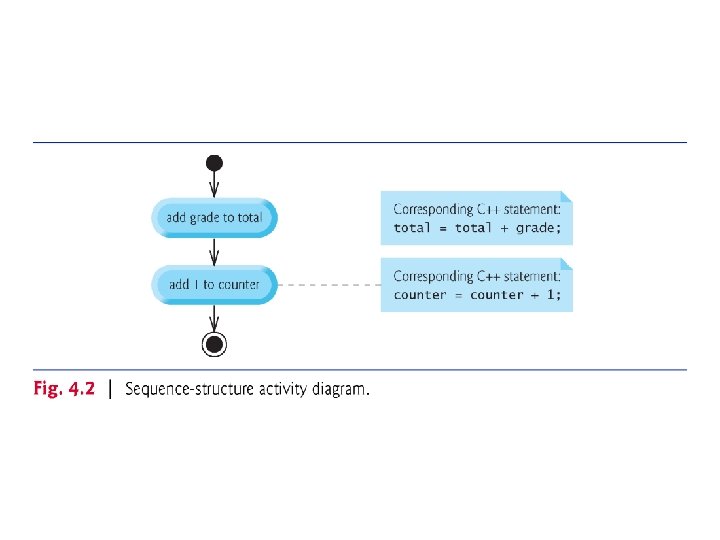
4. 4. 1 Sequence Structure Unless directed otherwise, the computer executes C++ statements one after the other in the order in which they’re written—that is, in sequence. The Unified Modeling Language (UML) activity diagram of Fig. 4. 2 illustrates a typical sequence structure in which two calculations are performed in order. © 1992 -2017 by Pearson Education, Inc. All Rights Reserved.
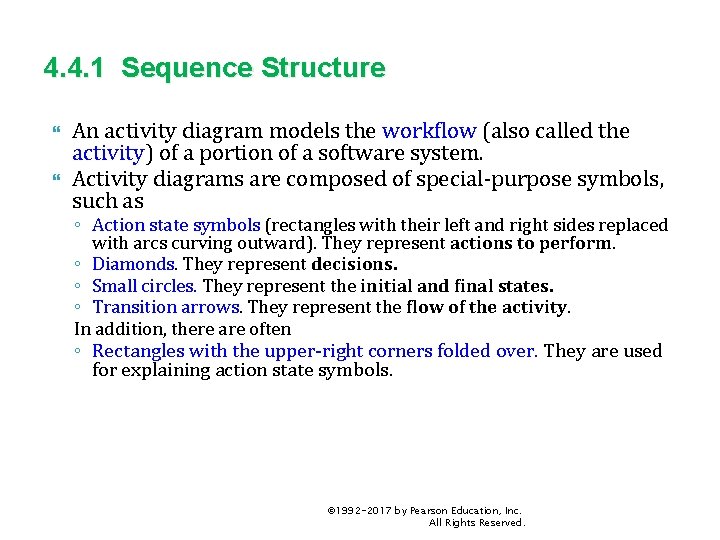
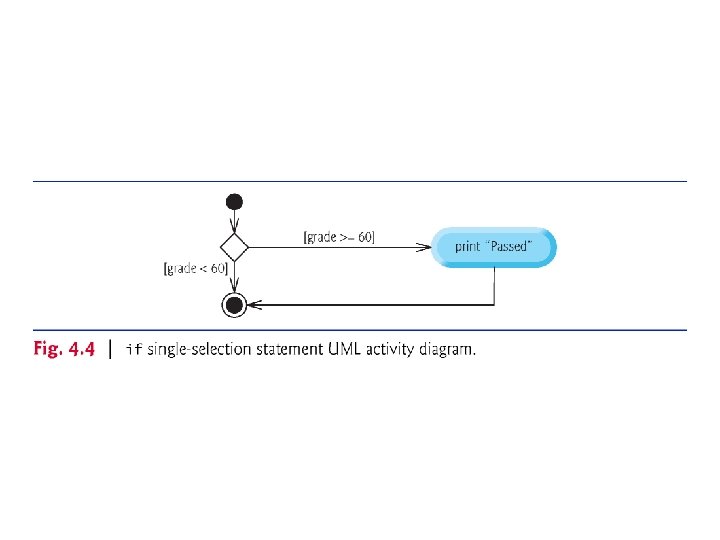
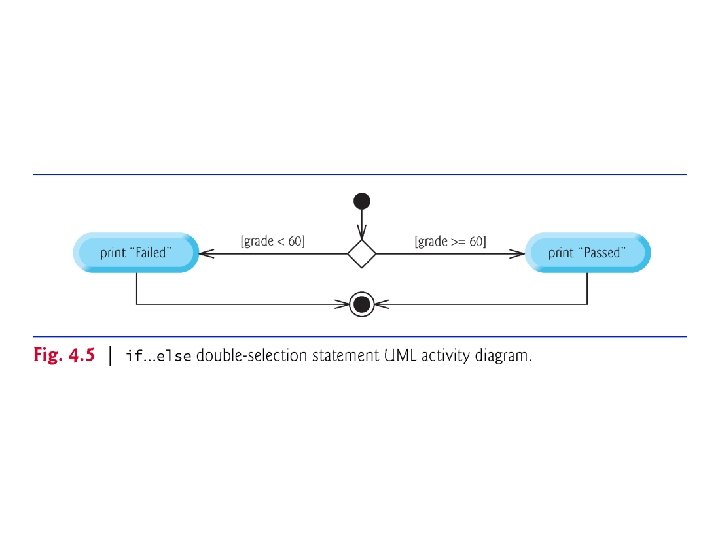
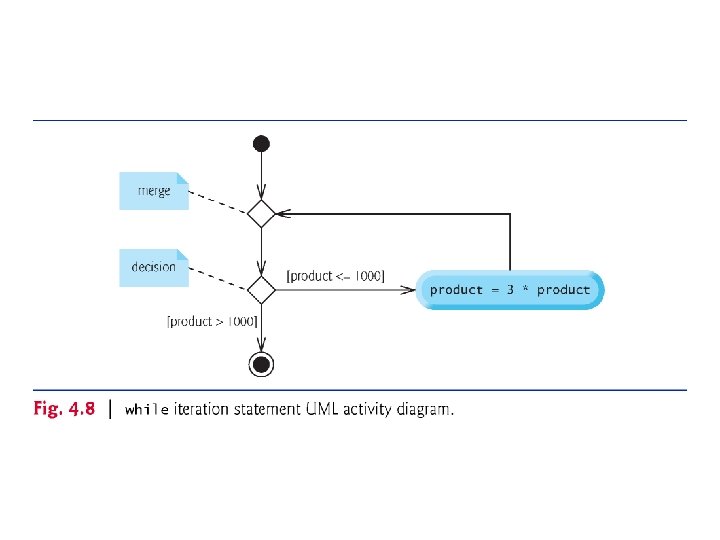
4. 4. 1 Sequence Structure An activity diagram models the workflow (also called the activity) of a portion of a software system. Activity diagrams are composed of special-purpose symbols, such as ◦ Action state symbols (rectangles with their left and right sides replaced with arcs curving outward). They represent actions to perform. ◦ Diamonds. They represent decisions. ◦ Small circles. They represent the initial and final states. ◦ Transition arrows. They represent the flow of the activity. In addition, there are often ◦ Rectangles with the upper-right corners folded over. They are used for explaining action state symbols. © 1992 -2017 by Pearson Education, Inc. All Rights Reserved.
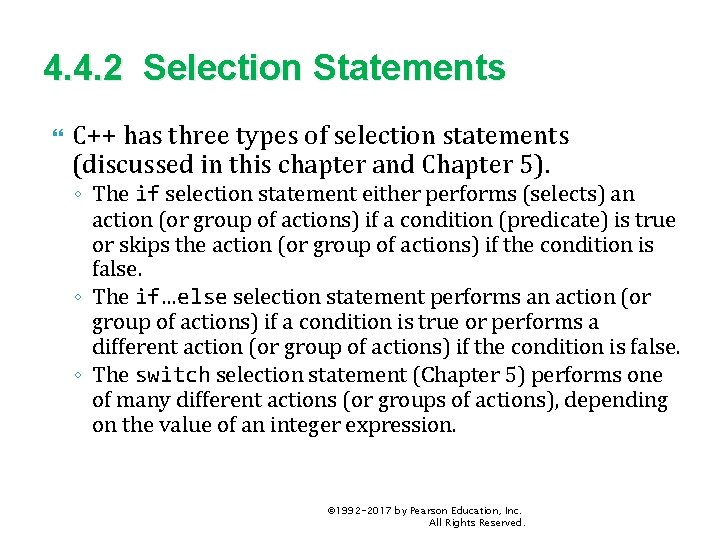
4. 4. 2 Selection Statements C++ has three types of selection statements (discussed in this chapter and Chapter 5). ◦ The if selection statement either performs (selects) an action (or group of actions) if a condition (predicate) is true or skips the action (or group of actions) if the condition is false. ◦ The if…else selection statement performs an action (or group of actions) if a condition is true or performs a different action (or group of actions) if the condition is false. ◦ The switch selection statement (Chapter 5) performs one of many different actions (or groups of actions), depending on the value of an integer expression. © 1992 -2017 by Pearson Education, Inc. All Rights Reserved.
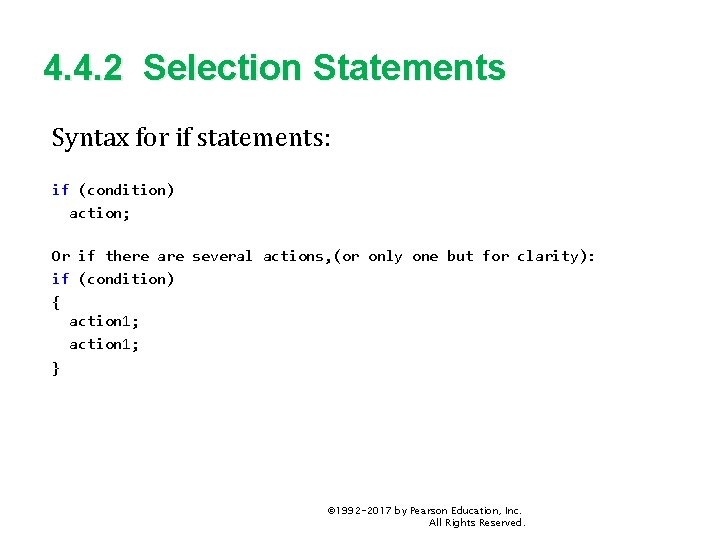
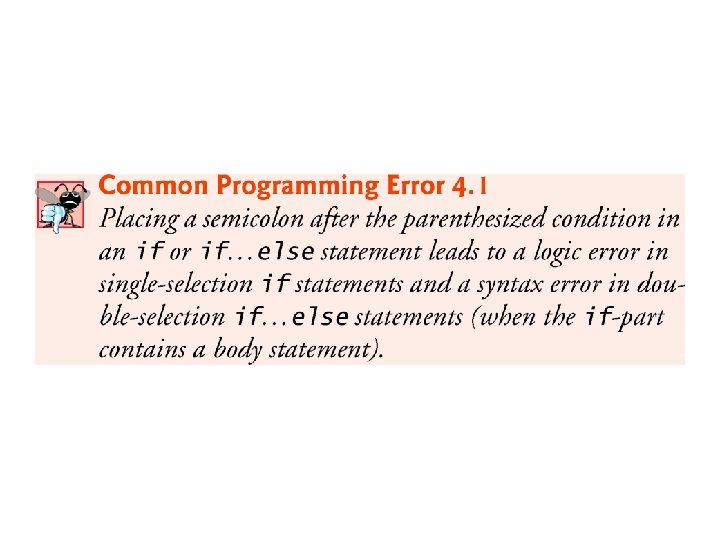
4. 4. 2 Selection Statements Syntax for if statements: if (condition) action; Or if there are several actions, (or only one but for clarity): if (condition) { action 1; } © 1992 -2017 by Pearson Education, Inc. All Rights Reserved.
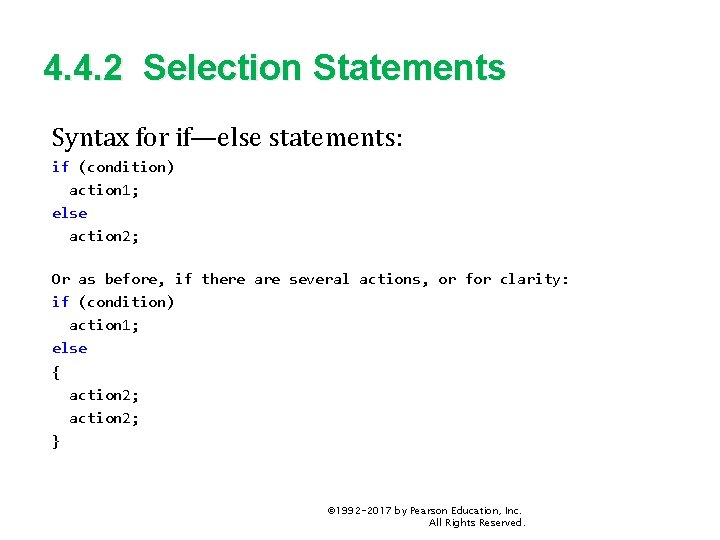
4. 4. 2 Selection Statements Syntax for if—else statements: if (condition) action 1; else action 2; Or as before, if there are several actions, or for clarity: if (condition) action 1; else { action 2; } © 1992 -2017 by Pearson Education, Inc. All Rights Reserved.
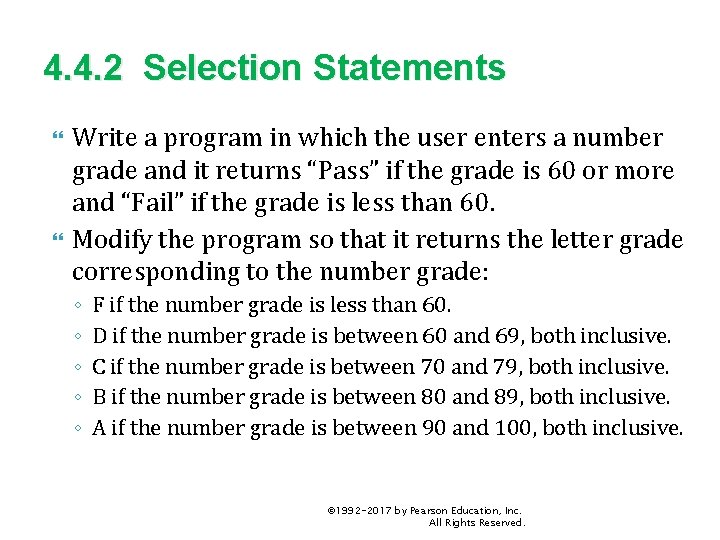
4. 4. 2 Selection Statements Write a program in which the user enters a number grade and it returns “Pass” if the grade is 60 or more and “Fail” if the grade is less than 60. Modify the program so that it returns the letter grade corresponding to the number grade: ◦ ◦ ◦ F if the number grade is less than 60. D if the number grade is between 60 and 69, both inclusive. C if the number grade is between 70 and 79, both inclusive. B if the number grade is between 80 and 89, both inclusive. A if the number grade is between 90 and 100, both inclusive. © 1992 -2017 by Pearson Education, Inc. All Rights Reserved.
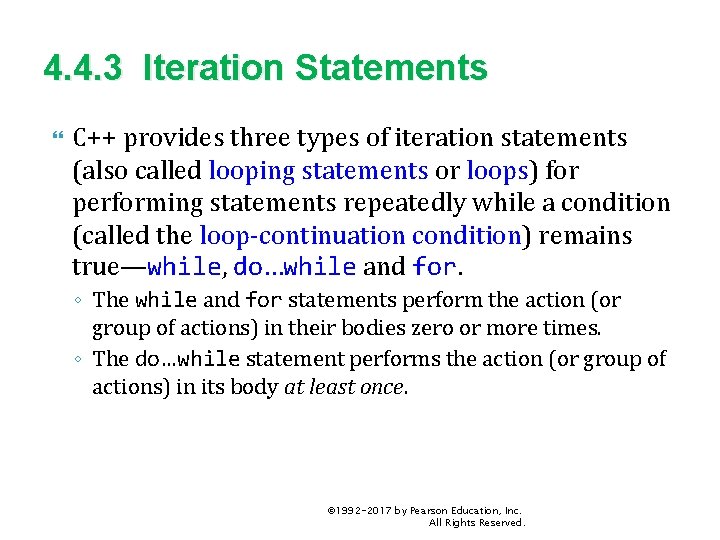
4. 4. 3 Iteration Statements C++ provides three types of iteration statements (also called looping statements or loops) for performing statements repeatedly while a condition (called the loop-continuation condition) remains true—while, do…while and for. ◦ The while and for statements perform the action (or group of actions) in their bodies zero or more times. ◦ The do…while statement performs the action (or group of actions) in its body at least once. © 1992 -2017 by Pearson Education, Inc. All Rights Reserved.
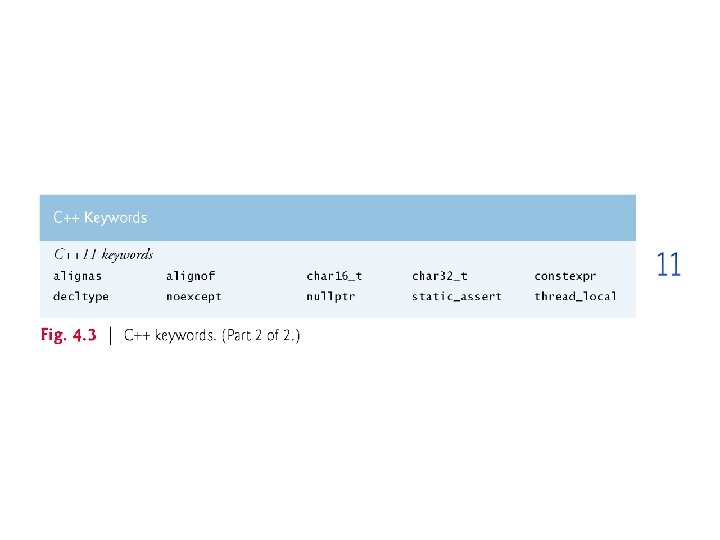
4. 4. 3 Iteration Statements Each of the words if, else, switch, while, do and for is a C++ keyword. These words are reserved by the C++ programming language to implement various features, such as C++’s control statements. Keywords cannot be used as identifiers, such as variable names. Figure 4. 3 provides a complete list of C++ keywords. © 1992 -2017 by Pearson Education, Inc. All Rights Reserved.
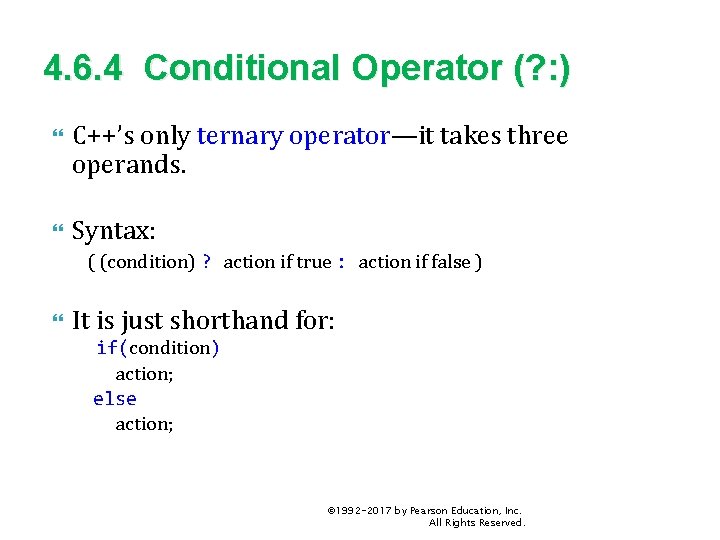
4. 6. 4 Conditional Operator (? : ) C++’s only ternary operator—it takes three operands. Syntax: ( (condition) ? action if true : action if false ) It is just shorthand for: if(condition) action; else action; © 1992 -2017 by Pearson Education, Inc. All Rights Reserved.
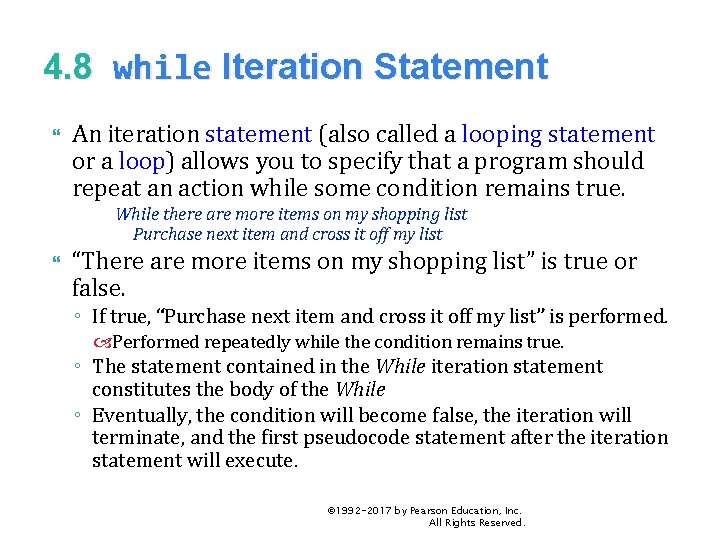
4. 8 while Iteration Statement An iteration statement (also called a looping statement or a loop) allows you to specify that a program should repeat an action while some condition remains true. While there are more items on my shopping list Purchase next item and cross it off my list “There are more items on my shopping list” is true or false. ◦ If true, “Purchase next item and cross it off my list” is performed. Performed repeatedly while the condition remains true. ◦ The statement contained in the While iteration statement constitutes the body of the While ◦ Eventually, the condition will become false, the iteration will terminate, and the first pseudocode statement after the iteration statement will execute. © 1992 -2017 by Pearson Education, Inc. All Rights Reserved.
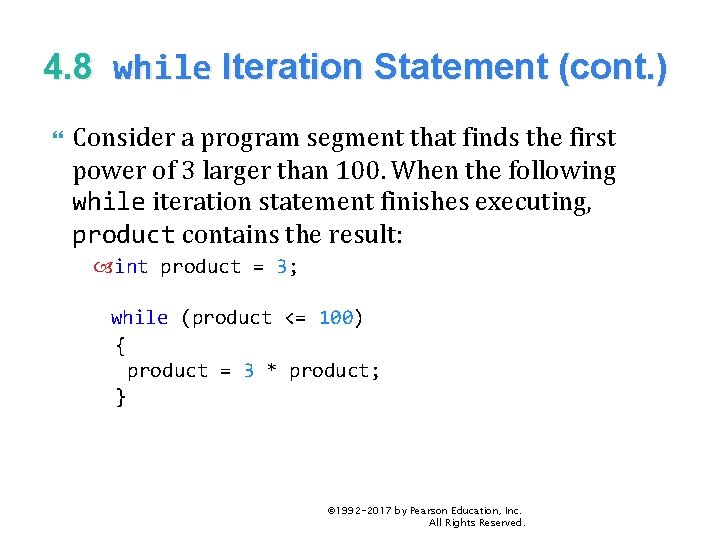
4. 8 while Iteration Statement (cont. ) Consider a program segment that finds the first power of 3 larger than 100. When the following while iteration statement finishes executing, product contains the result: int product = 3; while (product <= 100) { product = 3 * product; } © 1992 -2017 by Pearson Education, Inc. All Rights Reserved.
4. 9 Formulating Algorithms: Counter. Controlled Iteration Consider the following problem statement: ◦ A class of ten students took a quiz. The grades (integers in the range 0 -100) for this quiz are available to you. Determine the class average on the quiz. The class average is equal to the sum of the grades divided by the number of students. The algorithm for solving this problem on a computer must input each grade, keep track of the total of all grades entered, perform the averaging calculation and print the result. © 1992 -2017 by Pearson Education, Inc. All Rights Reserved.
4. 9. 1 Pseudocode Algorithm with Counter Controlled Iteration To start, use a counter-controlled iteration to input the grades one at a time. Assume 10 grades. ◦ This technique uses a variable called a counter (or control variable). ◦ That is: Define some variable count, initialized to 0; While(count < 10) { cin << grade; add grade to total, etc count = count + 1; } © 1992 -2017 by Pearson Education, Inc. All Rights Reserved.
4. 9. 2 Local variables A variable declared in a function body is a local variable and can be used only from the line of its declaration to the closing right brace of the block in which the variable is declared. A local variable’s declaration must appear before the variable is used; otherwise, a compilation error occurs. © 1992 -2017 by Pearson Education, Inc. All Rights Reserved.
4. 9. 3 Arithmetic Overflow In Fig. 4. 10, line 16 total = total + grade; // add grade to total added each grade entered by the user to the total. Even this simple statement has a potential problem— adding the integers could result in a value that’s too large to store in an int variable. This is known as arithmetic overflow and causes undefined behavior, which can lead to security problems or unintended results ◦ http: //en. wikipedia. org/wiki/Integer_overflow #Security_ramifications © 1992 -2017 by Pearson Education, Inc. All Rights Reserved.
4. 9. 4 Input Validation To ensure that inputs are valid, industrial-strength programs must test for all possible erroneous cases. A program that inputs grades should validate the grades by using range checking to ensure that they’re values from 0 to 100. You can then ask the user to reenter any value that’s out of range. If a program requires inputs from a specific set of values (e. g. , nonsequential product codes), you can ensure that each input matches a value in the set. © 1992 -2017 by Pearson Education, Inc. All Rights Reserved.
4. 10. 3 Implementing Sentinel-Controlled Iteration An averaging calculation is likely to produce a number with a decimal point—a real number or floating-point number (e. g. , 7. 33, 0. 0975 or 1000. 12345). Type int cannot represent such a number. C++ provides several data types for storing floatingpoint numbers in memory, including float and double. Compared to float variables, double variables can typically store numbers with larger magnitude and finer detail ◦ more digits to the right of the decimal point—also known as the number’s precision. Cast operator can be used to force the averaging calculation to produce a floating-point numeric result. © 1992 -2017 by Pearson Education, Inc. All Rights Reserved.
4. 10. 4 Converting Between Fundamental Types Explicitly and Implicitly The variable average is declared to be of type double to capture the fractional result of our calculation. total and grade. Counter are both integer variables. Recall that dividing two integers results in integer division, in which any fractional part of the calculation is lost (i. e. , truncated). In the following statement the division occurs first—the result’s fractional part is lost before it’s assigned to average: double average{total / grade. Counter}; © 1992 -2017 by Pearson Education, Inc. All Rights Reserved.
4. 10. 4 Converting Between Fundamental Types Explicitly and Implicitly To perform a floating-point calculation with integers, create temporary floating-point values. static_cast operator accomplishes this task. The cast operator static_cast<double>(total) creates a temporary floating-point copy of its operand in parentheses. ◦ Known as explicit conversion. ◦ The value stored in total is still an integer. © 1992 -2017 by Pearson Education, Inc. All Rights Reserved.
4. 10. 4 Converting Between Fundamental Types Explicitly and Implicitly The calculation now consists of a floating-point value divided by the integer grade. Counter. ◦ The compiler knows how to evaluate only expressions in which the operand types of are identical. ◦ Compiler performs promotion (also called implicit conversion) on selected operands. ◦ In an expression containing values of data types int and double, C++ promotes int operands to double values. Cast operators are available for use with every data type and with class types as well. © 1992 -2017 by Pearson Education, Inc. All Rights Reserved.
4. 10. 5 Formatting Floating-Point Numbers The call to setprecision (with an argument of 2) indicates that double values should be printed with two digits of precision to the right of the decimal point (e. g. , 92. 37). ◦ Parameterized stream manipulator (argument in parentheses). ◦ Programs that use these must include the header <iomanip>. endl is a nonparameterized stream manipulator and does not require the <iomanip> header file. If the precision is not specified, floating-point values are normally output with six digits of precision. © 1992 -2017 by Pearson Education, Inc. All Rights Reserved.
4. 10. 5 Formatting Floating-Point Numbers Stream manipulator fixed indicates that floatingpoint values should be output in fixed-point format, as opposed to scientific notation. Fixed-point formatting is used to force a floatingpoint number to display a specific number of digits. Specifying fixed-point formatting also forces the decimal point and trailing zeros to print, even if the value is a whole number amount, such as 88. 00. ◦ Without the fixed-point formatting option, such a value prints in C++ as 88 without the trailing zeros and decimal point. © 1992 -2017 by Pearson Education, Inc. All Rights Reserved.
4. 10. 5 Formatting Floating-Point Numbers When the stream manipulators fixed and setprecision are used in a program, the printed value is rounded to the number of decimal positions indicated by the value passed to setprecision (e. g. , the value 2), although the value in memory remains unaltered. It’s also possible to force a decimal point to appear by using stream manipulator showpoint. ◦ If showpoint is specified without fixed, then trailing zeros will not print. ◦ Both can be found in header <iostream>. © 1992 -2017 by Pearson Education, Inc. All Rights Reserved.
4. 10. 6 Unsigned Integers and User Input Fig. 4. 10 declared the variable grade. Counter as an unsigned int because it can assume only the values from 1 through 11 (11 terminates the loop), which are all nonnegative values. Could have also declared as unsigned int the variables grade, total and average. Grades are normally values from 0 to 100, so the total and average should each be greater than or equal to 0. We declared those variables as ints because we can’t control what the user actually enters—the user could enter negative values. Worse yet, the user could enter a value that’s not even a number. © 1992 -2017 by Pearson Education, Inc. All Rights Reserved.