
Algebra II Section 1 2 Introduction to Parent
Algebra II Section 1. 2 Introduction to Parent Functions
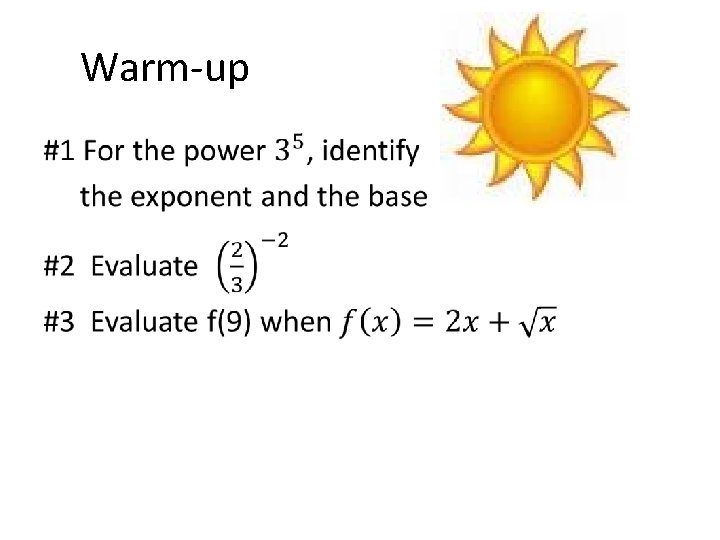
Warm-up •
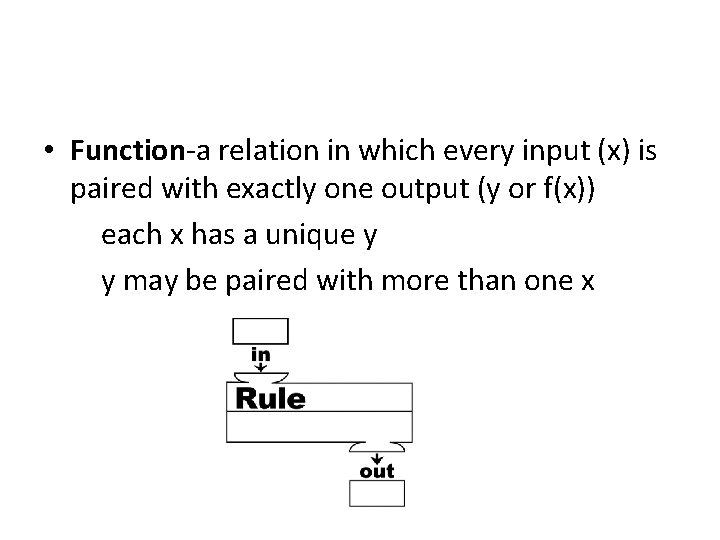
• Function-a relation in which every input (x) is paired with exactly one output (y or f(x)) each x has a unique y y may be paired with more than one x

• http: //www. youtube. com/watch? v=s. E 4 eq 0 cj. L Fk
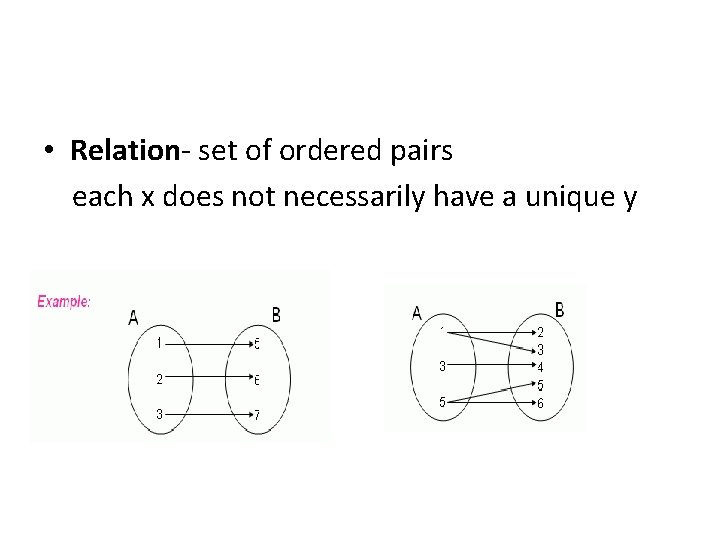
• Relation- set of ordered pairs each x does not necessarily have a unique y
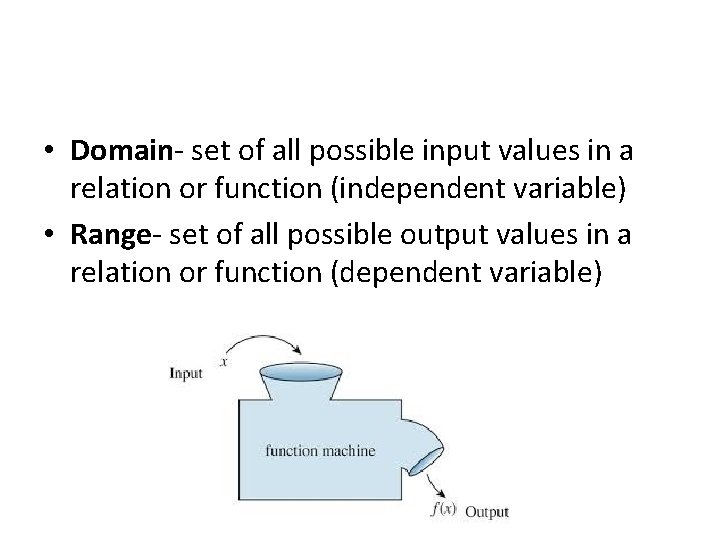
• Domain- set of all possible input values in a relation or function (independent variable) • Range- set of all possible output values in a relation or function (dependent variable)

• https: //www. youtube. com/watch? v=VUTXs. PF x-q. Q
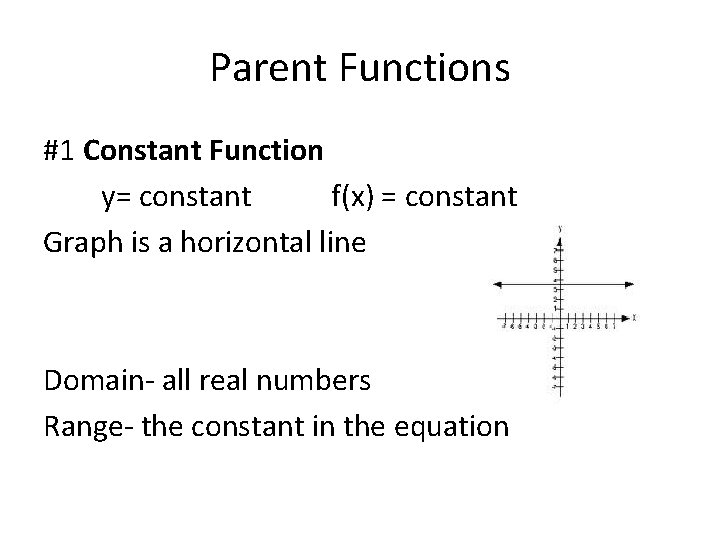
Parent Functions #1 Constant Function y= constant f(x) = constant Graph is a horizontal line Domain- all real numbers Range- the constant in the equation
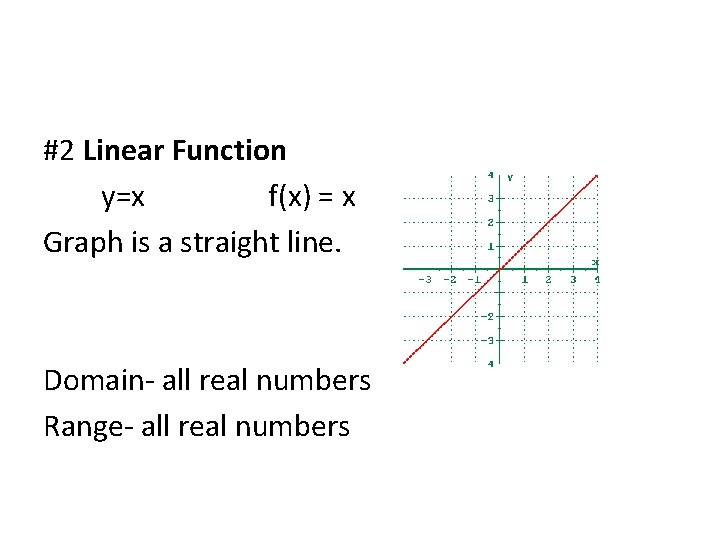
#2 Linear Function y=x f(x) = x Graph is a straight line. Domain- all real numbers Range- all real numbers

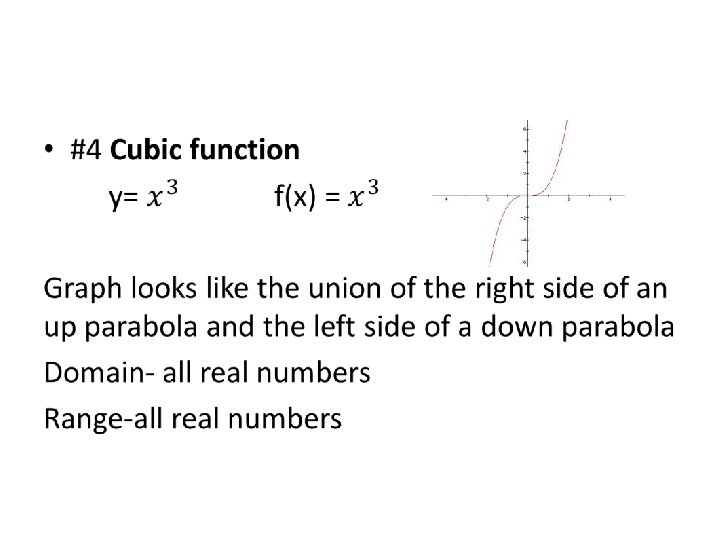
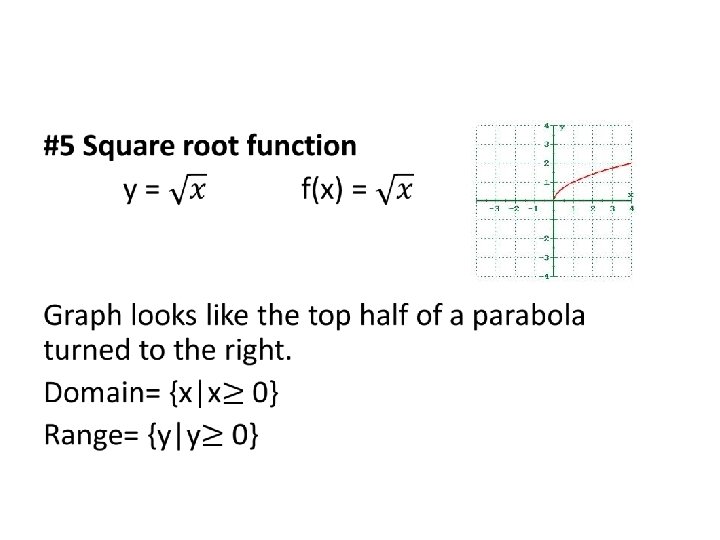
Minimum number of points to make a good graph Type of graph Constant Linear Quadratic Cubic Square root Number of points
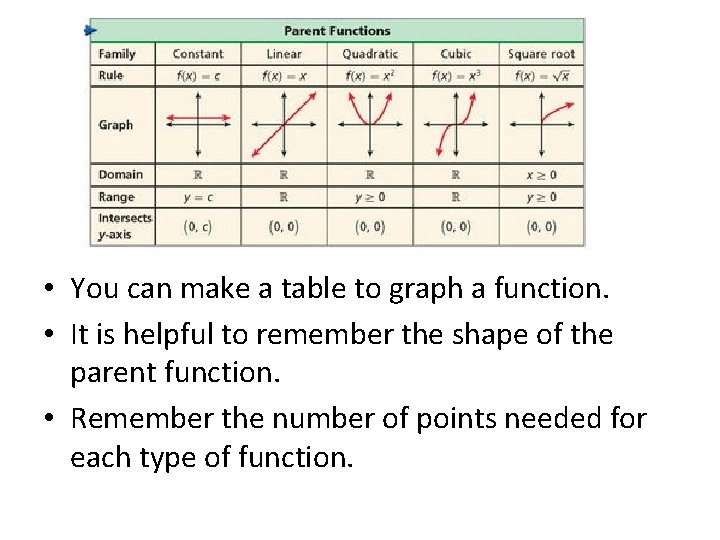
• You can make a table to graph a function. • It is helpful to remember the shape of the parent function. • Remember the number of points needed for each type of function.
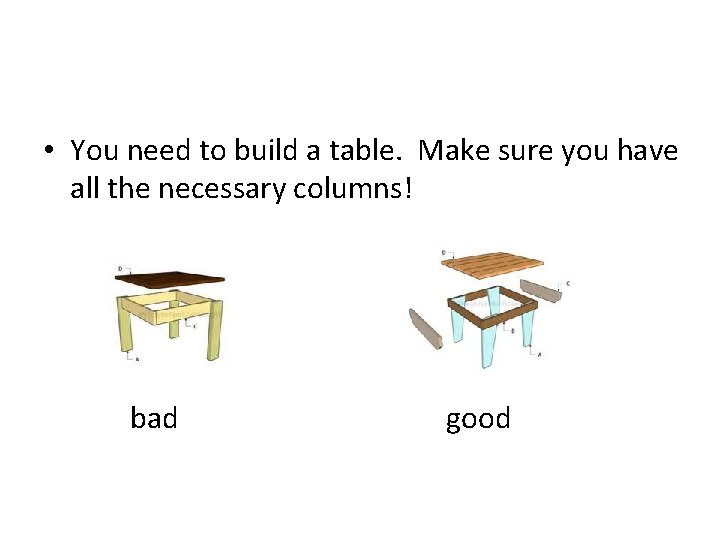
• You need to build a table. Make sure you have all the necessary columns! bad good
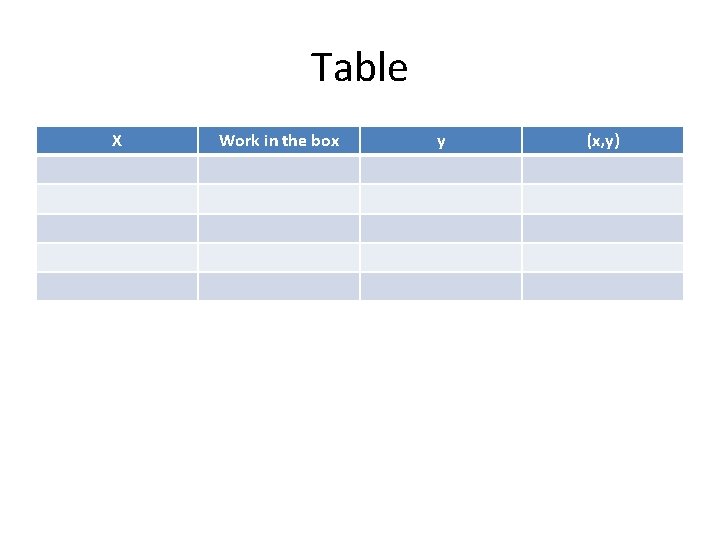
Table X Work in the box y (x, y)

• Plot the points from your table and you have one of the parent graphs
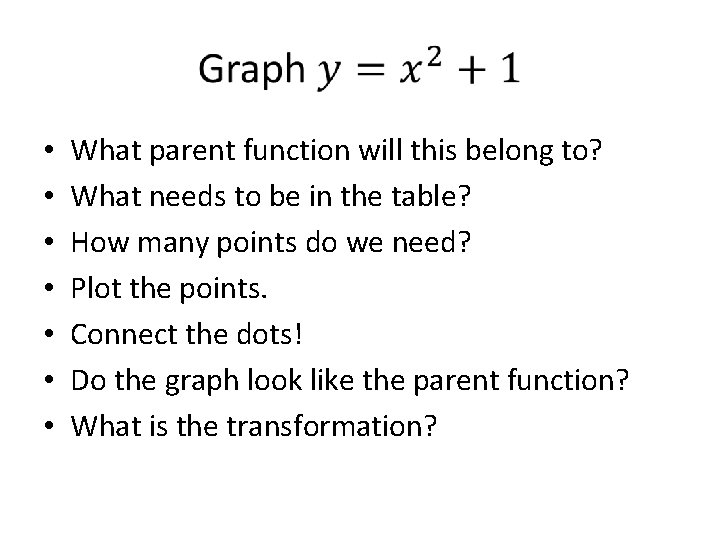
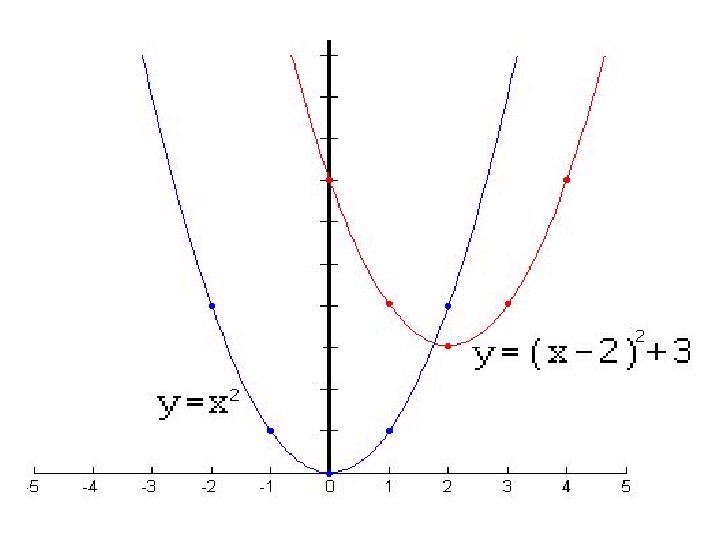
• • What parent function will this belong to? What needs to be in the table? How many points do we need? Plot the points. Connect the dots! Do the graph look like the parent function? What is the transformation?
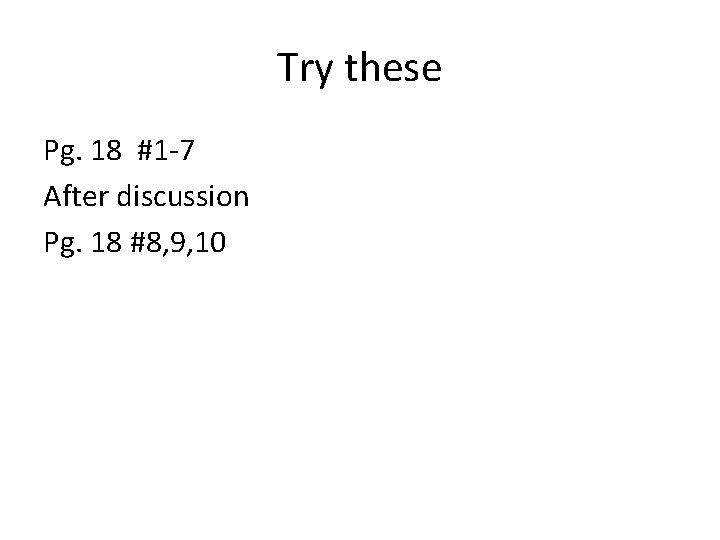
Try these Pg. 18 #1 -7 After discussion Pg. 18 #8, 9, 10
• When a graph is a transformed, the domain and range may change.
Classwork/homework #2 Pg. 19 #11 -15, 24 -27, 42 -46
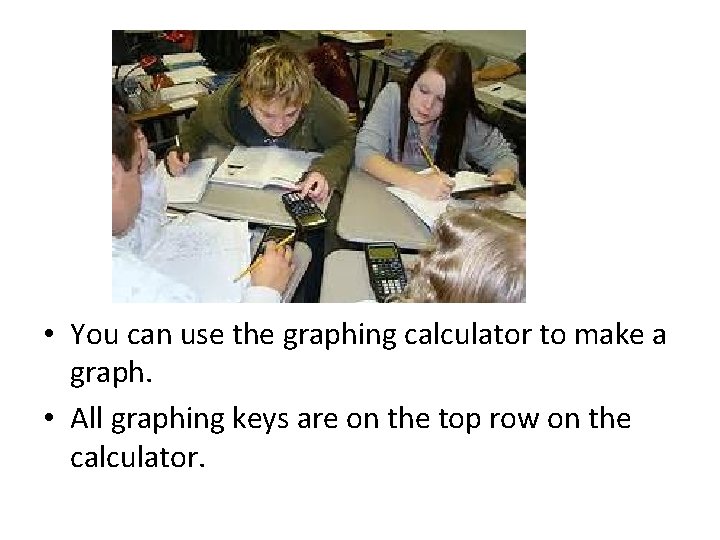
• You can use the graphing calculator to make a graph. • All graphing keys are on the top row on the calculator.
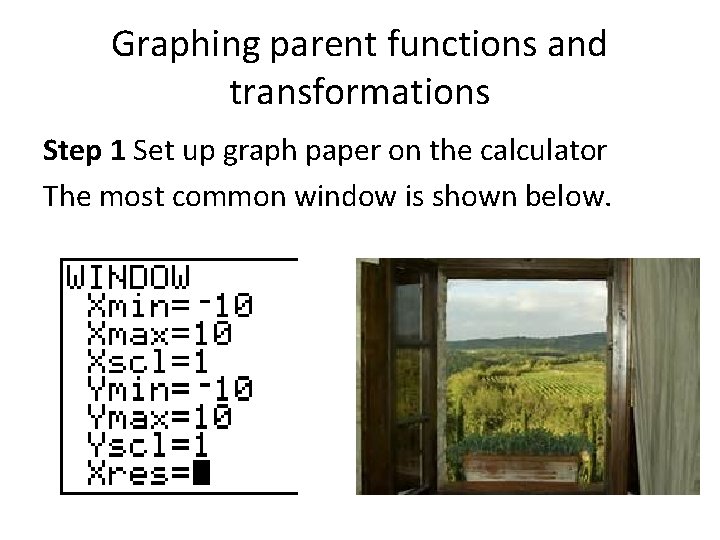
Graphing parent functions and transformations Step 1 Set up graph paper on the calculator The most common window is shown below.
Graphing calculator Setting up a window is like drawing a grid on graph paper.
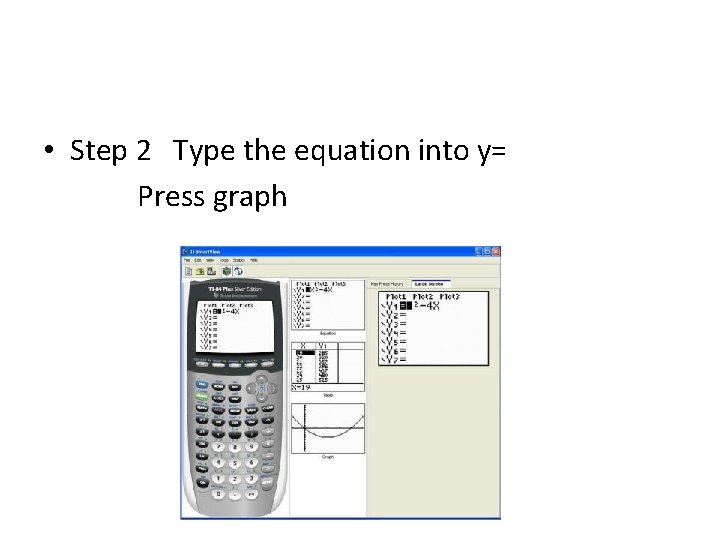
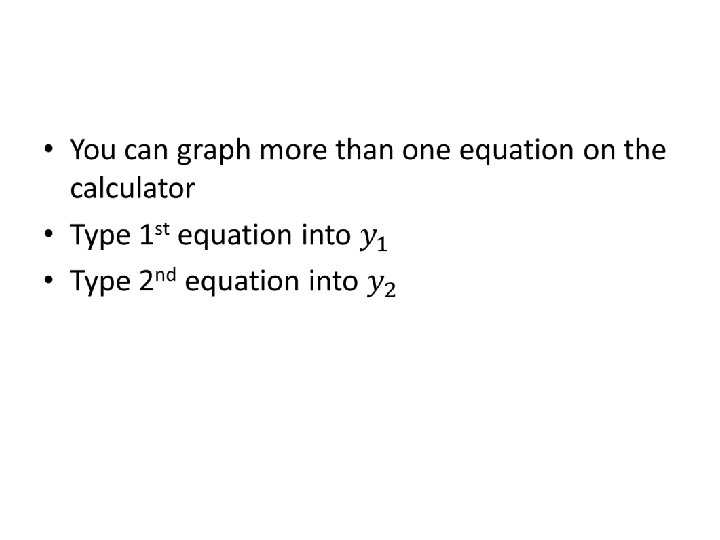
• Step 2 Type the equation into y= Press graph
Typing in the equation • There is an x key (next to the alpha key) • If you need a negative sign (it is on the bottom row). Do not use the subtraction sign! • There is a squared key. For any exponent bigger than two use the carrot key (below clear)
Finding some points on the graph • • • Press table set You can pick a start number for x You can decide ∆table What does the symbol ∆ mean here? Using the arrow keys will give you an infinite number of points.
Try these! • • Pg. 19 #17 -22 Graph the equation on the calculator. Find five points on the graph using the table. Duplicate the graphs on graph paper.
- Slides: 30