
ALC By Anil Choudhary Sr Professor Marking on

ALC By Anil Choudhary Sr Professor
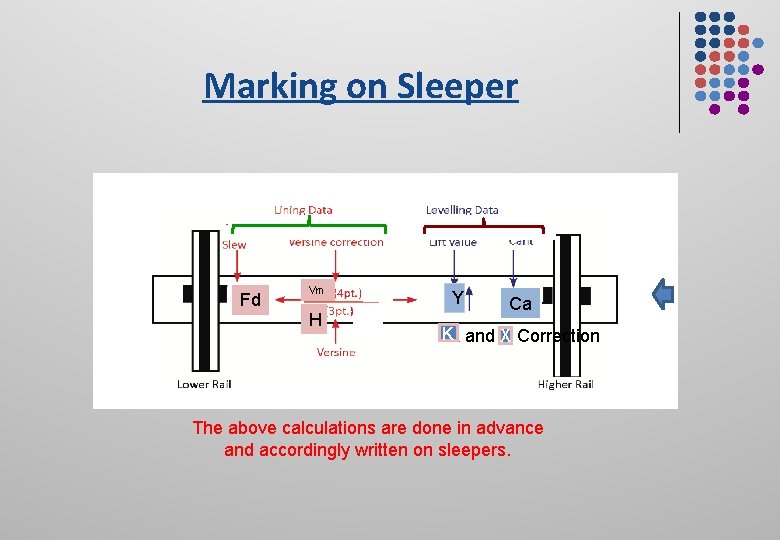
Marking on Sleeper Fd Vm H Y Ca KK and X Correction The above calculations are done in advance and accordingly written on sleepers.
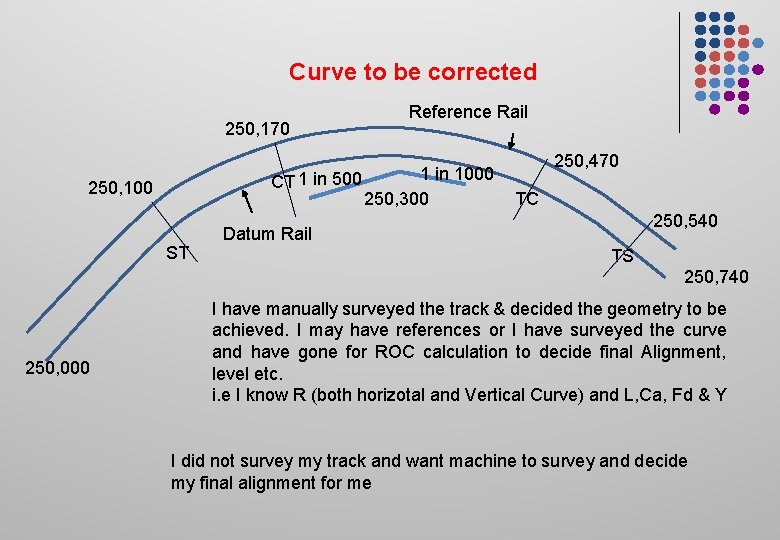
Curve to be corrected 250, 170 Reference Rail 1 in 1000 CT 1 in 500 250, 300 250, 100 ST 250, 470 TC 250, 540 Datum Rail TS 250, 740 250, 000 I have manually surveyed the track & decided the geometry to be achieved. I may have references or I have surveyed the curve and have gone for ROC calculation to decide final Alignment, level etc. i. e I know R (both horizotal and Vertical Curve) and L, Ca, Fd & Y I did not survey my track and want machine to survey and decide my final alignment for me
ALC Modes a. Manual input of Track Geometry or Known Track Geometry mode a. Measuring run data or Unknown Track Geometry mode
Known Track Geometry mode To enter: l Track Geometry l Front offset and Lift value
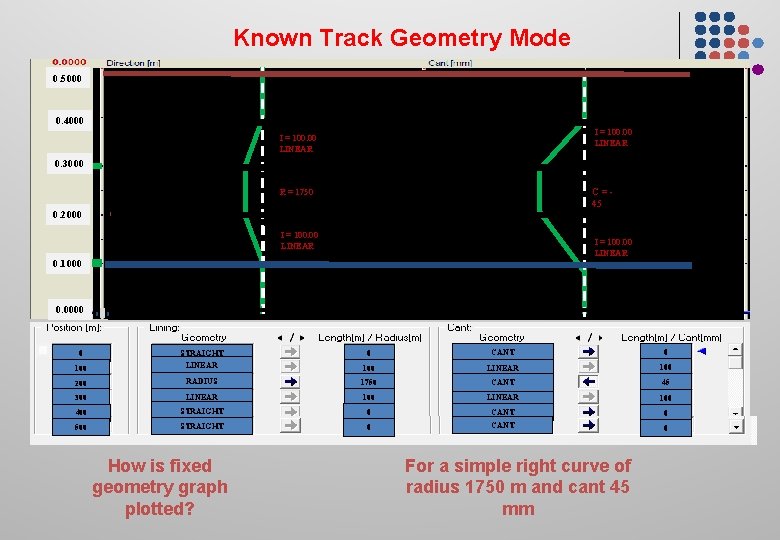
Known Track Geometry Mode 0. 5000 0. 4000 I = 100. 00 LINEAR 0. 3000 C=45 R = 1750 0. 2000 I = 100. 00 LINEAR 0. 1000 0. 0000 STRAIGHT LINEAR 0 CANT 0 100 LINEAR 100 200 RADIUS 1750 CANT 45 300 LINEAR 100 400 STRAIGHT 0 CANT 0 500 STRAIGHT 0 CANT 0 0 100 How is fixed geometry graph plotted? For a simple right curve of radius 1750 m and cant 45 mm
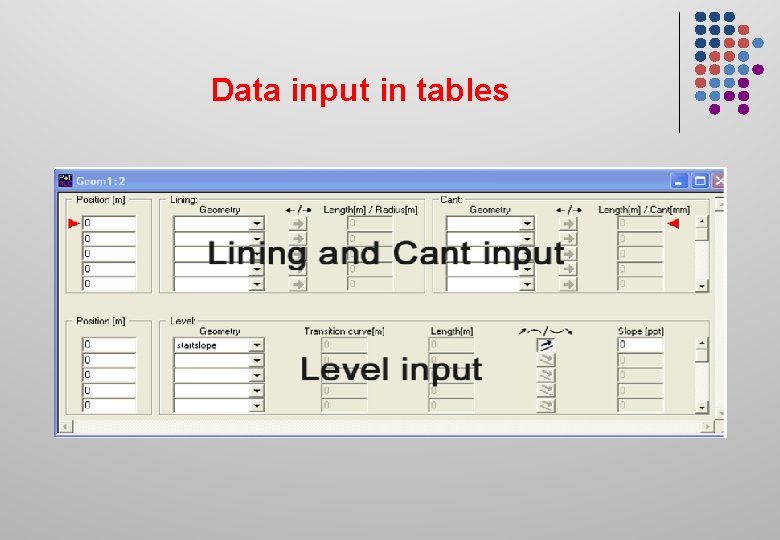
Data input in tables
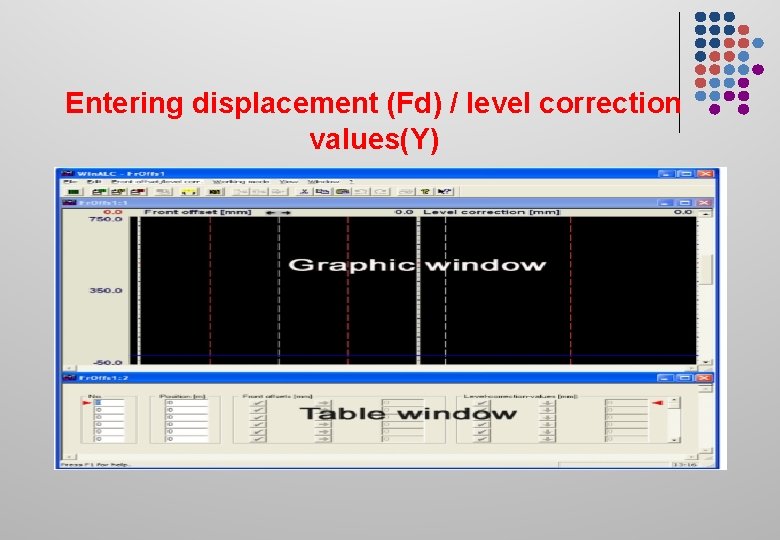
Entering displacement (Fd) / level correction values(Y)
Known Track Geometry mode Lining correction can be done in both l 3 -point and l 4 -Point mode
KNOWN TRACK GEOMETRY MODE 4 Point Lining: Vm correction values (depends on m/c and R & L) are calculated by ALC and fed during 4 point lining 3 Point Lining: H, Hx, Hy, Hz and Hw (depends on m/c and R & L) are calculated by ALC and Fed during 3 Point lining
KNOWN TRACK GEOMETRY MODE Levelling: We feed cant (design cant is known) for circular portion of curve and Cant along transition length (L is known) is calculated by ALC for feeding K (depends on m/c, SE and R of horizontal curve) and X (depends on m/c & Radius of vertical Curve) correction are automatically applied by M/c itself.
KNOWN TRACK GEOMETRY MODE Front Offset Values(FD and Y): From field survey, FD & Y is calculated and a data file is made and fed in to ALC for automatic feeding during lining and Levelling. However these can also be fed manually through potentiometers.
UNKNOWN TRACK GEOMETRY OR MEASURING RUN MODE l l Existing track geometry measured at a speed up-to 10 km/h. Measuring run and correction to alignment is done in 3 -Point lining system only.
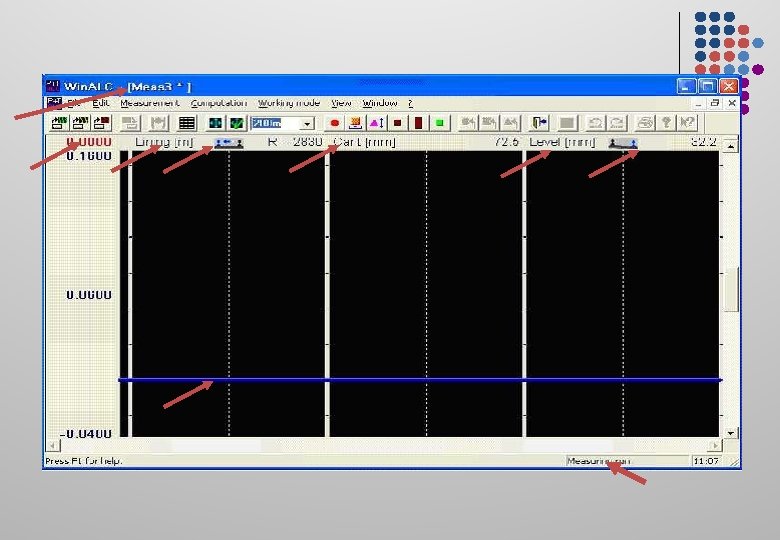
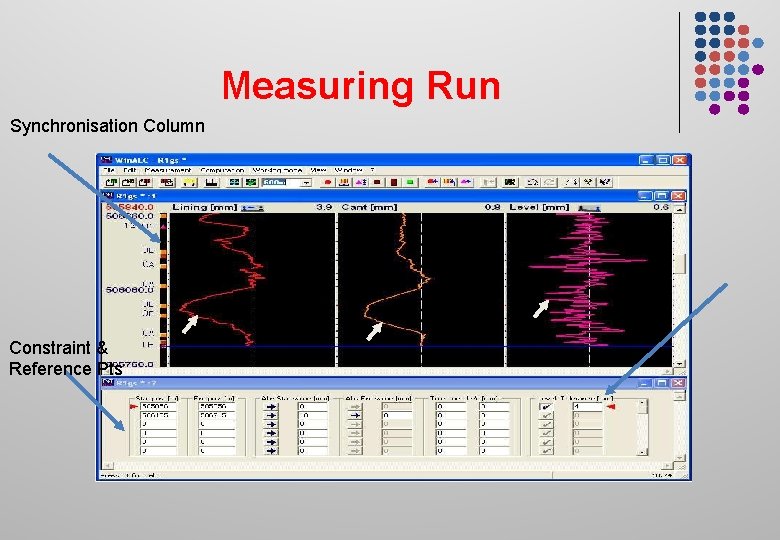
Measuring Run Synchronisation Column Constraint & Reference Pts
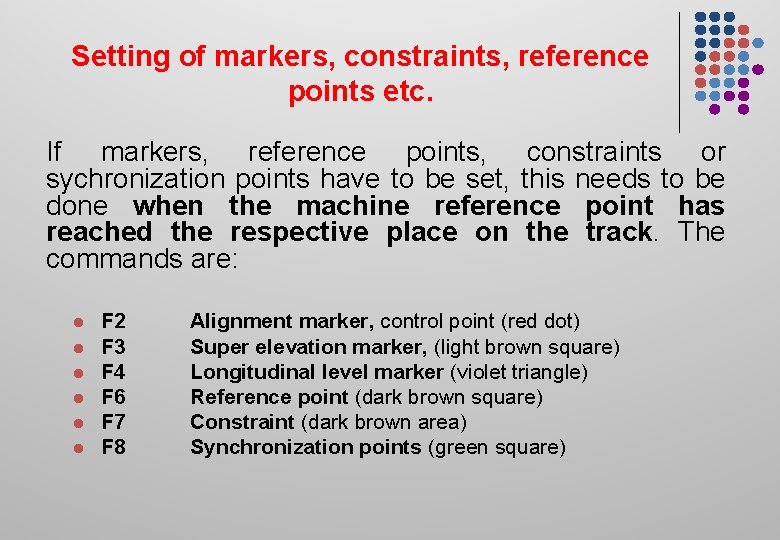
Setting of markers, constraints, reference points etc. If markers, reference points, constraints or sychronization points have to be set, this needs to be done when the machine reference point has reached the respective place on the track. The commands are: l l l F 2 F 3 F 4 F 6 F 7 F 8 Alignment marker, control point (red dot) Super elevation marker, (light brown square) Longitudinal level marker (violet triangle) Reference point (dark brown square) Constraint (dark brown area) Synchronization points (green square)
UNKNOWN TRACK GEOMETRY OR MEASURING RUN MODE Ø Ø The machine picks up lining and levelling error of the track only within their chord length. During or after the measurement certain known obligatory points can be entered
Computation Operations The following operations can be made in this window: Ø Target SE Ø Curve versine compensation and Constant areas. Ø Longitudinal level compensation and entering constant areas Ø Determination of the compensation area.
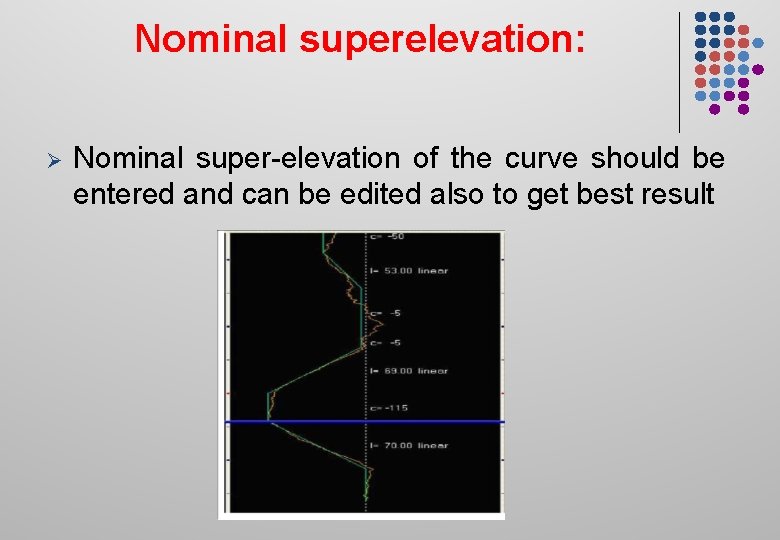
Nominal superelevation: Ø Nominal super-elevation of the curve should be entered and can be edited also to get best result
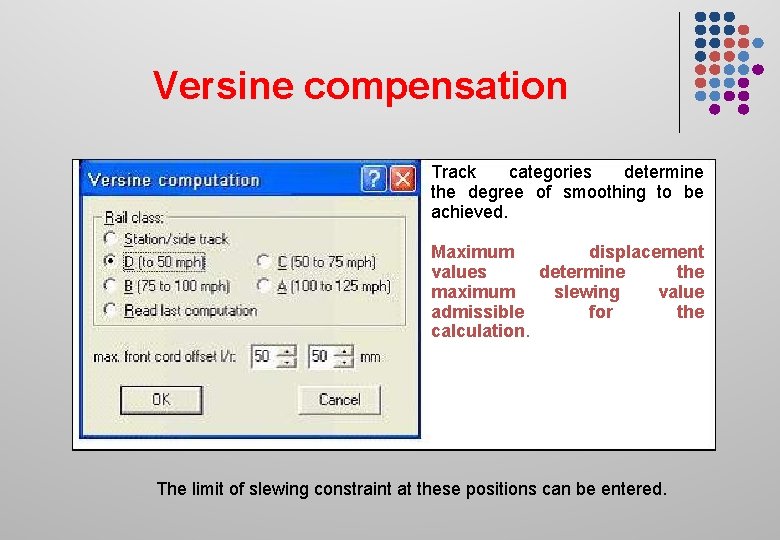
Versine compensation Track categories determine the degree of smoothing to be achieved. Maximum displacement values determine the maximum slewing value admissible for the calculation. The limit of slewing constraint at these positions can be entered.
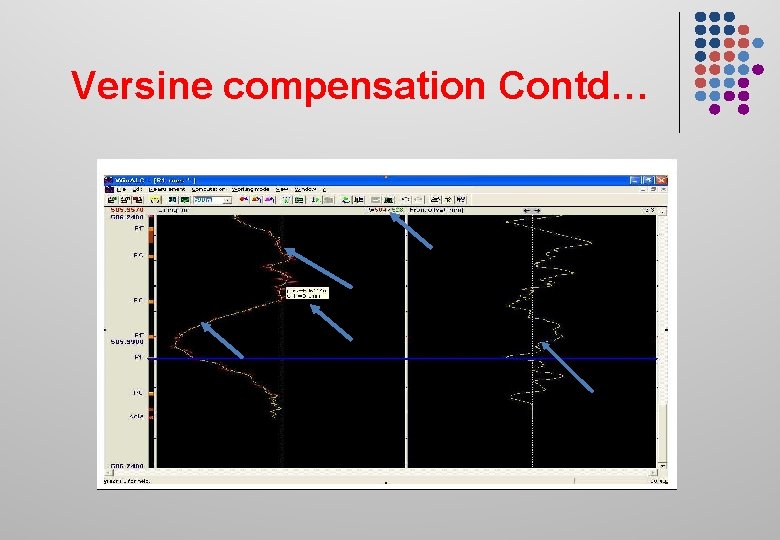
Versine compensation Contd…
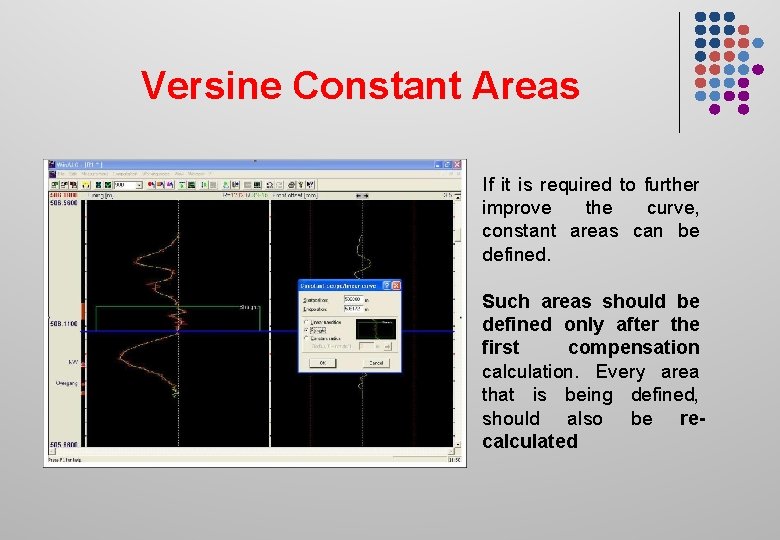
Versine Constant Areas If it is required to further improve the curve, constant areas can be defined. Such areas should be defined only after the first compensation calculation. Every area that is being defined, should also be recalculated
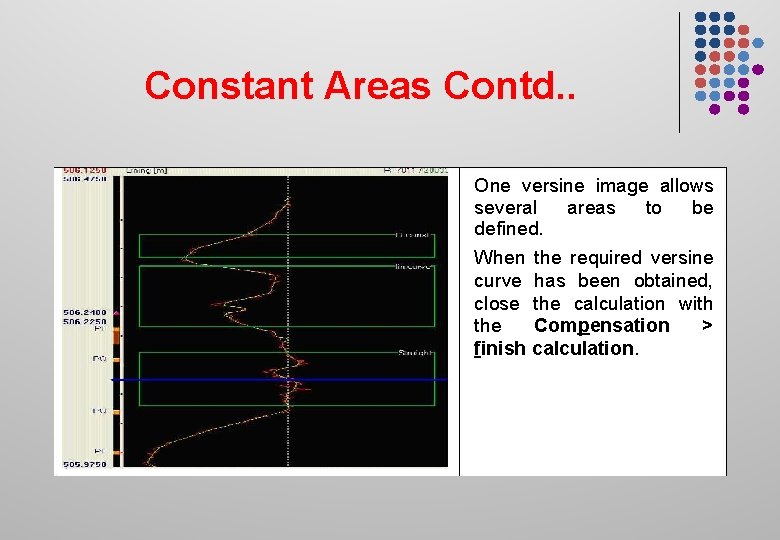
Constant Areas Contd. . One versine image allows several areas to be defined. When the required versine curve has been obtained, close the calculation with the Compensation > finish calculation.
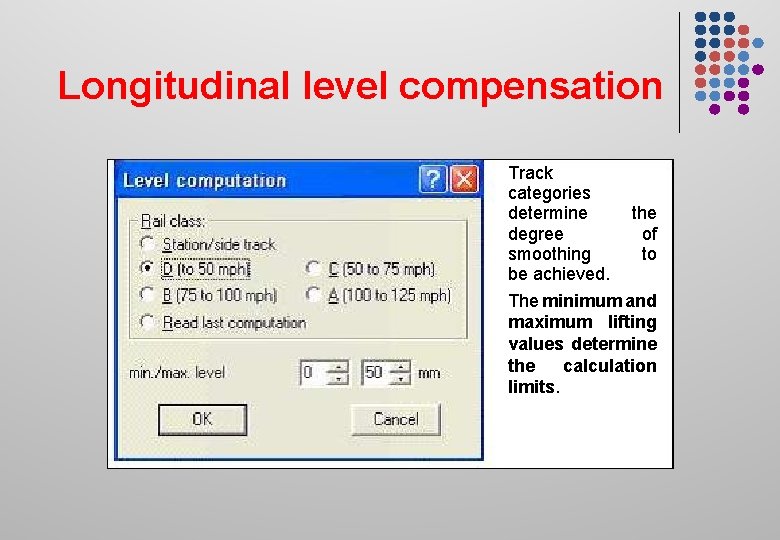
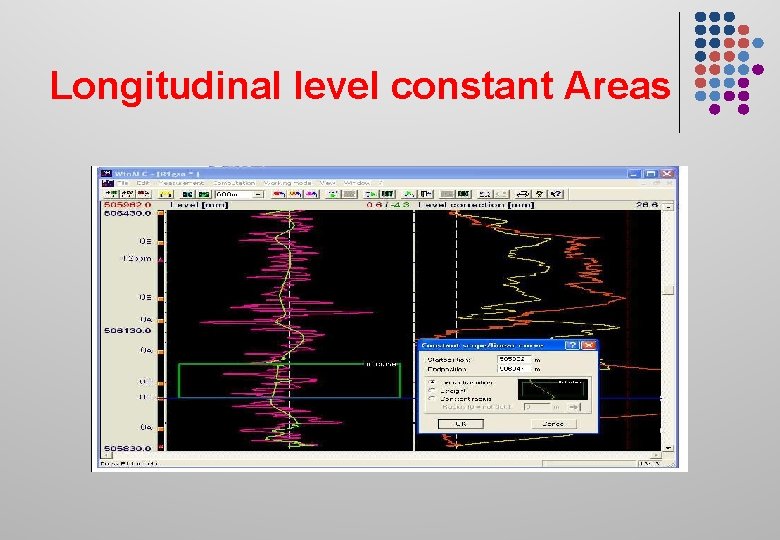
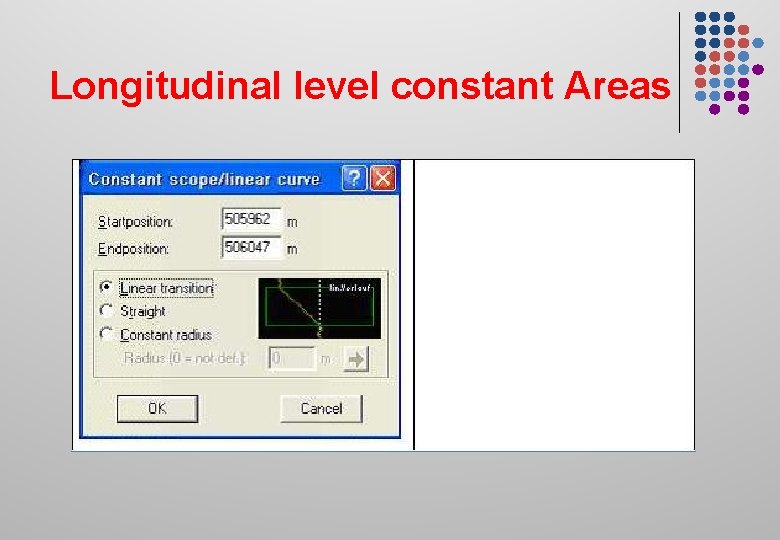
Longitudinal level compensation Track categories determine the degree of smoothing to be achieved. The minimum and maximum lifting values determine the calculation limits.
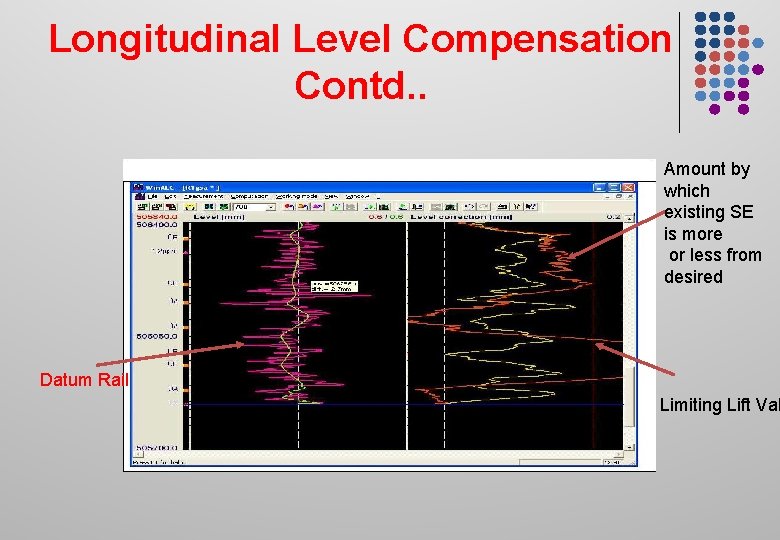
Longitudinal Level Compensation Contd. . Amount by which existing SE is more or less from desired Datum Rail Limiting Lift Val
GENERAL LIFT ON CURVES For Curves, when the existing Super-elevation (SE) is less than equilibrium SE, General Lift will be equal to track irregularities over the Datum Rail (Inner Rail + 10 mm) and when the existing SE is more than equilibrium SE, General Lift will be the track irregularities in the Datum Rail plus max difference between existing and equilibrium SE. ? ? ?
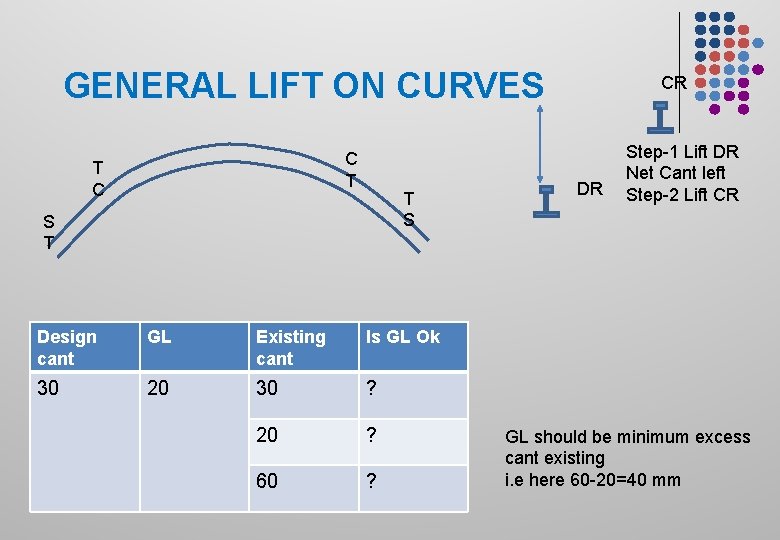
GENERAL LIFT ON CURVES C T T C T S S T Design cant GL Existing cant Is GL Ok 30 20 30 ? 20 ? 60 ? CR DR Step-1 Lift DR Net Cant left Step-2 Lift CR GL should be minimum excess cant existing i. e here 60 -20=40 mm
Longitudinal level constant Areas
Longitudinal level constant Areas
UNKNOWN TRACK GEOMETRY OR MEASURING RUN MODE l l l Alignment can also be altered in constant linear and constant radius sections. After computation by the “ALC” the tamper is set to work with the “ALC” automatically entering the computed lift, slew & versine values into the machine systems. Thus correct the track geometry as per computed data provided by ALC
ALC mode Contd. . H, Hx, Hy, Hz & Hw values, K and X correction is also automatically accounted as per geometry fed
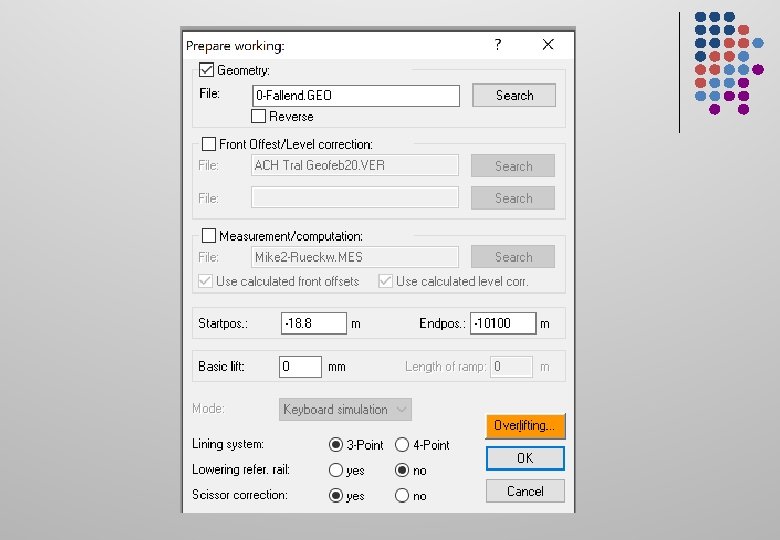
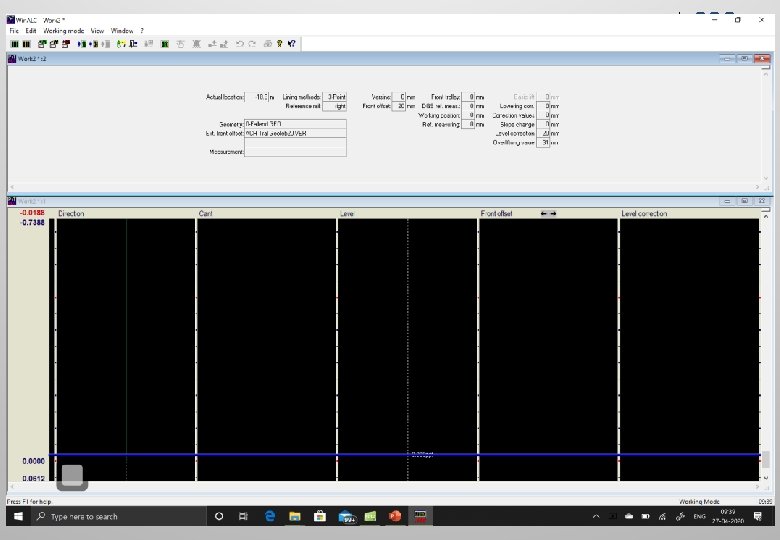
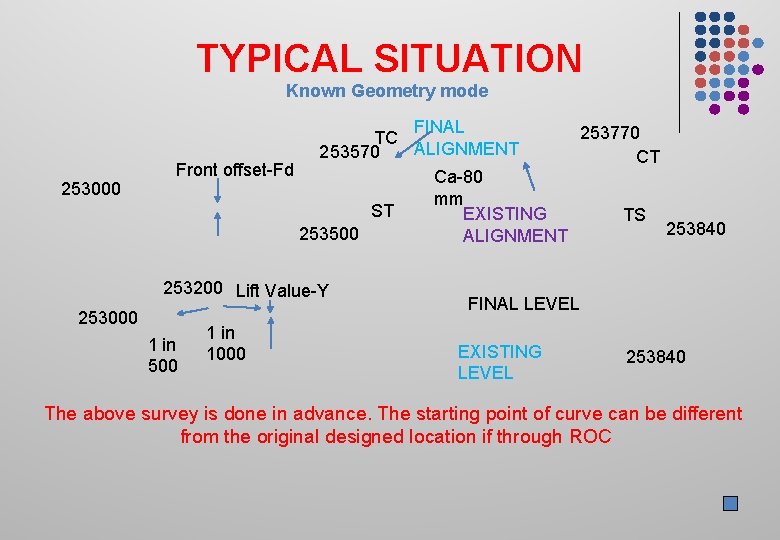
TYPICAL SITUATION Known Geometry mode 253000 FINAL 253770 TC ALIGNMENT 253570 CT Front offset-Fd Ca-80 mm ST EXISTING TS 253840 253500 ALIGNMENT 253200 Lift Value-Y 253000 1 in 500 1 in 1000 FINAL LEVEL EXISTING LEVEL 253840 The above survey is done in advance. The starting point of curve can be different from the original designed location if through ROC
TYPICAL MEASURING RUN SITUATION Steps to be followed-Demo

Thank You
- Slides: 36