
AIMS Overview Austin ISD Instructional Management System AIMS
- Slides: 17
AIMS Overview* Austin ISD Instructional Management System * AIMS went through a design overhaul during the Summer of 2009. More training materials will be available in the near future that reflect this new design and navigation structure. Please contact the HELP desk at 414 -8324 (option 3) if you have any immediate questions, concerns or comments. Thank you. Office of Curriculum and Instruction Created: August 7, 2009
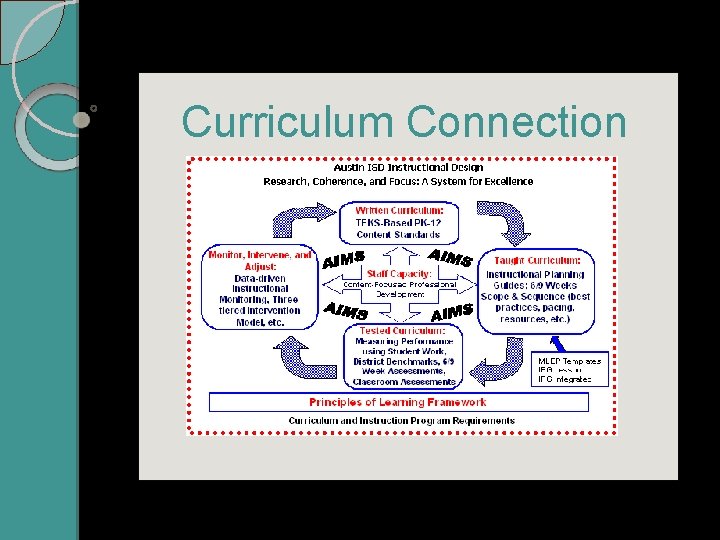
Curriculum Connection
What is AIMS? Austin ISD Instructional Management System Describes browser-based software that manages student achievement data and curriculum resources for the purpose of informing instruction and program decisions Created and maintained by the Austin ISD Provides quick access to critical student data Application is evolving with the district based on needs
Why AIMS for Teachers? • Quick access to on-demand student information • Analyze individual student records ti identify areas of strength and need • Assist in planning for individualized instruction • Support strategic decisions about groups of students • Improve overall teaching practice and collaboration with colleagues
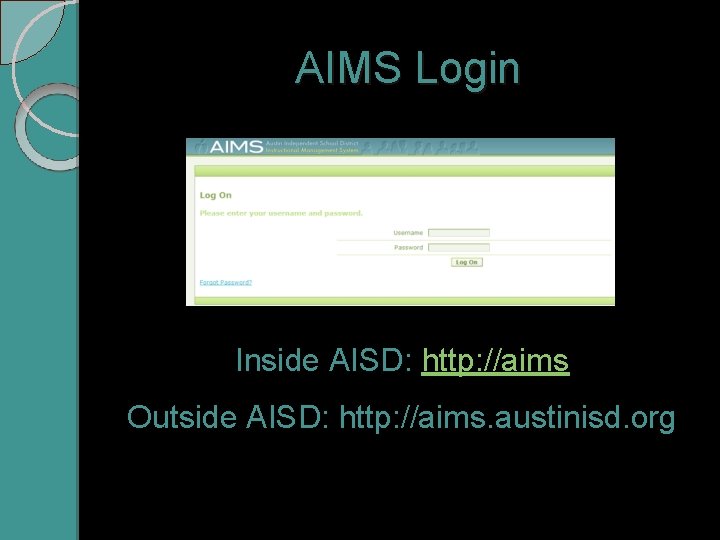
AIMS Login Inside AISD: http: //aims Outside AISD: http: //aims. austinisd. org
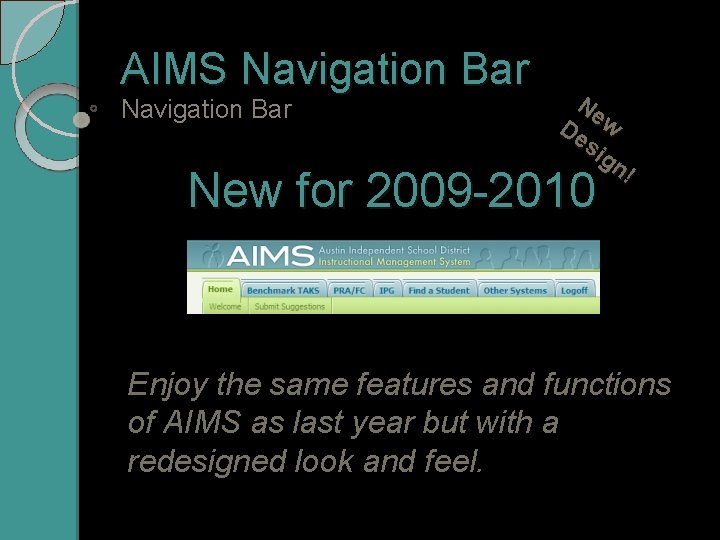
AIMS Navigation Bar Ne De w si gn ! New for 2009 -2010 Enjoy the same features and functions of AIMS as last year but with a redesigned look and feel.
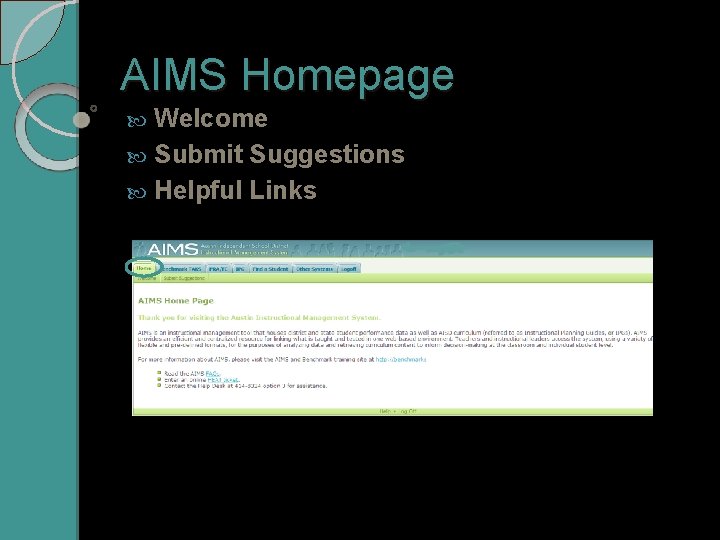
AIMS Homepage Welcome Submit Suggestions Helpful Links
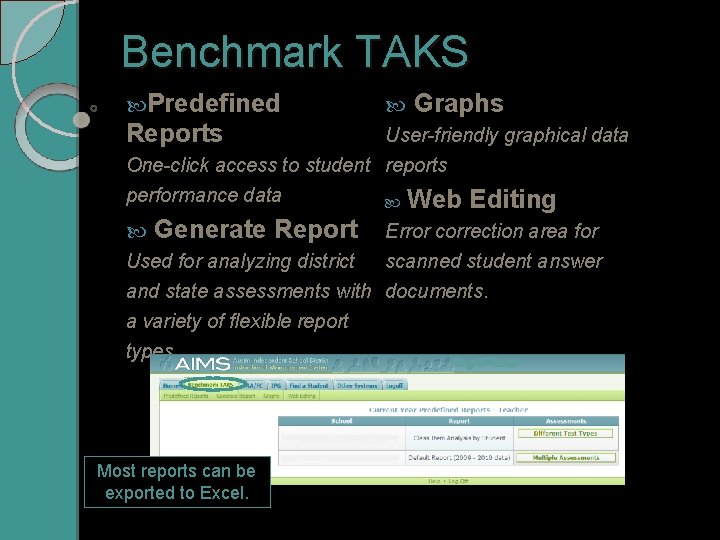
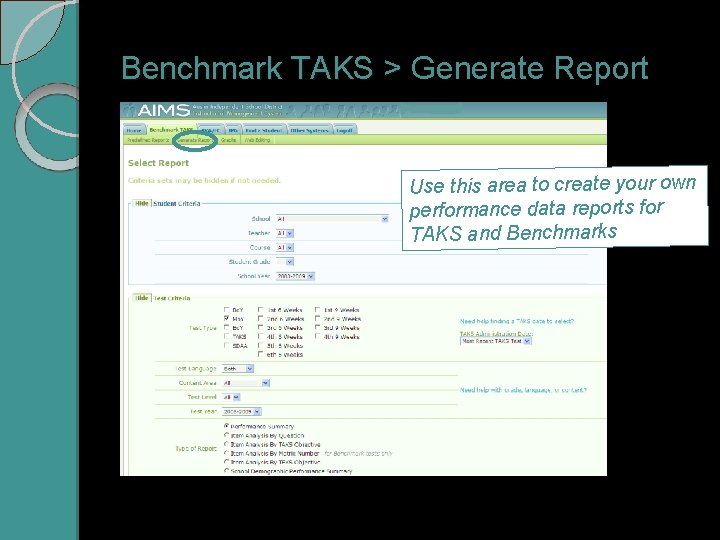
Benchmark TAKS Predefined Graphs Reports User-friendly graphical data One-click access to student reports performance data Web Editing Generate Report Error correction area for scanned student answer Used for analyzing district and state assessments with documents. a variety of flexible report types Most reports can be exported to Excel.
Benchmark TAKS > Generate Report Use this area to create your own performance data reports for TAKS and Benchmarks
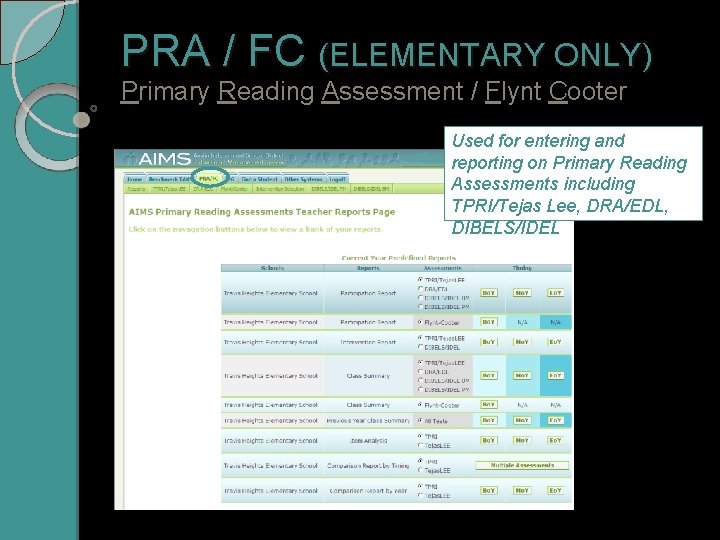
PRA / FC (ELEMENTARY ONLY) Primary Reading Assessment / Flynt Cooter Used for entering and reporting on Primary Reading Assessments including TPRI/Tejas Lee, DRA/EDL, DIBELS/IDEL
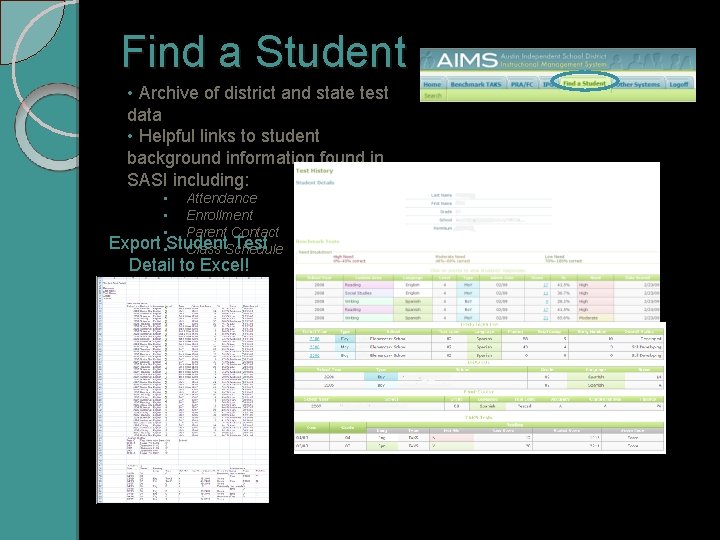
Find a Student • Archive of district and state test data • Helpful links to student background information found in SASI including: • Attendance • Enrollment • Parent Contact Export • Student Test Class Schedule Detail to Excel!
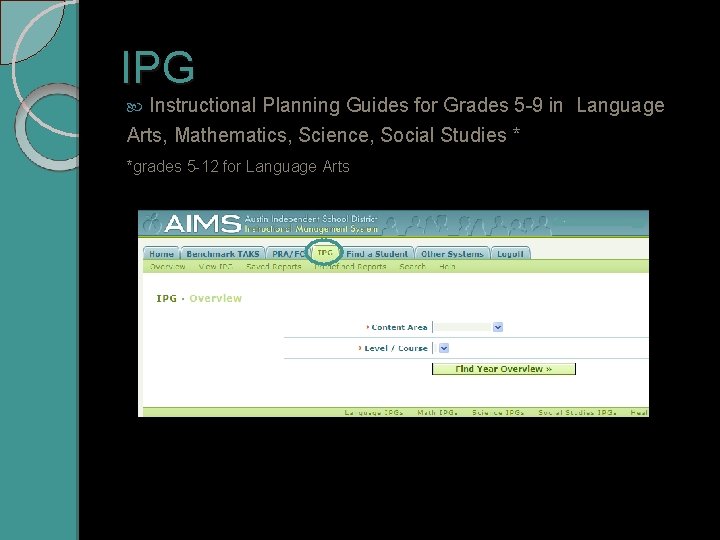
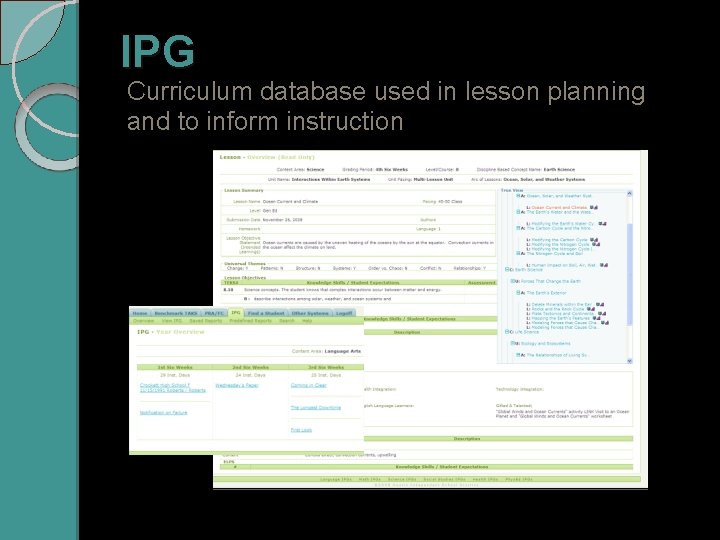
IPG Instructional Planning Guides for Grades 5 -9 in Language Arts, Mathematics, Science, Social Studies * *grades 5 -12 for Language Arts
IPG Curriculum database used in lesson planning and to inform instruction
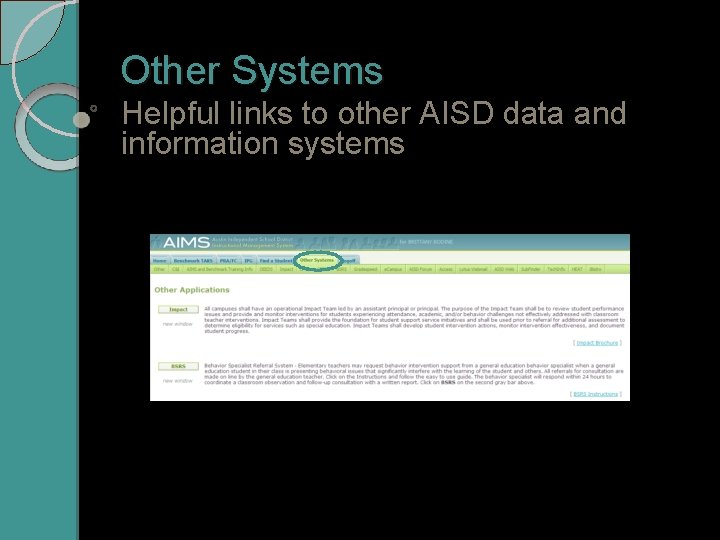
Other Systems Helpful links to other AISD data and information systems Short Activity: LOGIN Checks
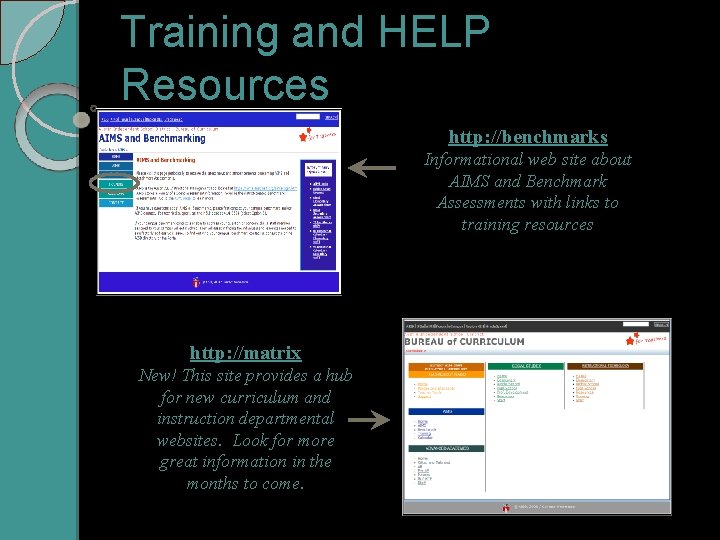
Training and HELP Resources http: //benchmarks Informational web site about AIMS and Benchmark Assessments with links to training resources http: //matrix New! This site provides a hub for new curriculum and instruction departmental websites. Look for more great information in the months to come.
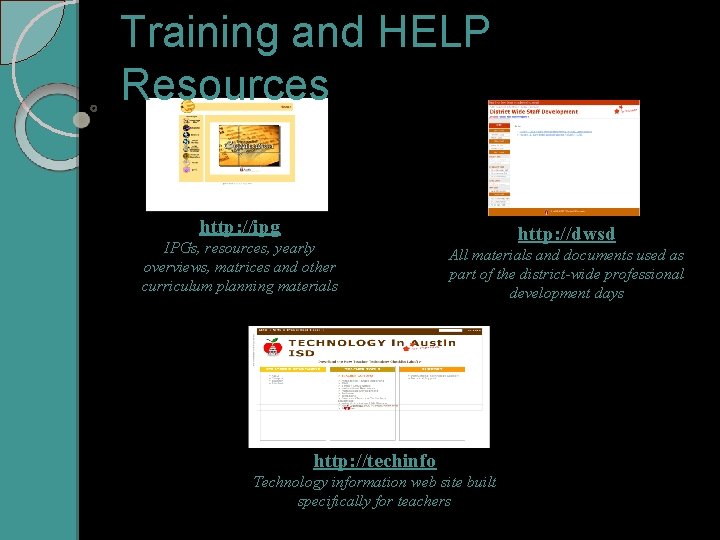
Training and HELP Resources http: //ipg IPGs, resources, yearly overviews, matrices and other curriculum planning materials http: //dwsd All materials and documents used as part of the district-wide professional development days http: //techinfo Technology information web site built specifically for teachers
CAC Staff Contacts AIMS Manager / Instructional Support Coordinator: Michele King, mking 1@austinisd. org Instructional Support Analyst: Shayna Sheehan, shayna. sheehan@austinisd. org Curriculum Data Specialist (Benchmarks): Kim Penridge, kim. penridge@austinisd. org