
Agri Life Presentation Template Name of Presenter Title




- Slides: 9
Agri. Life Presentation Template Name of Presenter Title Line 1 Title Line 2
Read Me First! Make a copy of this template Save this Template somewhere handy. Make a copy of this presentation when you are ready to make it yours. Read through the template first! This template includes slide variations as well as tips for you to create your best presentations! Stick to the brand Use the embedded brand fonts and colors throughout your presentation for best results.
Using Layout View
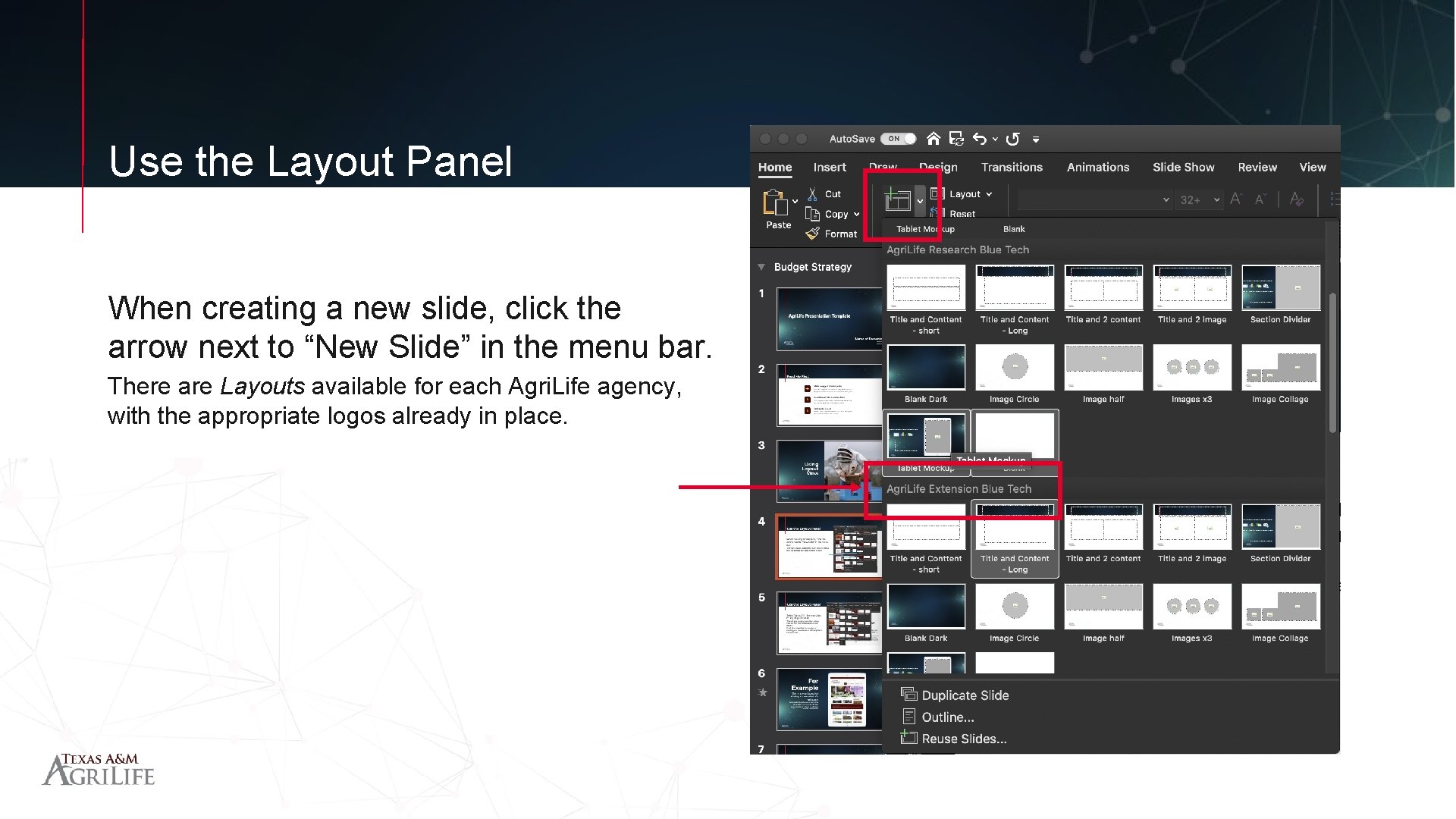
Use the Layout Panel When creating a new slide, click the arrow next to “New Slide” in the menu bar. There are Layouts available for each Agri. Life agency, with the appropriate logos already in place.
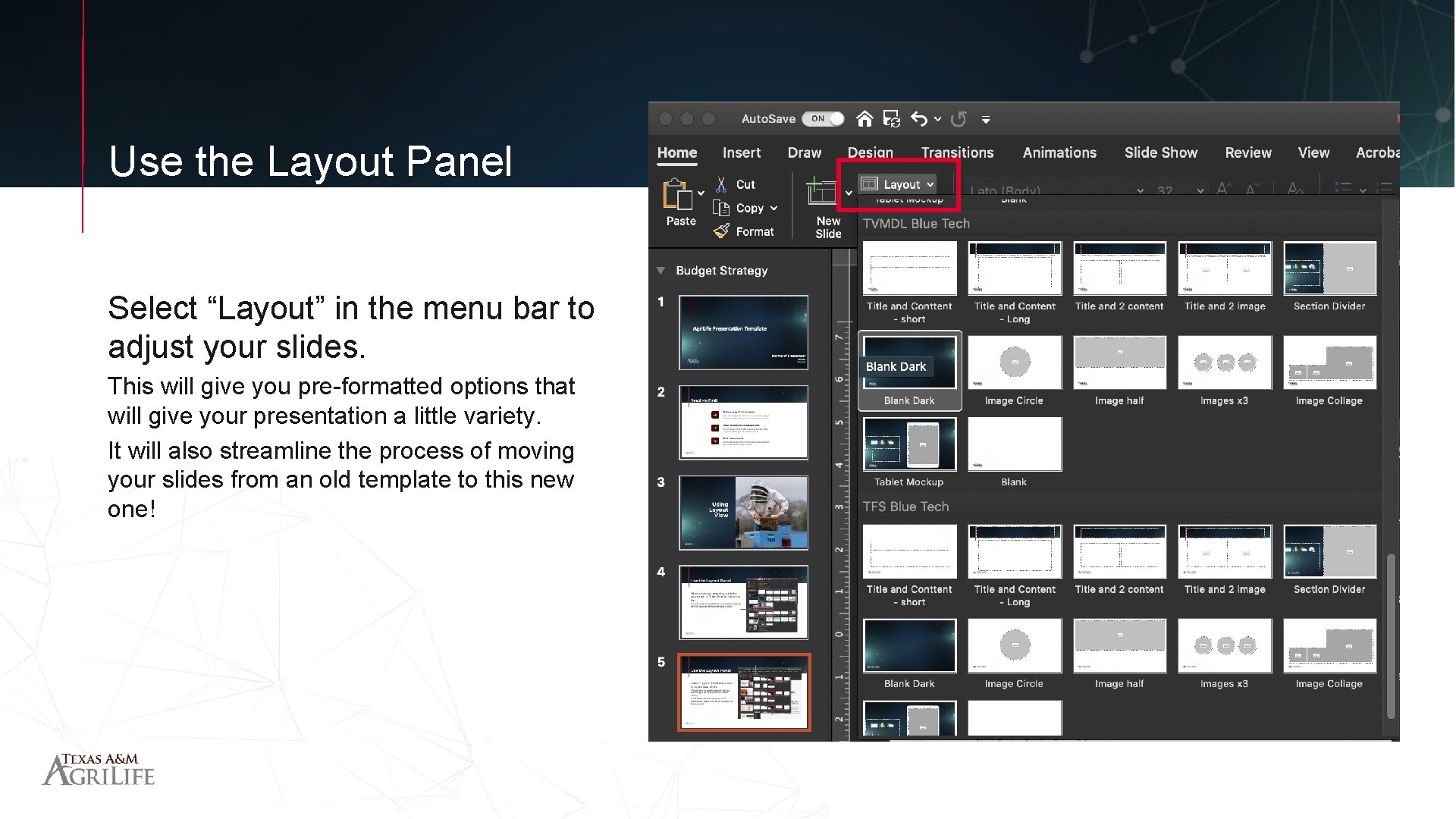
Use the Layout Panel Select “Layout” in the menu bar to adjust your slides. This will give you pre-formatted options that will give your presentation a little variety. It will also streamline the process of moving your slides from an old template to this new one!
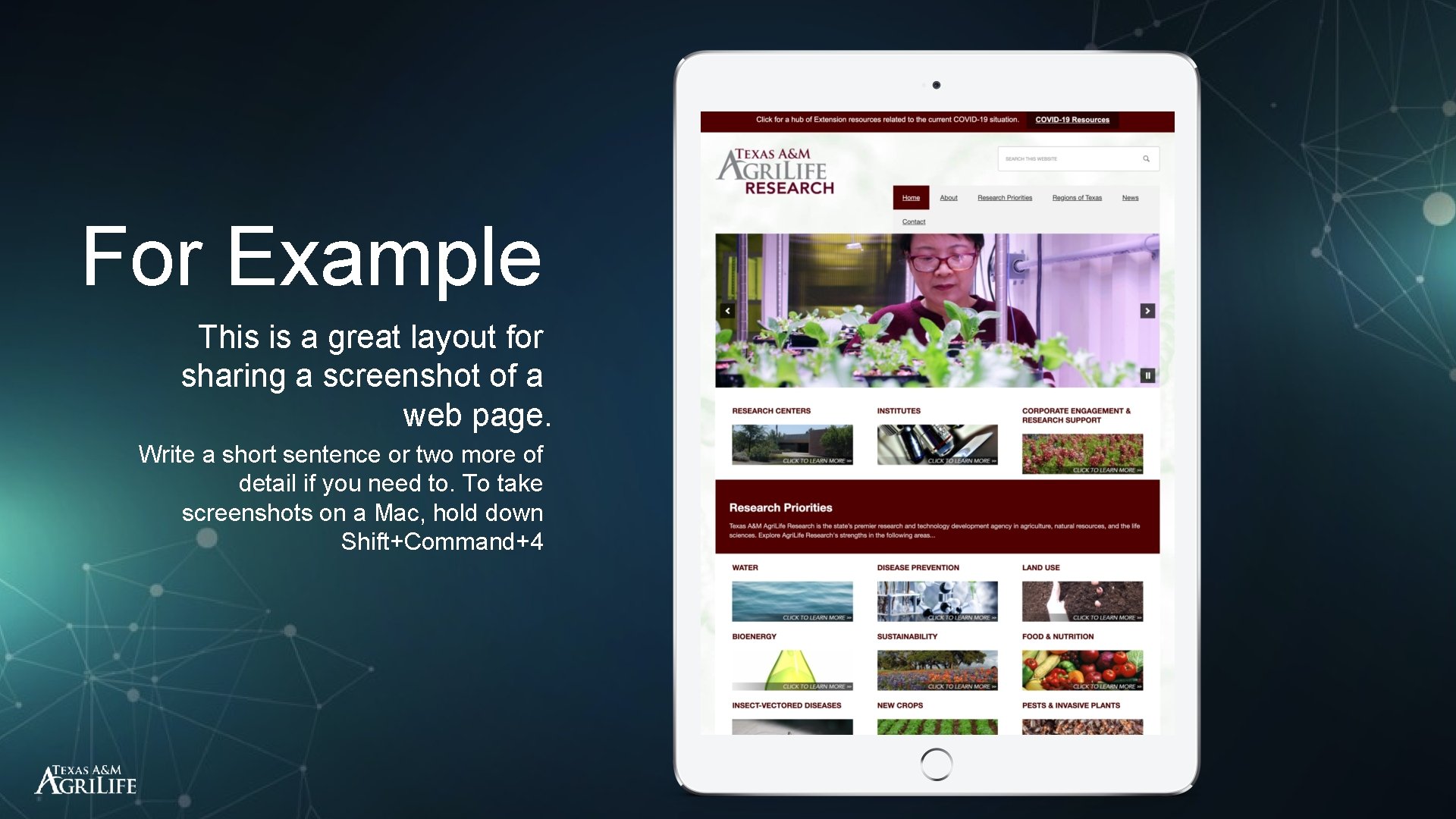
For Example This is a great layout for sharing a screenshot of a web page. Write a short sentence or two more of detail if you need to. To take screenshots on a Mac, hold down Shift+Command+4
This is a great layout for a lot of content
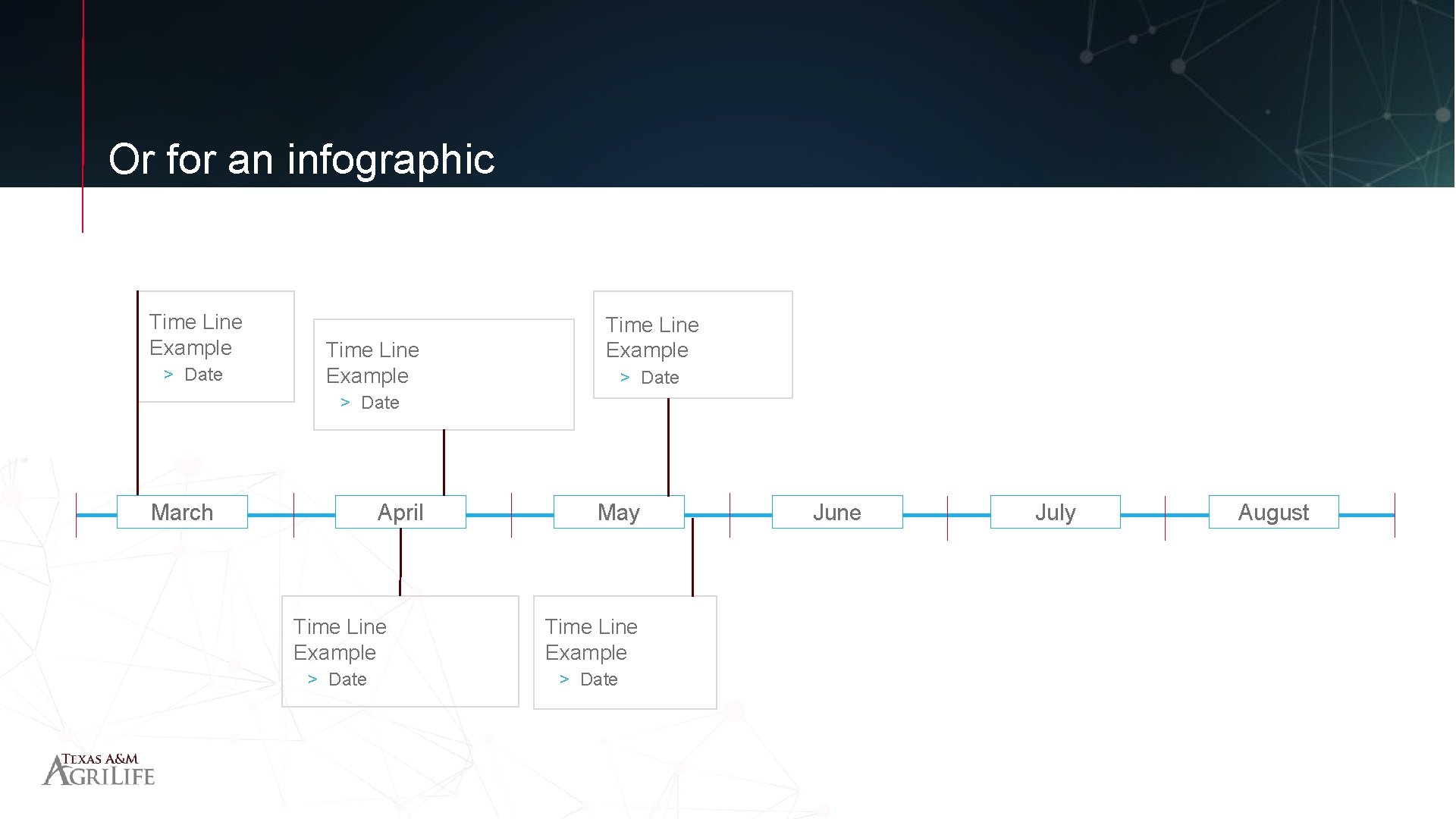
Or for an infographic Time Line Example > Date March April May Time Line Example > Date June July August
DISCUSSION