
Agenda Maximizing Security Staying Secure 7 Steps for
- Slides: 33
Agenda • Maximizing Security – Staying Secure – 7 Steps for New Computers • Maximizing Performance – Completing functional upgrades – Keeping your hard disk clean
Maximizing Security
YOU are the KEY to keeping your computer secure…
Your PC Think about the data on your PC and how it may be accessed. • Sensitive information -Social Security Numbers -Credit card numbers -Personal information financial information (Quicken) • Important, irreplaceable information • Encryption: a viable solution
Basic Survival Before you start… • • • Allow enough time. Backup data before you make changes. Registry changes—not for the novice. Write down EXACTLY the steps you take. Copy text of any error messages received.
Passphrases/Passwords • Net. ID passphrase/password – Be creative • Tgsn 2 m$J (The guy sitting next to me’s a jerk) – Longer is better • Windows passphrase/password – For separate accounts use separate (long & strong ) passphrases/passwords – Change them regularly
Physical Controls • A PC is that is “powered off” can’t be compromised. • Use a cable lock for laptops (desktops) to prevent theft. • Lock the computer when you leave. – Windows Users: Hold down the Windows Key and press “L”. – Macintosh Users: Log out.
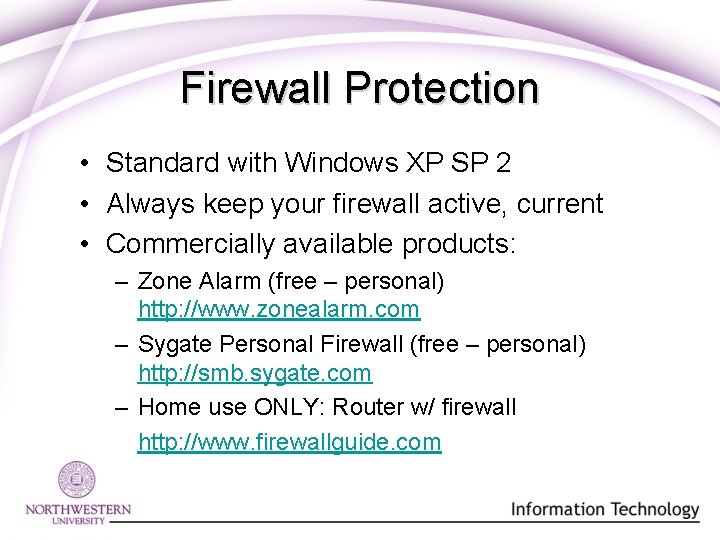
Firewall Protection • Standard with Windows XP SP 2 • Always keep your firewall active, current • Commercially available products: – Zone Alarm (free – personal) http: //www. zonealarm. com – Sygate Personal Firewall (free – personal) http: //smb. sygate. com – Home use ONLY: Router w/ firewall http: //www. firewallguide. com
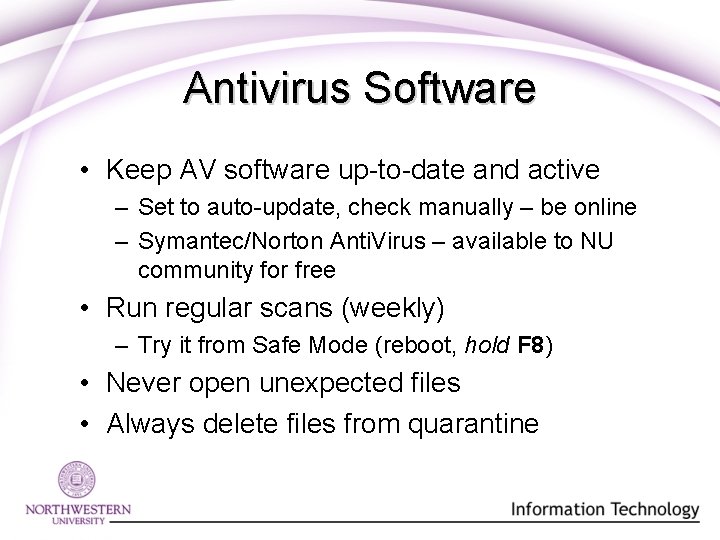
Antivirus Software • Keep AV software up-to-date and active – Set to auto-update, check manually – be online – Symantec/Norton Anti. Virus – available to NU community for free • Run regular scans (weekly) – Try it from Safe Mode (reboot, hold F 8) • Never open unexpected files • Always delete files from quarantine
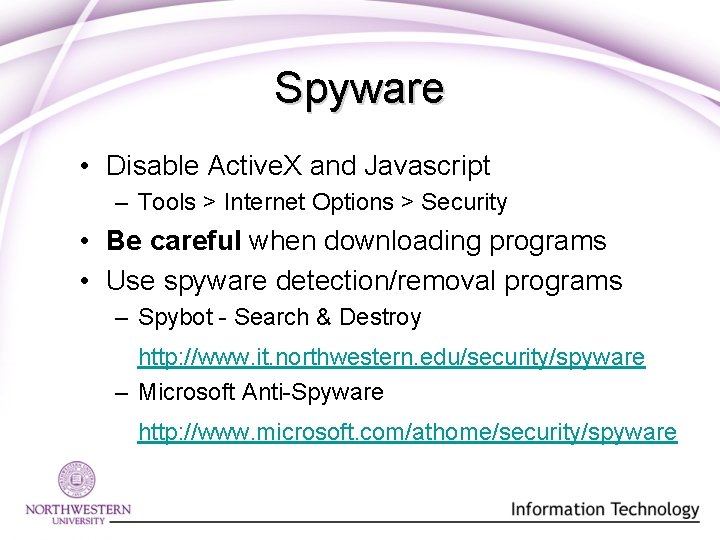
Spyware • Disable Active. X and Javascript – Tools > Internet Options > Security • Be careful when downloading programs • Use spyware detection/removal programs – Spybot - Search & Destroy http: //www. it. northwestern. edu/security/spyware – Microsoft Anti-Spyware http: //www. microsoft. com/athome/security/spyware
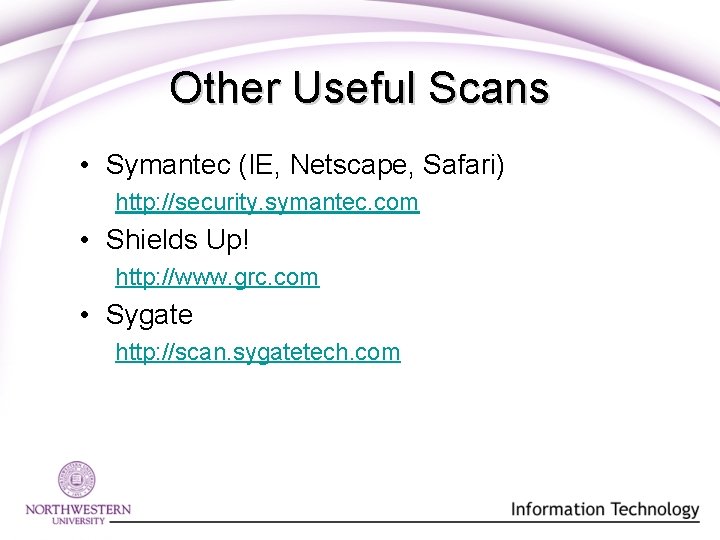
Other Useful Scans • Symantec (IE, Netscape, Safari) http: //security. symantec. com • Shields Up! http: //www. grc. com • Sygate http: //scan. sygatetech. com
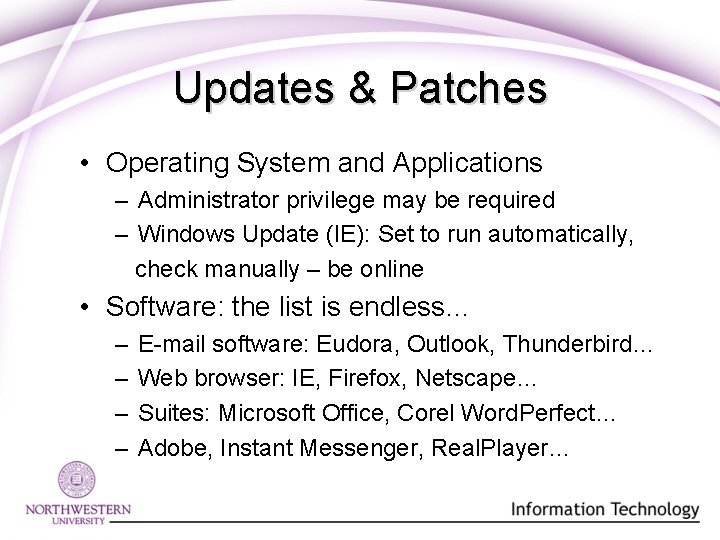
Updates & Patches • Operating System and Applications – Administrator privilege may be required – Windows Update (IE): Set to run automatically, check manually – be online • Software: the list is endless… – – E-mail software: Eudora, Outlook, Thunderbird… Web browser: IE, Firefox, Netscape… Suites: Microsoft Office, Corel Word. Perfect… Adobe, Instant Messenger, Real. Player…
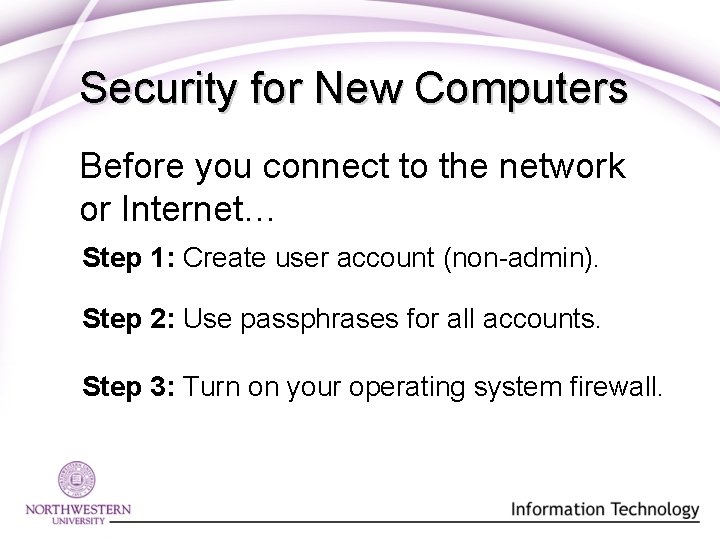
Security for New Computers Before you connect to the network or Internet… Step 1: Create user account (non-admin). Step 2: Use passphrases for all accounts. Step 3: Turn on your operating system firewall.
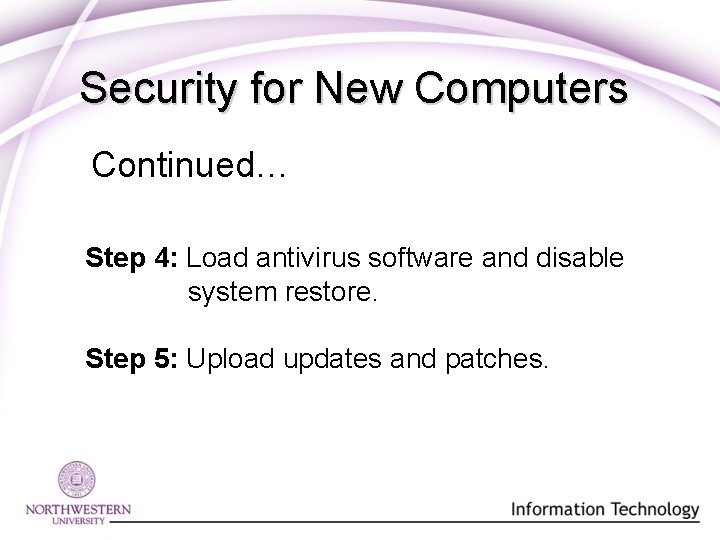
Security for New Computers Continued… Step 4: Load antivirus software and disable system restore. Step 5: Upload updates and patches.
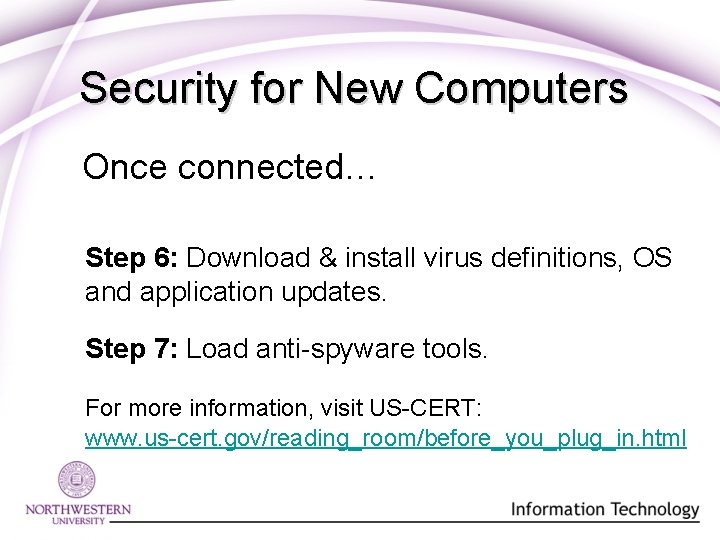
Security for New Computers Once connected… Step 6: Download & install virus definitions, OS and application updates. Step 7: Load anti-spyware tools. For more information, visit US-CERT: www. us-cert. gov/reading_room/before_you_plug_in. html
Security Mindset Always question: • • New sites New services Unusual ads and pop-ups Things that seem to good to be true (TANSTAAFL!) • E-mail with unusual or foreign characters • Unexpected e-mail or IM
Maximizing Performance
Poor Performance • • • Lack of free disk space Disk fragmentation Spyware Add-ons Out-dated software
Cleaning Your Hard Disk Regular disk cleanup can improve system performance. • Determines which files are no longer be needed and deletes them. • Frees up potentially significant amounts of disk space.
Disk Cleanup • • Downloaded program files Temporary Internet files Recycling bin or trash can Temporary remote desktop files Setup log files Back-up files Offline files Compressed old/unused files
More Options for Cleanup • • Windows Components Installed Programs System Restore Tasks can be scheduled to run on a schedule
Disk Fragmentation: • • Builds rapidly. Causes system slowdowns and crashes. Slows boot times. Can result in system failure.
Disk Defragmentation It’s not your imagination— Computer systems do slow down over time. Weekly defragmentation will keep your computer running with optimal performance!
Winning against Spyware • Prevent spyware before it starts! • User privileges = Spyware privileges • Log-in to your computer using a “limited user account”
Managing Add-ons • What is an “Add-on”? • How do I know which ones are bad? • Can disabling “add-ons break” other programs or my computer?
Optimizing Software Does software slow my computer? • Inherently--no. Software has no real impact on system performance. • Applets may be installed in the system tray by some applications. These may degrade performance.
Software Updates • Functional changes in software. • Programming changes to address “bugs”. • Programming changes to address security issues.
Questions?
NUIT Resources • Security Awareness Tip of the Month www. it. northwestern. edu/security/tip-of-the-month/ • “Get Control” Web site www. it. northwestern. edu/5 steps/ • E-mail Defense System www. it. northwestern. edu/security/eds/ • Computer and Network Security www. it. northwestern. edu/security/
Essential Software • Symantec/Norton Anti. Virus www. it. northwestern. edu/software/staff/free/antivirus/ • Spybot – Search and Destroy www. it. northwestern. edu/security/spyware/win-spybotinstall. html
Contact Us David Kovarik david-kovarik@northwestern. edu Christopher Hurless hurless@northwestern. edu Lorie Dillon l-dillon@northwestern. edu
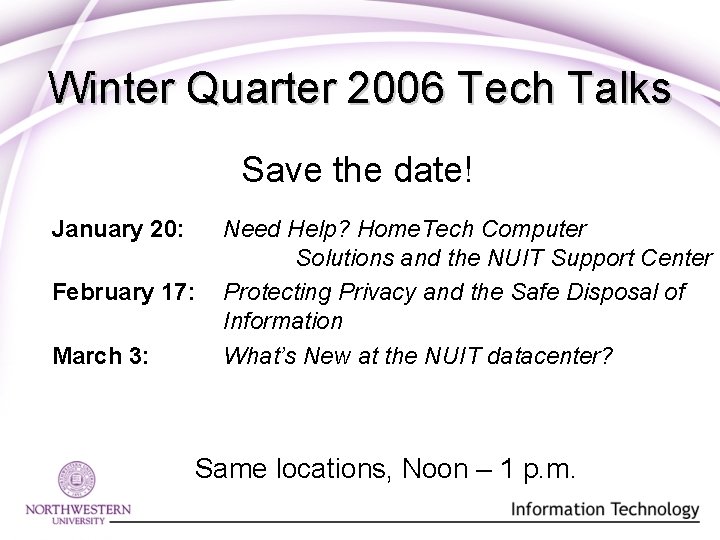
Winter Quarter 2006 Tech Talks Save the date! January 20: February 17: March 3: Need Help? Home. Tech Computer Solutions and the NUIT Support Center Protecting Privacy and the Safe Disposal of Information What’s New at the NUIT datacenter? Same locations, Noon – 1 p. m.