
Agenda Basic Shell Operations n n n Standard
Agenda Basic Shell Operations n n n Standard Input / Output / Error Redirection of Standard Input / Output / Error ( >, >>, < , <<) Using Pipes (|)
Attention These Power. Point notes are based on Chapter 5 of textbook “A Practical Guide to Linux” n Read pages 91 to 104

Unix Philosophy n n n Recall the Unix philosophy to do one thing well. Unix has over one thousand commands (utilities) to perform a specific task. Although these specific commands may not be powerful alone, a Unix tool called “redirection” can be used to achieve very powerful results.

Unix Philosophy n n The expression to join Unix commands is confusing. In order to better understand to the Unix tool of redirection is to first understand what can be redirected and how it can be redirected.
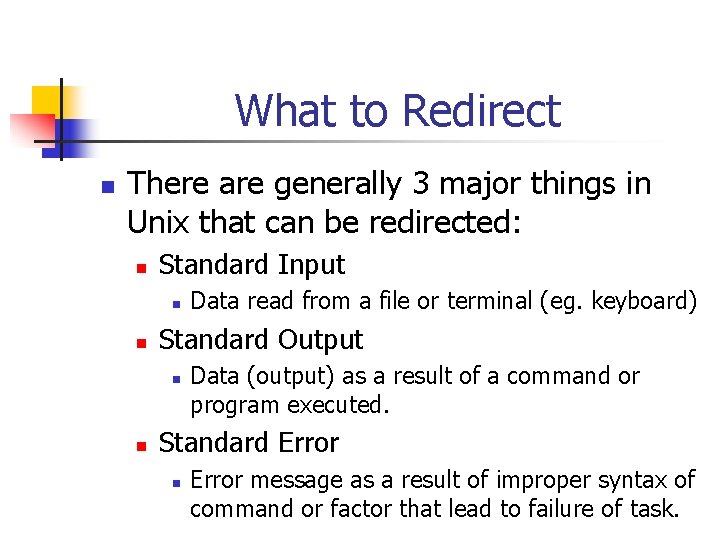
What to Redirect n There are generally 3 major things in Unix that can be redirected: n Standard Input n n Standard Output n n Data read from a file or terminal (eg. keyboard) Data (output) as a result of a command or program executed. Standard Error n Error message as a result of improper syntax of command or factor that lead to failure of task.

Directing Standard Input < Redirects standard input from a file to a Unix command. Example: mail username@learn < myfile << Redirects standard input from within the command. Refer to next slide for an example.
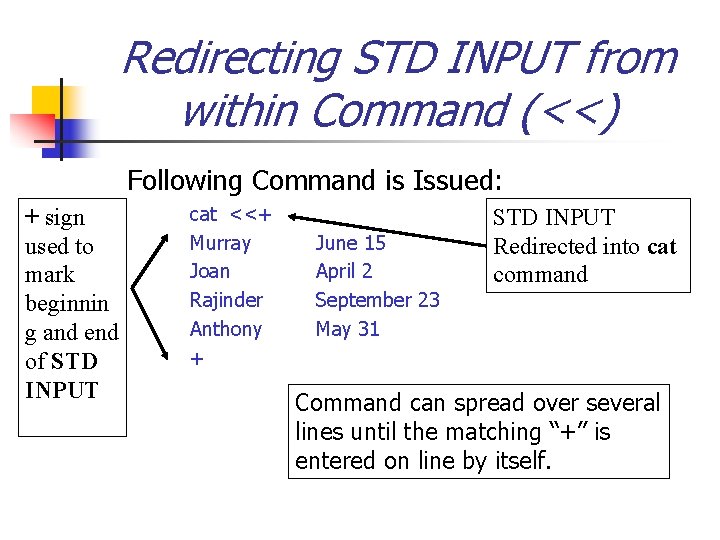
Redirecting STD INPUT from within Command (<<) Following Command is Issued: + sign used to mark beginnin g and end of STD INPUT cat <<+ Murray Joan Rajinder Anthony + June 15 April 2 September 23 May 31 STD INPUT Redirected into cat command Command can spread over several lines until the matching “+” is entered on line by itself.

Redirecting Standard Output 1> or > Redirects standard output to a file. (Will delete or “overwrite” any existing contents in the file). Example: n ls > listing. txt 1>> or >> Redirects standard output to a file but adds to the bottom of file’s existing contents. Example: n cat work >> things_to_do
Redirecting Standard Error 2> Redirects the standard error to a file. This can be used to view error messages in a file for later reference. 2>> appends error message to bottom of existing file. Example: cat a b c 2> error_file (Note: if file “b” does not exist, error message is redirected to file called “error_file”.
Pipes ( | ) n n Pipes are used to send the standard output of one command into another command as the standard input. Pipes have the advantage of modifying standard output to achieve a task without having to create temporary files (which need to be removed later).
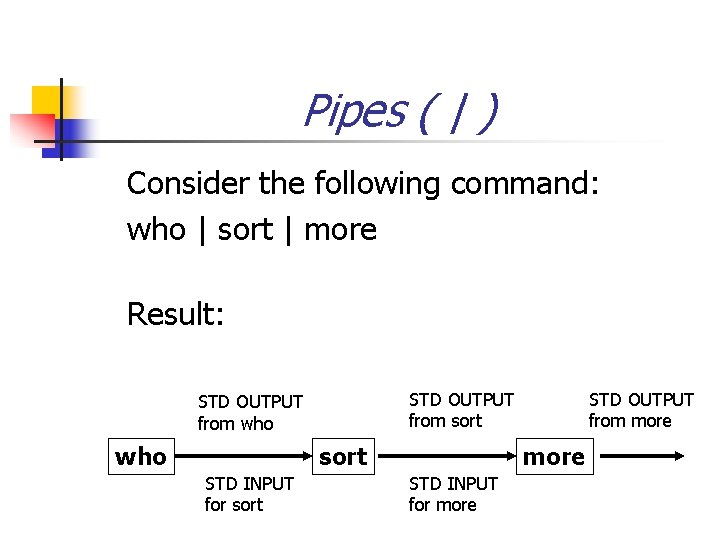
Pipes ( | ) Consider the following command: who | sort | more Result: STD OUTPUT from sort STD OUTPUT from who sort STD INPUT for sort STD OUTPUT from more STD INPUT for more
Pipes ( | ) n Try to compare using pipes to transfer large amounts of water from Lake Ontario to your home: The amount of water (STD INPUT) being sucked into the pipes from Lake Ontario is large. The water (STD OUTPUT) is redirected through a series of pipes and processes until it reaches your home as a small stream of water from your tap.
- Slides: 12