
ADX Test Prep App Presentation i Pad i
- Slides: 42
ADX Test Prep App (Presentation) (i. Pad, i. Phone, i. Pod Touch) Sheffield School of Aeronautics www. sheffield. com
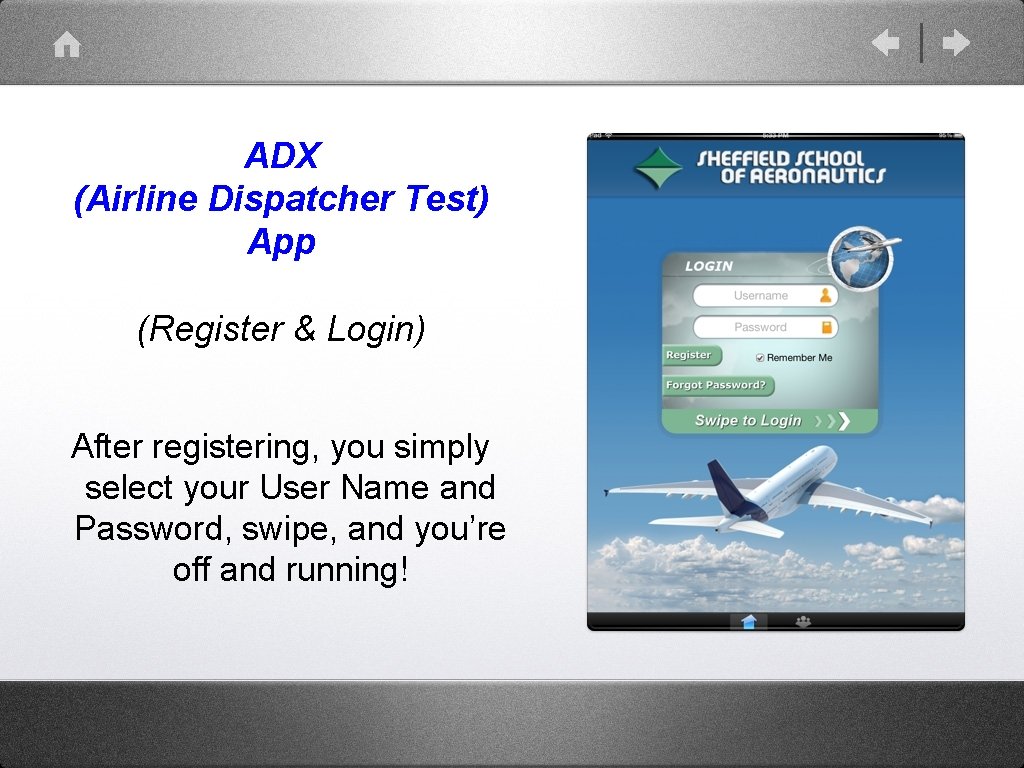
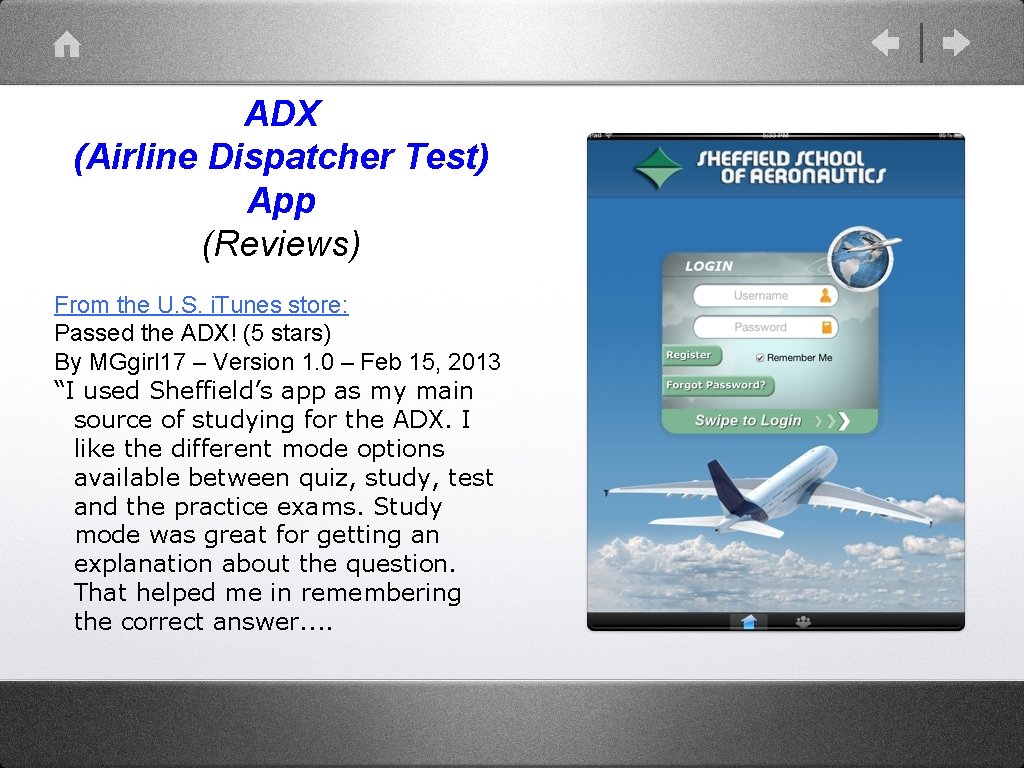
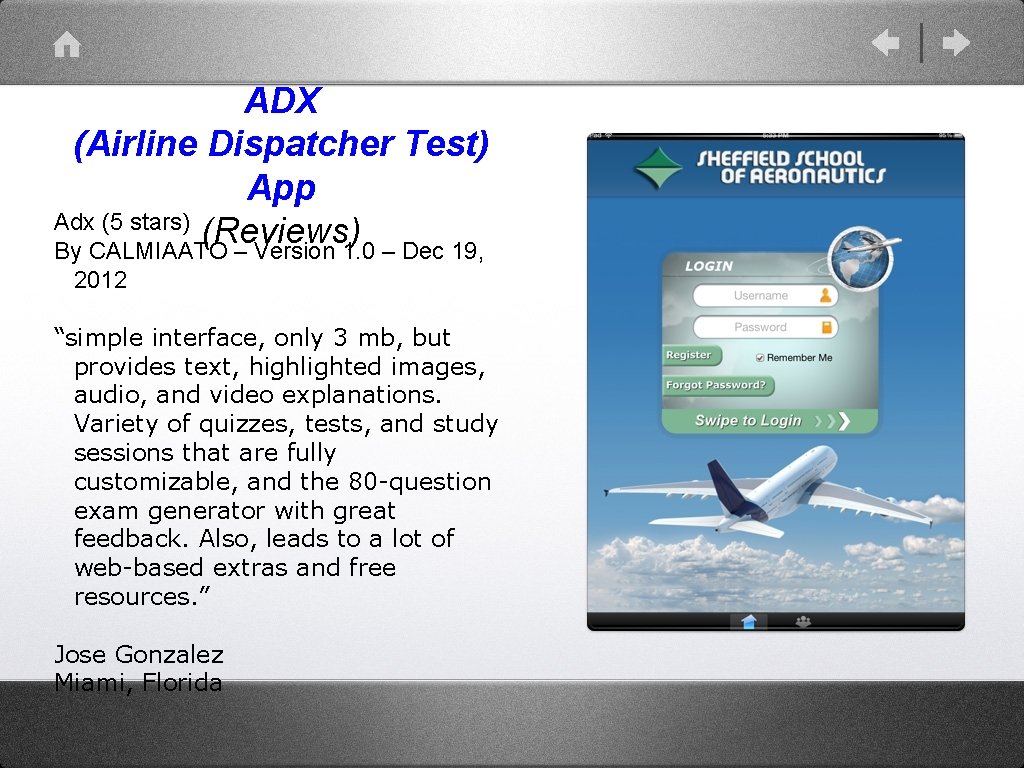
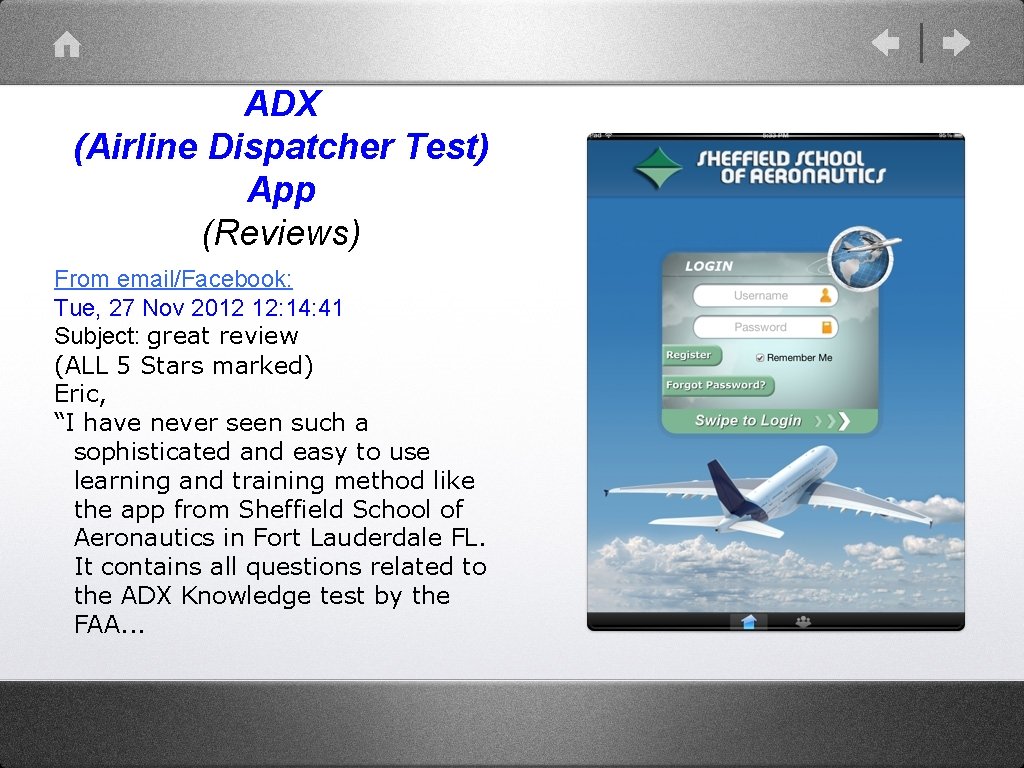
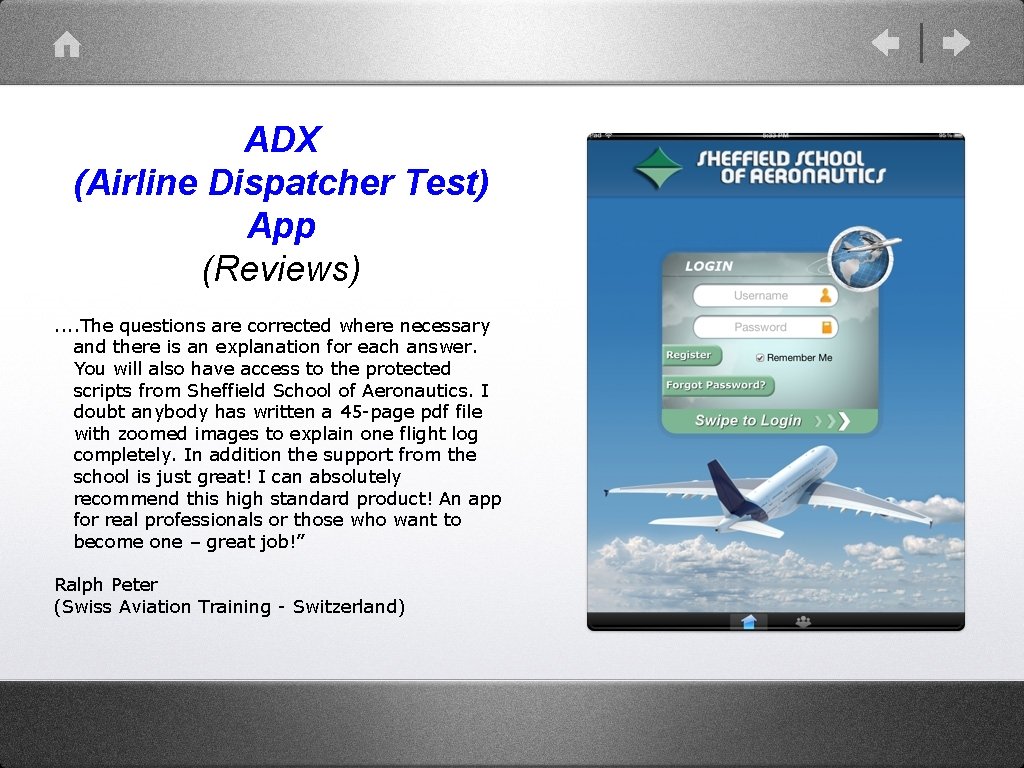
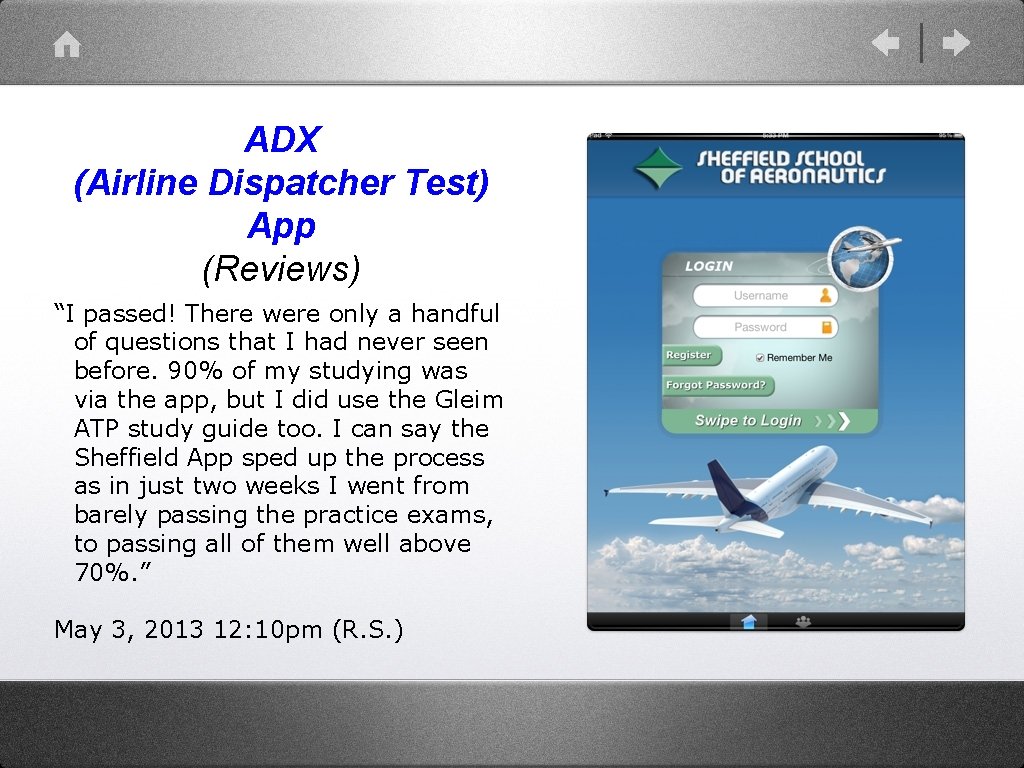
ADX (Airline Dispatcher Test) App (Register & Login) After registering, you simply select your User Name and Password, swipe, and you’re off and running!
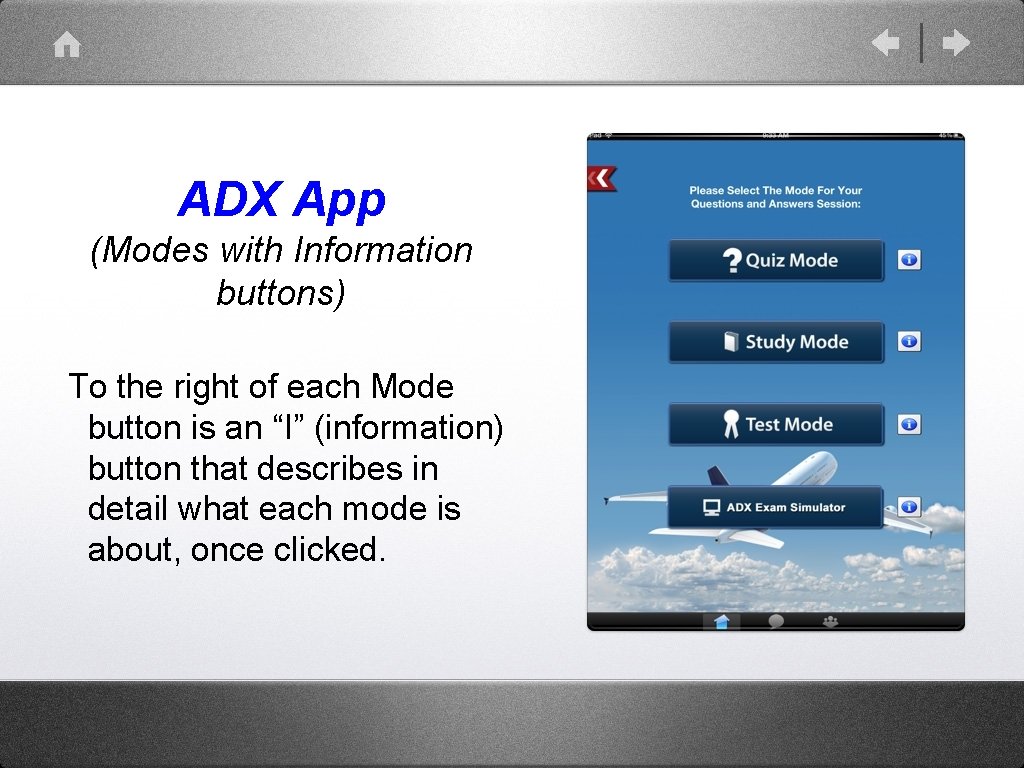
ADX App (Modes with Information buttons) To the right of each Mode button is an “I” (information) button that describes in detail what each mode is about, once clicked.
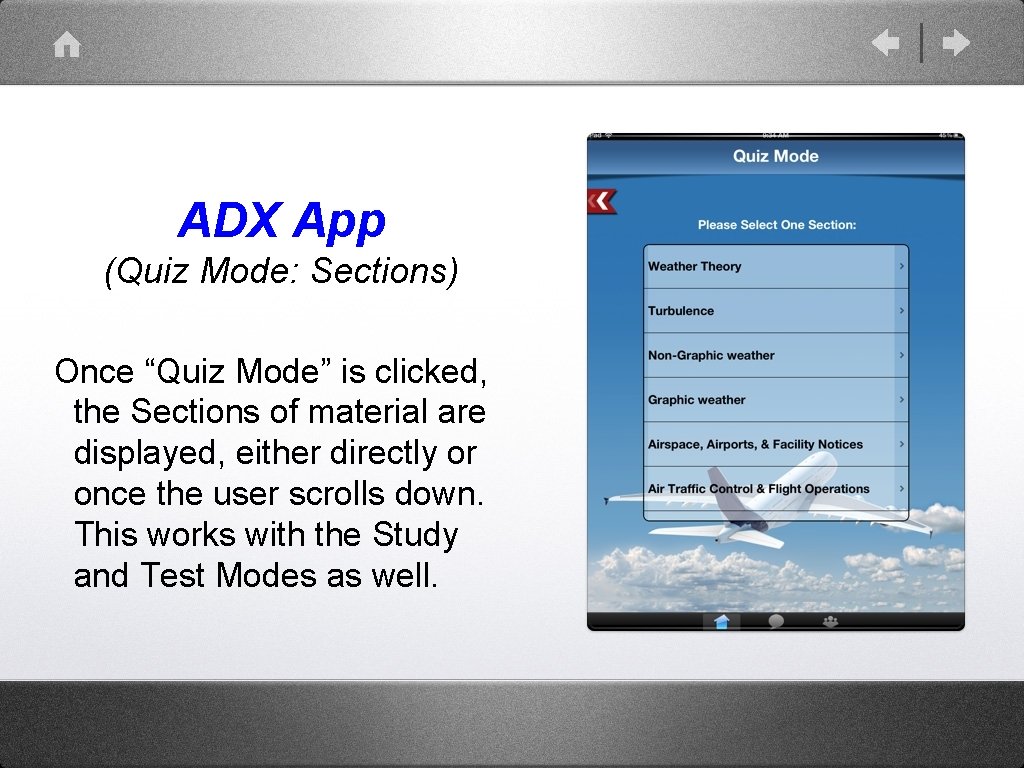
ADX App (Quiz Mode: Sections) Once “Quiz Mode” is clicked, the Sections of material are displayed, either directly or once the user scrolls down. This works with the Study and Test Modes as well.
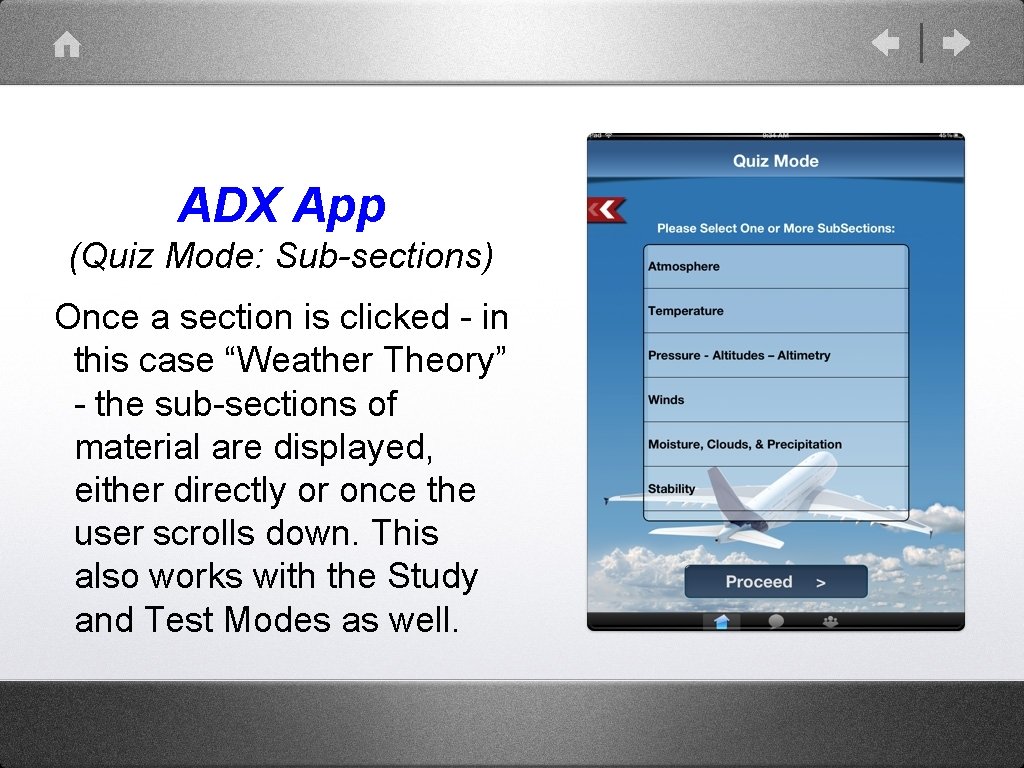
ADX App (Quiz Mode: Sub-sections) Once a section is clicked - in this case “Weather Theory” - the sub-sections of material are displayed, either directly or once the user scrolls down. This also works with the Study and Test Modes as well.
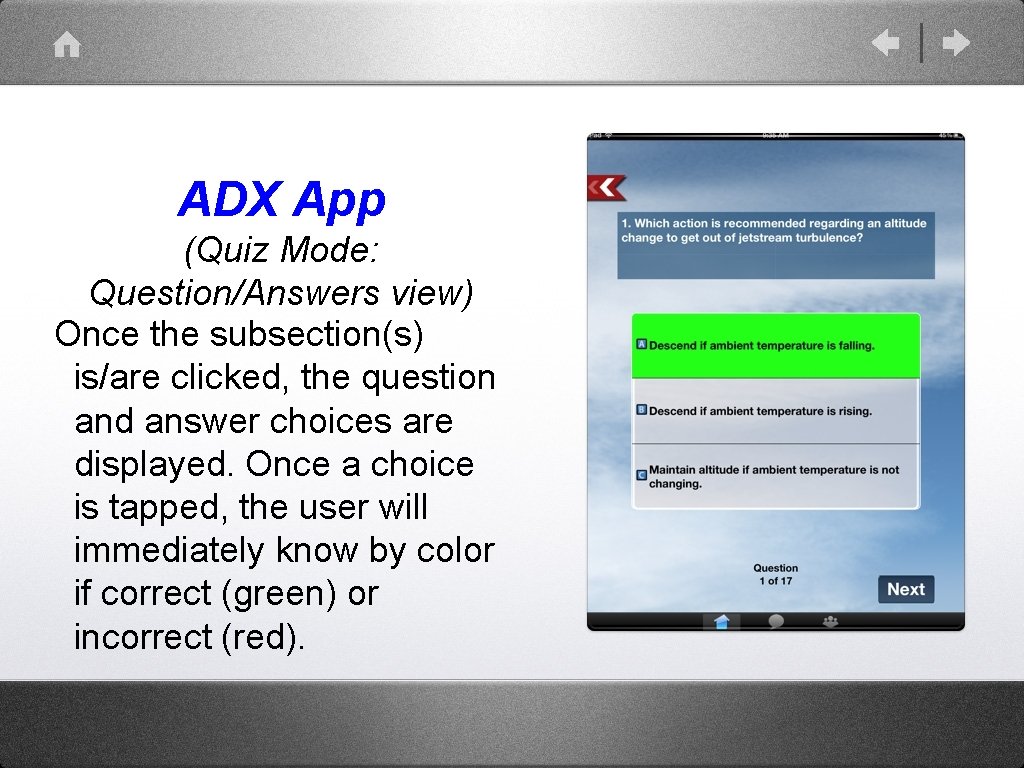
ADX App (Quiz Mode: Question/Answers view) Once the subsection(s) is/are clicked, the question and answer choices are displayed. Once a choice is tapped, the user will immediately know by color if correct (green) or incorrect (red).
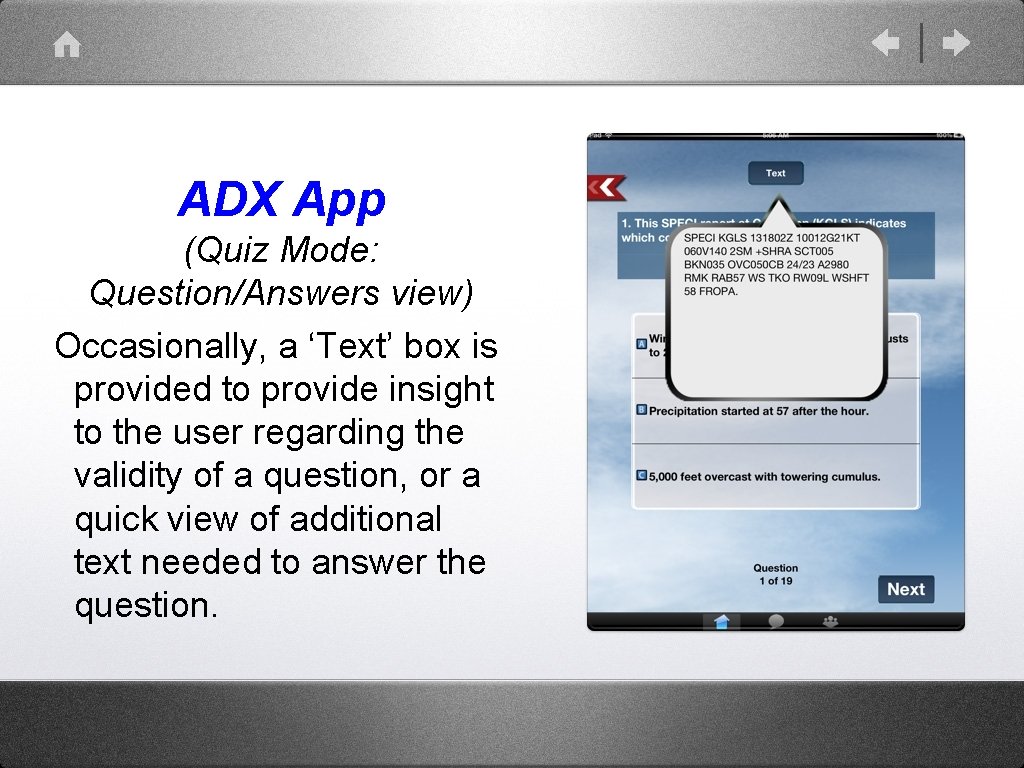
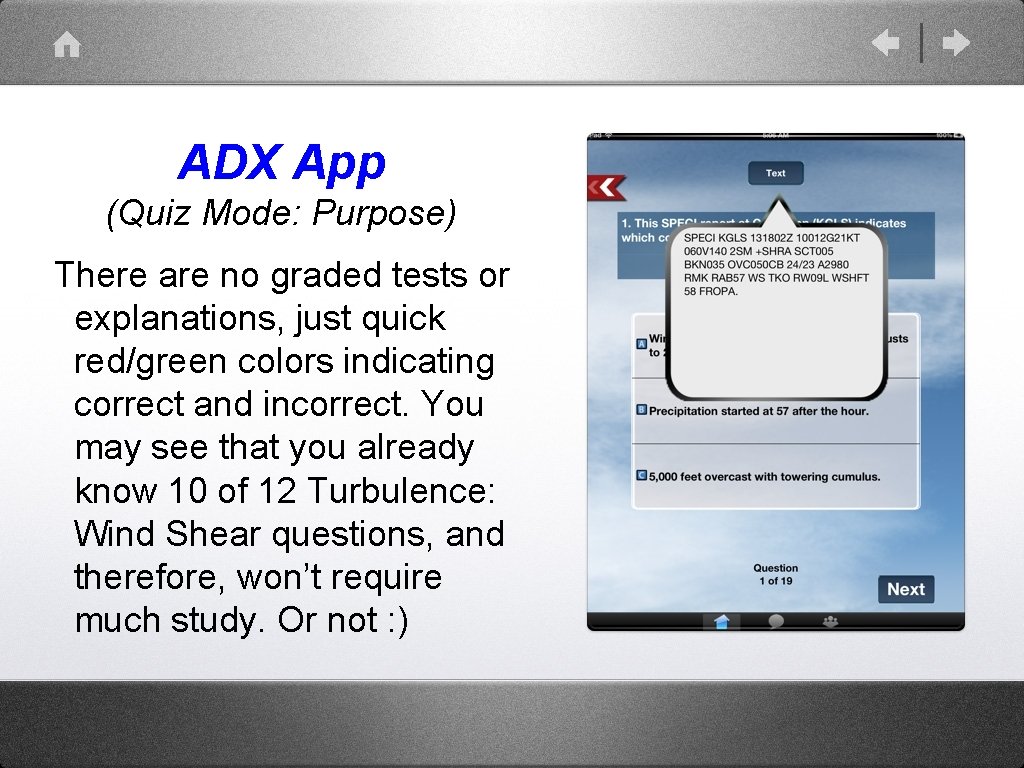
ADX App (Quiz Mode: Question/Answers view) Occasionally, a ‘Text’ box is provided to provide insight to the user regarding the validity of a question, or a quick view of additional text needed to answer the question.
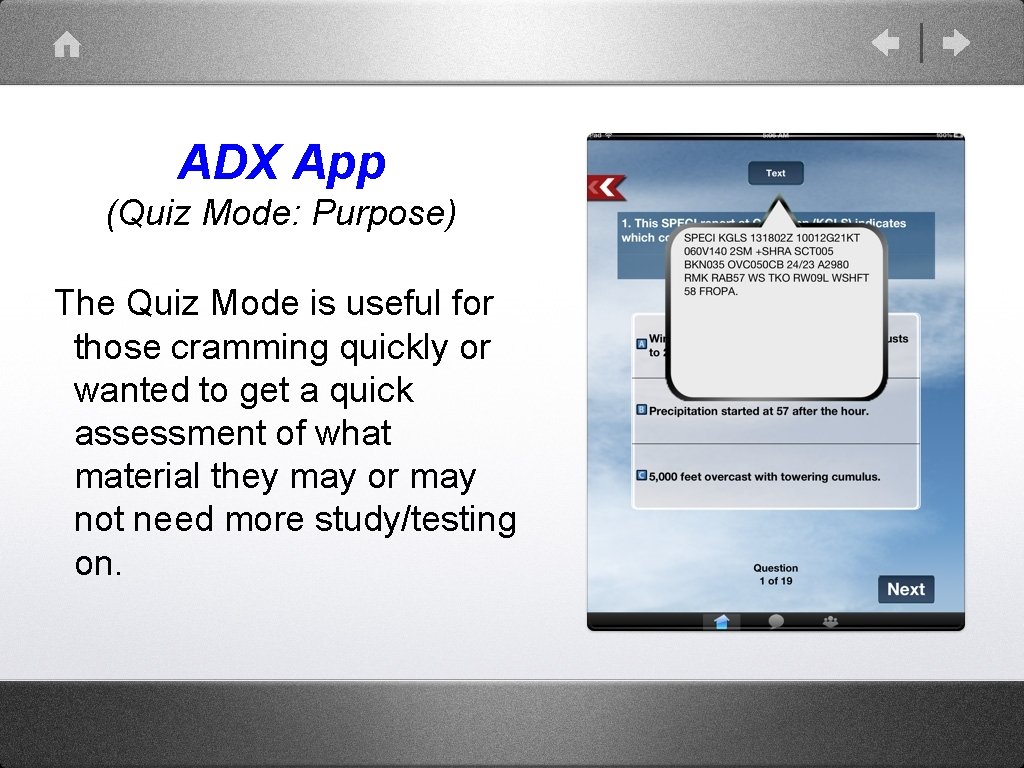
ADX App (Quiz Mode: Purpose) The Quiz Mode is useful for those cramming quickly or wanted to get a quick assessment of what material they may or may not need more study/testing on.
ADX App (Quiz Mode: Purpose) There are no graded tests or explanations, just quick red/green colors indicating correct and incorrect. You may see that you already know 10 of 12 Turbulence: Wind Shear questions, and therefore, won’t require much study. Or not : )
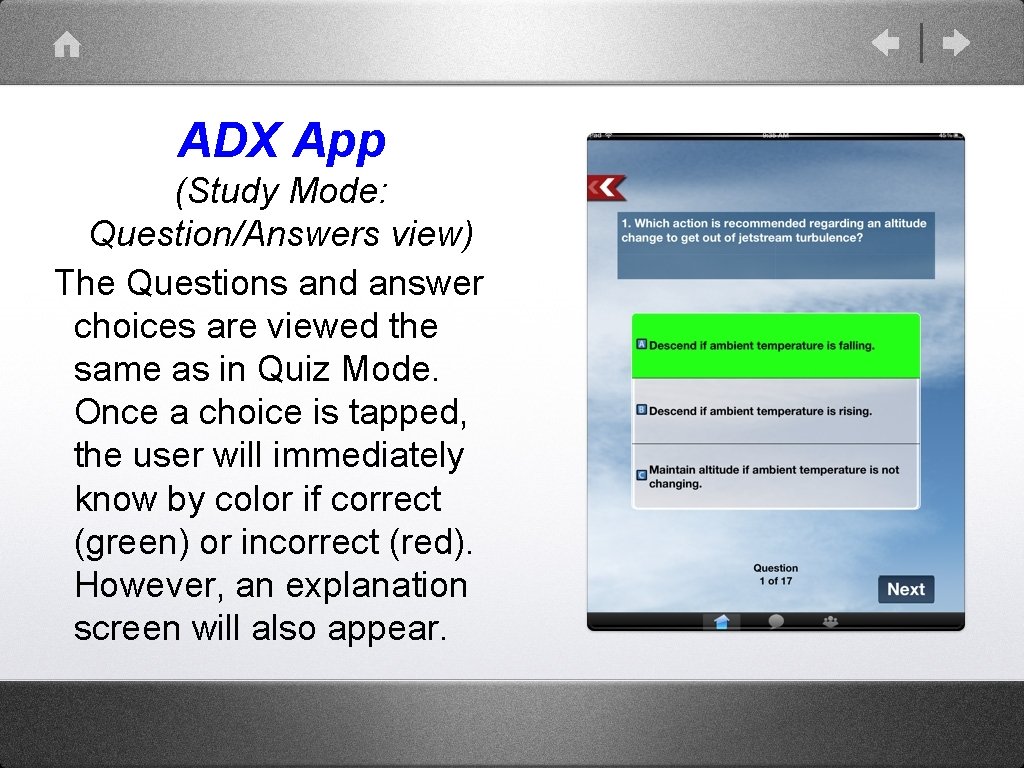
ADX App (Study Mode: Question/Answers view) The Questions and answer choices are viewed the same as in Quiz Mode. Once a choice is tapped, the user will immediately know by color if correct (green) or incorrect (red). However, an explanation screen will also appear.
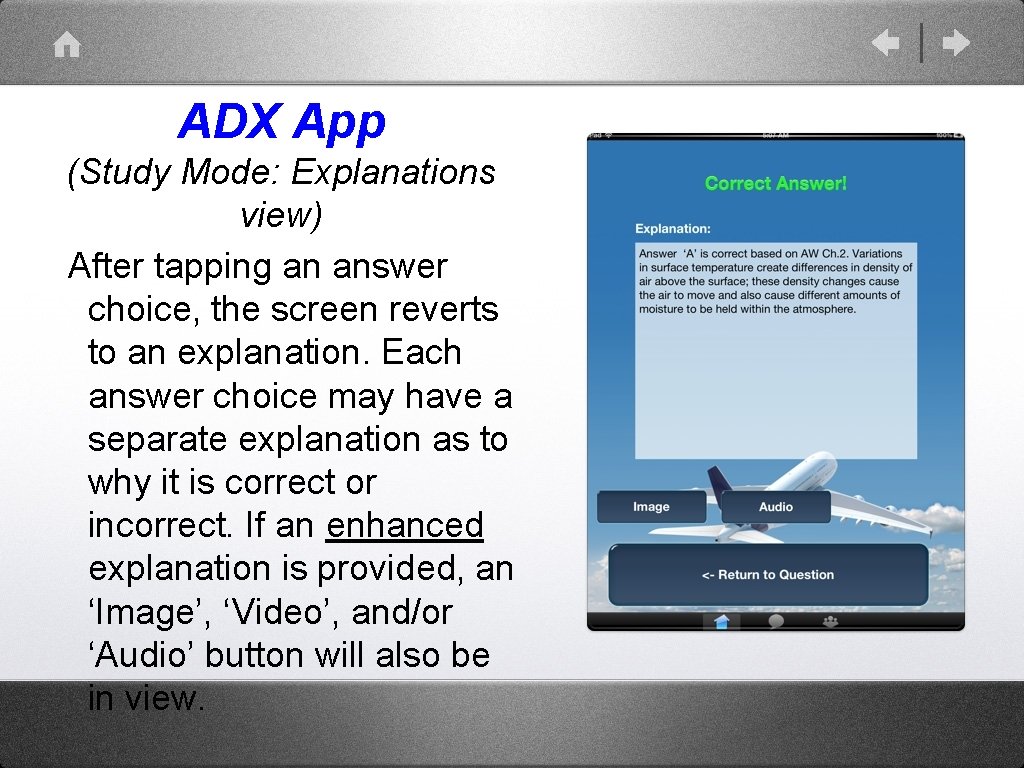
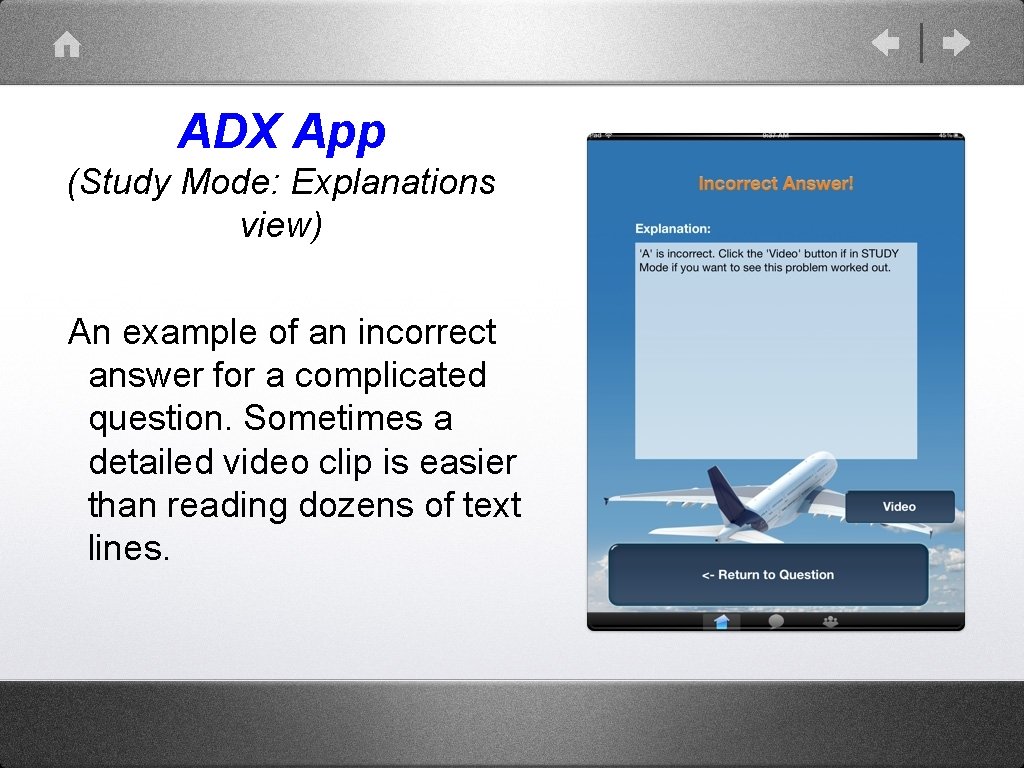
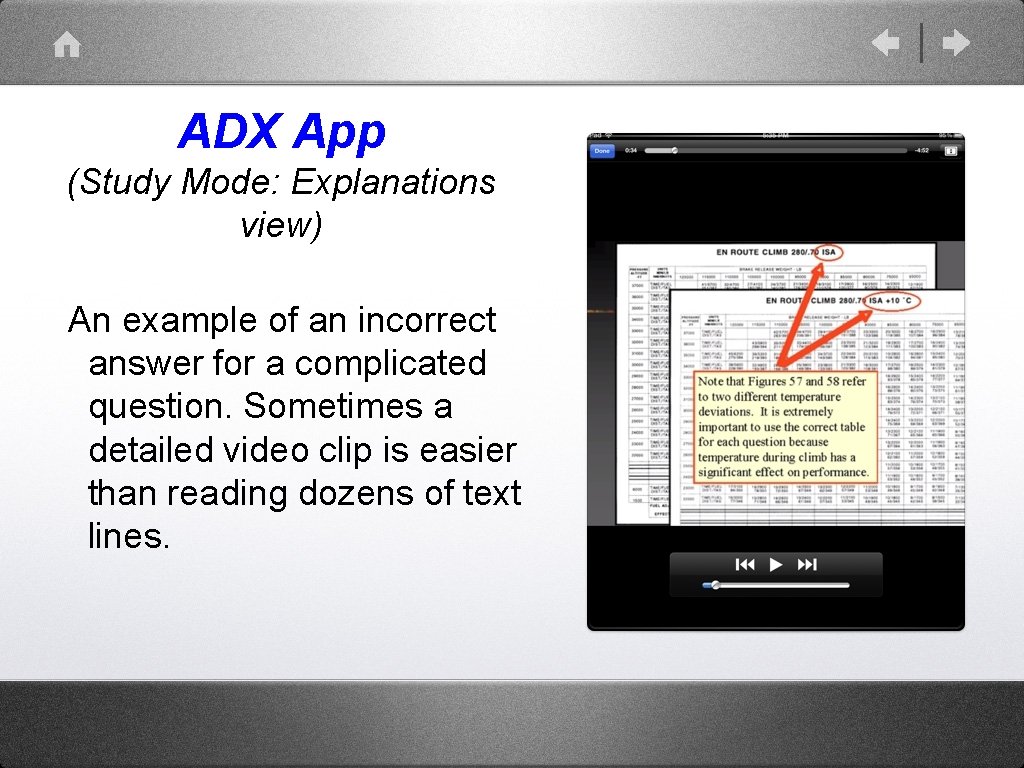
ADX App (Study Mode: Explanations view) After tapping an answer choice, the screen reverts to an explanation. Each answer choice may have a separate explanation as to why it is correct or incorrect. If an enhanced explanation is provided, an ‘Image’, ‘Video’, and/or ‘Audio’ button will also be in view.
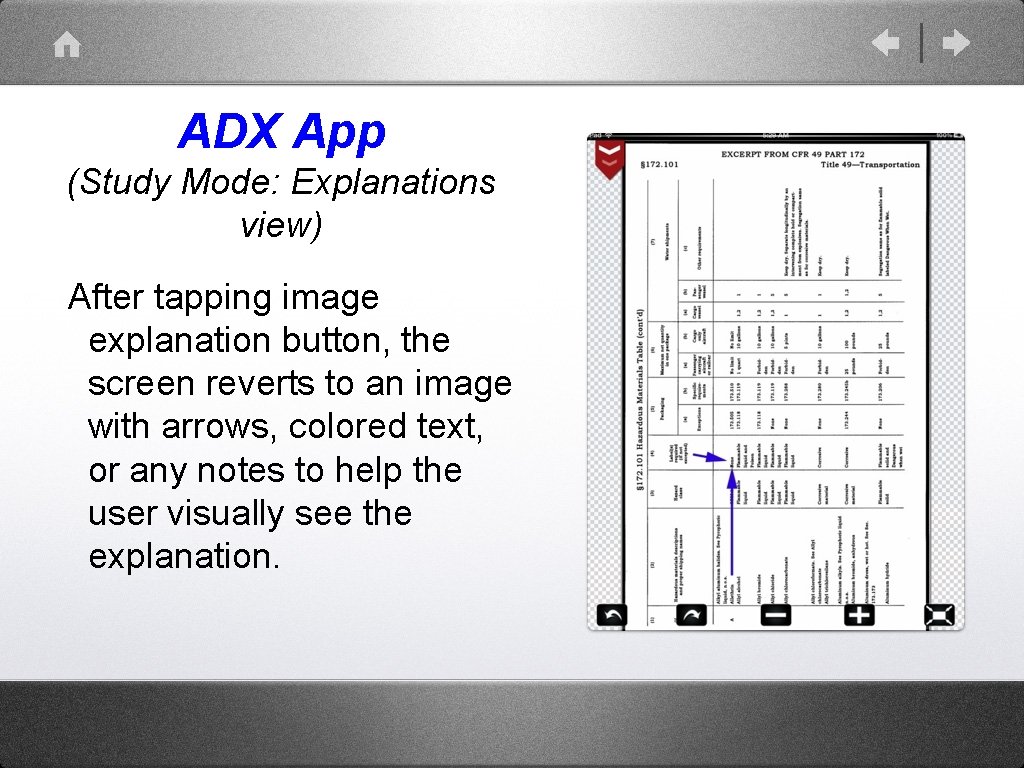
ADX App (Study Mode: Explanations view) After tapping image explanation button, the screen reverts to an image with arrows, colored text, or any notes to help the user visually see the explanation.
ADX App (Study Mode: Explanations view) An example of an incorrect answer for a complicated question. Sometimes a detailed video clip is easier than reading dozens of text lines.
ADX App (Study Mode: Explanations view) An example of an incorrect answer for a complicated question. Sometimes a detailed video clip is easier than reading dozens of text lines.
ADX App (Study Mode: Explanations view) An example of an audio clip view - these usually supplement text or image explanations.
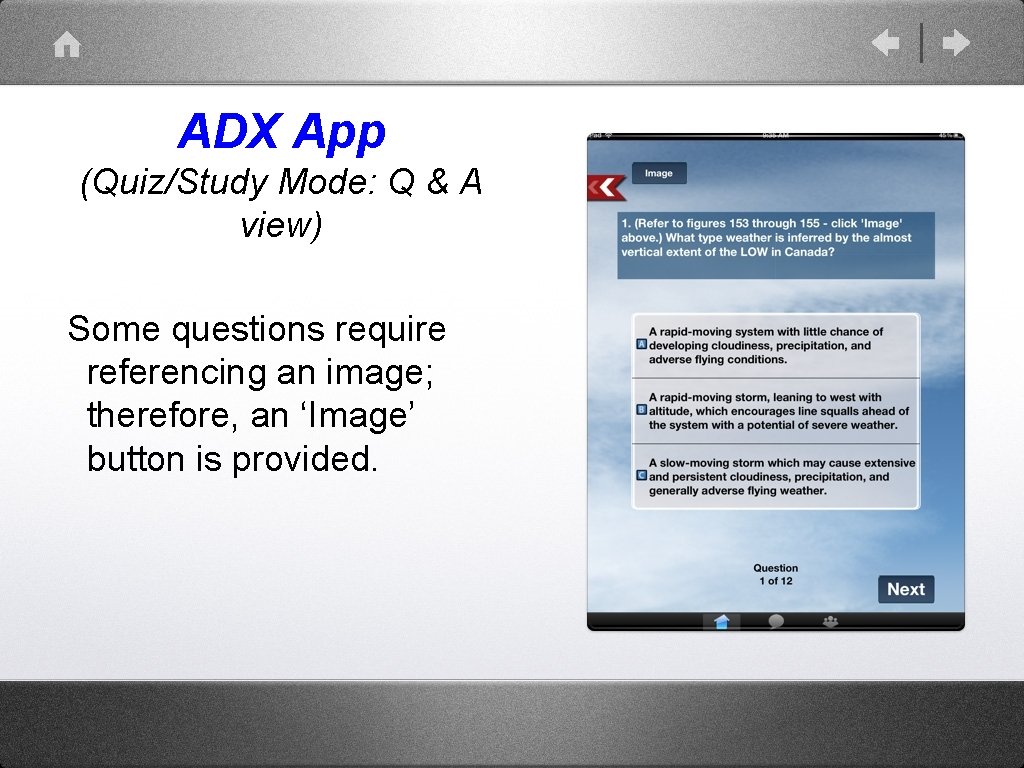
ADX App (Quiz/Study Mode: Q & A view) Some questions require referencing an image; therefore, an ‘Image’ button is provided.
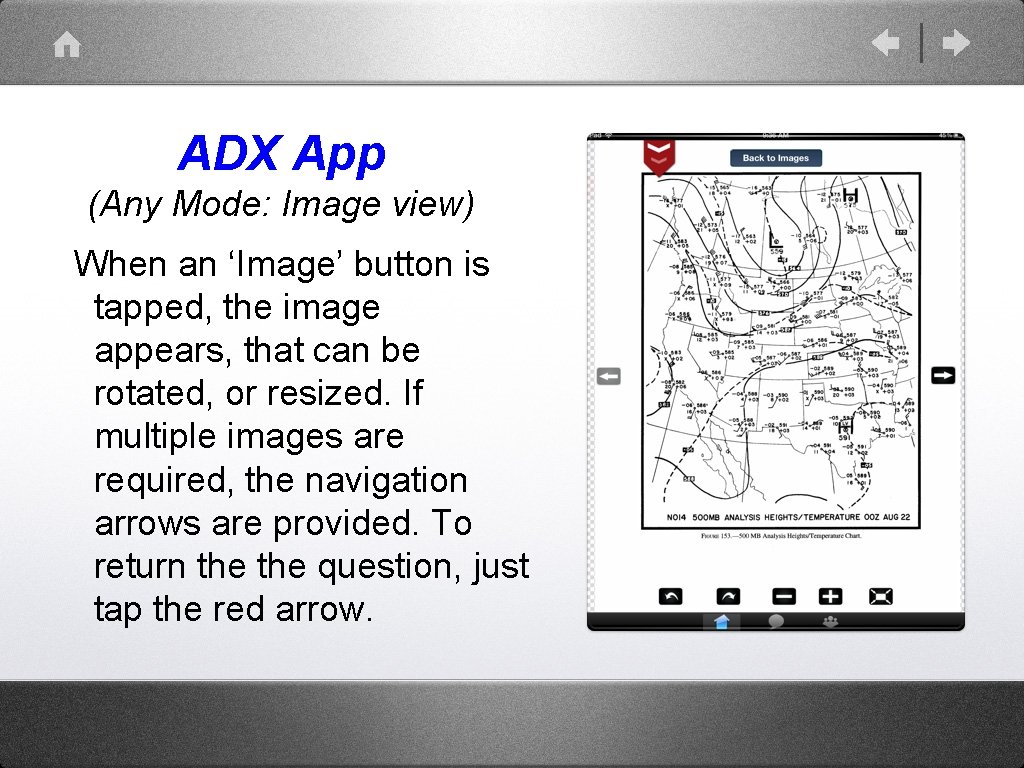
ADX App (Any Mode: Image view) When an ‘Image’ button is tapped, the image appears, that can be rotated, or resized. If multiple images are required, the navigation arrows are provided. To return the question, just tap the red arrow.
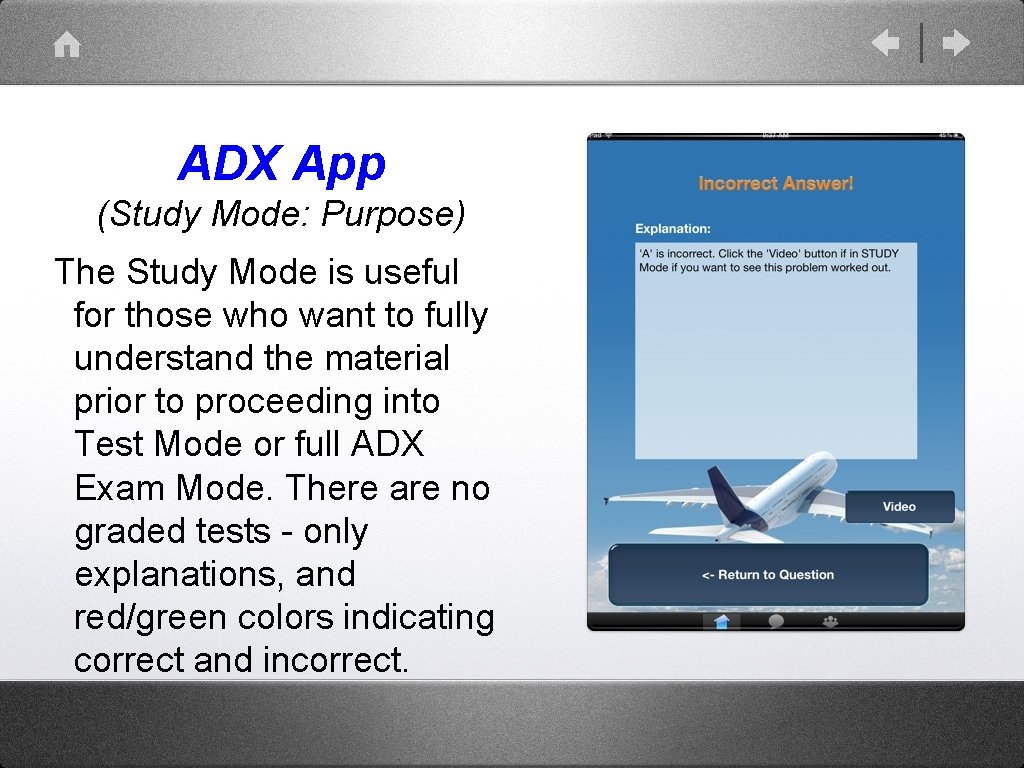
ADX App (Study Mode: Purpose) The Study Mode is useful for those who want to fully understand the material prior to proceeding into Test Mode or full ADX Exam Mode. There are no graded tests - only explanations, and red/green colors indicating correct and incorrect.
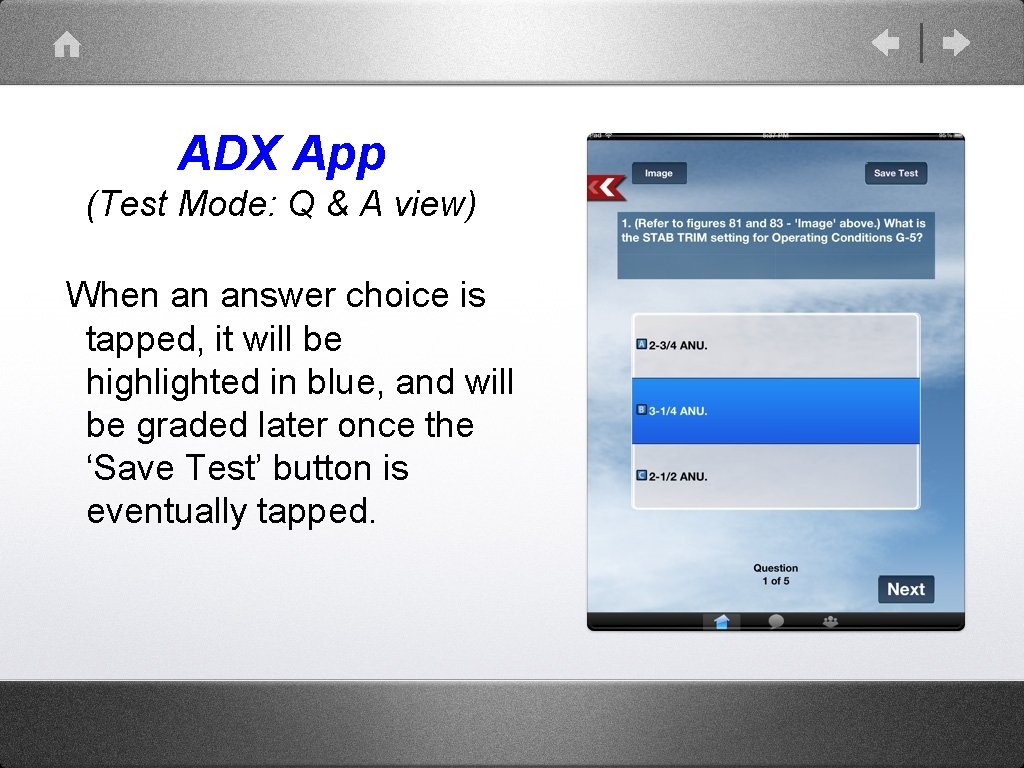
ADX App (Test Mode: Q & A view) When an answer choice is tapped, it will be highlighted in blue, and will be graded later once the ‘Save Test’ button is eventually tapped.
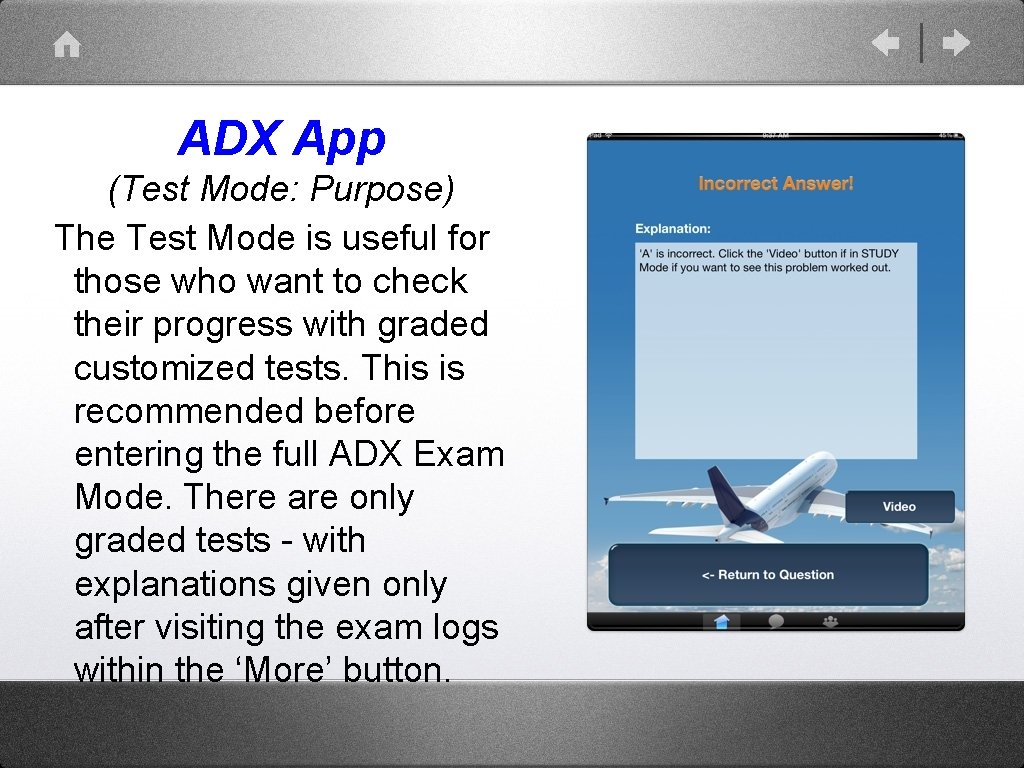
ADX App (Test Mode: Purpose) The Test Mode is useful for those who want to check their progress with graded customized tests. This is recommended before entering the full ADX Exam Mode. There are only graded tests - with explanations given only after visiting the exam logs within the ‘More’ button.
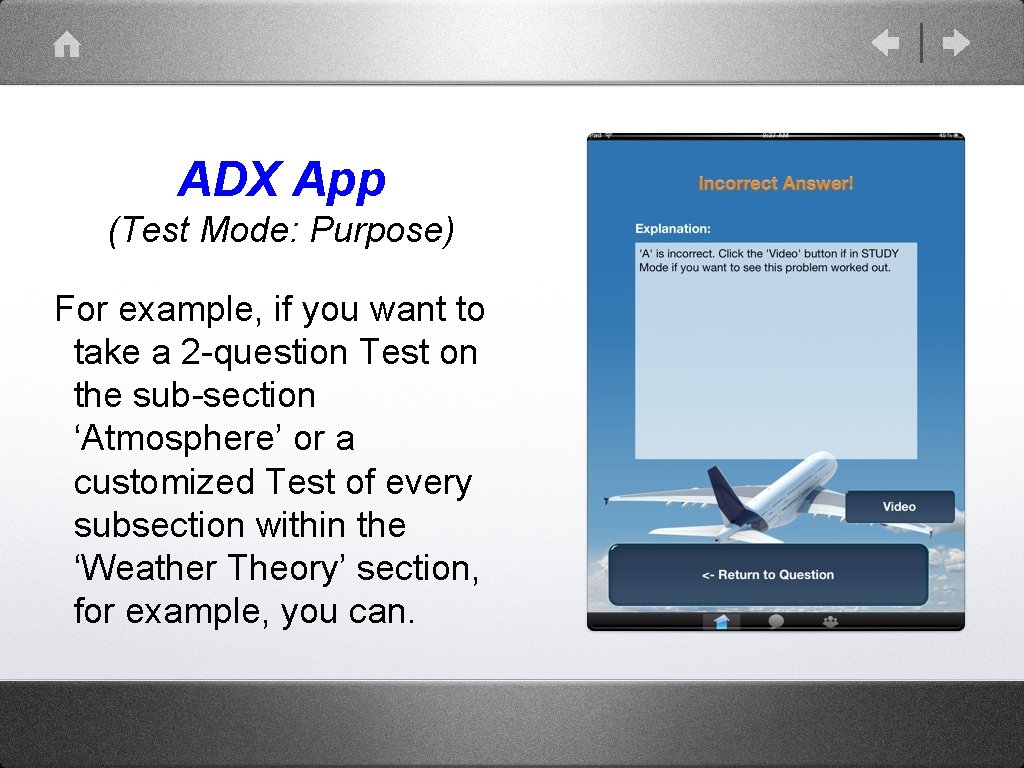
ADX App (Test Mode: Purpose) For example, if you want to take a 2 -question Test on the sub-section ‘Atmosphere’ or a customized Test of every subsection within the ‘Weather Theory’ section, for example, you can.
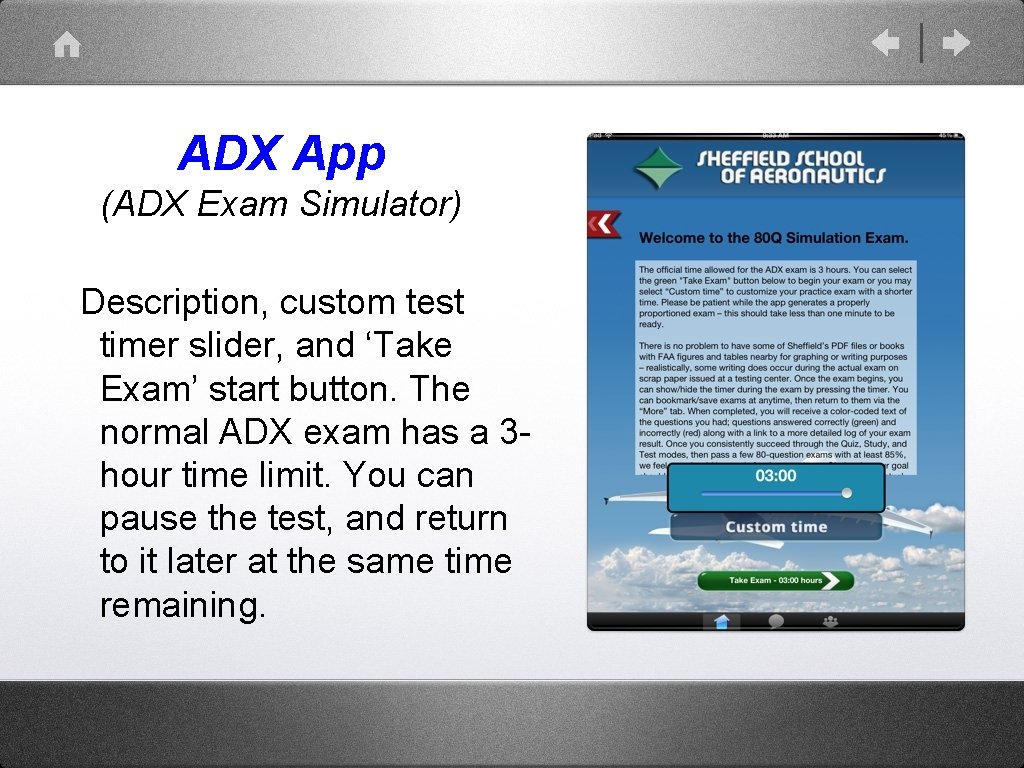
ADX App (ADX Exam Simulator) Description, custom test timer slider, and ‘Take Exam’ start button. The normal ADX exam has a 3 hour time limit. You can pause the test, and return to it later at the same time remaining.
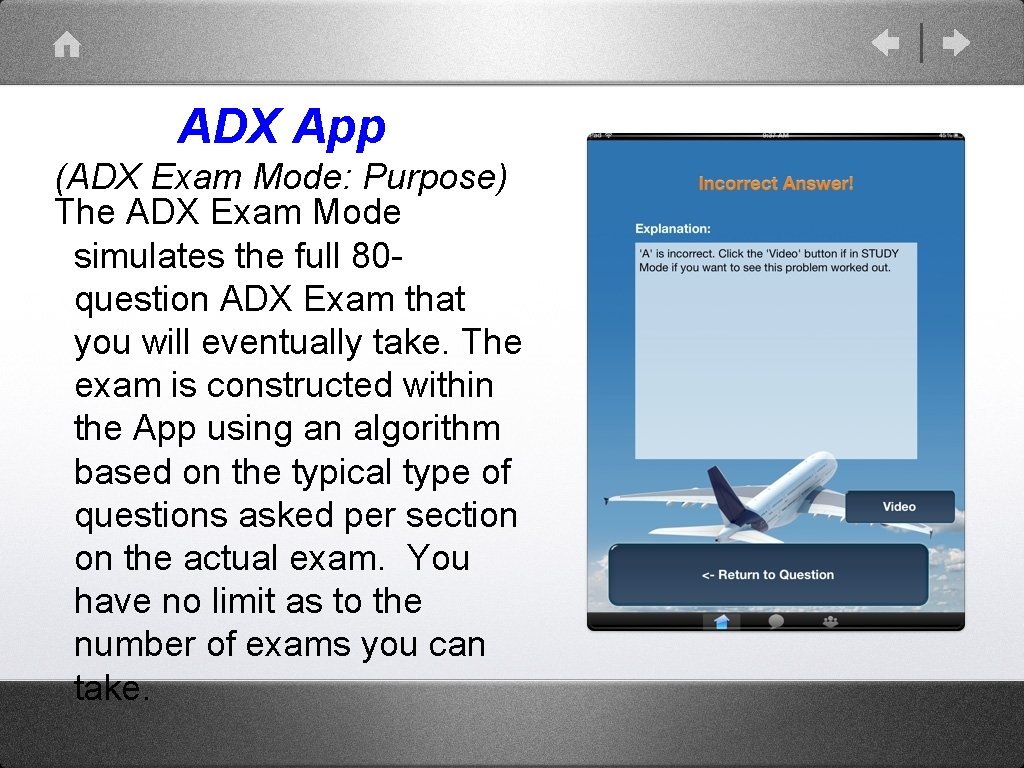
ADX App (ADX Exam Mode: Purpose) The ADX Exam Mode simulates the full 80 question ADX Exam that you will eventually take. The exam is constructed within the App using an algorithm based on the typical type of questions asked per section on the actual exam. You have no limit as to the number of exams you can take.
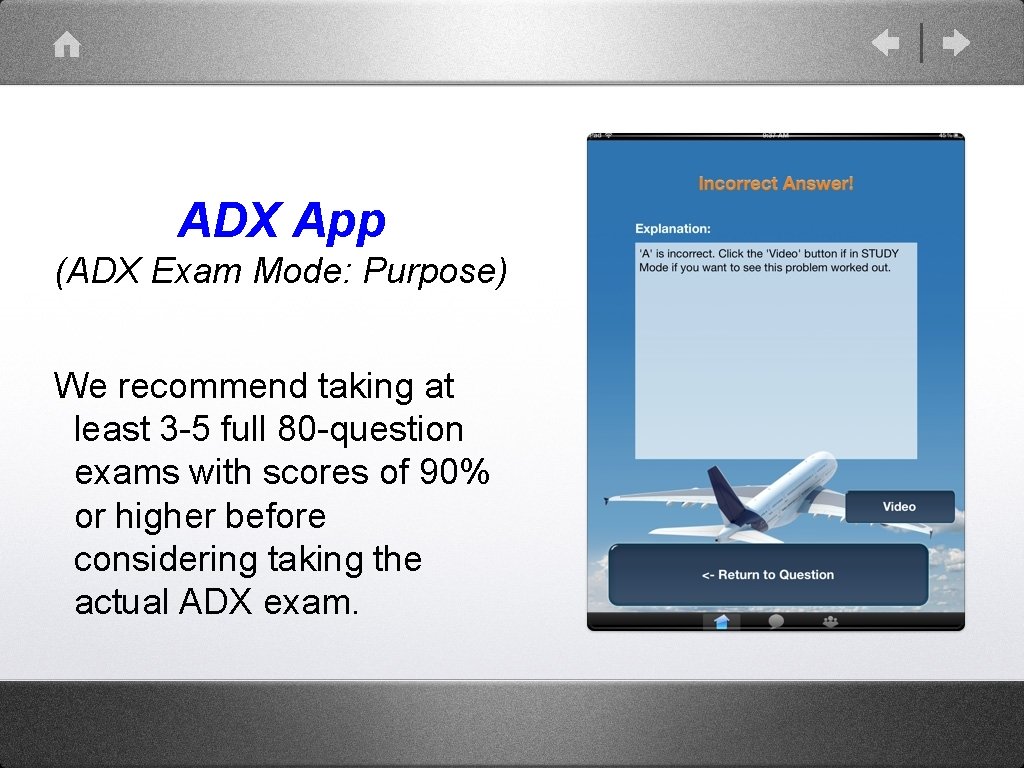
ADX App (ADX Exam Mode: Purpose) We recommend taking at least 3 -5 full 80 -question exams with scores of 90% or higher before considering taking the actual ADX exam.
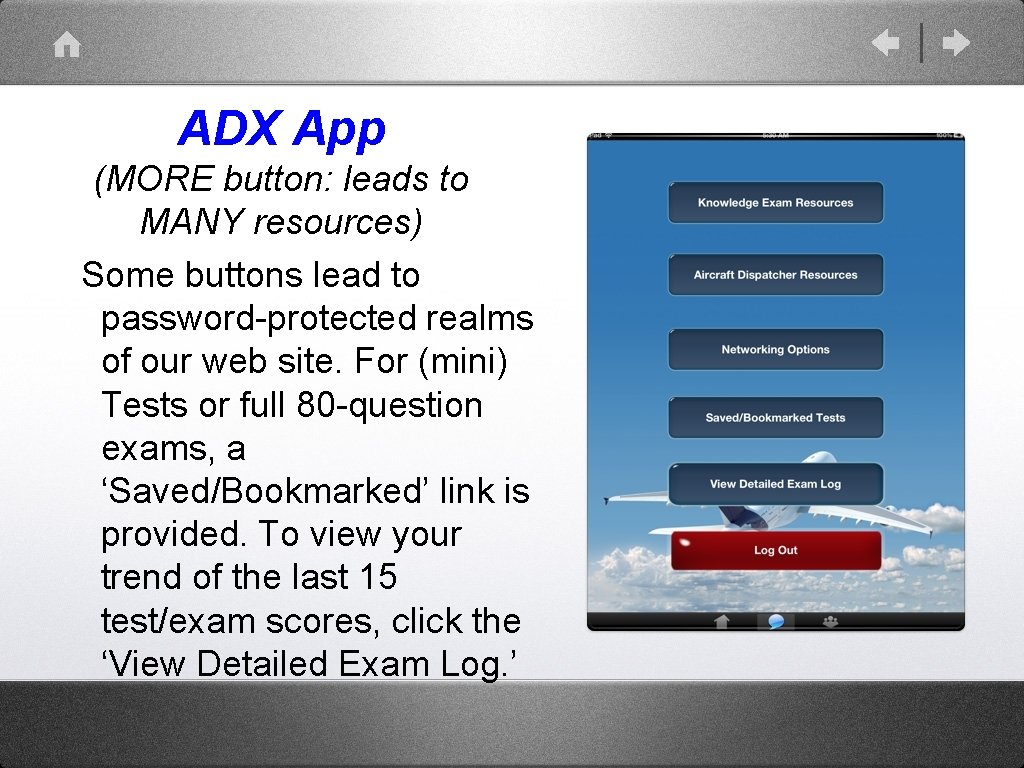
ADX App (MORE button: leads to MANY resources) Some buttons lead to password-protected realms of our web site. For (mini) Tests or full 80 -question exams, a ‘Saved/Bookmarked’ link is provided. To view your trend of the last 15 test/exam scores, click the ‘View Detailed Exam Log. ’
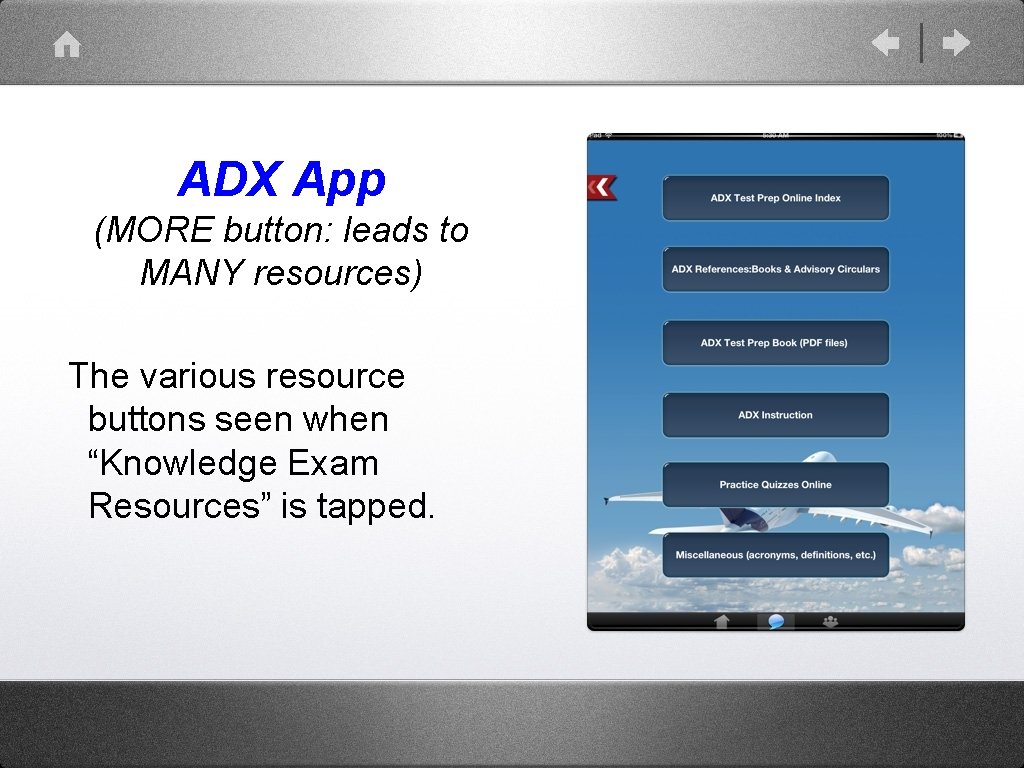
ADX App (MORE button: leads to MANY resources) The various resource buttons seen when “Knowledge Exam Resources” is tapped.
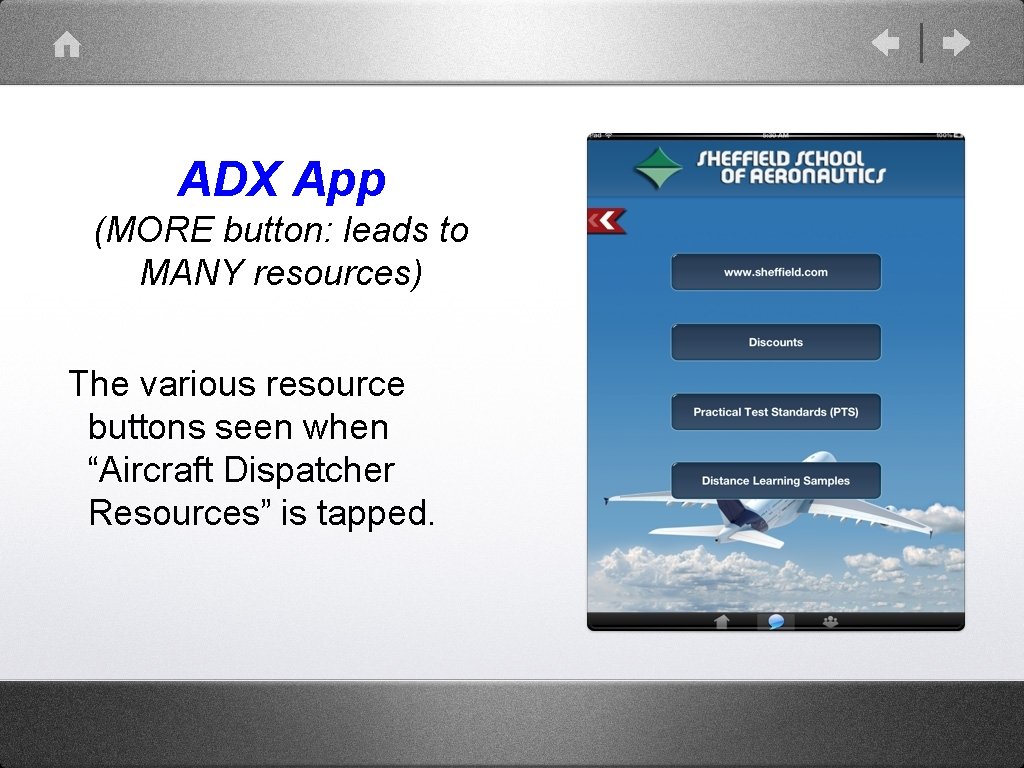
ADX App (MORE button: leads to MANY resources) The various resource buttons seen when “Aircraft Dispatcher Resources” is tapped.
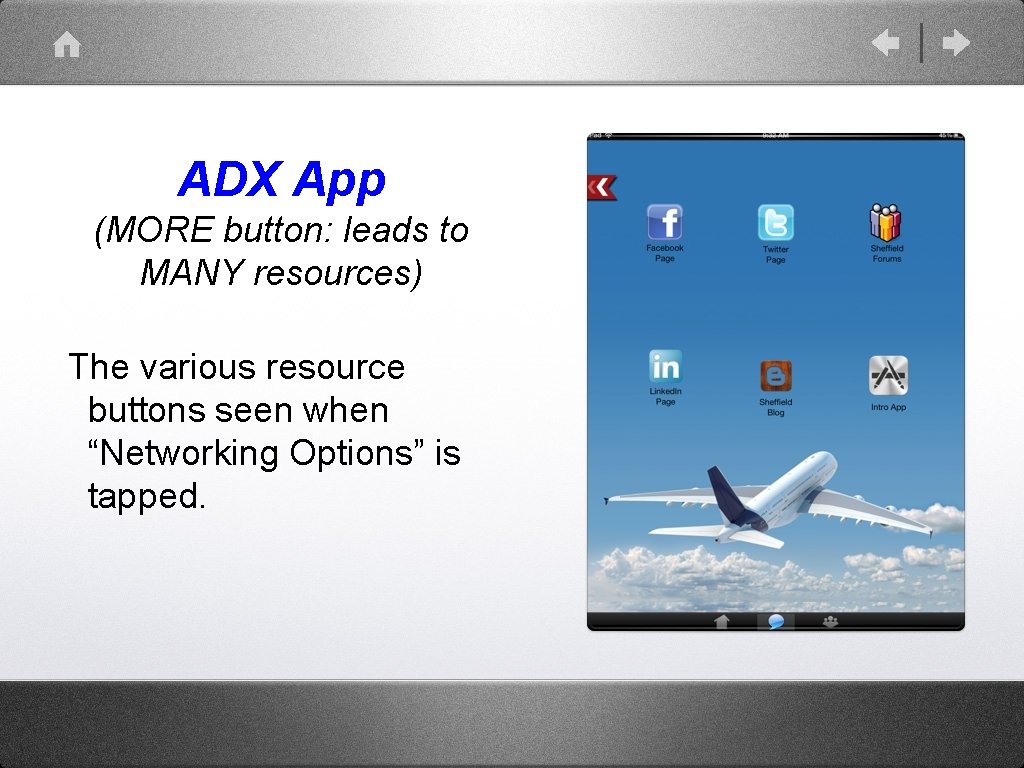
ADX App (MORE button: leads to MANY resources) The various resource buttons seen when “Networking Options” is tapped.
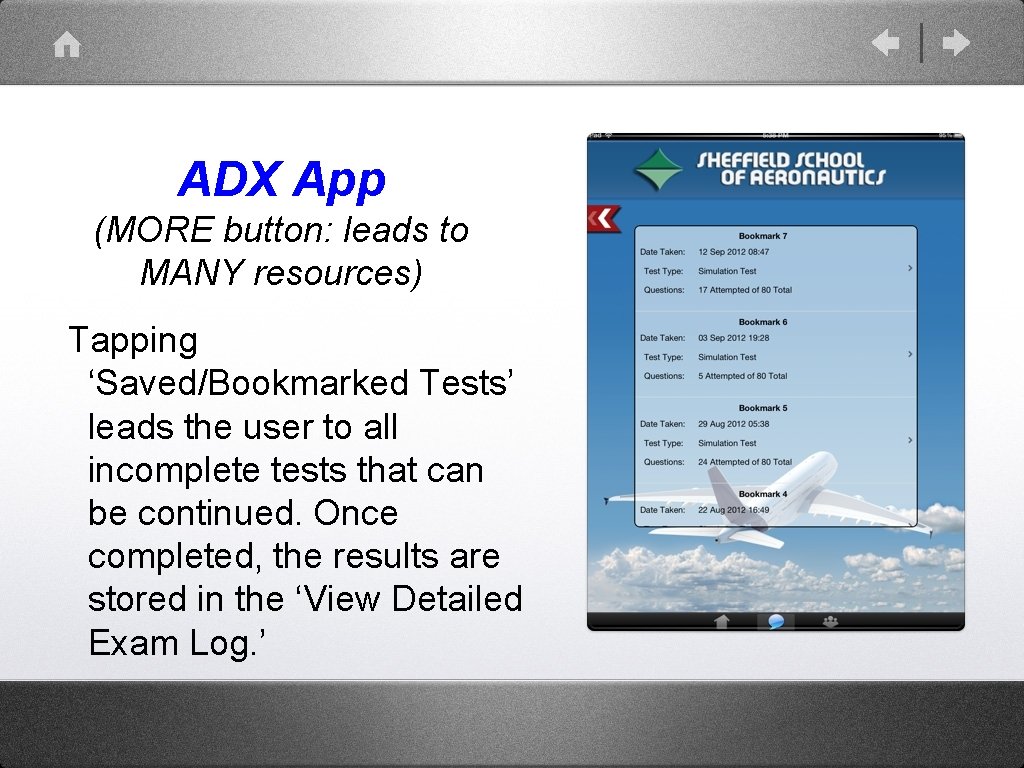
ADX App (MORE button: leads to MANY resources) Tapping ‘Saved/Bookmarked Tests’ leads the user to all incomplete tests that can be continued. Once completed, the results are stored in the ‘View Detailed Exam Log. ’
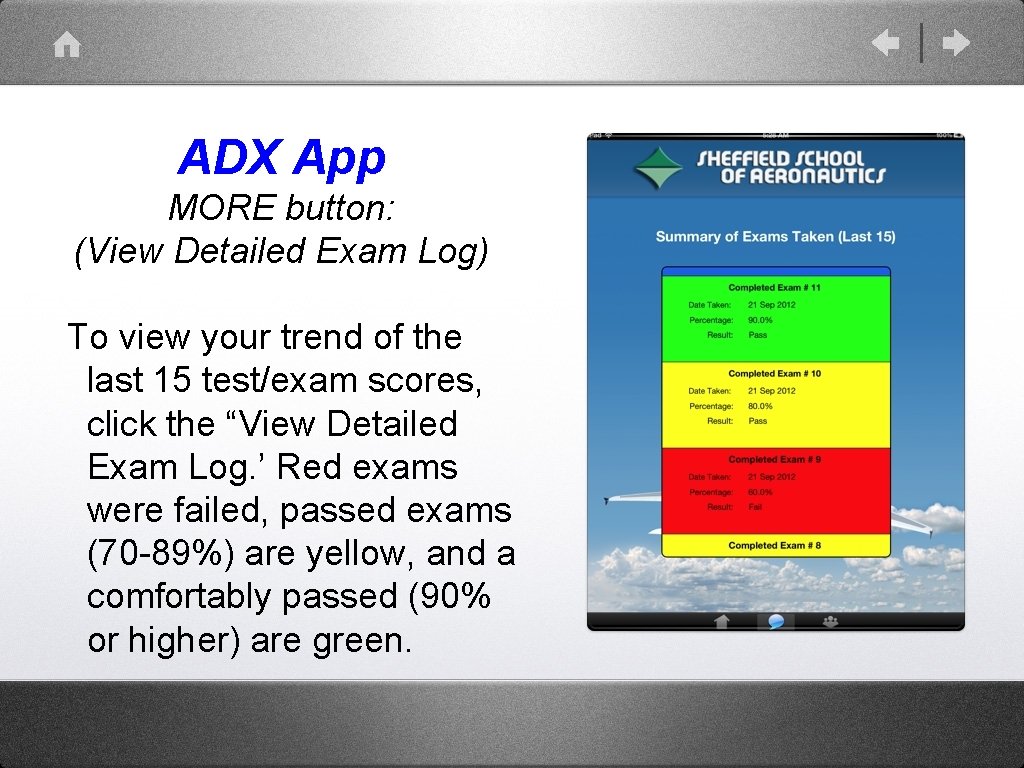
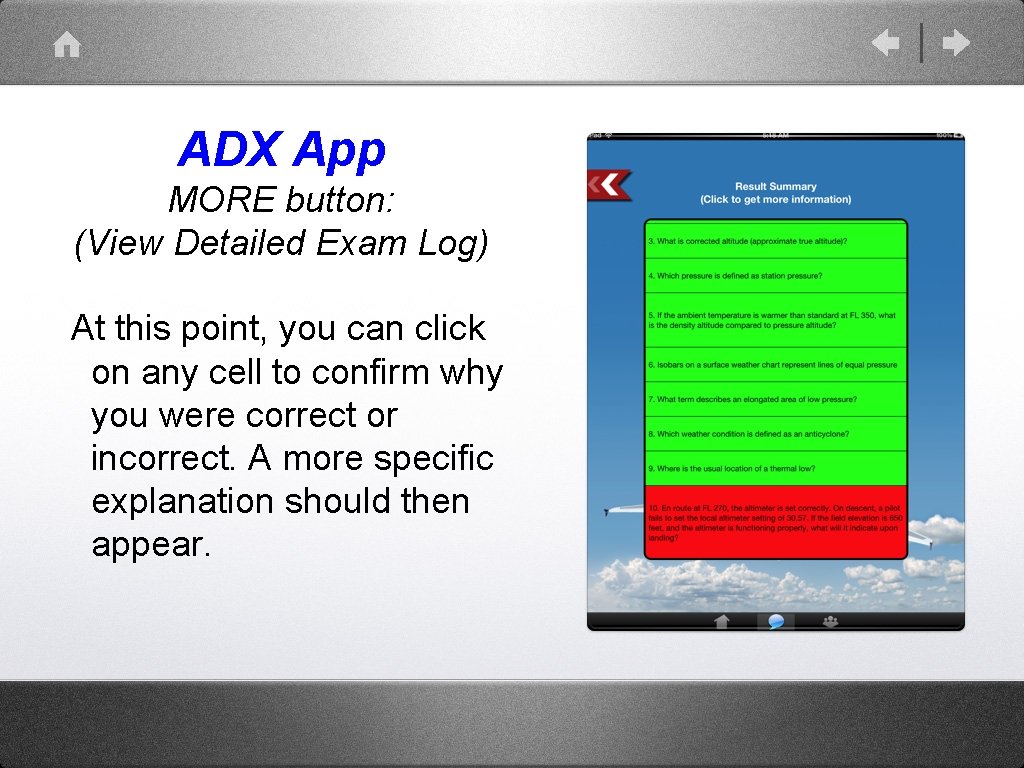
ADX App MORE button: (View Detailed Exam Log) To view your trend of the last 15 test/exam scores, click the “View Detailed Exam Log. ’ Red exams were failed, passed exams (70 -89%) are yellow, and a comfortably passed (90% or higher) are green.
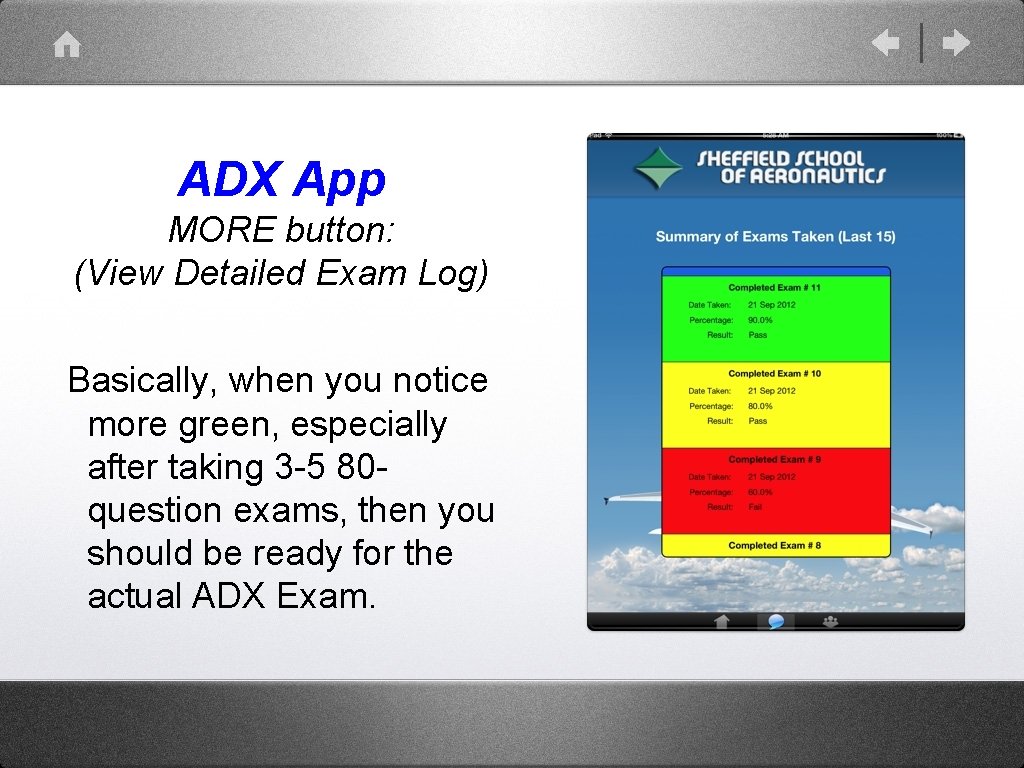
ADX App MORE button: (View Detailed Exam Log) Basically, when you notice more green, especially after taking 3 -5 80 question exams, then you should be ready for the actual ADX Exam.
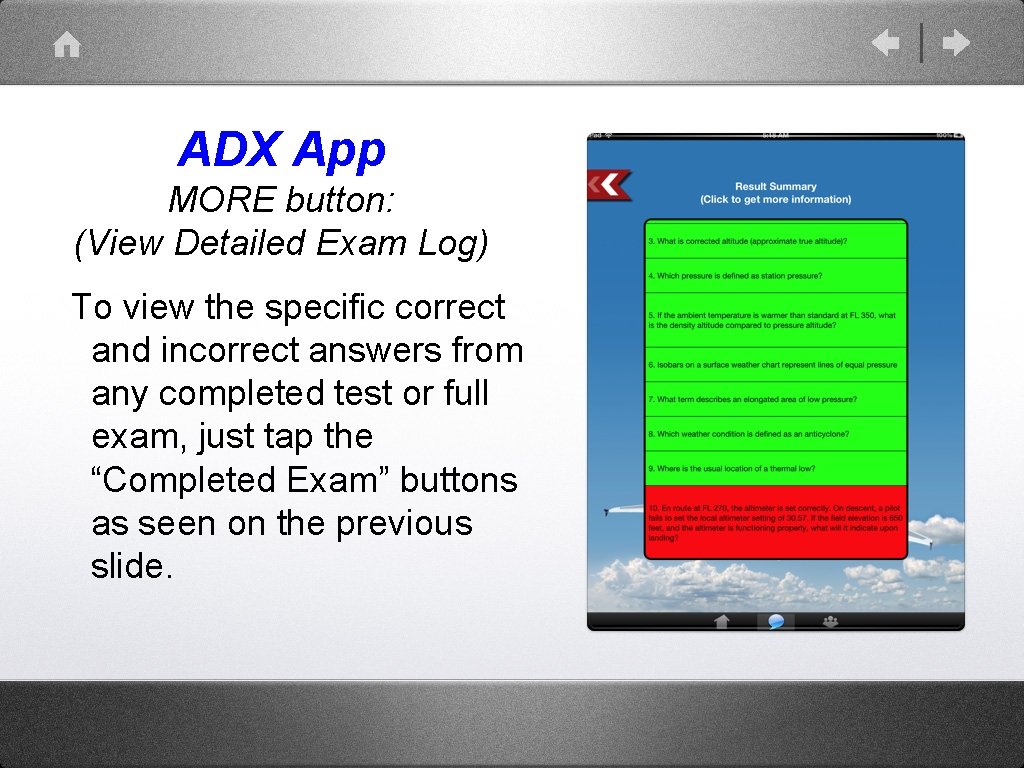
ADX App MORE button: (View Detailed Exam Log) To view the specific correct and incorrect answers from any completed test or full exam, just tap the “Completed Exam” buttons as seen on the previous slide.
ADX App MORE button: (View Detailed Exam Log) At this point, you can click on any cell to confirm why you were correct or incorrect. A more specific explanation should then appear.
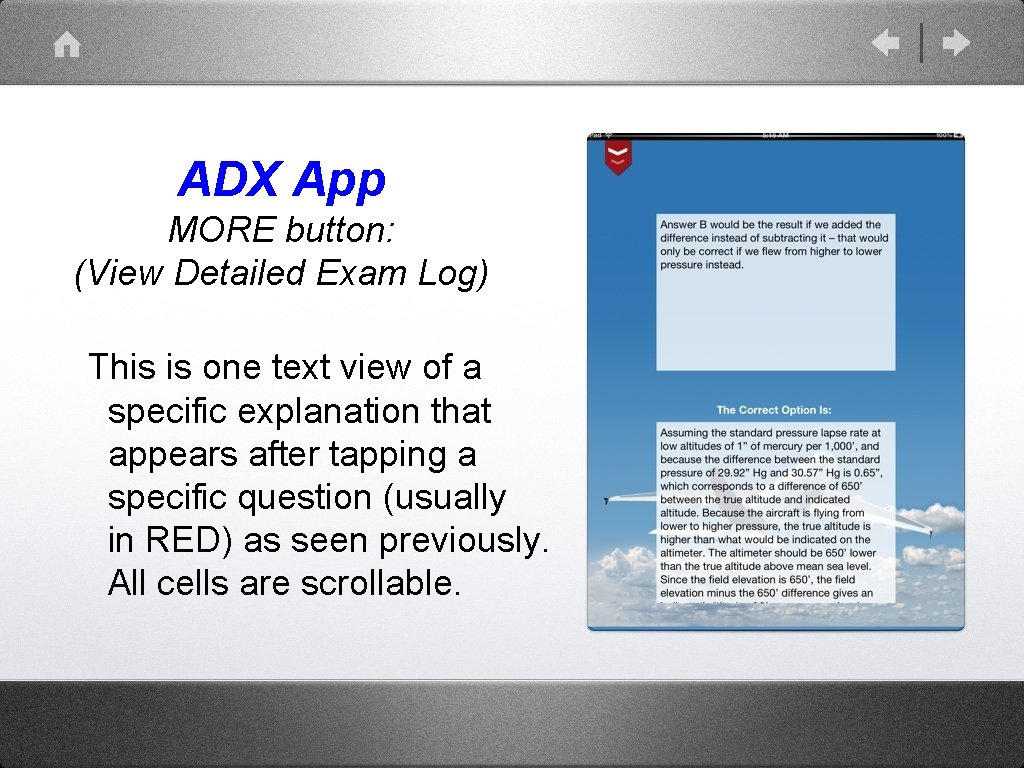
ADX App MORE button: (View Detailed Exam Log) This is one text view of a specific explanation that appears after tapping a specific question (usually in RED) as seen previously. All cells are scrollable.
ADX (Airline Dispatcher Test) App (Reviews) From the U. S. i. Tunes store: Passed the ADX! (5 stars) By MGgirl 17 – Version 1. 0 – Feb 15, 2013 “I used Sheffield’s app as my main source of studying for the ADX. I like the different mode options available between quiz, study, test and the practice exams. Study mode was great for getting an explanation about the question. That helped me in remembering the correct answer. .
ADX (Airline Dispatcher Test) App (Reviews). . . This app made it convenient to be able to study wherever I was or if I had a few minutes to waste I could use it studying. A few words of advice, give yourself plenty of time to prepare for the test and go to Sheffield for your flight dispatcher training, you won’t be sorry! Best school around!”
ADX (Airline Dispatcher Test) App Adx (5 stars) (Reviews) By CALMIAATO – Version 1. 0 – Dec 19, 2012 “simple interface, only 3 mb, but provides text, highlighted images, audio, and video explanations. Variety of quizzes, tests, and study sessions that are fully customizable, and the 80 -question exam generator with great feedback. Also, leads to a lot of web-based extras and free resources. ” Jose Gonzalez Miami, Florida
ADX (Airline Dispatcher Test) App (Reviews) From email/Facebook: Tue, 27 Nov 2012 12: 14: 41 Subject: great review (ALL 5 Stars marked) Eric, “I have never seen such a sophisticated and easy to use learning and training method like the app from Sheffield School of Aeronautics in Fort Lauderdale FL. It contains all questions related to the ADX Knowledge test by the FAA. . .
ADX (Airline Dispatcher Test) App (Reviews). . The questions are corrected where necessary and there is an explanation for each answer. You will also have access to the protected scripts from Sheffield School of Aeronautics. I doubt anybody has written a 45 -page pdf file with zoomed images to explain one flight log completely. In addition the support from the school is just great! I can absolutely recommend this high standard product! An app for real professionals or those who want to become one – great job!” Ralph Peter (Swiss Aviation Training - Switzerland)
ADX (Airline Dispatcher Test) App (Reviews) “I passed! There were only a handful of questions that I had never seen before. 90% of my studying was via the app, but I did use the Gleim ATP study guide too. I can say the Sheffield App sped up the process as in just two weeks I went from barely passing the practice exams, to passing all of them well above 70%. ” May 3, 2013 12: 10 pm (R. S. )
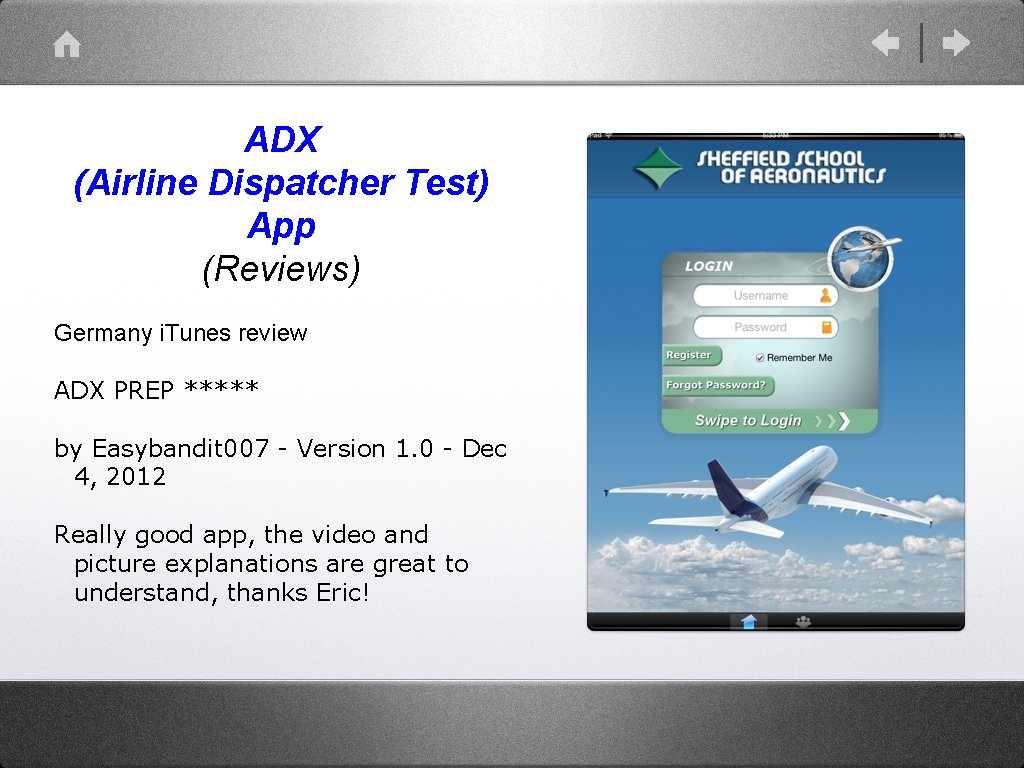
ADX (Airline Dispatcher Test) App (Reviews) Germany i. Tunes review ADX PREP ***** by Easybandit 007 - Version 1. 0 - Dec 4, 2012 Really good app, the video and picture explanations are great to understand, thanks Eric!
ADX Test Prep App Thank you! Please visit the i. Tunes App Store or click the i. Tunes link on our web site. Sheffield School of Aeronautics www. sheffield. com