
Advising Registration for Spring 2010 A guide for
- Slides: 27
Advising & Registration for Spring 2010 A guide for Faculty, Advisors and Academic Staff.
What’s new in SA? • • • Advising Center Advising Notes Degree Audit Prerequisite Checking Online Grading
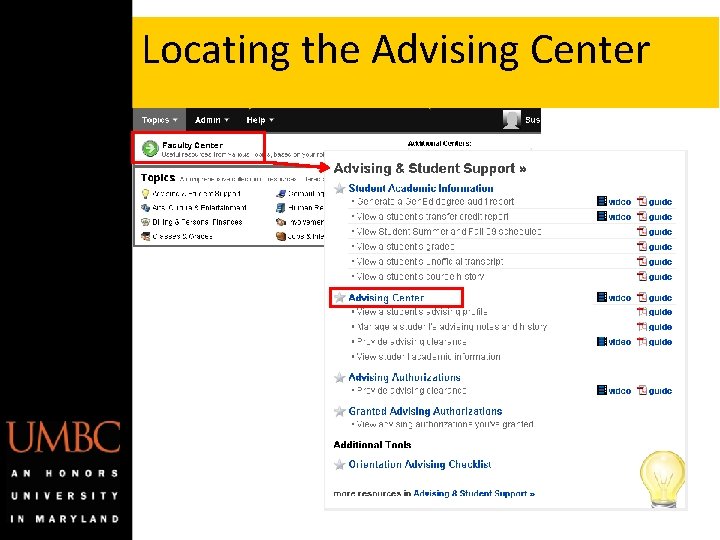
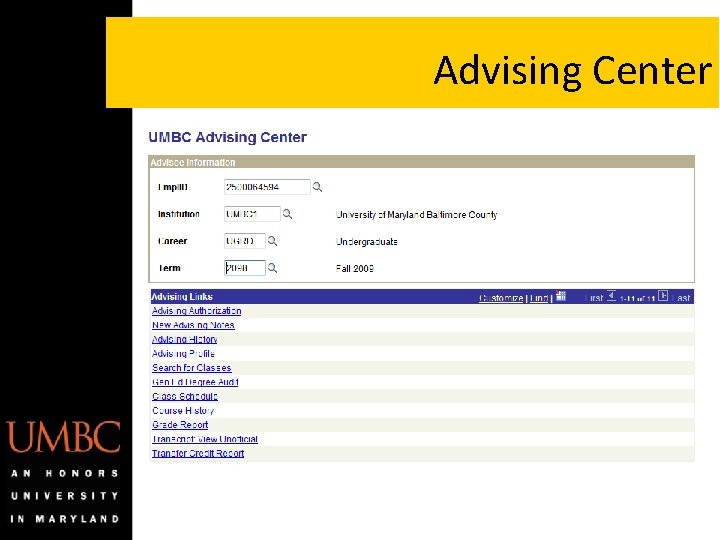
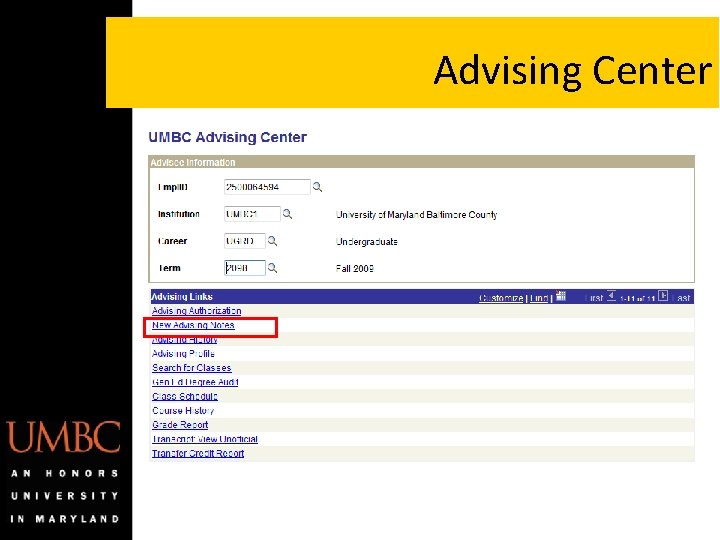
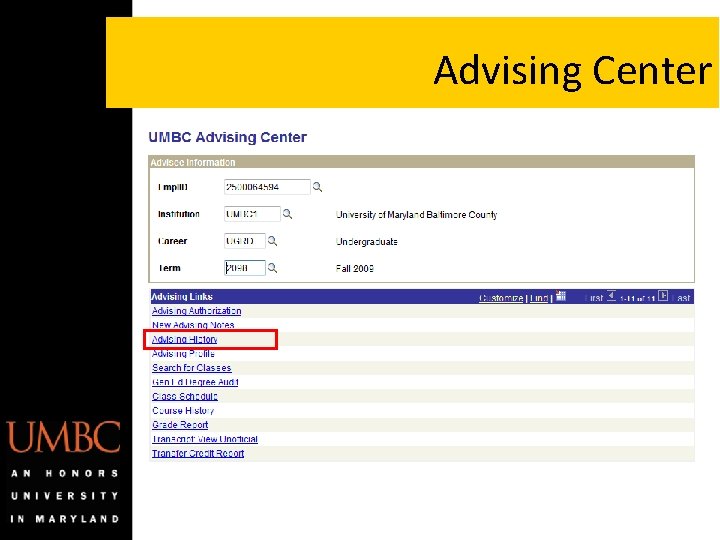
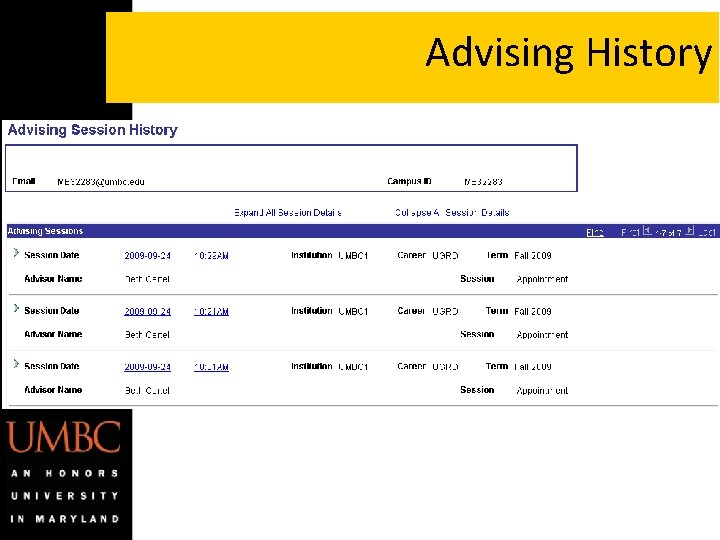
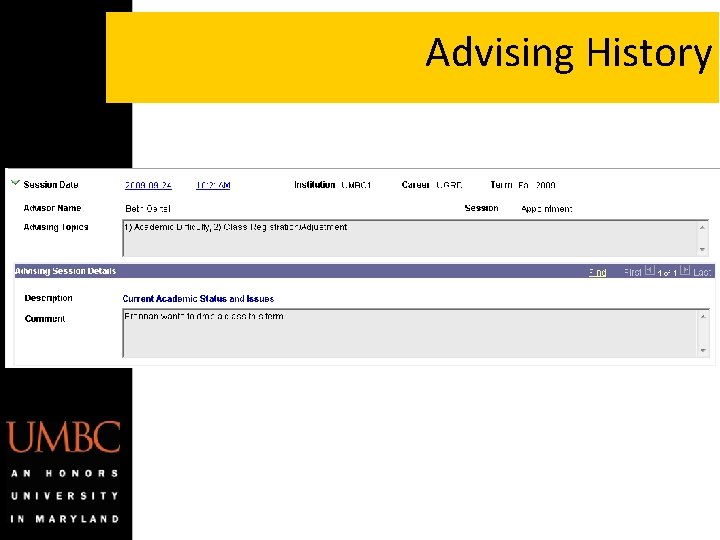
What is the Advising Center? • Single location for all Student Academic Information • Enhanced Advising Notes • Advising History • Variety of Reports • Each link/report opens in a new window to easily go back and forth between student information
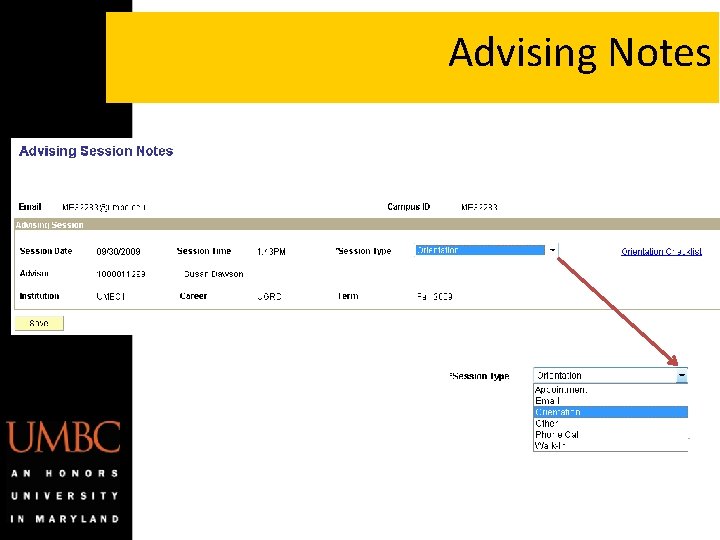
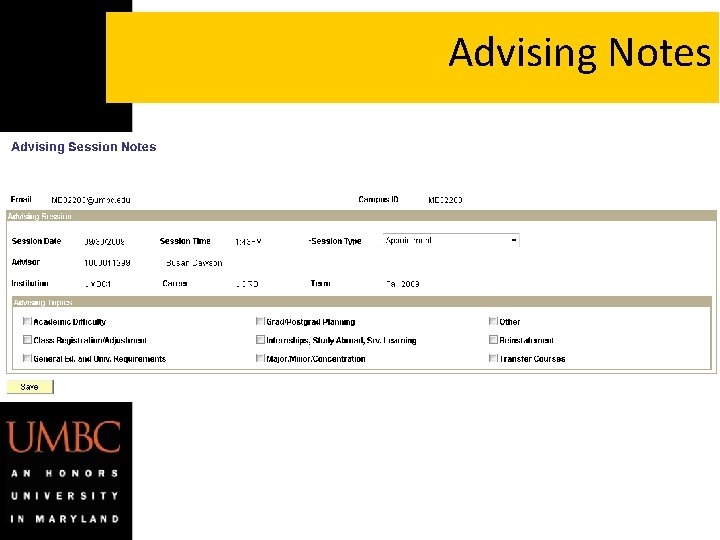
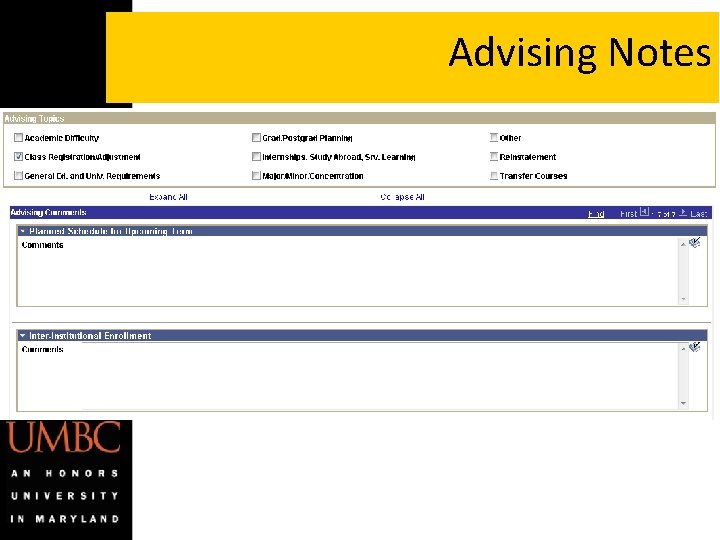
Advising Notes • View orientation advising notes for new incoming students • Enter new advising notes for students • Advising notes previously entered into MAP will be converted to SA
Locating the Advising Center
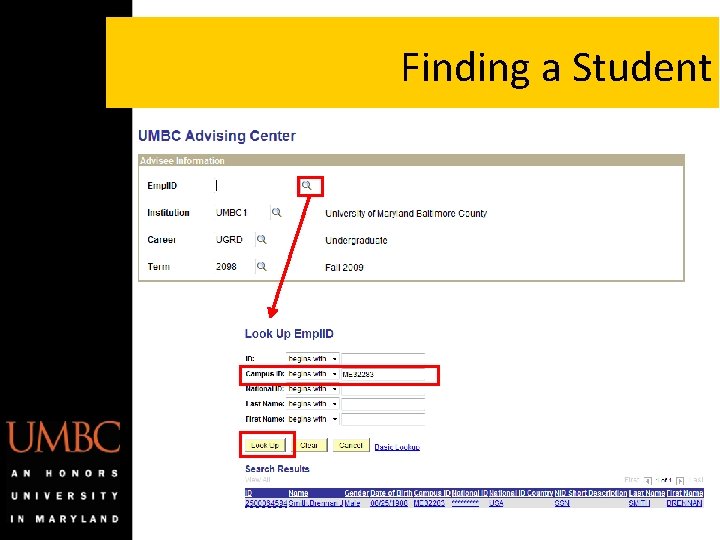
Finding a Student
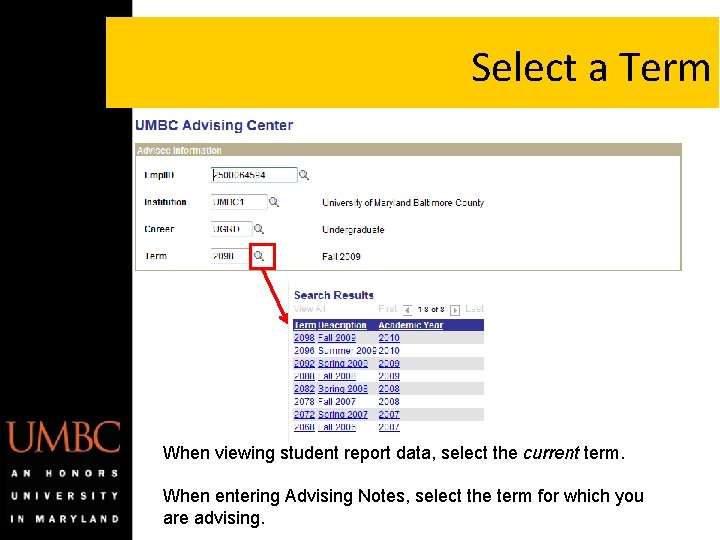
Select a Term When viewing student report data, select the current term. When entering Advising Notes, select the term for which you are advising.
Advising Center
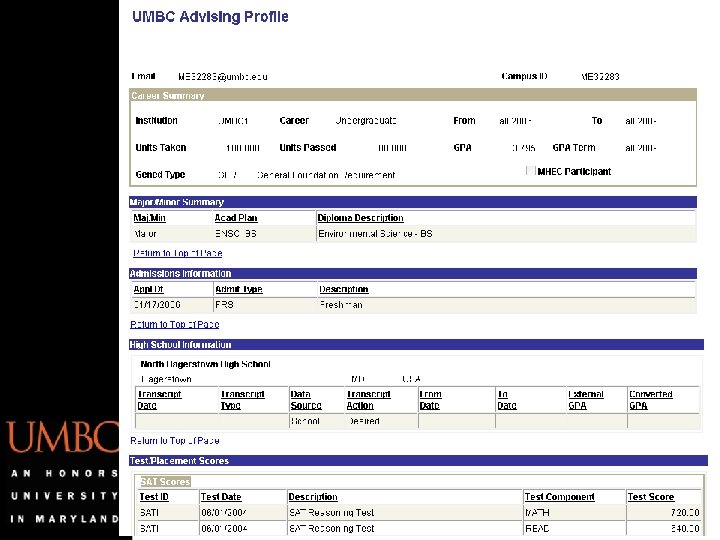
Advising Profile
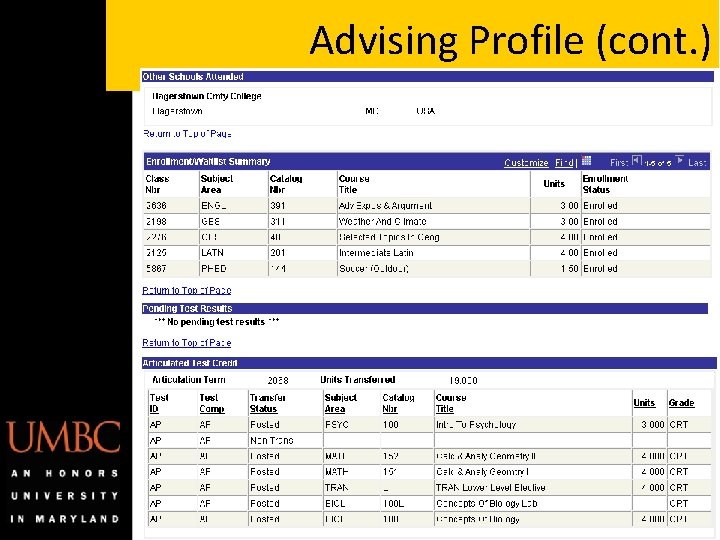
Advising Profile (cont. )
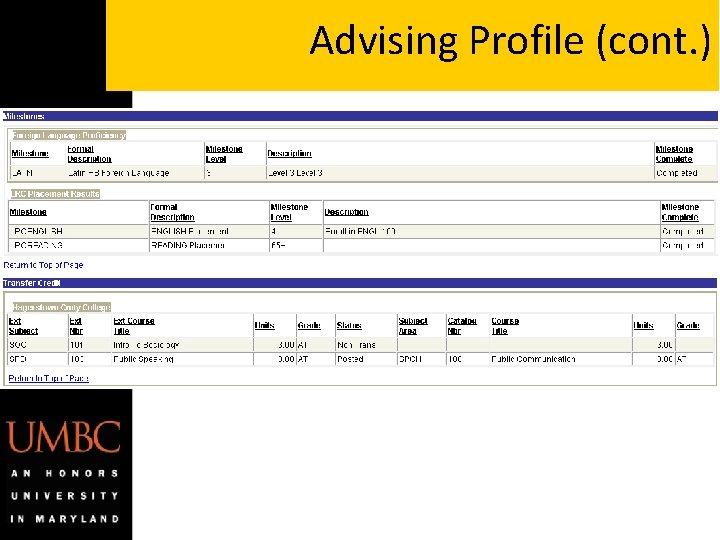
Advising Profile (cont. )
Advising Center
Advising Notes
Advising Notes
Advising Notes
Advising Center
Advising History
Advising History
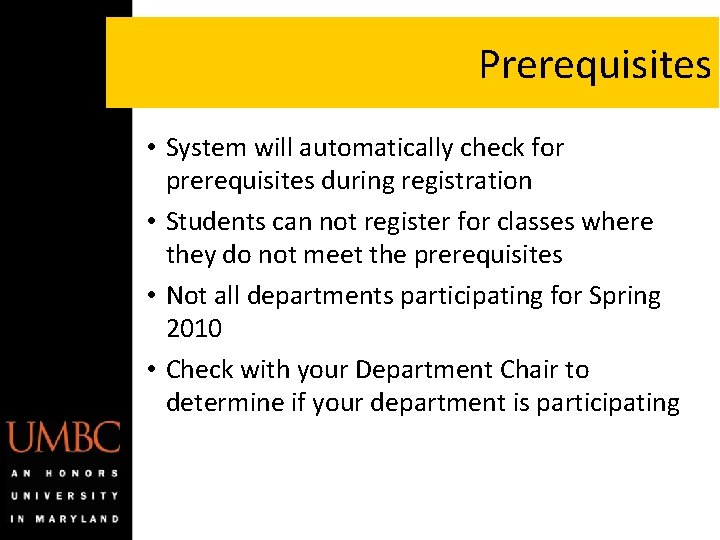
Prerequisites • System will automatically check for prerequisites during registration • Students can not register for classes where they do not meet the prerequisites • Not all departments participating for Spring 2010 • Check with your Department Chair to determine if your department is participating
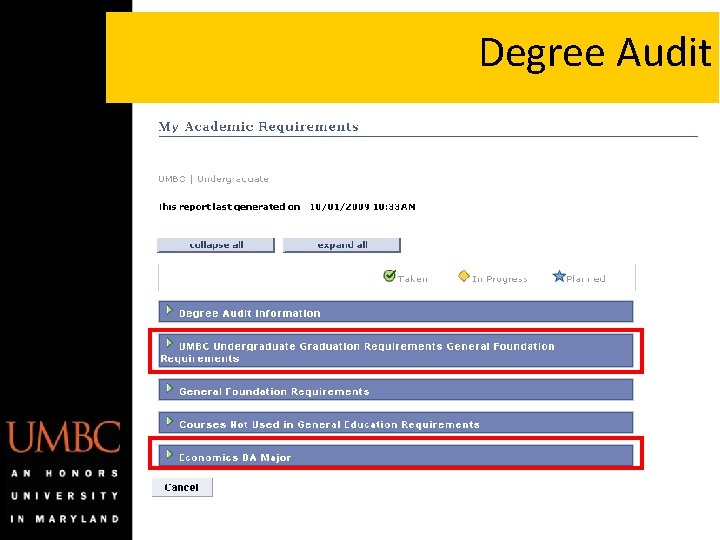
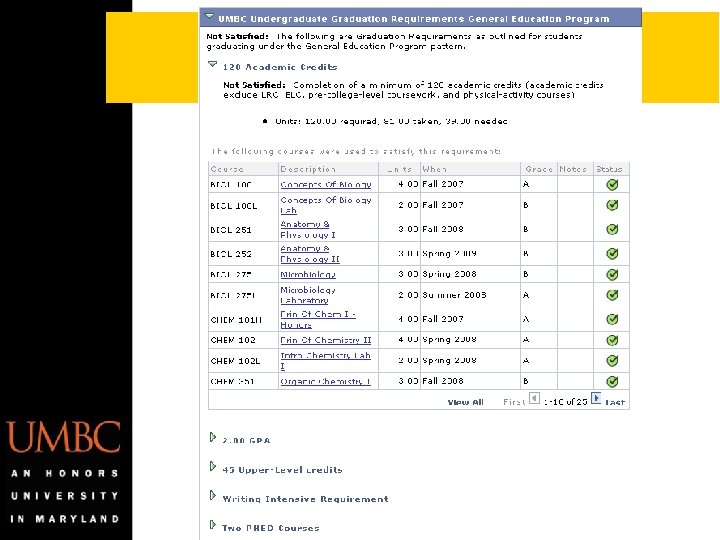
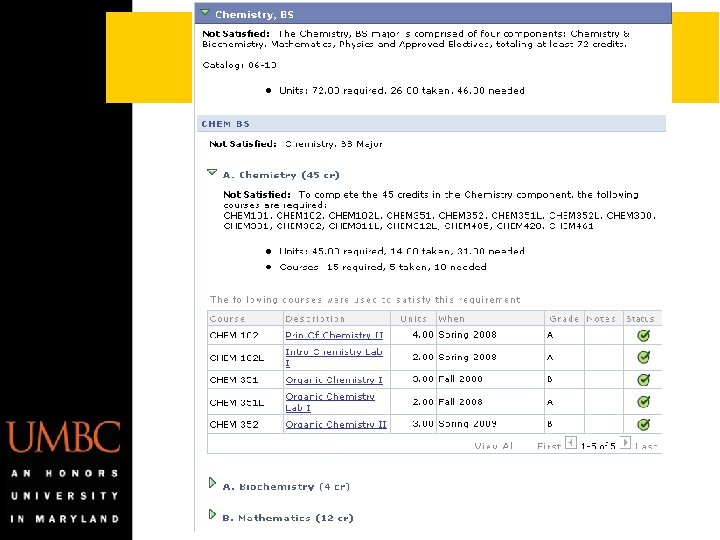
Degree Audit
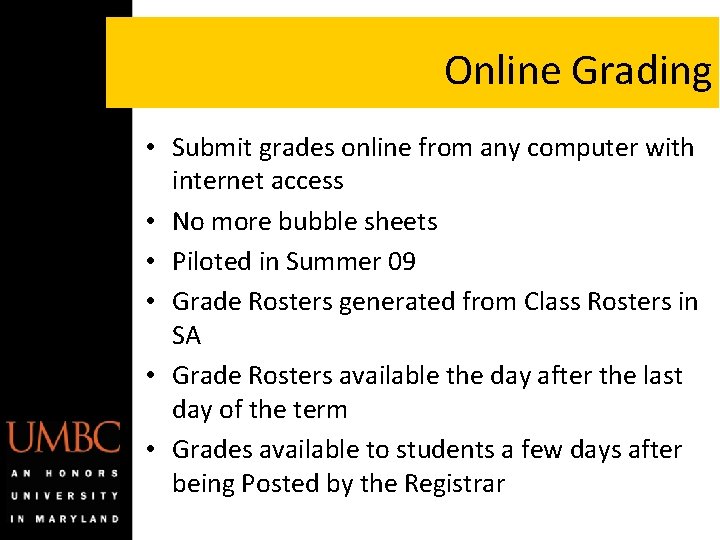
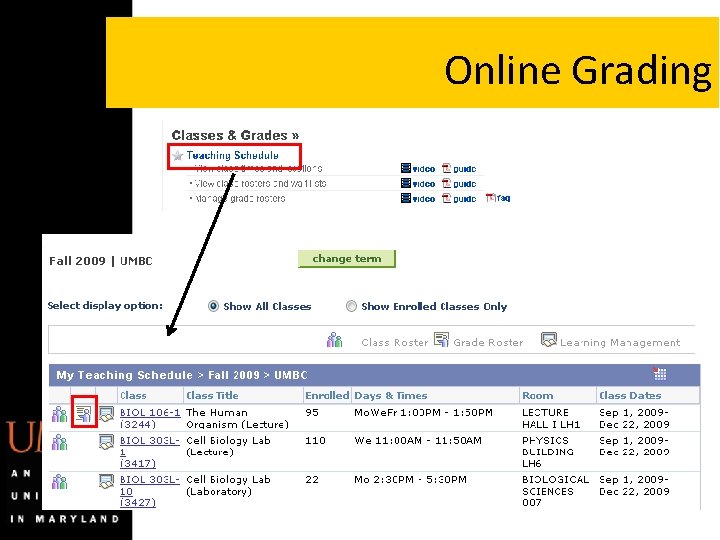
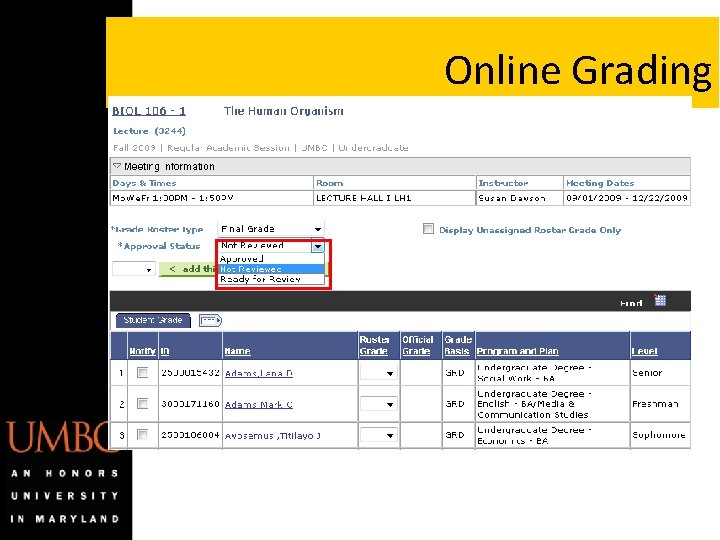
Online Grading • Submit grades online from any computer with internet access • No more bubble sheets • Piloted in Summer 09 • Grade Rosters generated from Class Rosters in SA • Grade Rosters available the day after the last day of the term • Grades available to students a few days after being Posted by the Registrar
Online Grading
Online Grading
Can I still use Map? • MAP is not updated with student information past Spring 09. • MAP will remain available for faculty through the end of the current academic year. • Map will include student data for students who have not taken classes for the past 10 years • Class rosters prior to Summer 09
Additional Information • Change your Favorites in my. UMBC – Remove Favorites that link to MAP – Add SA links to your my. UMBC Favorites • Turn-off pop-up blockers • Use the video tutorials and quick reference guides • Problems/Issues with: – Degree Audit = degreeaudit@umbc. edu – Student Academic Information = records@umbc. edu – General or Technical Problems with SA = X 53838