
ADVANECD WEB DESIGN SKILL SESSION By Aharon Hannan

ADVANECD WEB DESIGN SKILL SESSION By Aharon Hannan February 17, 2015
Overview �CSS �Website Requirements �Twitter Bootstrap �Modifying your web page �Basic HTML �Slides paraphrased from teaching-materials. org
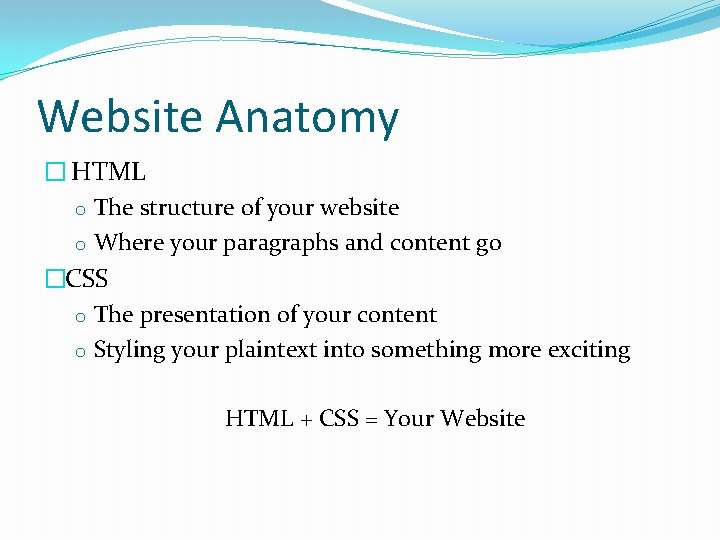
Website Anatomy � HTML o The structure of your website o Where your paragraphs and content go �CSS o The presentation of your content o Styling your plaintext into something more exciting HTML + CSS = Your Website
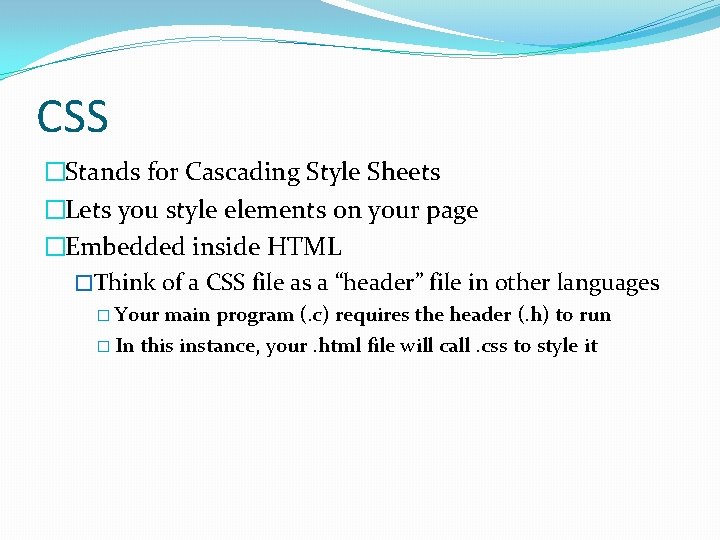
CSS �Stands for Cascading Style Sheets �Lets you style elements on your page �Embedded inside HTML �Think of a CSS file as a “header” file in other languages � Your main program (. c) requires the header (. h) to run � In this instance, your. html file will call. css to style it
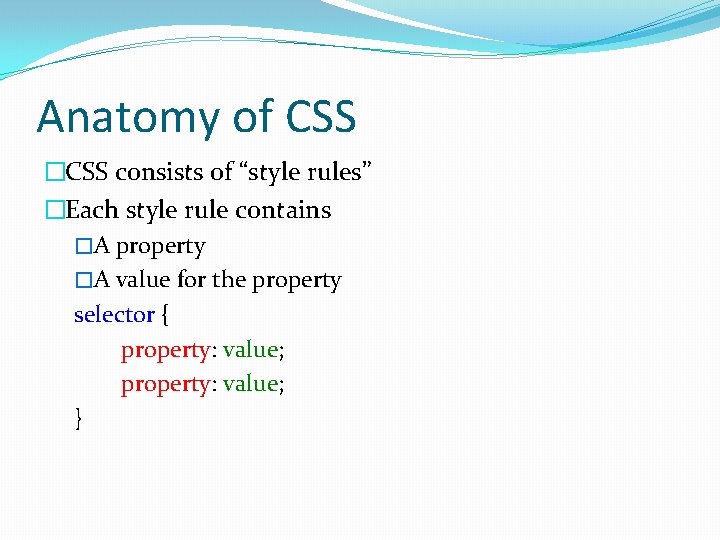
Anatomy of CSS �CSS consists of “style rules” �Each style rule contains �A property �A value for the property selector { property: value; }
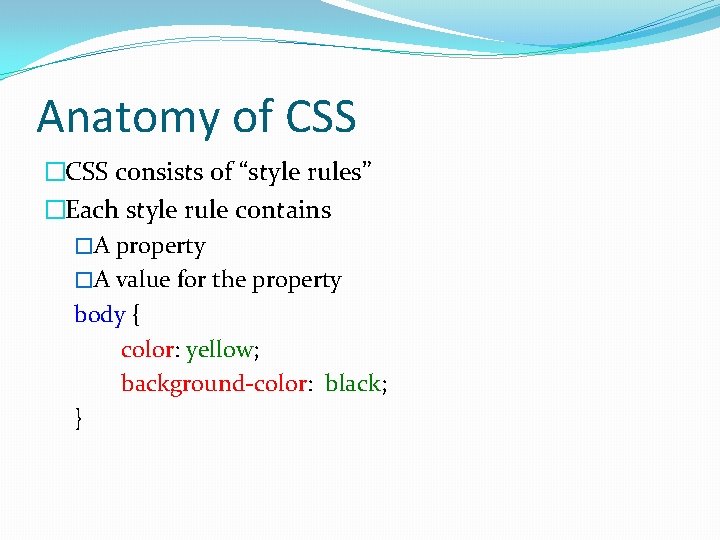
Anatomy of CSS �CSS consists of “style rules” �Each style rule contains �A property �A value for the property body { color: yellow; background-color: black; }
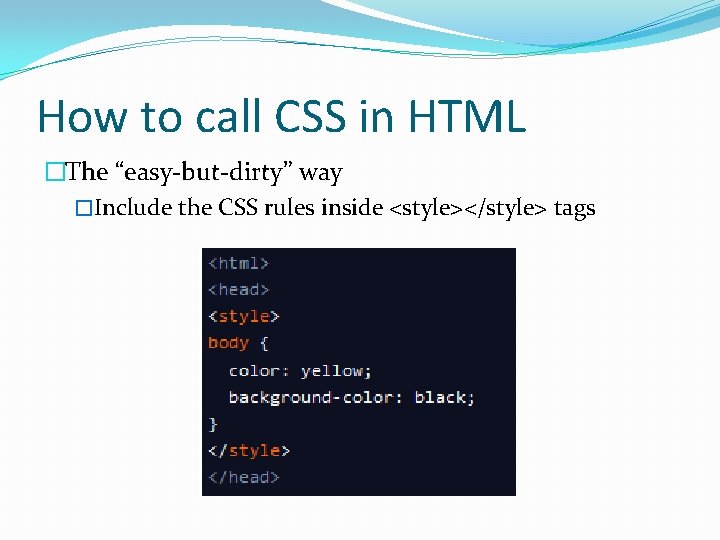
How to call CSS in HTML �The “easy-but-dirty” way �Include the CSS rules inside <style></style> tags
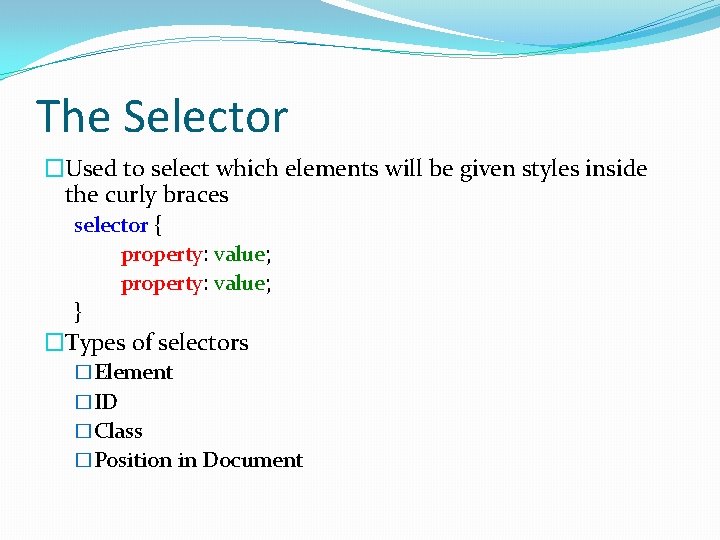
The Selector �Used to select which elements will be given styles inside the curly braces selector { property: value; } �Types of selectors �Element �ID �Class �Position in Document
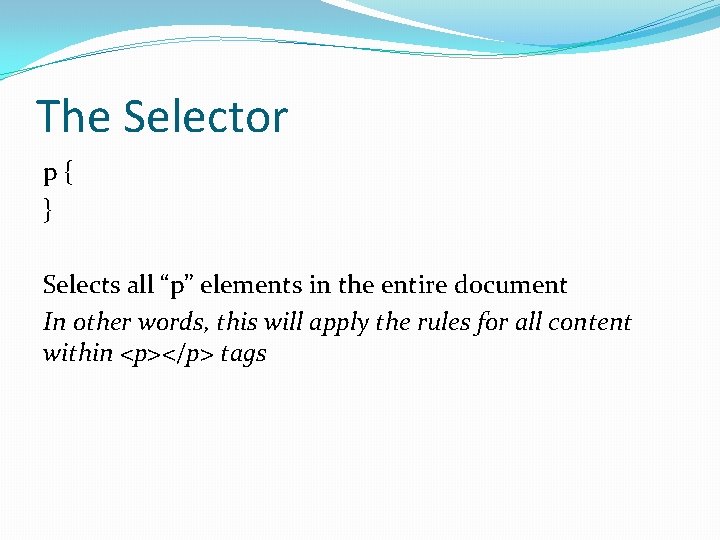
The Selector p{ } Selects all “p” elements in the entire document In other words, this will apply the rules for all content within <p></p> tags
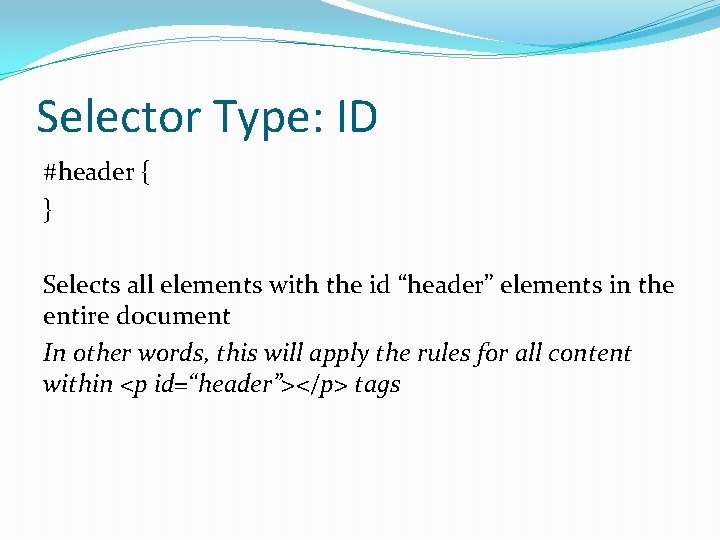
Selector Type: ID #header { } Selects all elements with the id “header” elements in the entire document In other words, this will apply the rules for all content within <p id=“header”></p> tags
Selector Type: ID #header { } Element IDs must be unique. The “#” tells the CSS that this is an “ID” rule
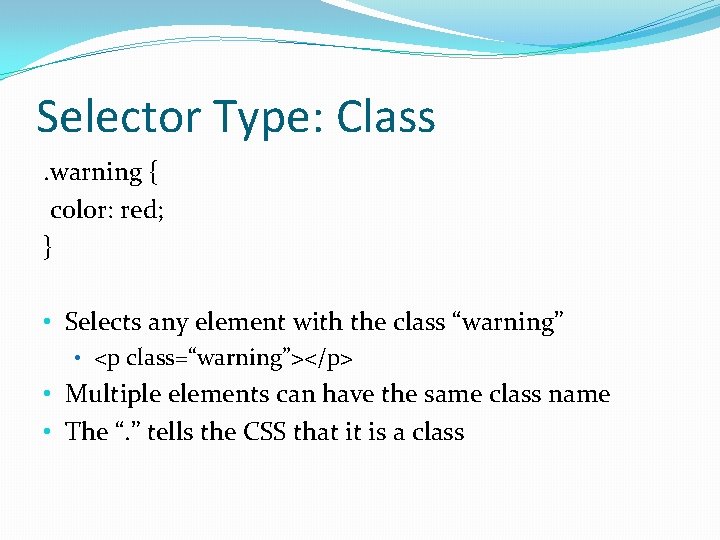
Selector Type: Class. warning { color: red; } • Selects any element with the class “warning” • <p class=“warning”></p> • Multiple elements can have the same class name • The “. ” tells the CSS that it is a class
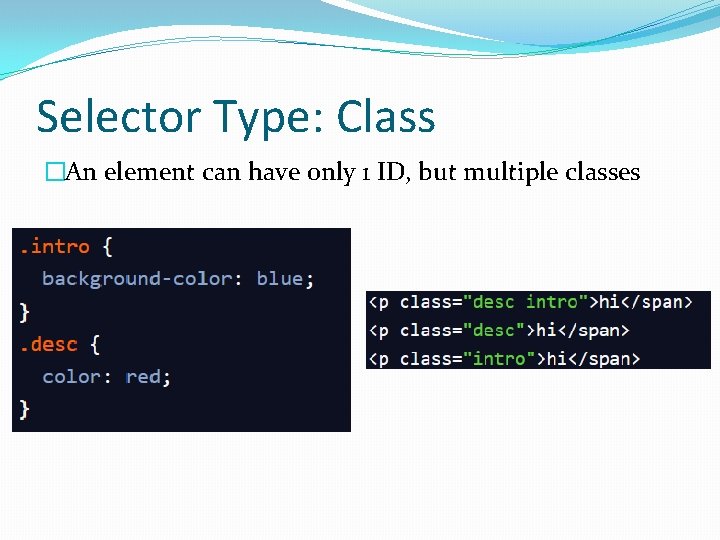
Selector Type: Class �An element can have only 1 ID, but multiple classes
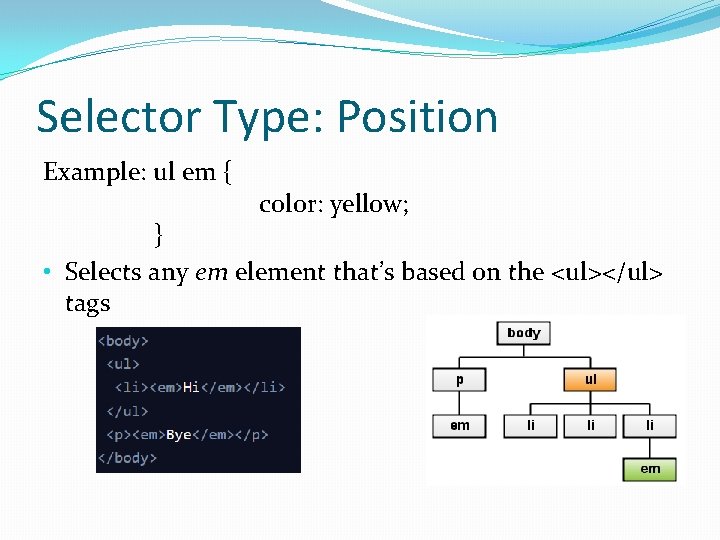
Selector Type: Position Example: ul em { color: yellow; } • Selects any em element that’s based on the <ul></ul> tags
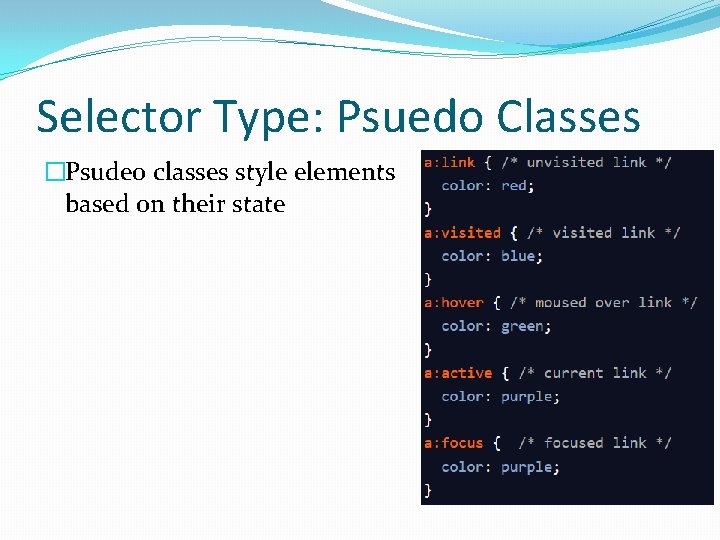
Selector Type: Psuedo Classes �Psudeo classes style elements based on their state
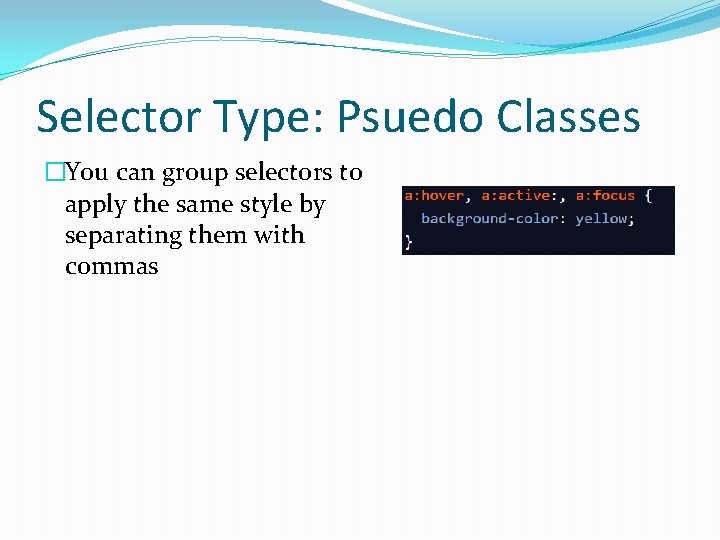
Selector Type: Psuedo Classes �You can group selectors to apply the same style by separating them with commas
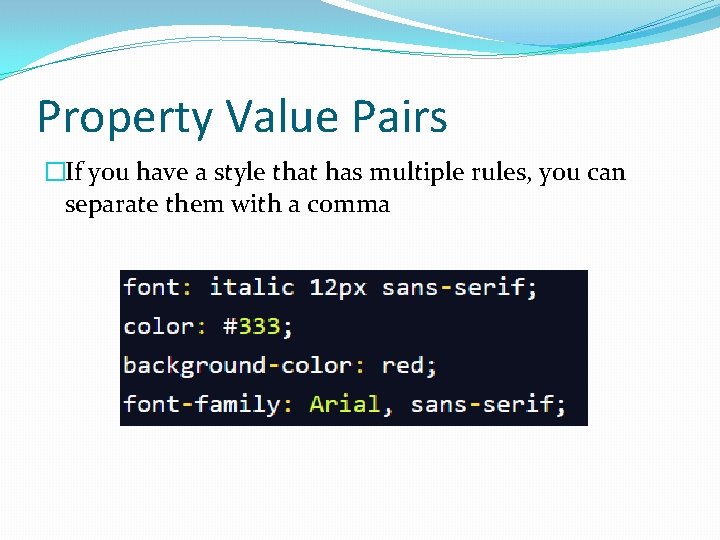
Property Value Pairs �If you have a style that has multiple rules, you can separate them with a comma
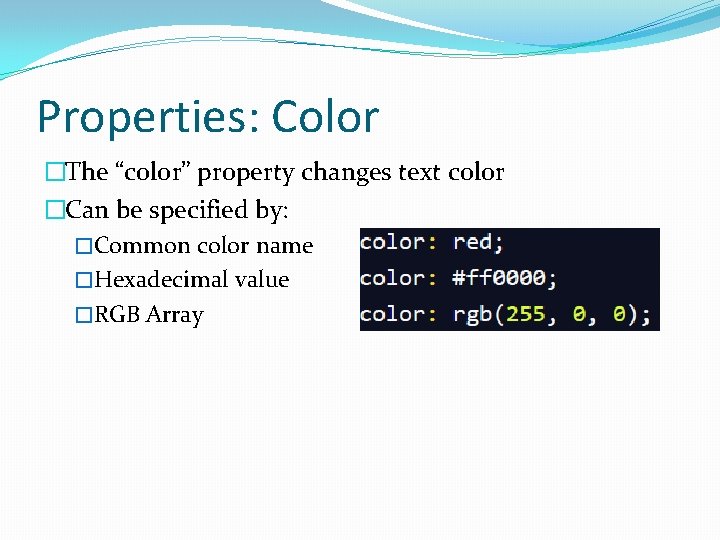
Properties: Color �The “color” property changes text color �Can be specified by: �Common color name �Hexadecimal value �RGB Array
Additional Properties �Font-Family �Font-Size (em, px, keywords, %) �Font-Style �Font-Weight (normal, bolder, or int[100. . 900]) �And many more (without having to pay $19. 99)
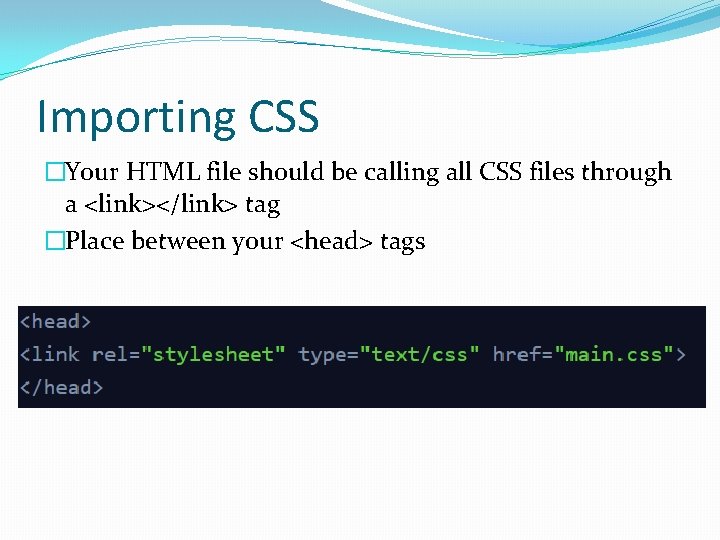
Importing CSS �Your HTML file should be calling all CSS files through a <link></link> tag �Place between your <head> tags
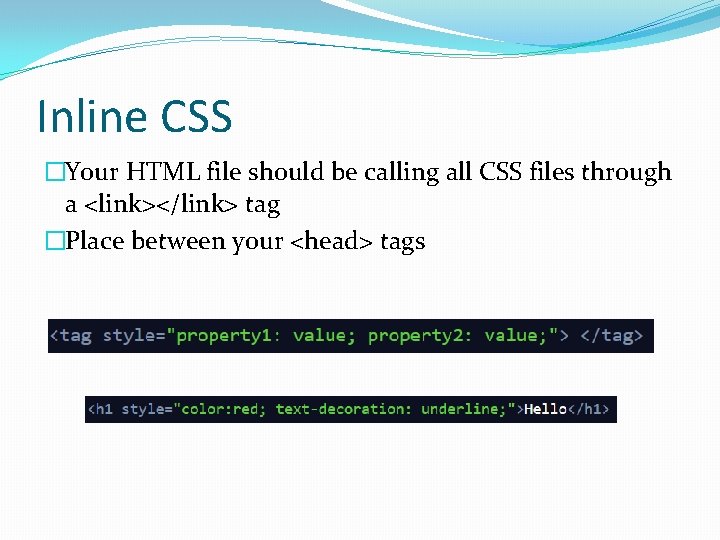
Inline CSS �Your HTML file should be calling all CSS files through a <link></link> tag �Place between your <head> tags

Twitter Bootstrap Part II
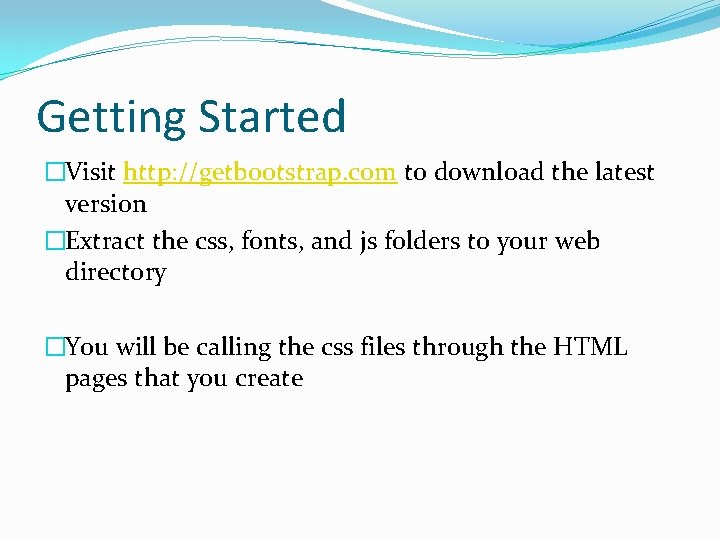
Getting Started �Visit http: //getbootstrap. com to download the latest version �Extract the css, fonts, and js folders to your web directory �You will be calling the css files through the HTML pages that you create

Questions �If you need any help, feel free to shoot me a message! �Shameless plug for my social media accounts too… � Email: aharon@aharonhannan. com � Website: http: //www. aharonhannan. com � Twitter: @Aharon. Hannan � Instagram: @Aharon. Hannan
- Slides: 24