
Advanced Windows Programming Presentations Summer 2000 CSE 791
- Slides: 5
Advanced Windows Programming Presentations Summer 2000 CSE 791 - Advanced Windows Programming Page 1
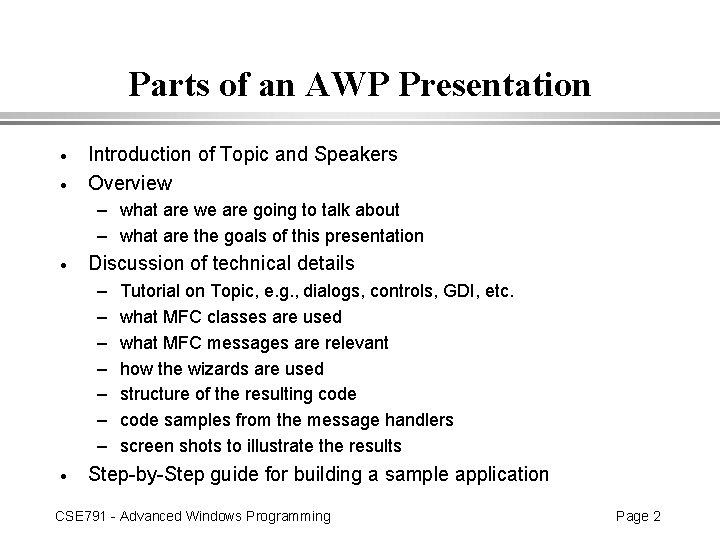
Parts of an AWP Presentation · · Introduction of Topic and Speakers Overview – what are we are going to talk about – what are the goals of this presentation · Discussion of technical details – – – – · Tutorial on Topic, e. g. , dialogs, controls, GDI, etc. what MFC classes are used what MFC messages are relevant how the wizards are used structure of the resulting code samples from the message handlers screen shots to illustrate the results Step-by-Step guide for building a sample application CSE 791 - Advanced Windows Programming Page 2
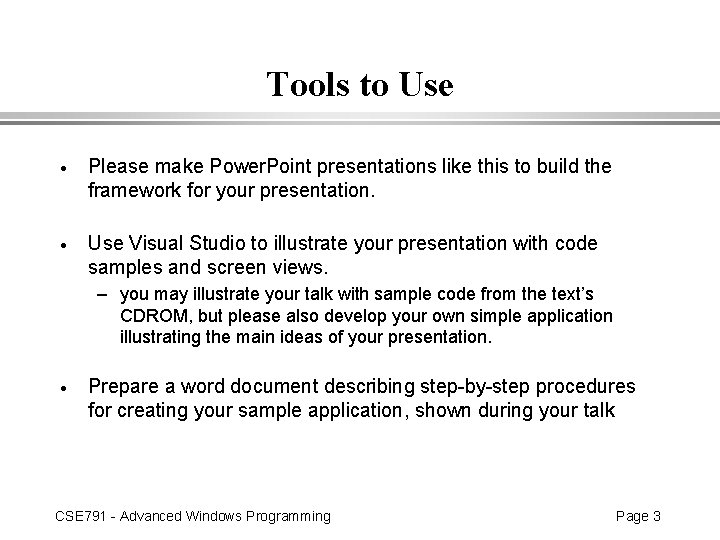
Tools to Use · Please make Power. Point presentations like this to build the framework for your presentation. · Use Visual Studio to illustrate your presentation with code samples and screen views. – you may illustrate your talk with sample code from the text’s CDROM, but please also develop your own simple application illustrating the main ideas of your presentation. · Prepare a word document describing step-by-step procedures for creating your sample application, shown during your talk CSE 791 - Advanced Windows Programming Page 3
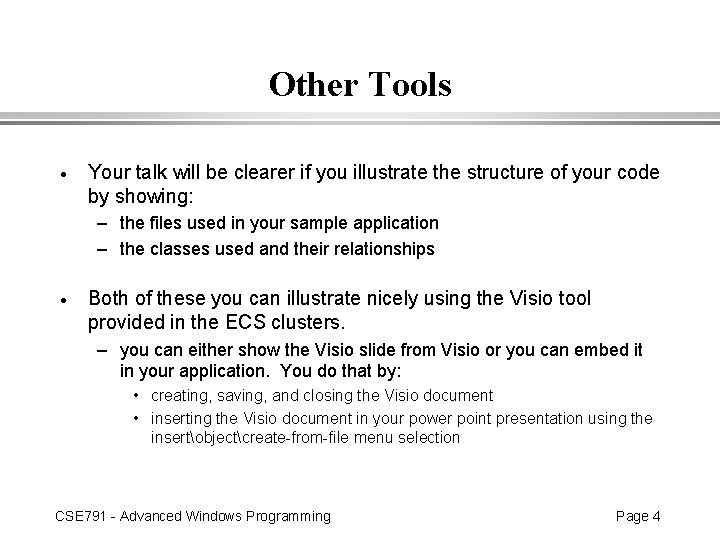
Other Tools · Your talk will be clearer if you illustrate the structure of your code by showing: – the files used in your sample application – the classes used and their relationships · Both of these you can illustrate nicely using the Visio tool provided in the ECS clusters. – you can either show the Visio slide from Visio or you can embed it in your application. You do that by: • creating, saving, and closing the Visio document • inserting the Visio document in your power point presentation using the insertobjectcreate-from-file menu selection CSE 791 - Advanced Windows Programming Page 4
For Posterity · Please zip up all the files you’ve used in your presentation – – – · code Power Point slides Word step-by-step guide Visio slides if not embedded in Power Point slides Name the zip file with your user id and the number of your submission, e. g. , 2 if this is the second submission you’ve made E-Mail to CSE 791 HW – I will extract and place them in a directory in: • ECSHOMEHANDOUTSFAWCETTADVANWIN – This way everyone will have access to all the presentation materials. CSE 791 - Advanced Windows Programming Page 5