
Advanced Windows 10 development with the Office 365



- Slides: 42
Advanced Windows 10 development with the Office 365 APIs Andrew Coates - @coatsy DEV 335
Agenda Introduction Universal App projects Integrating Office 365 APIs
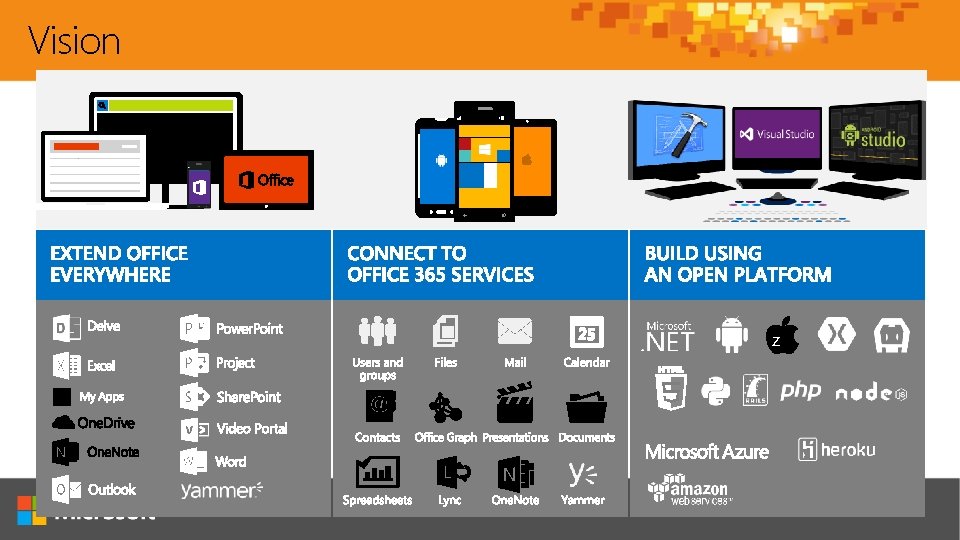
Vision z
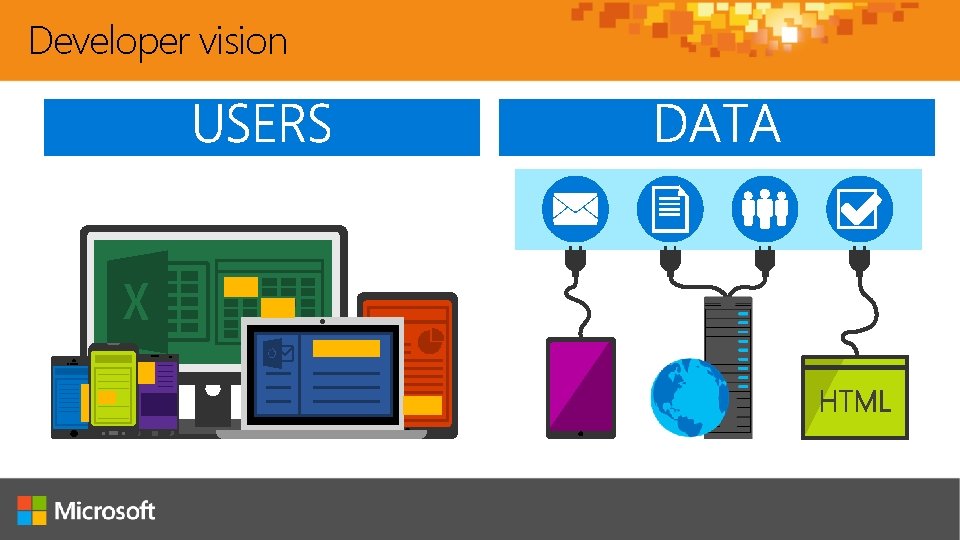
Developer vision
Universal Windows Platform
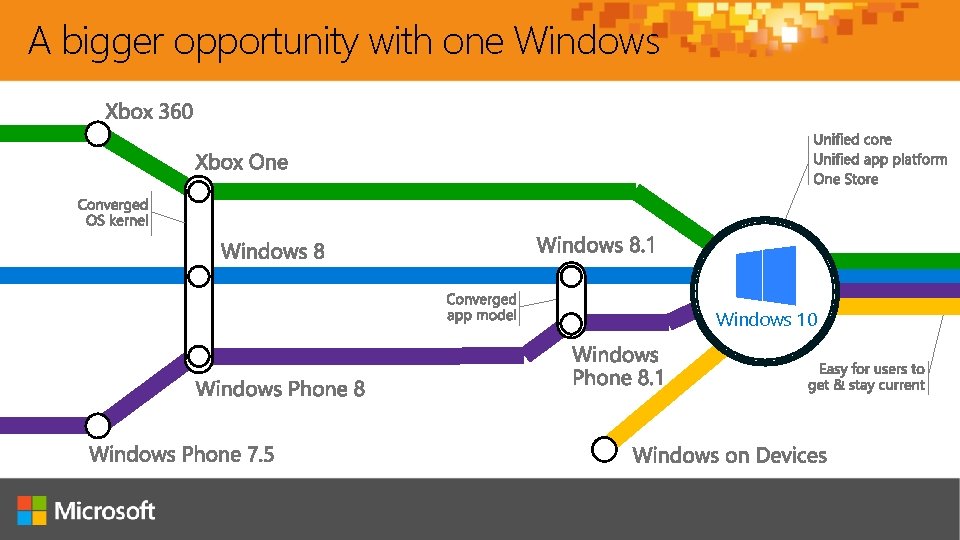
A bigger opportunity with one Windows 10
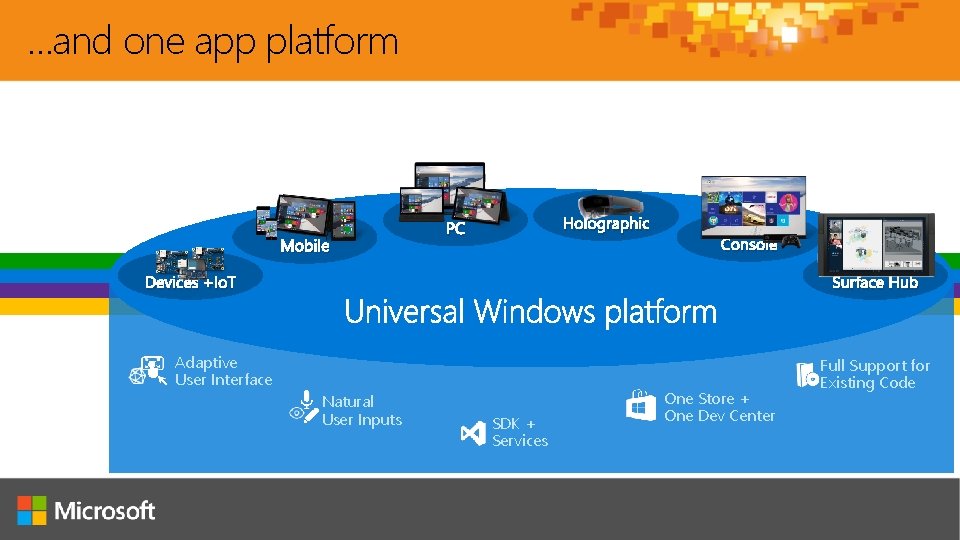
…and one app platform Mobile Holographic PC Console Surface Hub Devices +Io. T Adaptive User Interface Natural User Inputs SDK + Services One Store + One Dev Center Full Support for Existing Code
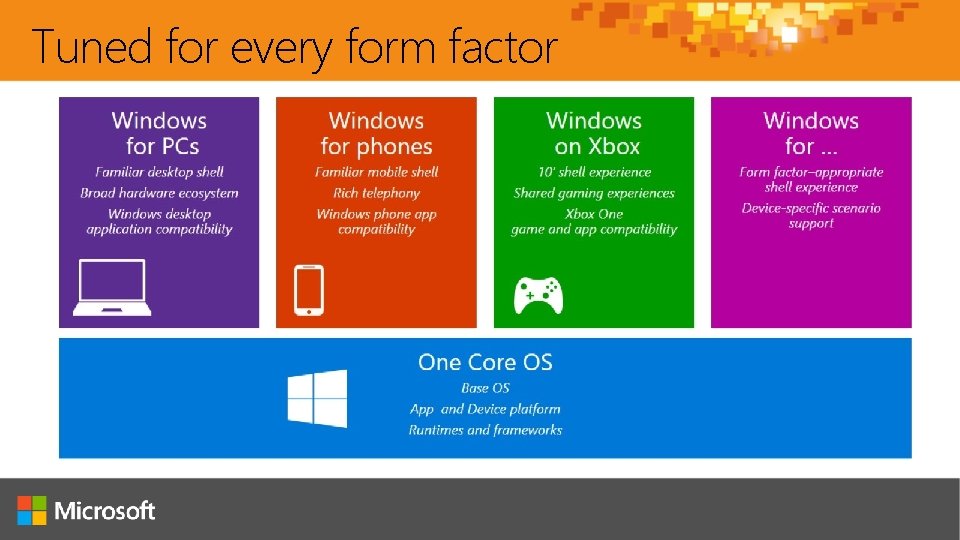
Tuned for every form factor
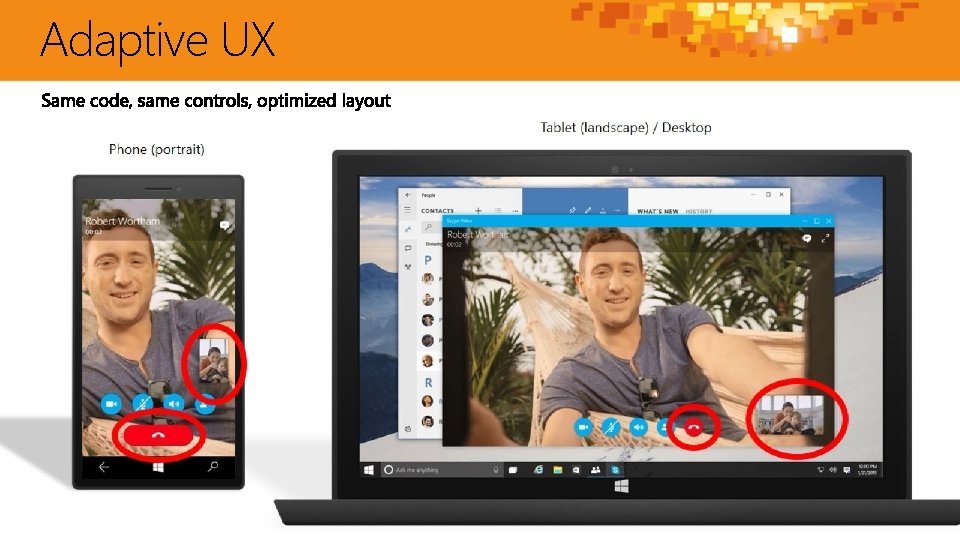
Adaptive UX
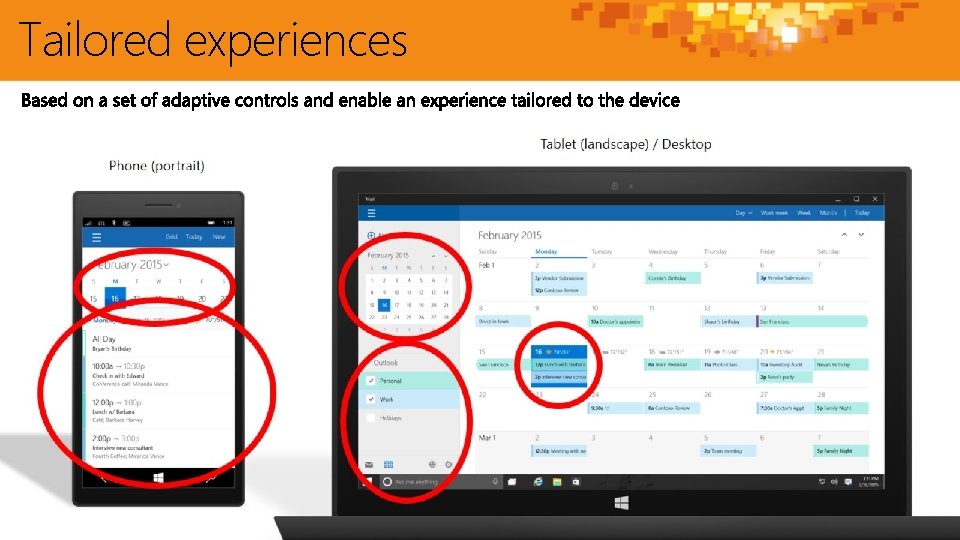
Tailored experiences
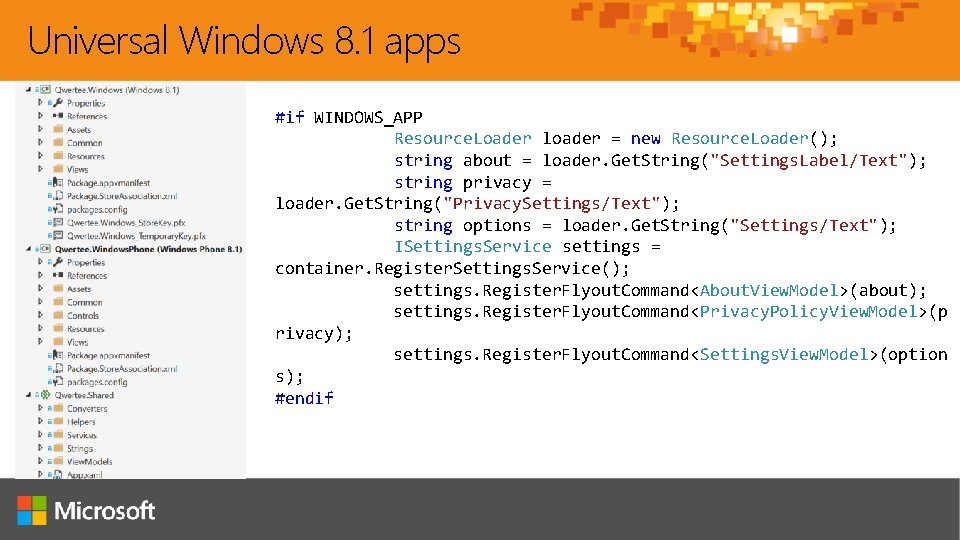
Universal Windows 8. 1 apps #if WINDOWS_APP Resource. Loader loader = new Resource. Loader(); string about = loader. Get. String("Settings. Label/Text"); string privacy = loader. Get. String("Privacy. Settings/Text"); string options = loader. Get. String("Settings/Text"); ISettings. Service settings = container. Register. Settings. Service(); settings. Register. Flyout. Command<About. View. Model>(about); settings. Register. Flyout. Command<Privacy. Policy. View. Model>(p rivacy); settings. Register. Flyout. Command<Settings. View. Model>(option s); #endif
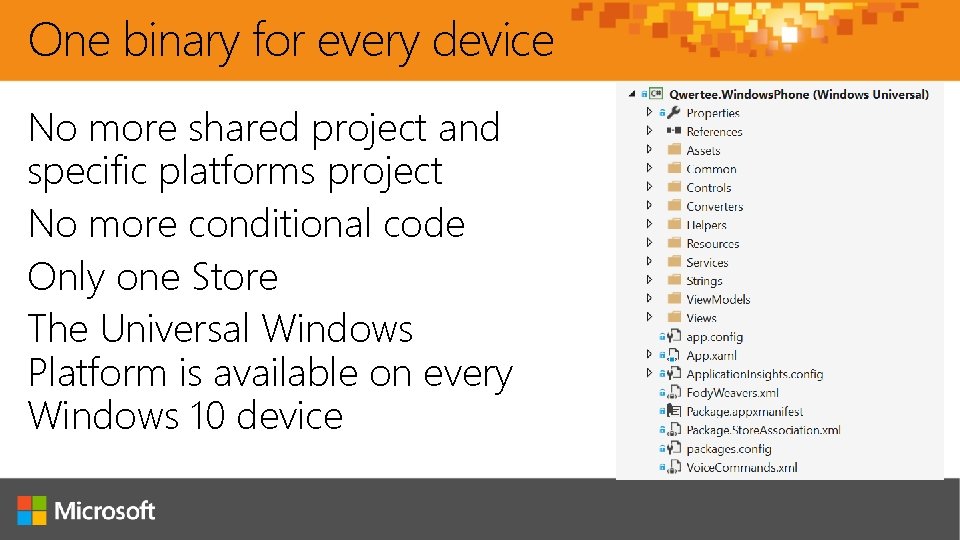
One binary for every device No more shared project and specific platforms project No more conditional code Only one Store The Universal Windows Platform is available on every Windows 10 device
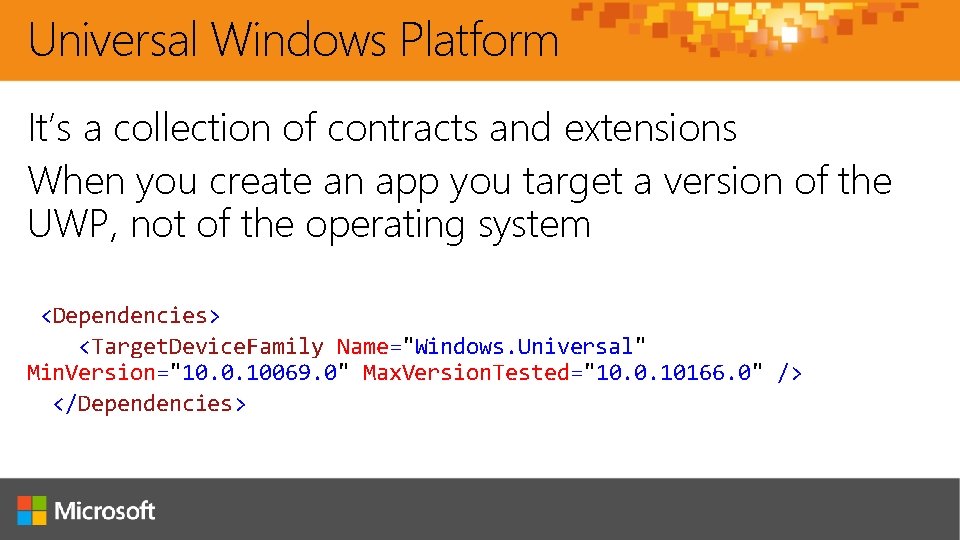
Universal Windows Platform It’s a collection of contracts and extensions When you create an app you target a version of the UWP, not of the operating system <Dependencies> <Target. Device. Family Name="Windows. Universal" Min. Version="10. 0. 10069. 0" Max. Version. Tested="10. 0. 10166. 0" /> </Dependencies>
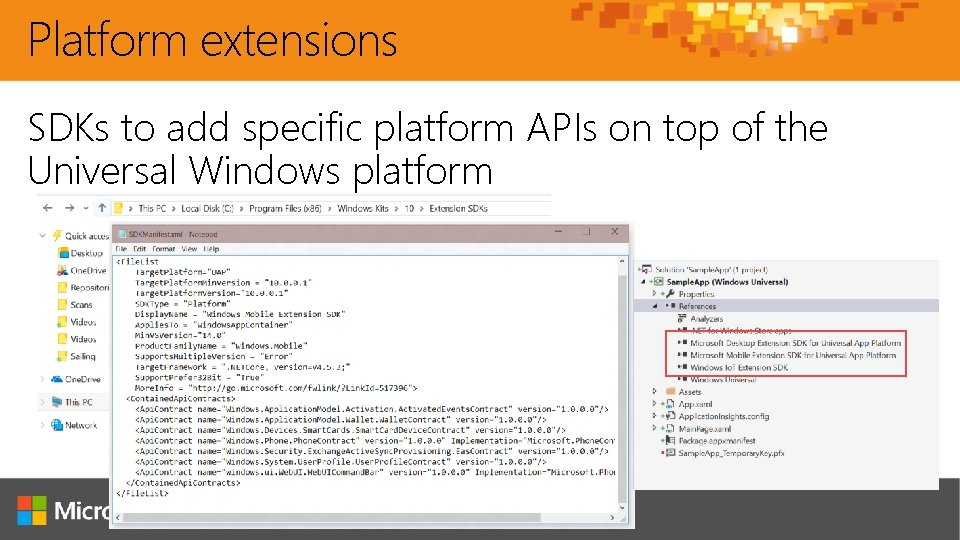
Platform extensions SDKs to add specific platform APIs on top of the Universal Windows platform
Integrating Office 365
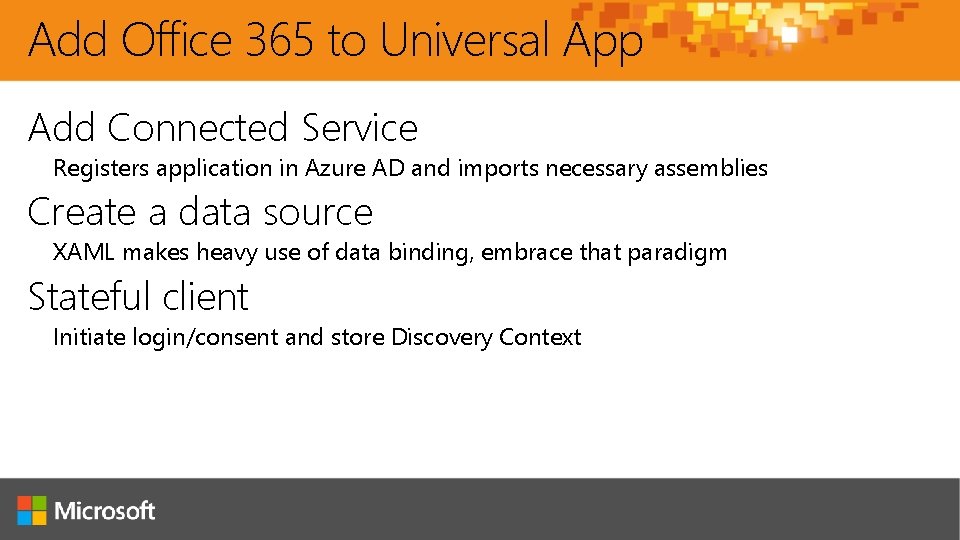
Add Office 365 to Universal App Add Connected Service Registers application in Azure AD and imports necessary assemblies Create a data source XAML makes heavy use of data binding, embrace that paradigm Stateful client Initiate login/consent and store Discovery Context
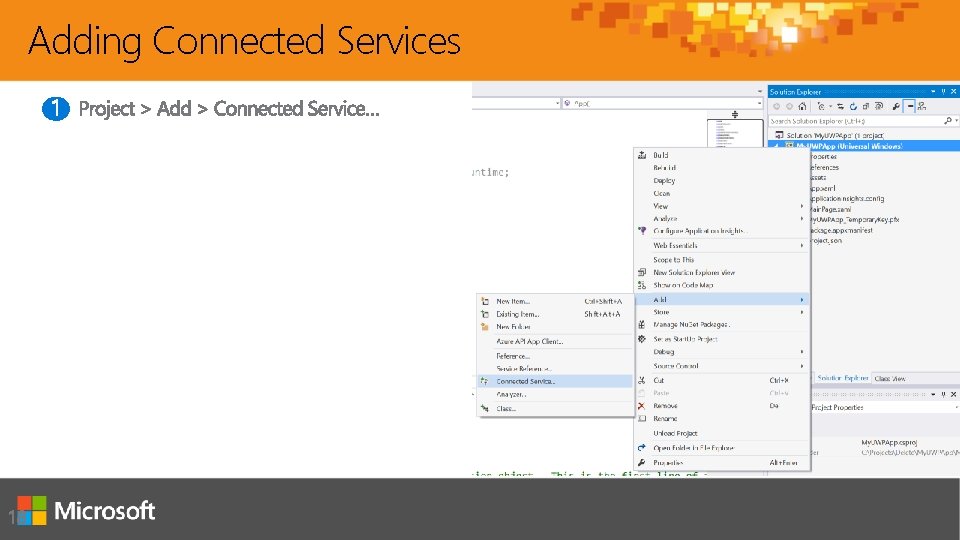
Adding Connected Services
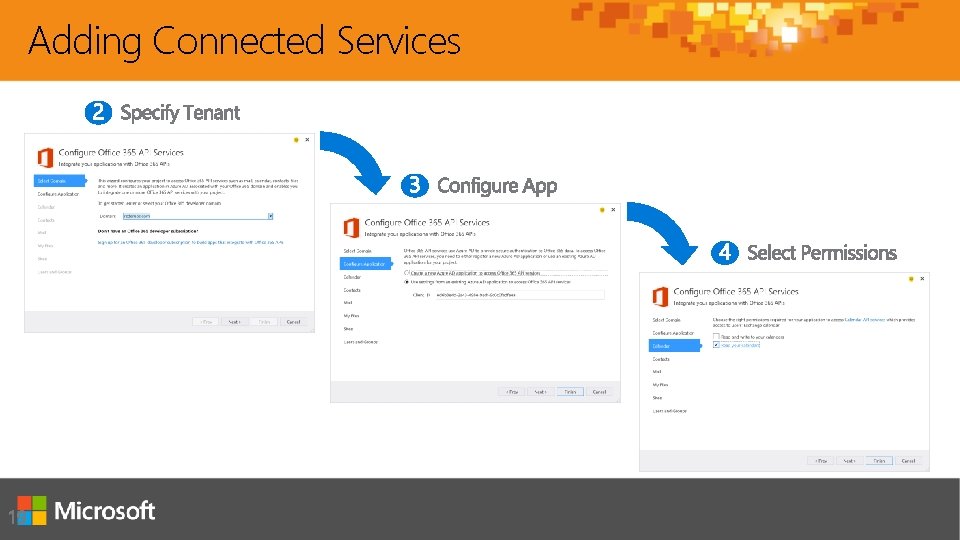
Adding Connected Services
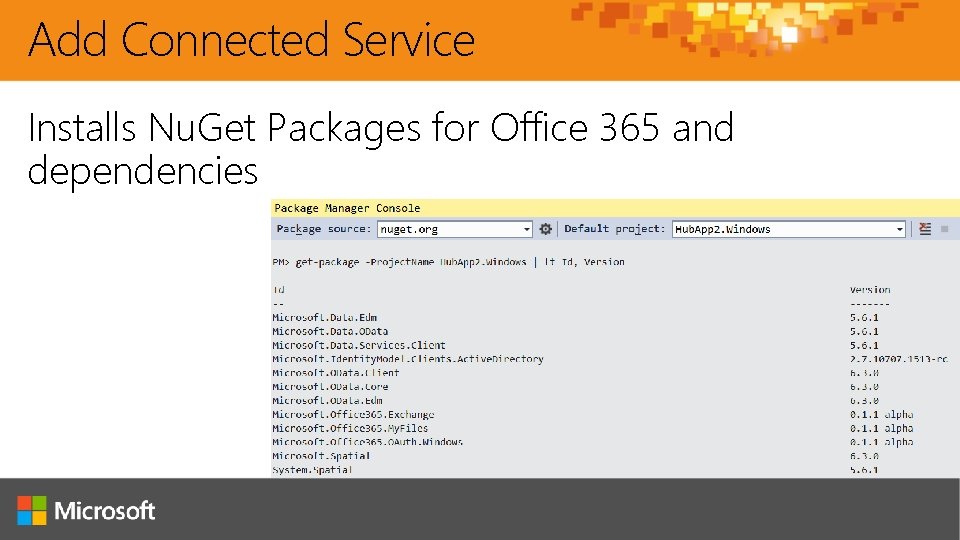
Add Connected Service Installs Nu. Get Packages for Office 365 and dependencies
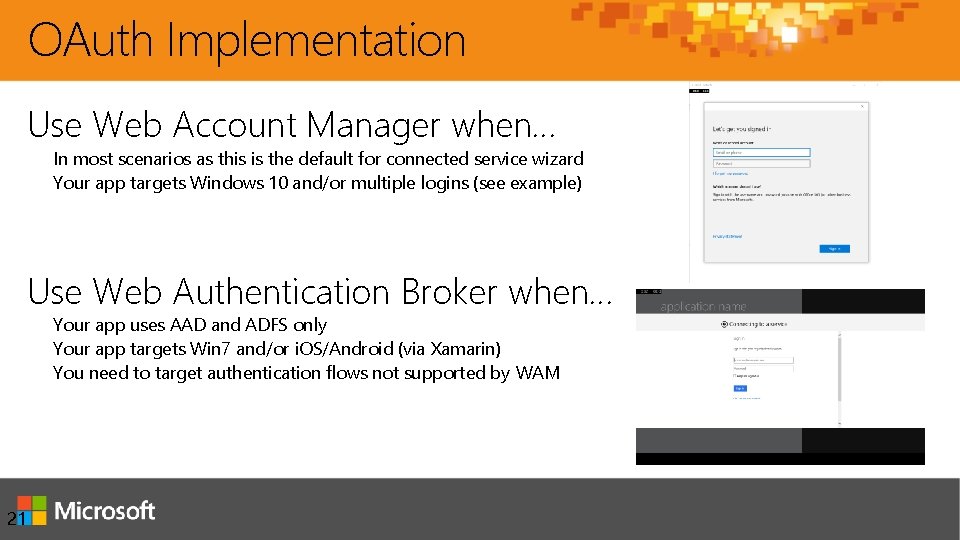
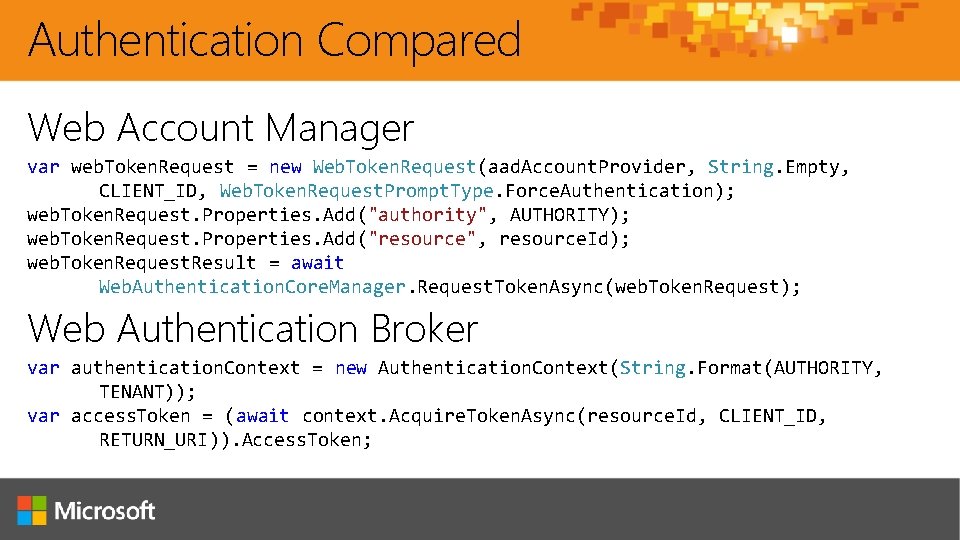
OAuth Implementation Use Web Account Manager when… In most scenarios as this is the default for connected service wizard Your app targets Windows 10 and/or multiple logins (see example) Use Web Authentication Broker when… Your app uses AAD and ADFS only Your app targets Win 7 and/or i. OS/Android (via Xamarin) You need to target authentication flows not supported by WAM 21
Authentication Compared Web Account Manager var web. Token. Request = new Web. Token. Request(aad. Account. Provider, String. Empty, CLIENT_ID, Web. Token. Request. Prompt. Type. Force. Authentication); web. Token. Request. Properties. Add("authority", AUTHORITY); web. Token. Request. Properties. Add("resource", resource. Id); web. Token. Request. Result = await Web. Authentication. Core. Manager. Request. Token. Async(web. Token. Request); Web Authentication Broker var authentication. Context = new Authentication. Context(String. Format(AUTHORITY, TENANT)); var access. Token = (await context. Acquire. Token. Async(resource. Id, CLIENT_ID, RETURN_URI)). Access. Token;
Universal App template and Authentication demo
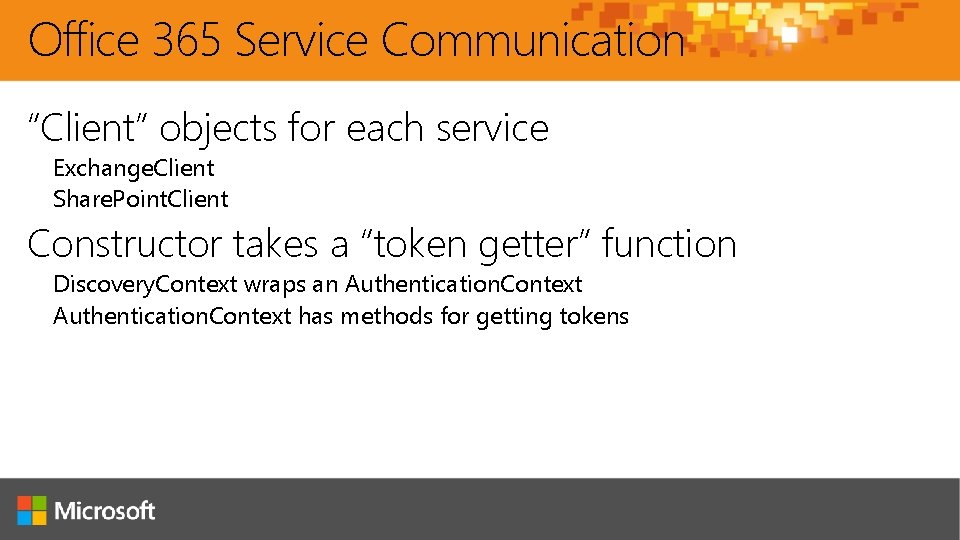
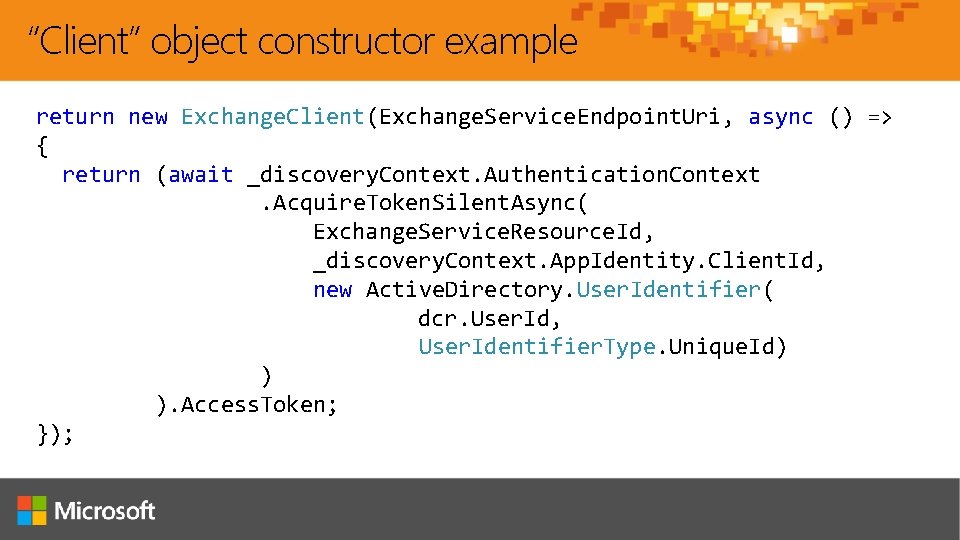
Office 365 Service Communication “Client” objects for each service Exchange. Client Share. Point. Client Constructor takes a “token getter” function Discovery. Context wraps an Authentication. Context has methods for getting tokens
“Client” object constructor example return new Exchange. Client(Exchange. Service. Endpoint. Uri, async () => { return (await _discovery. Context. Authentication. Context. Acquire. Token. Silent. Async( Exchange. Service. Resource. Id, _discovery. Context. App. Identity. Client. Id, new Active. Directory. User. Identifier( dcr. User. Id, User. Identifier. Type. Unique. Id) ) ). Access. Token; });
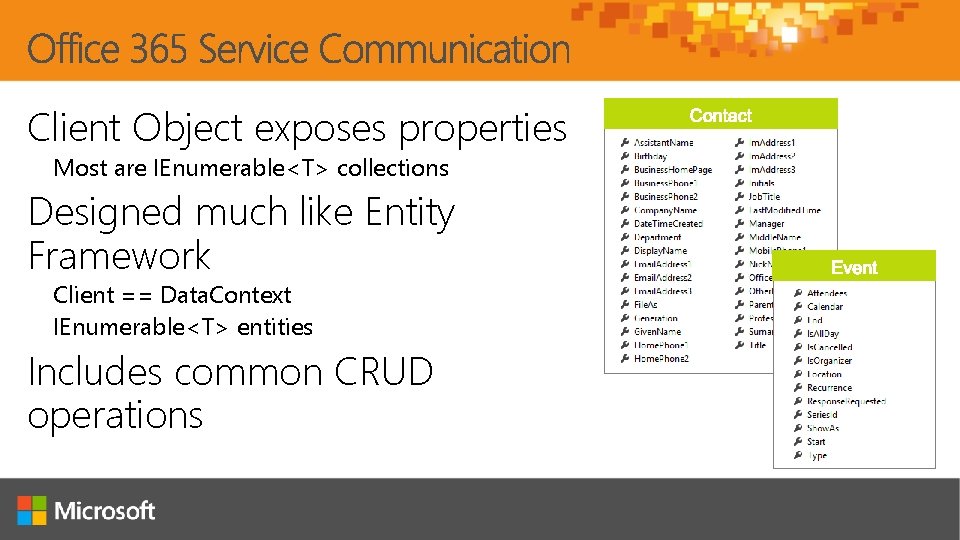
Client Object exposes properties Most are IEnumerable<T> collections Designed much like Entity Framework Client == Data. Context IEnumerable<T> entities Includes common CRUD operations
Office 365 UWP App demo
Jordan Knight Xamling jakkaj@xamling. net @jakkaj
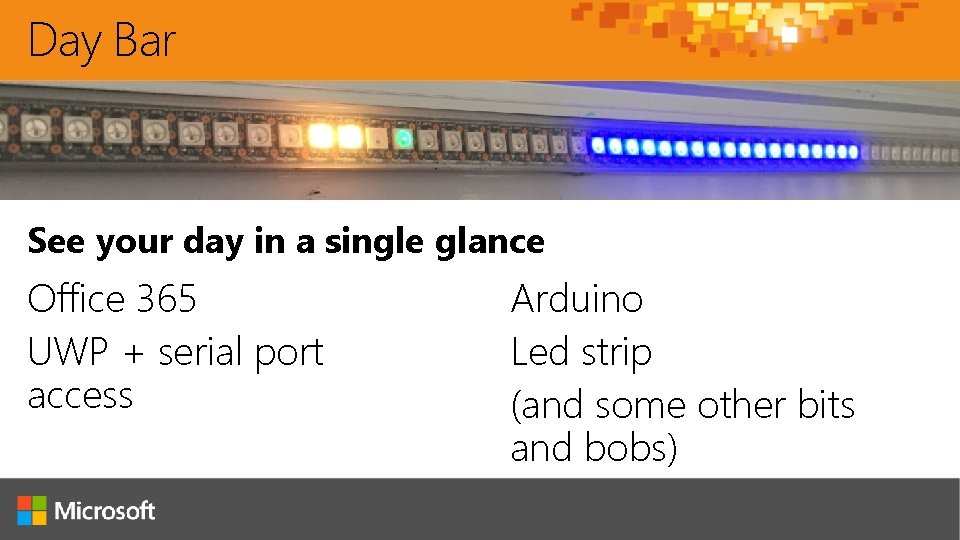
Day Bar See your day in a single glance Office 365 UWP + serial port access Arduino Led strip (and some other bits and bobs)
Make(er) one yourself! Find all the instructions, links and components (more links) at https: //github. com/jakkaj/daybar It’s pretty simple… Some basic wiring Some C code (but not much!) Some C#
Quick run through Jordan Knight
Day Bar code and links Find all the instructions, links and components (more links) at https: //github. com/jakkaj/daybar Arduino VS plugin: http: //www. visualmicro. com/ Office 365 Windows starter: https: //github. com/Office. Dev/O 365 -Windows-Start Remember: you need an Office 365 developer account (free with Bizspark etc. )
Summary Introduction Universal App projects Integrating Office 365 APIs
You want MORE? PRD 322 – A Day in an Office Developer’s Life Yesterday at 09: 45. It’ll be on Channel 9 DEV 326 – Word, Excel, Power. Point Add-ins Yesterday at 17: 00. It’ll be on Channel 9 DEV 327 – Outlook Add-ins. Yesterday at 18: 30. It’ll be on Channel 9 DEV 334 – Windows 10 Development with O 365 APIs This was it.
Getting Started with APIs Mobile dev Code Samples Mobile dev Training videos & hands on labs Office 365 API documentation
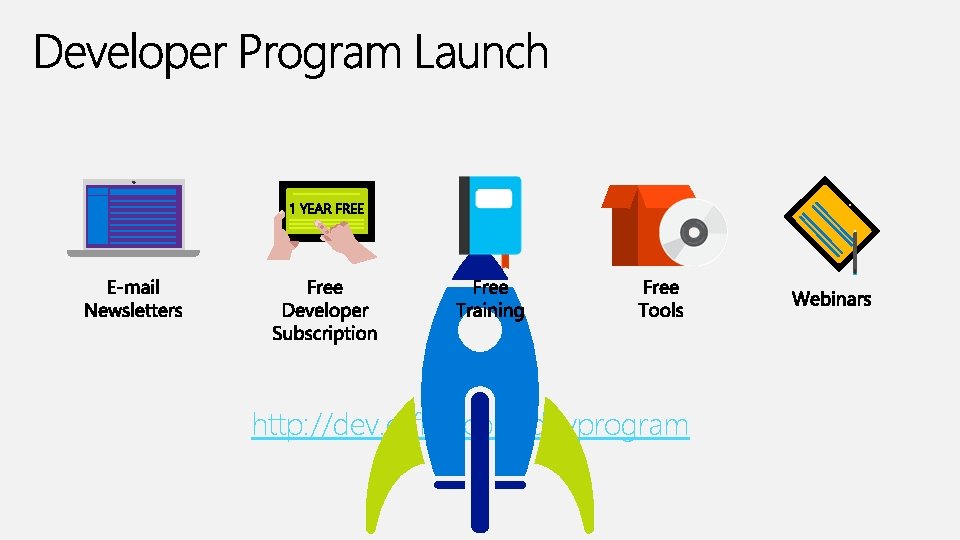
http: //dev. office. com/devprogram
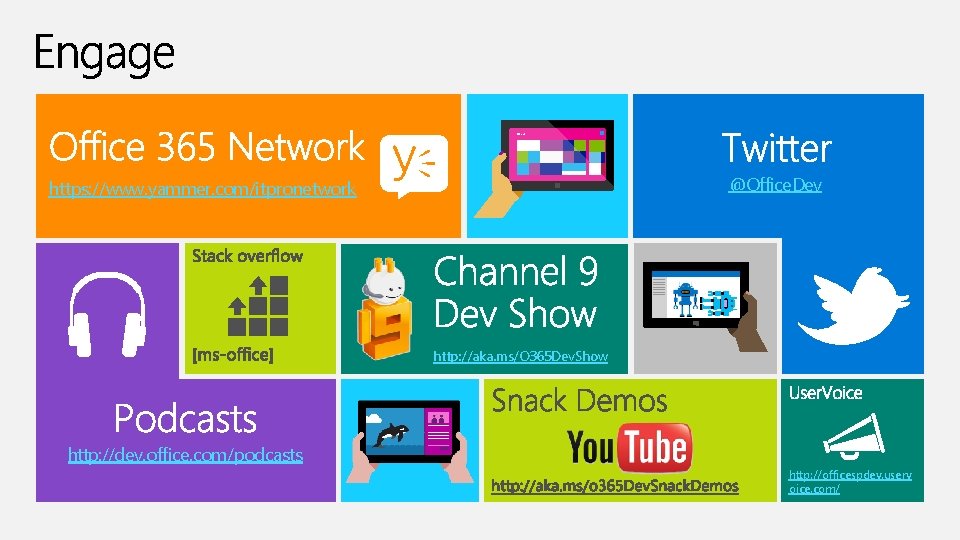
St ar t @Office. Dev https: //www. yammer. com/itpronetwork http: //aka. ms/O 365 Dev. Show http: //dev. office. com/podcasts http: //officespdev. userv oice. com/
My Ignite
Continue your Ignite learning path Visit Microsoft Virtual Academy for free online training visit https: //www. microsoftvirtualacademy. com Visit Channel 9 to access a wide range of Microsoft training and event recordings https: //channel 9. msdn. com/ Head to the Tech. Net Eval Centre to download trials of the latest Microsoft products http: //Microsoft. com/en-us/evalcenter/
Advanced Windows 10 development with the Office 365 APIs Andrew Coates - @coatsy DEV 335
© 2015 Microsoft Corporation. All rights reserved. Microsoft, Windows and other product names are or may be registered trademarks and/or trademarks in the U. S. and/or other countries. MICROSOFT MAKES NO WARRANTIES, EXPRESS, IMPLIED OR STATUTORY, AS TO THE INFORMATION IN THIS PRESENTATION.