
Advanced Web Page Styling Martin Kruli by Martin
Advanced Web Page Styling Martin Kruliš by Martin Kruliš (v 1. 0) 22. 2. 2017 1
CSS Revision � You ◦ ◦ ◦ ◦ should already know… CSS syntax, selectors, basic properties Boxing model (margins, paddings, …) Display modes (inline, block, …) Positioning (static, absolute, relative, …) Media Graphical filters and transformation Transitions by Martin Kruliš (v 1. 0) 22. 2. 2017 2
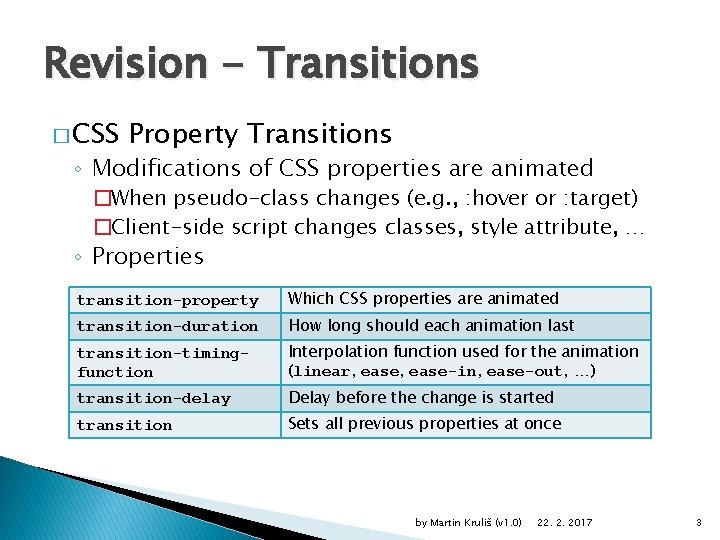
Revision - Transitions � CSS Property Transitions ◦ Modifications of CSS properties are animated �When pseudo-class changes (e. g. , : hover or : target) �Client-side script changes classes, style attribute, … ◦ Properties transition-property Which CSS properties are animated transition-duration How long should each animation last transition-timingfunction Interpolation function used for the animation (linear, ease-in, ease-out, …) transition-delay Delay before the change is started transition Sets all previous properties at once by Martin Kruliš (v 1. 0) 22. 2. 2017 3
Animations � Transitions ◦ Limited way to describe property interpolations ◦ Always interpolating linearly between two states �Time function may be non-linear � Animations ◦ A more complex mechanism of interpolation ◦ Define a set of states between which the values are interpolated ◦ Additional features �Timing, pausing, repetition, alternation, … by Martin Kruliš (v 1. 0) 22. 2. 2017 4
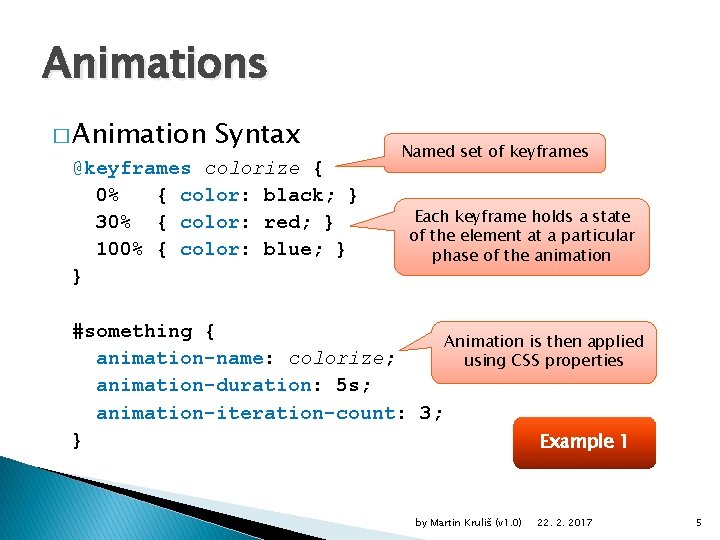
Animations � Animation Syntax @keyframes colorize { 0% { color: black; } 30% { color: red; } 100% { color: blue; } } Named set of keyframes Each keyframe holds a state of the element at a particular phase of the animation #something { Animation is then applied animation-name: colorize; using CSS properties animation-duration: 5 s; animation-iteration-count: 3; } Example 1 by Martin Kruliš (v 1. 0) 22. 2. 2017 5
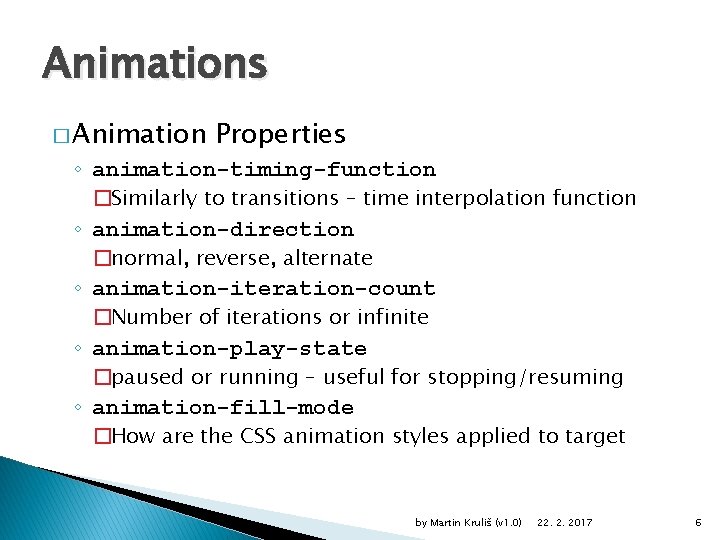
Animations � Animation Properties ◦ animation-timing-function �Similarly to transitions – time interpolation function ◦ animation-direction �normal, reverse, alternate ◦ animation-iteration-count �Number of iterations or infinite ◦ animation-play-state �paused or running – useful for stopping/resuming ◦ animation-fill-mode �How are the CSS animation styles applied to target by Martin Kruliš (v 1. 0) 22. 2. 2017 6
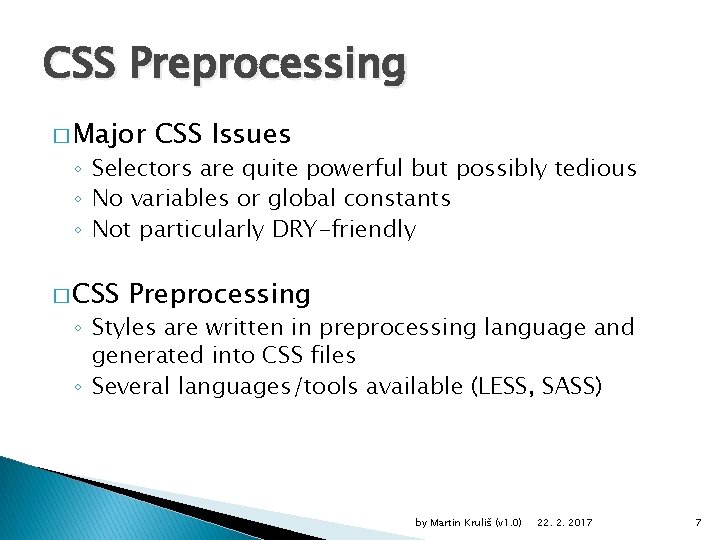
CSS Preprocessing � Major CSS Issues ◦ Selectors are quite powerful but possibly tedious ◦ No variables or global constants ◦ Not particularly DRY-friendly � CSS Preprocessing ◦ Styles are written in preprocessing language and generated into CSS files ◦ Several languages/tools available (LESS, SASS) by Martin Kruliš (v 1. 0) 22. 2. 2017 7
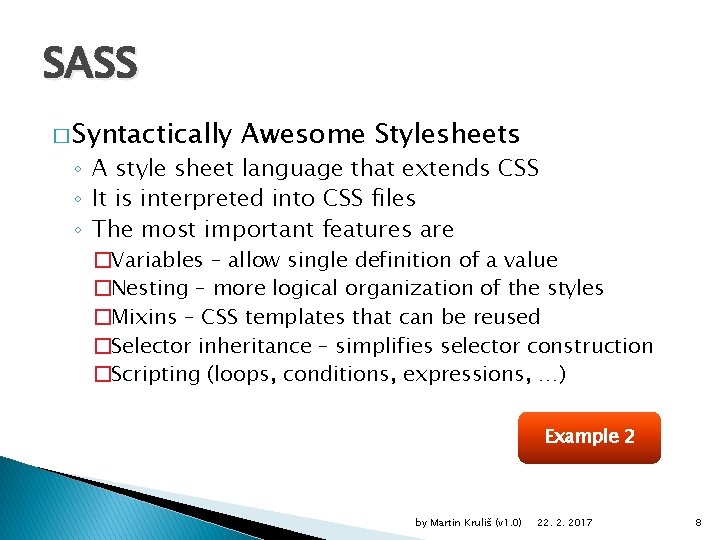
SASS � Syntactically Awesome Stylesheets ◦ A style sheet language that extends CSS ◦ It is interpreted into CSS files ◦ The most important features are �Variables – allow single definition of a value �Nesting – more logical organization of the styles �Mixins – CSS templates that can be reused �Selector inheritance – simplifies selector construction �Scripting (loops, conditions, expressions, …) Example 2 by Martin Kruliš (v 1. 0) 22. 2. 2017 8
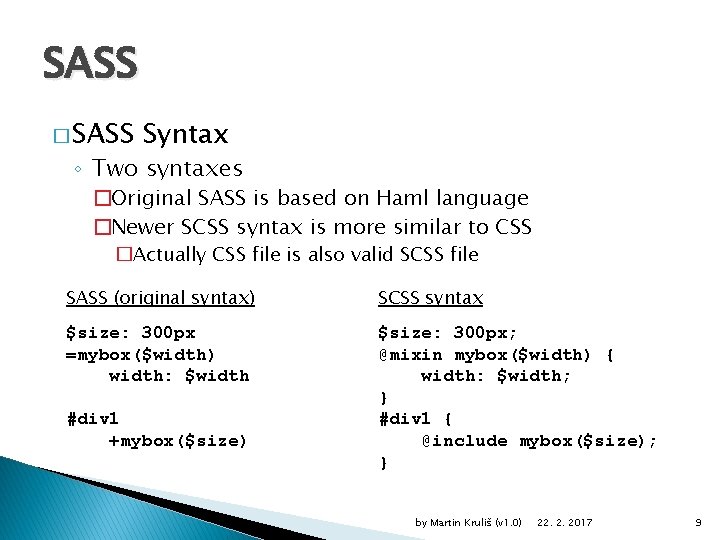
SASS � SASS Syntax ◦ Two syntaxes �Original SASS is based on Haml language �Newer SCSS syntax is more similar to CSS �Actually CSS file is also valid SCSS file SASS (original syntax) SCSS syntax $size: 300 px =mybox($width) width: $width $size: 300 px; @mixin mybox($width) { width: $width; } #div 1 { @include mybox($size); } #div 1 +mybox($size) by Martin Kruliš (v 1. 0) 22. 2. 2017 9
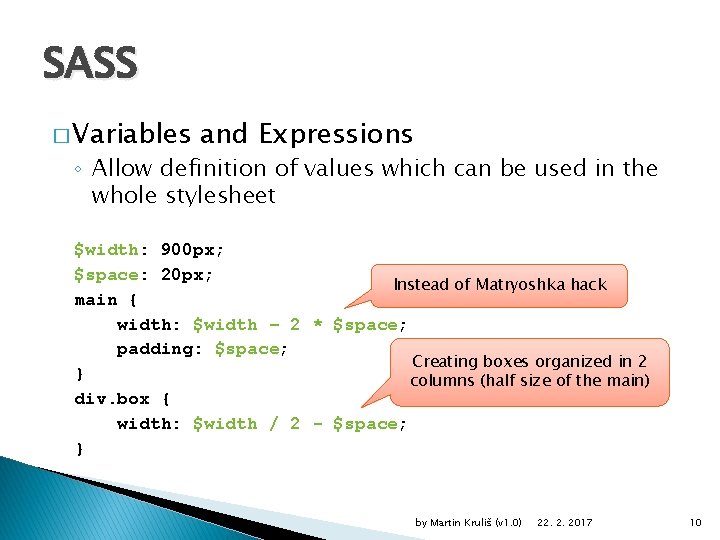
SASS � Variables and Expressions ◦ Allow definition of values which can be used in the whole stylesheet $width: 900 px; $space: 20 px; Instead of Matryoshka hack main { width: $width – 2 * $space; padding: $space; Creating boxes organized in 2 } columns (half size of the main) div. box { width: $width / 2 - $space; } by Martin Kruliš (v 1. 0) 22. 2. 2017 10

SASS � Nesting ◦ More logical division of styles nav { ul { margin: 0; li { display: inline-block; } } a { color: green; } nav ul { margin. . . } nav ul li { display. . . } nav a { color. . . } } by Martin Kruliš (v 1. 0) 22. 2. 2017 11

SASS � Selector Inheritance ◦ Shifts the inheritance from base selectors to derived styles Selector is updated to. message, . error . message { padding: 10 px; border: 3 px solid yellow; }. error { @extend. message; border-color: red; } by Martin Kruliš (v 1. 0) 22. 2. 2017 12

SASS � Partials and Includes ◦ Partial files are meant for including only ◦ Naming convention – partial files start with underscore �E. g. , _partial. scss ◦ Import directive @import is preprocessed �CSS @import leads to another HTTP request �SASS @import works like include in C/C++ �Typically used with partial files @import '_part. scss' ◦ Import is also used for including mixins by Martin Kruliš (v 1. 0) 22. 2. 2017 13

SASS � Mixins ◦ Parametrized fragments of code which can be reused (vaguely resembles functions) @mixin shadow($dist, $blur, $color) { -moz-box-shadow: $dist $blur $color; -webkit-box-shadow: $dist $blur $color; -ms-box-shadow: $dist $blur $color; } #mydiv { @include shadow(5 px, 3 px, #999); Example 3 } by Martin Kruliš (v 1. 0) 22. 2. 2017 14
Responsive Web � Responsive Web Design ◦ The web adjusts layout (and other properties) to the properties (size) of display device �So it can effectively present its contents on small handheld devices as well as on 4 K monitors ◦ Possible approaches �Important measurements are expressed relatively in %, vh, and vw units �Multiple layouts (style sheets) are prepared for different devices (and selected by media conditions) �Smart utilization of inline blocks and float elements Example 4 by Martin Kruliš (v 1. 0) 22. 2. 2017 15
Responsive Frameworks � Responsive Frameworks ◦ Predefined styles (and possibly scripts) which automatically handle various screen sizes �Developed intensively in last few years ◦ Many frameworks currently available �Twitter Bootstrap �W 3. CSS �Skeleton �Foundation �HTML 5 Boilerplate �HTML Kick. Start �… by Martin Kruliš (v 1. 0) 22. 2. 2017 16

Bootstrap � Twitter Bootstrap ◦ Originally named Twitter Blueprint �Twitter released it as open source in 2011 ◦ Perhaps the most popular front-end and UI ◦ Basic features �CSS responsive layout based on 12 -column grid �Classes for phones, tablets, desktops, and large screens �Many CSS prepared UI controls and templates �Buttons, panels, forms, … �j. Query-based controls �Animations, Carousel, Modal windows, … Example 5 by Martin Kruliš (v 1. 0) 22. 2. 2017 17
CSS Tricks � CSS Tricks and Treats ◦ CSS is quite powerful, especially state selectors �A lot of behavior can be simulated without scripting ◦ Pseudoclass : hover �Elaborate animations with opacity or display ◦ Pseudoclass : target �Can be used to keep a state, which can be switched by standard links (with proper fragment URLs) Examples 6 -9 by Martin Kruliš (v 1. 0) 22. 2. 2017 18
Discussion by Martin Kruliš (v 1. 0) 22. 2. 2017 19
- Slides: 19