
Advanced Services Office 365 Small Business Premium Office

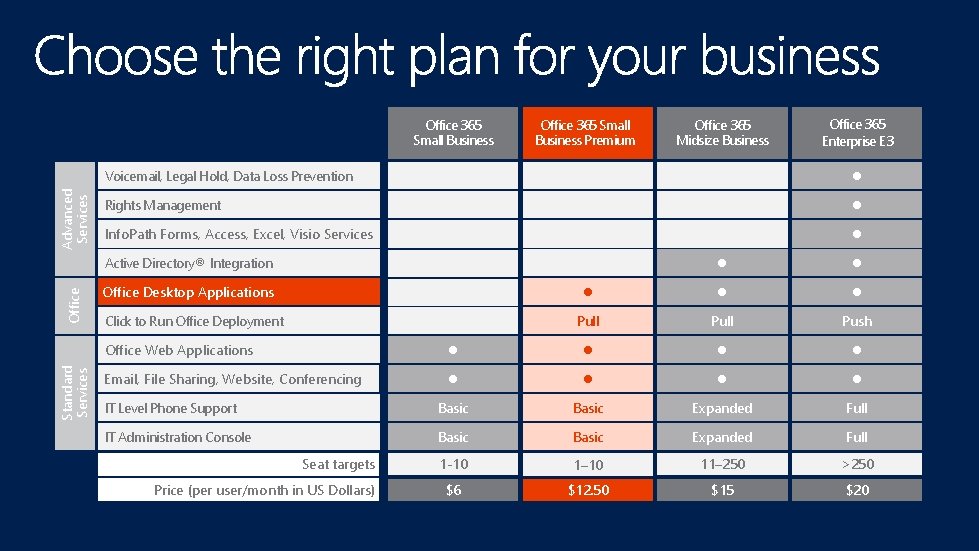
Advanced Services Office 365 Small Business Premium Office 365 Enterprise E 3 Voicemail, Legal Hold, Data Loss Prevention Rights Management Info. Path Forms, Access, Excel, Visio Services Active Directory® Integration Standard Services Office 365 Midsize Business Office Desktop Applications Click to Run Office Deployment Pull Push Office Web Applications Email, File Sharing, Website, Conferencing Basic Expanded Full 1 -10 1– 10 11– 250 >250 $6 $12. 50 $15 $20 IT Level Phone Support IT Administration Console Seat targets Price (per user/month in US Dollars)
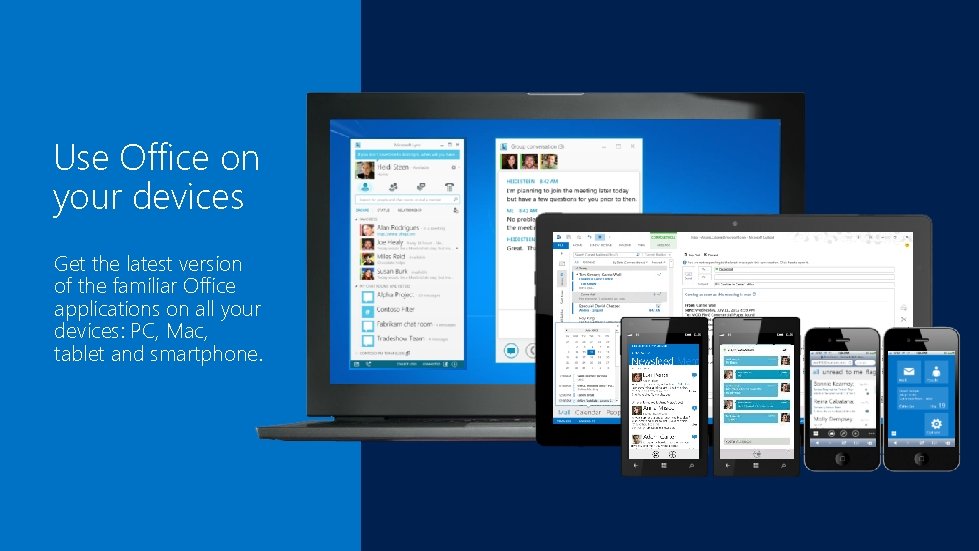
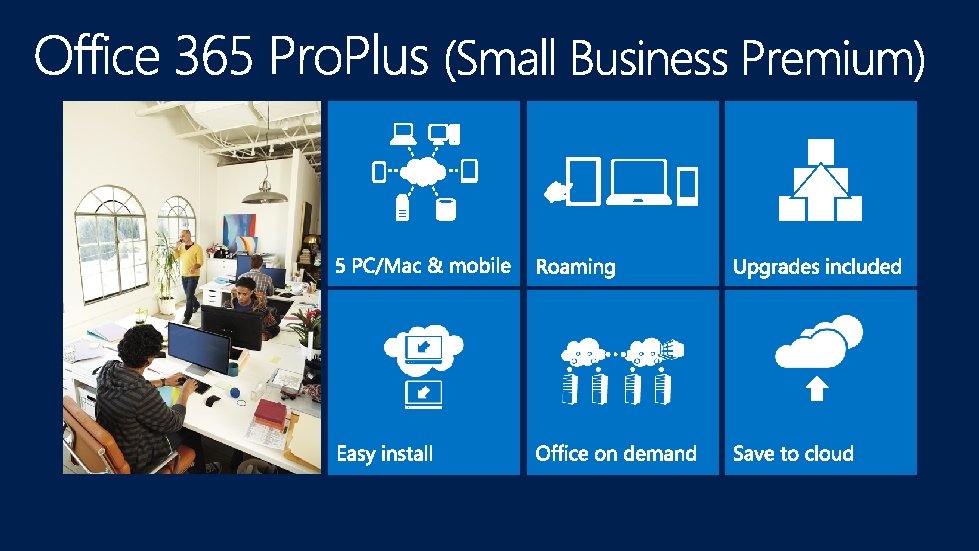
Use Office on your devices Get the latest version of the familiar Office applications on all your devices: PC, Mac, tablet and smartphone.

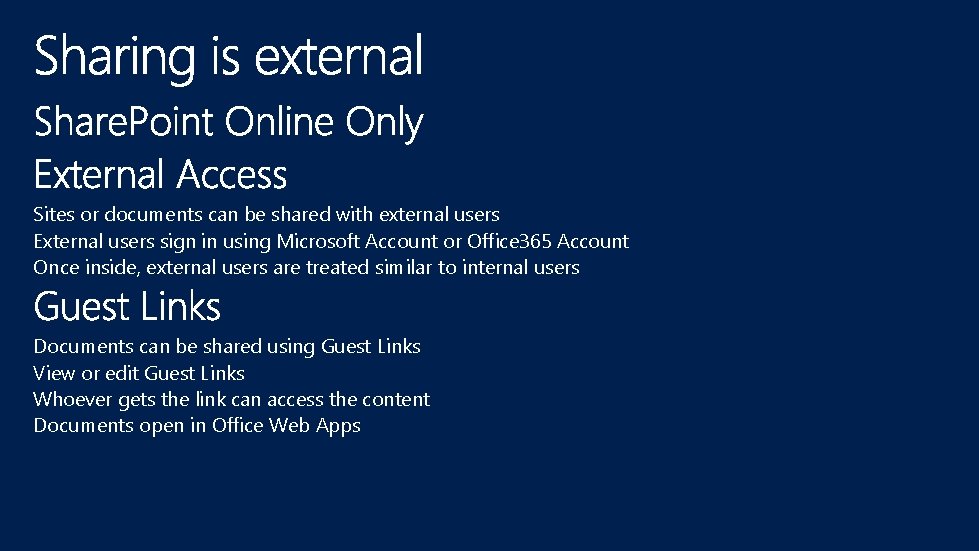
Sites or documents can be shared with external users External users sign in using Microsoft Account or Office 365 Account Once inside, external users are treated similar to internal users Documents can be shared using Guest Links View or edit Guest Links Whoever gets the link can access the content Documents open in Office Web Apps
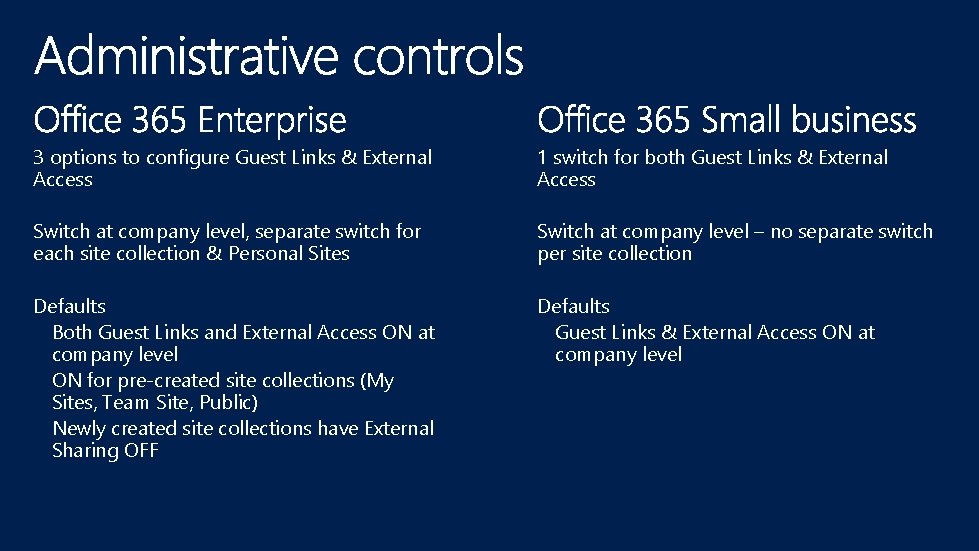
3 options to configure Guest Links & External Access 1 switch for both Guest Links & External Access Switch at company level, separate switch for each site collection & Personal Sites Switch at company level – no separate switch per site collection Defaults Both Guest Links and External Access ON at company level ON for pre-created site collections (My Sites, Team Site, Public) Newly created site collections have External Sharing OFF Defaults Guest Links & External Access ON at company level
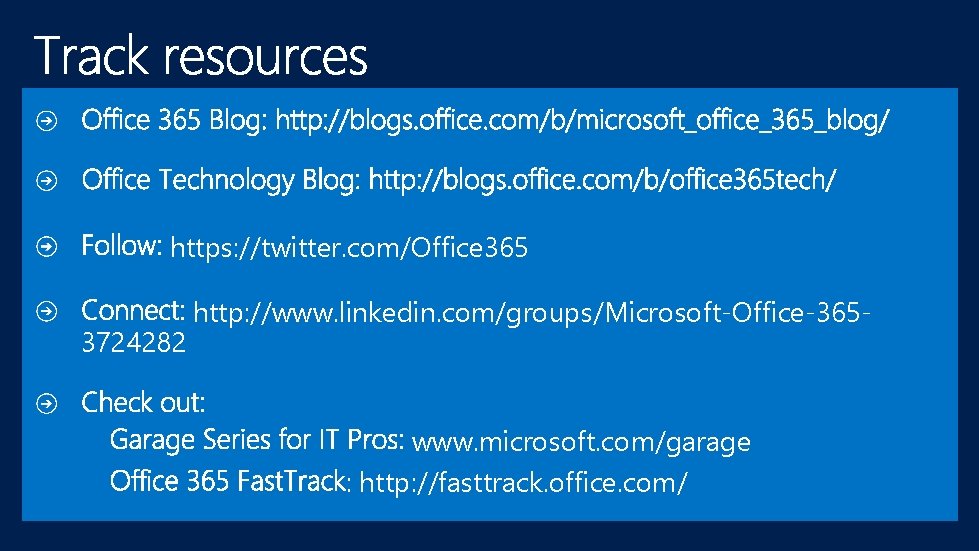
https: //twitter. com/Office 365 3724282 http: //www. linkedin. com/groups/Microsoft-Office-365 - www. microsoft. com/garage : http: //fasttrack. office. com//
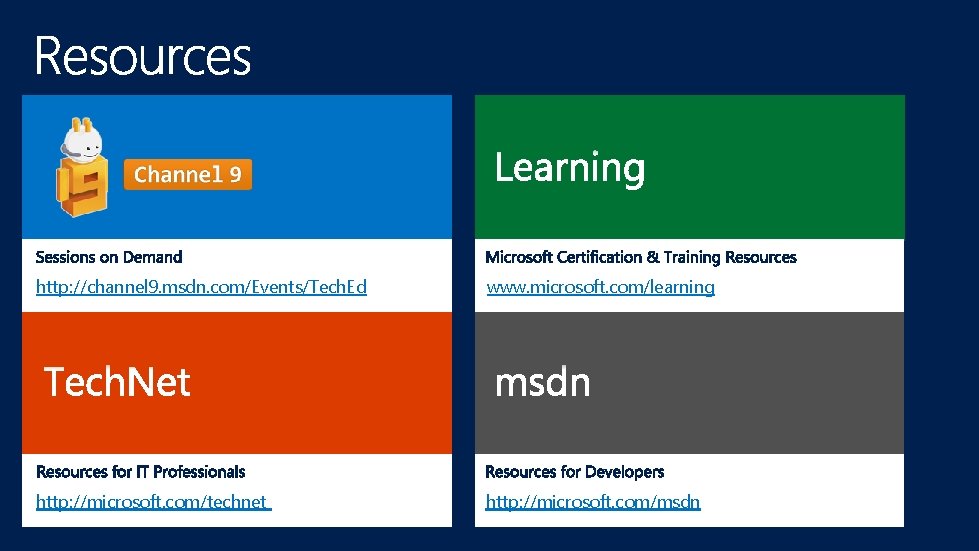
http: //channel 9. msdn. com/Events/Tech. Ed www. microsoft. com/learning http: //microsoft. com/technet http: //microsoft. com/msdn

- Slides: 22